

Cloud Based CRM Software: A 2026 Buyer's Guide for Small Businesses
Managing customer relationships using spreadsheets and scattered notes quickly becomes chaotic as a business grows. Important details get lost, follow-ups are missed, and sales opportunities slip through the cracks. The solution for modern businesses is a system that centralises this crucial information, and that's where using cloud based CRM software becomes essential for organising contacts, streamlining sales, and fostering growth.
- What You'll Learn
- What Exactly is Cloud Based CRM Software?
- The Core Benefits: Why Your Business Needs a Cloud CRM
- Unmatched Accessibility and Flexibility
- Significant Cost Savings
- Effortless Scalability
- Automatic Updates and Maintenance
- Enhanced Collaboration
- A Buyer's Framework: How to Choose the Right Web-Based CRM
- Step 1: Define Your Business Needs and Goals
- Step 2: Identify Must-Have Features
- Step 3: Evaluate Ease of Use and User Adoption
- Step 4: Consider Your Budget and Pricing Models
- Top Cloud Based CRM Software Recommendations for 2026
- 1. HubSpot CRM: Best All-in-One Platform for Growth
- 2. Zoho CRM: Best for Customisation and Value
- 3. Salesforce Sales Cloud: The Enterprise Standard
- Understanding Pricing and Total Cost of Ownership
- Weighing the Pros and Cons of Cloud CRM
- Frequently Asked Questions (FAQ)
- What are cloud-based CRM systems?
- What are the 4 types of CRM?
- Is Zoho CRM really free?
- What are the top 3 CRM systems?
- Will CRM be replaced by AI?
- Final Thoughts: Making Your Decision
This guide is designed to walk you through everything you need to know. We'll break down what a cloud CRM is, what features to look for, and how to choose the perfect platform for your business needs without the technical jargon. We'll also compare some of the top options available today to help you make an informed decision.
What You'll Learn
- What Cloud CRM Is: A cloud based CRM centralises all your customer data online, making it accessible from anywhere, at any time, without needing to manage your own servers.
- The Core Benefits: Key advantages include lower upfront costs, automatic software updates, effortless scalability, and improved team collaboration.
- How to Choose: Selecting the right CRM involves a clear process of assessing your business goals, identifying essential features, considering your budget, and prioritising ease of use.
- Top Recommendations: Leading platforms like HubSpot and Zoho offer distinct strengths, with HubSpot excelling in ease of use for start-ups and Zoho providing deep customisation for growing businesses.
What Exactly is Cloud Based CRM Software?
A cloud based CRM is a tool that helps businesses manage all their customer interactions and data in one central, online location. Instead of installing software on individual computers or a company server in your office, the CRM is hosted by the software provider on their own secure servers. You and your team access it simply by logging in through a web browser or a mobile app, just like you would with Gmail or Netflix.
This model is often called Software-as-a-Service (SaaS). You pay a subscription fee, typically monthly or annually, and the provider handles all the technical heavy lifting. This includes server maintenance, data security, and software updates. It's a stark contrast to the traditional on-premise CRM systems of the past, which required a significant upfront investment in hardware, along with a dedicated IT team to manage and maintain it.
Think of it this way: an on-premise CRM is like owning a massive DVD collection. You have to buy the discs, find physical space to store them, and purchase a player. A cloud CRM is like a streaming service. You just pay a monthly fee for access to a huge library of content, with no hardware to manage and new titles added automatically.
This approach makes powerful business tools accessible to companies of all sizes, not just large corporations.
The Core Benefits: Why Your Business Needs a Cloud CRM

Adopting an online CRM software platform isn't just about moving your address book to the internet. It fundamentally changes how you manage relationships and drive growth. The benefits are tangible and impact everything from daily efficiency to your long-term bottom line.
Unmatched Accessibility and Flexibility
Because your data is stored in the cloud, your team can access it from anywhere with an internet connection. A sales representative can update a lead's status from their mobile phone right after a meeting, a marketing manager can check campaign performance from their home office, and a customer service agent can resolve a ticket from a different time zone. This level of accessibility is crucial for modern businesses with remote or hybrid teams, ensuring everyone is working with the most up-to-date information.
Significant Cost Savings
The financial barrier to entry for a cloud CRM is significantly lower than for on-premise solutions. There are no expensive servers to purchase, no complex installation processes, and no need to hire specialised IT staff for maintenance. Instead, you pay a predictable subscription fee. This shifts the cost from a large capital expenditure (CapEx) to a manageable operating expense (OpEx), freeing up cash flow for other critical areas of your business.
Effortless Scalability
As your business grows, your CRM can grow with you seamlessly. Need to add five new sales team members. You can typically add new user accounts in just a few clicks. If you need to scale back during a quiet period, you can do that too.
This elasticity means you only pay for what you use, making it a highly efficient model for businesses with fluctuating team sizes or seasonal demand.
Automatic Updates and Maintenance
With a cloud CRM, you're always using the latest version of the software. The provider handles all security patches, bug fixes, and feature updates automatically in the background. You don't have to worry about downtime for system upgrades or vulnerabilities from outdated software. This ensures your data is secure and your team has access to the newest tools and functionalities without any effort on your part.
Enhanced Collaboration
A cloud CRM acts as the single source of truth for all customer-facing teams. Sales, marketing, and customer service departments can all access the same customer records, view the complete history of interactions, and share notes. This breaks down departmental silos, prevents customers from having to repeat themselves to different people, and ensures a consistent and professional experience at every touchpoint.
A Buyer's Framework: How to Choose the Right Web-Based CRM
With hundreds of options on the market, choosing a web-based CRM can feel overwhelming. However, by following a structured approach, you can narrow down the choices and find the platform that best fits your unique business needs. Don't get distracted by flashy features you'll never use; focus on what will solve your most pressing problems.
Step 1: Define Your Business Needs and Goals
Before you even look at a single CRM website, sit down with your team and answer some fundamental questions. What specific problems are you trying to solve. Are you losing leads because of poor tracking. Is your sales process disorganised.
Do you lack visibility into your team's performance.
Your goals should be specific. For example:
- "We need to reduce lead response time by 50%."
- "We want to increase our sales conversion rate by 15% in the next six months."
- "We need a central database of all customer interactions to improve our support quality."
Having these goals defined will act as your compass, guiding you toward a CRM with the right features to achieve them.
Step 2: Identify Must-Have Features
Based on your goals, create a checklist of non-negotiable features. While every business is different, most will need a core set of functionalities. These often include:
- Contact Management: A centralised, searchable database for all your contacts, companies, and their associated information.
- Sales Pipeline Visualisation: A visual way to track deals as they move through different stages of your sales process (e.g., a Kanban board).
- Task and Activity Tracking: The ability to log calls, emails, and meetings, and to set reminders for follow-ups.
- Automation: Tools to automate repetitive tasks, such as sending follow-up emails, creating tasks when a deal moves to a new stage, or assigning leads to sales reps.
- Reporting and Analytics: Dashboards and reports that give you insight into sales performance, forecasting, and team activity.
- Integration Capabilities: The CRM must connect with the other tools you already use, such as your email client (Gmail, Outlook), calendar, and accounting software. For example, integrating with proposal software like Better Proposals or e-signature tools can streamline your sales workflow significantly.
Step 3: Evaluate Ease of Use and User Adoption
A powerful CRM is completely useless if your team finds it too complicated to use. User adoption is one of the biggest factors in whether a CRM implementation succeeds or fails. During your evaluation, sign up for free trials and have your team members test the software. Is the interface intuitive.
Can they find the information they need quickly. If a platform requires extensive training just to perform basic tasks, it may not be the right fit for a small, agile team.
Pro Tip: When testing a CRM, give your team a specific set of tasks to complete, such as adding a new contact, creating a deal, and logging an activity. This provides a structured way to compare the user experience of different platforms.
Step 4: Consider Your Budget and Pricing Models
CRM pricing can be complex. Most providers use a per-user, per-month model, but the features included at each price tier can vary wildly. Look beyond the headline price and understand the total cost of ownership. Are there extra fees for setup or data migration.
Is customer support included, or is it a paid add-on. Be realistic about your budget, but also consider the return on investment. A slightly more expensive CRM that saves your team hours each week may be a better investment than the cheapest option available.
Top Cloud Based CRM Software Recommendations for 2026
After evaluating the market based on the criteria above, a few platforms consistently stand out for small and growing businesses. Here’s a look at our top recommendations, each serving a different primary need.
1. HubSpot CRM: Best All-in-One Platform for Growth
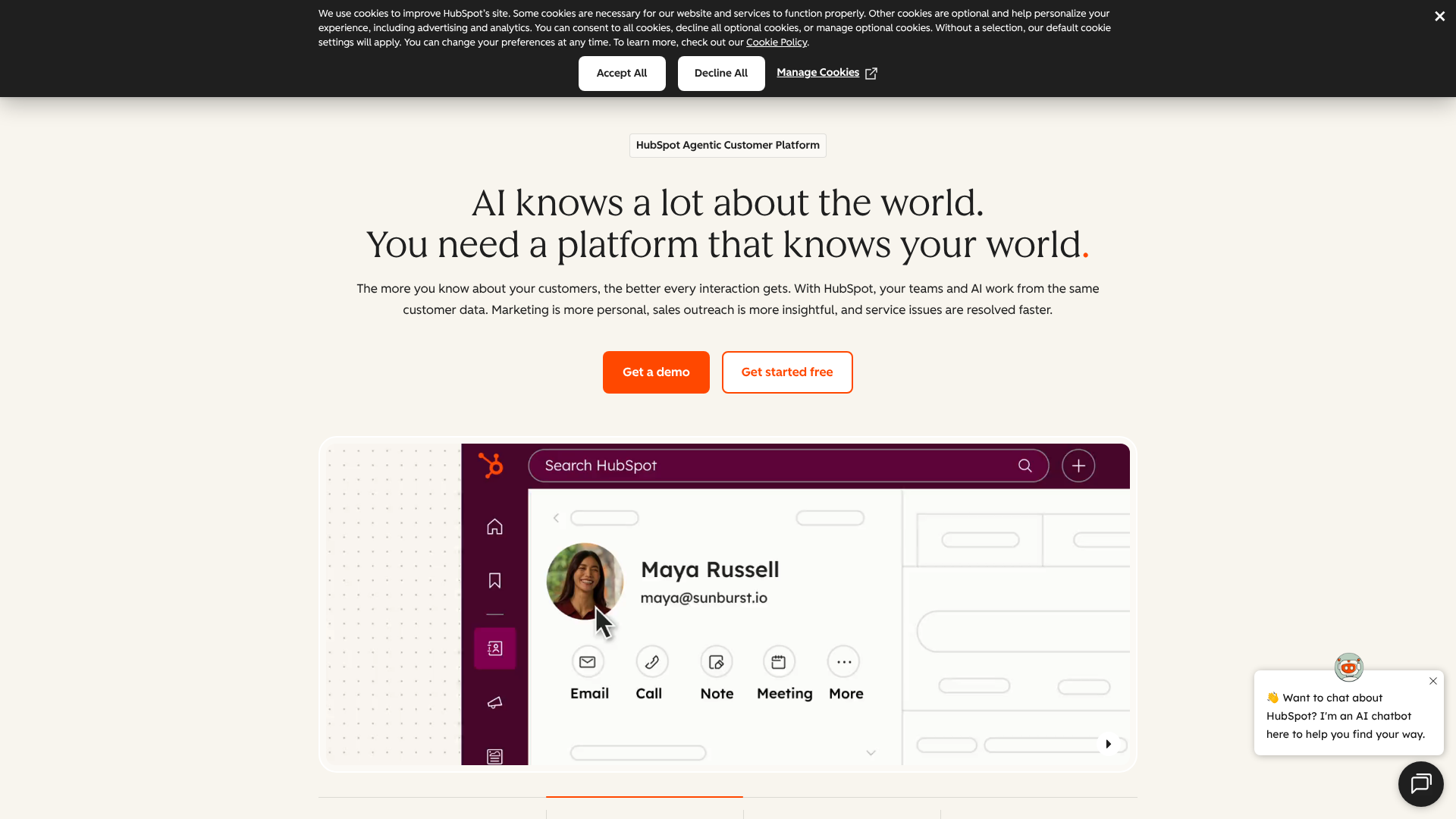
HubSpot has built its reputation on being incredibly user-friendly and offering a powerful, truly free CRM platform. It's designed as an all-in-one solution, combining sales, marketing, and customer service tools into a single, cohesive system. This integration is its greatest strength, especially for businesses looking to align their customer-facing teams.
The free version is remarkably generous, offering contact management, deal pipelines, email tracking, meeting scheduling, and more for unlimited users. This makes it the perfect entry point for start-ups and small businesses that are just getting started with CRM. As you grow, you can upgrade to the paid Sales Hub, Marketing Hub, or Service Hub for more advanced features like automation and detailed reporting.
Pros
- Excellent Free Plan: The free CRM is one of the best on the market and is not just a limited trial.
- Intuitive Interface: Widely regarded as one of the easiest CRMs to learn and use, which boosts team adoption.
- Integrated Ecosystem: Seamlessly connects sales, marketing, and service activities for a complete view of the customer journey.
Cons
- Can Get Expensive: The paid plans, especially for the full suite, can become costly as your team and contact list grow.
- Feature Gating: Some essential automation and reporting features are locked behind the more expensive Professional and Enterprise tiers.
2. Zoho CRM: Best for Customisation and Value
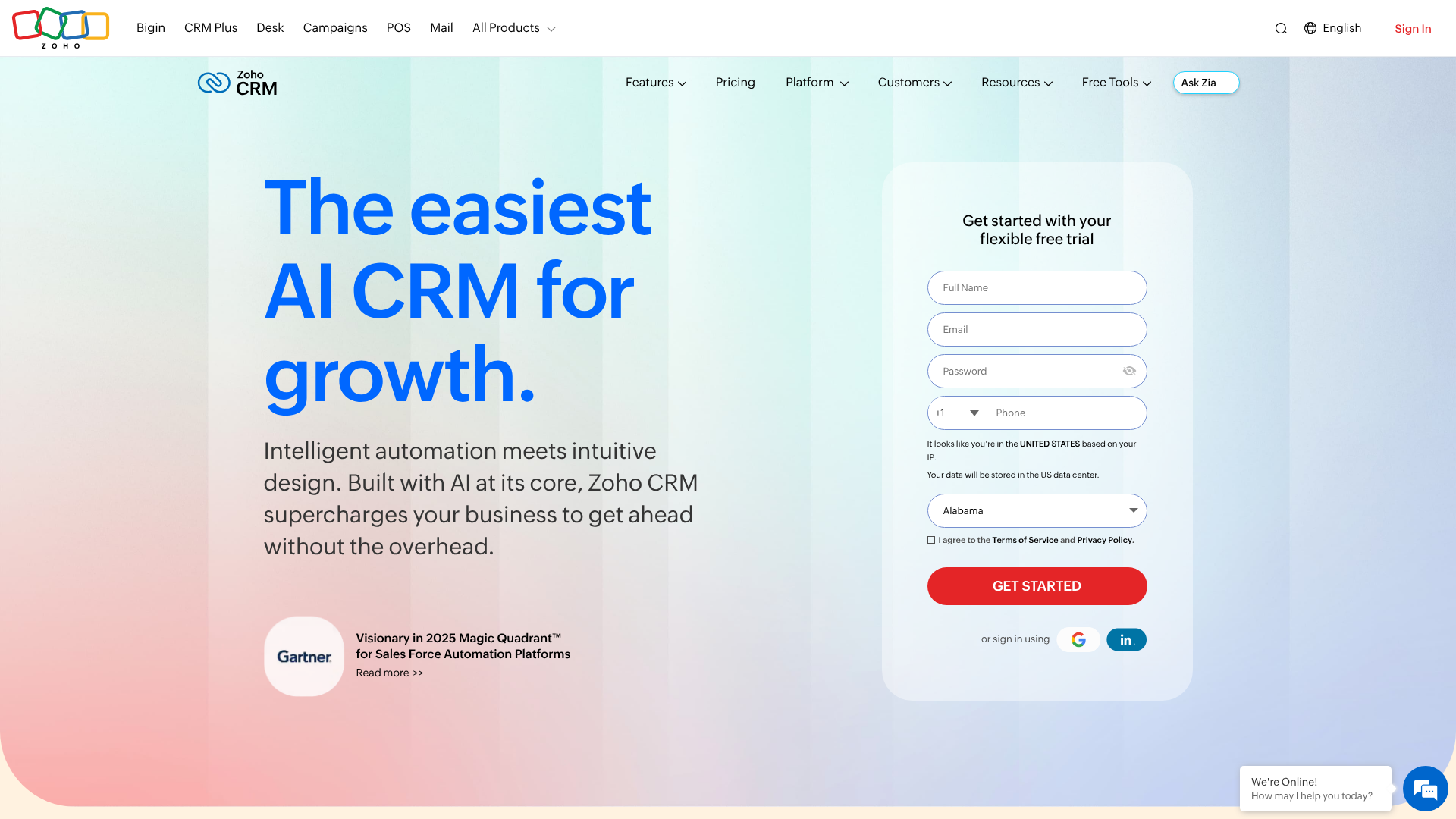
Zoho CRM is a powerhouse known for its extensive feature set and deep customisation options, all at a very competitive price point. It’s part of the broader Zoho ecosystem, which includes over 50 different business applications covering everything from finance to HR. If you're already using other Zoho products, the CRM integrates perfectly.
Where Zoho truly shines is its ability to be tailored to your specific business processes. You can create custom modules, fields, and workflows to match exactly how your team operates. While it offers a free plan for up to three users, its paid plans provide immense value, packing in features like AI-powered sales assistance (Zia), advanced analytics, and journey orchestration that you'd typically find in much more expensive enterprise-level software.
Pros
- Highly Customisable: Adapt the CRM to fit your unique sales process and business needs.
- Great Value for Money: Paid plans are packed with advanced features at an affordable price.
- Broad Ecosystem: Integrates natively with a huge suite of other Zoho business apps.
Cons
- Steeper Learning Curve: The sheer number of features and customisation options can be overwhelming for new users.
- Interface Can Feel Cluttered: Some users find the user interface less modern and intuitive compared to competitors like HubSpot.
3. Salesforce Sales Cloud: The Enterprise Standard
No discussion of CRM is complete without mentioning Salesforce. It is the undisputed market leader, offering an incredibly powerful and scalable platform designed for businesses of all sizes, but it truly excels at the enterprise level. Its strength lies in its near-limitless customisation and the massive ecosystem of third-party apps available on the AppExchange.
For large organisations with complex sales processes and dedicated administrative resources, Salesforce is often the default choice. It can be configured to handle virtually any business requirement. However, this power comes at a cost. Salesforce is one of the more expensive options on the market, and its complexity often requires a certified administrator to set up and maintain effectively.
Pros
- Ultimate Scalability: A platform that can grow with you from a small team to a global enterprise.
- Massive App Ecosystem: The AppExchange offers thousands of integrations to extend the CRM's functionality.
- Powerful Features: Offers some of the most advanced automation, AI, and analytics capabilities available.
Cons
- High Cost: Subscription fees are high, and the total cost of ownership can be significant.
- Complex to Implement: Requires considerable time and often expert help to configure and manage properly.
Understanding Pricing and Total Cost of Ownership

Choosing a CRM based on the advertised monthly price alone can be misleading. To make an accurate comparison, you need to understand the different pricing models and be aware of potential hidden costs that can affect the total cost of ownership (TCO).
Common Pricing Models Explained
Most cloud CRM providers use one of these common structures:
- Per-User, Per-Month: This is the most standard model. You pay a flat fee for each user on your team every month. For example, £20 per user per month for a team of 10 would be £200 per month.
- Tiered Plans: Providers bundle features into different tiers (e.g., Basic, Professional, Enterprise). Each higher tier costs more per user but unlocks more advanced functionality. It's crucial to check which features are in which tier to ensure the plan you choose meets your needs.
- Freemium Models: Popularised by companies like HubSpot, this model offers a core set of features for free, hoping you'll upgrade to paid plans as your business grows and needs more advanced tools.
Hidden Costs to Watch For
Beyond the monthly subscription, other expenses can arise:
- Onboarding and Implementation Fees: Some vendors charge a one-off fee to help you set up your account, configure settings, and import your data.
- Data Migration: Moving your existing customer data from spreadsheets or another system can sometimes require paid assistance.
- Training: While many CRMs offer free resources, some charge for personalised team training sessions.
- Paid Add-ons and Integrations: Connecting your CRM to other essential software might require a paid connector or a higher subscription tier.
- Customer Support: Basic support is usually free, but premium or 24/7 support might come at an extra cost.
Quick Comparison Table
| Feature | HubSpot CRM | Zoho CRM | Salesforce Sales Cloud |
|---|---|---|---|
| Starting Price | Free plan available | Starts around £12/user/month | Starts around £20/user/month |
| Best For | Start-ups & SMBs | Customisation & Value | Large Enterprises |
| Ease of Use | Very High | Medium | Low-Medium |
| Key Strength | All-in-one platform | Deep customisation | Unmatched scalability |
Weighing the Pros and Cons of Cloud CRM
While cloud-based CRM software is the right choice for the vast majority of modern businesses, it's important to have a balanced view. Understanding both the advantages and potential drawbacks will help you make a fully informed decision.
The Advantages (A Quick Recap)
The benefits are compelling and are the primary drivers behind the widespread adoption of this technology. To summarise, the key advantages are:
- Lower Upfront Costs: Avoids major capital investment in hardware and infrastructure.
- Anywhere Access: Enables productivity for remote, hybrid, and field-based teams.
- Scalability on Demand: Easily adjust user counts up or down to match business needs.
- Painless Updates: The vendor manages all maintenance, security, and feature rollouts.
- A Single Source of Truth: Fosters better collaboration and a unified view of the customer.
Potential Disadvantages to Consider
No technology is perfect, and there are a few potential downsides to be aware of with the cloud model:
- Ongoing Subscription Costs: While the initial cost is low, the recurring subscription fees are a permanent operating expense that can add up over time, especially for large teams.
- Vendor Lock-in: Migrating years of customer data and customised workflows from one CRM to another can be a complex and expensive project. This makes it difficult to switch providers if you become unhappy with the service.
- Dependence on Internet Connection: This is the most obvious limitation. If your internet connection goes down, your team loses access to the CRM. While this is less of an issue with today's reliable connectivity, it's a factor for businesses in areas with poor internet infrastructure.
- Less Customisation Control: While platforms like Zoho offer deep customisation, you are still operating within the framework provided by the vendor. You don't have the root-level control over the software that you would with an on-premise system.
Frequently Asked Questions (FAQ)
Here are answers to some of the most common questions people ask when researching cloud based CRM software.
What are cloud-based CRM systems?
A cloud-based CRM system is customer relationship management software that is hosted on the provider's servers and accessed by users through the internet. This eliminates the need for businesses to buy and maintain their own servers. It allows teams to manage customer data, track sales, and automate communication from any device with a web browser.
What are the 4 types of CRM?
CRMs can be categorised by their primary function. The four main types are:
- Operational CRM: Focuses on streamlining and automating customer-facing business processes in sales, marketing, and service. This is the most common type.
- Analytical CRM: Focuses on analysing customer data to identify patterns, understand customer behaviour, and make better business decisions. It's all about data mining and reporting.
- Collaborative CRM: Focuses on breaking down silos between departments (like sales, marketing, and technical support) to share customer information and provide a unified customer experience.
- Strategic CRM: Aims to build a customer-centric culture, focusing on winning and keeping profitable customers over the long term.
Is Zoho CRM really free?
Yes, Zoho CRM offers a completely free edition for up to three users. It's a great option for small businesses and includes essential features like lead and contact management, deal tracking, and standard reports. However, more advanced features like sales automation, custom dashboards, and inventory management are only available in their paid plans.
What are the top 3 CRM systems?
While "top" can be subjective, the three most frequently mentioned and market-leading CRM systems are typically Salesforce, HubSpot, and Zoho CRM. Salesforce is the dominant player for large enterprises. HubSpot is a favourite among small to medium-sized businesses for its ease of use and powerful free version. Zoho CRM is a strong competitor known for its value and customisability.
Will CRM be replaced by AI?
It's highly unlikely that CRM will be replaced by AI. Instead, AI is being integrated into CRM platforms to make them more powerful and intelligent. AI features are already helping with tasks like lead scoring, sales forecasting, and automating responses. AI acts as an enhancement, augmenting the capabilities of human sales and service teams, not replacing the core need for a system to manage customer relationships.
Final Thoughts: Making Your Decision
Choosing the right cloud based CRM software is a critical decision that can have a lasting impact on your business's efficiency and growth. The key is to move beyond the marketing hype and focus on the fundamentals: your specific business needs, your budget, and the importance of user adoption within your team.
Start by clearly defining what you want to achieve. Create a checklist of must-have features and take advantage of free trials to let your team get a hands-on feel for the software. Remember that the "best" CRM isn't the one with the most features; it's the one your team will actually use every day to build better customer relationships.
If you're a small business or start-up looking for an easy entry point with a fantastic free offering, HubSpot CRM is an excellent choice to get started. For businesses that need more power and customisation at a price that won't break the bank, Zoho CRM is a powerful contender worth exploring.