

HIPAA Compliant eSignature Software: A Buyer's Guide for Healthcare
In healthcare, protecting patient data isn't just good practice; it's a legal requirement. As practices digitise their workflows, finding the right tools that meet strict regulatory standards is crucial. This is especially true when selecting hipaa compliant esignature software, a technology that streamlines consent forms, patient onboarding, and other critical documentation. Without the right solution, you risk severe penalties, data breaches, and a loss of patient trust.
- What to Know
- What Makes eSignature Software HIPAA Compliant?
- Core Features to Look for in Compliant e-Signature Solutions
- Comprehensive Audit Trails
- Robust Access Controls
- End-to-End Encryption
- The All-Important Business Associate Agreement (BAA)
- The Benefits of Using Secure e-Signature Software in Healthcare
- Enhanced Data Security and Reduced Risk
- Streamlined Patient Onboarding and Consent
- Improved Administrative Efficiency
- How to Choose the Right HIPAA Compliant eSignature Software: A Step-by-Step Guide
- 1. Assess Your Organisation's Needs
- 2. Verify BAA Willingness
- 3. Evaluate Security Features
- 4. Consider Integrations
- 5. Compare Pricing and Scalability
- 6. Request a Demo and Test Usability
- Top HIPAA Compliant eSignature Software Recommendations for 2026
- 1. PandaDoc: Best for All-in-One Document Workflow
- 2. eSignly: Excellent for Dedicated eSignature Needs
- 3. DocuSign: The Industry Standard
- 4. Adobe Acrobat Sign: Strong for PDF-Heavy Workflows
- Pricing and Cost Comparison: What to Expect
- Frequently Asked Questions (FAQ)
- Are electronic signatures HIPAA compliant?
- What is the best alternative to DocuSign for HIPAA?
- Is the free version of DocuSign HIPAA compliant?
- Is Adobe eSignature HIPAA-compliant?
- Final Thoughts: Making the Right Choice for Your Practice
This guide is designed to help healthcare providers, clinic managers, and IT administrators navigate the complexities of choosing a compliant e-signature solution. We'll break down the essential features, compare top providers, and provide a clear framework for making an informed decision that protects your practice and your patients.
What to Know
- Business Associate Agreement (BAA) is Non-Negotiable: True HIPAA compliance requires more than just encryption. Your software vendor must be willing to sign a BAA, which legally obligates them to protect patient health information (PHI).
- Core Security Features are Key: Look for essential safeguards like comprehensive audit trails, strong access controls with multi-factor authentication, and end-to-end data encryption.
- Assess Your Unique Workflow: The best software for a large hospital will differ from that for a small private practice. Evaluate your specific document volume, user needs, and existing software integrations before choosing.
- Free Tiers Are Rarely Compliant: While tempting, free e-signature plans almost never include a BAA or the advanced security controls needed for HIPAA compliance, making them unsuitable for handling PHI.
What Makes eSignature Software HIPAA Compliant?

Simply having a digital signature feature doesn't make a tool compliant with the Health Insurance Portability and Accountability Act (HIPAA). The requirements are far more stringent, focusing on the comprehensive protection of Protected Health Information (PHI). A truly HIPAA e-signature software solution must incorporate specific administrative, physical, and technical safeguards.
The cornerstone of compliance is the Business Associate Agreement (BAA). A BAA is a legally binding contract between a healthcare provider (the Covered Entity) and a vendor (the Business Associate) that handles PHI on their behalf. This agreement ensures the vendor implements the same high level of data protection required of the healthcare provider. Without a signed BAA from your software provider, you are not HIPAA compliant, regardless of the software's features.
Beyond the BAA, several technical safeguards are essential. These include:
- Access Controls: The system must ensure that only authorised individuals can access PHI. This is often achieved through unique user IDs, password policies, and role-based permissions that limit what a user can see or do within the platform.
- Audit Trails: Every action taken on a document containing PHI must be logged. A detailed audit trail records who accessed the document, what actions they took (e.g., viewed, signed, downloaded), when they did it (timestamp), and from where (IP address). This is critical for accountability and investigating potential breaches.
- Data Encryption: PHI must be unreadable and unusable to unauthorised parties. This means data must be encrypted both in transit (as it travels over the internet) and at rest (while stored on servers).
Choosing a compliant e-signature solution means verifying that the vendor not only offers these features but also contractually agrees to its responsibilities under HIPAA through a BAA.
Core Features to Look for in Compliant e-Signature Solutions
When you're evaluating different software options, it's easy to get lost in a long list of features. For healthcare professionals, the focus should be on security and compliance. Here are the core, non-negotiable features every HIPAA-compliant solution must offer.
Comprehensive Audit Trails
An audit trail is the digital equivalent of a chain of custody for your documents. It provides a complete, unalterable history of every interaction with a document from creation to completion. This log should capture critical details like who opened the document, their IP address, when they signed, and any other actions taken. This level of detail is vital for proving the integrity of a signature and for forensic analysis in the event of a security incident.
Robust Access Controls
Controlling who can access sensitive patient information is fundamental to HIPAA. Your chosen software must have strong access control mechanisms. This includes multi-factor authentication (MFA), which adds an extra layer of security beyond just a password. It also means having the ability to set granular, role-based permissions, ensuring that a receptionist, for example, doesn't have the same access rights as a physician.
End-to-End Encryption
Encryption is the process of converting data into a code to prevent unauthorised access. For a secure e-signature software to be compliant, it must use strong encryption protocols. This applies to data in transit (as it moves between your computer and the server, typically secured with TLS) and data at rest (when it's stored in the cloud or on a server, usually protected with AES-256 encryption). This ensures that even if a server were to be compromised, the data would remain unreadable.
The All-Important Business Associate Agreement (BAA)
We've mentioned it before, but it cannot be overstated: the vendor must be willing to sign a BAA. This is the legal instrument that extends HIPAA's protections and liabilities to your software provider. If a vendor is hesitant, unclear, or unwilling to sign a BAA, they are not a viable option for any healthcare organisation. According to the U.S.
Department of Health & Human Services, a BAA is required by law when a vendor handles PHI. You can find more information on their official guidance about Business Associates.
The Benefits of Using Secure e-Signature Software in Healthcare
Adopting a compliant digital signature platform goes far beyond simply meeting legal requirements. It fundamentally improves how a healthcare practice operates, benefiting staff, patients, and the organisation's bottom line. The transition from paper-based systems to secure digital workflows creates efficiencies that are impossible to achieve with traditional methods.
Enhanced Data Security and Reduced Risk
Paper documents are inherently insecure. They can be lost, stolen, viewed by unauthorised individuals, or damaged by fire or water. A secure e-signature software platform centralises sensitive documents in a controlled, encrypted environment. With features like access controls and audit trails, you significantly reduce the risk of a data breach and can prove who has accessed patient information at any time, strengthening your overall security posture.
Streamlined Patient Onboarding and Consent
Imagine a new patient completing all their intake forms from the comfort of their home before their first appointment. This is the reality with e-signature software. It eliminates the need for patients to arrive early to fill out a clipboard of paperwork, reducing waiting room times and improving the overall patient experience. This efficiency allows your administrative staff to focus on more value-added tasks.
Improved Administrative Efficiency
Think about the costs associated with paper: printing, ink, paper, scanners, filing cabinets, and the staff hours spent managing it all. A digital workflow eliminates these expenses. Documents are completed faster, automatically filed, and can be easily retrieved with a simple search. This not only saves money but also frees up physical space and reduces your practice's environmental footprint.
Pro Tip: When implementing a new e-signature system, start with a single, high-volume workflow, such as new patient intake forms. Perfecting this process first will build staff confidence and demonstrate the value of the system before you roll it out to other areas like treatment consent or records requests.
How to Choose the Right HIPAA Compliant eSignature Software: A Step-by-Step Guide

Selecting the right software requires a structured approach. Following a clear process ensures you choose a solution that not only meets compliance standards but also fits your practice's unique operational needs and budget.
1. Assess Your Organisation's Needs
Before you even look at vendors, look inward. What specific problems are you trying to solve? Consider the types of documents you need signed (intake forms, consent forms, treatment plans), the volume of signatures you expect per month, and the number of staff members who will need access. Also, think about your patients' technical comfort levels; the solution must be user-friendly for them.
2. Verify BAA Willingness
This should be your first qualifying question for any potential vendor. Contact their sales or support team and ask directly: "Are you willing to sign a Business Associate Agreement for your e-signature service?" If the answer is anything other than a confident "yes," move on. This single step will filter out a significant number of non-compliant providers.
3. Evaluate Security Features
Use the core features discussed earlier as a checklist. Does the platform offer multi-factor authentication. Can you review a sample audit trail. What encryption standards do they use.
A reputable vendor will be transparent about their security architecture and should have documentation readily available to answer these questions.
4. Consider Integrations
To maximise efficiency, your e-signature software should work well with the other systems you use. Check for pre-built integrations with your Electronic Health Record (EHR) or Practice Management (PM) software. If you use a CRM for patient communication, see if it connects with platforms like HubSpot CRM or Zoho CRM to automate document workflows.
5. Compare Pricing and Scalability
Pricing models can vary significantly. Some charge per user per month, while others charge based on the number of documents (or "envelopes") sent. Analyse your expected usage to determine which model is more cost-effective for your practice. Ensure the plan you choose is scalable, allowing you to add users or increase document volume as your practice grows.
6. Request a Demo and Test Usability
Never buy software without seeing it in action. Schedule a live demo with your top contenders and, if possible, sign up for a free trial (on a plan that supports HIPAA compliance). Test the user experience from both a staff and a patient perspective. Is it intuitive.
Is it easy to send a document and for a patient to sign it on their mobile phone. A powerful tool is useless if it's too complicated for people to use.
Top HIPAA Compliant eSignature Software Recommendations for 2026
Navigating the market for HIPAA compliant esignature software can be challenging. While many providers claim to be secure, only a subset are truly equipped for the rigorous demands of healthcare. Here, we review some of the top solutions that offer the necessary features and are willing to sign a BAA.
1. PandaDoc: Best for All-in-One Document Workflow
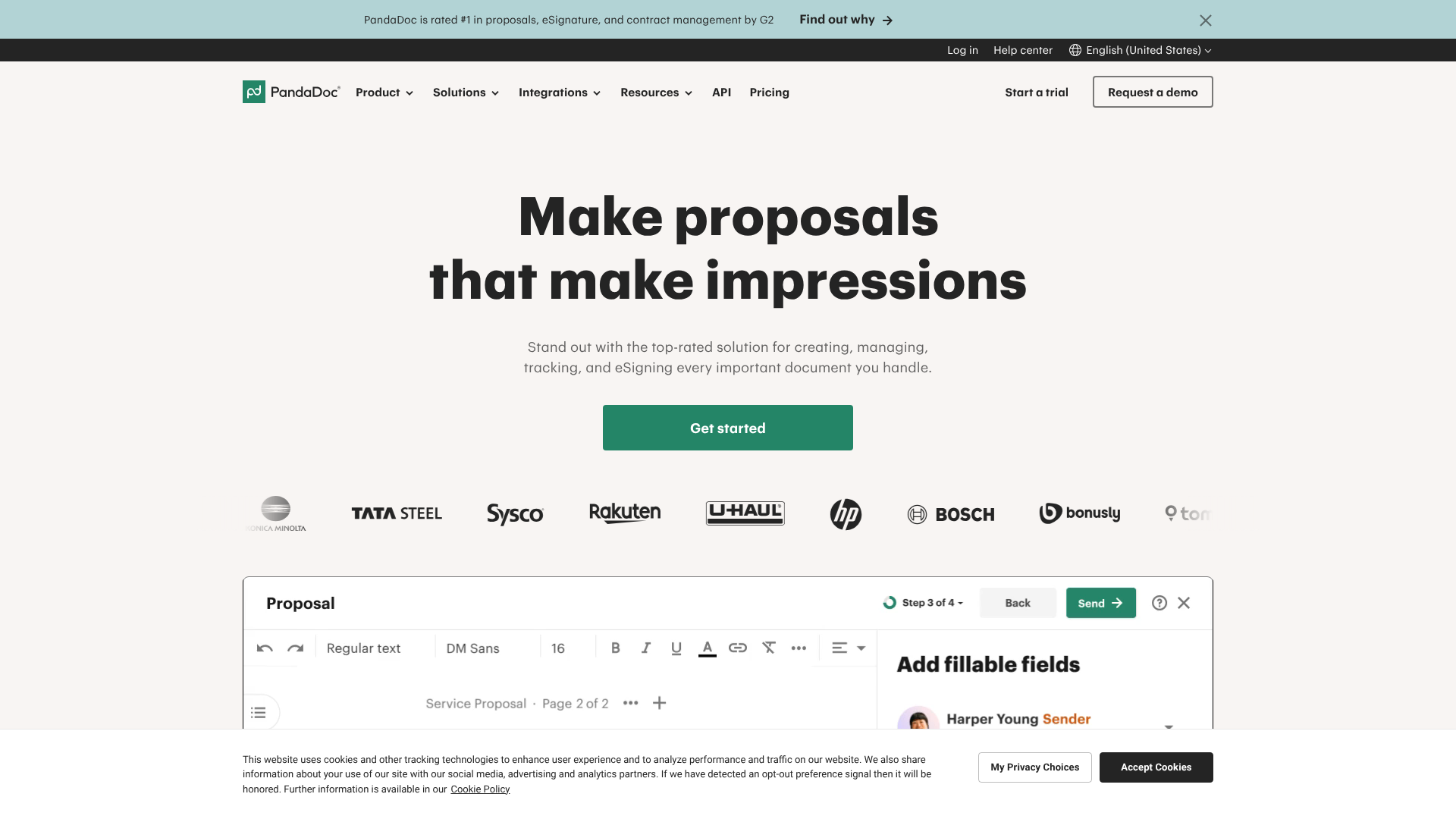
PandaDoc is more than just an e-signature tool; it's a comprehensive document management platform. It allows you to create, send, track, and sign documents from a single interface. Its powerful template editor and content library are particularly useful for healthcare practices that repeatedly use forms like patient intake and consent.
PandaDoc offers a BAA on its Enterprise plan, which is specifically designed to meet HIPAA requirements. Its detailed analytics and document tracking provide excellent visibility into your workflows, showing you when a patient has viewed or completed a form.
Pros
- Excellent template creation and management features.
- Provides detailed analytics on document engagement.
- Integrates with a wide range of other business software, including many CRMs.
Cons
- HIPAA compliance is only available on the higher-tier Enterprise plan.
- May have more features than a small practice strictly needing e-signatures requires.
2. eSignly: Excellent for Dedicated eSignature Needs
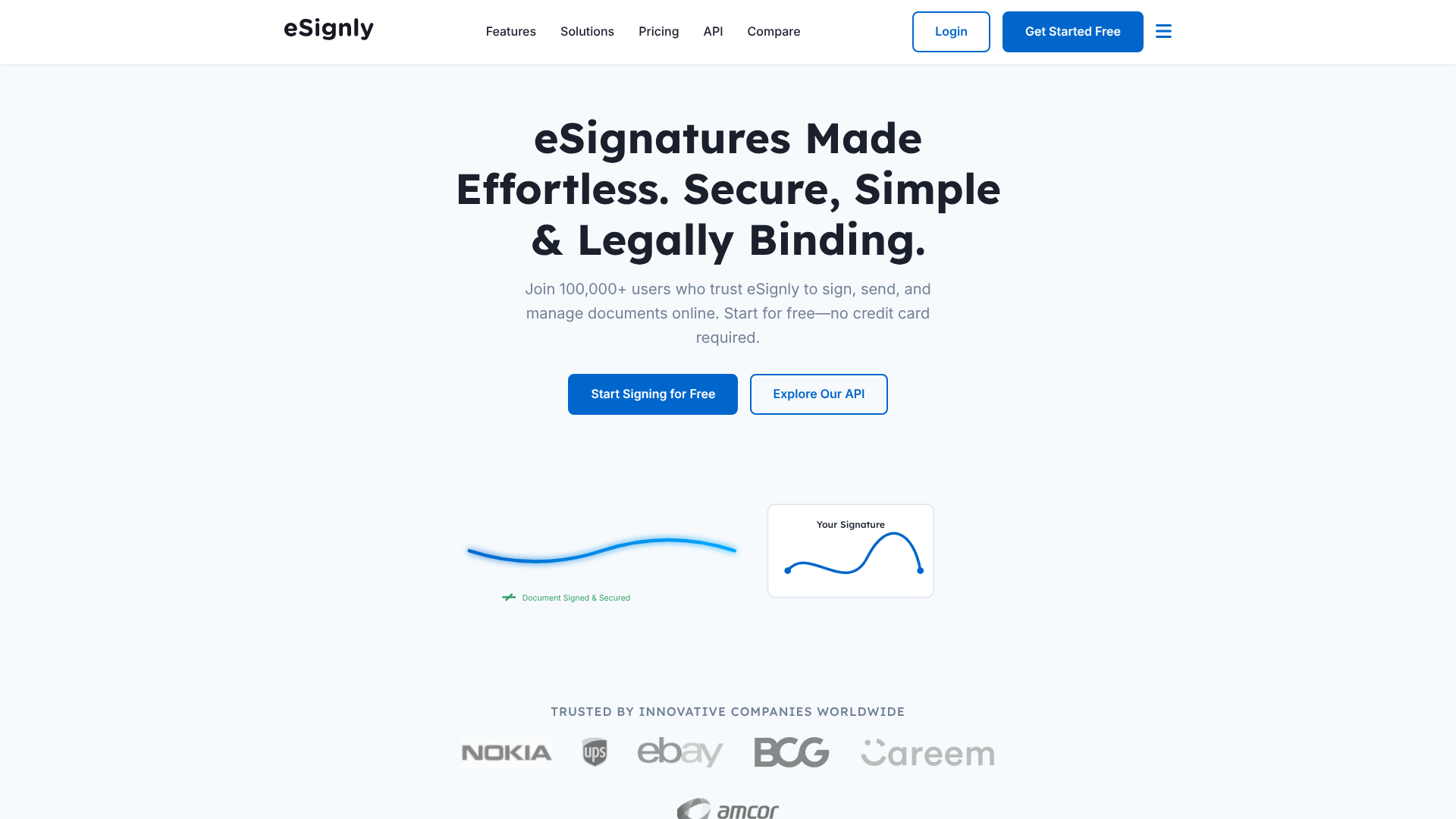
For organisations that need a focused, highly secure, and straightforward e-signature solution, eSignly is a strong contender. It prioritises security and compliance, offering all the core features needed for HIPAA, including robust audit trails, advanced authentication, and end-to-end encryption.
eSignly is designed to be intuitive, making it easy for both staff and patients to adopt. The platform is built around the core function of getting documents signed securely and efficiently, without the complexity of a full document management suite.
Pros
- Strong focus on security and compliance features.
- Clean, user-friendly interface is easy to learn.
- Often more cost-effective for organisations primarily focused on e-signatures.
Cons
- Fewer document creation and management features compared to all-in-one platforms.
- Integration options may be less extensive than larger competitors.
3. DocuSign: The Industry Standard
DocuSign is one of the most recognised names in the e-signature market. It offers a specific plan that is configured to meet HIPAA requirements, which includes the willingness to sign a BAA. Its platform is powerful and trusted by millions of users worldwide.
The main consideration with DocuSign is that its HIPAA-compliant features are part of its more advanced, and typically more expensive, offerings. However, for large organisations that need a proven, enterprise-grade solution with extensive integrations, DocuSign remains a top choice.
Pros
- Widely recognised and trusted brand.
- Extensive set of features and integrations.
- Strong security and reliability record.
Cons
- Can be one of the more expensive options on the market.
- HIPAA compliance is not available on their standard plans.
4. Adobe Acrobat Sign: Strong for PDF-Heavy Workflows
For practices that are heavily invested in the Adobe ecosystem and rely on PDF documents, Adobe Acrobat Sign is a natural fit. It offers enterprise-level plans that are designed for regulated industries like healthcare and will sign a BAA for these customers.
Its seamless integration with Adobe Acrobat and other Creative Cloud apps makes it incredibly efficient for workflows that start with PDF forms. The platform provides strong security features, including detailed audit trails and identity verification options.
Pros
- Seamless integration with Adobe Acrobat and other Adobe products.
- Excellent for organisations with established PDF-based workflows.
- Backed by a major technology company with a strong reputation.
Cons
- The user interface can feel less modern than some newer competitors.
- Pricing for the compliant plans can be on the higher end.
Pricing and Cost Comparison: What to Expect
Budget is a significant factor in any software decision. The pricing for HIPAA e-signature software can vary widely based on the provider, features, and pricing model. It's crucial to understand these models to find a plan that fits your budget without compromising on compliance.
One key takeaway is that free plans are not an option for healthcare. They universally lack the security features and, most importantly, the offer of a signed BAA, making them instantly non-compliant for handling PHI.
Here’s a general overview of what to expect from paid plans:
| Software | Typical HIPAA Compliant Plan | Common Pricing Model | Key Differentiator |
|---|---|---|---|
| PandaDoc | Enterprise Plan | Per User/Month | All-in-one document workflow and analytics |
| eSignly | Business/Enterprise Tiers | Per User/Month or Custom | Focused on core e-signature security and ease of use |
| DocuSign | Enhanced Plans / Part 11 Module | Per Envelope or Per User | Market leader with extensive integrations |
| Adobe Acrobat Sign | Enterprise for Healthcare | Per User or Per Transaction | Deep integration with the Adobe PDF ecosystem |
Pricing Models Explained:
- Per User/Month: This is a common subscription model where you pay a flat fee for each staff member who needs to send documents for signature. It's predictable and good for teams with consistent usage.
- Per Envelope: In this model, you purchase a number of "envelopes," where one envelope is a single document transaction sent to one or more signers. This can be cost-effective for practices with low or fluctuating signature volumes.
When comparing costs, always confirm which plan includes a BAA and ensure you are comparing apples to apples in terms of features and support. For the most accurate and up-to-date information, it's always best to visit the vendor's website or contact their sales team directly.
Pro Tip: Ask vendors about overage fees. If you're on a plan with a set number of envelopes per month, find out what it costs if you exceed that limit. Unexpected overage charges can quickly inflate your software budget.
Frequently Asked Questions (FAQ)
Navigating the specifics of HIPAA and e-signatures can bring up many questions. Here are answers to some of the most common queries from healthcare professionals.
Are electronic signatures HIPAA compliant?
Yes, electronic signatures are permitted under HIPAA, provided they are implemented within a system that meets specific security and privacy requirements. HIPAA itself is technology-neutral, meaning it doesn't endorse any specific software. Compliance depends on having technical safeguards like audit trails, access controls, and encryption, plus an administrative safeguard in the form of a signed Business Associate Agreement (BAA) with the software vendor.
What is the best alternative to DocuSign for HIPAA?
Several excellent alternatives to DocuSign offer HIPAA-compliant plans. The "best" one depends on your needs. For an all-in-one document management solution with strong template and analytics features, PandaDoc is a top choice. For a more focused, highly secure, and user-friendly e-signature tool, eSignly is a great option.
Adobe Acrobat Sign is also a strong competitor, especially for organisations that rely heavily on PDF workflows.
Is the free version of DocuSign HIPAA compliant?
No, the free version of DocuSign (and virtually all other e-signature providers) is not HIPAA compliant. Free plans do not include the advanced security features, audit trails, and, most critically, the willingness from the company to sign a Business Associate Agreement (BAA). Handling PHI on a non-compliant platform is a significant violation of HIPAA regulations.
Is Adobe eSignature HIPAA-compliant?
Yes, Adobe Acrobat Sign can be HIPAA-compliant. However, this compliance is only available on their enterprise-level plans specifically designed for regulated industries. You must subscribe to one of these higher-tier plans and sign a BAA with Adobe to use the service in a compliant manner. Their standard or individual plans are not suitable for handling patient data.
Final Thoughts: Making the Right Choice for Your Practice
Choosing the right hipaa compliant esignature software is a critical decision that impacts your practice's efficiency, security, and legal standing. The process requires careful consideration not just of features, but of the vendor's commitment to protecting sensitive patient data. Always remember that the Business Associate Agreement (BAA) is the non-negotiable foundation of any compliant solution.
By assessing your specific workflows, verifying security credentials, and testing usability, you can select a platform that streamlines your administrative tasks while upholding the highest standards of patient privacy. The investment in a proper tool pays dividends in reduced risk, improved patient experience, and greater operational efficiency.
If you're looking for a comprehensive platform that manages your entire document lifecycle, from creation to signature, PandaDoc offers a powerful solution on its enterprise tier. For those who need a dedicated, secure, and easy-to-use tool focused purely on the signing process, eSignly is an excellent and often more direct choice. Evaluate your needs, schedule demos, and choose the partner that will best help you protect your practice and your patients.