
WP Engine vs WordPress: The 2026 Conflict & Hosting Choice Explained
Trying to understand the difference between WP Engine and WordPress can feel confusing, especially with recent headlines about a conflict between the two. The comparison of WP Engine vs WordPress isn't a straightforward choice between two similar products. In reality, they are two fundamentally different things that work together: one is the software to build your site, and the other is a high-performance service to run it.
- In a Nutshell
- What is WordPress vs WP Engine? Unpacking the Core Difference
- The WordPress vs WP Engine Conflict: A Timeline of the Drama
- Feature Comparison: Self-Hosted WordPress vs. WP Engine
- Pros and Cons: A Balanced WordPress vs WP Engine View
- WP Engine: The Pros
- WP Engine: The Cons
- Self-Hosted WordPress: The Pros
- Self-Hosted WordPress: The Cons
- Pricing and Cost Comparison: What's the Real Investment?
- How to Choose: WP Engine or WordPress Self-Hosting?
- Frequently Asked Questions (FAQ)
- Are WordPress and WP Engine the same?
- What happened to the WP Engine?
- Is WordPress becoming obsolete?
- What is WordPress' biggest competitor?
- Final Thoughts: Making the Right Decision for Your Website
Think of it like this: WordPress is the powerful, versatile car engine that's free for anyone to use and modify. WP Engine is the premium, all-inclusive garage that takes that engine, tunes it for maximum performance, handles all the maintenance, and provides an expert mechanic on call 24/7. You can't have the WP Engine service without the WordPress engine, but you can certainly run the WordPress engine in a different, more hands-on garage.
This guide will clarify the distinction, explain the recent drama that has put them in the spotlight, and help you decide whether the premium, managed experience of WP Engine is the right choice for your website, or if the DIY approach of self-hosting WordPress is a better fit.
In a Nutshell
- WordPress is Software: WordPress.org provides free, open-source Content Management System (CMS) software that you can use to build and manage any type of website.
- WP Engine is a Service: WP Engine is a paid, premium hosting company that specialises in providing a fast, secure, and fully managed environment specifically for websites built with the WordPress software.
- The Conflict is Real: The recent "vs" debate stems from a public dispute between WordPress's co-founder and WP Engine over trademark usage, community contributions, and the ethics of profiting from open-source software.
- The Choice is Yours: Deciding between them comes down to your needs. Do you want total control and lower costs with more hands-on work (self-hosting WordPress), or do you prefer to pay for speed, security, and expert support (WP Engine)?
What is WordPress vs WP Engine? Unpacking the Core Difference
To make an informed decision, it's essential to grasp what each entity actually is. They aren't competitors in the traditional sense; they represent two different approaches to creating and managing a website using the same underlying technology.
What is WordPress? The World's Most Popular CMS
When people talk about WordPress in this context, they are referring to WordPress.org. This is the home of the free, open-source software that powers an incredible 43% of all websites on the internet. It's a Content Management System (CMS), which means it gives you the tools to create, publish, and manage digital content without needing to code everything from scratch.
With WordPress.org, you download the software for free and install it on a web hosting server of your choice. This is known as "self-hosting". This approach gives you ultimate freedom. You can choose from thousands of themes to control your site's design and tens of thousands of plugins to add functionality, from e-commerce shops to contact forms.
You have complete control over your files, database, and code.
The trade-off for this freedom is responsibility. You are in charge of finding a hosting provider, installing WordPress, and managing all aspects of your site's health, including security, backups, software updates, and performance optimisation.
What is WP Engine? A Premium Managed WordPress Host
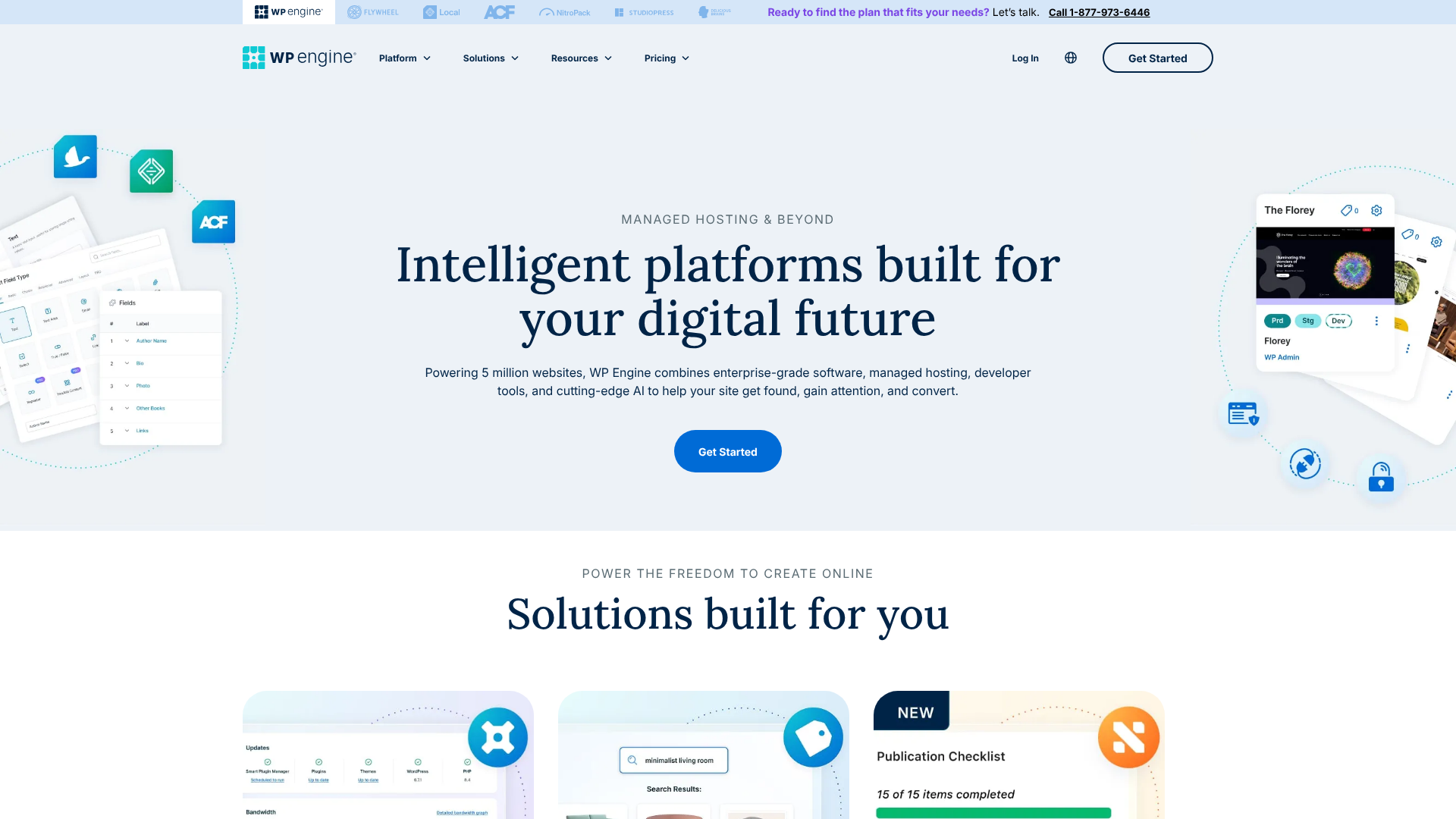
WP Engine is not a CMS. It's a specialised, high-end web hosting company that focuses exclusively on WordPress. They provide what's known as "managed WordPress hosting". This means they have built their entire infrastructure—servers, software, and support—to make WordPress websites run as fast and securely as possible.
When you sign up with WP Engine, you don't need to worry about installing WordPress or managing the server. Their platform handles all the technical heavy lifting for you. This includes automated daily backups, proactive security monitoring and malware removal, automatic updates to the WordPress core, and performance-tuning features like server-level caching and a built-in Content Delivery Network (CDN).
Essentially, WP Engine's service is designed for users who see their website as a critical business asset. They cater to businesses, developers, and high-traffic publishers who are willing to pay a premium to ensure their site is always fast, secure, and supported by WordPress experts, allowing them to focus on creating content and growing their business instead of managing technical chores.
The WordPress vs WP Engine Conflict: A Timeline of the Drama
The reason this topic has become so prominent is due to a very public and ongoing dispute between Automattic (the company founded by WordPress co-creator Matt Mullenweg) and WP Engine. Understanding this context is important as it speaks to the broader politics of the open-source community.
The Root of the Disagreement
The conflict ignited when Matt Mullenweg publicly criticised WP Engine, accusing the company of profiting immensely from the free, open-source WordPress project without contributing a fair share back to the community that builds and maintains it. He famously referred to the company's approach as a "cancer to the community", a statement that sent shockwaves through the industry.
The core of the argument centres on the principle of reciprocity in open-source. Mullenweg contends that companies who build multi-million dollar businesses on the back of free software have an ethical obligation to contribute back through code, financial support, or other resources. He also raised concerns about WP Engine's branding, suggesting it was confusing customers into believing it was an official WordPress product.
Key Events and Escalations
The dispute escalated beyond words. WordPress.org took control of the popular Advanced Custom Fields (ACF) plugin after it was acquired by WP Engine, citing a need to ensure its continued development aligned with the community's best interests. This was a significant move, as ACF is a critical tool for millions of WordPress developers.
Furthermore, WordPress.org temporarily restricted WP Engine's access to its plugin and theme directories, a move that could impact the host's ability to manage customer sites. From WP Engine's perspective, they argue that they contribute significantly by making WordPress more accessible and reliable for businesses, creating jobs, and supporting the ecosystem in ways that aren't always measured by code commits.
What This Means for You as a User
For the average user, this high-level conflict has minimal immediate impact. Your WP Engine-hosted site will continue to run, and the core WordPress software remains as powerful as ever. However, the dispute highlights a philosophical divide in the community.
It's a situation worth monitoring, as it could influence the future relationship between commercial hosting companies and the open-source project they rely on. For now, it shouldn't be the sole factor in your decision, but it's a piece of the puzzle to consider if community alignment and open-source ethics are important to you.
Feature Comparison: Self-Hosted WordPress vs. WP Engine
Let's break down the practical differences in a side-by-side WP Engine comparison. This table shows what you get and what you're responsible for with each approach.
| Feature | Self-Hosted WordPress (on basic hosting) | WP Engine (Managed Hosting) |
|---|---|---|
| Core Software | WordPress.org (Free) | WordPress.org (Included & Managed) |
| Typical Cost | Varies (£3 – £20/month + add-ons) | Premium (Starts ~£20/month) |
| Performance | Dependant on host & manual optimisation | Highly optimised, fast servers, CDN included |
| Security | Your responsibility (plugins, firewalls) | Proactive security, free SSL, malware scanning & removal |
| Backups | Manual or via plugins (can be free or paid) | Automated daily backups, one-click restore |
| Software Updates | You must update core, themes, & plugins | Managed core updates, security patching |
| Support | Community forums, basic hosting provider support | 24/7 expert WordPress-specific support |
| Developer Tools | Dependant on host (often limited) | Staging environments, Git integration, SSH access |
Performance and Speed
With a self-hosted site, performance is up to you. You'll need to choose a good hosting provider and then configure caching plugins, optimise images, and potentially set up a CDN. On WP Engine, performance is a core feature. They use a proprietary caching system called EverCache, integrate with a global CDN (Cloudflare), and run their servers on top-tier hardware, all designed to deliver pages in milliseconds without you lifting a finger.
Security Measures
On a self-hosted site, you are the head of security. This means installing security plugins like Wordfence, keeping everything updated to patch vulnerabilities, and dealing with the fallout if your site is hacked. WP Engine takes a proactive approach. They manage a platform-level firewall, block threats before they reach your site, offer free SSL certificates, and even include a security guarantee: if your site gets hacked while on their platform, they will fix it for free.
Backups and Maintenance
Forgetting to back up a self-hosted site can be a catastrophic mistake. While you can use plugins like UpdraftPlus to automate this, it's still another system you have to manage. WP Engine automates this entirely. They perform daily backups of your entire site and allow you to restore to any point in the last 30 days with a single click.
They also handle WordPress core updates for you, testing them first to ensure they don't break your site.
Pro Tip: One of the most valuable features of WP Engine is the one-click staging environment. This creates an exact copy of your live site where you can safely test new plugins, themes, or code changes. Once you're happy with the changes, you can deploy them to your live site with another click, dramatically reducing the risk of breaking something.
Pros and Cons: A Balanced WordPress vs WP Engine View
No solution is perfect for everyone. Understanding the trade-offs is key to choosing the right path for your project.
WP Engine: The Pros
- Exceptional Speed: Websites hosted on WP Engine are consistently among the fastest, which is crucial for SEO and user experience.
- Rock-Solid Security: Their proactive security measures and free hack-fix guarantee provide incredible peace of mind.
- Expert Support: Access to 24/7 support from staff who are genuine WordPress experts can be invaluable when you run into trouble.
- Time-Saving Automation: Automated backups, updates, and performance tuning free you up to focus on your business.
- Powerful Developer Tools: Features like staging sites, Git integration, and local development tools are a huge benefit for developers and agencies.
WP Engine: The Cons
- Premium Price: WP Engine is one of the more expensive options on the market, which can be prohibitive for new projects or those on a tight budget.
- Platform Restrictions: To ensure stability and performance, they disallow certain plugins that are known to cause issues, which can limit your options.
- Less Server Control: You don't get root access to the server, which means you have less control over the hosting environment compared to a VPS or dedicated server.
- Community Controversy: The ongoing public dispute with WordPress leadership may be a concern for users who prioritise community alignment.
Self-Hosted WordPress: The Pros
- Complete Freedom: You have 100% control over your hosting environment, themes, plugins, and code. There are no restrictions.
- Affordability: Shared hosting for a WordPress site can be incredibly cheap, often starting at just a few pounds per month.
- Unlimited Customisation: The ability to use any plugin or theme means you can build virtually anything you can imagine.
- Vast Community: There is a massive global community of users and developers, meaning you can find a tutorial or forum thread for almost any problem.
Self-Hosted WordPress: The Cons
- Total Responsibility: You are solely responsible for security, backups, updates, and performance. If something breaks, it's up to you to fix it.
- Steep Learning Curve: For beginners, managing all the technical aspects of a self-hosted site can be overwhelming.
- Fragmented Support: When an issue arises, it can be difficult to determine the cause. Is it your host, your theme, or a plugin? You may get passed around between different support teams.
- Performance Varies: The speed of your site is entirely dependent on the quality of your host and the effort you put into optimisation.
Pricing and Cost Comparison: What's the Real Investment?
When considering WP Engine or WordPress, the cost is often a deciding factor. However, it's important to look beyond the monthly price tag and consider the total cost of ownership.
The Cost of WP Engine
WP Engine positions itself as a premium solution, and its pricing reflects that. Their plans are structured in tiers based on the number of sites, monthly traffic, and storage. While prices change, you can expect their entry-level plans to start from around £20 per month.
This price includes the hosting, automated backups, global CDN, SSL certificates, staging environment, and 24/7 expert support. For many businesses, this all-inclusive price is justified by the time saved and the value of the performance and security features. For the most current and detailed pricing, you should visit the WP Engine website directly.
The True Cost of Self-Hosting WordPress
The initial cost of self-hosting seems much lower. You can find shared hosting plans for as little as £3 per month. However, you need to account for additional costs that are often bundled with managed hosts:
- Domain Name: Around £10-£15 per year.
- Hosting: Starts at £3/month but can increase significantly for better performance.
- Premium Theme: A one-time or annual cost of £50-£80 is common for a quality theme.
- Premium Plugins: You may need to pay for plugins for backups (£60/year), security (£80/year), or caching (£40/year).
- CDN Service: While free tiers exist, you might need a paid plan for higher traffic sites.
Most importantly, you must factor in the cost of your own time. How many hours will you spend each month on updates, troubleshooting, and maintenance? For a business owner, that time could be better spent on revenue-generating activities, making the higher cost of WP Engine a worthwhile investment.
How to Choose: WP Engine or WordPress Self-Hosting?
Your choice ultimately depends on your budget, technical comfort level, and the goals of your website.
Choose WP Engine If…
- You run a business website: If your site is a source of leads or revenue, the uptime, speed, and security provided by WP Engine are a critical investment.
- You have a high-traffic blog or publication: WP Engine's scalable infrastructure is built to handle traffic spikes without slowing down.
- You value your time over money: You prefer to pay a premium to have a team of experts handle the technical management so you can focus on your core business.
- You are a developer or agency: The workflow tools, like staging environments and Git integration, are designed to make your development process faster and safer.
- Security is your top priority: The proactive security and free hack-fix guarantee are worth the price for peace of mind.
Choose Self-Hosted WordPress If…
- You are just starting out: For a personal blog, portfolio, or a small project, the low cost of shared hosting is a great way to get started.
- You are on a very tight budget: If every pound counts, self-hosting is undeniably the cheaper option upfront.
- You are a hobbyist or tinkerer: If you enjoy learning the technical details of how websites work and want to have full control, self-hosting is a rewarding experience.
- You need to use a specific plugin: If your project relies on a plugin that is on WP Engine's disallowed list, self-hosting is your only option.
Frequently Asked Questions (FAQ)
Are WordPress and WP Engine the same?
No, they are not the same. WordPress is the free, open-source software (the CMS) used to build a website. WP Engine is a for-profit company that provides a premium, managed hosting service specifically designed to run websites built with the WordPress software. You use the WordPress software on WP Engine's hosting platform.
What happened to the WP Engine?
Nothing has happened to WP Engine as a company; they continue to be a leading managed WordPress host. However, they are involved in a public and ongoing dispute with the leadership of WordPress.org, led by co-founder Matt Mullenweg. The conflict centres on WP Engine's level of contribution back to the open-source project and disagreements over branding.
Is WordPress becoming obsolete?
Far from it. As of 2026, WordPress powers over 43% of the entire internet, and its market share continues to grow. Its open-source nature means it is constantly being updated and improved by a global community of developers. While other website builders exist, WordPress's flexibility, scalability, and vast ecosystem of themes and plugins ensure it will remain a dominant force for the foreseeable future.
What is WordPress' biggest competitor?
This depends on the use case. For e-commerce, its biggest competitor is Shopify, a fully hosted platform. For users who want an all-in-one, easy-to-use website builder, competitors include Squarespace and Wix. In the open-source CMS space, alternatives like Joomla and Drupal exist, but their market share is significantly smaller than WordPress's.
Final Thoughts: Making the Right Decision for Your Website
The debate over WP Engine vs WordPress is less about which one is superior and more about which approach aligns with your specific needs, resources, and goals. It's a classic choice between convenience and control, between a premium done-for-you service and a hands-on DIY project.
Self-hosting WordPress offers unparalleled freedom and affordability, making it an excellent choice for those starting out, working on a tight budget, or who genuinely enjoy the technical side of website management. You are the captain of your own ship, with full control over every plank and sail.
On the other hand, WP Engine offers a first-class ticket. It's a premium investment in speed, security, and support that allows you to forget about the engine room and focus solely on your destination. For any serious business, e-commerce store, or high-stakes project, the value of that peace of mind often far outweighs the additional cost. If that sounds like the right fit for your project, it's worth exploring what WP Engine has to offer.