Leadpages vs Unbounce vs Instapage: Which Is Right for Your Business?
Choosing the right landing page builder is a critical decision that can directly impact your lead generation and conversion rates. With so many powerful options available, making a clear choice between Leadpages, Unbounce, and Instapage can feel overwhelming. Each platform offers a unique set of features tailored to different types of users, from solo entrepreneurs to large enterprise teams. This guide provides a detailed comparison of Leadpages vs Unbounce vs Instapage, breaking down their features, pricing, and ideal use cases to help you find the perfect fit for your business goals.
- In a Nutshell
- What Exactly Are Leadpages, Unbounce, and Instapage?
- Leadpages vs Unbounce vs Instapage: A Quick Comparison
- A Deep Dive into Key Features
- Page Editor and Customisation Flexibility
- Templates and Design Quality
- A/B Testing and Conversion Optimisation
- In-Depth Review of Each Platform
- Leadpages: The Best for Simplicity and Value
- Unbounce: The Powerhouse for Conversion-Focused Marketers
- Instapage: The Enterprise Solution for Scalability and Collaboration
- Pricing and Cost Comparison
- How to Choose the Right Landing Page Builder for You
- Frequently Asked Questions
- Is Leadpages good for beginners?
- Which is better, Unbounce or Instapage?
- Can I use these tools to build a full website?
- Do I need coding skills to use these platforms?
- Final Thoughts
Whether you prioritise speed and simplicity, creative freedom and AI-powered optimisation, or advanced collaboration and analytics, one of these tools will meet your needs. We'll explore everything from their page editors and template libraries to their A/B testing capabilities and integration options, giving you all the information required to make an informed decision.
In a Nutshell
- Leadpages is best for beginners and small businesses. It offers the most affordable plans and a user-friendly interface focused on speed and efficiency, making it ideal for quickly launching high-converting pages without a steep learning curve.
- Unbounce is best for experienced marketers and agencies. It provides unmatched design flexibility with its true drag-and-drop editor and powerful AI features like Smart Traffic, which automatically optimises page performance.
- Instapage is best for enterprise teams and large-scale advertisers. It excels in collaboration, personalisation, and analytics, with features like AdMap and heatmaps designed for teams managing complex, high-volume campaigns.
What Exactly Are Leadpages, Unbounce, and Instapage?
Before we dive into a side-by-side comparison, it's important to understand what these tools are and the core problem they solve. At their heart, Leadpages, Unbounce, and Instapage are specialised software platforms designed to help you create, test, and publish standalone web pages, known as landing pages. Unlike a regular website page, a landing page is built with a single, focused objective: to convert visitors into leads or customers.
This could mean getting a visitor to sign up for a newsletter, download an ebook, register for a webinar, or purchase a product. By eliminating distractions like site navigation and multiple calls-to-action (CTAs), a well-designed landing page guides the user towards completing that one specific action. This focus is why dedicated landing pages consistently outperform standard website pages for marketing campaigns.
While all three platforms share this fundamental goal, their approach, feature sets, and target audiences differ significantly. Leadpages focuses on making the process as simple and fast as possible. Unbounce offers deep customisation and conversion intelligence. Instapage provides a scalable solution for teams that require robust collaboration and post-click optimisation.
Leadpages vs Unbounce vs Instapage: A Quick Comparison
To get a high-level view of how these three platforms stack up, here’s a breakdown of their key attributes. This table summarises the core differences, helping you quickly identify which tool aligns best with your immediate needs.
| Feature | Leadpages | Unbounce | Instapage |
|---|---|---|---|
| Best For | Beginners & Small Businesses | Conversion-Focused Marketers | Enterprise Teams & Agencies |
| Page Editor | Structured, Section-Based | True Drag-and-Drop | Flexible Drag-and-Drop |
| Starting Price | Most Affordable | Mid-Range | Premium |
| Key Strength | Ease of Use & Value | Design Flexibility & AI Optimisation | Collaboration & Personalisation |
| A/B Testing | Standard A/B Testing | Advanced A/B Testing & AI | Advanced A/B Testing & Heatmaps |
| Unique Feature | Built-in Website Builder | Smart Traffic™ & AI Copywriting | AdMap™ & Thor Render Engine™ |
| Free Trial | 14-Day Free Trial | 14-Day Free Trial | 14-Day Free Trial |

A Deep Dive into Key Features
Now let's move beyond the summary and analyse the specific features that define each platform. How you build, design, and optimise your pages will vary greatly depending on the tool you choose. Understanding these differences is crucial for selecting a builder that matches your technical skills and marketing strategy.
Page Editor and Customisation Flexibility
The page editor is where you'll spend most of your time, so its usability and flexibility are paramount. Each platform takes a different approach to page building.
Leadpages uses a structured, section-based editor. You build pages by adding pre-designed sections (like headers, feature blocks, and testimonials) and then customising the content within them. While you can move elements around within these sections, you can't place them anywhere on the page. This approach is less flexible but makes it incredibly fast to create a clean, professional-looking page that is automatically mobile-responsive.
It's a great system for beginners who want to avoid design mistakes.
Unbounce is famous for its true, pixel-perfect drag-and-drop editor. You have complete freedom to place any element—text, images, forms, buttons—anywhere on the page. This offers unparalleled creative control, allowing you to build completely custom designs from scratch. However, this freedom comes with more responsibility; you'll need to manually adjust the mobile version of your page to ensure it looks good on all devices.
This editor is best for designers and marketers who have a specific vision and don't want to be constrained by templates.
Instapage offers a flexible drag-and-drop editor that sits somewhere between Leadpages and Unbounce. It provides more freedom than Leadpages' structured system but is slightly more guided than Unbounce's blank canvas. It uses an axis-based grid that helps with alignment, making it easier to create polished layouts. This strikes a good balance between creative control and ease of use, appealing to a wide range of users.
Templates and Design Quality
Templates provide the starting point for your landing pages, saving you time and offering design inspiration. The quality and variety of templates are key differentiators.
Leadpages offers over 200 high-quality, mobile-responsive templates. A unique feature is that you can sort them by their historical conversion rate, which is a data-driven way to choose a design that's already proven to work. The designs are modern and clean, covering a wide range of industries and use cases, from webinar registrations to ebook downloads.
Unbounce provides over 100 templates that are fully customisable. The designs are professional and conversion-focused, but the real power lies in the ability to modify them completely or start from a blank page. Unbounce also integrates with ThemeForest, giving you access to thousands of additional premium templates for purchase.
Instapage comes with over 200 customisable templates organised by use case (e.g., lead generation, click-through, webinar). The designs are sleek and modern, built with conversion best practices in mind. Instapage's focus on enterprise means its templates are often geared towards sophisticated campaigns and professional aesthetics.
A/B Testing and Conversion Optimisation
Creating a landing page is just the first step; optimising it for conversions is where the real value lies. All three platforms offer A/B testing, but their capabilities vary.
Leadpages provides straightforward A/B testing. You can easily create a variation of your page, change an element like the headline or button colour, and split traffic between the original (A) and the variant (B). The platform will then show you which version performs better. It's a solid, easy-to-use feature that covers the basics of optimisation.
Unbounce takes optimisation to the next level with its Smart Traffic™ feature. Instead of a simple 50/50 traffic split, Smart Traffic uses AI to analyse a visitor's attributes (like their location, device, and browser) and automatically sends them to the landing page variant most likely to convert them. This can lead to a significant lift in conversions compared to traditional A/B testing. It also offers robust standard A/B testing for those who prefer manual control.
Instapage offers powerful A/B testing coupled with heatmaps. Heatmaps provide a visual representation of where users are clicking, moving their mouse, and scrolling on your page. This insight is invaluable for understanding user behaviour and identifying areas for improvement. This combination of quantitative (A/B test data) and qualitative (heatmap) feedback gives you a deeper understanding of page performance.
In-Depth Review of Each Platform
Now that we've compared the core features, let's take a closer look at each tool individually, including its pros, cons, and ideal user.
Leadpages: The Best for Simplicity and Value
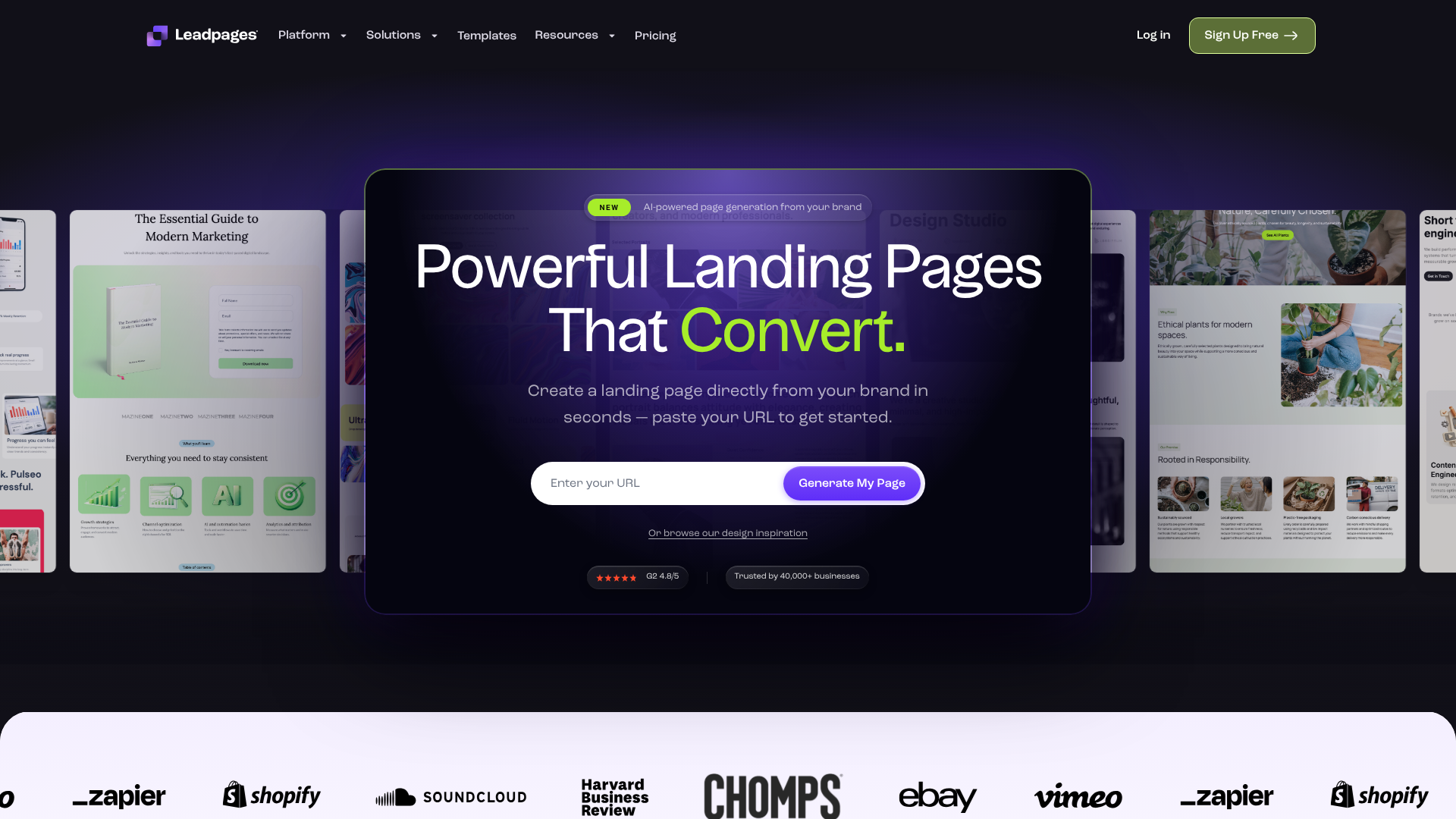
Leadpages has built its reputation on being the most accessible and user-friendly landing page builder on the market. Its primary goal is to help you get a high-converting page live as quickly as possible, without needing any design or coding skills. It achieves this through its intuitive, section-based editor and a vast library of templates sorted by conversion rate.
Beyond landing pages, Leadpages also includes tools for creating pop-ups, alert bars, and even complete websites with its built-in site builder. This makes it an excellent all-in-one solution for small businesses and solo entrepreneurs who need a simple web presence and powerful lead generation tools without a hefty price tag. The platform also offers unlimited traffic and leads on all its plans, which is a significant advantage over competitors that often have visitor or conversion caps.
Pros
- Extremely user-friendly: The editor is intuitive, making it perfect for beginners.
- Affordable pricing: It's the most budget-friendly option among the three.
- Unlimited traffic and leads: No caps on visitors or conversions, providing excellent value.
- Fast page loading speeds: Pages are optimised for performance out of the box.
- Includes website builder: You can create a simple, complete website on the platform.
Cons
- Limited design flexibility: The section-based editor can feel restrictive for those wanting full creative control.
- Basic A/B testing: Lacks the advanced AI optimisation features of its competitors.
Who is Leadpages for?
Leadpages is the ideal choice for small business owners, bloggers, consultants, and solo entrepreneurs who need to generate leads quickly and affordably. If your priority is speed and ease of use over complex customisation, Leadpages is an unbeatable option.
Unbounce: The Powerhouse for Conversion-Focused Marketers
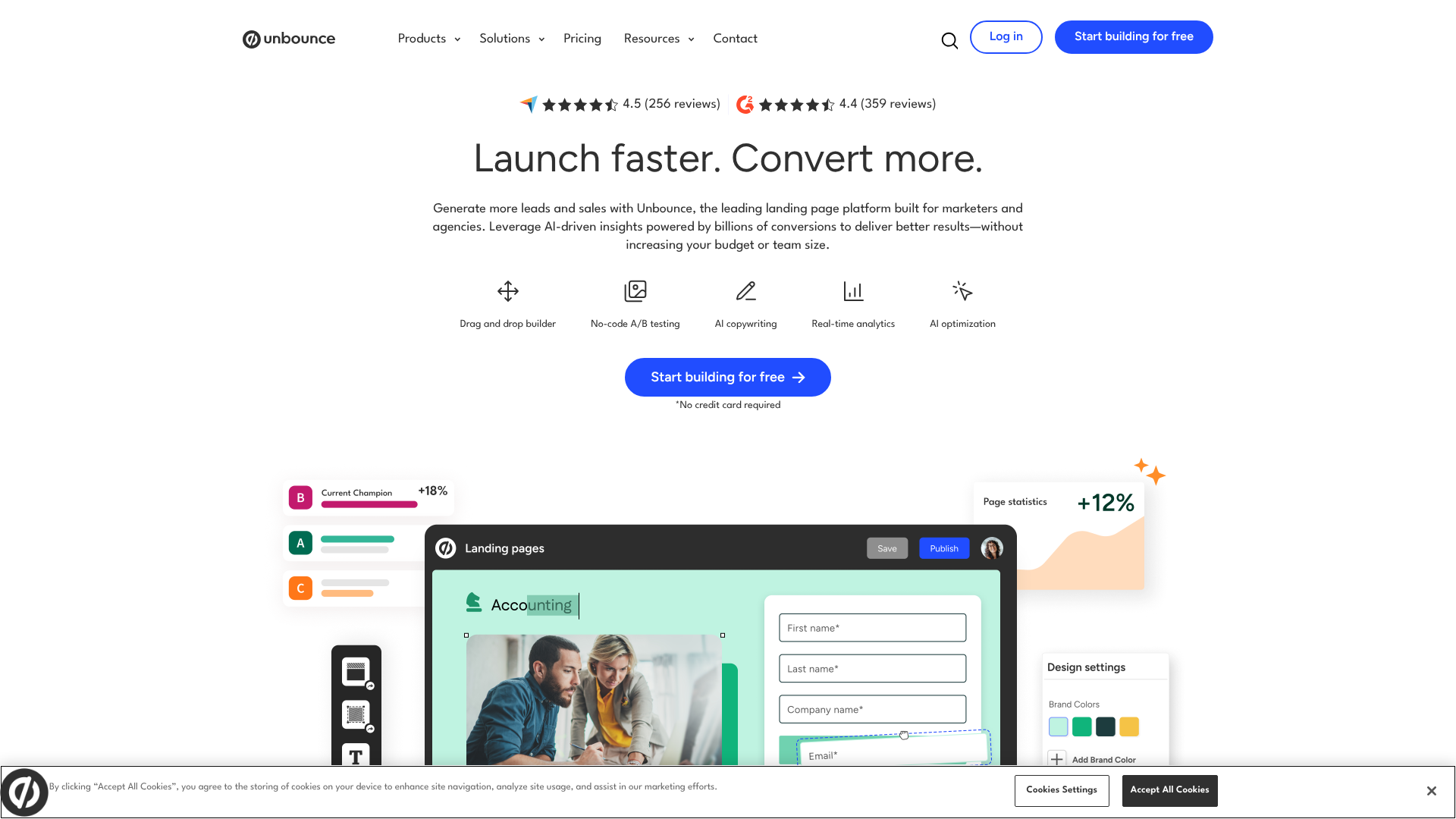
Unbounce is designed for marketers who live and breathe conversion rate optimisation (CRO). Its standout feature is the pixel-perfect drag-and-drop builder, which gives you complete control over the look and feel of your pages on both desktop and mobile. This makes it a favourite among designers and marketing teams who need to create highly tailored, on-brand campaign pages.
Where Unbounce truly shines is in its optimisation toolset. The AI-powered Smart Traffic feature is a standout, moving beyond traditional A/B testing to intelligently route visitors to the best page variant for them. Unbounce has also integrated AI into its copywriting process, helping you generate headlines, body copy, and CTAs that are optimised for conversion. These advanced features make it a formidable tool for performance marketers and agencies managing pay-per-click (PPC) campaigns.
Pros
- Total design freedom: The drag-and-drop editor allows for complete customisation.
- Powerful AI optimisation: Smart Traffic can significantly boost conversion rates.
- Advanced features: Includes tools for creating pop-ups, sticky bars, and dynamic text replacement.
- Robust integrations: Connects with hundreds of other marketing tools.
Cons
- Steeper learning curve: The flexible editor requires more time to master.
- Higher price point: More expensive than Leadpages, with plans based on traffic and conversions.
- Manual mobile optimisation: You need to adjust the mobile layout separately.
Who is Unbounce for?
Unbounce is perfect for experienced marketers, PPC specialists, and marketing agencies that require deep customisation and advanced optimisation tools. If you're running paid ad campaigns and need to squeeze every possible conversion out of your landing pages, Unbounce has the features to help you succeed.
Instapage: The Enterprise Solution for Scalability and Collaboration
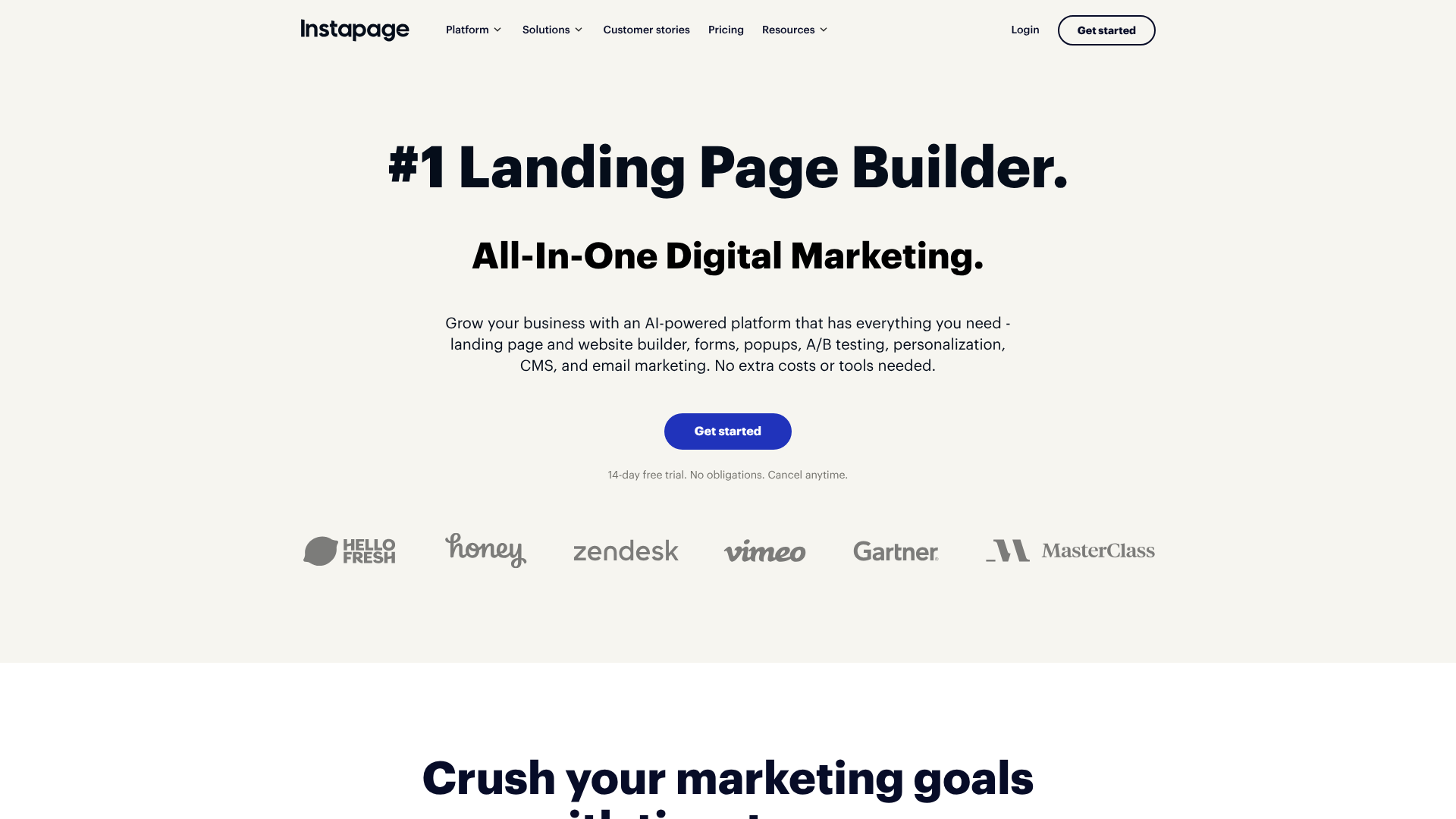
Instapage is built for large teams and enterprises that need a scalable, collaborative, and data-rich landing page solution. While it offers a flexible page builder and beautiful templates, its core strengths lie in features designed for managing campaigns at scale. This includes tools for team collaboration, allowing multiple users to work on and provide feedback on pages in real-time.
One of its most powerful features is AdMap™, which allows you to visualise your ad campaigns and easily connect ad groups to specific, personalised landing pages. This ensures a seamless message match from ad to page, which is proven to increase conversions. Instapage also boasts the Thor Render Engine™, which makes its pages load incredibly fast. For enterprise-level clients, it offers advanced features like Global Blocks for updating content across multiple pages at once, AMP support, and detailed analytics with heatmaps.
Pros
- Excellent for team collaboration: Real-time editing and feedback tools streamline workflows.
- Advanced personalisation: AdMap makes it easy to create personalised post-click experiences.
- Incredibly fast page speeds: The Thor Render Engine ensures optimal performance.
- Detailed analytics: Built-in heatmaps provide deep insights into user behaviour.
Cons
- Highest price point: It is the most expensive of the three, aimed at the enterprise market.
- Some features locked behind custom plans: The most powerful tools are only available on higher-tier plans.
Who is Instapage for?
Instapage is the best choice for large marketing teams, enterprises, and agencies managing high-budget ad campaigns. If you need a platform that supports collaboration, scales across numerous campaigns, and provides deep personalisation and analytics, Instapage is built for you.
Pro Tip: When evaluating these tools, sign up for the 14-day free trials they all offer. There's no substitute for hands-on experience. Test the page editor, explore the templates, and see which workflow feels most natural to you.
Pricing and Cost Comparison
Budget is often a deciding factor, and the pricing structures for these three platforms are quite different. It's important to look beyond the monthly cost and consider the limits on traffic, conversions, and features.
Leadpages: Starts as the most affordable option. Its plans typically begin around £37/month (billed annually). Crucially, all plans come with unlimited traffic and leads, making it very predictable for budgeting. Higher-tier plans add features like A/B testing and online payment integrations.
Unbounce: Occupies the middle ground. Its pricing usually starts around £74/month (billed annually). Plans are tiered based on the number of conversions, visitors, and connected domains. This means your cost can increase as your campaigns become more successful.
Instapage: Positioned as a premium, enterprise-level tool, it has the highest starting price, often beginning around £159/month (billed annually). This entry-level plan has a cap of 30,000 unique visitors per month. The most advanced features, like AdMap and collaboration tools, are reserved for custom-priced enterprise plans.
Note: Pricing for software changes frequently. Please visit the official websites for the most current and detailed pricing information.
How to Choose the Right Landing Page Builder for You
Making the final decision in the Leadpages vs Unbounce debate, or considering where Instapage fits, comes down to your specific needs, budget, and technical comfort level. Here’s a simple framework to guide your choice.
Choose Leadpages if:
- You are a beginner, a small business owner, or a solo entrepreneur.
- Your primary goal is to launch landing pages quickly and easily.
- You are on a tight budget and need predictable monthly costs.
- You value simplicity and efficiency over complete design control.
Choose Unbounce if:
- You are an experienced marketer, a PPC specialist, or part of a marketing agency.
- You need complete creative control to build custom-designed pages.
- You want to use AI-powered tools to maximise your conversion rates.
- You are comfortable with a more complex editor and manual mobile optimisation.
Choose Instapage if:
- You work in a large team or enterprise environment.
- You need robust collaboration and workflow features.
- You are running large-scale advertising campaigns and require advanced personalisation.
- You have a larger budget to invest in a premium, scalable solution.
Ultimately, the best platform is the one that aligns with your resources and goals. An instapage comparison with Unbounce often highlights their similar focus on conversion, but Instapage's strength is in team-based workflows, whereas Unbounce focuses more on individual marketer empowerment through AI.
Frequently Asked Questions
Is Leadpages good for beginners?
Yes, Leadpages is widely considered the best option for beginners. Its template-driven, section-based editor simplifies the design process and prevents common mistakes. The platform is designed to be intuitive, allowing users without any technical or design experience to create and publish a professional-looking landing page in under an hour.
Which is better, Unbounce or Instapage?
The choice between Unbounce and Instapage depends on your specific needs. Unbounce is generally better for marketers who prioritise creative freedom and AI-driven optimisation like Smart Traffic. Instapage is superior for larger teams and enterprises that need advanced collaboration features, seamless ad-to-page personalisation (AdMap), and enterprise-grade security and performance.
Can I use these tools to build a full website?
Leadpages includes a dedicated website builder, allowing you to create a simple, multi-page website using the same easy-to-use editor. While you could technically build a simple website with Unbounce or Instapage by linking multiple pages together, they are not designed for this purpose. Their primary function is to create standalone landing pages for specific marketing campaigns.
Do I need coding skills to use these platforms?
No, you do not need any coding skills to use Leadpages, Unbounce, or Instapage. All three are visual, drag-and-drop builders that handle all the technical aspects for you. However, Unbounce and Instapage do allow you to add custom HTML, CSS, and JavaScript if you have the technical skills and want to add custom functionality.
Final Thoughts
In the competitive landscape of landing page builders, there is no single “best” platform—only the best platform for you. The decision in the Leadpages vs Unbounce vs Instapage showdown hinges entirely on your business needs, team size, budget, and marketing objectives.
To recap, Leadpages is the clear winner for affordability, speed, and ease of use, making it the perfect starting point for small businesses and entrepreneurs. Unbounce offers the ultimate in design flexibility and AI-powered optimisation, catering to seasoned marketers who demand control and performance. Instapage provides a powerful, scalable solution for large teams and enterprises that require deep collaboration, personalisation, and analytics.
Evaluate your priorities, take advantage of the free trials, and choose the tool that will best empower you to turn clicks into customers.