
AI Writing Assistant Free: A Buyer's Guide for Professionals & Students
Finding a high-quality, genuinely helpful AI writing assistant for free can feel like a difficult task. With so many tools available, it's hard to know which ones deliver on their promises without hidden costs or severe limitations. These tools are designed to help you correct grammar, refine your style, brainstorm ideas, and even draft entire sections of text, saving you valuable time and improving the quality of your work.
- What You'll Learn
- What Exactly is a Free AI Writing Assistant?
- Key Features to Look for in a Free AI Writer
- Core Proofreading: Grammar, Spelling, and Punctuation
- Paraphrasing and Rewording
- Content Generation and Idea Expansion
- Tone and Style Adjustment
- Integrations with Your Workflow
- How to Choose the Right AI Writing Tool Free for Your Needs
- 1. Identify Your Primary Use Case
- 2. Understand the "Free" Model: Limitations and Upsells
- 3. Evaluate the User Interface and Ease of Use
- 4. Check Data Privacy and Security Policies
- Top Recommendations: The Best Free AI Writing Assistants in 2026
- 1. QuillBot: Best for Paraphrasing and Academic Writing
- 2. Grammarly: Best for Proofreading and Everyday Use
- 3. Writesonic: Best for Content Generation on a Budget
- 4. Jasper (formerly Jarvis): Best for a Premium Trial Experience
- Comparison of Top Free AI Writing Assistants
- The "Cost" of Free: Understanding Pricing and Freemium Models
- The Pros and Cons of Using a Free AI Writer
- Watch: A Roundup of the Best Free AI Writing Tools
- Frequently Asked Questions About Free AI Writing Tools
- Is there a truly 100% free AI writer with no limits?
- Can AI writing assistants write a full article for me?
- Are free AI writing tools safe to use?
- Can teachers or search engines detect AI-written content?
- Final Thoughts: Is a Free AI Writing Assistant Right for You?
Whether you're a student polishing an essay, a marketer crafting compelling copy, or a professional drafting important emails, a free writing assistant can be an invaluable partner. This guide will walk you through everything you need to know to choose the best option for your specific needs, from understanding key features to comparing the top contenders on the market today.
What You'll Learn
- What Free AI Assistants Do: These tools go beyond basic spell-checking to offer grammar correction, style suggestions, paraphrasing, and content generation, all powered by artificial intelligence.
- Key Features to Prioritise: The most important features to look for in a free AI writer include accurate proofreading, versatile paraphrasing options, and reasonable usage limits on its free plan.
- Choosing the Right Tool: Your ideal tool depends on your primary task. Students may prioritise paraphrasing and citation help, while bloggers might need content generation and SEO features.
- The Reality of "Free": Most free tools operate on a freemium model. It's crucial to understand the limitations, such as word counts or feature restrictions, before committing to a platform.
- Top Recommendations: Tools like Grammarly, QuillBot, and Writesonic offer some of the most capable and generous free plans available for different use cases.
What Exactly is a Free AI Writing Assistant?
A free AI writing assistant is a software tool that uses artificial intelligence, specifically natural language processing (NLP), to help you analyse, correct, and generate human-like text. Unlike traditional spell checkers that only catch basic typos, these advanced tools understand context, grammar, syntax, and even tone. They act as a digital editor, providing real-time feedback to enhance your writing's clarity, style, and accuracy.
The term "free" typically refers to a freemium business model. Companies offer a core set of features at no cost to attract a large user base. The goal is that some users will find the tool so valuable they will upgrade to a paid subscription for more advanced features, higher usage limits, or enhanced capabilities like plagiarism detection and advanced content creation modes.
This model is a win-win. You get access to powerful technology that can genuinely improve your writing without any financial commitment. Meanwhile, the company gets to demonstrate its product's value. A good free writing assistant should provide enough functionality in its free tier to be genuinely useful for everyday tasks like drafting emails, writing social media posts, or proofreading short documents.
Key Features to Look for in a Free AI Writer
When evaluating a free AI writer, it's easy to be swayed by a long list of features. However, not all features are created equal, especially when you're not paying. Focus on the core functionalities that will provide the most value for your specific writing tasks.
Core Proofreading: Grammar, Spelling, and Punctuation
This is the most fundamental feature. A reliable AI writing tool should be exceptional at catching errors that standard word processors miss. This includes complex grammatical mistakes like incorrect tense, subject-verb disagreement, and misplaced modifiers. It should also offer suggestions that improve sentence structure and readability, ensuring your writing is not just correct but also clear and effective.
Paraphrasing and Rewording
An excellent paraphrasing tool is more than just a synonym swapper. It should be able to rephrase entire sentences or paragraphs to improve clarity, adjust tone, or avoid repetitive language. For students and academics, this is essential for properly citing sources and avoiding plagiarism. For content creators, it's a great way to re-purpose content for different platforms or find new ways to express an idea.
Content Generation and Idea Expansion
Many modern AI assistants can help you overcome writer's block by generating ideas, creating outlines, or even drafting initial paragraphs. While free plans will almost always limit the amount of content you can generate, this feature can be a lifesaver when you're staring at a blank page. Look for a tool that offers a reasonable monthly or daily word credit to help you kickstart your writing process.
Tone and Style Adjustment
Effective communication often depends on striking the right tone. A great AI writing tool free of charge should be able to analyse your text and suggest changes to make it more formal, confident, friendly, or analytical. This feature is incredibly useful for tailoring your message to a specific audience, whether you're writing a cover letter, a marketing email, or a casual blog post.
Integrations with Your Workflow
An assistant is only helpful if it's there when you need it. The best free writing assistants offer integrations like browser extensions (for Chrome, Firefox, etc.), desktop apps, or add-ins for programs like Microsoft Word and Google Docs. This allows you to get real-time feedback directly within the platforms where you do most of your writing, creating a smooth and efficient workflow.
How to Choose the Right AI Writing Tool Free for Your Needs

With a clear understanding of the key features, the next step is to match them to your personal or professional requirements. The "best" tool is subjective; it's the one that most effectively solves your specific writing challenges. Here’s a simple framework to guide your decision.
1. Identify Your Primary Use Case
First, pinpoint what you'll be using the tool for most often. Your needs will vary significantly based on your role:
- Students: You'll likely prioritise strong paraphrasing capabilities to avoid plagiarism, a reliable grammar checker for essays, and perhaps a summariser to condense research articles.
- Bloggers and Marketers: Your focus might be on content generation to overcome writer's block, tone adjustment for brand voice consistency, and SEO-friendly suggestions.
- Professionals: For you, a tool that integrates with your email client and offers suggestions for clarity and professionalism is paramount. You need something that makes your daily communications sharp and error-free.
- Non-Native English Speakers: A tool with comprehensive grammar explanations and vocabulary enhancement suggestions can be an excellent learning aid to improve fluency and confidence.
2. Understand the "Free" Model: Limitations and Upsells
Never forget that free plans are designed with limitations. Before you invest time learning a new tool, investigate its restrictions. Common limitations include:
- Word/Character Count Limits: Many tools restrict the number of words you can process at once in their paraphraser or summariser.
- Usage Caps: Content generation is almost always capped, either by a daily or monthly word credit.
- Locked Features: Advanced capabilities like plagiarism detection, formal tone modes, or in-depth style reports are typically reserved for paid users.
Choose a tool whose free plan limitations don't interfere with your primary use case. If you only need to proofread short emails, a low word count limit isn't a problem. If you need to draft long articles, it will be.
3. Evaluate the User Interface and Ease of Use
A powerful tool is useless if it's confusing to operate. Look for a clean, intuitive interface that makes it easy to access the features you need. Test it out. Is it simple to paste your text, review suggestions, and accept or reject changes? A good user experience means you'll spend more time writing and less time fighting with the software.
Pro Tip: Sign up for the free versions of your top 2-3 choices and use them in parallel for a week. This hands-on comparison is the best way to discover which tool's workflow, suggestion quality, and interface you prefer for your daily tasks.
4. Check Data Privacy and Security Policies
This is a critical, often-overlooked step. When you use an AI writing assistant, you are sending your text to the company's servers for processing. If you're writing about sensitive or confidential topics, you must understand how your data is handled. Reputable companies will have a clear privacy policy that explains whether they store your data, who has access to it, and if it's used to train their AI models. Always review this policy before using a tool for proprietary work.
Top Recommendations: The Best Free AI Writing Assistants in 2026
After extensive testing and analysis, we've identified the top free AI writing assistants that offer the most value. Each excels in a different area, so your best choice will depend on your primary needs.
1. QuillBot: Best for Paraphrasing and Academic Writing
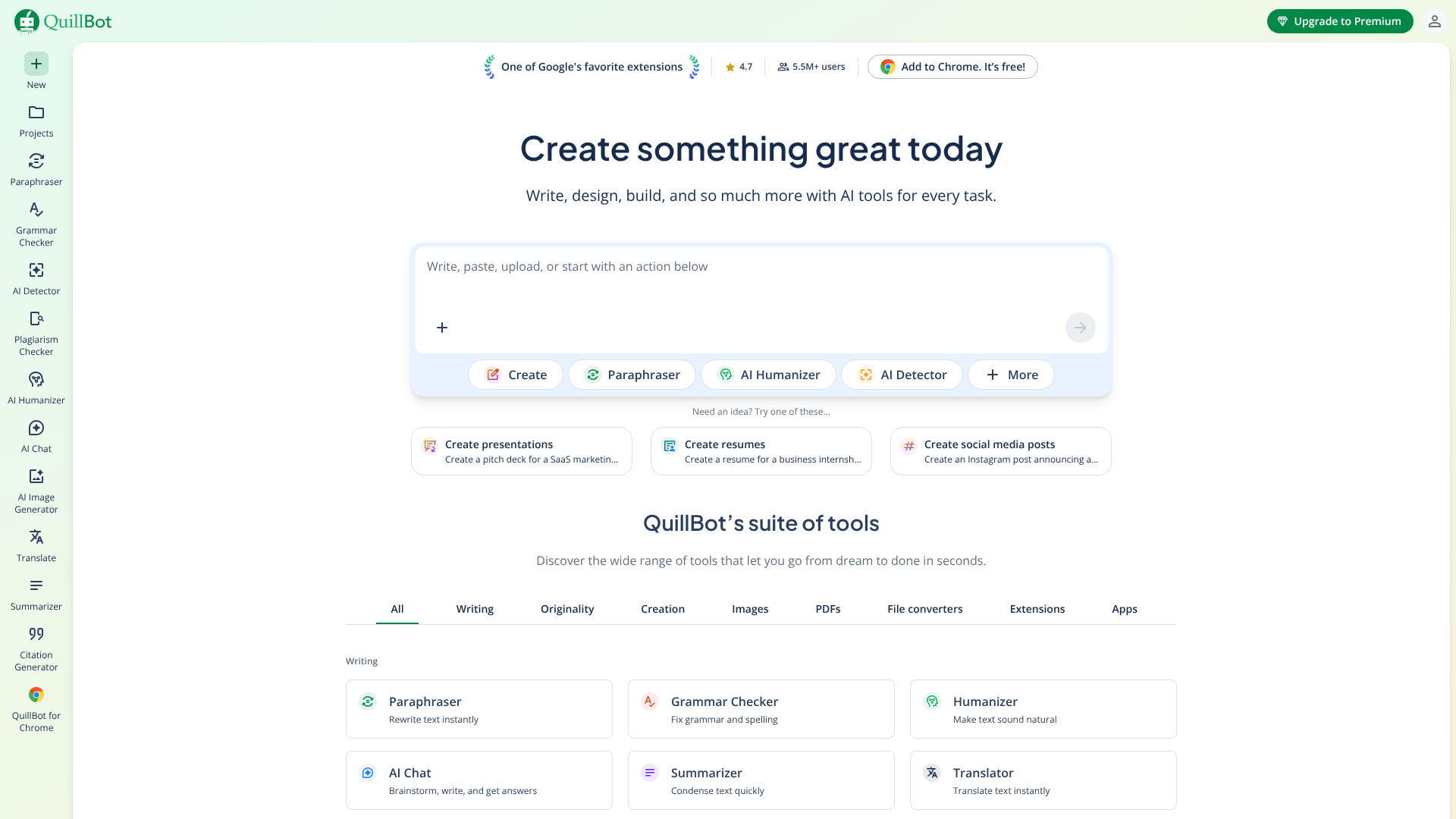
QuillBot has built its reputation on its powerful and nuanced paraphrasing engine, making it a favourite among students and academics. Its free plan is remarkably generous, allowing you to rephrase up to 125 words at a time with two different writing modes (Standard and Fluency). This is perfect for reworking sentences to improve clarity or to properly integrate source material into an essay.
Beyond paraphrasing, QuillBot's free offering includes a grammar checker, a summariser tool, and a citation generator, creating a comprehensive suite of tools for academic work. The grammar checker is solid, and the summariser can help you quickly grasp the key points of long articles. Its tight integration and focus on core academic tasks make it an indispensable resource for anyone in education.
Pros
- Excellent paraphrasing tool with multiple modes in the free version.
- Includes a suite of useful tools: grammar checker, summariser, and citation generator.
- Clean, easy-to-use interface.
Cons
- The 125-word limit on the paraphraser can be restrictive for longer passages.
- Advanced features like the plagiarism checker and more sophisticated writing modes are behind a paywall.
2. Grammarly: Best for Proofreading and Everyday Use
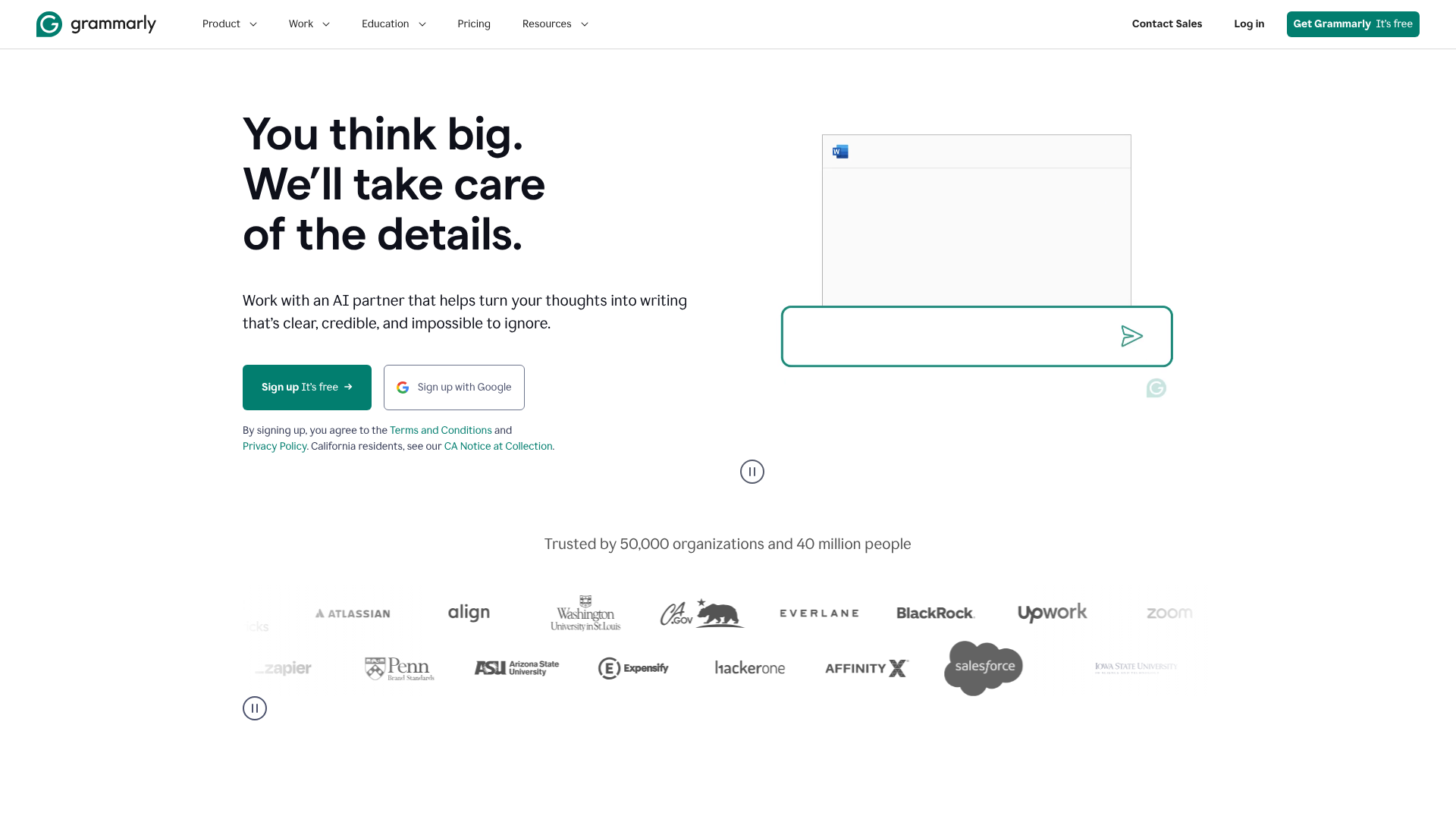
Grammarly is arguably the most well-known writing assistant, and for good reason. Its free version is a powerhouse for proofreading, offering best-in-class grammar, spelling, and punctuation correction. It excels at catching errors that other tools miss and provides clear explanations for its suggestions, helping you learn and improve over time.
Where Grammarly truly shines is its seamless integration. The browser extension works flawlessly across Gmail, Google Docs, social media, and virtually any other text field on the web. This means you get real-time feedback everywhere you write. While the free plan lacks the advanced style, tone, and clarity suggestions of the Premium version, it provides more than enough power to ensure your everyday writing is polished and professional.
Pros
- Industry-leading accuracy for grammar, spelling, and punctuation.
- Superb integrations via browser extensions and desktop apps.
- User-friendly interface with helpful explanations for corrections.
Cons
- The free plan does not include plagiarism detection or advanced style suggestions.
- Frequent prompts to upgrade to the Premium version can be distracting.
3. Writesonic: Best for Content Generation on a Budget
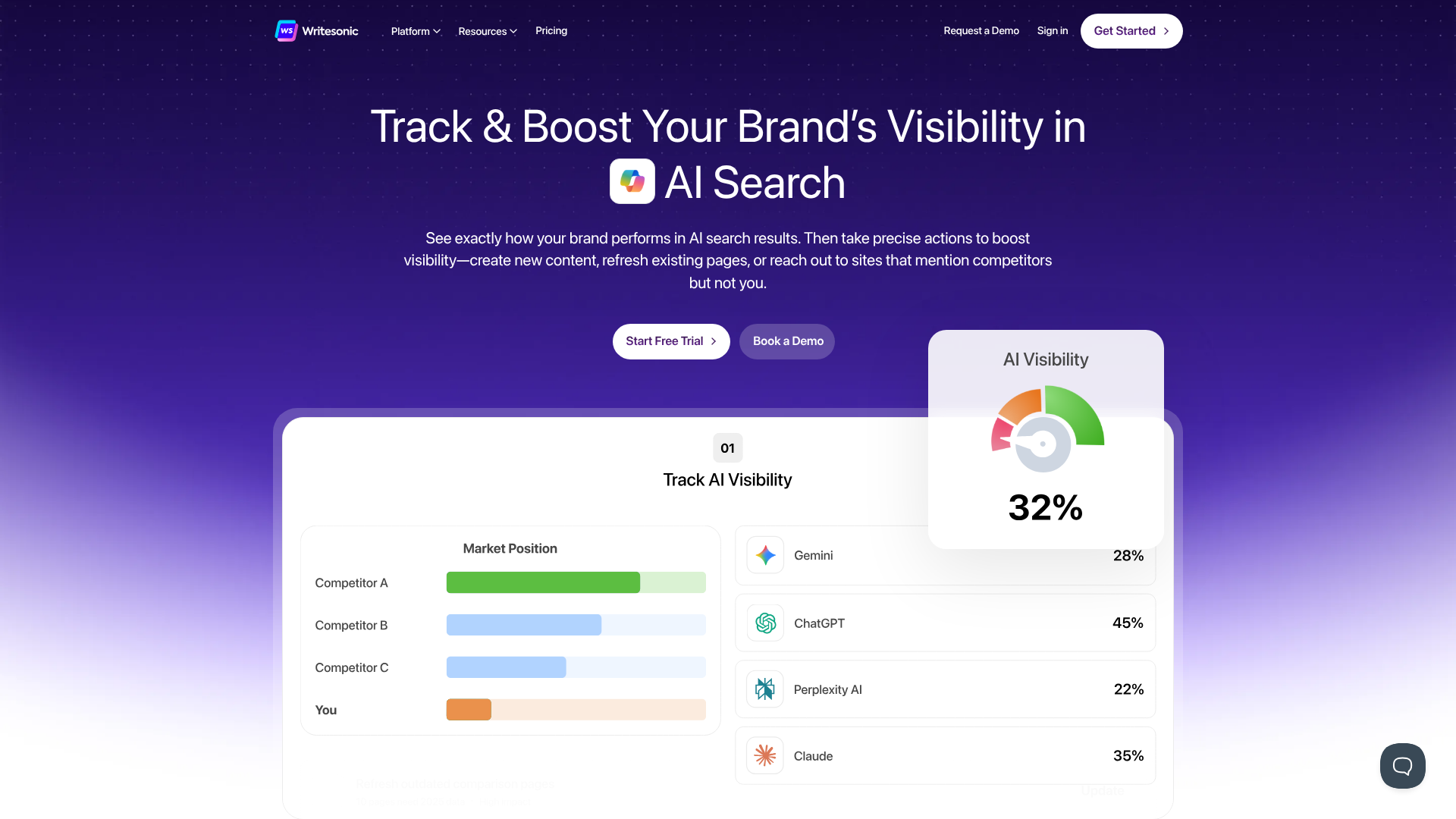
If your main challenge is writer's block, Writesonic is an excellent starting point. Unlike tools focused solely on correction, Writesonic is built for content generation. Its free plan offers a monthly credit of words (check their site for the current amount) that you can use across its various templates, including a paragraph writer, content rephraser, and sentence expander.
This makes it ideal for brainstorming blog post ideas, drafting social media captions, or creating product descriptions. The quality of the generated text is impressive for a free tool. While the word limit means you can't write a full article, it provides more than enough to get you started and break through creative hurdles. It's the perfect free AI writer for short-form content creation.
Pros
- Generous free monthly word credit for content generation.
- Wide range of templates for different types of content.
- High-quality AI-generated text for brainstorming and drafting.
Cons
- The free word count can be used up quickly.
- Primarily focused on generation, with less emphasis on in-depth proofreading compared to Grammarly.
4. Jasper (formerly Jarvis): Best for a Premium Trial Experience
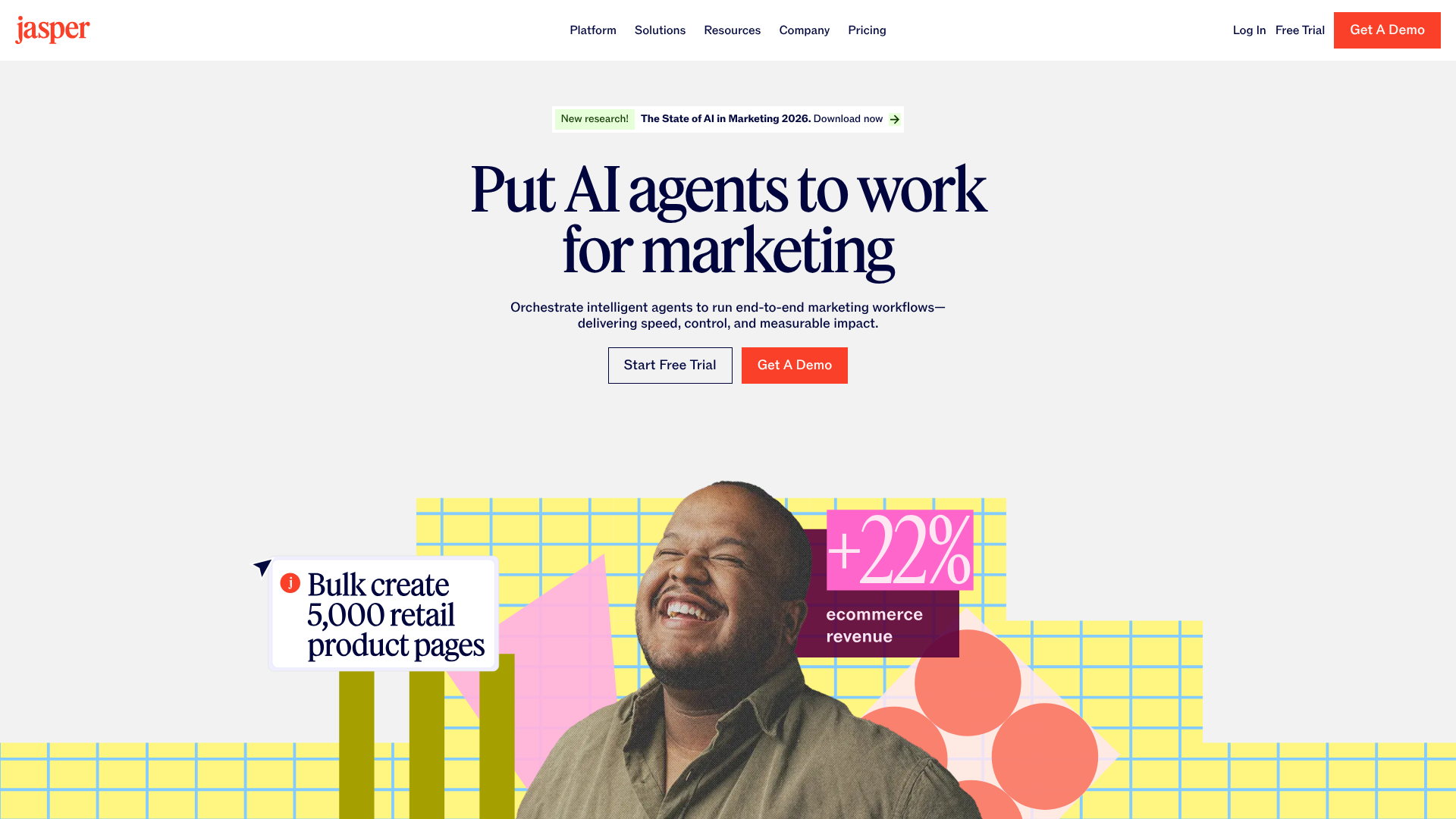
While Jasper doesn't offer a permanent free plan, it provides a free trial that gives you full access to its premium features for a limited time. Including it here is important because it shows you the full potential of a top-tier AI writing assistant. Jasper is designed for serious content creators, marketers, and businesses, offering advanced features like long-form document creation, brand voice analysis, and deep marketing framework integrations.
Using the trial can be a fantastic way to power through a specific project or to understand what advanced features you might be willing to pay for in the future. It's a glimpse into the world beyond basic grammar correction, showcasing how AI can become a true collaborator in the content creation process. If you have a critical project, leveraging Jasper's free trial can be a strategic move.
Pros
- Access to a full suite of professional-grade features during the trial.
- Excellent for long-form content like blog posts and marketing reports.
- Powerful templates and workflows designed for business use cases.
Cons
- It is not a permanently free tool; it requires a paid subscription after the trial ends.
- Can be more complex to learn than simpler, free-forever tools.
Comparison of Top Free AI Writing Assistants
| Feature | QuillBot | Grammarly | Writesonic | Jasper (Free Trial) |
|---|---|---|---|---|
| Primary Use Case | Paraphrasing & Academic | Proofreading & Daily Use | Short-Form Content Generation | Professional Content Creation |
| Free Plan Limit | 125 words per paraphrase | Unlimited basic corrections | Monthly word credit | Time-limited trial with word credit |
| Key Free Feature | Advanced Paraphraser | Real-time Grammar Check | AI Content Templates | Full access to all features |
| Integrations | Chrome, Word, Docs | Excellent (All Browsers) | Browser Extension | Excellent (Full Suite) |
| Best For | Students & Researchers | Everyone | Marketers & Social Media | Businesses & Power Users |
The "Cost" of Free: Understanding Pricing and Freemium Models
There's a common saying in the tech world: "If you're not paying for the product, you are the product." While this isn't always sinister, it's a useful lens through which to view any free AI writing tool. These companies are businesses, and they need a way to generate revenue. The freemium model is their primary strategy.
The core idea is to offer a genuinely useful product for free to a massive audience. The limitations of this free plan are carefully calculated to solve common problems but leave you wanting more for complex or high-volume tasks. For example, a 125-word paraphrasing limit is fine for a single sentence, but it becomes tedious when you're working on a 10-page report. This friction is designed to encourage you to upgrade.
When considering an upgrade, you'll find that most paid plans fall into a range of £5 to £25 per month, often with discounts for annual billing. These premium tiers unlock the full potential of the tool, removing word limits, adding advanced features like plagiarism checkers, providing more AI generation credits, and offering priority customer support. The decision to upgrade should be based on a simple cost-benefit analysis: will the time you save and the quality you gain be worth the monthly subscription fee? For many professionals and serious students, the answer is often yes.
The Pros and Cons of Using a Free AI Writer
Like any tool, free AI writing assistants come with a set of advantages and potential drawbacks. Being aware of both sides helps you use them effectively and avoid common pitfalls.
Advantages
- Significant Time Savings: The most immediate benefit is speed. These tools can proofread a document in seconds, a task that might take a human minutes or even hours. This frees you up to focus on the core ideas and structure of your writing.
- Improved Accuracy: Even the most careful writers make mistakes. An AI assistant acts as a second pair of eyes, catching typos, grammatical errors, and punctuation mistakes you might have overlooked, leading to more professional and polished work.
- Overcoming Writer's Block: Content generation features can be a powerful antidote to a blank page. By providing a starting point, an outline, or a few alternative phrases, these tools can help you get your creative momentum going.
- Enhanced Learning for Non-Native Speakers: For those learning English, these assistants are invaluable. They not only correct mistakes but often provide explanations, helping users understand the rules of grammar and syntax more deeply.
Disadvantages
- Risk of Factual Inaccuracies: AI models can sometimes "hallucinate" or generate information that is incorrect or completely fabricated. You must always fact-check any content generated by an AI, especially statistics, names, and historical events.
- Potential for Generic Content: Over-reliance on AI for content creation can lead to writing that lacks a unique voice or perspective. The output can sometimes feel formulaic or bland if not heavily edited and infused with your own personality.
- Privacy Concerns: As mentioned earlier, using these tools for sensitive or confidential information carries a risk. Always be mindful of what you're inputting and review the platform's privacy policy.
- Feature and Usage Limitations: The free versions are intentionally limited. You will inevitably run into a paywall if you try to use them for large-scale or highly complex writing projects, which can be frustrating if you're on a tight deadline.
Watch: A Roundup of the Best Free AI Writing Tools
For a visual overview and demonstration of some of the top tools in action, this video from The Nerdy Novelist provides a helpful roundup. It covers the strengths and weaknesses of several popular options, which can help you see how they work before you sign up.
Frequently Asked Questions About Free AI Writing Tools
Here are answers to some of the most common questions people have when exploring free AI writing assistants.
Is there a truly 100% free AI writer with no limits?
In short, it's extremely rare. Almost every reputable AI writing tool operates on a freemium model. This means their free plan will always have some form of limitation, whether it's a cap on the number of words you can process, a daily usage limit, or restricted access to advanced features. These limits are necessary for the company's business model, as they create the incentive for users to upgrade to a paid plan.
While some very basic tools might claim to be completely free, they often lack the power and accuracy of the major platforms.
Can AI writing assistants write a full article for me?
Free AI writing assistants generally cannot write a full article due to their strict word generation limits. You could piece an article together using multiple runs, but it would be inefficient. Paid tools like Jasper are capable of generating long-form content, but this should not be a hands-off process. The best results come from collaborating with the AI—using it to generate drafts, expand on ideas, and refine sections, while you provide the strategic direction, fact-checking, and unique human perspective.
Are free AI writing tools safe to use?
For general, non-sensitive content like blog posts, social media updates, or personal emails, reputable free AI writing tools are generally safe to use. However, you should exercise caution when inputting any confidential, proprietary, or personal information. Always read the tool's privacy policy and terms of service to understand how your data is stored, used, and protected. If a policy is unclear or seems weak, it's best to avoid using that tool for sensitive work.
Can teachers or search engines detect AI-written content?
Yes, AI detection tools exist and are becoming more sophisticated. Many educational institutions and content platforms use these detectors to identify work that is not original. Search engines like Google also prioritise content that demonstrates experience, expertise, authoritativeness, and trustworthiness (E-E-A-T), which often requires a human touch. For this reason, you should always use AI as an assistant to augment your own writing, not as a replacement to do the work for you.
Use it to edit, brainstorm, and refine, but ensure the final product is authentically yours.
Final Thoughts: Is a Free AI Writing Assistant Right for You?
An AI writing assistant free of charge is no longer a novelty; it's a practical and powerful tool that can benefit nearly anyone who writes. By handling the tedious tasks of proofreading and offering intelligent suggestions for improvement, these tools allow you to focus on what truly matters: your ideas. They can help you communicate more clearly, save significant time, and produce a more polished final product.
The key is to choose the right tool for the job. There is no single "best" option, only the one that best fits your workflow and writing needs. By identifying your primary use case and understanding the limitations of each free plan, you can select an assistant that will become a valuable partner in your writing process.
If you're ready to see the benefits for yourself, a great next step is to try one of the top contenders. For all-around proofreading, install the Grammarly browser extension. If you're a student or need to rephrase text frequently, give QuillBot's paraphraser a try. And if you need a creative boost, see what ideas you can spark with Writesonic's free content generation credits.