

Kinsta vs WP Engine: Which is Better for High-Traffic Sites in 2026?
Choosing the right managed WordPress host is one of the most critical decisions for any serious website owner. When your site's performance, security, and scalability are on the line, the choice often narrows down to two industry titans. The kinsta vs wpengine debate is a common one among developers, agencies, and businesses because both platforms represent the pinnacle of managed hosting, but they achieve excellence in different ways.
- In a Nutshell
- What Are Kinsta and WP Engine? A Look at the Managed Hosting Giants
- Kinsta vs WP Engine: An At-a-Glance Comparison
- Core Features and Performance Deep Dive
- Performance and Speed: Who Wins the Race?
- Infrastructure and Data Centres
- User Interface and Ease of Use
- Staging Environments and Developer Tools
- Security and Support: Who Has Your Back?
- Pricing and Plans: A Cost-Benefit Analysis
- The Pros and Cons: A Head-to-Head Breakdown
- How to Choose: Kinsta or WP Engine for Your Project?
- Frequently Asked Questions (FAQ)
- Is Kinsta a good host?
- Is WP Engine worth it?
- Who are WP Engine competitors?
- Why is managed WordPress hosting so expensive?
- What's better than Kinsta?
- Why is the WP Engine so expensive?
- Final Verdict: Kinsta vs WP Engine
Both Kinsta and WP Engine offer lightning-fast speeds, robust security, and expert support. However, they are built on different philosophies and cater to slightly different user needs. One prioritises a streamlined, modern user experience and raw performance, while the other provides a suite of powerful, granular tools designed for complex developer workflows and enterprise-level demands.
This comparison will break down every critical aspect, from infrastructure and speed to pricing and developer tools. We'll move beyond the marketing claims to give you a clear, data-driven look at which host is the right investment for your specific project.
In a Nutshell
- For Raw Speed & Simplicity, Choose Kinsta: Kinsta often has a slight edge in pure page speed tests, thanks to its exclusive use of Google Cloud's Premium Tier network and a highly intuitive, modern dashboard (MyKinsta) that simplifies site management.
- For Advanced Developer Tools, Choose WP Engine: WP Engine is the go-to for agencies and development teams who need sophisticated workflows, offering three separate environments (Development, Staging, Production) on many plans.
- Infrastructure Differences: Kinsta provides access to over 35 global data centres on the Google Cloud Platform (GCP). WP Engine uses a mix of GCP and Amazon Web Services (AWS), offering around 20 locations.
- Pricing & Value: Both are premium services with similar entry-level pricing. Kinsta includes its Application Performance Monitoring (APM) tool on all plans, while WP Engine includes the Genesis Framework and premium StudioPress themes, adding significant value for some users.
What Are Kinsta and WP Engine? A Look at the Managed Hosting Giants
Before diving into a feature-by-feature breakdown, it's important to understand the identity and core focus of each company. While they both solve the problem of high-performance WordPress hosting, their approaches and histories have shaped the products they offer today.
What is Kinsta?
Kinsta is a modern managed WordPress hosting provider known for its exclusive reliance on the Google Cloud Platform. Founded in 2013, it has quickly built a reputation for exceptional performance, a sleek user interface, and top-tier customer support. Kinsta's entire infrastructure is built on container technology, meaning each website's resources are isolated, which enhances both security and stability.
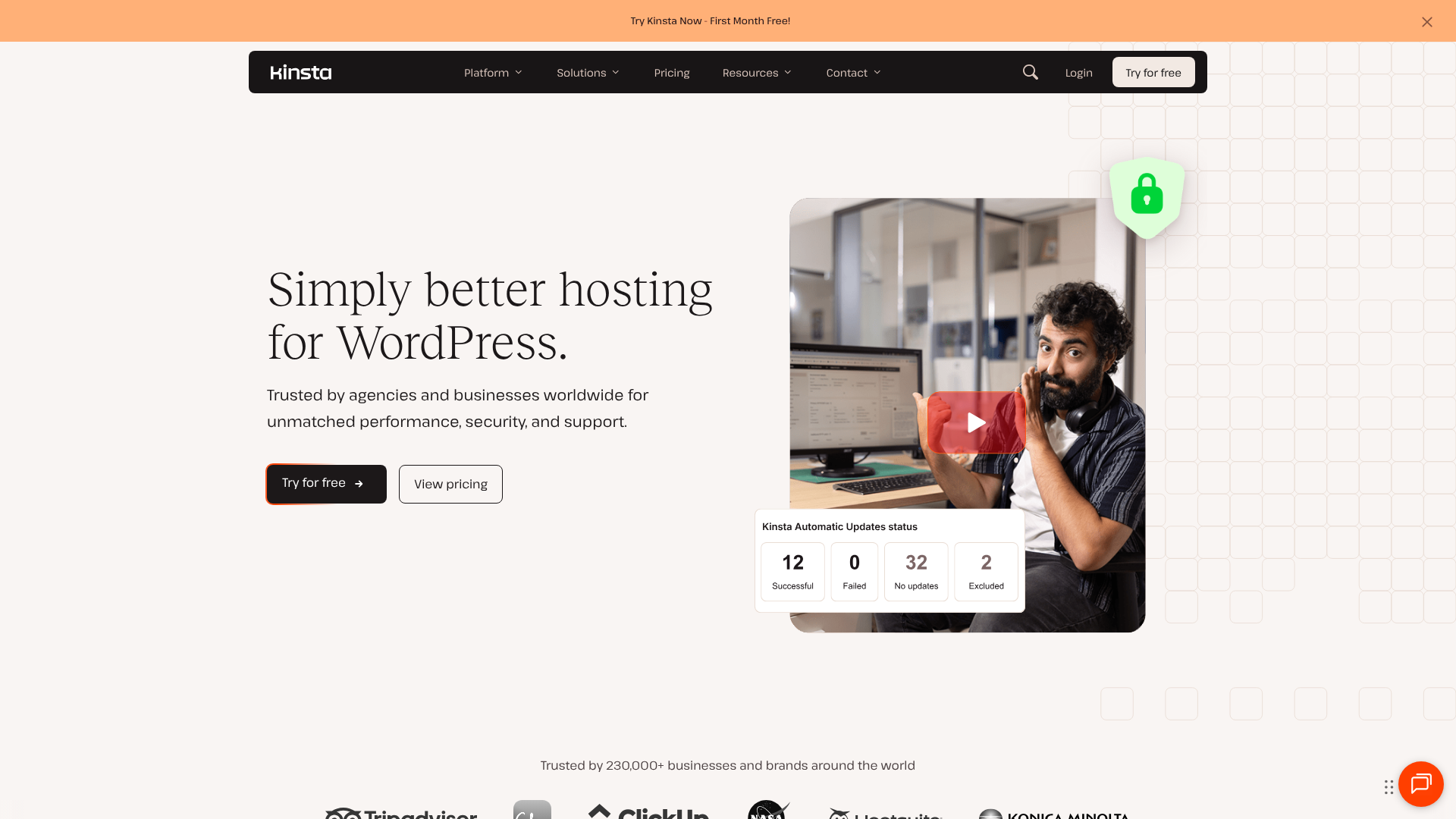
The company's philosophy centres on making high-performance technology accessible. They achieve this through their custom-built MyKinsta dashboard, which is widely praised for its clean design and ease of use. It allows users to manage everything from backups and caching to performance monitoring without needing deep technical knowledge.
What is WP Engine?
WP Engine is one of the original pioneers in the managed WordPress hosting space, founded in 2010. As a market leader, WP Engine has a long-standing reputation for reliability, security, and providing tools that empower developers and agencies. They host some of the largest and most mission-critical WordPress sites in the world.
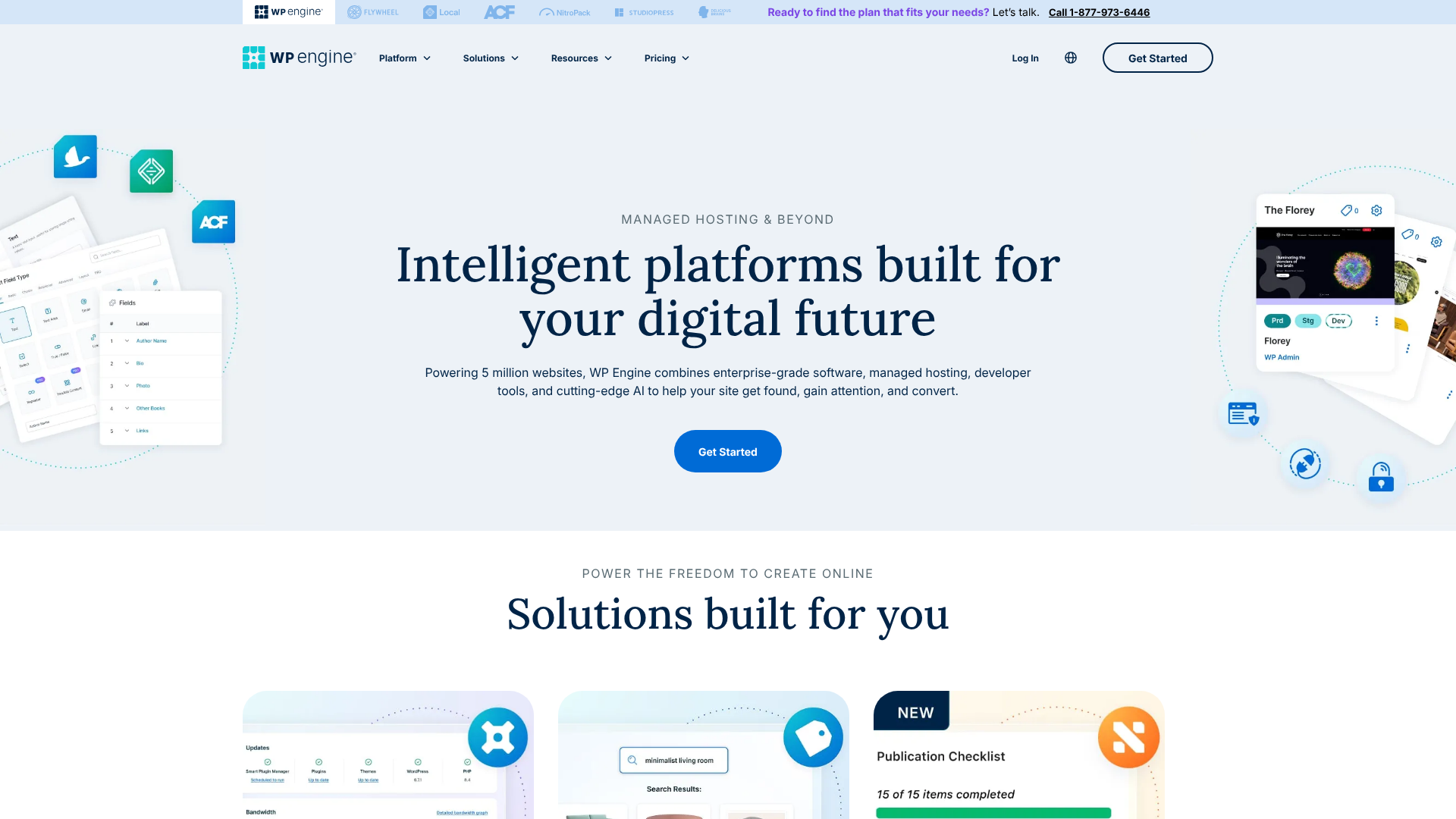
Their platform is built for professionals who demand granular control and scalable solutions. A key feature is their proprietary caching system, EverCache®, which is optimised specifically for WordPress to deliver content quickly. WP Engine's acquisition of StudioPress also means customers get access to the Genesis Framework and a suite of premium themes, a significant perk for those building new sites.
Kinsta vs WP Engine: An At-a-Glance Comparison
To see how these two providers stack up directly, here is a side-by-side comparison of their key features. This table provides a quick overview before we explore each area in more detail.
| Feature | Kinsta | WP Engine |
|---|---|---|
| Primary Infrastructure | Google Cloud Platform (Premium Tier) | Google Cloud Platform & AWS |
| Data Centre Locations | 35+ | ~20 |
| CDN | Free Cloudflare Integration (275+ PoPs) | Free Cloudflare Integration (Cloudflare CDN) |
| Caching | Server-level caching + Edge Caching | Proprietary EverCache® system |
| Staging Environments | 1 Staging Environment (Live + Staging) | Up to 3 Environments (Dev, Stage, Prod) on most plans |
| Free SSL Certificate | Yes, via Let's Encrypt | Yes, via Let's Encrypt |
| Daily Backups | Yes, with 14-30 day retention | Yes, with 40 restore points |
| Security Guarantee | Yes, free hack fix guarantee | Yes, free hack fix guarantee |
| Performance Tool | Kinsta APM (included on all plans) | Site performance monitoring (included) |
| Support Channels | 24/7 Expert Live Chat | 24/7 Expert Live Chat, Phone support on higher plans |
| Entry Price | Visit their website for current pricing | Visit their website for current pricing |
Core Features and Performance Deep Dive
Both platforms are packed with features, but how they implement them affects performance, usability, and workflow. Here, we'll dissect the most important aspects that will impact your day-to-day experience and your site's speed.
Performance and Speed: Who Wins the Race?
Performance is often the primary reason users choose managed hosting, and in the wp engine vs kinsta showdown, both are incredibly fast. However, there are technical differences that can give one an edge.
Kinsta builds its entire platform on Google Cloud Platform's Premium Tier network. This means website data travels through Google's high-speed, low-latency private fibre network, which can result in faster data transfer compared to the standard GCP network. Combined with their server-level caching and free Edge Caching via Cloudflare, Kinsta is engineered for raw speed and consistently performs at the top of independent speed tests.
WP Engine uses a combination of Google Cloud and AWS infrastructure, optimised with their proprietary EverCache® technology. This multi-layered caching system is incredibly effective at serving cached pages to visitors, reducing server load and speeding up delivery. While exceptionally fast, some tests show Kinsta having a marginal lead in Time to First Byte (TTFB) and fully loaded times, partly due to the GCP Premium Tier advantage.
Ultimately, both will deliver a significant speed boost over standard shared hosting. The difference between them is often measured in milliseconds, but for those chasing every possible performance gain, Kinsta's infrastructure gives it a slight advantage.

Infrastructure and Data Centres
Where your website is hosted matters. The closer your server is to your primary audience, the lower the latency and the faster your site will load for them. This is where Kinsta has a clear numerical advantage.
Kinsta offers a choice of over 35 data centres spread across the globe, thanks to its deep integration with GCP. This extensive network makes it an ideal choice for businesses with a geographically diverse audience, allowing you to host your site in a location like Australia, India, or South America just as easily as in North America or Europe.
WP Engine offers around 20 data centre locations. While this is still a very respectable number that covers all major regions, it's not as comprehensive as Kinsta's selection. For most businesses targeting audiences in North America or Europe, WP Engine's options are more than sufficient. However, if your target market is in a region where Kinsta has a data centre and WP Engine doesn't, Kinsta is the logical choice.
User Interface and Ease of Use
A powerful hosting platform is only useful if you can navigate it effectively. Kinsta's MyKinsta dashboard is a standout feature, celebrated for its modern, clean, and intuitive design. It presents complex information like resource usage, performance metrics, and site analytics in an easy-to-digest format. Tasks like creating a staging site, restoring a backup, or clearing the cache can be done in just a few clicks.
WP Engine's User Portal is highly functional and provides access to all its powerful tools, but its design can feel a bit dated and less intuitive compared to MyKinsta. For experienced developers, this is rarely an issue, as they can quickly find what they need. For less technical users or those who appreciate a more streamlined user experience, MyKinsta is often the preferred interface.
Staging Environments and Developer Tools
This is where the choice between kinsta or wpengine becomes clearest for agencies and development teams. A staging environment is a private clone of your live site where you can safely test updates, plugins, and code changes before pushing them to the public.
Kinsta offers a standard and effective two-environment setup: your live production site and one staging environment. This is perfect for most users, allowing for safe testing and one-click deployment to the live site. They also offer a free local development tool, DevKinsta, which simplifies building and testing sites on your own computer.
WP Engine takes this a step further on most of its plans by offering three distinct environments: Development, Staging, and Production (Live). This workflow is a significant advantage for larger teams and complex projects. The 'Development' environment can be used for initial coding and feature building, 'Staging' can be used for client review and quality assurance, and 'Production' is the final live site. This separation provides a more structured and safer development lifecycle, reducing the risk of errors on the live site.
Pro Tip: If you manage a team of developers or work with clients who need to approve changes before they go live, WP Engine's three-environment workflow can dramatically improve your process and prevent costly mistakes. It's a feature that truly sets it apart for professional use cases.
Security and Support: Who Has Your Back?
When you're paying a premium for hosting, you expect iron-clad security and expert support that's available the moment you need it. Both Kinsta and WP Engine excel in this area.
Security Measures Compared
Both platforms take a proactive approach to security. Standard features on both include free Let's Encrypt SSL certificates, daily automatic backups, and robust firewalls. They also both monitor for and block DDoS attacks and brute-force attempts.
Kinsta's security is enhanced by its Cloudflare integration, which includes an enterprise-level firewall and free DDoS protection. Because every site runs in its own isolated container, the risk of cross-site contamination is virtually eliminated.
WP Engine has its own proprietary security layer that is continuously updated to patch vulnerabilities. They also perform regular malware scans and have a list of disallowed plugins that are known to have security or performance issues, preventing users from accidentally installing risky software.
Crucially, both providers offer a free hack-fix guarantee. If your site is ever compromised while on their platform, their teams will repair it for free. This provides immense peace of mind.
Customer Support Experience
This is another area where both companies shine. They don't employ generalist support staff; their teams are made up of WordPress experts who can resolve complex issues quickly.
Kinsta's support is available 24/7 exclusively through live chat. While some users may miss phone support, Kinsta's chat system is incredibly efficient. Response times are typically under two minutes, and the engineers you chat with are highly knowledgeable. The chat interface also allows for easy sharing of screenshots and links, which can speed up troubleshooting.
WP Engine also offers 24/7 expert live chat support on all plans. For customers on higher-tier plans (Startup and above), they also provide 24/7 phone support. This can be a deciding factor for users who prefer to talk through complex problems over the phone. Both companies consistently receive high marks for the quality and expertise of their support teams.
Pricing and Plans: A Cost-Benefit Analysis

Neither Kinsta nor WP Engine is a budget host. They are premium services, and their pricing reflects the advanced technology and expert support they provide. Their pricing models are similar, based primarily on the number of websites, monthly visits, and storage.
Kinsta's Pricing Structure
Kinsta's plans start at a premium price point for a single WordPress install. All plans include the same core features: free CDN, free migrations, daily backups, and access to all 35+ data centres. A key benefit is that their Kinsta APM tool for performance monitoring is included for free on all plans.
Their pricing scales up based on the number of sites, visits, and storage. Overage charges apply if you exceed your plan's monthly visit limits. You should visit their official website for the most up-to-date pricing information as it can change.
WP Engine's Pricing Structure
WP Engine's entry-level plan is similarly priced to Kinsta's. A major value-add is that all WP Engine plans include the Genesis Framework and over 35 premium StudioPress themes, which could easily cost hundreds of pounds if purchased separately. This is a huge benefit for anyone building new sites.
Like Kinsta, plans scale based on sites, visits, and storage, with overage fees for exceeding limits. Some advanced features, like the three-environment workflow, may only be available on higher-tier plans. For the latest pricing details, it's best to check their website directly.
Which Offers Better Value?
Value is subjective and depends on your needs. If you need the Genesis themes, WP Engine offers incredible value right out of the box. If you're a developer who will benefit from the advanced staging environments, the extra cost of a higher WP Engine plan is easily justified.
On the other hand, if you want access to all features, including performance monitoring, on an entry-level plan and need the widest choice of data centres, Kinsta may offer better value for your specific situation. The key is to evaluate which platform's unique features align best with your project's requirements.
The Pros and Cons: A Head-to-Head Breakdown
To simplify your decision, here’s a direct summary of the strengths and weaknesses of each platform.
Kinsta: The Good and The Bad
Pros
Exceptional Performance: Often leads in speed tests due to GCP's Premium Tier network and Edge Caching. – Modern, Intuitive Dashboard: The MyKinsta portal is a joy to use and simplifies site management. – Extensive Data Centre Network: With 35+ locations, you can host your site closer to any global audience. – All Features on All Plans: Core features like the Kinsta APM tool are not restricted to higher tiers.
Excellent Support: Fast, expert 24/7 support via live chat.
Cons
- No Phone Support: Support is limited to live chat, which may not suit everyone.
- Potentially High Overage Fees: Exceeding traffic limits can become costly if not monitored.
- Standard Staging Only: The two-environment workflow is sufficient for most but lacks the granularity of WP Engine's setup.
WP Engine: The Good and The Bad
Pros
Advanced Developer Workflow: The three-environment setup (Dev/Stage/Prod) is a major advantage for professional teams. – Included Premium Themes: Access to the Genesis Framework and 35+ StudioPress themes is a huge value-add. – Excellent Scalability: Proven platform for handling high-traffic, enterprise-level websites. – Phone Support Available: Higher-tier plans include 24/7 phone support for urgent issues.
Industry Pioneer: A long and trusted track record in the managed WordPress space.
Cons
- Dashboard Can Feel Dated: The User Portal is powerful but less intuitive than MyKinsta.
- Some Features Gated: Key features may require upgrading to a more expensive plan.
- Fewer Data Centres: While still a good selection, it's not as extensive as Kinsta's network.
How to Choose: Kinsta or WP Engine for Your Project?
There is no single 'best' host; the right choice depends entirely on your priorities, technical skills, and project requirements.
Choose Kinsta if…
- Your top priority is raw, out-of-the-box speed. Kinsta's infrastructure is fine-tuned for maximum performance.
- You value a modern, clean, and intuitive user interface. The MyKinsta dashboard makes managing your site simple.
- You have a global audience and need a wide selection of data centres. Kinsta's 35+ locations provide unparalleled global coverage.
- You are a small business owner or solopreneur who wants powerful hosting without a steep learning curve.
Choose WP Engine if…
- You are an agency or part of a development team. The Dev/Stage/Prod workflow is invaluable for professional collaboration and quality assurance.
- You plan to build new sites and can use the included Genesis Framework and premium themes. This adds significant value and can save you money.
- You manage a high-traffic, mission-critical enterprise website and need a platform with a proven track record of scalability and reliability.
- You prefer having the option of phone support for resolving critical issues.
Frequently Asked Questions (FAQ)
Is Kinsta a good host?
Yes, Kinsta is widely regarded as one of the best managed WordPress hosting providers available. It is known for its exceptional speed, which is powered by the Google Cloud Platform's premium network, a user-friendly dashboard, and expert 24/7 customer support. It's an excellent choice for anyone who prioritises performance and ease of use.
Is WP Engine worth it?
For serious businesses, developers, and agencies, WP Engine is absolutely worth the investment. The cost covers not just hosting but also a suite of powerful developer tools, top-tier security, expert support, and performance optimisations that can save significant time and prevent issues. The inclusion of premium themes and the Genesis Framework alone can justify the price for many users.
Who are WP Engine competitors?
WP Engine's main competitors in the premium managed WordPress hosting space include Kinsta, Flywheel (which is owned by WP Engine but has a different focus), Pressable, and Pagely. Each offers a similar level of performance and support but with different feature sets, user interfaces, and pricing structures.
Why is managed WordPress hosting so expensive?
Managed WordPress hosting is more expensive than shared hosting because it's a completely different service. The price includes server resources dedicated to performance (not shared with hundreds of other sites), a sophisticated software stack optimised for WordPress, advanced security features, automatic updates and backups, and access to a support team of WordPress experts, not generalists. You're paying for performance, security, and peace of mind.
What's better than Kinsta?
'Better' is subjective. For some users, WP Engine is better due to its advanced developer workflows. For others, a platform like Pagely might be better if they need enterprise-level solutions powered by AWS. There isn't a universally 'better' host than Kinsta, only hosts that might be a better fit for a specific set of needs, such as more granular developer tools or a different underlying infrastructure.
Why is the WP Engine so expensive?
WP Engine's price reflects its position as a premium, full-service platform. The cost covers their proprietary EverCache® technology, advanced security monitoring, the three-environment staging system, 24/7 expert support, and the significant value of the included Genesis Framework and premium themes. It's priced for professionals and businesses who see hosting as a critical infrastructure investment, not just a commodity.
Final Verdict: Kinsta vs WP Engine
The competition between Kinsta and WP Engine is a battle between two of the best in the business. Both will provide a fast, secure, and reliable home for your WordPress site. The decision doesn't come down to which one is good and which one is bad, but which one is the right tool for your specific job.
Kinsta is the sleek, modern speedster. It's built for users who demand the absolute best performance and a simple, elegant management experience. If your goal is to make your site as fast as possible with minimal fuss, Kinsta is an outstanding choice.
WP Engine is the established, powerful workhorse for professionals. It provides an unmatched toolset for developers and agencies who need a structured, safe, and scalable environment for building and managing complex websites. If your workflow involves teams, client approvals, and continuous development, WP Engine provides the features you need to succeed.
Evaluate your priorities. If it's pure speed and usability, lean towards Kinsta. If it's developer tools and a professional workflow, WP Engine is likely your answer. Either way, you'll be choosing a platform that represents the best of what managed WordPress hosting has to offer.