
Kinsta vs WP Engine (2026): Which Is Best for Your WordPress Site?
Choosing a managed WordPress host is a critical decision for any serious business, agency, or publisher. When you reach a certain scale, shared hosting no longer cuts it. You need speed, security, and expert support. In this premium space, two names consistently dominate the conversation.
- Quick Summary
- Kinsta vs WP Engine: At a Glance
- An Introduction to the Titans: Kinsta and WP Engine
- Performance and Speed: Who Wins the Race?
- Kinsta vs WP Engine: A Look at Pricing and Value
- Customer Support: Who's There When You Need Them?
- Security: Fortifying Your WordPress Site
- User Experience and Dashboards
- Who Should Choose Kinsta? And Who is WP Engine For?
- Frequently Asked Questions (FAQ)
- Is Kinsta worth it?
- Can WP Engine handle high traffic?
- What is the difference between Kinsta vs WordPress hosting on a shared server?
- Who owns WP Engine?
- Final Verdict: Which Is Better for Your Needs?
This detailed comparison of Kinsta vs WP Engine breaks down everything you need to know about these two hosting powerhouses to help you make the right choice for your website's future.
Both platforms offer a specialised, high-performance environment built exclusively for WordPress. They take care of the technical heavy lifting—updates, security, backups, and caching—so you can focus on growing your business. But while they share a common goal, their approach, infrastructure, and feature sets have key differences that can significantly impact your site's performance and your daily workflow.
This guide will move beyond the marketing claims. We'll analyse their core infrastructure, compare real-world performance metrics, dissect their pricing structures, evaluate customer support quality, and identify the ideal user for each service. By the end, you'll have a clear understanding of which host aligns best with your specific needs, technical expertise, and budget.
Quick Summary
- Performance Winner: Kinsta generally has a slight edge in raw performance. It uses Google Cloud Platform's fastest C2 and C3D machines across all plans and has more data centre locations, which can lead to lower latency for a global audience.
- Developer Tools: Kinsta often appeals more to developers with its free, integrated Application Performance Monitoring (APM) tool and the user-friendly DevKinsta for local development. WP Engine also offers a local dev tool but Kinsta's is often praised for its simplicity.
- Support Options: Both offer excellent 24/7 expert chat support. However, WP Engine provides 24/7 phone support on its higher-tier plans, a crucial feature for enterprises or users who prefer voice communication for complex issues.
- Pricing Structure: Kinsta's pricing is based on monthly visits, making it straightforward to understand. WP Engine's plans are also based on visits but can have more complexity with bandwidth limits and add-on costs, though they include valuable extras like the Genesis Framework.
- Best for Agencies & Developers: Kinsta is often the preferred choice for agencies and developers who prioritise cutting-edge speed, a modern dashboard, and powerful, free-to-use development tools.
- Best for Enterprises & Content Creators: WP Engine is a fantastic choice for large businesses, enterprises, and content-heavy sites that value stability, a proven track record, and access to phone support and the premium Genesis theme ecosystem.
Kinsta vs WP Engine: At a Glance
Before we dive deep, here’s a high-level look at how these two managed WordPress hosts stack up against each other.
| Feature | Kinsta | WP Engine |
|---|---|---|
| Infrastructure | Google Cloud Platform (C2 & C3D VMs) | Google Cloud Platform & AWS |
| CDN | Cloudflare Integration (Free) | Cloudflare Integration (Free) |
| Data Centres | 37+ Global Locations | 20+ Global Locations |
| Performance Tools | Kinsta APM (Free on all plans) | New Relic (Paid Add-on) |
| Local Development | DevKinsta (Free) | Local (Free) |
| Support Channels | 24/7 Live Chat | 24/7 Live Chat, 24/7 Phone (Higher Plans) |
| Security | Enterprise-level Firewall, DDoS Protection, Hack-Fix Guarantee | Managed WAF, DDoS Mitigation, Hack-Fix Guarantee |
| Staging Environments | 1-Click Staging (Free) | 1-Click Staging, Dev, Prod Environments |
| Pricing Model | Based on Visits, PHP Workers | Based on Visits, Storage, Bandwidth |
| Unique Extras | Self-healing PHP, Automatic MySQL DB Optimisation | Genesis Framework & Themes, Smart Plugin Manager |
An Introduction to the Titans: Kinsta and WP Engine
To understand the nuances of this kinsta vs wp engine debate, it helps to know where each company comes from. Their origins and philosophies shape the products they offer today.
What is Kinsta?
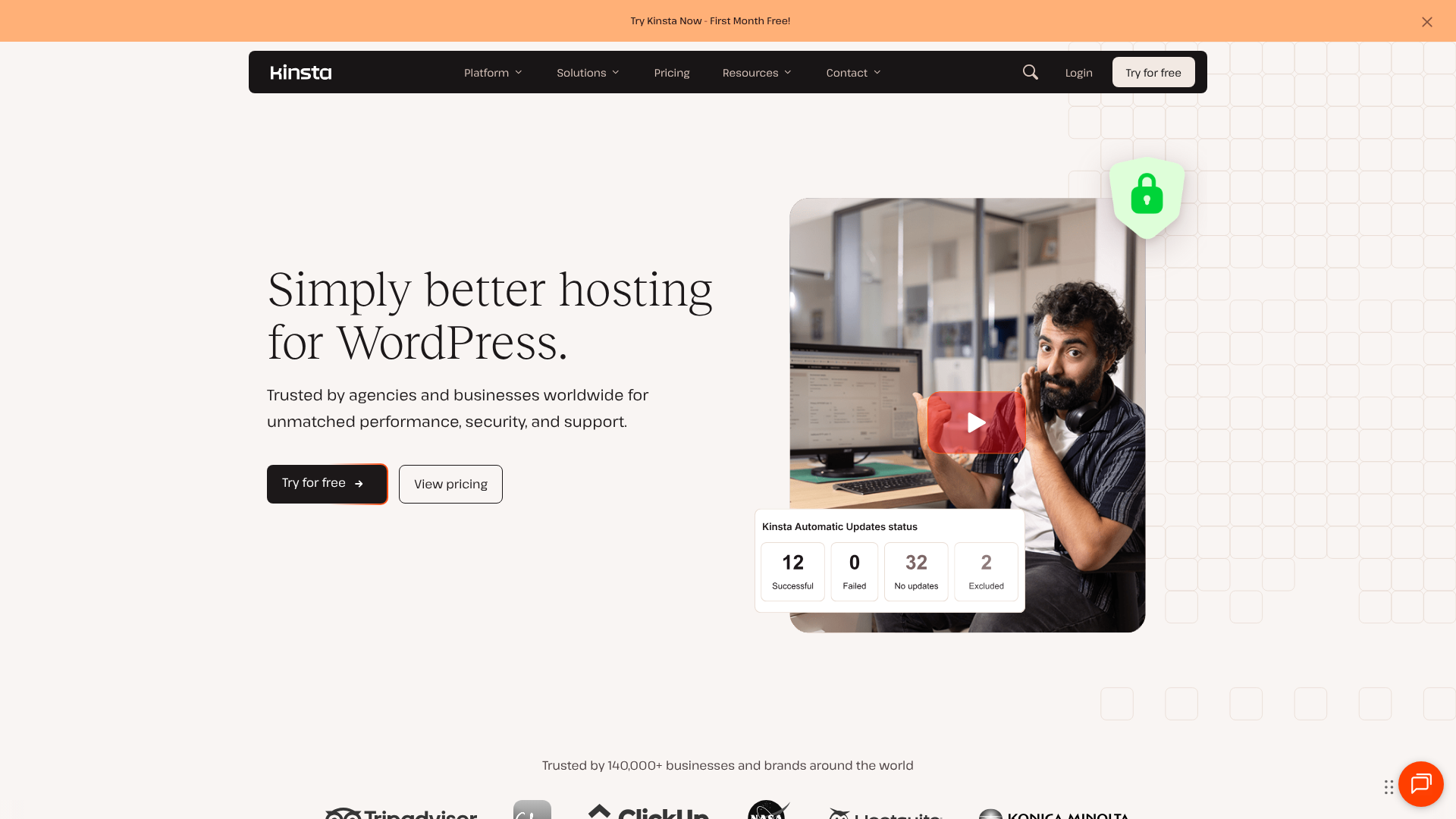
Founded in 2013, Kinsta is a relatively newer player but has rapidly built a reputation for being obsessed with performance. The founders, a group of WordPress experts, were unhappy with the existing hosting solutions and decided to build their own. Their core philosophy is to use the best possible technology to deliver the fastest and most reliable WordPress hosting experience.
Kinsta's entire infrastructure is built exclusively on the Google Cloud Platform (GCP), and they were one of the first managed hosts to do so. They don't just use any GCP servers; they specifically provision the C2 and C3D compute-optimised virtual machines, which are among the fastest servers Google offers. This commitment to top-tier hardware is a key reason why Kinsta often excels in speed benchmarks.
Their target audience includes everyone from small businesses and bloggers to large agencies and Fortune 500 companies. However, they have a particularly strong following among developers and tech-savvy users who appreciate their modern, feature-rich dashboard (MyKinsta) and powerful tools like the free Kinsta APM.
What is WP Engine?
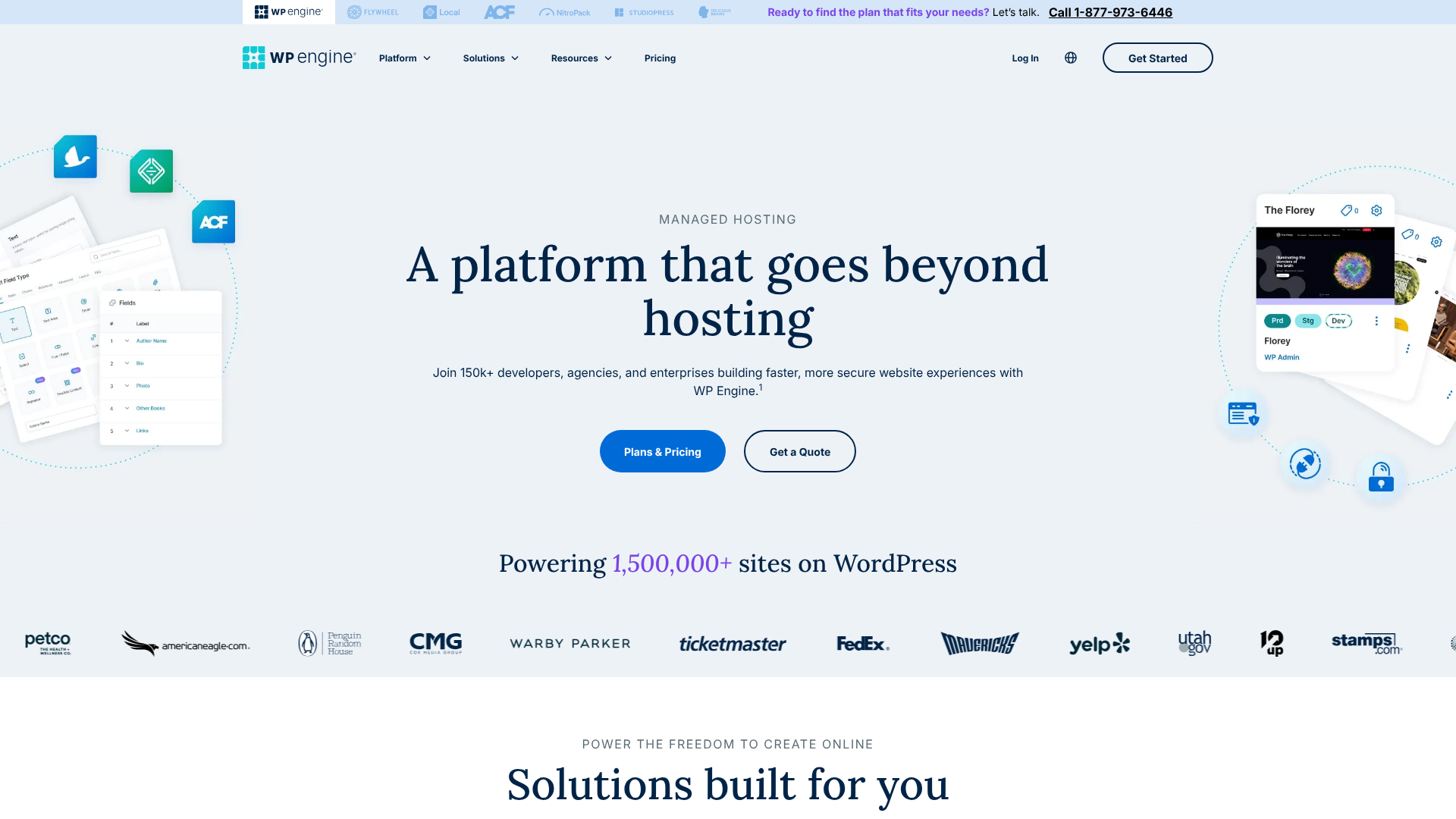
WP Engine is one of the pioneers of the managed WordPress hosting industry, founded back in 2010. They essentially created the market for premium, WordPress-specific hosting and have a long-standing reputation for stability, security, and expert support. Their goal has always been to provide a rock-solid platform that empowers creators and businesses to build remarkable things with WordPress.
While Kinsta is GCP-exclusive, WP Engine uses a combination of Google Cloud Platform and Amazon Web Services (AWS), giving them flexibility in their infrastructure. Over the years, WP Engine has grown significantly, acquiring several well-known WordPress brands, most notably StudioPress, the company behind the popular Genesis Framework and its ecosystem of premium themes.
WP Engine caters to a broad market, but they have a strong foothold in the enterprise space, serving large brands like AMD, Under Armour, and Thomson Reuters. Their platform is built for scalability and security, and their inclusion of the Genesis Framework makes them particularly attractive to designers and developers who build sites for clients.
Performance and Speed: Who Wins the Race?
For most users, performance is the number one reason to choose a managed host. A faster website leads to better user experience, higher conversion rates, and improved SEO rankings. Both Kinsta and WP Engine are built for speed, but they achieve it in slightly different ways.
Infrastructure and Hardware
This is where the biggest difference lies. Kinsta exclusively uses Google Cloud Platform's premium-tier network and their fastest C2 (Compute-Optimised) and C3D virtual machines for all clients, regardless of their plan. This ensures that every single site on their platform benefits from top-of-the-line processing power. This focus on a single, high-end infrastructure simplifies their stack and guarantees a consistent level of performance.
WP Engine also uses top-tier cloud providers, primarily GCP and AWS. This multi-cloud approach gives them flexibility, but the specific hardware your site runs on can vary. While they certainly use high-performance servers, Kinsta's guarantee of C2/C3D machines for everyone is a powerful selling point for those who want to ensure they have the absolute best hardware.
Data Centre Locations
Having a data centre close to your primary audience is crucial for reducing latency (the time it takes for data to travel from the server to the user). Here, Kinsta has a clear advantage. They offer over 37 data centre locations across Google's global network. WP Engine offers over 20 locations.
While 20+ is still an excellent number, Kinsta's wider selection means you're more likely to find a server location that is geographically closer to your users, especially if your audience is in less common regions.
Caching and CDN
Both hosts have sophisticated, multi-layered caching systems built-in, which is a core part of managed hosting. You don't need to install third-party caching plugins like W3 Total Cache or WP Rocket. Their server-level caching is far more efficient.
- Kinsta: Implements four types of caching: bytecode, object, page, and CDN caching. Their server-level page caching is particularly aggressive and effective. They also offer an early hints feature, a modern web standard that can help speed up page loads.
- WP Engine: Features their proprietary EverCache® system, which is designed to handle massive traffic spikes and serve cached pages with incredible speed. It's a proven and highly effective system.
For the Content Delivery Network (CDN), both companies have integrated Cloudflare into their platforms at no extra cost. A CDN stores copies of your site's static assets (images, CSS, JavaScript) on servers around the world, serving them from the location nearest to the visitor. This dramatically speeds up global load times. Both integrations are seamless and include features like DDoS protection and a web application firewall (WAF).
Kinsta vs WP Engine: A Look at Pricing and Value
Pricing for managed WordPress hosting is a significant step up from shared hosting, so understanding what you get for your money is vital. Both Kinsta and WP Engine structure their plans in tiers, but the metrics they use differ slightly.
Kinsta's Pricing Structure
Kinsta's plans start from around $35/month for a single site and scale up to enterprise-level plans costing thousands. The primary metric they use to differentiate plans is monthly visits. Each plan also comes with specific allocations for SSD storage, free migrations, and PHP workers (which determine how many simultaneous uncached requests your site can handle).
Pros of Kinsta's Pricing:
Simplicity: The visit-based model is easy to understand. If your traffic grows, you move to the next plan. * No Bandwidth Limits: Kinsta doesn't charge for bandwidth, which simplifies things. Overage charges are based on visits, which are clearly defined.
All Features on All Plans: Core features like the Kinsta APM, Google C2 servers, and all 37+ data centres are available on every plan, even the cheapest one.
Cons of Kinsta's Pricing:
- Visit Overages: If you exceed your plan's visit limit, overage charges apply ($1 per 1,000 extra visits). This can be unpredictable if you have a sudden traffic spike.
WP Engine's Pricing Structure
WP Engine's plans also start at a similar price point, around $30/month. Their plans are defined by monthly visits, storage, and bandwidth. This makes their plans a little more complex, as you need to monitor three key metrics instead of just one.
Pros of WP Engine's Pricing:
- Value-Adds: Higher-tier plans include valuable extras like the Genesis Framework and premium themes (worth hundreds of dollars), and the Smart Plugin Manager.
- Annual Discount: They often offer a significant discount if you pay annually (e.g., 2-4 months free), which can provide great savings.
- Custom Plans: For very large sites, their custom enterprise plans are highly regarded and tailored to specific needs.
Cons of WP Engine's Pricing:
- Complexity: Tracking visits, storage, and bandwidth can be more challenging. Overage charges can apply to any of these three metrics.
- Add-on Costs: Some features, like advanced performance monitoring (New Relic), may come at an additional cost.
For the latest and most accurate pricing, it's always best to visit their official websites.
Customer Support: Who's There When You Need Them?
When you're paying a premium for hosting, you expect premium support. This is an area where both Kinsta and WP Engine excel, but they have different approaches.
Both companies staff their support teams with WordPress experts. You're not talking to a generalist who reads from a script; you're communicating with someone who understands the intricacies of WordPress, plugins, themes, and server configurations. This level of expertise is a core part of the value proposition for any managed host.
Kinsta's Support Model
Kinsta offers 24/7/365 support exclusively through a live chat system integrated into their MyKinsta dashboard. They do not offer phone support. While this might be a drawback for some, their chat support is widely praised for its speed and quality. Their average response time is under two minutes.
Their support engineers are tiered, but every customer gets access to the same pool of experts. There are no 'Level 1' or 'Level 2' support agents you have to get through first. The person who answers your chat is a qualified engineer capable of solving complex problems. They also maintain an extensive knowledge base and blog with detailed tutorials and guides.
WP Engine's Support Model
WP Engine also offers 24/7/365 live chat support with WordPress experts, which is available on all plans. Their key differentiator is the availability of 24/7 phone support on their Professional, Growth, Scale, and Custom plans. For businesses that prefer to talk through complex issues over the phone, this is a major advantage.
Like Kinsta, WP Engine has a comprehensive support centre filled with helpful articles. Their support team is known for being proactive and knowledgeable. The ability to escalate an issue to a phone call provides an extra layer of reassurance for many users, particularly those in enterprise environments where downtime can have severe financial consequences.
Pro Tip: When evaluating support, consider your own preferences. If you are comfortable and efficient with text-based chat, Kinsta's model is excellent. If you value the option to speak to a human, especially during a crisis, WP Engine's phone support on higher plans is a compelling feature.
Security: Fortifying Your WordPress Site

Security is non-negotiable. A breach can destroy your reputation and business. Both Kinsta and WP Engine take security extremely seriously and offer a suite of features designed to protect your site from threats.
Both platforms include essential security measures as standard:
Free SSL Certificates: Easy, one-click installation of Let's Encrypt SSL certificates to enable HTTPS. * Web Application Firewall (WAF): A specialised firewall that identifies and blocks malicious WordPress-specific traffic. * DDoS Mitigation: Systems in place to detect and absorb large-scale denial-of-service attacks. * Regular Malware Scanning: Proactive, continuous scanning for malware and vulnerabilities.
Automatic Backups: Daily automated backups are standard, with the option to create manual backups at any time.
The Hack-Fix Guarantee
One of the most valuable security features offered by both hosts is a hack-fix guarantee. If your site is compromised while hosted on their platform, their team will fix it for free. This provides incredible peace of mind and can save you hundreds or even thousands of pounds in cleanup fees that you would otherwise have to pay a third-party security service.
Kinsta's security is bolstered by Google Cloud Platform's robust infrastructure, while WP Engine's proprietary security systems are battle-tested over more than a decade of protecting high-profile websites. In this wp engine comparison, security is a dead heat. Both platforms offer enterprise-grade protection that is far superior to what you'll find on standard shared hosting.
User Experience and Dashboards
A powerful hosting platform is only useful if you can easily manage it. The user dashboard is your mission control for your websites, and a well-designed interface can save you a lot of time and frustration.
The MyKinsta Dashboard
Kinsta's custom-built dashboard, MyKinsta, is widely considered one of the best in the industry. It's clean, modern, and incredibly intuitive. From the main dashboard, you can see all your sites, resource usage (visits, disk space), and access key tools.
Key features of MyKinsta include:
Site Management: Easily add new sites, manage domains, and access SFTP/SSH details. * One-Click Staging: Create a safe copy of your live site to test updates, plugins, or code changes. Pushing changes from staging to live is just as easy. * Analytics and Monitoring: Detailed analytics on resource usage, performance metrics, and access to the Kinsta APM tool to diagnose performance bottlenecks.
Developer Tools: Tools to clear cache, restart PHP, manage redirects, and block IP addresses are all readily accessible.
The WP Engine User Portal
WP Engine's user portal is also a powerful, custom-built tool for managing your hosting environment. It provides access to all the essential features you'd expect, including site management, backups, and user permissions.
One of WP Engine's unique features is its three-environment system: Development, Staging, and Production. This is a more advanced workflow than Kinsta's single staging environment and is particularly useful for larger teams and agencies following a structured development process. You can easily copy your site between these environments.
While both dashboards are excellent, many users find the MyKinsta interface to be slightly more modern and user-friendly. However, WP Engine's portal is extremely powerful, especially for users who need the multi-environment workflow.
Who Should Choose Kinsta? And Who is WP Engine For?
After comparing features, performance, and support, the choice between Kinsta and WP Engine often comes down to your specific needs and priorities. This isn't a case of one being definitively better than the other; it's about finding the better fit for you.
You Should Choose Kinsta if…
- Maximum Performance is Your Top Priority: If you want the guaranteed speed of Google's C2/C3D servers and the widest choice of data centres, Kinsta has the edge.
- You're a Developer or Agency: The free Kinsta APM tool, DevKinsta, and the sleek MyKinsta dashboard create a workflow that developers and tech-savvy users love.
- You Have a Global Audience: With 37+ data centres, Kinsta makes it easier to serve a geographically diverse audience with low latency.
- You Prefer a Simple Pricing Model: Kinsta's visit-based pricing is straightforward and easy to predict.
You Should Choose WP Engine if…
- You Need Phone Support: For enterprises or individuals who value the ability to speak to a support agent, WP Engine's 24/7 phone support (on higher plans) is a deciding factor.
- You Use the Genesis Framework: The inclusion of the Genesis Framework and premium StudioPress themes provides immense value for designers and developers who build with this ecosystem.
- You Need a Multi-Environment Workflow: The Development, Staging, and Production environments are ideal for larger teams with structured deployment processes.
- You Value a Long-Established Track Record: As a pioneer in the industry, WP Engine has a decade-plus history of providing stable, reliable hosting for some of the world's biggest brands.
Frequently Asked Questions (FAQ)
Is Kinsta worth it?
Yes, for users who need high performance, top-tier security, and expert support, Kinsta is absolutely worth the investment. The speed improvements from their GCP C2/C3D infrastructure and the time saved by their management tools and expert support can provide a significant return on investment through better user experience, higher conversions, and less time spent on technical maintenance.
Can WP Engine handle high traffic?
Absolutely. WP Engine is specifically designed to handle high-traffic websites and sudden traffic spikes. Their proprietary EverCache® system is incredibly efficient at serving cached pages to a large number of simultaneous visitors. They host major publications and enterprise sites that receive millions of visitors per month, so their infrastructure is proven to be scalable and resilient under pressure.
What is the difference between Kinsta vs WordPress hosting on a shared server?
The difference is enormous. Shared hosting places your site on a server with hundreds, sometimes thousands, of other websites, all competing for the same limited resources (CPU, RAM). A kinsta vs wordpress hosting comparison reveals that managed hosts like Kinsta provide a containerised environment where your site has its own dedicated resources, ensuring consistent performance. They also manage all technical aspects like security, backups, caching, and updates, and provide expert WordPress support, which is not available on basic shared hosting.
Who owns WP Engine?
WP Engine is a private company. It was founded by Jason Cohen, Ben Metcalfe, and Cullen Wilson. In 2018, the company received a major investment of $250 million from Silver Lake, a global leader in technology investing, which helped fuel its growth and acquisitions, including StudioPress.
Final Verdict: Which Is Better for Your Needs?
Choosing between Kinsta and WP Engine is a good problem to have. You're selecting between two of the best managed WordPress hosting providers on the market. Both will deliver a significant upgrade in speed, security, and support compared to any standard hosting plan.
The final decision hinges on your specific priorities. Kinsta stands out as the performance leader, with its unwavering commitment to the fastest available hardware on the Google Cloud Platform and a suite of modern tools that delight developers and agencies. Its simple pricing and beautiful dashboard make for a seamless user experience.
On the other hand, WP Engine offers a battle-tested platform with a legacy of reliability and a strong focus on the enterprise market. The inclusion of phone support on higher-tier plans is a critical feature for many businesses, and the value packed into their offering with the Genesis Framework is undeniable. Their three-environment workflow is also a more robust solution for teams with complex development cycles. If stability, a proven track record, and the option for phone support are your top concerns, WP Engine is an exceptional choice.