
The Best Cheap Web Hosting Sites (2026): A Buyer's Guide for Small Budgets
Starting a new website, blog, or online shop is exciting, but the costs can quickly add up. Finding reliable and genuinely cheap web hosting sites is one of the first major hurdles. You need a service that's fast and secure enough to provide a good user experience, but you don't want to break the bank before you've even started. The market is flooded with offers promising hosting for just a couple of pounds per month, but navigating the hidden fees, renewal price hikes, and technical jargon can be a challenge.
- Quick Summary
- What Exactly Are Cheap Web Hosting Sites?
- The Hidden Costs: What "Cheap" Really Means
- Key Features to Look for in Affordable Web Hosting
- 1. Free SSL Certificate
- 2. SSD Storage
- 3. Reliable Uptime (99.9% or Higher)
- 4. Responsive Customer Support
- How to Choose the Right Low-Cost Hosting Service: A 5-Step Checklist
- Top 5 Cheap Web Hosting Sites for 2026 (Ranked & Reviewed)
- 1. Hostinger: Best Overall Value
- 2. Namecheap: Best for Beginners & Domain Management
- 3. Bluehost: Best for WordPress Integration
- 4. HostGator: Best for Scalability
- 5. SiteGround: Best for Performance (with a Catch)
- Budget Web Hosting: A Head-to-Head Comparison
- The Pros and Cons of Using Low-Cost Hosting Services
- FAQ: Your Questions About Cheap Web Hosting Answered
- Can I host a business website on cheap hosting?
- Is free web hosting a good idea?
- How much should I pay for web hosting as a beginner?
- What is the difference between shared hosting and VPS hosting?
- Final Thoughts: Making the Right Choice for Your Budget
This guide cuts through the noise. We'll break down what to look for in affordable web hosting, how to spot the hidden costs, and which providers offer the best balance of price and performance. Whether you're launching a personal project or a small business, this guide will help you make an informed decision without overspending.
Quick Summary
- Look Beyond the Intro Price: Most cheap hosting deals are for the first term only. Always check the renewal rate, as it can be 3-5 times higher than the introductory price.
- Essential Features are Non-Negotiable: Your host must include a free SSL certificate, SSD storage for speed, and have a reliable uptime guarantee of at least 99.9%.
- Shared Hosting is the Standard: Most budget web hosting plans use shared hosting, where your site shares server resources with others. This is fine for new sites but has performance limitations as you grow.
- Best Overall Value: For most users starting out, Hostinger consistently offers an excellent combination of low prices, solid performance, and user-friendly features.
What Exactly Are Cheap Web Hosting Sites?
When you see an advertisement for hosting that costs less than a cup of coffee per month, you're almost always looking at a shared hosting plan. This is the entry-level tier of the web hosting world and the engine that powers the majority of cheap web hosting sites. But what does "shared" actually mean for your website?
Think of a web server as a large apartment building. In a shared hosting environment, your website is one flat amongst many others in that building. All the residents (websites) share the building's core resources: the water supply (CPU power), electricity (RAM), and the main entrance (bandwidth). This model is incredibly cost-effective because the server's maintenance costs are split among hundreds or even thousands of users.
This is why companies can offer such low-cost hosting services. For a new website—a personal blog, a portfolio, or a small business brochure site—this arrangement works perfectly well. You get all the essential resources you need to be online without the high cost of renting the entire building yourself. However, the shared nature has inherent trade-offs.
If one of your neighbours decides to throw a massive party (i.e., their website suddenly gets a huge surge in traffic), it can slow down the building's resources for everyone else. This is known as the "noisy neighbour" effect. While modern hosting providers have systems to mitigate this, it remains a fundamental characteristic of shared hosting.
The Hidden Costs: What "Cheap" Really Means
The most attractive feature of budget web hosting is the low introductory price. Banners flashing prices like £1.99/month are hard to ignore. However, the true cost of a hosting plan is rarely that simple. To make an informed decision, you must look past the promotional price and understand the total cost of ownership over time.
First and foremost is the renewal rate. That super-low price is almost always a temporary discount for your first contract, which typically requires a commitment of 12, 24, or even 48 months upfront. Once that initial term is over, the price automatically renews at the "regular" rate, which can be anywhere from two to five times higher. A plan that started at £2/month could easily jump to £10/month upon renewal, so it's critical to factor this into your long-term budget.
Next are the upsells. During the checkout process, hosting companies often pre-select a variety of add-on services. These can include things like advanced security scans, automated backups, or domain privacy protection. While some of these can be useful, many are not essential for a new site.
Always review your basket carefully and untick any services you don't immediately need. For example, domain privacy is important, but some providers like Namecheap offer it for free, while others charge extra.
Finally, consider the costs of missing features. Some of the cheapest plans might not include automated backups, forcing you to pay for a third-party service or risk losing your data. Others might charge a fee for website migration if you want to move an existing site to their platform. These small costs can accumulate, making a seemingly cheap plan more expensive than a slightly pricier but more inclusive alternative.

Key Features to Look for in Affordable Web Hosting
When you're on a tight budget, it's tempting to just pick the plan with the lowest price tag. However, a few core features are essential for your website's performance, security, and overall success. Overlooking these can lead to a slow, insecure site that ultimately costs you more in lost visitors and frustration.
Here are the non-negotiable features you should look for in any affordable web hosting plan:
1. Free SSL Certificate
An SSL certificate encrypts the data between your website and your visitors' browsers, enabling an HTTPS connection. This is displayed as a padlock icon in the browser's address bar and is a crucial trust signal. Google also uses HTTPS as a ranking factor, and browsers will flag sites without it as "Not Secure". There is no reason to pay for a basic SSL certificate in 2026; reputable hosts provide one for free via Let's Encrypt.
2. SSD Storage
There are two main types of storage drives: traditional Hard Disk Drives (HDD) and modern Solid-State Drives (SSD). SSDs are significantly faster because they have no moving parts, allowing them to read and write data almost instantly. This speed directly translates to a faster-loading website, which is critical for both user experience and SEO. A host offering SSD storage is a must, even in the budget category.
3. Reliable Uptime (99.9% or Higher)
Uptime is the percentage of time your website is online and accessible to visitors. Even a seemingly high number like 99% uptime means your site could be down for over seven hours a month. Look for a provider that guarantees at least 99.9% uptime, which translates to less than 45 minutes of potential downtime per month. Reliable uptime ensures your visitors can always reach your site.
4. Responsive Customer Support
When something goes wrong, you need help quickly. Good customer support is essential, especially for beginners. Look for providers that offer 24/7 support through multiple channels, such as live chat, email, or phone. Before committing, you can even test their pre-sales live chat to see how quickly and helpfully they respond. A host with a comprehensive knowledge base or tutorials is also a huge plus.
Pro Tip: Don't be fooled by the term "unmetered bandwidth". This doesn't mean infinite resources. All shared hosts have a fair use policy, and if your site starts using an excessive amount of server resources, they will ask you to upgrade. For new sites, however, these limits are almost never an issue.
How to Choose the Right Low-Cost Hosting Service: A 5-Step Checklist
With a clear understanding of what to look for, you can now approach the selection process methodically. Follow this simple checklist to find the best budget web hosting plan for your specific needs.
Define Your Website's Needs: What kind of website are you building? A simple blog has different requirements than an e-commerce store. Consider how many visitors you expect initially and whether you'll need specific software like WordPress or Magento. This will help you filter out plans that are too small or don't support the tools you need.
Set Your Long-Term Budget: Don't just look at the monthly price. Calculate the total cost for the initial term (e.g., £2.99/month for 36 months = £107.64) and, most importantly, find out the renewal price. A plan that seems cheap for one year might become unaffordable in year two. Choose a plan whose renewal rate you are comfortable with.
Compare Core Features, Not Gimmicks: Focus on the essentials discussed above: a free SSL certificate, SSD storage, a high uptime guarantee, and good support. Ignore vanity metrics like the number of email accounts or free advertising credits, which are often included to make a plan seem more valuable than it is.
Check for an Easy-to-Use Control Panel: The control panel is your mission control for managing your hosting account. Most hosts use cPanel, a popular and intuitive interface. Some, like Hostinger, have developed their own custom panels (hPanel), which are often designed to be even more beginner-friendly. A good control panel makes tasks like installing WordPress or setting up email accounts simple.
Read Recent, Unbiased User Reviews: While a company's website will highlight its strengths, user reviews can reveal potential weaknesses. Look for reviews from the last 6-12 months on independent platforms like Trustpilot or Reddit. Pay attention to comments about performance, downtime, and the quality of customer support, as these are the areas that impact users most directly.
Top 5 Cheap Web Hosting Sites for 2026 (Ranked & Reviewed)
After analysing dozens of providers, we've narrowed down the list to the top five cheap web hosting sites that deliver the best combination of price, performance, and features for those on a budget.
1. Hostinger: Best Overall Value

Hostinger has built a strong reputation for offering some of the most competitive prices in the industry without making major compromises on quality. Their plans are packed with features that are often considered premium add-ons elsewhere, making them an exceptional choice for beginners and small projects.
Their entry-level plans are incredibly affordable, especially when you commit to a longer term. Even these basic plans come with SSD storage, a free SSL certificate, and managed WordPress features like a one-click installer and performance optimisations. Their custom-built hPanel is clean, modern, and very easy to navigate, which is a significant plus for those new to web hosting.
Pros
- Extremely Low Prices: Some of the cheapest introductory rates available, offering fantastic value.
- Great Performance: Uses modern technology like LiteSpeed web servers and SSD storage for fast loading times.
- User-Friendly hPanel: Their custom control panel is intuitive and perfect for beginners.
Cons
- No Phone Support: Support is primarily via 24/7 live chat and email, which might not suit everyone.
- Prices Increase on Renewal: Like all budget hosts, the low introductory price jumps significantly after the first term.
If you're looking for the most bang for your buck, Hostinger is hard to beat. It's an ideal starting point for most new websites.
2. Namecheap: Best for Beginners & Domain Management
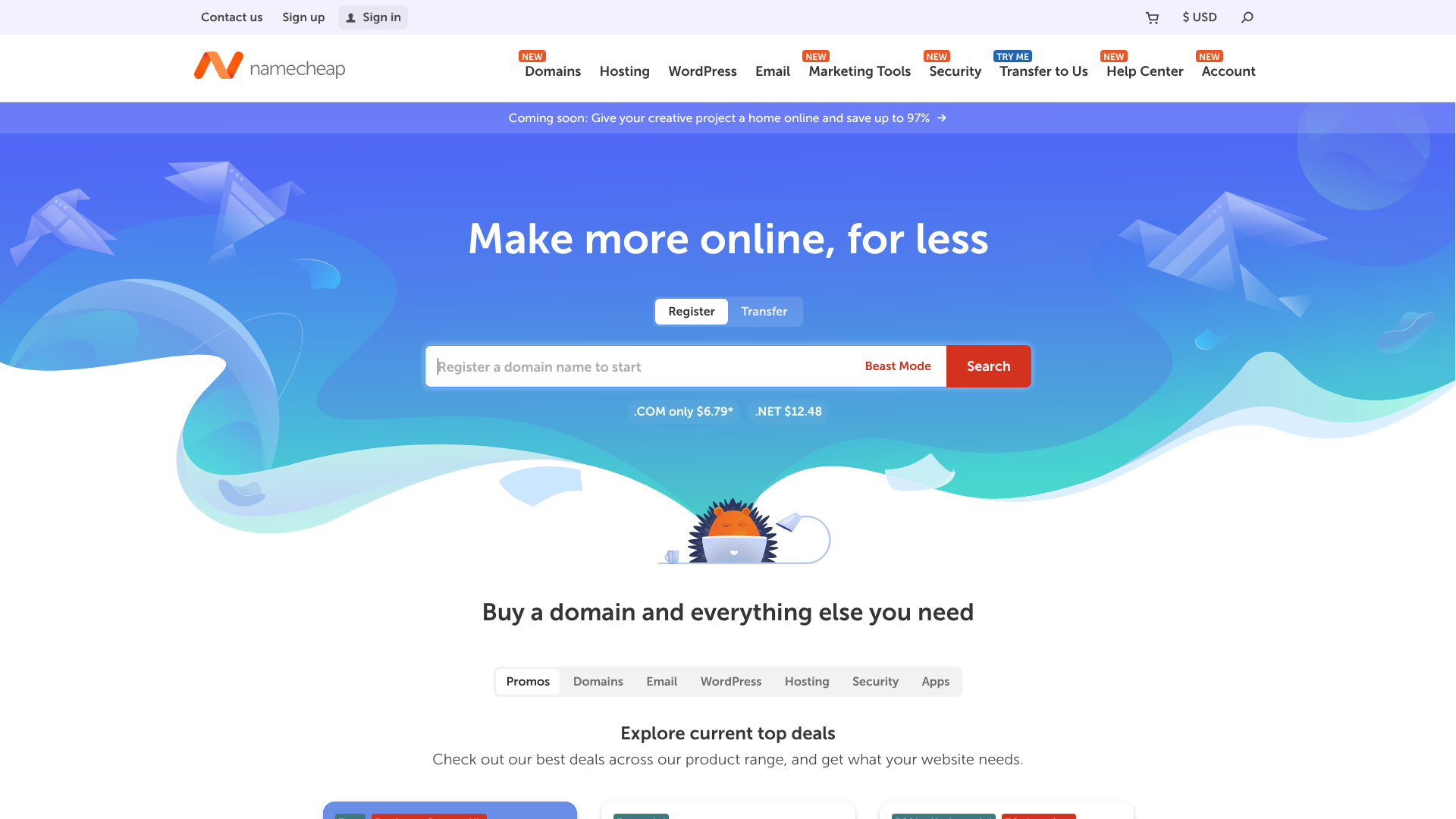
Originally known as a domain registrar, Namecheap has expanded into a full-fledged hosting provider that focuses on affordability and ease of use. Their hosting plans are straightforward and come with everything a beginner needs to get started, including a simple website builder.
One of Namecheap's biggest advantages is its transparent pricing and generous features. They include a free domain name for the first year, free WhoisGuard domain privacy for life (a service others charge for), and unmetered bandwidth on all plans. Their cPanel interface is standard and easy to use, making it simple to manage your site's files and databases.
Pros
- Free Domain Privacy: Offers free WhoisGuard protection for life, which is a great long-term value.
- Easy to Use: Standard cPanel and a simple checkout process with minimal upsells.
- Affordable Domain and Hosting Bundles: A great all-in-one solution for starting a new project.
Cons
- Uptime Can Be Inconsistent: While generally reliable, some users have reported more frequent downtime compared to top competitors.
- Basic Support: Support is helpful but can sometimes be slower to respond during peak times.
For those who want to manage their domain and hosting in one simple, affordable package, Namecheap is an excellent choice.
3. Bluehost: Best for WordPress Integration
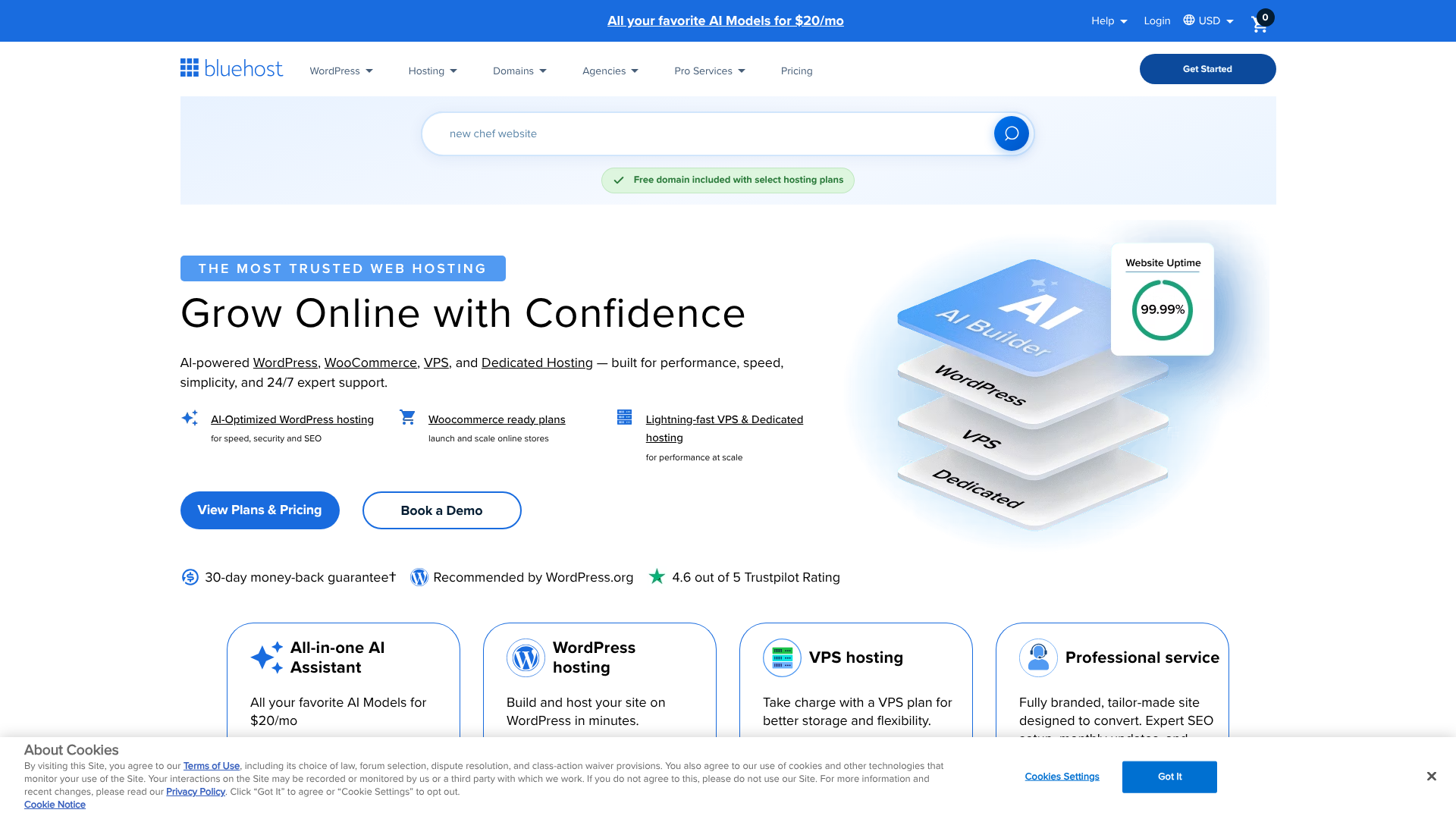
Bluehost is one of the most established names in web hosting and an official recommendation from WordPress.org since 2005. They have tailored their shared hosting plans specifically for WordPress users, offering a seamless setup experience and a custom dashboard that integrates perfectly with the WordPress admin area.
When you sign up, Bluehost automatically installs WordPress for you and provides a guided setup to help you choose a theme and install essential plugins. Their plans include a free domain for the first year, a free SSL certificate, and access to a free CDN (Content Delivery Network) to help speed up your site for global visitors. This focus on WordPress makes it an incredibly popular choice for bloggers and small businesses.
Pros
- Excellent WordPress Integration: Officially recommended by WordPress.org with a streamlined setup process.
- Beginner-Friendly: The custom dashboard and guided setup make it very easy to launch a WordPress site.
- Good Features: Includes a free domain, SSL, and CDN on all shared plans.
Cons
- Higher Renewal Rates: Their renewal prices are on the higher end of the budget hosting market.
- Server Performance: While reliable, performance can sometimes lag compared to hosts like Hostinger or SiteGround.
If your primary goal is to build a WordPress website with minimal fuss, Bluehost offers one of the most straightforward experiences available.
4. HostGator: Best for Scalability
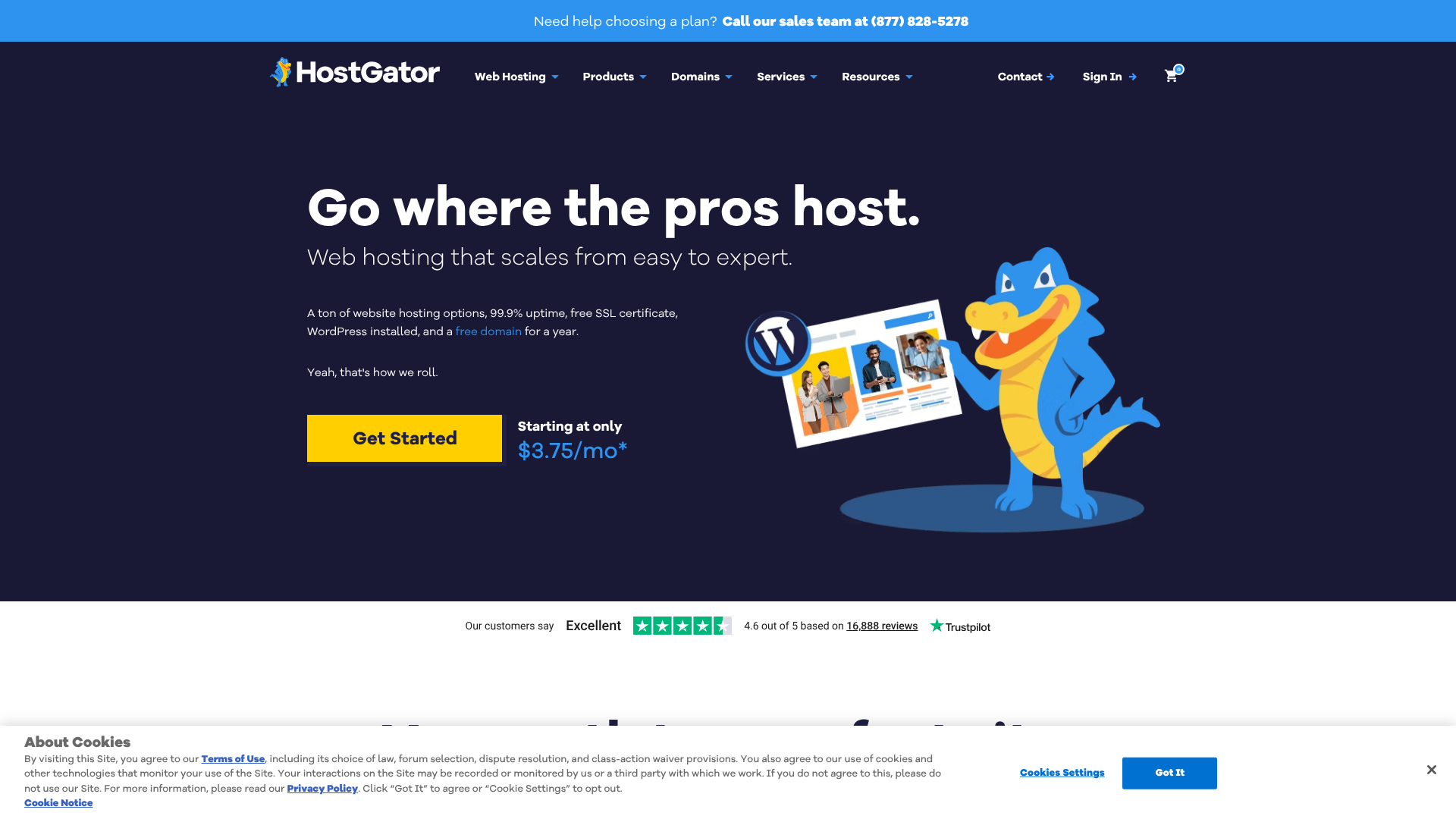
HostGator is another long-standing player in the hosting industry, known for its flexible plans and reliable service. They offer a good balance of features and affordability, with the added benefit of providing a clear upgrade path as your website grows.
Their shared hosting plans are generous, offering unmetered bandwidth and storage, a free domain for the first year, and a free SSL certificate. HostGator also provides a 45-day money-back guarantee, which is longer than the industry standard of 30 days. Their customer support is available 24/7/365 via live chat and phone, making them a solid and dependable option.
Pros
- Flexible and Scalable Plans: Easy to upgrade to VPS or dedicated hosting as your site grows.
- Generous Money-Back Guarantee: The 45-day guarantee provides extra peace of mind.
- Reliable Support: Offers 24/7 phone and live chat support.
Cons
- Traditional Interface: The cPanel interface feels a bit dated compared to more modern custom panels.
- Slower Speeds on Basic Plans: Their cheapest plan can sometimes feel sluggish under load.
For those who anticipate their site growing quickly, HostGator provides a reliable foundation with plenty of room to scale.
5. SiteGround: Best for Performance (with a Catch)

SiteGround often sits at the premium end of the shared hosting market, but their introductory offers make them an affordable option for the first year. They are renowned for their exceptional performance, top-tier security, and outstanding customer support, which is often cited as the best in the business.
Built on the Google Cloud Platform, SiteGround's infrastructure is optimised for speed and reliability. They develop their own performance-enhancing tools, like their SuperCacher technology and SG Optimizer plugin for WordPress. They also include features like daily backups and proactive security monitoring on all plans. The catch.
Their renewal prices are significantly higher than other hosts on this list.
Pros
- Superior Performance and Uptime: One of the fastest and most reliable shared hosts available.
- Excellent Customer Support: Widely regarded as the industry leader in support quality.
- Advanced Security Features: Proactive monitoring and daily backups are included as standard.
Cons
- High Renewal Prices: Their regular rates are much higher than typical budget hosts.
- Lower Storage Limits: Their plans come with less storage space compared to competitors.
If website speed and support are your absolute top priorities and you're willing to pay more after the first year, SiteGround offers a premium experience at a budget-friendly entry price.
Budget Web Hosting: A Head-to-Head Comparison
To help you visualise the differences, here’s a quick comparison of our top recommended cheap web hosting sites. Prices reflect the lowest introductory offers and are subject to change.
| Feature | Hostinger | Namecheap | Bluehost | HostGator | SiteGround |
|---|---|---|---|---|---|
| Intro Price (from) | ~£1.99/mo | ~£1.50/mo | ~£2.30/mo | ~£2.90/mo | ~£2.99/mo |
| Renewal Price | High Increase | Moderate Increase | High Increase | High Increase | Very High Increase |
| Storage | 50 GB SSD | 20 GB SSD | 10 GB SSD | Unmetered | 10 GB SSD |
| Free Domain (1st Year) | Yes (on premium plans) | Yes | Yes | Yes | No |
| Free SSL Certificate | Yes | Yes | Yes | Yes | Yes |
| Control Panel | hPanel (Custom) | cPanel | Custom | cPanel | Site Tools (Custom) |
| Best For | Overall Value | Beginners | WordPress | Scalability | Performance |
The Pros and Cons of Using Low-Cost Hosting Services
While affordable web hosting is the perfect solution for many, it's important to have a balanced perspective. Understanding the inherent advantages and disadvantages will help you set realistic expectations for your service.
Pros of Cheap Web Hosting
- Low Financial Barrier to Entry: The most obvious benefit is the cost. For just a few pounds a month, you can get a fully functional website online, making it accessible to virtually anyone.
- Simplicity and Ease of Use: Budget hosting plans are designed for beginners. They come with intuitive control panels, one-click installers for applications like WordPress, and often include website builders.
- Sufficient for New Websites: For a site that is just starting out with low to moderate traffic, a shared hosting plan provides all the necessary resources to run smoothly.
- Maintenance is Handled for You: The hosting company manages all the technical aspects of the server, including security patches, updates, and hardware maintenance, so you can focus on your content.
Cons of Cheap Web Hosting
- Performance Limitations: Because you are sharing resources, your site's performance can be affected by other websites on the same server. During traffic spikes, your site may slow down.
- Limited Resources and Scalability: Shared plans come with limits on storage, processing power, and memory. If your site grows quickly, you will need to upgrade to a more expensive plan like a VPS.
- Potential Security Risks: While hosts have security measures in place, a security breach on another site on your shared server could potentially impact your site.
- Aggressive Upselling and High Renewals: The business model for many budget hosts relies on upselling additional services and charging high renewal rates after the promotional period ends.
FAQ: Your Questions About Cheap Web Hosting Answered
Here are answers to some of the most common questions people have when looking for low-cost hosting services.
Can I host a business website on cheap hosting?
Yes, you absolutely can, especially when your business is just starting. A good quality shared hosting plan from a provider like Hostinger or SiteGround is more than capable of handling the traffic for a new small business website, a local service provider, or an online portfolio. The key is to choose a reliable provider with high uptime and good support.
As your business and website traffic grow, you can easily upgrade to a more powerful plan, such as a VPS (Virtual Private Server), to handle the increased demand. Starting with an affordable plan allows you to manage costs while you establish your online presence.
Is free web hosting a good idea?
Generally, no. While the idea of free hosting is tempting, it comes with significant drawbacks that make it unsuitable for any serious project. Free hosts often place their own ads on your website, offer very limited resources, have slow performance, and provide little to no customer support.
Furthermore, they often have poor security and may not offer essential features like a free SSL certificate. For the small price of a budget hosting plan, you get a much more professional, reliable, and secure foundation for your website. The minimal monthly cost is a worthwhile investment.
How much should I pay for web hosting as a beginner?
A beginner should expect to pay between £1.50 and £5 per month for their initial hosting contract. This price point typically requires you to pay for one to four years in advance to get the best deal. This is a reasonable investment for a reliable shared hosting plan that includes all the essential features.
Remember to always check the renewal price. A good long-term budget for reliable shared hosting after the introductory period is typically between £7 and £15 per month. Anything significantly cheaper might have hidden compromises, while anything more expensive might be overkill for a new website.
What is the difference between shared hosting and VPS hosting?
Shared hosting, as we've discussed, is like living in a shared flat where you share all the building's resources with other tenants. It's cheap and easy but can be noisy and crowded. VPS (Virtual Private Server) hosting is like owning a condominium or a townhouse in that same building.
With a VPS, you still share the main server (the building), but you have your own dedicated and partitioned resources (your own guaranteed water supply and electricity). Your section is isolated from others, so a traffic spike on another user's site won't affect yours. VPS hosting offers more power, control, and scalability, but it's also more expensive and requires more technical knowledge to manage.
Final Thoughts: Making the Right Choice for Your Budget
Choosing from the vast number of cheap web hosting sites doesn't have to be overwhelming. By focusing on the essential features and understanding the long-term costs, you can find a provider that offers a fantastic service without straining your budget. The key is to look for value, not just the lowest price.
For most people starting out, Hostinger offers an unbeatable combination of price, performance, and user-friendly features. If you're focused on building a WordPress site with maximum ease, Bluehost provides a seamless and guided experience. And if performance is your top priority and you're planning for future growth, the introductory offer from SiteGround is an excellent investment.
Ultimately, the best affordable web hosting is the one that meets your current needs while giving you room to grow. Use this guide as your roadmap, and you'll be well on your way to launching your website on a solid, budget-friendly foundation.