

Bluehost vs WP Engine: The 2026 Verdict for Small Business Owners
Choosing the right web host is one of the most critical decisions you'll make for your website. It directly impacts your site's speed, security, and overall user experience. The debate over Bluehost vs WP Engine often comes down to a choice between an accessible, budget-friendly option and a premium, high-performance platform. Bluehost is widely known as a beginner-friendly host officially recommended by WordPress.org, offering a low-cost entry point for new websites.
- In a Nutshell
- What is Bluehost vs WP Engine? An Introduction
- What is Bluehost? The All-in-One Host for Beginners
- What is WP Engine? The Premium Managed WordPress Platform
- Performance and Speed: A Head-to-Head Test
- Key Features and Tools: A Detailed Comparison
- Security: Who Protects Your Site Better?
- Pricing and Cost Comparison: Bluehost or WP Engine?
- Pros and Cons: The Final Breakdown
- Who Should Choose Bluehost?
- Who Should Choose WP Engine?
- Frequently Asked Questions
- Why is the WP Engine so expensive?
- Is Bluehost better than WordPress?
- Is Bluehost owned by WordPress?
- Which is the fastest hosting for WordPress?
- What is the best hosting provider for WordPress?
- Final Thoughts: Making Your Decision
On the other hand, WP Engine is a specialised, managed WordPress host built for speed, security, and scalability, catering to businesses and developers who can't afford downtime.
This comparison will break down the essential differences between these two hosting giants. We'll look at everything from raw performance and core features to security protocols and pricing structures. By the end, you'll have a clear understanding of which host is the right fit for your specific needs, whether you're launching your first blog or managing a business-critical website.
In a Nutshell
- For Beginners & Budgets: Bluehost is the more affordable and user-friendly option, making it ideal for new bloggers, small businesses, and portfolio websites. It offers a free domain and a guided setup process.
- For Performance & Professionals: WP Engine delivers superior speed, top-tier security, and expert support. It's built for established businesses, e-commerce sites, and developers who need a reliable, high-performance environment.
- Core Difference: The main distinction is between shared hosting (Bluehost's entry plans) and managed WordPress hosting (WP Engine's sole focus). Managed hosting offers a hands-off experience where the host handles technical maintenance, security, and optimisations.
- Pricing: Bluehost offers low introductory pricing that increases upon renewal. WP Engine has a higher, more consistent price point that reflects its premium features and dedicated infrastructure.
What is Bluehost vs WP Engine? An Introduction
Before we compare features side-by-side, it's important to understand the fundamental philosophy behind each company. They serve different segments of the market with very different approaches to web hosting. Understanding this distinction is key to making the right choice.
What is Bluehost? The All-in-One Host for Beginners
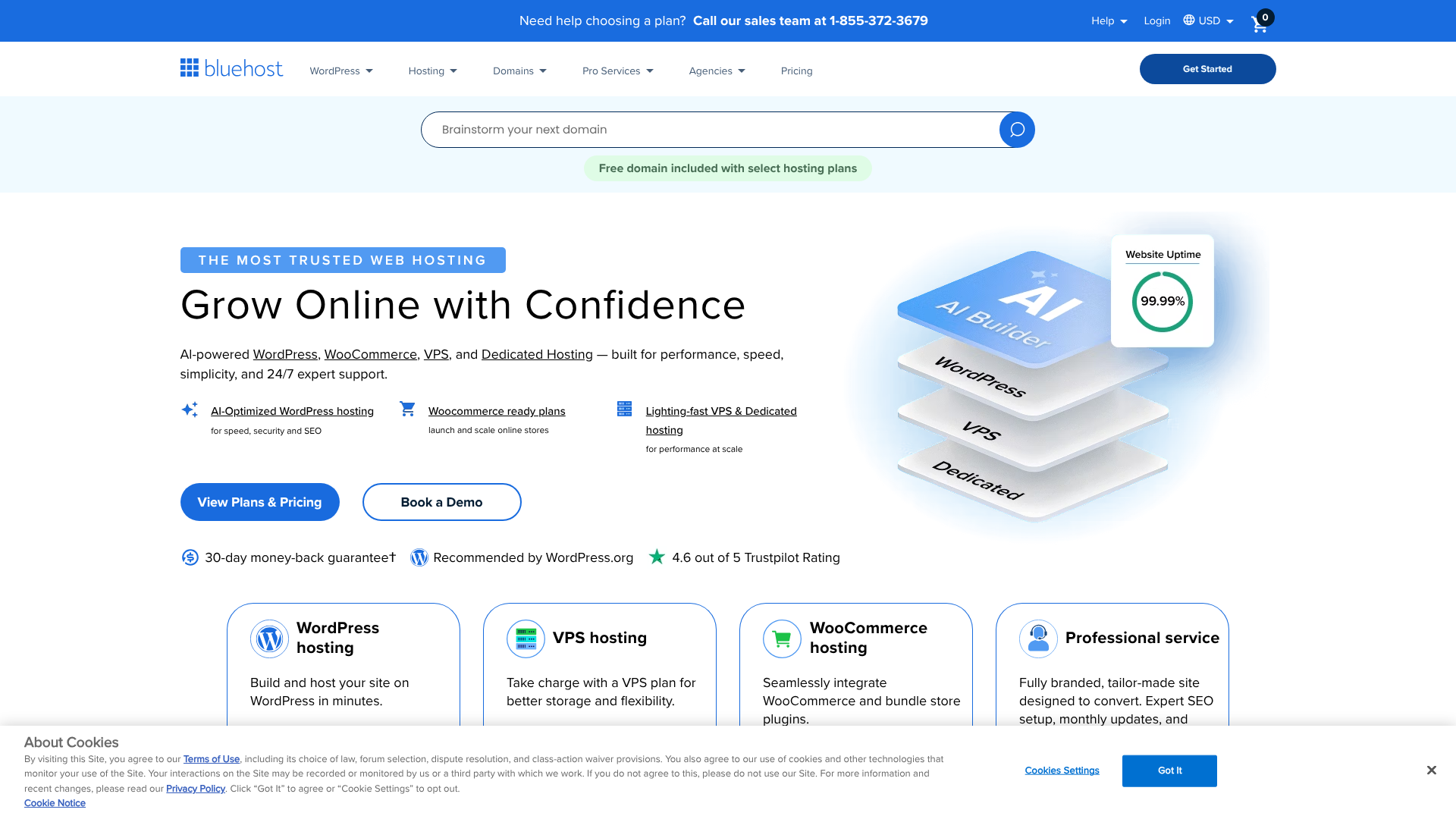
Bluehost is one of the largest and most well-known web hosting companies in the world, founded in 2003. It has built a reputation for being an affordable and accessible entry point into the world of web hosting. It's one of only three hosting providers officially recommended by WordPress.org, a testament to its long-standing relationship with the WordPress community.
The key thing to understand about Bluehost is its versatility. It's not just a WordPress host. Bluehost offers a wide spectrum of hosting services, including shared hosting, Virtual Private Servers (VPS), and dedicated servers. This means they cater to a broad audience, from a student starting a personal blog to a larger business needing a dedicated machine.
For most new users, the journey starts with their shared hosting plans, which are known for their low introductory prices and user-friendly features like a free domain name for the first year.
Bluehost's primary audience is beginners, small business owners, and bloggers who need a reliable, no-fuss solution to get online quickly. Their custom dashboard and integration with the traditional cPanel make website management straightforward, even for those with no technical experience. They provide the essential tools needed to build and grow a website without overwhelming users with complex, developer-focused features.
What is WP Engine? The Premium Managed WordPress Platform
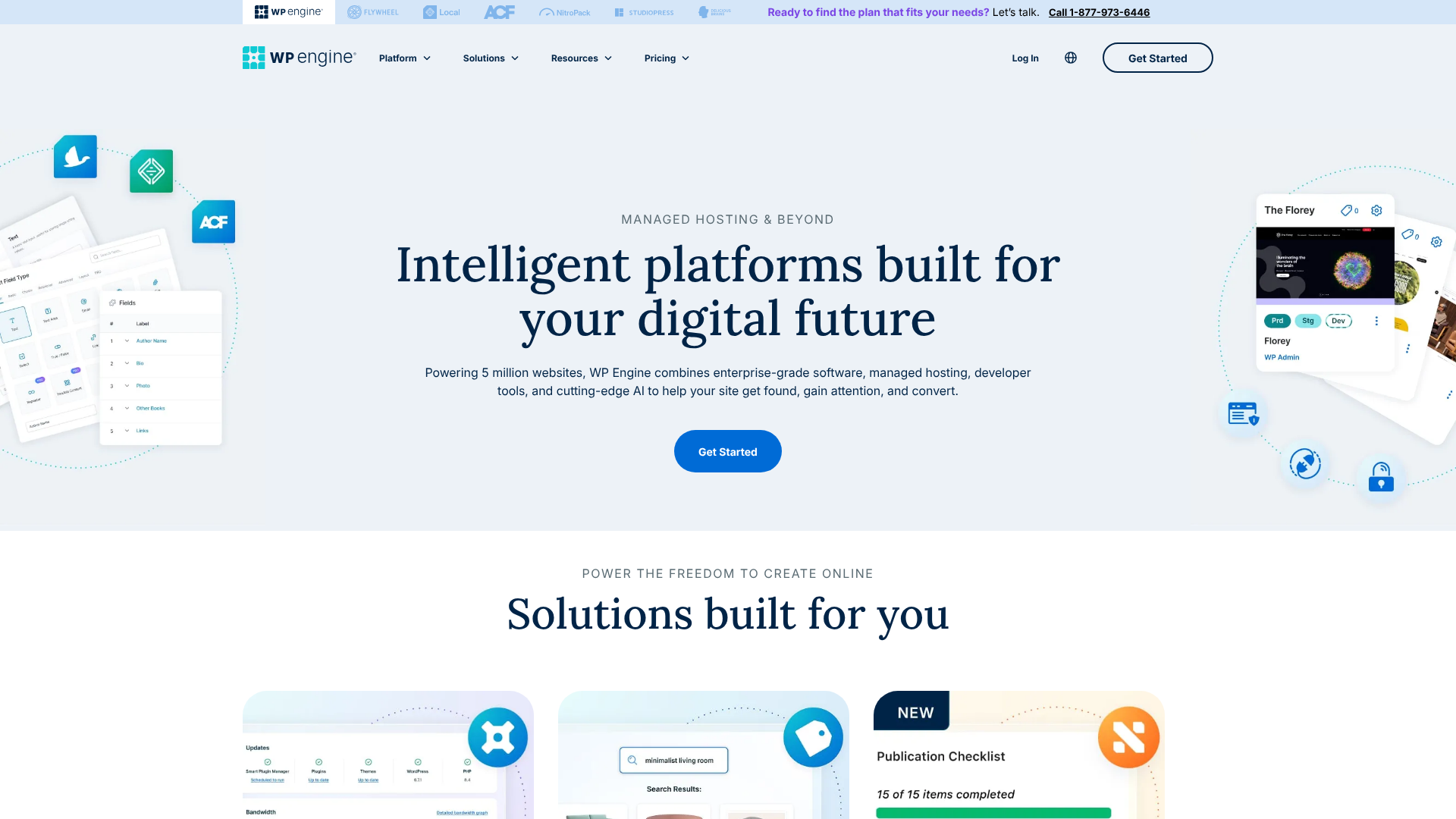
WP Engine, founded in 2010, took a completely different approach. Instead of trying to be everything to everyone, they decided to do one thing exceptionally well: provide best-in-class managed WordPress hosting. They don't offer shared, VPS, or dedicated hosting in the traditional sense. Their entire infrastructure and support system is optimised exclusively for the WordPress platform.
This specialisation makes WP Engine a technology company as much as a hosting company. They are a premium service targeting developers, agencies, established businesses, and high-traffic websites where performance and security are non-negotiable. When you choose WP Engine, you're not just renting server space; you're buying into a fully managed ecosystem. This means WP Engine's team of experts handles all the technical heavy lifting, including WordPress core updates, server-level caching, daily backups, and proactive security monitoring.
Their platform is built on enterprise-grade infrastructure, using partners like Google Cloud Platform and Amazon Web Services to deliver incredible speed and scalability. Features like one-click staging environments, Git integration, and performance monitoring tools are standard, reflecting their focus on professional workflows. The higher price point is a direct reflection of this managed service, advanced technology, and expert support, which provides peace of mind and frees up business owners to focus on their content and customers.
Performance and Speed: A Head-to-Head Test
Website speed is not just a vanity metric; it directly affects user experience, search engine rankings, and conversion rates. A slow website can drive visitors away before your page even loads. This is one of the most significant areas where the difference between Bluehost and WP Engine becomes clear.
WP Engine's Performance Architecture
WP Engine's entire business model is built on delivering superior performance. They achieve this through a multi-layered, highly optimised technology stack. First, they use premium cloud infrastructure from Google Cloud Platform (GCP), which provides access to some of the fastest and most reliable servers in the world. This foundation ensures high availability and low latency.
On top of this, WP Engine has developed its own proprietary caching system called EverCache®. This aggressive caching technology is designed specifically for WordPress and dramatically reduces the server load, allowing pages to be served to visitors almost instantly. Unlike plugin-based caching solutions, EverCache® is built into the server architecture, making it far more efficient. All plans also include a global Content Delivery Network (CDN), which stores copies of your site's assets (like images and scripts) on servers around the world, ensuring fast load times for your international visitors.
This combination of premium hardware, a custom caching layer, and an integrated CDN means WP Engine sites are consistently fast, stable, and capable of handling sudden traffic spikes without slowing down. This is crucial for e-commerce stores during a sale or a blog post that suddenly goes viral.
Bluehost's Performance Features
Bluehost provides solid performance for its price point, particularly for websites with low to moderate traffic. Their shared hosting plans use Solid State Drives (SSDs), which are significantly faster than traditional hard drives. On their higher-tier Pro plans, they offer NVMe SSDs, which provide an even greater speed boost. This ensures that the core file access on the server is quick and efficient.
Bluehost also includes a free CDN service through Cloudflare with all its plans. Users can activate this with a few clicks from their dashboard to help speed up content delivery for a global audience. They also have multiple levels of caching built into their servers, which helps reduce page load times for repeat visitors. While this setup is effective for many websites, it's important to remember that on a shared hosting plan, server resources are shared among many users.
During peak times, or if another site on the same server experiences a traffic surge, your site's performance could be affected.
The Verdict on Speed
When you compare Bluehost WP Engine on speed, WP Engine is the clear winner. Its specialised, optimised environment is engineered for maximum performance under any condition. If your website is your business and every second of load time counts, the investment in WP Engine is easily justified.
However, this doesn't mean Bluehost is slow. For a personal blog, a small business brochure site, or a new project, Bluehost's performance is more than adequate. It provides a good foundation to get started, and you can always optimise your site further with performance plugins.
Key Features and Tools: A Detailed Comparison

The features included with your hosting plan can significantly impact your workflow and your site's capabilities. Bluehost focuses on providing the essentials for beginners, while WP Engine offers a suite of advanced tools for developers and professionals.
| Feature | Bluehost (Shared Plans) | WP Engine (Managed Plans) |
|---|---|---|
| Target Audience | Beginners, Bloggers, Small Businesses | Developers, Agencies, High-Traffic Sites |
| Hosting Type | Shared, VPS, Dedicated | Managed WordPress Only |
| Staging Sites | Available on higher-tier plans | 1-Click Dev/Stage/Prod Environments |
| Backups | Basic daily backups (user-managed) | Automated daily backups, 1-click restore |
| CDN | Free via Cloudflare | Integrated Global CDN |
| Security | Free SSL, Basic Monitoring | Managed WAF, DDoS Mitigation, Hack Fix Guarantee |
| Developer Tools | cPanel, FTP Access | Git Integration, SSH Gateway, Local Dev Tool |
| Free Domain | Yes, for the first year | No |
| Support | 24/7 General Support | 24/7 WordPress Expert Support |
WP Engine's Developer-Centric Toolkit
WP Engine's feature set is designed to streamline the development and management process for professionals. One of its most celebrated features is the one-click staging environment. Every site on WP Engine comes with three environments: Development, Staging, and Production. This allows you to build a new feature in 'dev', test it safely in 'stage', and then push it to your live 'production' site with a single click.
This workflow prevents you from breaking your live site with updates.
Furthermore, WP Engine offers deep integration with developer tools. You get SSH Gateway access for secure command-line management and Git integration for version control, which is essential for collaborative projects. They also provide a free subscription to their Local development tool, allowing you to build and test WordPress sites on your own computer before deploying them to WP Engine. Features like automated plugin updates with AI-powered visual regression testing (which checks for visual errors after an update) show their commitment to a professional, risk-free workflow.
Bluehost's User-Friendly Features
Bluehost's features are geared towards making the process of starting a website as simple as possible. The most attractive offer for many is the free domain name for the first year, which saves an immediate cost and simplifies the setup process. Every plan also comes with a free SSL certificate, which is essential for security and SEO.
Management is handled through a combination of a custom Bluehost dashboard and the industry-standard cPanel. The Bluehost dashboard provides a guided experience for setting up WordPress, creating email accounts, and managing basic settings. For more advanced tasks, cPanel offers a comprehensive suite of tools for managing files, databases, and domains. Bluehost also includes a simple drag-and-drop website builder, which can be a great starting point for users who aren't yet comfortable with the full WordPress editor.
Security: Who Protects Your Site Better?
In today's digital world, website security is not optional. A security breach can lead to data loss, damage to your reputation, and costly cleanup efforts. Both hosts take security seriously, but their approaches and the level of protection included differ significantly.
WP Engine's Proactive Security Fortress
Security is a cornerstone of the WP Engine platform. They take a proactive, multi-layered approach to protect your site. This begins with a managed Web Application Firewall (WAF) that blocks malicious traffic before it even reaches your website. They also provide enterprise-level DDoS mitigation to protect your site from being taken offline by traffic floods.
WP Engine's platform automatically scans for malware and blocks threats in real-time. They also enforce strong password policies and manage WordPress core updates to ensure your site is always running the latest, most secure version. Perhaps the most valuable security feature is their hack fix guarantee. If your site is ever compromised while hosted on their platform, their team of experts will fix it for free.
This level of assurance is invaluable for any business.
Bluehost's Security Measures
Bluehost provides a solid security foundation for its users. All plans come with a free SSL certificate, which encrypts data between your site and its visitors. Their servers are monitored 24/7 for threats, and they provide tools like password-protected directories and IP address blacklisting through cPanel.
However, on Bluehost's shared plans, more of the day-to-day security responsibility falls on the user. While they offer basic protection, more advanced features like daily malware scanning and automated backups are often part of premium add-ons like SiteLock. You are responsible for keeping your plugins and themes updated and for taking precautions against common threats. While Bluehost provides a secure environment, it's a more hands-on approach compared to the fully managed security of WP Engine.
Pro Tip: Regardless of your host, always use a unique, strong password for your WordPress admin account and enable two-factor authentication (2FA). This is one of the simplest and most effective steps you can take to secure your website.
Pricing and Cost Comparison: Bluehost or WP Engine?

For many, the decision between Bluehost or WP Engine will come down to budget. The price difference between the two is substantial, but it's important to look beyond the monthly fee and consider the total value and long-term cost of ownership.
Bluehost's Affordable Entry Point
Bluehost is famous for its low introductory prices, which can often be just a few pounds per month for the first term. This makes it incredibly attractive for anyone starting a new project on a tight budget. These entry-level shared hosting plans typically include everything you need to get started: hosting for one website, a free domain for a year, a free SSL certificate, and unmetered bandwidth.
It is crucial to be aware of two things with Bluehost's pricing. First, the low price is for the initial term only (usually 12, 24, or 36 months). When it's time to renew, the price will increase to the regular rate, which is significantly higher. Second, while many features are included, some advanced services like premium backups or advanced security scanning are paid add-ons.
Always check the latest offers on their website, as pricing and promotions change frequently.
Why is WP Engine So Expensive?
At first glance, WP Engine's pricing can seem high, with their entry-level plan costing many times more than Bluehost's. The reason for this is that you are paying for a premium, managed service, not just server space. The monthly fee includes a host of features that would be expensive add-ons or require a developer's time elsewhere.
This includes the enterprise-grade Google Cloud infrastructure, the proprietary EverCache® system, the global CDN, the 24/7 expert WordPress support, the one-click staging environments, and the comprehensive security suite with the hack fix guarantee. When you factor in the cost of these premium features and the value of the time saved on technical maintenance, the price becomes much more reasonable for a serious business. You are paying for performance, reliability, and peace of mind. For the latest pricing tiers, it's best to visit the WP Engine website directly.
The True Cost of Ownership
To make a fair comparison, consider the total cost. With Bluehost, you might start with a low monthly fee but end up paying for add-ons for security, backups, or performance. You might also need to spend your own time managing updates and troubleshooting issues. With WP Engine, these costs are bundled into one predictable monthly payment, and the managed service saves you valuable time.
Pros and Cons: The Final Breakdown
Let's distil everything down into a simple list of pros and cons for each provider to help you weigh your options.
Bluehost
Pros:
- Highly Affordable: Low introductory pricing makes it accessible for any budget.
- Beginner-Friendly: An intuitive dashboard and guided setup make it easy to get started.
- Free Domain Name: Includes a free domain for the first year, saving you money upfront.
- Versatile: Offers a wide range of hosting types beyond just WordPress.
Cons:
- Higher Renewal Rates: The price increases significantly after the initial term.
- Variable Performance: As a shared host, performance can be inconsistent during traffic spikes.
- More Hands-On: Users are more responsible for their own security and maintenance.
- Generalist Support: Support is available 24/7 but may not have deep WordPress-specific expertise.
WP Engine
Pros:
- Exceptional Performance: Blazing-fast speeds and 99.99% uptime.
- Top-Tier Security: Proactive, managed security with a free hack fix guarantee.
- Expert WordPress Support: Access to true WordPress experts 24/7.
- Powerful Developer Tools: Staging environments, Git integration, and other tools streamline workflows.
Cons:
- Expensive: Premium pricing puts it out of reach for some budgets.
- WordPress Only: You cannot host non-WordPress sites or applications.
- No Free Domain: You must purchase your domain name separately.
- Steeper Learning Curve: The custom dashboard can be complex for absolute beginners.
Who Should Choose Bluehost?
Bluehost is the ideal choice for a specific type of user. If you fall into one of the following categories, Bluehost is likely the right fit for you:
- New Bloggers: If you're starting your first blog and want an easy, low-cost way to get your voice online, Bluehost is perfect. The simple setup and free domain remove major barriers to entry.
- Small Business Owners: For businesses that need a simple, professional online presence (like a brochure site or portfolio), Bluehost provides all the necessary tools without a hefty price tag.
- Anyone on a Tight Budget: When budget is the primary concern, Bluehost's introductory offers are hard to beat. It allows you to establish your website now and worry about scaling later.
- Users Who Want Simplicity: If the thought of technical maintenance is daunting, Bluehost's guided experience simplifies the process of building and managing a website.
Who Should Choose WP Engine?
WP Engine caters to a more demanding audience that requires performance, reliability, and advanced features. You should choose WP Engine if you are:
- An Established Business: If your website is a critical part of your business that generates leads or revenue, the reliability and security of WP Engine are a necessary investment.
- High-Traffic Websites: For popular blogs, news sites, or e-commerce stores that receive thousands of visitors, WP Engine's scalable architecture ensures your site remains fast and available.
- Developers and Agencies: The staging environments, Git integration, and other developer-focused tools make WP Engine the platform of choice for professionals building sites for clients.
- E-commerce Stores: Online stores cannot afford downtime or slow load times. WP Engine's performance and security are essential for providing a smooth shopping experience and protecting customer data.
Frequently Asked Questions
Why is the WP Engine so expensive?
WP Engine's price reflects its status as a premium, managed hosting provider. The cost covers not just server space but a comprehensive service package. This includes enterprise-grade infrastructure on the Google Cloud Platform, a proprietary caching system for superior speed, a global CDN, 24/7 support from WordPress experts, and a robust security suite with a free hack-fix guarantee. The price also includes valuable developer tools like one-click staging environments, which save significant time and prevent errors on live sites.
Is Bluehost better than WordPress?
This question highlights a common point of confusion. Bluehost and WordPress are not competitors; they work together. WordPress is the free, open-source software (Content Management System) used to build and manage your website. Bluehost is a web hosting company that provides the server space and technology needed for your WordPress website to be accessible on the internet.
Bluehost is one of the most popular hosts for WordPress sites and is even officially recommended by WordPress.org due to its easy installation process and affordable plans.
Is Bluehost owned by WordPress?
No, Bluehost is not owned by WordPress. Bluehost is owned by a large technology company called Newfold Digital (formerly Endurance International Group). The WordPress software itself is open-source and managed by the non-profit WordPress Foundation. The confusion often arises because Bluehost is an official partner and is recommended by WordPress.org, but they are separate entities.
Which is the fastest hosting for WordPress?
While speed can be subjective and depend on many factors, managed WordPress hosts like WP Engine are generally considered the fastest. This is because their entire server environment, from the hardware to the caching and software, is fine-tuned specifically for WordPress. This specialisation allows them to achieve performance levels that are difficult to match on a general-purpose shared hosting platform like Bluehost. Other top-tier managed hosts like Kinsta and SiteGround (on their higher plans) are also known for excellent speed.
What is the best hosting provider for WordPress?
There is no single "best" provider for everyone, as the ideal choice depends on your needs and budget. For beginners and those on a budget, Bluehost is an excellent choice due to its affordability and ease of use. For businesses, developers, and high-traffic sites that prioritise performance and security, a managed host like WP Engine is often the superior option. The best provider is the one that aligns with your technical skills, traffic expectations, and business goals.
Final Thoughts: Making Your Decision
The choice between Bluehost and WP Engine is a classic example of getting what you pay for. There is no universally "better" option; there is only the better option for you.
If you are just starting, value simplicity, and are working with a limited budget, Bluehost is an outstanding choice. It provides a reliable platform with all the essential tools to get your website off the ground and has a proven track record within the WordPress community. It's the perfect launchpad for your online journey.
However, if your website is an established asset, a source of income, or a representation of your professional brand, the investment in WP Engine is a wise one. The unparalleled speed, ironclad security, and expert support provide a level of performance and peace of mind that allows you to focus on growing your business, confident that your website's technical foundation is in the best possible hands. For those who need the best, WP Engine delivers.