

Semrush for SEO: A Beginner's Guide to Mastering the Basics
Search Engine Optimisation (SEO) can feel like trying to solve a puzzle with half the pieces missing. You know what you want to achieve—more traffic, higher rankings, and greater visibility—but you lack the data to make informed decisions. This is where using Semrush for SEO transforms your strategy from guesswork into a data-driven process. It provides the missing pieces, showing you which keywords to target, what your competitors are doing successfully, and how to fix technical issues holding your website back.
- What You'll Learn
- What is Semrush and Why is it Essential for SEO?
- The Core Features of the Semrush SEO Tool
- Keyword Research: Finding Your Opportunities
- Competitor Analysis: Learning from the Winners
- On-Page and Technical SEO: Ensuring Your Site is Healthy
- Link Building: Building Your Website's Authority
- Rank Tracking: Measuring Your Success
- Getting Started: A Step-by-Step Guide for Beginners
- 1. Set Up Your First Project
- 2. Run Your First Site Audit
- 3. Find Your First Target Keywords
- 4. Analyse Your Top 3 Competitors
- 5. Track Your Progress
- Semrush Pricing: Which Plan is Right for You?
- The Pros and Cons of Using Semrush for SEO
- Frequently Asked Questions about Semrush for SEO
- Is Semrush a good SEO tool?
- Does Semrush help with SEO?
- Is Semrush free for SEO?
- Is Google Analytics better than Semrush?
- What is the most accurate SEO tool?
- Final Thoughts
This guide is designed specifically for beginners who are just starting with this powerful platform. We will break down the essential features of the Semrush SEO tool, walk through the initial steps to get you started, compare the pricing plans, and answer the most common questions. By the end, you'll have a clear roadmap for using Semrush to make a real impact on your website's performance in search results.
What You'll Learn
- What Semrush Is: Understand why Semrush is considered an all-in-one platform for digital marketing, with a strong focus on search optimisation.
- Core SEO Features: Discover the key tools for keyword research, competitor analysis, technical site audits, and backlink analysis that form the foundation of any successful SEO campaign.
- Getting Started Simply: Follow a step-by-step process to set up your first project, find valuable keywords, and analyse your competition without feeling overwhelmed.
- Choosing the Right Plan: Learn the differences between the Pro, Guru, and Business plans, as well as the limitations of the free account, to select the best option for your budget and needs.
What is Semrush and Why is it Essential for SEO?
Semrush is an all-in-one digital marketing toolkit designed to give you a competitive edge online. While it covers areas like content marketing, social media, and advertising, its core strength lies in providing comprehensive data for search engine optimisation. Think of it as a powerful magnifying glass that lets you see exactly how your website is performing, where your competitors are winning, and what opportunities exist in your market.
At its heart, using Semrush for SEO is about replacing assumptions with data. Instead of guessing which keywords your audience uses, Semrush shows you their search volume, how difficult they are to rank for, and who currently holds the top spots. Instead of wondering why a competitor's site gets so much traffic, you can analyse their entire strategy—from their top pages to the websites linking back to them.
This level of insight is crucial because modern SEO is incredibly competitive. Search engines like Google use hundreds of factors to rank websites, and without the right tools, you're essentially flying blind. Semrush organises this complex world of data into actionable reports, helping you focus your efforts on activities that will actually move the needle. It helps you understand the three main pillars of SEO: technical health, on-page content, and off-page authority (backlinks).
The Core Features of the Semrush SEO Tool
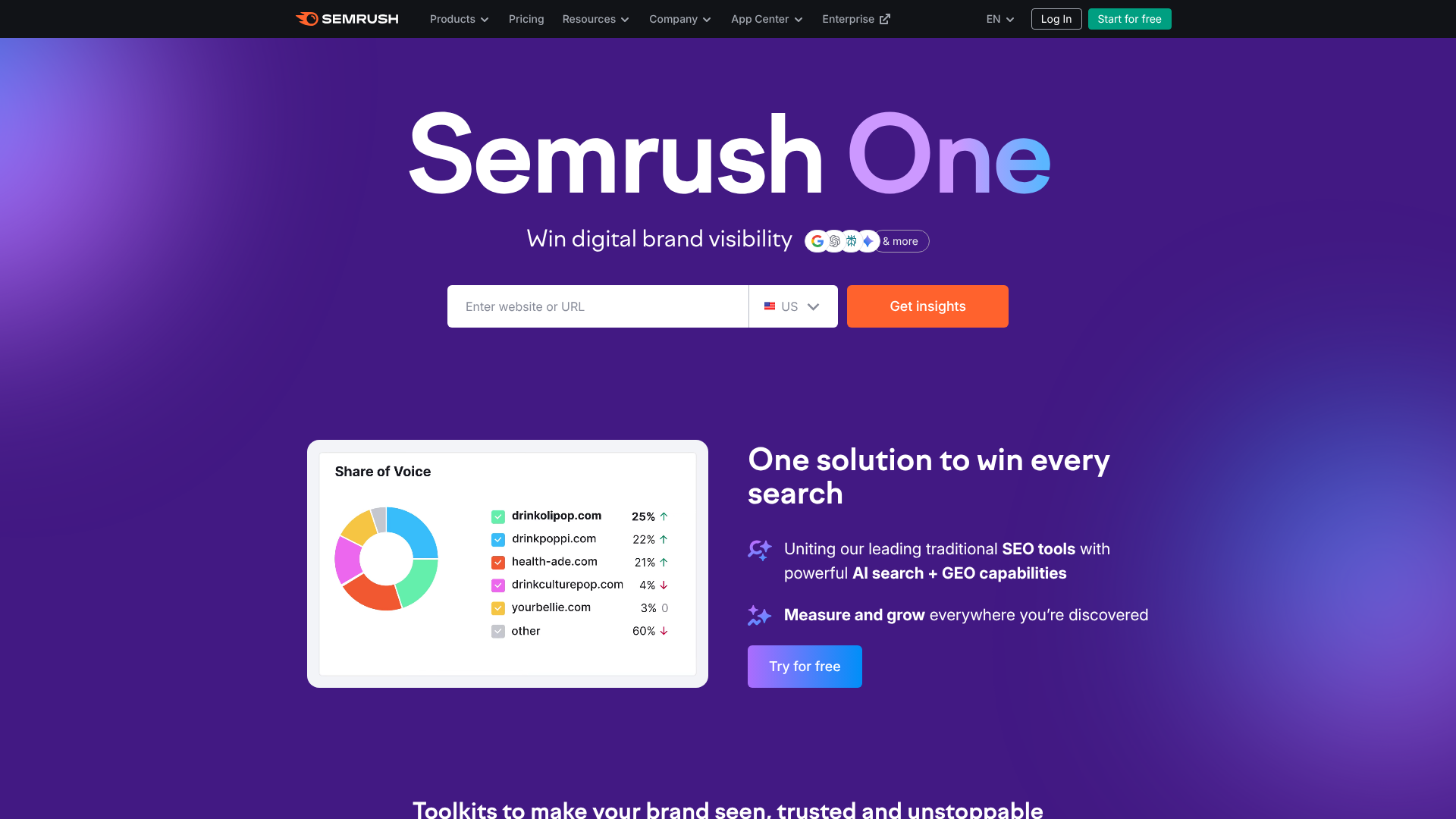

Semrush is packed with over 50 tools, which can feel intimidating at first. However, for a beginner focused on SEO, you only need to master a handful of them to see significant results. These core features provide the foundation for a complete search optimisation strategy.
Keyword Research: Finding Your Opportunities
Keyword research is the cornerstone of SEO, and Semrush excels here. The Keyword Magic Tool is your primary resource, containing a database of over 25 billion keywords. You can enter a broad topic (a "seed" keyword), and it will generate thousands of related search terms, questions, and long-tail variations. You can filter these by search volume, keyword difficulty (an estimate of how hard it is to rank), and search intent (informational, navigational, commercial, transactional).
For a quick analysis, the Keyword Overview tool gives you a top-level summary of any keyword, including its search volume in different countries, the trend over time, and a SERP analysis showing the pages that currently rank. The Keyword Gap tool is fantastic for competitive analysis, allowing you to compare your keyword profile with up to four competitors to find keywords they rank for that you don't.
Competitor Analysis: Learning from the Winners
Understanding what works for your competitors is one of the fastest ways to improve your own SEO. The Domain Overview report is the perfect starting point. Simply enter a competitor's domain, and you'll get a snapshot of their organic search traffic, the number of keywords they rank for, their backlink profile, and their top-performing content. This is your high-level dashboard for competitive intelligence.
From there, you can dig deeper. The Organic Research report shows you every single keyword a competitor ranks for, their position in Google, and the estimated traffic each keyword brings. This is invaluable for discovering new content ideas and understanding your competitor's content strategy. You can see which pages on their site attract the most visitors and use that information to inspire your own content creation.
On-Page and Technical SEO: Ensuring Your Site is Healthy
Your website's technical health is a critical ranking factor. If search engines can't crawl or understand your site properly, even the best content won't rank. The Site Audit tool is your personal technical SEO consultant. It crawls your entire website, just like a search engine would, and checks for over 140 common technical and on-page SEO issues.
These issues are categorised by severity: Errors (critical problems to fix immediately), Warnings (important issues to address), and Notices (minor issues or opportunities for improvement). The tool checks for things like broken links, slow-loading pages, missing title tags, duplicate content, and problems with HTTPS implementation. Each issue comes with a clear explanation and advice on how to fix it, making it accessible even for non-technical users.
Link Building: Building Your Website's Authority
Backlinks—links from other websites to yours—are like votes of confidence that tell search engines your site is credible and authoritative. Semrush offers a suite of tools to help with link building. The Backlink Analytics tool lets you analyse the backlink profile of any domain, including your own or a competitor's. You can see how many backlinks they have, which websites are linking to them, and the authority of those linking domains.
This is incredibly useful for finding link-building opportunities. By seeing who links to your competitors, you can identify relevant websites in your industry to target for your own outreach campaigns. The Backlink Audit tool helps you maintain a healthy backlink profile by identifying potentially toxic or spammy links that could harm your rankings, allowing you to disavow them through Google.
Rank Tracking: Measuring Your Success
SEO is a long-term game, and you need a way to measure your progress. The Position Tracking tool allows you to monitor your website's daily rankings for a custom set of target keywords. You can track rankings across different locations (country, region, or city) and devices (desktop or mobile).
This tool is essential for understanding the impact of your SEO efforts. Did your ranking for a key term improve after you optimised a page. Did a Google algorithm update affect your visibility. Position Tracking provides these answers through clear graphs and reports.
It also helps you identify new competitors who are entering the search results for your keywords.
Getting Started: A Step-by-Step Guide for Beginners
Jumping into a powerful tool like Semrush can be overwhelming. The best approach is to start with a few simple, high-impact tasks. This step-by-step guide will walk you through setting up your first project and gathering initial insights that will form the basis of your SEO strategy.
1. Set Up Your First Project
A Project in Semrush is a dedicated dashboard for a single website. It allows you to run regular site audits, track keyword positions, and monitor your brand all in one place.
- Go to your Semrush dashboard and click on "Projects" in the left-hand menu.
- Click the "Create project" button and enter your website's domain.
- Semrush will then prompt you to set up the core project tools. For now, focus on setting up the Site Audit and Position Tracking tools. You can always add the others later.
2. Run Your First Site Audit
This is the most important first step to understanding your website's technical health. During the project setup, you'll be asked to configure the Site Audit.
- Keep the default settings for your first audit. You can set a limit on the number of pages to crawl if you have a very large site.
- Once you start the audit, Semrush will begin crawling your site. This can take anywhere from a few minutes to a few hours, depending on the size of your website.
- When it's complete, you'll get a "Site Health" score and a list of issues. Don't panic if you see a lot of errors. Focus on the "Errors" category first, as these are the most critical issues. Click on each error to get a detailed explanation of what it is and how to fix it.
3. Find Your First Target Keywords
Now, let's find some realistic keywords to target. We'll use the Keyword Magic Tool.
- Navigate to "Keyword Magic Tool" under the "Keyword Research" section.
- Enter a broad topic related to your business (e.g., "organic dog food").
- You'll get a massive list of keywords. Use the filters at the top to narrow it down. A good starting point for a new website is to filter for Keyword Difficulty (KD %) from 0-30 (Very easy to Easy). This shows you keywords that are less competitive.
- Also, look for long-tail keywords (phrases of 3 or more words) as they often have clearer search intent and higher conversion rates. Pick 5-10 promising keywords to be your initial targets.
Pro Tip: Use the "Questions" filter in the Keyword Magic Tool to find question-based keywords your audience is asking. Creating content that directly answers these questions is a fantastic way to attract highly targeted traffic and potentially win a featured snippet in Google.
4. Analyse Your Top 3 Competitors
Identify three direct competitors and use Semrush to learn from them.
- Go to Domain Overview and enter your competitor's domain.
- Pay close attention to the "Top Organic Keywords" report. This shows you the keywords that are driving the most traffic to their site.
- Are there any keywords here that you missed in your own research? This is a quick way to expand your keyword list with proven terms.
- Also, look at their "Top Pages." This can give you great ideas for new content to create for your own site.
5. Track Your Progress
Finally, let's set up Position Tracking for the keywords you found.
- Go back to your Project dashboard and open the Position Tracking tool.
- Add the 5-10 target keywords you identified in step 3.
- Set your target location (country, city) and device (desktop or mobile).
- Semrush will now start tracking your rankings for these keywords every day. Check this report weekly to see how your SEO efforts are paying off and to spot any significant drops that may need investigation.
Semrush Pricing: Which Plan is Right for You?

Semrush offers several pricing tiers, and choosing the right one depends on your budget, the scale of your needs, and your level of expertise. It's important to understand the key differences before committing. All prices are subject to change, so always visit the Semrush pricing page for the most current information.
Here’s a breakdown of the main plans and who they are best suited for:
| Feature | Pro Plan | Guru Plan | Business Plan |
|---|---|---|---|
| Best For | Freelancers, startups, and in-house marketers with a limited budget. | Small and medium-sized businesses (SMBs) and growing marketing agencies. | Large agencies, e-commerce stores, and enterprises. |
| Projects | 5 | 15 | 40 |
| Keywords to Track | 500 | 1,500 | 5,000 |
| Pages to Crawl (Site Audit) | 100,000 per month | 300,000 per month | 1,000,000 per month |
| Content Marketing Platform | No | Yes | Yes |
| Historical Data | No | Yes | Yes |
| API Access | No | No | Yes |
The Free Account
Semrush does offer a free account, but it's quite limited. It's a great way to get a feel for the interface and run a few basic reports, but it's not sufficient for ongoing SEO management. With a free account, you are typically limited to 10 requests per day across all tools, can only track 10 keywords, and can only manage one project. It's perfect for a trial run but you'll quickly hit the limits if you're serious about search optimisation.
Choosing Your Plan
Pro Plan: This is the ideal starting point for most beginners. It gives you access to all the essential tools needed for keyword research, competitor analysis, and site audits. The limits are generous enough for a single website or a few small client projects. You miss out on advanced features like the Content Marketing Platform and historical data, but you can accomplish a great deal with this plan.
Guru Plan: The main reason to upgrade to Guru is for the Content Marketing Platform, historical data access, and higher limits. The Content Marketing Platform provides tools to help you research, write, and audit content based on SEO best practices. Access to historical data allows you to see ranking and traffic trends over years, which is useful for in-depth analysis. This plan is best for businesses that are heavily invested in content marketing.
Business Plan: This plan is designed for large-scale operations. With massive limits, API access for custom integrations, and features like Product Listing Ad (PLA) analytics, it's built for large agencies and enterprises managing extensive SEO campaigns across multiple websites.
For anyone reading this guide, the Pro plan is almost certainly the best place to start. You can always upgrade as your needs grow.
The Pros and Cons of Using Semrush for SEO
No tool is perfect, and it's important to have a balanced view. Semrush is an industry-leading platform, but it has both strengths and weaknesses. Understanding these can help you decide if it's the right fit for you.
Pros of Semrush
All-in-One Toolset: The biggest advantage is its comprehensive nature. You get tools for SEO, content marketing, advertising, and social media all under one roof. This saves you from having to subscribe to multiple different services and learn different interfaces.
Massive Data Libraries: Semrush has one of the largest keyword and backlink databases on the market. This means you get more accurate data and a wider range of insights into keywords and competitor strategies.
Excellent Competitor Analysis: Semrush truly shines when it comes to competitive intelligence. The ability to quickly break down a competitor's organic traffic, top keywords, backlink sources, and advertising strategy is incredibly powerful.
User-Friendly Interface: Despite the vast number of features, the platform is well-organised and relatively intuitive. The dashboards are clear, and reports are easy to understand, even for beginners.
Powerful Reporting: The ability to create custom, white-label PDF reports is a huge benefit for freelancers and agencies who need to share progress with clients. The project-based dashboards also make it easy to keep all your data for one site organised.
Cons of Semrush
Cost: The biggest drawback for many is the price. While it offers immense value, the monthly subscription can be a significant expense for small businesses, bloggers, or freelancers just starting out.
Overwhelming for Beginners: The sheer volume of tools and data can be intimidating. While this guide focuses on the core features, a new user logging in for the first time might not know where to begin.
Data is Estimated: Like all third-party SEO tools, much of the data (especially traffic estimates) is not 100% accurate. It's based on click-stream data and algorithms. It's excellent for spotting trends and making comparisons, but it should not be treated as absolute fact like the data in your Google Analytics account.
Restrictive Limits on Lower Plans: The limits on projects, keywords to track, and pages to crawl on the Pro plan can feel restrictive if you are managing multiple websites or have a very large site.
Frequently Asked Questions about Semrush for SEO
Here are answers to some of the most common questions people have when considering the Semrush SEO tool.
Is Semrush a good SEO tool?
Yes, Semrush is widely considered one of the best and most comprehensive SEO tools available. It is a market leader used by millions of digital marketing professionals worldwide. Its strength lies in its all-in-one approach, combining keyword research, competitor analysis, rank tracking, technical site audits, and backlink analysis into a single platform. This integration allows for a more holistic and efficient SEO workflow.
While other tools might specialise in one specific area, Semrush provides high-quality data across the entire spectrum of SEO needs. This makes it an excellent choice for anyone from a beginner looking to cover all their bases to an expert managing complex campaigns.
Does Semrush help with SEO?
Absolutely. Semrush helps with SEO by providing the critical data and insights needed to build and execute an effective strategy. It helps you identify valuable keywords your customers are searching for, analyse the strategies of your top competitors to find weaknesses and opportunities, and diagnose and fix technical issues on your website that could be hurting your rankings.
Furthermore, it assists in building your site's authority by helping you find link-building opportunities and monitoring your backlink profile. By using the Position Tracking tool, you can measure the direct impact of your work, allowing you to prove the value of your SEO efforts and make data-backed decisions for future campaigns.
Is Semrush free for SEO?
Semrush offers a limited free account, but its full functionality is only available through a paid subscription. The free account is useful for exploring the interface and running a few searches, but it has strict daily limits on data requests, the number of keywords you can track (10), and the number of projects you can manage (1).
For any serious or ongoing SEO work, a paid plan is necessary. The free account is best viewed as an extended trial rather than a long-term solution for managing your website's search optimisation.
Is Google Analytics better than Semrush?
Google Analytics and Semrush are not competitors; they are complementary tools that serve different purposes. Google Analytics provides first-party data about your own website. It tells you exactly how many people visit your site, which pages they view, how they got there (e.g., Google, social media), and what they do on your site. This data is 100% accurate for your own domain.
Semrush, on the other hand, provides third-party, market-level data. It helps you understand the entire search landscape, including what your competitors are doing, what keywords are available in your market, and where opportunities lie. You use Semrush to inform your strategy and Google Analytics to measure the results of that strategy on your site. You need both for a complete picture.
What is the most accurate SEO tool?
No single SEO tool can claim to be 100% accurate because they all rely on estimating data from various sources rather than having direct access to Google's internal data. The accuracy of traffic and keyword volume data can vary between tools like Semrush, Ahrefs, and Moz. However, Semrush is consistently ranked among the most accurate and reliable tools due to the immense size of its keyword and backlink databases.
Instead of focusing on which tool has the most precise number for a single metric, it's more productive to use one tool consistently. The value lies in the trends, relative comparisons, and actionable insights it provides, which are more important than the absolute accuracy of any single data point.
Final Thoughts
Navigating the world of SEO requires the right tools to light the way, and Semrush is one of the most powerful torches you can have. For beginners, the key is not to get lost in the dozens of features but to focus on the fundamentals: understanding your technical health, finding the right keywords, learning from your competitors, and tracking your progress. The step-by-step process outlined in this guide provides a clear path to get started without feeling overwhelmed.
While there is a learning curve and a cost involved, the investment in a tool like Semrush pays for itself through better decision-making and more effective SEO campaigns. By moving from guesswork to a data-driven strategy, you give your website the best possible chance to rank, attract organic traffic, and achieve your business goals.
If you're ready to take control of your website's performance in search, the best way to learn is by doing. Start with the core tools, be consistent with your analysis, and use the insights to take action. Ready to see the data for yourself? You can explore Semrush with a free account to begin your journey.