

Jotform vs Google Forms: Which is Better for Your Business in 2026?
Choosing the right online form builder is crucial for collecting data, whether it's customer feedback, event registrations, or sales orders. Two of the biggest names in the space are Google Forms and Jotform, but they serve very different needs. This detailed Jotform vs Google Forms comparison will break down everything you need to know to make the right choice for your specific goals.
- Quick Summary
- What Are Jotform and Google Forms? A Quick Overview
- Jotform vs Google Forms: A Side-by-Side Feature Comparison
- Form Design and Customisation
- Question Types and Form Fields
- Conditional Logic and Automation
- Integrations and Connectivity
- Payment Processing
- How to Choose the Right Form Builder for Your Needs
- Pricing and Cost Comparison: Free vs. Freemium
- The Pros and Cons: A Balanced Google Forms Comparison
- Frequently Asked Questions (FAQ)
- Which is better, Google Form or Jotform?
- What are the disadvantages of Jotform?
- Is Jotform really free?
- How much does Google Forms cost?
- Final Thoughts: Making Your Decision in the Jotform vs Google Debate
Google Forms is the go-to for quick, simple, and free data collection, perfectly integrated into the Google ecosystem. On the other hand, Jotform is a powerhouse platform built for businesses that need advanced features, deep customisation, and powerful integrations. We'll explore the key differences in features, pricing, and ideal use cases to help you decide which tool deserves a place in your workflow.
Quick Summary
- Google Forms is 100% free and is the perfect choice for simple surveys, internal data collection, and basic feedback forms where budget is the primary concern.
- Jotform operates on a freemium model, offering a generous free plan but unlocking its true potential with paid tiers that provide advanced features, higher submission limits, and robust integrations.
- For business-critical functions like payment processing, collecting legally binding e-signatures, complex conditional logic, and heavy brand customisation, Jotform is the superior and more professional solution.
- If you're deeply embedded in Google Workspace and only need a straightforward, no-cost tool for occasional use, the simplicity and seamless integration of Google Forms are unbeatable.
What Are Jotform and Google Forms? A Quick Overview
Before we dive into a feature-by-feature breakdown, it's important to understand the fundamental philosophy behind each tool. They may both create online forms, but their target audiences and capabilities are worlds apart.
Google Forms: The Simple & Free Standard
Google Forms is a core part of the Google Workspace suite, alongside Docs, Sheets, and Slides. Its primary strength is its absolute simplicity and the fact that it's completely free for anyone with a Google account. It was designed to be intuitive, allowing users to create a functional survey or quiz in minutes without any technical knowledge.
Data collected through Google Forms is automatically and neatly organised in a Google Sheet, making analysis straightforward for anyone familiar with spreadsheets. It's the default choice for educators creating quizzes, small teams gathering internal feedback, or individuals organising a casual event. Its focus is on function over form, prioritising ease of use above all else.
Jotform: The Advanced & Versatile Form Builder
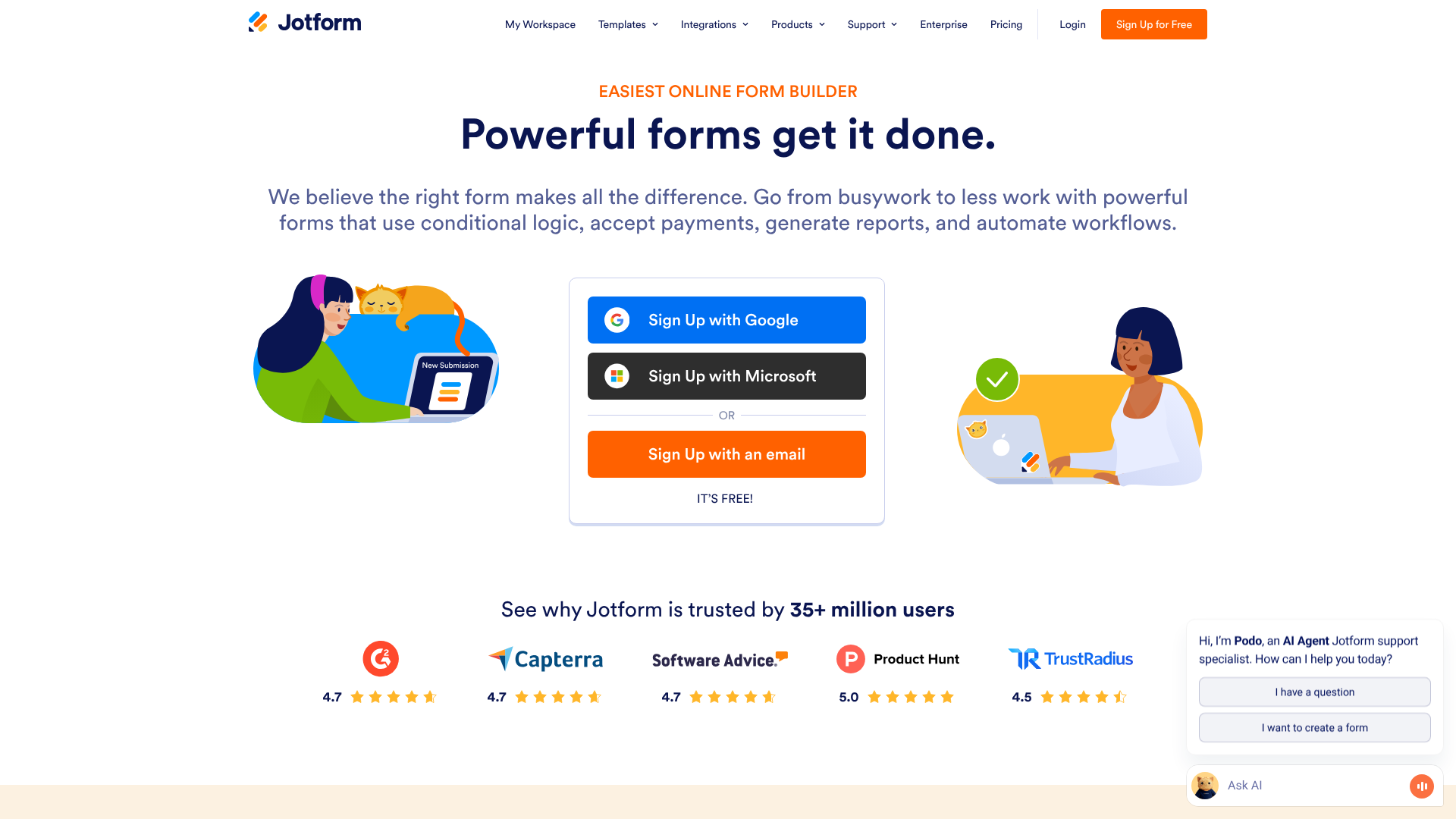
Jotform is a dedicated, feature-rich platform designed specifically for building powerful online forms. It goes far beyond the basic text fields and multiple-choice questions, offering a massive library of advanced fields, widgets, and integrations. Think of it as a complete toolkit for any data collection scenario you can imagine.
From complex application forms with conditional logic to order forms that process payments directly, Jotform is built for professional use cases. It offers extensive design customisation, allowing businesses to create forms that perfectly match their branding. It's the preferred tool for marketers, event organisers, HR departments, and any business that relies on forms for critical operations.
Jotform vs Google Forms: A Side-by-Side Feature Comparison
This is where the differences between the two platforms become most apparent. While Google Forms covers the essentials, Jotform provides a depth of functionality that caters to complex business needs. Let's break down the key areas.
| Feature | Google Forms | Jotform |
|---|---|---|
| Pricing | Completely Free | Freemium (Free plan + paid tiers) |
| Templates | ~20 basic templates | 10,000+ professional templates |
| Customisation | Basic (colours, header image) | Advanced (CSS, themes, layouts) |
| Conditional Logic | Basic (skip to section) | Advanced (show/hide fields, calculations) |
| Payment Processing | No (requires add-ons) | Yes (30+ native gateways) |
| E-Signatures | No | Yes (native widget) |
| Integrations | Google Workspace, limited others | 150+ native integrations (CRMs, etc.) |
| Reporting | Basic summaries, Google Sheets | Advanced reports, PDF editor, Tables |
Form Design and Customisation
Your form's appearance can significantly impact completion rates. A professional, branded form builds trust, while a generic one can feel impersonal.
Google Forms offers minimal customisation. You can pick a theme colour, choose from a few font styles, and upload a header image. While functional, every form tends to look like a Google Form, which may not be ideal for businesses wanting to maintain a strong brand identity.
Jotform, in contrast, provides complete design freedom. You can start with one of over 10,000 templates and customise every element. You can change layouts, inject custom CSS for precise styling, and choose from a vast library of themes and widgets. This allows you to create forms that look and feel like a natural extension of your website.
Question Types and Form Fields
Both tools offer standard fields like short text, paragraph, multiple choice, and file uploads. However, this is another area where Jotform's specialisation shines.
Google Forms covers the basics needed for most surveys and feedback forms. It's simple and gets the job done for standard information gathering.
Jotform offers a staggering array of advanced fields. You can add fields for collecting e-signatures, scheduling appointments, creating product order baskets, and even using specialised widgets like image sliders, PDF embedders, or dynamic QR code generators. This versatility means you can build almost any type of data collection tool, from a simple contact form to a complex mortgage application.
Conditional Logic and Automation
Conditional logic makes your forms smarter and more user-friendly by changing what the user sees based on their previous answers. This is a critical feature for reducing friction and improving data quality.
Google Forms has very basic logic. You can direct a user to a different section of the form based on their answer to a multiple-choice question. It's useful for simple branching quizzes but lacks nuance.
Jotform's conditional logic is incredibly powerful. You can show or hide individual fields, make fields required, perform calculations, skip entire pages, and even send customised email notifications based on user input. For example, in an event registration form, selecting "Yes" for dietary requirements could reveal a text field asking for specifics. This level of automation creates a tailored experience for each user.
Pro Tip: Use Jotform's conditional logic to create dynamic order forms. You can set up calculations that automatically update the total price as users select different products and quantities, providing a transparent and smooth checkout experience.
Integrations and Connectivity
A form builder's true power is often measured by how well it connects with the other tools you use. Automating workflows saves time and reduces manual data entry.
Google Forms' primary integration is, unsurprisingly, with Google Sheets. This connection is seamless and powerful for data analysis. For anything else, you'll likely need to rely on third-party connectors like Zapier, which can add complexity and cost.
Jotform offers over 150 native integrations with popular business applications. You can directly connect your forms to CRMs like HubSpot, email marketing platforms like ActiveCampaign, project management tools like Asana, and cloud storage services like Dropbox. This deep integration allows you to build sophisticated automated workflows without needing a middleman service.
Payment Processing
For any business that needs to collect money, this is a non-negotiable feature. The difference between the two platforms here is stark.
Google Forms has no native ability to process payments. While some third-party add-ons attempt to bridge this gap, they can be unreliable, clunky, and may not offer the level of security required for financial transactions.
Jotform is built for e-commerce and payments. It integrates directly with over 30 trusted payment gateways, including Stripe, PayPal, Square, and Authorize.Net. You can build secure order forms, collect donations, or charge registration fees directly through your form. Jotform handles the security (it's PCI DSS Level 1 compliant), providing peace of mind for you and your customers.

How to Choose the Right Form Builder for Your Needs
Making the right choice in the Jotform vs Google debate comes down to a clear assessment of your needs, budget, and technical requirements. There isn't a single "best" option; there's only the best option for you.
Choose Google Forms If…
You should stick with Google Forms if your requirements are straightforward and your budget is non-existent. It's the ideal tool for:
- Internal Company Surveys: Quickly gathering feedback from your team on a new policy or planning the next company outing.
- Simple Event RSVPs: Collecting names and numbers for a casual get-together or a small workshop.
- Educational Quizzes: Teachers and trainers can easily create and grade simple quizzes.
- Basic Contact Forms: If you just need a name, email, and message field for your personal blog.
- You are deeply invested in Google Workspace: The automatic sync with Google Sheets is a major time-saver if that's where you manage your data.
Essentially, if the words "quick," "easy," and "free" are your top priorities, Google Forms is your answer.
Choose Jotform If…
You should invest in Jotform when your forms are a core part of your business operations and require professionalism, power, and automation. It's the superior choice for:
- Processing Payments: Creating order forms, selling products, or collecting registration fees securely.
- Generating Leads: Building highly-branded, multi-step forms that integrate directly with your CRM.
- Complex Applications: Handling job applications, grant submissions, or client onboarding that requires file uploads, e-signatures, and conditional logic.
- Event Registrations: Managing paid events with different ticket tiers, appointment scheduling, and automated confirmation emails.
- Maintaining Brand Consistency: When your form needs to look and feel exactly like your website and other marketing materials.
If you need your form to do more than just collect text, and if professionalism and automation are key, Jotform is the clear winner.
Pricing and Cost Comparison: Free vs. Freemium
The financial aspect is often a deciding factor. Here, the models are fundamentally different, reflecting the different value propositions of each tool.
The Google Forms Pricing Model: Completely Free
This is Google Forms' biggest selling point. It is 100% free, with no strings attached. You get unlimited forms, unlimited questions per form, and unlimited responses. There are no premium tiers or hidden features locked behind a paywall.
The "cost" of Google Forms isn't monetary; it's a trade-off in functionality. You are limited to the features Google provides, with no option to upgrade for more power. For many users, this is a trade-off they are happy to make.
The Jotform Pricing Structure: A Tiered Approach
Jotform uses a freemium model, which allows you to use the product for free with certain limitations, and then upgrade as your needs grow.
- Free Plan: The free plan is surprisingly generous. It allows you to create up to 5 forms, receive 100 monthly submissions, and accept 10 payment submissions. It includes most of the core features but will display Jotform branding on your forms. This is an excellent way to test the platform's full capabilities.
- Paid Plans (Bronze, Silver, Gold): As you move up the paid tiers, your limits on forms, submissions, storage space, and payment submissions increase significantly. The Jotform branding is removed, and you gain access to features like HIPAA compliance for handling sensitive health information (on Silver and Gold plans). The pricing is subscription-based, with options for monthly or annual billing.
It's always best to visit the official Jotform pricing page for the most up-to-date information on features and costs for each tier.
The Pros and Cons: A Balanced Google Forms Comparison
No tool is perfect. To provide a fair Google Forms comparison, let's summarise the key strengths and weaknesses of each platform.
Google Forms: Pros and Cons
Pros:
Completely Free: Its biggest advantage. There are no costs, regardless of usage. * Extremely Easy to Use: The interface is intuitive, and you can build a form in minutes. * Seamless Google Sheets Integration: Data automatically populates a spreadsheet for easy analysis.
Unlimited Everything: No caps on the number of forms, questions, or responses you can collect.
Cons:
- Limited Design Options: It's very difficult to create a form that matches your brand's look and feel.
- Basic Features: Lacks advanced capabilities like payment processing, e-signatures, and powerful conditional logic.
- Can Look Unprofessional: The standard Google branding may not be suitable for all business contexts.
- Limited Third-Party Integrations: Relies heavily on the Google ecosystem.
Jotform: Pros and Cons
Pros:
Powerful Features: An extensive set of tools for payments, signatures, appointments, and more. * Highly Customisable: Total control over the design to ensure brand consistency. * Massive Template Library: Over 10,000 templates to get you started quickly. * Extensive Integrations: Connects natively with hundreds of other business apps.
Scalable: The tiered plans allow the tool to grow with your business needs.
Cons:
- Can Be Costly: The price can add up for users with very high submission volumes.
- Learning Curve: The sheer number of features can be overwhelming for a brand-new user.
- Free Plan Limitations: The submission and form limits on the free plan may be too restrictive for some businesses.
Frequently Asked Questions (FAQ)
Let's answer some of the most common questions that come up when comparing these two form builders.
Which is better, Google Form or Jotform?
Neither is universally "better"; they are better for different purposes. Jotform is objectively the more powerful and feature-rich tool, making it the better choice for businesses, marketers, and anyone who needs advanced functionality like payment collection, e-signatures, and deep customisation.
Google Forms is the better choice for users who prioritise simplicity, speed, and cost above all else. For personal projects, internal surveys, or simple data collection within the Google ecosystem, its free and easy-to-use nature is unbeatable.
What are the disadvantages of Jotform?
The primary disadvantages of Jotform are its cost and complexity. While it has a free plan, the submission limits are relatively low, and the paid plans can become a significant monthly expense for businesses with high form traffic. Secondly, the vast number of features and customisation options can present a steeper learning curve for beginners compared to the straightforward interface of Google Forms.
Is Jotform really free?
Yes, Jotform has a genuinely free plan that you can use indefinitely. It's not just a trial. However, this "Starter" plan comes with limitations: you can only have 5 active forms, receive 100 submissions per month, and your forms will display Jotform branding. It's a great way to access its powerful features for light usage or to fully test the platform before committing to a paid plan.
How much does Google Forms cost?
Google Forms is completely free. There are no hidden fees, premium versions, or subscription costs. As long as you have a standard Google account (like a Gmail address), you have full access to Google Forms and all its features without any charge. This is one of its most compelling advantages.
Final Thoughts: Making Your Decision in the Jotform vs Google Debate
Choosing between Jotform and Google Forms is a classic case of function versus simplicity. Your decision should be guided by a clear understanding of what you need your forms to accomplish.
If you need a quick, no-frills way to gather information and you're comfortable with a basic design, Google Forms is an excellent, cost-effective tool that gets the job done. It's reliable, easy to learn, and its integration with Google Sheets is a major plus for simple data management.
However, if your forms are an integral part of your business—for generating leads, processing orders, or registering clients—then the investment in a more powerful tool is essential. For those needs, Jotform is the clear winner. Its advanced features, extensive customisation, and wide range of integrations provide the professional polish and automation capabilities that modern businesses require. If you're ready to build smarter, more capable forms, Jotform is the way to go.