

5 Best Lead Capture Page Templates for Small Businesses to Boost Conversions
Turning website visitors into qualified leads is the lifeblood of any online business. You can have the best product in the world, but without a system to capture interest, you're leaving money on the table. This is where using effective lead capture page templates becomes essential. These pre-built designs provide a proven framework for converting traffic, saving you the time and expense of starting from scratch.
- What You'll Learn
- What Exactly Are Lead Capture Page Templates?
- The Anatomy of a High-Converting Lead Gen Template
- Compelling Headline and Sub-headline
- Persuasive Copy and Bullet Points
- Eye-Catching Visuals (Hero Shot)
- The Lead Capture Form
- A Clear and Irresistible Call-to-Action (CTA)
- Social Proof and Trust Signals
- Why Use Templates? The Core Benefits for Your Business
- How to Choose the Perfect Lead Capture Page Template
- 1. Align with Your Campaign Goal
- 2. Consider Your Target Audience
- 3. Check for Customisation Options
- 4. Ensure Mobile Responsiveness
- 5. Look for Integration Capabilities
- Top 5 Platforms for Lead Capture Page Templates in 2026
- Understanding Pricing: How Much Do Lead Gen Templates Cost?
- The Pros and Cons of Relying on Templates
- Frequently Asked Questions (FAQ)
- What is the difference between a landing page and a lead capture page?
- How many form fields should a lead capture page have?
- What makes a good lead capture page?
- Can I build a lead capture page for free?
- Final Thoughts: Choosing the Right Template for Growth
This guide breaks down everything you need to know about choosing and using templates for your lead capture pages. We'll explore the key elements of a high-converting design, review the top platforms offering these templates, and provide a framework for selecting the perfect option for your next campaign. Whether you're promoting a webinar, offering an ebook, or scheduling demos, the right template can make all the difference.
What You'll Learn
- What Templates Are: Lead capture page templates are pre-designed, customisable layouts built with conversion best practices in mind, allowing you to launch professional pages quickly.
- Essential Elements: A successful template must include a strong headline, a clear call-to-action (CTA), an optimised form, compelling visuals, and social proof to build trust.
- Choosing a Template: The best template for you depends on your specific campaign goal, target audience, and the level of customisation and integration you require.
- Top Platform Options: Tools like Leadpages, ClickFunnels, and Unbounce offer extensive libraries of mobile-responsive and A/B testable lead gen templates for various industries.
- Cost vs. Value: Pricing is typically subscription-based, with costs varying based on features, traffic limits, and the number of pages you can publish. Free options exist but often come with significant limitations.
What Exactly Are Lead Capture Page Templates?
A lead capture page is a standalone web page created with a single, focused objective: to collect a visitor's contact information, turning them into a lead. Unlike a homepage with dozens of links and distractions, a capture page has one job and one call-to-action. It's the digital equivalent of a focused sales conversation.
So, what are templates in this context? A lead capture page template is a pre-built, professionally designed layout that you can customise with your own branding, copy, and images. Think of it as a blueprint for a high-converting page. Instead of hiring a designer and developer to build a page from the ground up, you start with a structure that has already been optimised for conversions based on thousands of data points.
These templates are more than just pretty designs. The best ones incorporate psychological principles and conversion-focused design elements to guide the visitor toward a single action: filling out your form. Using these landing page templates allows marketers and business owners to launch campaigns rapidly, test different approaches, and maintain a professional look without needing advanced technical skills.
The Anatomy of a High-Converting Lead Gen Template
Not all capture page designs are created equal. The most effective templates share a common set of elements that work together to persuade visitors to take action. When evaluating a template, ensure it has a logical structure that includes these critical components.
Compelling Headline and Sub-headline
The headline is the first thing a visitor reads and is arguably the most important element. It must grab attention and clearly communicate the value of your offer in a few seconds. A great headline speaks directly to a visitor's problem or desire. The sub-headline should expand on this promise, providing a little more detail and encouraging them to read on.
Persuasive Copy and Bullet Points
The body copy should be concise and benefit-driven. Instead of listing features, explain how your offer will solve the visitor's problem or improve their life. Bullet points are excellent for this, as they break up text and make key benefits easy to scan. Each point should highlight a positive outcome the user will experience.
Eye-Catching Visuals (Hero Shot)
A relevant, high-quality image or video (the "hero shot") can dramatically increase conversions. This visual should show the offer in context. If you're offering an ebook, show a mockup of the cover. If it's a webinar, a professional headshot of the presenter or a short video clip works well. The visual should support the copy and make the offer feel more tangible.
The Lead Capture Form
The form is where the conversion happens. For optimal results, it should be simple and ask for minimal information. Typically, a name and email address are enough for an initial lead capture. Every additional field you add creates friction and can lower your conversion rate. The form should be prominently placed and easy to see.
A Clear and Irresistible Call-to-Action (CTA)
The CTA is the button the visitor clicks to submit their information. It needs to be visually prominent, using a contrasting colour that makes it stand out. The text on the button should be action-oriented and specific, such as "Download Your Free Guide" or "Reserve My Spot Now" instead of a generic "Submit".
Social Proof and Trust Signals
People are more likely to take action if they see that others have done so and had a positive experience. Social proof can include testimonials from happy customers, logos of well-known companies you've worked with, or statistics like "Join 10,000+ subscribers". Trust signals, such as a privacy policy link or security badges, also reassure visitors that their information is safe.
Why Use Templates? The Core Benefits for Your Business

While building a custom page from scratch offers ultimate flexibility, using pre-made lead gen templates provides several strategic advantages, especially for small to medium-sized businesses.
Speed and Efficiency
The most significant benefit is speed. You can select a template, add your content, and launch a new campaign in a matter of hours, not weeks. This agility allows you to capitalise on new ideas and market opportunities quickly without getting bogged down in a lengthy design and development cycle.
Cost-Effectiveness
Hiring a professional web designer and developer to create a custom landing page can cost thousands of pounds. Landing page builder platforms provide access to hundreds of professionally designed templates for a low monthly subscription fee. This makes high-quality design accessible to businesses on a tighter budget.
Built-in Best Practices
Reputable template providers like Leadpages and Unbounce design their templates based on data from millions of conversions. They incorporate layouts, colour schemes, and structural elements that are proven to work. This means you're not just guessing what might convert; you're starting from a foundation of what's already successful.
Pro Tip: When you start, stick closely to the template's original layout. The designers placed elements like the CTA button and form in specific locations for a reason. Make your copy and branding changes first, and only test major layout changes after you have a baseline conversion rate.
Easy A/B Testing
Most platforms that offer templates also have built-in A/B testing capabilities. This allows you to easily create a variation of your page—perhaps with a different headline or CTA colour—and split your traffic between the two versions. The platform then shows you which version generates more leads, allowing you to continuously optimise your campaigns for better results.
How to Choose the Perfect Lead Capture Page Template
With hundreds of options available, selecting the right template can feel overwhelming. Use this checklist to narrow down your choices and find a design that aligns perfectly with your goals.
1. Align with Your Campaign Goal
Your first step is to clarify the purpose of your page. The ideal template for a webinar registration page will look very different from one designed for an ebook download or a sales demo request. Look for templates specifically categorised for your use case. For example, a webinar template should have space for the host's bio, date, and time, while an ebook template should feature a prominent visual of the book cover.
2. Consider Your Target Audience
The design should resonate with the people you're trying to reach. A template for a B2B software company should look professional and clean, using a corporate colour palette. In contrast, a template for a yoga retreat might use softer colours, natural imagery, and a more relaxed font. The design should feel familiar and trustworthy to your ideal customer.
3. Check for Customisation Options
A good template is a starting point, not a rigid box. Ensure the platform allows you to easily change colours, fonts, images, and section layouts to match your brand identity. The goal is to make the template look like a seamless part of your brand, not a generic, third-party page. The best builders offer drag-and-drop functionality for easy editing.
4. Ensure Mobile Responsiveness
Today, more than half of all web traffic comes from mobile devices. If your lead capture page is difficult to view or use on a smartphone, you could lose over 50% of your potential leads. Any modern template should be fully responsive, meaning it automatically adjusts its layout to look great on any screen size, from a large desktop monitor to a small phone screen. Always preview the template on a mobile view before making your final decision.
5. Look for Integration Capabilities
Your lead capture page doesn't exist in a vacuum. Once a lead is captured, their information needs to go somewhere. Check that the template's platform integrates directly with your other marketing tools, such as your email marketing service (like ActiveCampaign or GetResponse) and your CRM. A smooth integration automates the process of adding new leads to your marketing funnels, saving you manual work and preventing leads from falling through the cracks.
Top 5 Platforms for Lead Capture Page Templates in 2026
Several excellent platforms specialise in providing high-converting landing page templates. Here are five of the best options on the market today, each with its own unique strengths.
1. Leadpages
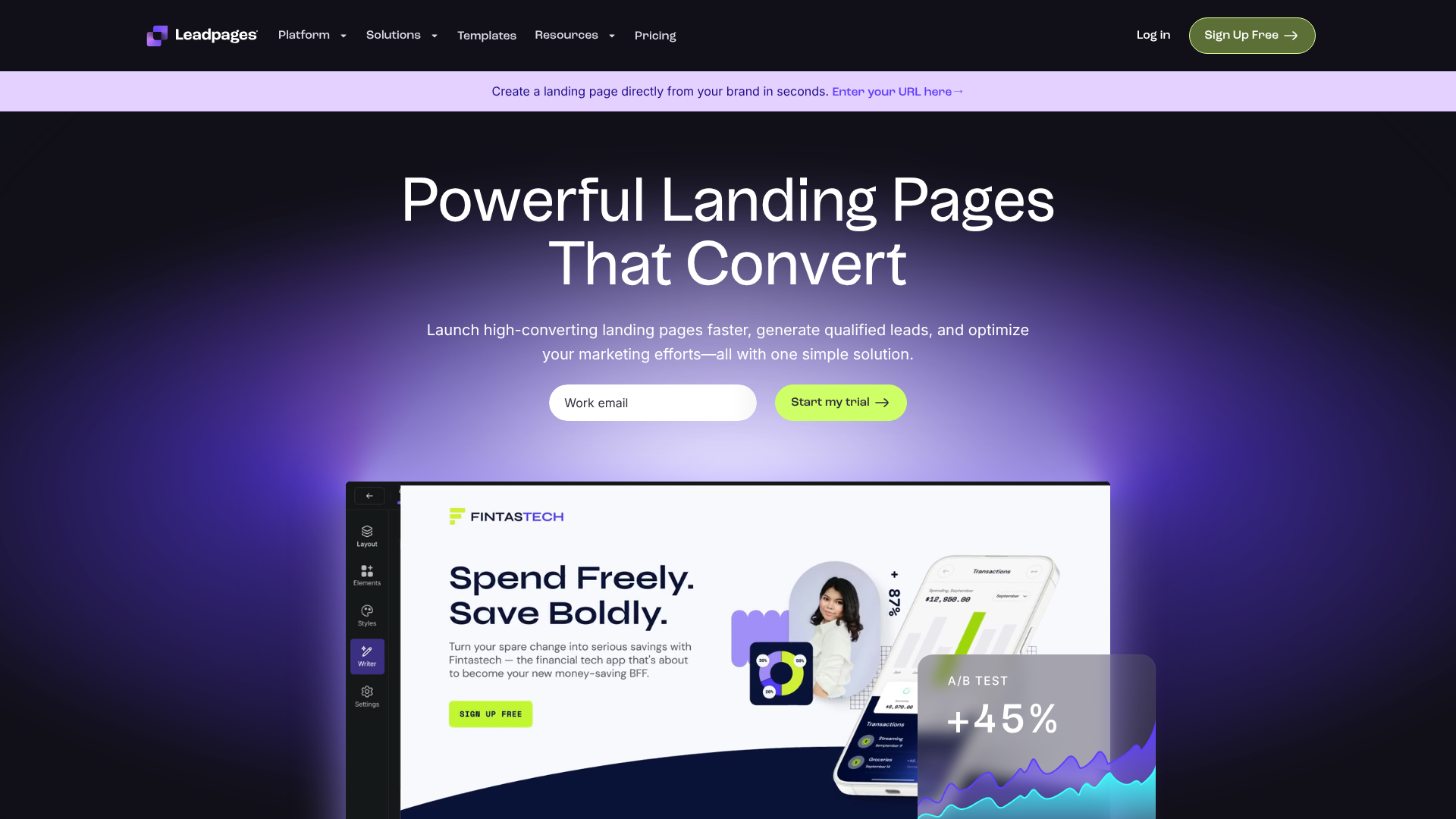
Leadpages is one of the most well-known names in the landing page space, and for good reason. It's incredibly user-friendly, making it a perfect choice for beginners and small businesses who want to get pages live quickly without a steep learning curve. It offers a massive library of over 200 mobile-responsive templates sorted by conversion rate, which helps you choose a proven design.
Pros
- Extremely easy-to-use drag-and-drop builder.
- Templates can be sorted by historical conversion rate.
- Includes pop-ups and alert bars for additional lead capture opportunities.
- More affordable than many competitors.
Cons
- The standard builder can feel a bit rigid compared to more advanced editors.
- A/B testing is not available on the lowest-priced plan.
2. ClickFunnels
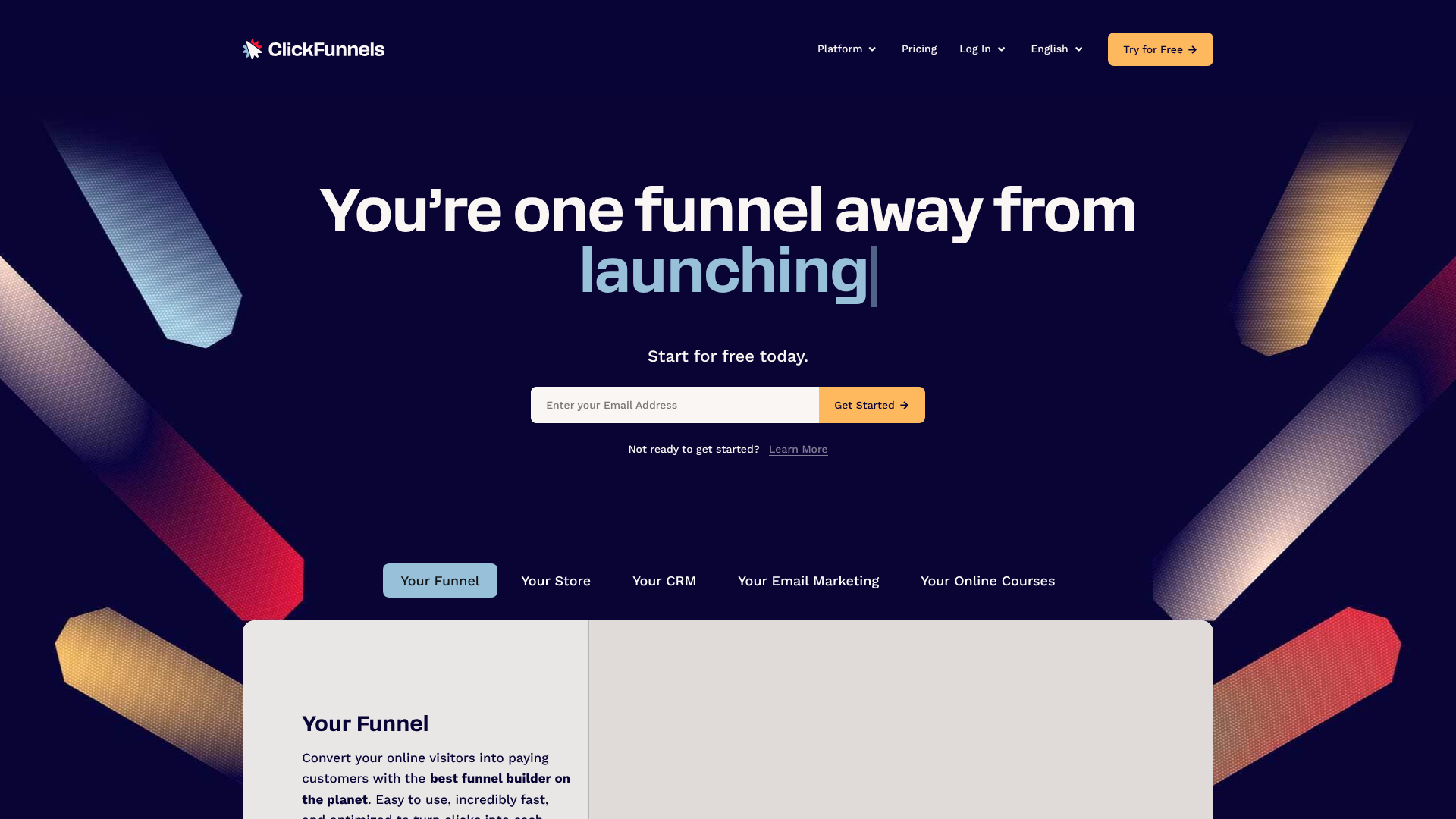
ClickFunnels is more than just a landing page builder; it's a complete platform for creating marketing and sales funnels. Its templates are designed to work as part of a multi-step sequence, guiding a visitor from initial interest to final purchase. It's an excellent choice for businesses selling products or services directly, as it includes features for order forms, upsells, and membership sites.
Pros
- All-in-one solution for building entire sales funnels.
- Templates are designed for specific funnel types (e.g., webinar funnel, product launch funnel).
- Strong focus on direct-response marketing principles.
- Large and active community for support and training.
Cons
- Can be more expensive than simple landing page builders.
- The sheer number of features can be overwhelming for beginners who only need a simple page.
3. Unbounce
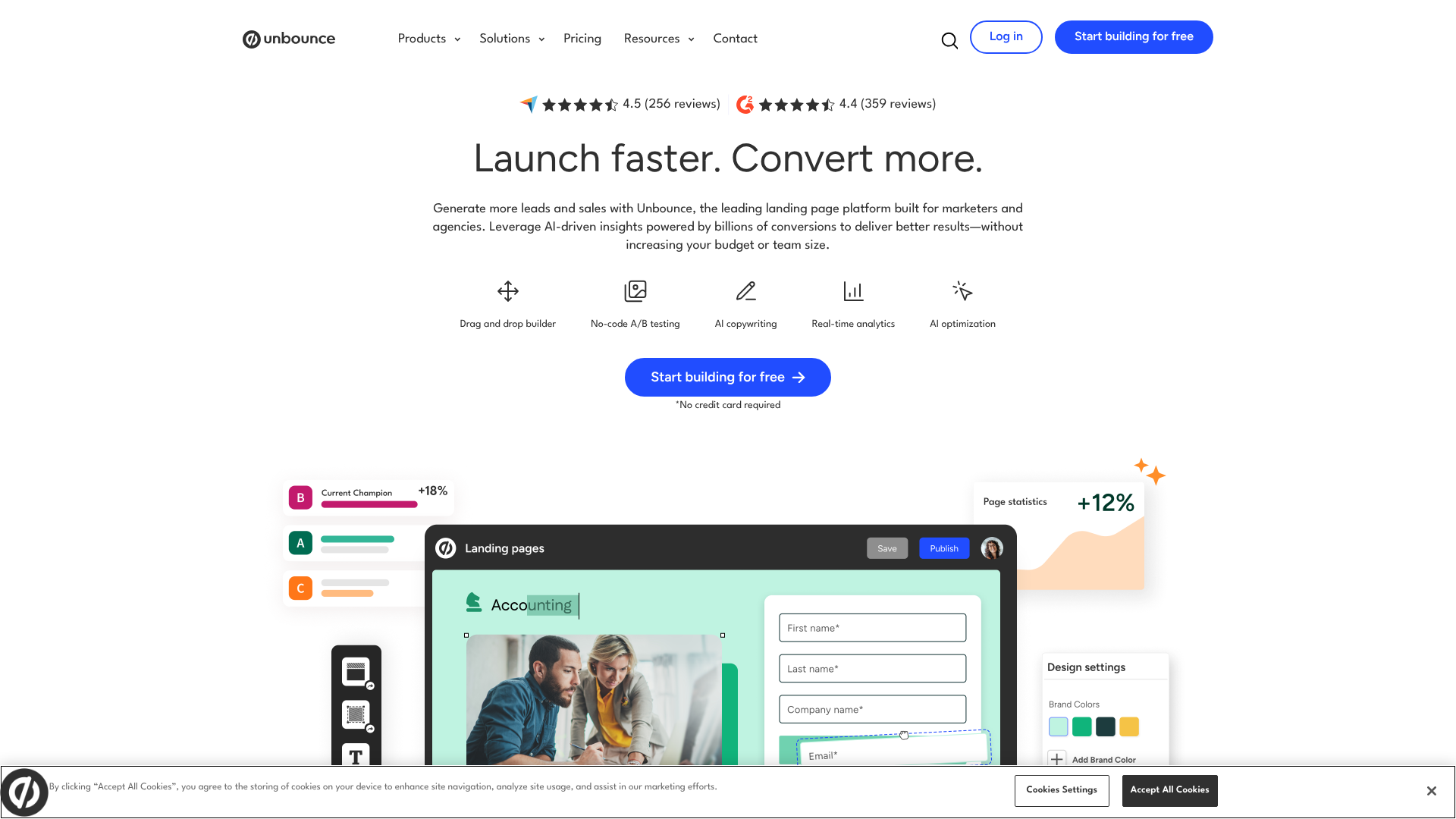
Unbounce is a powerful and flexible platform built for serious marketers who are focused on conversion optimisation. Its drag-and-drop builder offers pixel-perfect precision, giving you complete control over the look and feel of your page. Unbounce's standout feature is its AI-powered Smart Traffic tool, which automatically sends visitors to the landing page variant most likely to convert for them.
Pros
- Highly flexible builder for complete design freedom.
- Advanced A/B testing and conversion intelligence tools.
- Dynamic Text Replacement feature personalises pages based on ad keywords.
- Integrates with a huge number of third-party apps.
Cons
- Steeper learning curve than simpler tools like Leadpages.
- Higher price point, making it better suited for businesses with a dedicated marketing budget.
4. Instapage
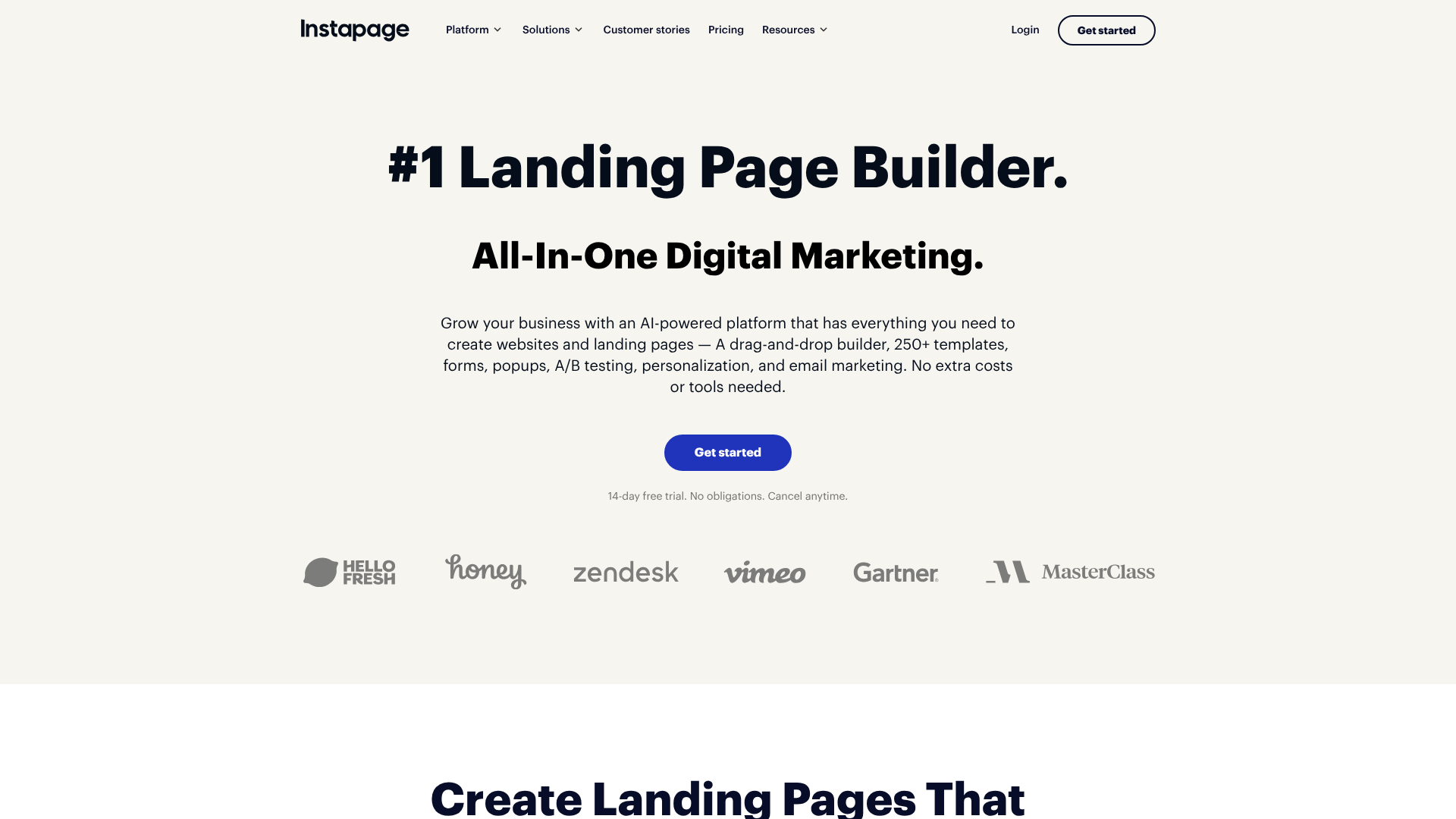
Instapage is designed for marketing teams and agencies that need to create personalised landing pages at scale. It boasts a fast and intuitive builder, robust collaboration features, and a unique AdMap feature that helps you visualise and connect your ad campaigns to relevant post-click landing pages. Its focus on personalisation makes it ideal for sophisticated advertising campaigns.
Pros
- Excellent for creating personalised experiences for different audience segments.
- Built-in collaboration tools for teams.
- Heatmaps are included to see how visitors interact with your pages.
- Extremely fast page-loading speeds.
Cons
- It is one of the most expensive options on this list.
- Some advanced features are only available on the highest-tier plans.
5. GetResponse
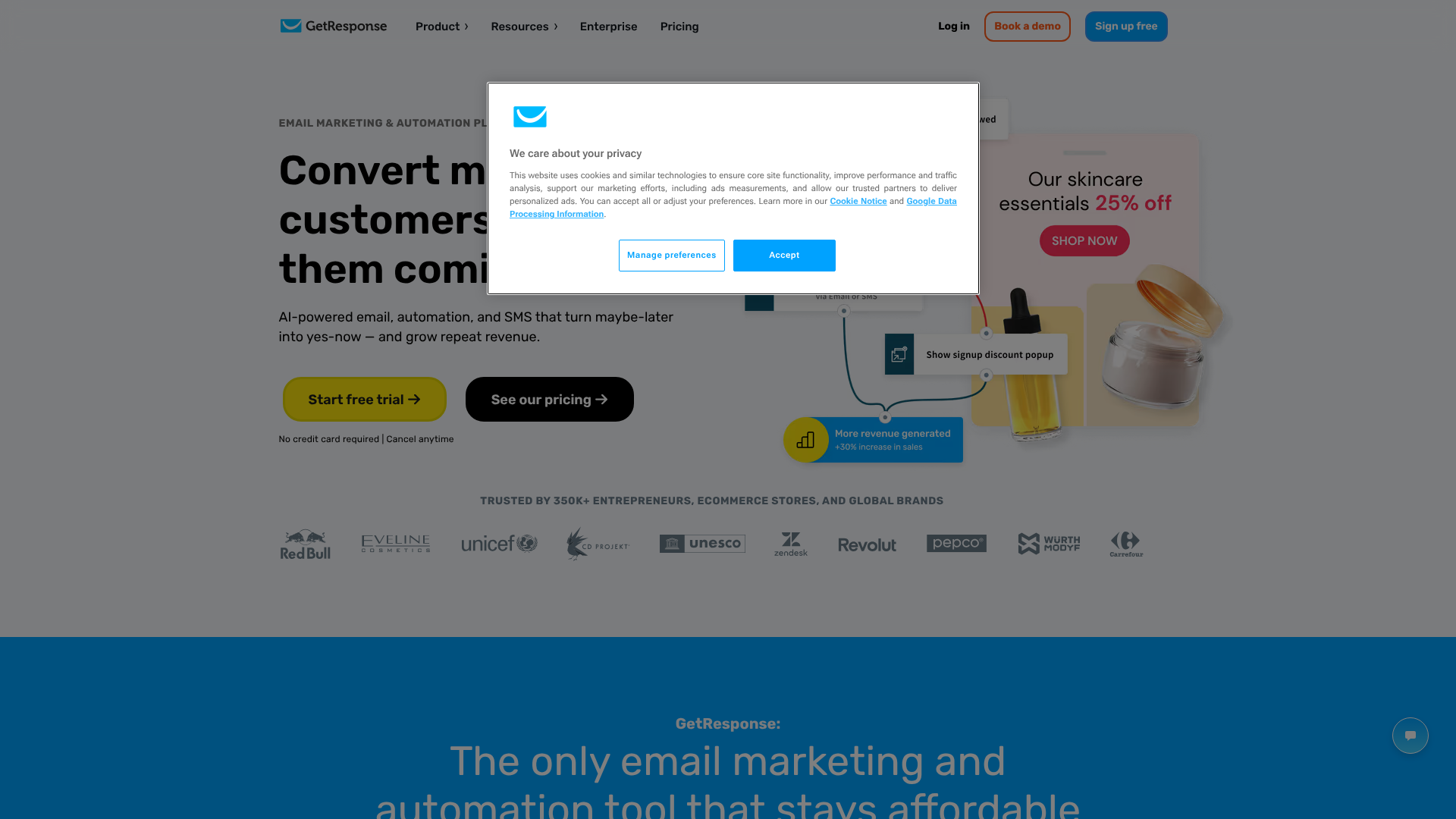
GetResponse is an all-in-one marketing platform that includes email marketing, marketing automation, and a very capable landing page builder. This is a great option for businesses that want to manage their marketing campaigns from a single dashboard. Its templates are modern and professional, and the AI-driven builder can help you generate a page in minutes.
Pros
- An integrated solution that combines landing pages with email and automation.
- Often more cost-effective than buying separate tools.
- Includes a built-in webinar solution that connects to its landing pages.
- Generous free-forever plan to get started.
Cons
- The landing page builder isn't as feature-rich as dedicated tools like Unbounce.
- The number of templates is smaller than what Leadpages offers.
Understanding Pricing: How Much Do Lead Gen Templates Cost?
The cost of using lead capture page templates varies significantly depending on the platform and the features you need. There are generally three models you'll encounter.
| Pricing Model | Typical Cost | Best For | Example Platforms |
|---|---|---|---|
| Monthly Subscription | £30 – £200+ per month | Most businesses needing ongoing campaigns | Leadpages, Unbounce, Instapage |
| All-in-One Suite | £15 – £150+ per month | Businesses wanting integrated marketing tools | GetResponse, ActiveCampaign |
| One-Time Purchase | £10 – £50 per template | Users with technical skills on platforms like WordPress | ThemeForest, TemplateMonster |
Subscription-based platforms are the most common. You pay a monthly or annual fee for access to the builder, templates, hosting, and features like A/B testing. Tiers are usually based on factors like traffic volume, number of published pages, and access to advanced features. This model is ideal for most businesses as it includes support and continuous updates.
All-in-one marketing suites bundle a landing page builder with other tools like email marketing and a CRM. This can be very cost-effective if you need those other services anyway. The trade-off is that the landing page builder might not be as powerful as a specialised tool.
Finally, you can buy one-time purchase templates from marketplaces like ThemeForest. These are typically for CMS platforms like WordPress. While the upfront cost is low, this approach requires more technical work. You are responsible for hosting, updates, and ensuring compatibility with other plugins.
It's a good option for those who are tech-savvy and on a very tight budget.
Pro Tip: Always start with a free trial. Nearly every subscription platform offers a 14-day or 30-day trial. Use this time to test the builder's ease of use, browse the template library, and check if it integrates with your essential tools before committing to a paid plan.
The Pros and Cons of Relying on Templates
While templates offer immense value, it's important to have a balanced perspective. They are a powerful tool, but they aren't the right solution for every single situation.
Advantages (The Good)
- Speed: Launch campaigns in a fraction of the time it takes to build from scratch.
- Cost: Significantly cheaper than hiring a custom designer and developer.
- Proven Designs: Based on data-backed principles of what converts visitors.
- Ease of Use: Empowers non-technical users to create professional-looking pages.
- Focus: Allows you to focus on the most important part of the campaign—the offer and the copy—rather than the technical details.
Disadvantages (The Trade-offs)
- Potential for Sameness: If you don't customise them enough, your pages might look similar to others using the same template.
- Brand Constraints: You may have to make small compromises if your brand guidelines are extremely specific and the template isn't fully flexible.
- Feature Limitations: A template is bound by the features of the platform it's built on. If you need a highly unique function, a template might not support it.
- Code Bloat: Some builders can add unnecessary code to templates, which can slightly slow down page load times if not optimised.
Frequently Asked Questions (FAQ)
What is the difference between a landing page and a lead capture page?
The terms are often used interchangeably, but there's a subtle difference in focus. A "landing page" is any page a visitor "lands" on after clicking a link from an ad, email, or social media post. While many landing pages are designed for lead capture, some have other goals, like selling a product directly (a sales page) or warming up a visitor before sending them elsewhere (a click-through page).
A "lead capture page" is a specific type of landing page where the one and only goal is to collect a visitor's contact information via a form. It is hyper-focused on this single conversion action and removes all other distractions, like site navigation or links to other parts of your website.
How many form fields should a lead capture page have?
The golden rule is to ask for the absolute minimum amount of information you need to qualify and contact the lead. For most top-of-funnel offers, like an ebook or a newsletter subscription, a name and an email address are sufficient. Every extra field you add creates more work for the visitor and will cause some people to abandon the form.
If you need more information for a higher-commitment offer, like a sales demo or a price quote, you can ask for more details (e.g., company name, phone number). A good strategy is to use multi-step forms. The first step asks for basic info, and subsequent steps ask for more details. This gets the user committed before presenting them with the longer form.
What makes a good lead capture page?
A good lead capture page excels at three things: clarity, value, and focus. First, it must be crystal clear what the offer is and what the visitor will get by filling out the form. Second, the perceived value of the offer must be greater than the perceived cost of giving up their contact information. Finally, it must be completely focused on the single goal of conversion, with one primary call-to-action and no distracting links.
Can I build a lead capture page for free?
Yes, you can. Several platforms, including GetResponse and Mailchimp, offer free-forever plans that include a basic landing page builder. These are great for getting started or for very simple campaigns. However, these free plans usually come with limitations, such as being hosted on a branded subdomain (e.g., yourname.getresponse.com), having strict traffic limits, and displaying the provider's branding on your page.
Final Thoughts: Choosing the Right Template for Growth
Lead capture page templates are one of the most powerful tools in a modern marketer's toolkit. They democratise professional design, enabling businesses of all sizes to create conversion-focused pages that turn passive visitors into active leads. By starting with a proven framework, you can save time, reduce costs, and focus your energy on crafting a compelling offer.
The key to success is choosing the right tool and template for your specific needs. For beginners and small businesses prioritising ease of use and affordability, Leadpages is an outstanding choice. For those looking to build out complete, multi-step sales processes, the integrated system of ClickFunnels provides immense power.
Ultimately, the template is just the beginning. The best results come from continuously testing your headlines, copy, and calls-to-action to find what resonates most with your audience. Select a platform that makes this testing process easy, and you'll be well on your way to building a reliable lead generation engine for your business.