

7 Best Lead Capture Tools for Trade Shows (2026 Rankings)
Trade shows are a whirlwind of activity. You spend days engaging with potential customers, demonstrating your product, and building relationships. But after the event, you're often left with a fishbowl full of business cards, a stack of paper forms with questionable handwriting, and a sinking feeling that your best leads are already going cold. Finding the best lead capture tool for trade shows is the solution to this chaos, transforming messy, manual data entry into a streamlined process that directly fuels your sales pipeline.
- Main Points
- What is a Trade Show Lead Capture Tool and Why Do You Need One?
- Key Features to Look for in the Best Lead Capture Software
- Badge and Business Card Scanning
- Offline Functionality
- Customisable Qualification Forms
- Real-time CRM & Marketing Automation Integration
- Reporting and Analytics
- How to Choose the Right Trade Show Lead Tool for Your Business
- Assess Your Team's Technical Skill
- Consider Your Budget and Pricing Models
- Check for Essential Integrations
- Scalability for Multiple Events and Users
- The 7 Best Lead Capture Tools for Trade Shows in 2026
- 1. iCapture
- 2. Captello
- 3. Cvent LeadCapture
- 4. Jotform: The Most Flexible Option for Custom Forms
- 5. Whova
- 6. SnapAddy
- 7. Using Your CRM's Mobile App (e.g., ActiveCampaign)
- Beyond Capture: Mastering Trade Show Lead Management
- Frequently Asked Questions (FAQ)
- How do you capture leads at trade shows?
- Which tool is most commonly used to track sales leads?
- How do you follow up on leads from a trade show?
- What is the best way to capture leads?
- Final Thoughts: Choosing Your Top Trade Show Lead Tool
These tools do more than just replace a pen and paper; they digitise the entire lead collection process. Using a mobile phone or tablet, your team can scan badges, snap pictures of business cards, and add qualifying notes in seconds. This information is then instantly organised and, in many cases, sent directly to your CRM, allowing your sales team to follow up while the conversation is still fresh. Moving away from manual methods isn't just about convenience—it's about maximising the significant investment you've made in exhibiting.
Main Points
- Digital is Non-Negotiable: Manual lead capture methods like business cards and paper forms are slow, error-prone, and lead to lost revenue. A dedicated digital tool is essential for maximising trade show ROI.
- Core Features are Key: When choosing a tool, prioritise essential features like offline functionality for unreliable venue Wi-Fi, seamless CRM integration for fast follow-up, and customisable forms for effective lead qualification.
- Dedicated vs. Flexible Tools: While specialised apps like iCapture and Captello excel at badge scanning, versatile form builders like Jotform offer unparalleled customisation for creating tailored lead capture experiences on a budget.
- Capture is Just the Start: Effective trade show lead management involves the entire lifecycle. The process is only complete when leads are instantly synced to a CRM like ActiveCampaign for automated nurturing and follow-up.
What is a Trade Show Lead Capture Tool and Why Do You Need One?
A trade show lead capture tool is a piece of software, typically a mobile application, designed to digitise and streamline the process of collecting and managing contact information from prospects at events. Instead of relying on physical business cards or paper forms, your booth staff can use a smartphone or tablet to scan attendee badges, capture business card details using the camera, or have visitors fill out a digital form. This immediately eliminates the risk of losing cards or misreading handwritten information.
The real power of these tools, however, goes far beyond simple data collection. The best lead capture software allows you to qualify leads on the spot. You can create custom questionnaires to gauge a prospect's interest level, budget, and purchasing timeline. Your team can add detailed notes about their conversation, ensuring valuable context isn't lost.
This transforms a simple contact into a rich, qualified lead ready for the sales team.
Ultimately, you need one because the speed of follow-up is directly correlated with conversion rates. A lead that is contacted within the first hour is significantly more likely to convert than one contacted 24 hours later. These tools bridge the gap between the trade show floor and your sales process, often syncing data in real-time to your CRM. This means a hot lead can be in an automated follow-up sequence before they've even left the exhibition hall, giving you a powerful competitive advantage.

Key Features to Look for in the Best Lead Capture Software
Choosing the right tool can feel overwhelming, but focusing on a few core features will help you identify the best fit for your needs. These capabilities are what separate a basic data entry app from a powerful tool that drives revenue and provides clear ROI on your event marketing spend. A top trade show lead tool should make your team's job easier, not add another layer of complexity.
Badge and Business Card Scanning
The most fundamental feature is the ability to quickly capture contact information. Look for tools with high-accuracy Optical Character Recognition (OCR) for business cards, which minimises manual correction. For badge scanning, ensure the app is compatible with the types of badges used at the events you attend (e.g., QR codes, barcodes). The goal is speed; your team should be able to scan a badge and move on to qualifying questions in seconds.
Offline Functionality
Exhibition hall Wi-Fi is notoriously unreliable and often expensive. A tool without offline functionality is a major liability. The best apps allow your team to continue capturing and qualifying leads without an internet connection. The data is stored securely on the device and then automatically syncs to the cloud and your integrated systems as soon as a stable connection is found.
This feature is non-negotiable for ensuring uninterrupted lead flow.
Customisable Qualification Forms
This is arguably the most critical feature for sales success. A simple name and email address isn't enough. Your tool must allow you to build custom forms with drop-down menus, multiple-choice questions, and text fields to qualify leads effectively. You should be able to gather information on their role, company size, specific needs, and purchase intent.
This data allows you to segment leads for targeted follow-up and prioritise the hottest prospects first.
Real-time CRM & Marketing Automation Integration
The lead capture process doesn't end on the show floor. The best tools offer seamless, real-time integration with major CRM and marketing automation platforms. When a lead is captured, it should be automatically created or updated in your system of record. This immediate sync enables automated follow-up sequences.
For example, integrating with a platform like ActiveCampaign means a new lead can instantly receive a personalised 'Nice to meet you' email and be added to a specific nurture campaign based on their answers to your qualifying questions.
Reporting and Analytics
How do you measure the success of an event. A good lead capture tool provides the answer. Look for built-in analytics that track the number of leads captured per event, per team member, and even per day. This data helps you calculate your cost-per-lead and overall event ROI.
It also provides insights into your team's performance, helping you identify top performers and areas for improvement in your lead capture strategy.
How to Choose the Right Trade Show Lead Tool for Your Business

With a clear understanding of the key features, the next step is to match them to your company's specific operational needs and budget. The 'best' tool is subjective; what works for a large enterprise attending dozens of global shows might be overkill for a startup at its first local exhibition. Evaluating your internal processes, team capabilities, and existing tech stack is crucial for making a smart investment in your trade show lead management.
Assess Your Team's Technical Skill
The most feature-rich tool is useless if your team finds it confusing or difficult to use. The interface should be intuitive and require minimal training. During a busy trade show, your staff won't have time to troubleshoot a complicated app. Look for a clean user experience, simple navigation, and a straightforward process from scanning to saving a lead.
Many providers offer free trials, which are an excellent opportunity to let your team test the app's usability before you commit.
Consider Your Budget and Pricing Models
Pricing for lead capture software varies widely. Some providers charge on a per-event basis, which can be cost-effective if you only attend a few shows a year. Others offer annual subscriptions that include unlimited events and users, a model that provides better value for companies with a busy event calendar. Be sure to clarify what's included in each tier, such as the number of users, devices, and available integrations.
Don't forget to factor in any potential one-time setup fees.
Pro Tip: Ask providers if their pricing is based on the number of leads captured. Some older models include per-lead fees, which can quickly become expensive at a high-traffic show. A flat-rate model, either per-event or per-year, is usually more predictable and budget-friendly.
Check for Essential Integrations
Your lead capture app should not be an information silo. It must integrate smoothly with the other tools you already use. Make a list of your core software—your CRM (like Salesforce, HubSpot, or ActiveCampaign), your email marketing platform (like Mailchimp or GetResponse), and any other sales or marketing tools. Check the provider's list of native integrations to ensure your key systems are supported.
A seamless connection eliminates manual data export and import, saving hours of administrative work and preventing data entry errors.
Scalability for Multiple Events and Users
Think about your future needs. If you plan to increase the number of trade shows you attend or expand your booth staff, you'll need a tool that can scale with you. Can you easily add new users and manage their permissions. Can you duplicate event setups and forms to save time.
Choosing a scalable platform from the start prevents the hassle of migrating to a new system as your event marketing program grows.
The 7 Best Lead Capture Tools for Trade Shows in 2026
Now that you know what to look for, let's explore some of the top options available today. This list includes dedicated lead retrieval systems, versatile form builders, and even a strategy that uses your existing software. Each has its own strengths, making them suitable for different types of businesses and event strategies.
1. iCapture
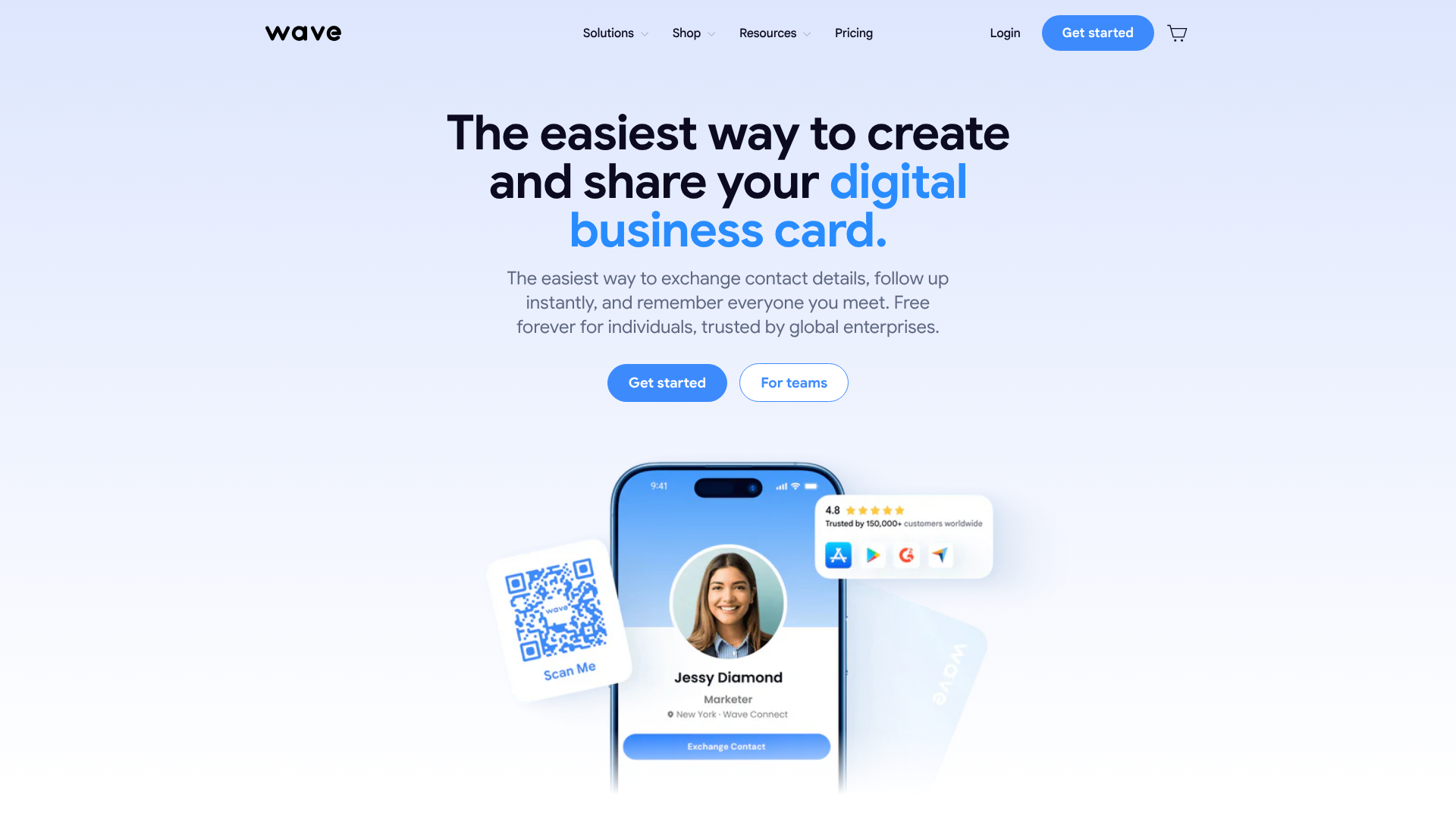
iCapture is one of the most well-known and widely used tools in the event lead capture space. It's a robust, all-around solution that excels at scanning all types of event badges and business cards. It's designed for speed and reliability, with strong offline capabilities ensuring you never miss a lead, even with spotty Wi-Fi. The platform is highly regarded for its extensive list of native integrations with major CRMs and marketing automation systems, making it a favourite among sales and marketing teams who need data to flow seamlessly into their existing workflows.
Pros
- Universal badge scanning compatibility works at virtually any trade show.
- Extensive library of native CRM and marketing automation integrations.
- Strong offline mode that syncs data automatically once a connection is restored.
Cons
- Can be one of the more expensive options, especially for smaller businesses.
- The user interface, while functional, can feel a bit dated compared to newer apps.
2. Captello
Captello takes a unique approach to lead capture by focusing on engagement. Beyond standard badge and business card scanning, the platform offers interactive experiences and gamification to draw attendees into your booth. You can create digital prize wheels, trivia games, or leaderboards that capture lead data as part of the fun. This method can significantly increase booth traffic and make the lead capture process more memorable for visitors.
It's an excellent choice for brands looking to create a high-energy, interactive booth experience.
Pros
- Gamification features make lead capture more engaging and fun for attendees.
- Highly customisable to match your brand's look and feel.
- Offers a suite of tools beyond lead capture, including marketing automation.
Cons
- The additional engagement features can make the pricing more complex.
- Might be overkill if you just need a simple, straightforward scanning tool.
3. Cvent LeadCapture
Cvent is a giant in the event management industry, and LeadCapture is its dedicated solution for exhibitors. Its biggest strength is its seamless integration with the broader Cvent event ecosystem. If you're exhibiting at an event that is already using Cvent for registration, the data sync is flawless. It's an enterprise-grade solution known for its reliability, security, and powerful reporting capabilities, making it a top choice for large organisations with complex needs and stringent data security requirements.
Pros
- Unmatched integration with events running on the Cvent platform.
- Robust security features suitable for enterprise-level companies.
- Advanced reporting and analytics to measure event performance.
Cons
- Can be significantly more expensive than standalone competitors.
- Often makes the most sense financially when used for events already managed with Cvent.
4. Jotform: The Most Flexible Option for Custom Forms
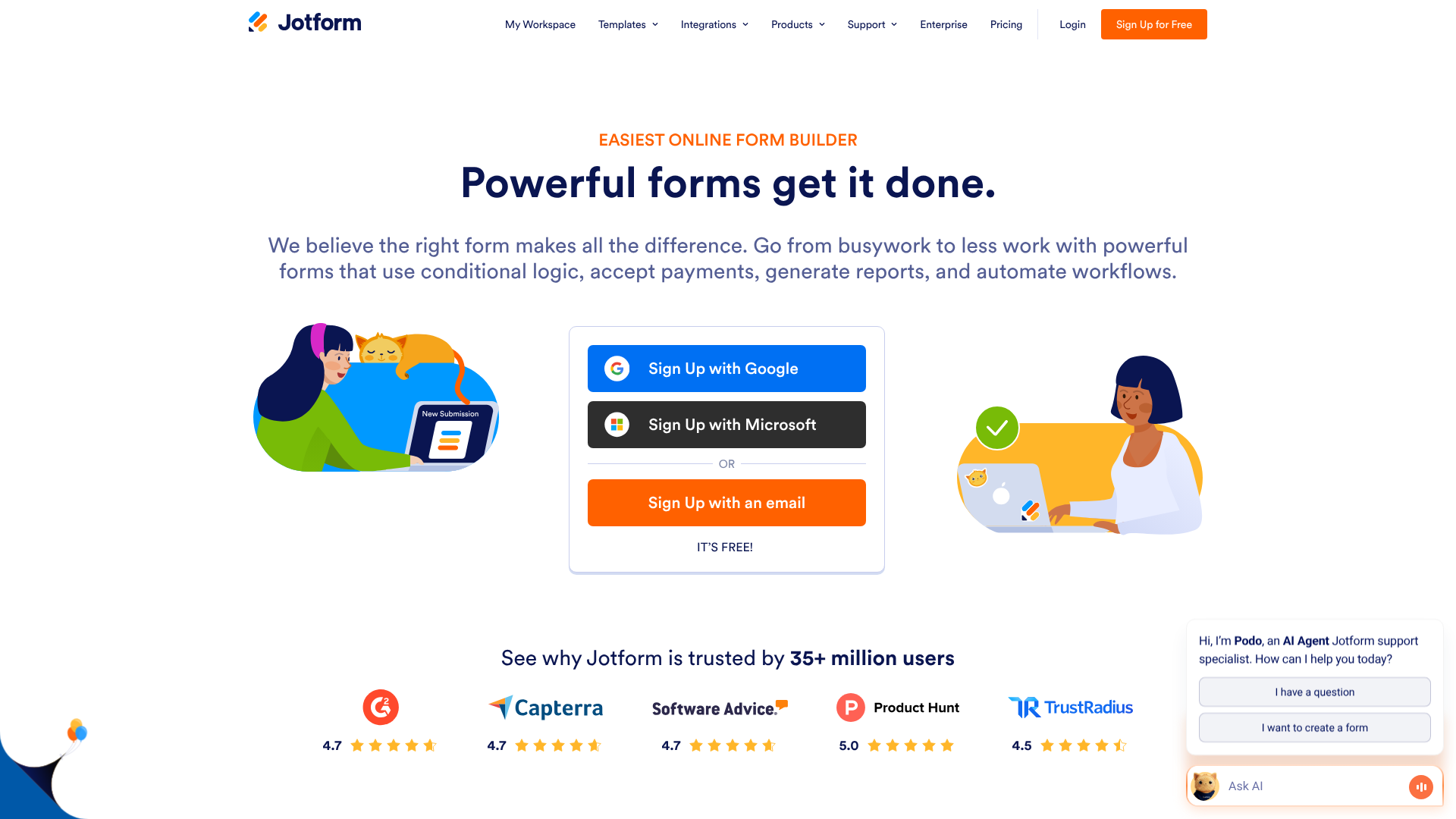
While not a dedicated badge scanner in the traditional sense, Jotform is a powerful and incredibly versatile alternative for lead capture. It's a best-in-class online form builder that allows you to create fully customised lead capture forms that can be used on a tablet or smartphone in kiosk mode. You can include conditional logic (showing different questions based on previous answers), collect electronic signatures, and even take payments. Its offline forms feature is perfect for trade shows, saving submissions locally and syncing them when you're back online.
With thousands of integrations, you can send your lead data anywhere you need it to go.
Pros
- Unmatched flexibility to design a form that captures exactly the data you need.
- Very cost-effective, with powerful features available even on free or low-cost plans.
- A multi-purpose tool that can be used for surveys, order forms, and more, providing value beyond events.
Cons
- Does not have a built-in universal badge scanner; relies on manual entry or QR code scanning to a form URL.
- Requires more initial setup to design the form compared to out-of-the-box scanner apps.
5. Whova
Whova is primarily an all-in-one event management app for attendees, but it includes a lead retrieval feature for exhibitors. Its main advantage comes into play when the event you're attending is using Whova as its official app. Attendees are already using it to view the agenda and network, so the ecosystem is already established. The lead retrieval function allows you to scan attendee QR codes within the app, and it boasts a very high accuracy rate for business card scanning.
It's a convenient option that consolidates event functions into a single application.
Pros
- Very convenient if the event is already using the Whova platform.
- Often more affordable than dedicated lead retrieval hardware from event organisers.
- Highly rated business card transcription service.
Cons
- Functionality is dependent on the event organiser using the platform.
- Fewer customisation options for qualifying questions compared to dedicated tools.
6. SnapAddy
SnapAddy focuses on being the fastest bridge between a physical business card and your CRM. Its VisitReport app is designed specifically for trade shows and field sales, with a strong emphasis on high-quality data capture and seamless CRM export. It's known for its excellent OCR accuracy and its ability to automatically detect and eliminate duplicate contacts. SnapAddy is particularly popular in European markets and offers robust data protection features that align with GDPR standards, making it a secure choice for businesses concerned with data privacy.
Pros
- Excellent business card scanning accuracy.
- Strong focus on data quality and duplicate prevention.
- GDPR-compliant, making it a safe choice for handling European customer data.
Cons
- The user interface is more functional than visually appealing.
- Pricing can be complex, with different modules for different features.
7. Using Your CRM's Mobile App (e.g., ActiveCampaign)
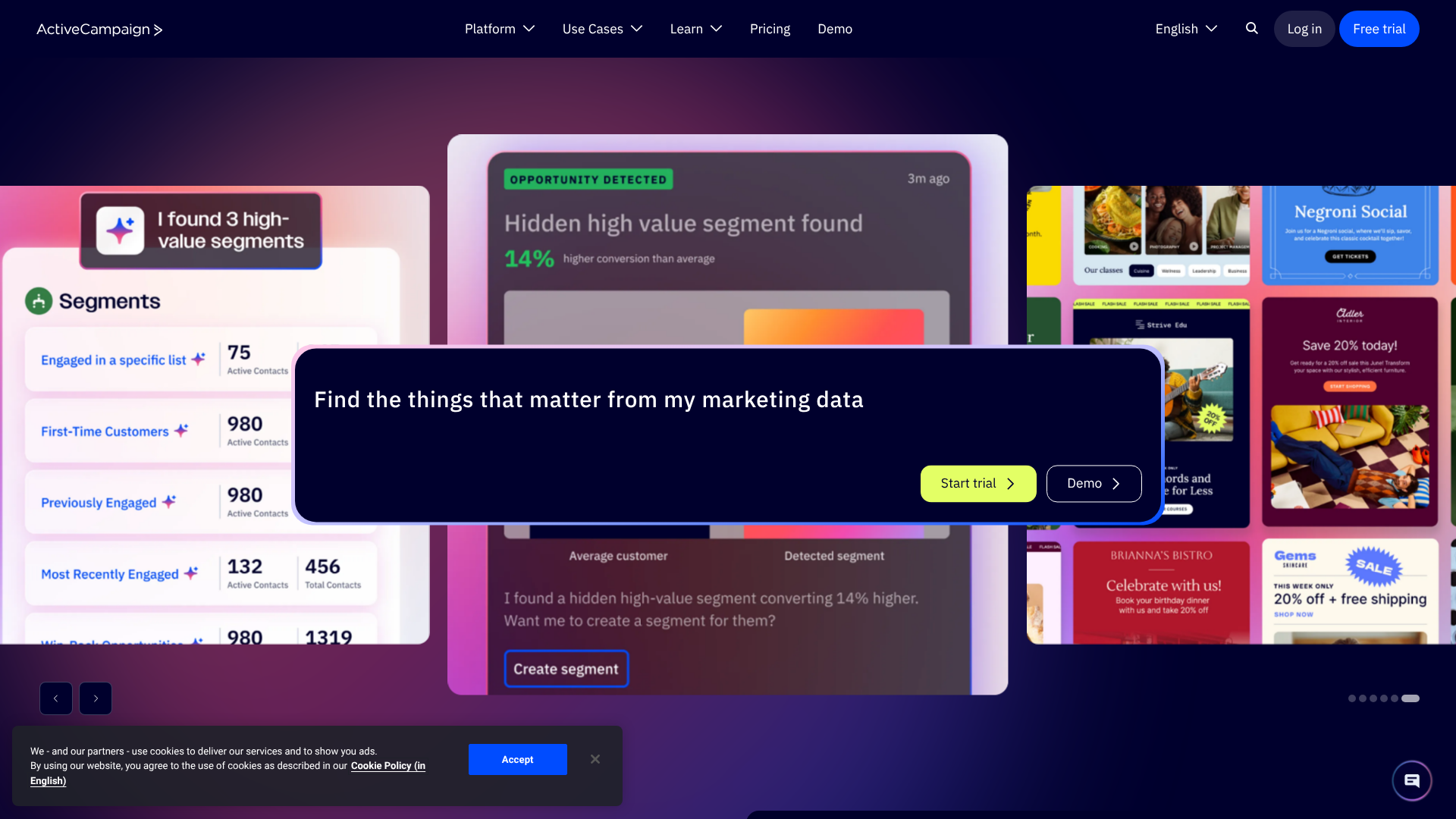
Sometimes the best solution is one you already have. Many modern CRMs, including ActiveCampaign, offer mobile apps that include the ability to add new contacts and fill out forms. You can create a simple lead capture form within your CRM and have your booth staff use the mobile app on their phones or tablets to enter new leads directly into the system. This method ensures data goes exactly where it needs to be, with zero integration issues or extra costs.
It's the most direct path from the trade show floor to your sales pipeline.
Pros
- No additional software cost if you already subscribe to the CRM.
- Leads are entered directly into your system of record in real-time.
- Perfectly seamless workflow with no need for data exporting or syncing.
Cons
- Lacks dedicated badge or business card scanning functionality.
- The form-building capabilities may be more limited than specialised tools like Jotform.
Beyond Capture: Mastering Trade Show Lead Management
Selecting the best lead capture tool is a critical first step, but true success comes from integrating it into a broader strategy for trade show lead management. The process starts long before the event and continues long after you've packed up your booth. A holistic approach ensures that every lead you capture has the highest possible chance of converting into a customer.
Pre-Show Promotion
Don't wait for attendees to stumble upon your booth. Use the weeks leading up to the show to book meetings with key prospects. A great way to do this is by creating a dedicated landing page for the event. You can use a tool like Leadpages to quickly build a professional page where visitors can learn about what you'll be showcasing and book a specific time to meet with your team.
Promoting this page through email and social media can fill your calendar before the show even begins.
The Immediate Follow-Up
As mentioned, speed is everything. The data from your lead capture app should trigger an immediate follow-up sequence. This is where the integration with your marketing automation platform is vital. In a system like GetResponse, you can build an automated workflow that sends a personalised email the moment a lead is synced.
The email should thank them for visiting, reference the conversation, and provide a clear next step, such as a link to a resource or a calendar to book a more in-depth demo.
Nurturing and Qualification
Not all leads are ready to buy immediately. Using the qualification data you captured at the show, you can segment your new contacts into different nurture tracks. A 'hot' lead who requested a quote should be routed directly to a salesperson for a personal call. A 'warm' lead who showed general interest could be placed into a 30-day email nurture sequence that provides valuable content.
A 'cold' lead who was just collecting information might be added to your monthly newsletter. This targeted approach ensures every lead receives relevant communication, increasing engagement and conversion rates over time.
Frequently Asked Questions (FAQ)
How do you capture leads at trade shows?
The most effective way to capture leads at trade shows is by using a digital lead capture app on a smartphone or tablet. This allows you to scan attendee badges or business cards to instantly collect contact information. You can then use customisable digital forms within the app to ask qualifying questions, add notes, and score the lead's interest level. This method is far superior to manual options like collecting business cards in a bowl or using paper forms, as it eliminates errors, speeds up the process, and allows for immediate follow-up.
Which tool is most commonly used to track sales leads?
The most common tool used to track sales leads is a Customer Relationship Management (CRM) system. Platforms like Salesforce, HubSpot, and ActiveCampaign are central hubs for all customer and lead data. While a lead capture app is used for the initial collection at an event, the data is typically synced to a CRM. The CRM is where the lead is managed, tracked through the sales pipeline, and nurtured over time.
Therefore, a key feature of any good lead capture tool is its ability to integrate seamlessly with these CRM systems.
How do you follow up on leads from a trade show?
Effective follow-up is timely, personal, and persistent. The first follow-up email should be sent within 24 hours of capturing the lead, ideally much sooner. This email should thank them for their time and reference your conversation to jog their memory. After the initial contact, leads should be segmented based on their quality and placed into appropriate follow-up sequences.
Hot leads require a personal phone call from a sales representative, while warm leads can be nurtured with a series of automated emails that provide value and keep your brand top-of-mind.
What is the best way to capture leads?
The best way to capture leads combines technology with a human touch. Use a reliable lead capture app to handle the technical side of data collection quickly and accurately. This frees up your booth staff to have meaningful conversations with prospects. Train your team to focus on asking good qualifying questions and understanding the visitor's needs rather than just scanning a badge.
The data captured by the tool is only as good as the human conversation that accompanies it.
Final Thoughts: Choosing Your Top Trade Show Lead Tool
Leaving a trade show with a stack of high-quality, actionable leads instead of a pocketful of business cards is no longer a luxury—it's a necessity for achieving a positive return on your event investment. The right tool empowers your team to be more efficient on the show floor and bridges the critical gap between initial contact and sales follow-up.
Your choice will depend on your specific needs. For an all-in-one, powerful badge scanning solution with deep CRM integrations, a tool like iCapture is a market leader. If creating an engaging, interactive booth experience is your priority, Captello's gamification features are hard to beat. However, for ultimate control and flexibility, don't overlook the power of a versatile form builder.
If you need to create a completely bespoke lead capture experience tailored to your exact sales process, exploring a tool like Jotform is a fantastic starting point. To ensure those valuable leads are never dropped, make sure your chosen solution integrates perfectly with a powerful CRM and marketing automation platform like ActiveCampaign to handle the crucial follow-up and nurturing process. By combining smart capture with swift action, you can turn every trade show into a reliable source of revenue.