

7 Best Lead Capture Page Templates to Grow Your Email List Fast
Turning website visitors into loyal subscribers is the foundation of digital marketing, but it doesn't happen by accident. You need a focused, persuasive page designed for one job: capturing leads. Using high-quality lead capture page templates is the fastest way to build these crucial pages without needing a designer or developer. These pre-built layouts are engineered to convert, giving you a professional starting point to attract and secure new contacts for your business.
- What to Know
- What Exactly Are Lead Capture Page Templates?
- The Core Elements of a High-Converting Template
- Compelling Headline
- Persuasive Subheading
- Engaging Visuals
- The Lead Capture Form Itself
- Clear Call-to-Action (CTA) Button
- Social Proof
- Why Use a Template? The Major Benefits
- How to Choose the Right Lead Capture Page Template
- Define Your Goal
- Consider Your Industry and Audience
- Check for Mobile Responsiveness
- Ensure Easy Customisation
- Top 7 Platforms for Lead Capture Page Templates
- 1. Leadpages: Best for Small Businesses and Solopreneurs
- 2. Unbounce: Best for A/B Testing and Conversion Optimisation
- 3. Instapage: Best for Enterprise Teams and Personalisation
- 4. ClickFunnels: Best for Sales Funnels and Digital Products
- 5. GetResponse: Best All-in-One Marketing Platform
- 6. Jotform: Best for Versatile and Powerful Lead Capture Forms
- 7. Selzy: Best for Simple, Integrated Email Marketing Campaigns
- Pricing and Platform Comparison
- Frequently Asked Questions (FAQ)
- What is the difference between a lead capture page and a landing page?
- How many form fields should a lead capture form have?
- Can I build a lead capture page for free?
- What makes a good lead magnet for a capture page?
- Final Thoughts
Whether you're offering a free ebook, a webinar seat, or a newsletter subscription, the right template can make all the difference. It provides the structure, visual appeal, and psychological cues needed to encourage visitors to share their contact information. This guide breaks down the best platforms for finding effective templates, what to look for, and how to choose the perfect design for your next campaign.
What to Know
- Templates Accelerate Growth: Using lead capture page templates saves significant time and money compared to building from scratch. They are pre-optimised for conversions, allowing you to launch campaigns faster.
- Core Elements are Crucial: A successful template must include a compelling headline, a clear call-to-action (CTA), a simple lead capture form, and social proof to build trust with visitors.
- Choose Based on Your Goal: The best template depends on your specific objective. A template for a webinar sign-up will look different from one for an ebook download. Always align the design with the offer.
- Top Platforms Offer Variety: Tools like Leadpages, Unbounce, and ClickFunnels provide extensive libraries of templates designed for different industries and campaign types, making it easier to find a suitable match.
What Exactly Are Lead Capture Page Templates?
A lead capture page is a standalone web page created specifically for a marketing or advertising campaign. Its sole purpose is to collect contact information—a lead—from a visitor. Unlike a homepage, which has dozens of links and distractions, a lead capture page is hyper-focused on a single call-to-action (CTA). This focus is what makes them so effective at converting traffic.
So, what are templates in this context. Simply put, lead capture page templates are pre-designed, customisable layouts for these pages. Instead of starting with a blank canvas, you begin with a professionally designed structure that already includes all the essential elements. You can then modify the text, images, colours, and branding to match your specific campaign.
Think of it as a blueprint for a high-converting page.
These are often referred to as landing page templates, as a lead capture page is a specific type of landing page. You might also see them called opt-in page designs, especially when the goal is to get someone to opt-in to an email list or newsletter. Regardless of the name, the function is the same: to make it as easy as possible for a visitor to become a lead.
The Core Elements of a High-Converting Template
Not all templates are created equal. The most effective ones share a common set of conversion-focused elements. When you're browsing options, look for templates that have well-defined sections for each of these components. A good design guides the visitor's eye logically from one element to the next, leading them straight to the sign-up button.
Compelling Headline
The headline is the first thing a visitor reads and is arguably the most important part of the page. It needs to grab their attention immediately and clearly communicate the value of your offer. A great headline is benefit-oriented, telling the visitor what they will gain by filling out the form.
Persuasive Subheading
The subheading sits directly below the headline and provides a little more detail. It's your chance to expand on the promise of the headline, add context, or overcome a potential objection. It should be concise and support the main message without overwhelming the reader.
Engaging Visuals
An image or short video can communicate value much faster than text. The visual element should be relevant to your offer. For an ebook, show the cover. For a webinar, a professional headshot of the speaker works well. Visuals help break up text and make the page more appealing.
The Lead Capture Form Itself
This is the heart of the page. The best lead capture forms are simple and only ask for essential information. Typically, a name and email address are enough. Every additional field you add creates friction and can lower your conversion rate. The form should be prominently placed and easy to see.
Clear Call-to-Action (CTA) Button
The CTA button is what the visitor clicks to submit their information. The text on the button should be action-oriented and specific (e.g., "Download Your Free Guide" instead of "Submit"). The button's colour should contrast with the rest of the page to make it stand out.
Social Proof
People trust other people. Including testimonials, customer logos, or statistics (e.g., "Join 10,000+ subscribers") builds credibility and reduces hesitation. Social proof reassures visitors that your offer is valuable and that others have benefited from it.

Why Use a Template? The Major Benefits

Building a lead capture page from scratch can be a complex task. It requires design skills, coding knowledge, and an understanding of conversion rate optimisation (CRO). Using templates bypasses these hurdles, offering several significant advantages for businesses of all sizes.
First and foremost is the speed and efficiency. With a template, you can launch a professional-looking lead capture page in minutes or hours, not days or weeks. This agility is crucial in fast-paced marketing environments where you need to capitalise on opportunities quickly. You simply choose a design, add your content, and publish.
Second, these templates are built by experts. The platforms that create them have access to vast amounts of data on what works. They analyse thousands of pages to identify the layouts, colours, and structures that generate the most leads. By using a template, you're leveraging this expertise to give your campaign the best possible chance of success from the start.
Finally, it's incredibly cost-effective. Hiring a web designer and a copywriter to create a custom page can cost thousands of pounds. Landing page builder software, which includes hundreds of templates, is available for a small monthly fee. This makes high-quality lead generation accessible even for businesses with limited budgets.
How to Choose the Right Lead Capture Page Template
With hundreds of options available, selecting the right template can feel overwhelming. The key is to approach the decision with a clear strategy. Your choice should be guided by your campaign goals, your audience, and the nature of your offer.
Define Your Goal
What do you want the visitor to do? The purpose of the page will heavily influence the best layout. A template designed for a simple newsletter sign-up will be short and direct. In contrast, a template for a high-ticket webinar registration might need more space for details, speaker bios, and testimonials to justify the commitment.
Consider Your Industry and Audience
The design should resonate with your target audience. A template for a B2B software company will likely have a clean, professional, and corporate feel. A template for a fitness coach might use bold colours, dynamic images, and an energetic tone. Choose a design that aligns with your brand's personality and your audience's expectations.
Check for Mobile Responsiveness
Over half of all web traffic comes from mobile devices. If your lead capture page is difficult to view or use on a smartphone, you could lose a significant portion of your potential leads. Any modern template should be fully responsive, meaning it automatically adjusts its layout to look great on any screen size, from a desktop monitor to a mobile phone.
Pro Tip: Before committing to a template, use the platform's preview feature to see exactly how it will look on mobile, tablet, and desktop. Pay close attention to the form and CTA button on the mobile view to ensure they are easy to tap.
Ensure Easy Customisation
A template is a starting point, not a final product. You need to be able to easily change colours, fonts, images, and layout blocks to match your brand and campaign message. The best platforms offer drag-and-drop editors that make customisation intuitive, even for non-designers. Avoid templates that are rigid and difficult to modify.
Top 7 Platforms for Lead Capture Page Templates
Several excellent platforms specialise in providing high-converting lead capture and landing page templates. Here are seven of the best options, each with its own unique strengths.
1. Leadpages: Best for Small Businesses and Solopreneurs
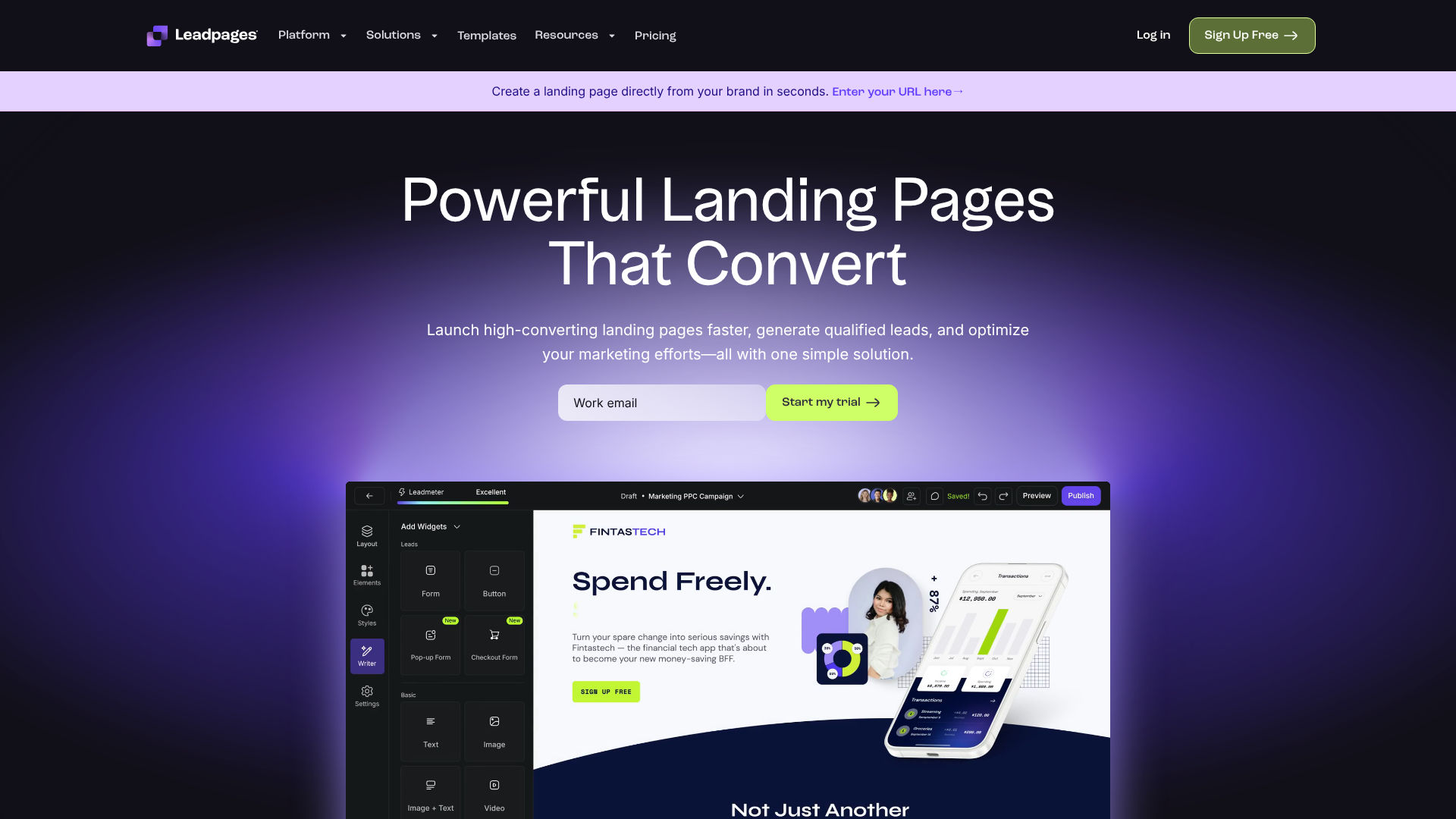
Leadpages is one of the most popular and user-friendly landing page builders on the market. It's designed specifically for small businesses, entrepreneurs, and marketers who need to create high-converting pages quickly without any coding. The platform offers a massive library of mobile-responsive templates that are sortable by conversion rate, helping you pick a proven winner from the start.
Its drag-and-drop editor is incredibly intuitive, making it easy to customise every aspect of your page. Leadpages also includes features like pop-up forms and alert bars, providing more ways to capture leads across your entire website. It integrates seamlessly with all major email marketing services, ensuring your new leads are automatically added to your mailing list.
Pros
- Extremely easy-to-use drag-and-drop builder.
- Large library of templates optimised for conversion.
- Affordable pricing plans suitable for small businesses.
- Built-in A/B testing to optimise your pages.
Cons
- The standard builder has some layout restrictions compared to more advanced editors.
- Some of the best-looking templates are only available on higher-tier plans.
2. Unbounce: Best for A/B Testing and Conversion Optimisation
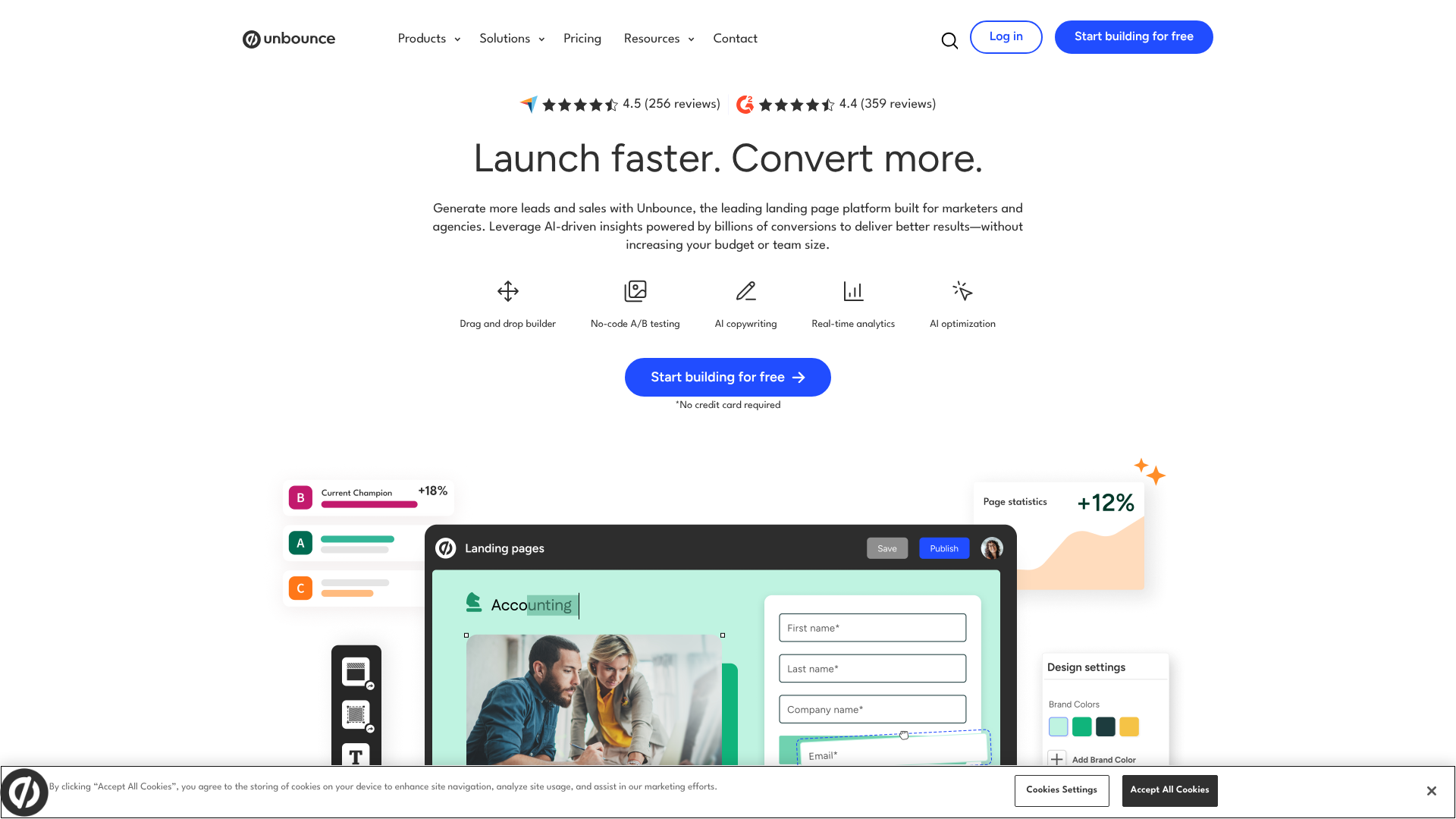
Unbounce is a powerful platform built for marketers who are serious about conversion rate optimisation. While it has a slightly steeper learning curve than Leadpages, it offers unparalleled flexibility and powerful testing features. Its drag-and-drop builder allows for pixel-perfect placement of elements, giving you complete creative control over your designs.
The standout feature of Unbounce is its AI-powered Smart Traffic tool. This feature automatically analyses a visitor's attributes and sends them to the landing page variant that is most likely to convert for them. This goes beyond traditional A/B testing and can provide a significant lift in conversions. It's an excellent choice for data-driven marketing teams.
Pros
- Highly flexible builder for complete design freedom.
- Advanced A/B testing and AI-powered traffic routing.
- Integrates with a wide range of marketing tools.
- Strong focus on conversion intelligence and optimisation.
Cons
- More expensive than many other options.
- Can be complex for complete beginners.
3. Instapage: Best for Enterprise Teams and Personalisation
Instapage is a premium landing page platform designed for larger teams and advertising agencies. Its core strength lies in its post-click optimisation and personalisation capabilities. Instapage allows you to create unique page experiences for different audience segments, which is proven to increase conversion rates.
The platform includes features like AdMap, which helps you visualise your ad campaigns and connect ad groups to specific landing pages. It also boasts lightning-fast page load speeds, which is a crucial factor for both user experience and SEO. Its collaboration tools make it easy for multiple team members to work on campaigns simultaneously.
Pros
- Advanced personalisation and post-click optimisation features.
- Built for collaboration and team workflows.
- Exceptionally fast page loading speeds.
- Detailed analytics and heatmaps.
Cons
- The highest price point of the tools on this list.
- Overkill for small businesses or simple campaigns.
4. ClickFunnels: Best for Sales Funnels and Digital Products
ClickFunnels is more than just a landing page builder; it's a complete platform for creating marketing and sales funnels. While you can certainly build standalone lead capture pages, its real power is in guiding a visitor through a multi-step process, from initial lead capture to a sale and beyond. It offers a wide variety of templates for every step of the funnel, including opt-in pages, sales pages, order forms, and webinar pages.
This makes it an ideal choice for businesses selling digital products, online courses, or coaching services. The platform includes its own email autoresponder and affiliate management system, providing an all-in-one solution for many online entrepreneurs. The community and training resources are also extensive.
Pros
- Excellent for building complete, multi-step sales funnels.
- All-in-one platform with email and affiliate marketing tools.
- Large library of funnel templates for various goals.
- Strong community and support.
Cons
- Can be more complex and expensive if you only need a simple lead capture page.
- The page editor is powerful but can feel less modern than competitors.
5. GetResponse: Best All-in-One Marketing Platform
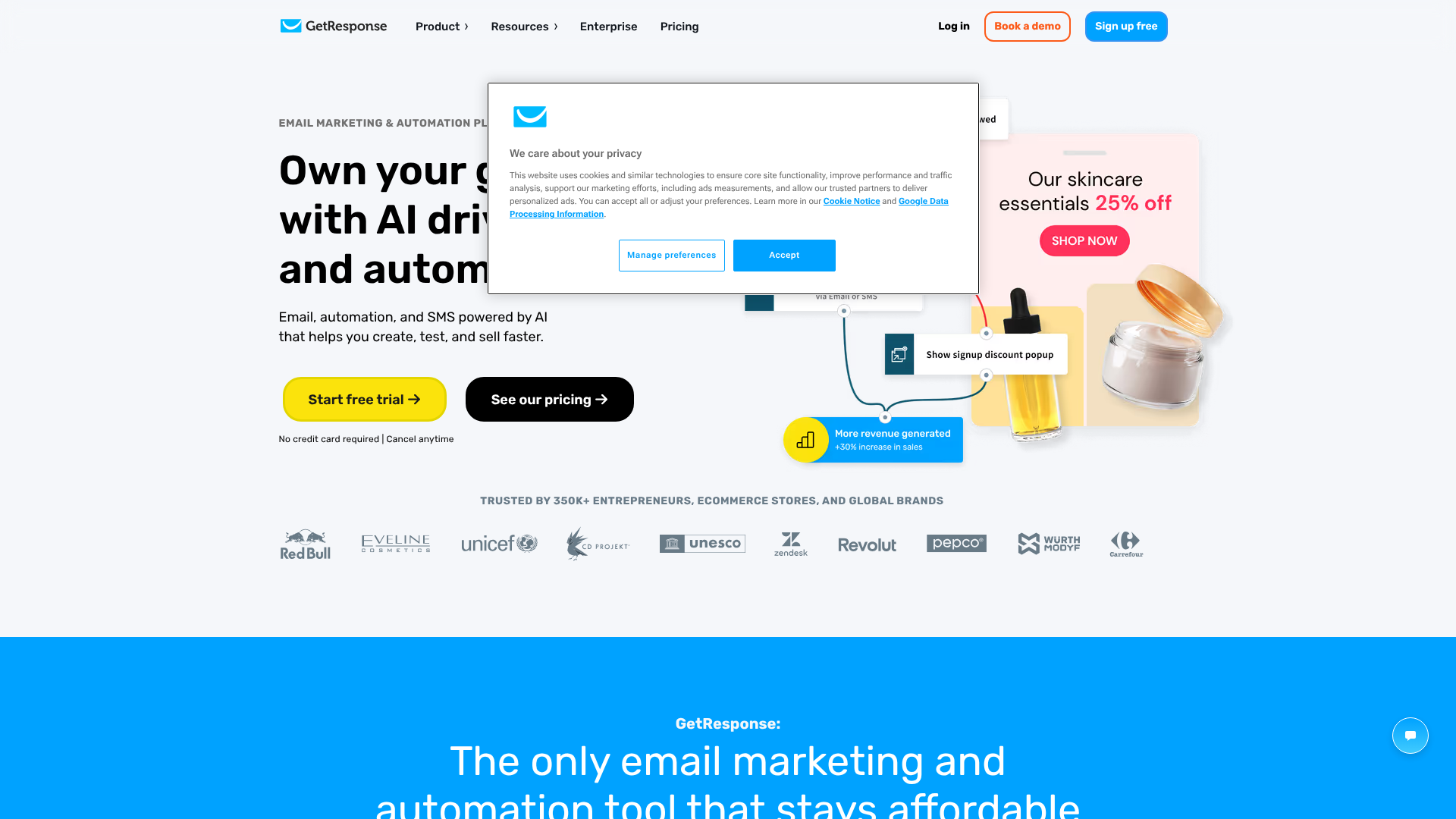
GetResponse started as an email marketing service but has evolved into a comprehensive marketing automation platform. It includes a landing page builder with hundreds of professional templates, making it a great option for those who want to keep their email marketing and lead capture tools under one roof.
The builder is AI-driven, allowing you to generate personalised page designs in seconds based on a few prompts. It also includes conversion funnels, webinar hosting, and advanced marketing automation. The value is exceptional, as you get a full suite of marketing tools for a price that is often less than a standalone landing page builder.
Pros
- Combines landing pages with email marketing, webinars, and automation.
- AI-powered builder for quick page creation.
- Very competitive pricing for the features offered.
- Excellent for businesses looking for an integrated solution.
Cons
- The landing page builder isn't as flexible as dedicated tools like Unbounce.
- The sheer number of features can be overwhelming for new users.
6. Jotform: Best for Versatile and Powerful Lead Capture Forms
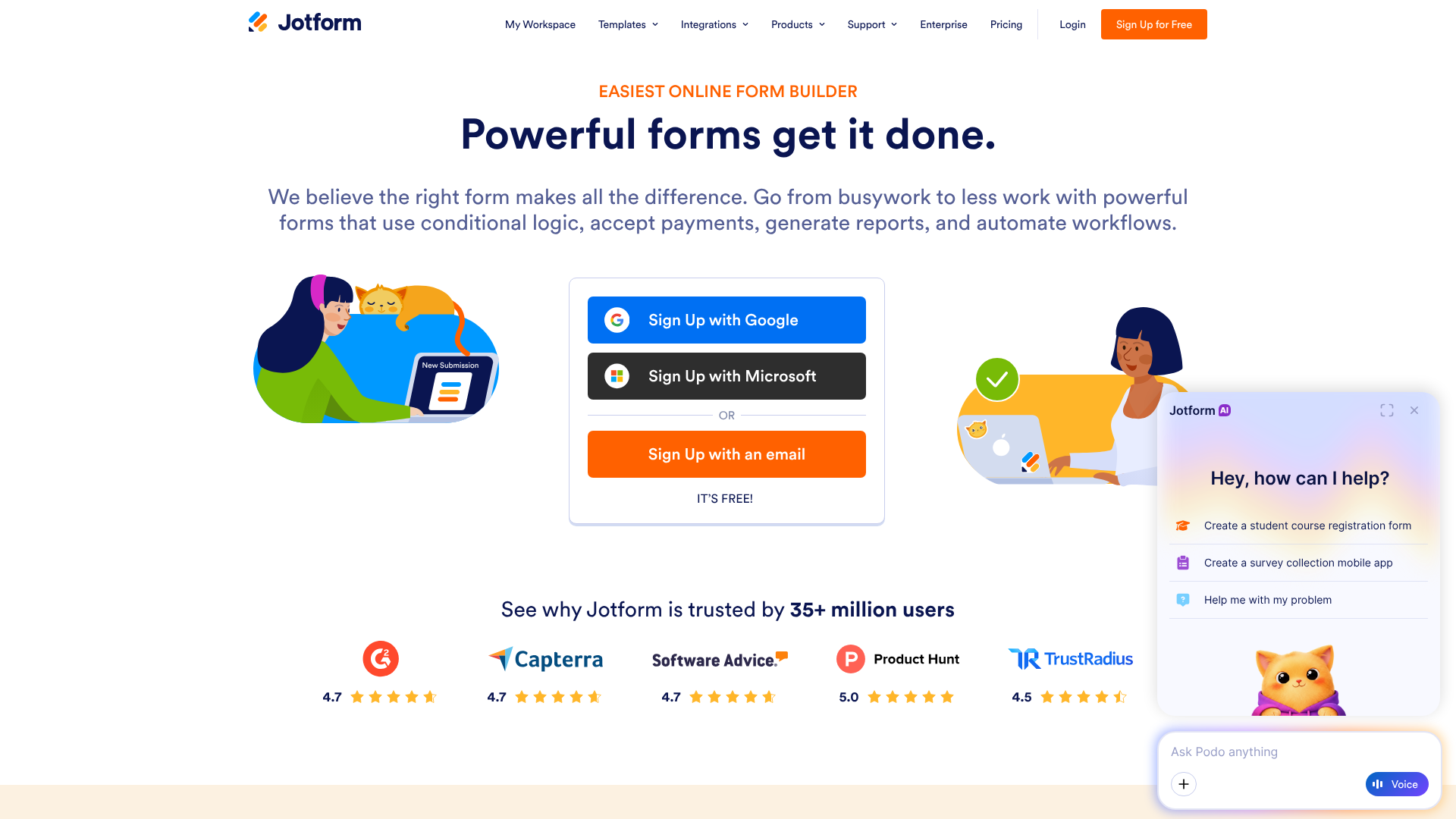
While Jotform is primarily known as a powerful online form builder, it also offers a feature called Jotform Apps that allows you to create simple, effective single-page websites perfect for lead capture. Its strength lies in the sheer power and customisability of its forms. You can create multi-step forms, use conditional logic, and accept payments directly within the form.
Jotform offers thousands of templates for forms and apps, covering nearly every industry and use case imaginable. If your lead capture process requires more than just a name and email, or if you need advanced form functionality, Jotform is an outstanding choice. It also has a generous free plan.
Pros
- Unmatched form building capabilities with advanced features.
- Huge library of form and app templates.
- Generous free plan for getting started.
- Integrates with over 100 other platforms.
Cons
- The page design capabilities are more limited than dedicated landing page builders.
- Best suited for form-heavy lead capture needs.
7. Selzy: Best for Simple, Integrated Email Marketing Campaigns
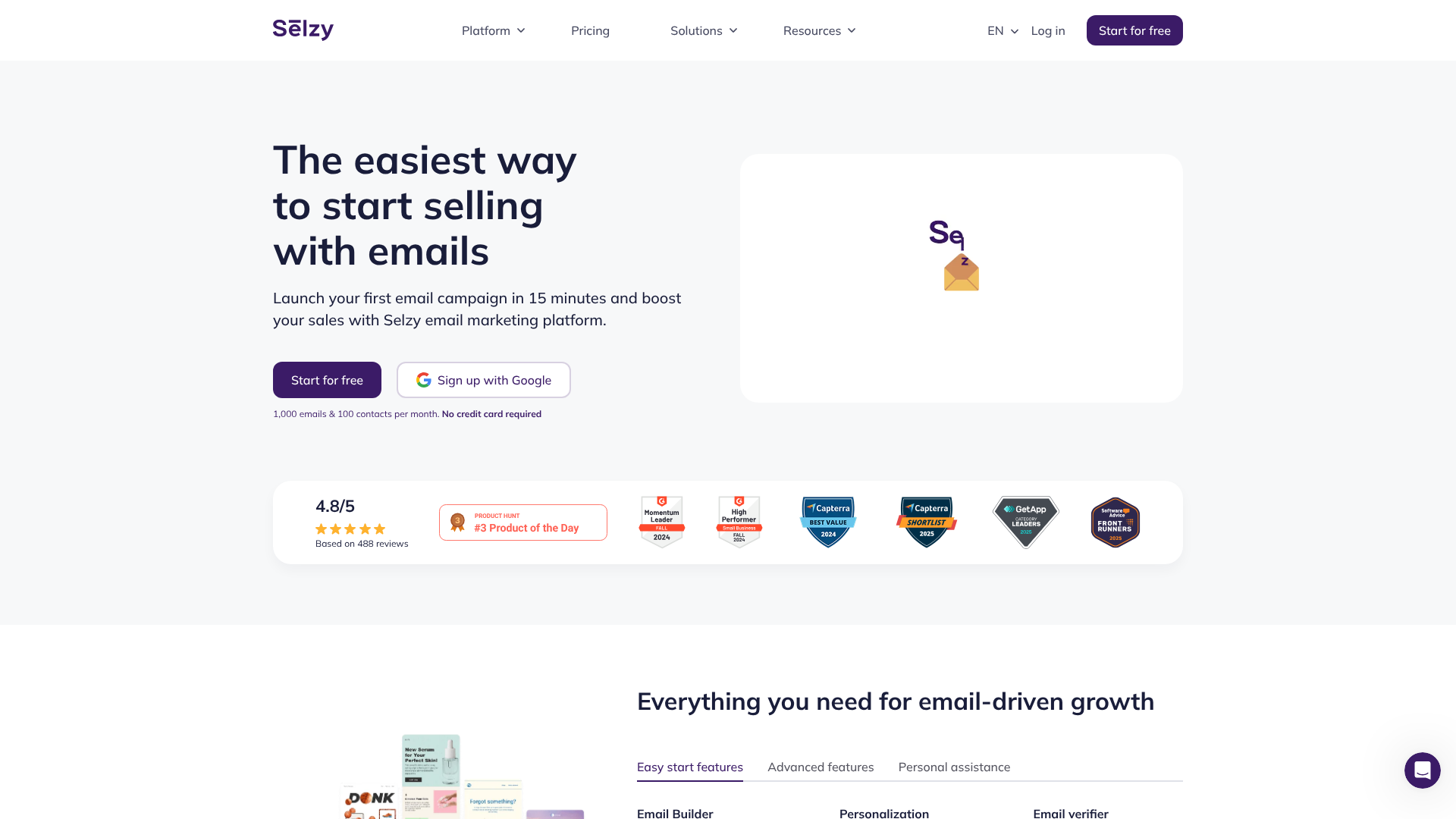
Selzy is another email marketing platform that includes a user-friendly landing page builder. It's designed for simplicity and ease of use, making it a great choice for beginners or those who need to create straightforward lead capture pages quickly. The templates are clean, modern, and mobile-responsive.
Because it's part of an email platform, the integration is seamless. Any leads you capture are automatically added to your chosen email list, and you can trigger welcome automations immediately. Selzy's focus is on providing the essential tools you need without unnecessary complexity, and it does so at a very competitive price point.
Pros
- Very easy to use, even for absolute beginners.
- Seamless integration with its own email marketing tools.
- Affordable pricing with a free plan available.
- Clean and modern template designs.
Cons
- Lacks the advanced testing and optimisation features of specialised tools.
- Smaller template selection compared to larger platforms.
Pricing and Platform Comparison
Choosing a platform often comes down to budget and features. Here’s a quick comparison of the tools we've discussed. Note that pricing is subject to change, so it's always best to visit the official websites for the most current information.
| Platform | Best For | Starting Price (Approx.) | Free Trial/Plan |
|---|---|---|---|
| Leadpages | Small Businesses | £30/month | 14-day free trial |
| Unbounce | A/B Testing & CRO | £60/month | 14-day free trial |
| Instapage | Enterprise Teams | Custom Pricing | 14-day free trial |
| ClickFunnels | Sales Funnels | £100/month | 14-day free trial |
| GetResponse | All-in-One Marketing | £12/month | Free plan available |
| Jotform | Advanced Forms | £30/month | Free plan available |
| Selzy | Simplicity & Email | £8/month | Free plan available |
Pro Tip: Always take advantage of the free trial. Spend a couple of weeks building pages and testing the features of your top two choices. This hands-on experience is the best way to determine which platform's workflow and editor feel most comfortable for you.
Frequently Asked Questions (FAQ)
Here are answers to some common questions about using lead capture page templates.
What is the difference between a lead capture page and a landing page?
A lead capture page is a specific type of landing page. The term "landing page" refers to any standalone page that a visitor "lands" on after clicking a link from an ad, email, or social media post. While many landing pages are designed to capture leads, others might be designed to sell a product directly (a sales page) or direct traffic to another part of a website (a click-through page). A lead capture page's primary goal is always to collect contact information via a form.
How many form fields should a lead capture form have?
The general rule is to ask for the minimum amount of information you absolutely need. For most top-of-funnel offers like a newsletter or an ebook, a name and email address are sufficient. Each extra field you add creates more work for the user and can decrease your conversion rate. If you need more information for sales qualification, consider a multi-step form where you ask for the basics first, then request more details on the second step.
Can I build a lead capture page for free?
Yes, you can. Several platforms, including GetResponse, Jotform, and Selzy, offer free plans that include a landing page builder. These free plans usually have limitations, such as a cap on the number of visitors or leads, and may display the platform's branding on your page. However, they are an excellent way to get started with lead generation without any initial investment.
What makes a good lead magnet for a capture page?
A great lead magnet solves a specific problem for your target audience and provides immediate value. It should be easy to consume and highly relevant to the products or services you offer. Popular formats include checklists, cheat sheets, ebooks, whitepapers, webinar recordings, and free templates or tools. The key is to offer something so valuable that your ideal customer is more than happy to exchange their email address for it.
Final Thoughts
Effective lead generation is the lifeblood of any growing business, and a well-designed lead capture page is your most important tool in this effort. By using lead capture page templates, you can bypass the technical and design hurdles and launch professionally optimised pages in a fraction of the time it would take to build them from scratch.
The right platform depends on your specific needs, budget, and technical comfort level. For most small businesses, a user-friendly and affordable option like Leadpages provides the perfect balance of power and simplicity. If your strategy revolves around building comprehensive sales funnels, a dedicated tool like ClickFunnels is built for that exact purpose.
Ultimately, the best template is the one that you can easily customise to reflect your brand and clearly communicate the value of your offer. Start with a template, test different headlines and images, and watch as you turn more of your website traffic into valuable, long-term leads.