

7 Best Lead Capture Page Templates for Small Businesses (2026 Picks)
Generating a steady stream of leads is the lifeblood of any business, but creating effective pages to capture those leads can be a major hurdle. You need a design that grabs attention, copy that persuades, and a form that’s simple to fill out. Starting from scratch is time-consuming and often requires a professional designer. This is where using high-quality lead capture page templates becomes essential, allowing you to launch professionally designed, conversion-focused pages in a fraction of the time.
- What You'll Learn
- What Exactly Are Lead Capture Page Templates?
- The Core Components of a High-Converting Lead Capture Page
- Compelling Headline and Subheading
- Persuasive Copy and Bullet Points
- Eye-Catching Visuals (Hero Shot)
- The All-Important Opt-In Form
- A Strong Call-to-Action (CTA) Button
- Social Proof
- Key Benefits of Using Lead Generation Templates
- Speed and Efficiency
- Professional, Conversion-Optimised Design
- Cost-Effectiveness
- Consistency Across Campaigns
- How to Choose the Right Lead Capture Page Template for Your Goal
- 1. Define Your Campaign Objective
- 2. Understand Your Target Audience
- 3. Match the Template to Your Offer
- 4. Prioritise Mobile Responsiveness
- 5. Check for Easy Customisation
- 6. Ensure It Integrates with Your Tech Stack
- Top 7 Platforms for High-Converting Lead Capture Page Templates in 2026
- Comparing the Top Lead Capture Page Builders
- The Pros and Cons of Relying on Templates
- Frequently Asked Questions (FAQ)
- What is the difference between a lead capture page and a landing page?
- How many form fields should a lead capture page have?
- Can I build a lead capture page for free?
- What makes a good lead magnet for a capture page?
- Final Thoughts: Choosing Your Path to More Leads
These pre-built layouts are more than just pretty designs; they are frameworks engineered based on years of data about what makes visitors convert. Whether you're offering an ebook, promoting a webinar, or providing a free consultation, the right template provides the structure you need to succeed. This guide will walk you through the best platforms for finding these templates, how to choose the right one, and what key elements make them work.
What You'll Learn
- Templates Save Time: Using pre-built lead capture page templates allows you to launch campaigns quickly with designs that are already optimised for conversions.
- Essential Features: The most important features to look for in a template are mobile responsiveness, deep customisation options, and seamless integration with your email marketing tools.
- Choosing the Right Fit: Your final choice should be based on your specific campaign goal, the needs of your target audience, and the type of offer you're presenting.
- Top Platform Recommendations: Tools like Leadpages, Unbounce, and Instapage offer extensive libraries of high-converting templates designed for various industries and use cases.
What Exactly Are Lead Capture Page Templates?

A lead capture page is a standalone web page created for a single purpose: to collect a visitor's contact information, such as their name and email address, in exchange for something of value. This valuable item, known as a lead magnet, could be an ebook, a webinar registration, a free trial, or a discount code. Unlike a homepage, which has many links and serves multiple purposes, a lead capture page is hyper-focused, removing all distractions to guide the user towards one specific action: filling out the form.
So, what are templates in this context. Lead capture page templates are pre-designed, customisable layouts that provide the structure for these pages. Think of them as a blueprint. The core conversion elements—headline placement, form design, call-to-action button—are already in place, based on proven marketing principles.
You simply add your own branding, copy, images, and lead magnet to make it your own.
Using these lead generation templates means you don't need to be a designer or a developer to create a professional-looking page. They are often categorised by industry or goal (e.g., webinar sign-up, ebook download), making it easy to find a starting point that aligns with your campaign. These templates are a core feature of most modern landing page builders, providing a massive shortcut to getting your lead generation efforts off the ground.
The Core Components of a High-Converting Lead Capture Page
Before you can choose the best template, you need to understand the anatomy of a page that successfully converts visitors into leads. The best opt-in page designs all share a few fundamental components that work together to persuade and guide the user. When evaluating templates, look for layouts that accommodate these key elements effectively.
Compelling Headline and Subheading
The headline is the first thing a visitor reads and its job is to grab their attention immediately. It should clearly state the primary benefit of your offer. A strong subheading can then provide additional context or a secondary benefit, further enticing the user to stay on the page.
Persuasive Copy and Bullet Points
The body copy explains the offer in more detail. It should be benefit-driven, focusing on what the user will gain rather than just listing features. Bullet points are excellent for breaking up text and making key benefits easy to scan, which is crucial since most people don't read every word on a page.
Eye-Catching Visuals (Hero Shot)
A relevant, high-quality image or video (a 'hero shot') can dramatically increase conversions. It should visually represent your offer, whether it's a mockup of an ebook cover, a screenshot of your software, or a short video explaining your service. Visuals help visitors understand the offer at a glance.
The All-Important Opt-In Form
This is where the magic happens. The form should be simple and only ask for essential information. For most top-of-funnel offers, a name and email address are sufficient. The more fields you add, the lower your conversion rate will likely be. The form should be prominently placed and easy to find.
A Strong Call-to-Action (CTA) Button
The CTA button tells the user exactly what to do next. Use clear, action-oriented text like "Download Your Free Guide" or "Reserve Your Spot" instead of generic words like "Submit". The button's colour should contrast with the rest of the page to make it stand out.
Social Proof
People are more likely to take action if they see that others have done so and had a positive experience. Social proof can include customer testimonials, logos of well-known clients, star ratings, or statistics like "Join 10,000+ subscribers". Including this builds trust and credibility.
Key Benefits of Using Lead Generation Templates

Opting for lead generation templates over building a page from scratch offers a host of strategic advantages, especially for small businesses and marketing teams looking to move quickly and efficiently. These benefits go beyond simple convenience and can have a direct impact on your campaign's success and return on investment.
Speed and Efficiency
This is the most obvious benefit. Developing a landing page from the ground up can take days or even weeks, involving designers, copywriters, and developers. With a template, you can have a professional, fully functional page live in a matter of hours, or even minutes. This speed allows you to be more agile and responsive to market opportunities.
Professional, Conversion-Optimised Design
Reputable landing page builders invest heavily in creating templates that are not only visually appealing but also structured for conversions. They are designed based on data from thousands of campaigns, incorporating best practices for layout, user experience, and psychological triggers. You get the benefit of this expertise without having to hire an expensive conversion rate optimisation (CRO) agency.
Cost-Effectiveness
Custom web design is expensive. Hiring a freelance designer or an agency to create a single lead capture page can cost hundreds or even thousands of pounds. Landing page builder subscriptions, which include access to hundreds of templates, offer a much more affordable alternative, providing incredible value for a low monthly fee.
Consistency Across Campaigns
Using templates helps you maintain a consistent brand look and feel across all your marketing campaigns. Most platforms allow you to save your customised templates or create a branded style guide. This ensures that whether a visitor lands on a page for a webinar or an ebook, their experience with your brand remains cohesive and professional.
Pro Tip: When you customise a template, save it as your own 'master' template. This allows you to quickly clone the page for future campaigns, ensuring your branding, font choices, and core layout remain consistent, which saves even more time.
How to Choose the Right Lead Capture Page Template for Your Goal
With hundreds of landing page templates available across various platforms, choosing the right one can feel overwhelming. The key is to select a template based on a clear strategy, not just aesthetics. Follow these steps to find a design that aligns perfectly with your campaign objectives.
1. Define Your Campaign Objective
What is the single action you want visitors to take? The goal of your page will heavily influence the best layout. A template for a webinar registration will need space for speaker bios and an agenda, while a template for an ebook download should focus on a strong hero shot of the book and benefit-driven bullet points. Choose a template designed for your specific use case.
2. Understand Your Target Audience
The design should resonate with your ideal customer. A template for a B2B software trial might have a clean, professional, and data-focused design. In contrast, a template for a consumer-facing creative workshop could be more colourful and visually expressive. Consider the visual language and tone that will appeal to your audience.
3. Match the Template to Your Offer
The perceived value of your offer should be reflected in the page design. For a simple newsletter sign-up, a short, minimalist template is perfect. For a high-value offer like a detailed industry report or a free consultation, you might need a longer-form landing page template that provides more space for persuasive copy, testimonials, and detailed explanations to justify the ask.
4. Prioritise Mobile Responsiveness
According to Statista, over half of all web traffic comes from mobile devices. If your lead capture page is not optimised for mobile, you could be losing more than half of your potential leads. Every modern template should be fully responsive, meaning it looks and functions perfectly on desktops, tablets, and smartphones. Always preview the template on a mobile view before committing to it.
5. Check for Easy Customisation
A template is a starting point, not a final product. You need the ability to easily change colours, fonts, images, and layout elements to match your brand identity. The best platforms offer drag-and-drop editors that make customisation intuitive, without requiring any coding knowledge. Ensure the tool you choose gives you enough flexibility to make the template uniquely yours.
6. Ensure It Integrates with Your Tech Stack
Your lead capture page is just one part of your marketing funnel. The leads you collect need to be sent somewhere. Make sure the platform and its templates integrate seamlessly with your email marketing service (like ActiveCampaign or GetResponse), CRM, and any other tools in your marketing stack. This automates your workflow and ensures leads are nurtured immediately.
Top 7 Platforms for High-Converting Lead Capture Page Templates in 2026
Now that you know what to look for, let's explore the best platforms that offer extensive libraries of effective lead capture page templates. Each of these tools has its own strengths, catering to different needs and budgets.
1. Leadpages
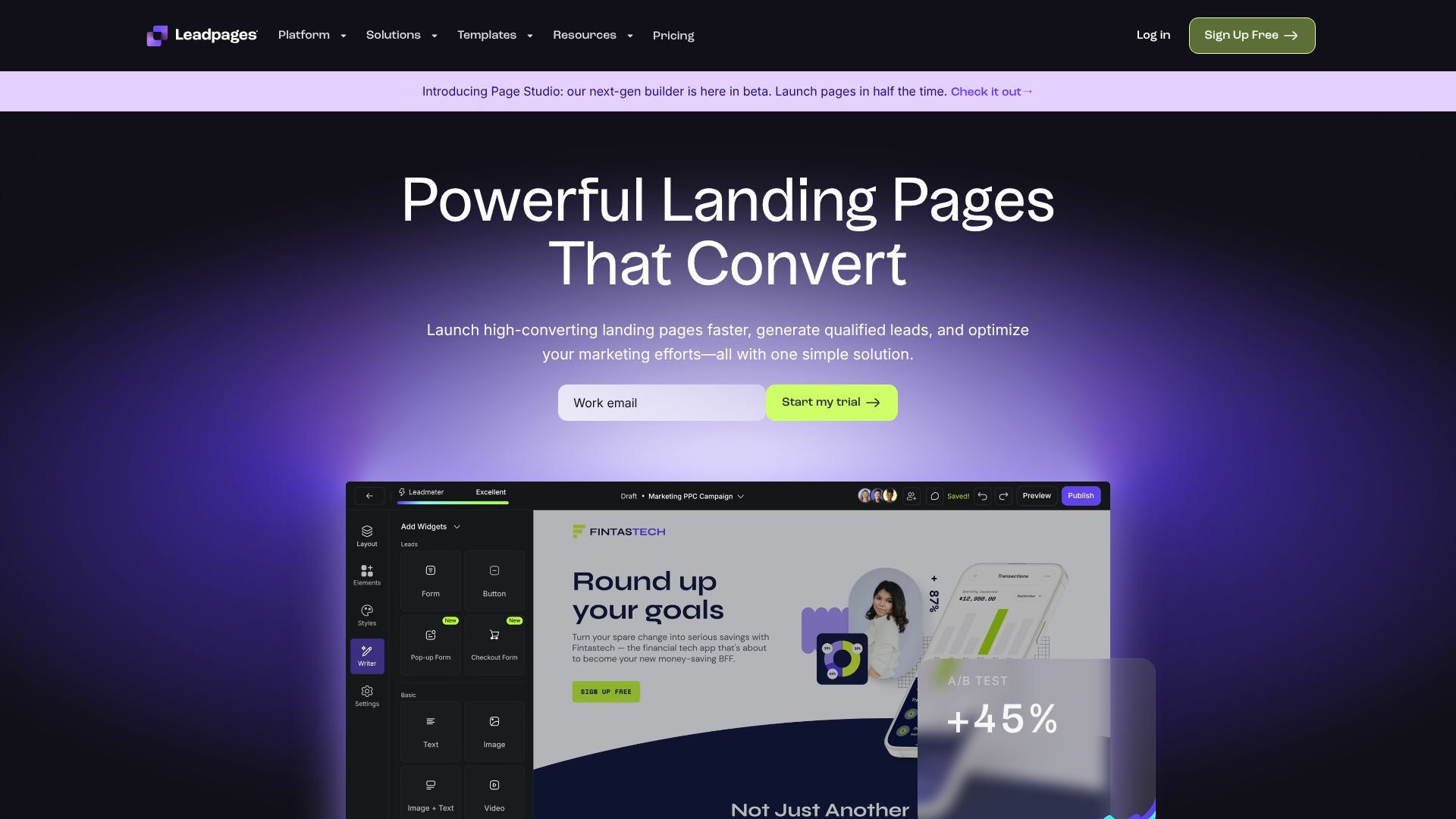
Leadpages is one of the most well-known names in the landing page space, and for good reason. It's incredibly user-friendly, making it a fantastic choice for beginners, solopreneurs, and small businesses. The platform offers a vast library of over 200 professionally designed, mobile-responsive templates sorted by conversion rate, which helps you pick a proven winner from the start.
Its drag-and-drop builder is intuitive, and it includes features like pop-up forms and alert bars to help you capture leads across your entire website, not just on dedicated pages. Leadpages also has a built-in conversion guidance system that predicts your page's performance before you publish, offering suggestions for improvement.
Pros
- Extremely easy to use with a gentle learning curve.
- Large library of templates sorted by historical conversion data.
- Affordable pricing plans make it accessible for small businesses.
- Includes unlimited traffic and lead collection on all plans.
Cons
- The standard builder has some layout restrictions compared to more flexible editors.
- A/B testing is only available on higher-tier plans.
2. Unbounce
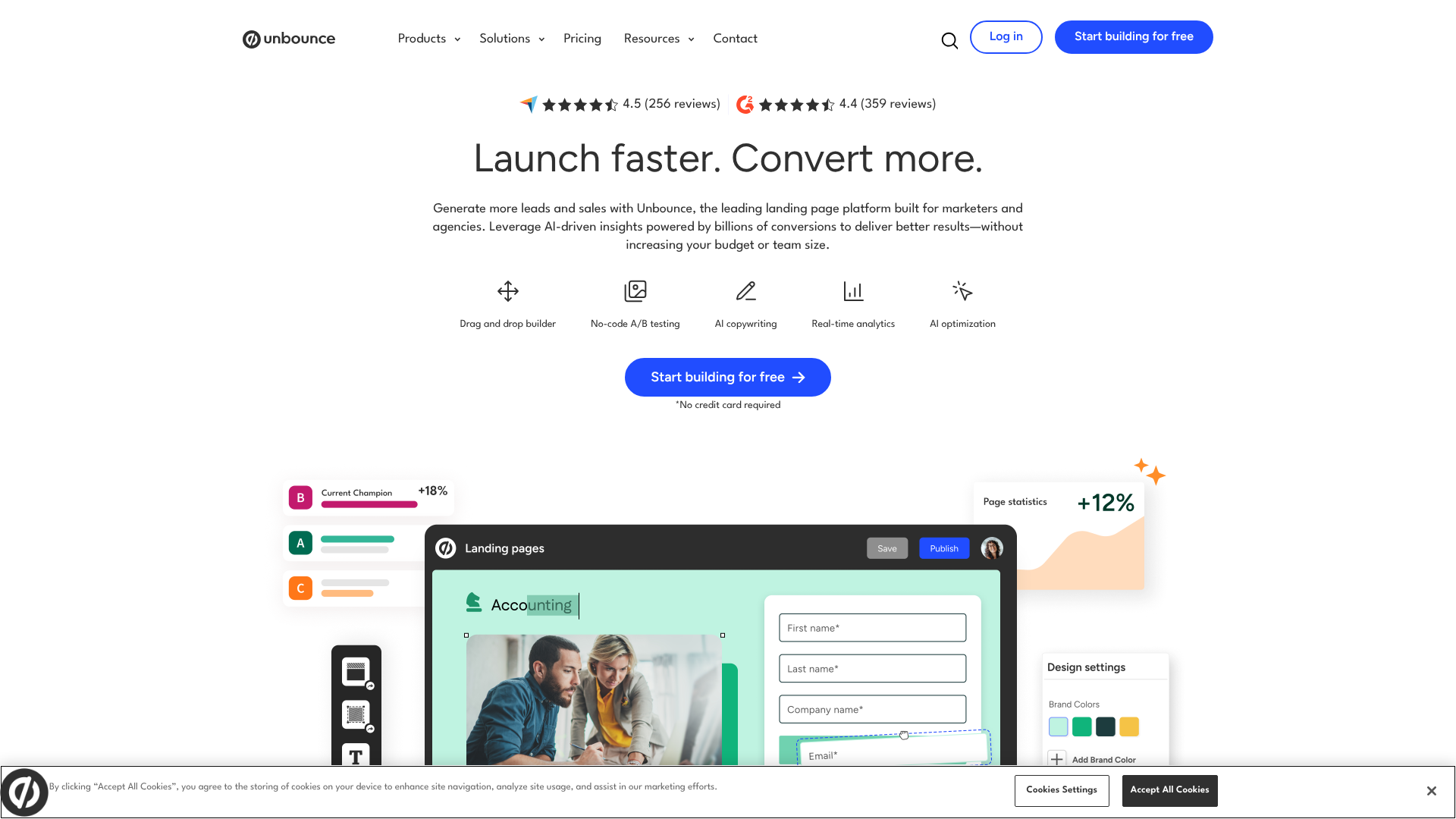
Unbounce is a powerful and flexible landing page builder designed for marketers who want complete control over their page design and optimisation. Its drag-and-drop editor is a true free-form canvas, allowing you to place any element anywhere on the page, down to the last pixel. This makes it perfect for creating completely custom designs without being constrained by a rigid grid.
Unbounce's standout feature is its focus on conversion intelligence. The Smart Builder uses AI to recommend layouts and copy based on your industry and goals. Its Smart Traffic feature automatically sends visitors to the landing page variant where they are most likely to convert, which can lead to a significant uplift in performance over traditional A/B testing.
Pros
- Unmatched design flexibility with a true drag-and-drop editor.
- Powerful AI-driven features like Smart Builder and Smart Traffic.
- Robust A/B testing and analytics capabilities.
- Integrates with a huge number of third-party applications.
Cons
- Can be more expensive than some competitors.
- The sheer number of features can present a steeper learning curve for beginners.
3. Instapage
Instapage is built for marketing teams and agencies that need to create personalised landing pages at scale. It offers a fast, intuitive builder and a large library of templates optimised for various goals, such as lead generation, webinar sign-ups, and app downloads. The platform is known for its speed, both in terms of page load times and the workflow for creating pages.
A key differentiator for Instapage is its suite of collaboration tools, allowing team members to leave comments and feedback directly on the page drafts. It also features AdMap, a unique tool that helps you connect your ads to relevant, post-click landing pages, ensuring message match and improving your advertising ROI.
Pros
- Excellent for creating personalised post-click experiences for ad campaigns.
- Built-in collaboration tools are great for teams and agencies.
- Incredibly fast page load speeds, which is great for SEO and user experience.
- Heatmaps are included on all plans.
Cons
- It is one of the more premium-priced options on the market.
- Some advanced features are locked behind the highest-tier plan.
4. ClickFunnels
ClickFunnels is more than just a landing page builder; it's an all-in-one platform for creating entire marketing and sales funnels. While you can certainly create standalone lead capture pages, its real power lies in its ability to guide a visitor through a multi-step journey, from initial opt-in to a sale and subsequent upsells. It offers a wide range of templates for every step of the funnel.
This makes it an ideal choice for entrepreneurs, course creators, and businesses selling products or services directly online. The platform includes features for email marketing, affiliate management, and membership sites, allowing you to run your entire business from one dashboard. The templates are designed specifically for direct-response marketing, focusing heavily on driving action.
Pros
- Excellent for building complete sales funnels, not just single pages.
- All-in-one platform includes email, payments, and membership features.
- Strong community and extensive training resources.
- Templates are heavily focused on direct-response conversion tactics.
Cons
- Can be overkill if you only need simple lead capture pages.
- The page editor is less flexible than tools like Unbounce.
5. GetResponse
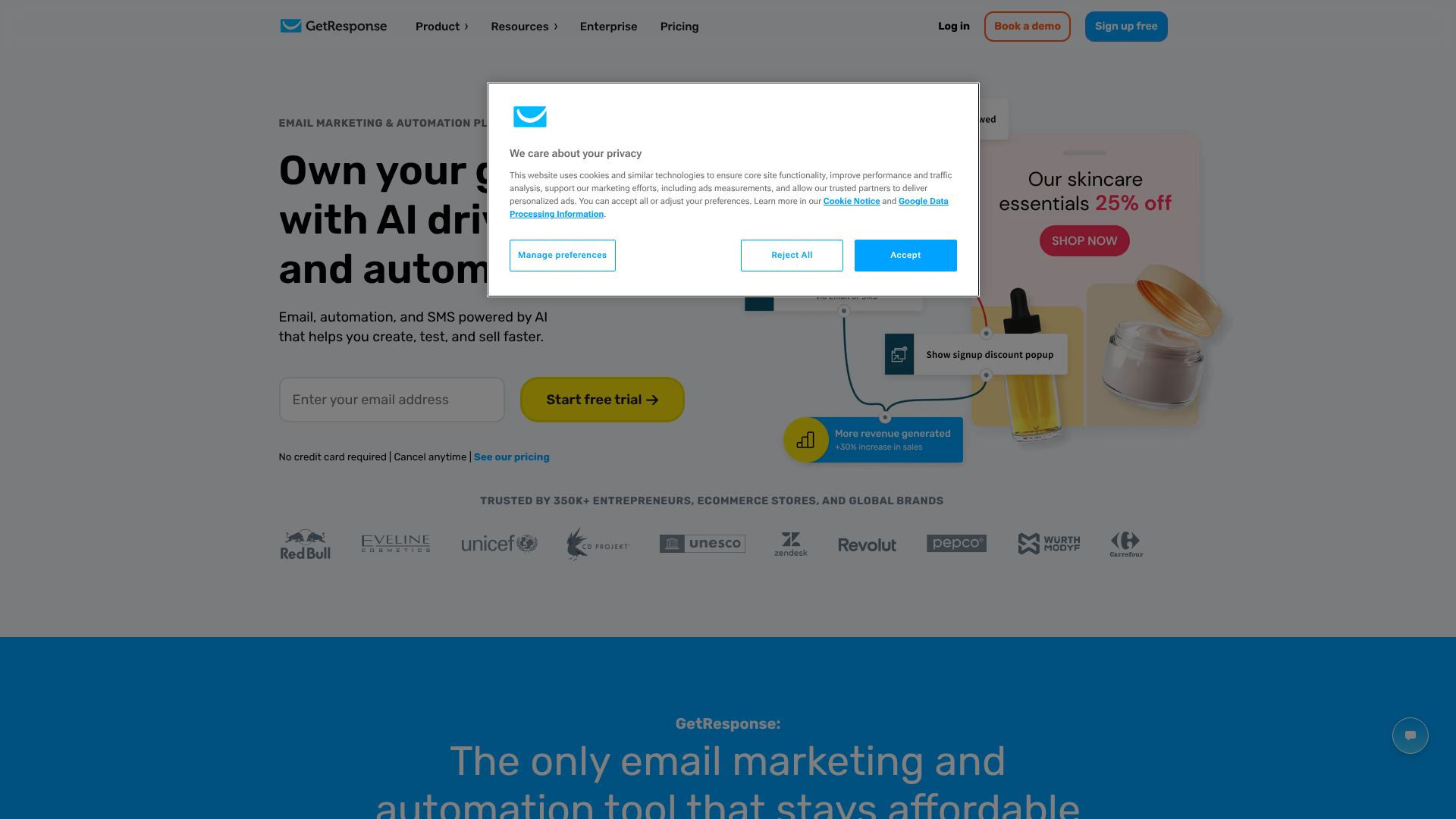
GetResponse is a comprehensive marketing automation platform that includes a robust landing page builder as part of its suite of tools. This is a great option for businesses that want to keep their email marketing, webinars, and landing pages all under one roof. The platform offers over 200 templates designed for various marketing scenarios.
The AI-powered builder can create a personalised page for you in seconds based on a few prompts, or you can choose a template and customise it with the drag-and-drop editor. Because it's part of an integrated platform, connecting your lead capture forms to your email autoresponders and marketing automation workflows is completely seamless.
Pros
- An all-in-one solution that combines landing pages with email marketing and automation.
- Very competitive pricing, especially for the features offered.
- AI-driven builder can speed up the creation process significantly.
- Built-in webinar functionality is a huge plus for those who use them as lead magnets.
Cons
- The landing page builder isn't as advanced or flexible as dedicated tools like Unbounce or Instapage.
- The number of templates, while large, may not be as modern as some competitors.
6. ActiveCampaign
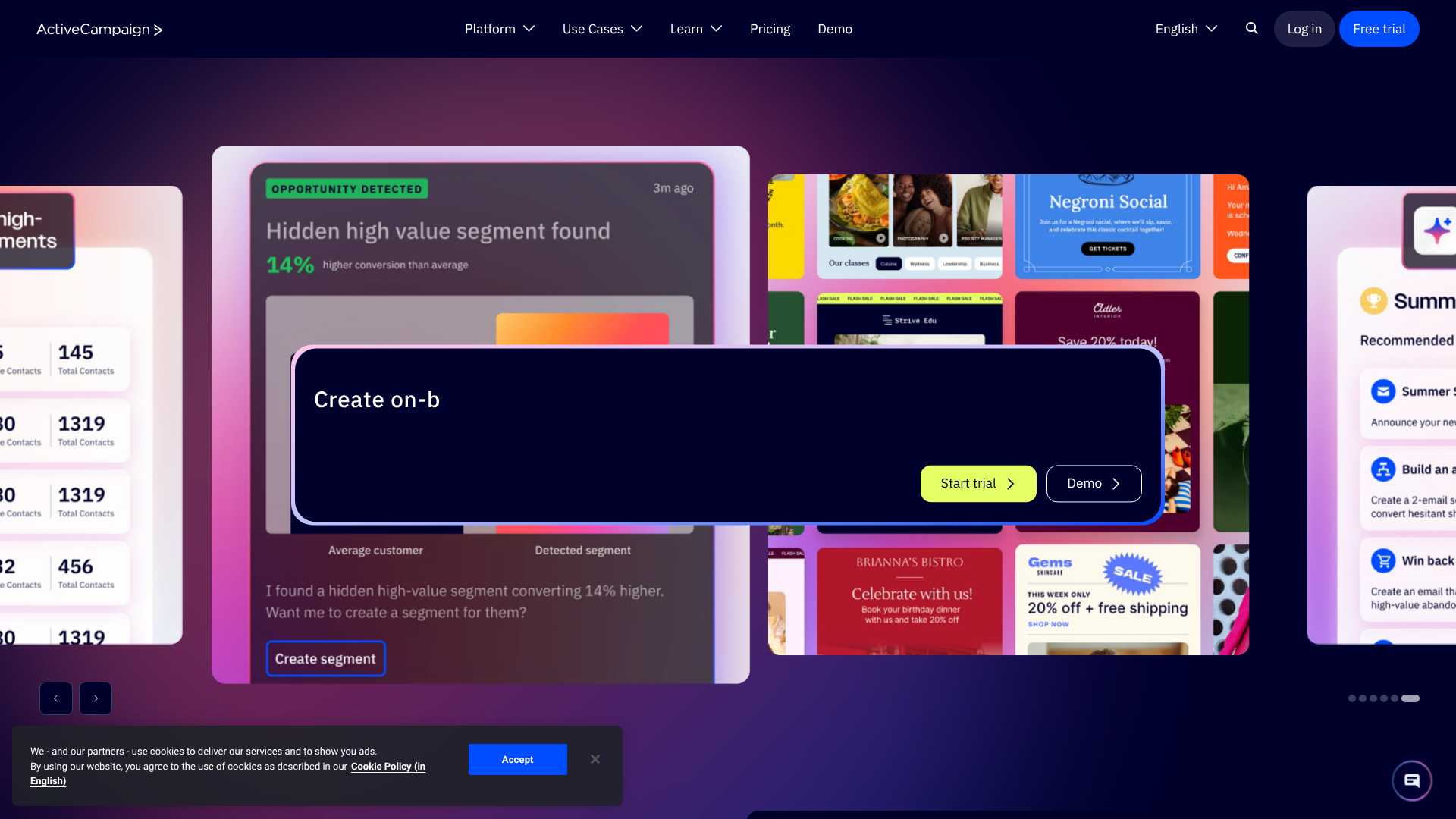
ActiveCampaign is best known for its world-class marketing automation and CRM capabilities, but it also includes a solid landing page builder in its higher-tier plans. The primary advantage of using ActiveCampaign's templates is the incredibly deep integration with its automation engine. You can trigger complex workflows based on page visits or form submissions, allowing for sophisticated lead nurturing.
The templates are clean, modern, and easy to customise. While the library isn't as vast as that of a dedicated landing page builder, the available designs are professional and cover the most common use cases. This is the perfect choice for businesses that are already invested in the ActiveCampaign ecosystem or those who prioritise powerful automation above all else.
Pros
- Unbeatable integration with one of the best marketing automation platforms available.
- Allows for highly personalised and dynamic content on your pages.
- Clean and modern template designs.
- Combines lead capture with a full CRM for managing customer relationships.
Cons
- The landing page builder is only available on Plus plans and above.
- The template selection is smaller than dedicated competitors.
7. Jotform
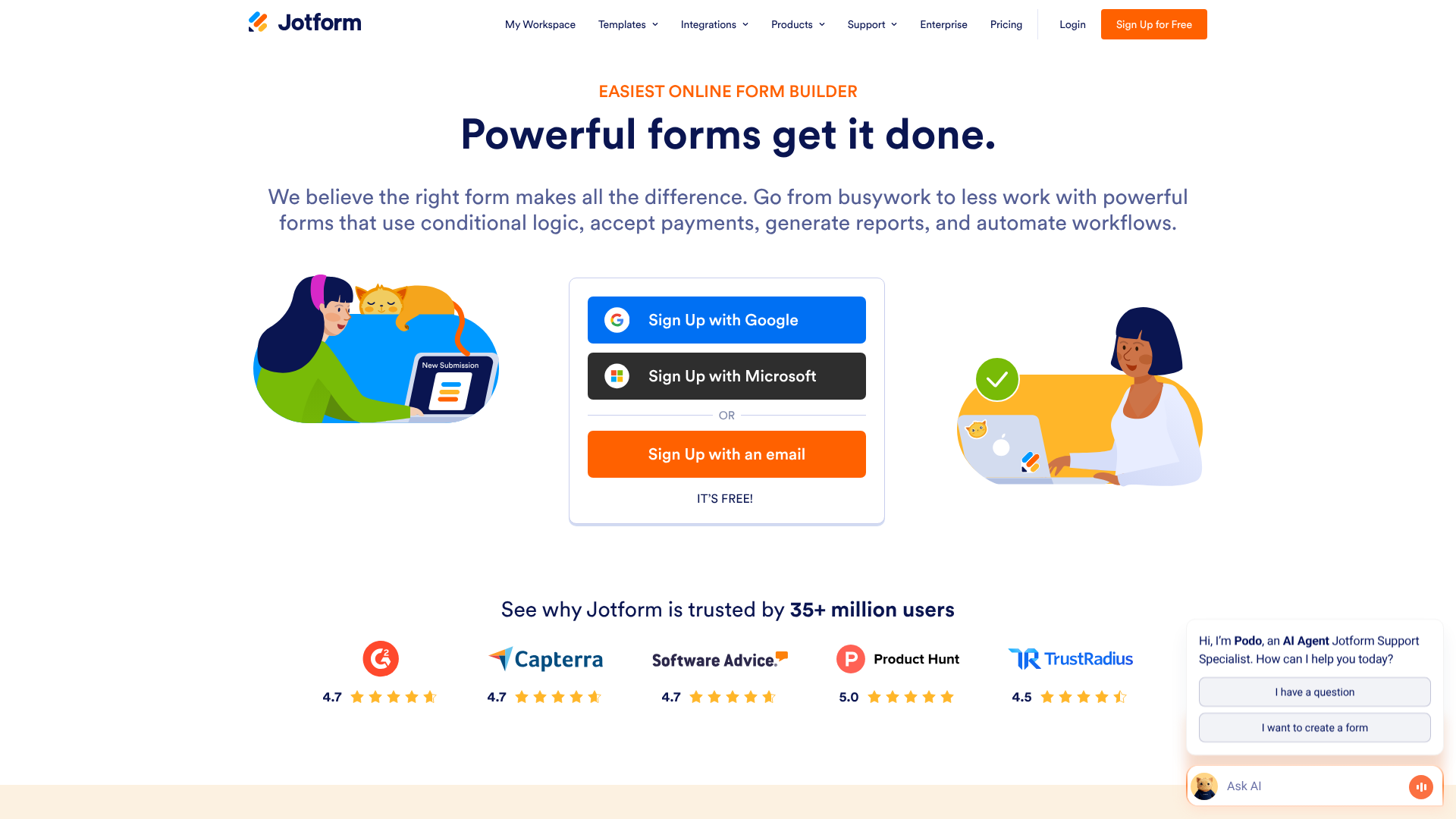
Jotform started as a powerful online form builder but has evolved into a versatile tool that can create full landing pages. Its strength lies in its unparalleled form-building capabilities. If your lead capture process requires conditional logic, payment processing, or complex calculations, Jotform is in a class of its own. It offers thousands of templates, many of which are designed as single-page lead capture forms.
You can create beautiful, app-like pages that are centred around the form itself. This is ideal for applications, registrations, and detailed quote requests. While it may not have the same free-form design flexibility as Unbounce for content-heavy pages, it's the best choice when the form itself is the star of the show.
Pros
- The most powerful and flexible form builder on the market.
- Massive library of form and page templates for every conceivable niche.
- Generous free plan for getting started.
- Advanced features like conditional logic, e-signatures, and payment integrations.
Cons
- Less focused on traditional, content-heavy landing page design.
- The interface can feel more utilitarian compared to marketing-focused builders.
Comparing the Top Lead Capture Page Builders
To help you decide, here’s a quick comparison of some of the top contenders based on key criteria.
| Feature | Leadpages | Unbounce | ClickFunnels | GetResponse |
|---|---|---|---|---|
| Best For | Beginners & Small Businesses | Marketers & Agencies | Sales Funnels & Entrepreneurs | All-in-One Marketing |
| Ease of Use | Very High | Medium | Medium | High |
| Template Variety | Excellent | Very Good | Good | Very Good |
| A/B Testing | On higher plans | Excellent | Yes | Yes |
| Pricing Model | Tiered, affordable | Tiered, premium | Two main tiers | Tiered, very competitive |
The Pros and Cons of Relying on Templates
While using lead capture page templates is a smart strategy for most businesses, it's important to have a balanced perspective. Understanding both the advantages and potential drawbacks will help you make the most of them.
The Advantages
As we've covered, the upsides are significant. Templates offer incredible speed, allowing you to launch campaigns faster. They are cost-effective, giving you access to professional design without the high price tag. Most importantly, they are built on a foundation of conversion best practices, providing a solid starting point that is more likely to perform well than a design created from scratch without data.
The Potential Downsides
The most common concern is the risk of looking generic. If you use a popular template with minimal customisation, your page might look similar to others in your industry. Some templates, especially on less flexible platforms, can have customisation limitations that might frustrate experienced designers. Finally, poorly coded templates from unreliable sources can be bloated, leading to slower page load times.
How to Mitigate the Cons
Fortunately, these downsides are easy to overcome. To avoid a generic look, always customise your chosen template extensively. Change the colours to match your brand palette, use your own high-quality, unique images instead of stock photos, and rewrite the placeholder copy to reflect your brand's voice. The copy and your offer are the most important elements, and making them unique will set your page apart, even if the underlying structure is from a template.
Pro Tip: Your hero image is your best opportunity to make a template feel unique. Avoid generic stock photos. Instead, invest in professional photography, create a custom graphic, or use a high-quality mockup of your product. This single change can transform a generic template into a custom-branded page.
Frequently Asked Questions (FAQ)
What is the difference between a lead capture page and a landing page?
A lead capture page is a specific type of landing page. The term "landing page" is broader and refers to any standalone page a visitor "lands" on after clicking a link from an ad, email, or social media post. While many landing pages are designed to capture leads, others might have different goals, like selling a product directly (a sales page) or warming up a visitor before sending them to another page (a click-through page). A lead capture page's sole purpose is to get that opt-in.
How many form fields should a lead capture page have?
The golden rule is to ask for the minimum amount of information you need to qualify and contact the lead. For a top-of-funnel offer like an ebook or newsletter, a name and email address are usually enough. Every additional field you add creates friction and can decrease your conversion rate. If you need more information for a sales-qualified lead (like for a demo request), you can justify asking for more, but always question if every field is absolutely necessary.
Can I build a lead capture page for free?
Yes, it is possible. Some platforms, like Jotform, offer generous free plans that allow you to create and publish pages. Many email marketing services also include a basic landing page builder in their free tiers. However, these free options often come with limitations, such as branding from the provider, lower traffic limits, and fewer available templates and features.
For serious lead generation, investing in a paid plan is usually worthwhile.
What makes a good lead magnet for a capture page?
A great lead magnet solves a specific problem for your target audience and provides immediate value. It should be highly relevant to your core business offering. Popular formats include detailed guides or ebooks, checklists, templates, free trials of your software, exclusive video training, or a seat at an educational webinar. The key is to offer something so valuable that your ideal customer is more than happy to exchange their email address for it.
Final Thoughts: Choosing Your Path to More Leads
Choosing the right lead capture page templates is a critical step in building a successful lead generation machine. By leveraging these pre-built, conversion-optimised designs, you can save an enormous amount of time and money while launching campaigns that have a higher probability of success from day one.
The best platform for you will ultimately depend on your budget, technical comfort level, and specific marketing goals. Each of the tools we've explored offers a powerful solution for creating effective pages. The key is to start with a clear strategy, choose a template that aligns with your offer, and customise it to reflect your unique brand and message.
For an easy start with a massive library and great value, Leadpages is a strong contender. If you need advanced A/B testing and AI-powered optimisation, Unbounce is an industry leader. And for those looking to build complete sales systems from the ground up, ClickFunnels offers a uniquely integrated solution. Explore their features, start a trial, and begin turning more of your website visitors into valuable leads today.