

Voice Recognition Medical Software: A Clinician's Guide for 2026
The burden of clinical documentation is a significant contributor to physician burnout. Hours spent typing notes, filling out forms, and navigating electronic health record (EHR) systems take time away from patient care and personal life. Using voice recognition medical software offers a powerful solution, allowing clinicians to capture detailed patient encounters simply by speaking. This technology translates spoken words into structured, accurate text directly within the EHR, promising to restore efficiency and focus to the practice of medicine.
- What You'll Learn
- What Exactly is Voice Recognition Medical Software?
- The Core Benefits: Why Your Practice Needs Medical Voice Software
- Drastically Reduce Documentation Time
- Improve Clinical Accuracy and Detail
- Combat Clinician Burnout
- Enhance Patient Interaction
- Streamline Billing and Coding
- Key Features to Look for in Voice Recognition Software for Healthcare
- Medical Vocabulary and Speciality Support
- EHR/EMR Integration
- Mobile Accessibility (iOS/Android Apps)
- Custom Templates and Commands
- HIPAA Compliance and Security
- Ambient Listening vs. Direct Dictation
- How to Choose the Right Voice Recognition Medical Software
- Step 1: Assess Your Practice's Workflow and Needs
- Step 2: Evaluate Accuracy and Speciality Fit
- Step 3: Consider Integration Capabilities
- Step 4: Analyse the Learning Curve and Support
- Step 5: Compare Pricing Models
- Top Voice Recognition Medical Software Recommendations for 2026
- 1. Dragon Medical One (Nuance/Microsoft): The Industry Standard
- 2. DeepScribe: The AI-Powered Ambient Scribe
- 3. Augmedix: Human-in-the-Loop Scribing
- 4. Amazon Transcribe Medical: For Custom Development
- 5. VoiceboxMD: A Strong Contender for Accuracy
- Understanding the Cost: Pricing Models Explained
- Per-User, Per-Month Subscriptions
- Per-Encounter or Per-Minute Pricing
- One-Time Licence Fees (Less Common Now)
- Hidden Costs to Consider
- The Pros and Cons of Speech Recognition in Medicine
- Frequently Asked Questions (FAQ)
- What is the best medical dictation software?
- What do many physicians use voice recognition software to do?
- What software is used for voice recognition?
- How much is Dragon Medical One per month?
- Final Thoughts
This guide explains how this technology works, its benefits for modern practices, and what to look for when choosing a solution. We'll cover the essential features, compare top market contenders, and break down pricing structures to help you make an informed decision for your healthcare organisation.
What You'll Learn
- What It Is: Voice recognition software for healthcare is specifically designed with medical vocabularies and HIPAA compliance to accurately transcribe clinical notes.
- Key Benefits: The primary advantages include a dramatic reduction in documentation time, improved note accuracy and detail, and a significant decrease in clinician burnout.
- Essential Features: Look for speciality-specific vocabularies, seamless EHR integration, mobile access, and robust security measures to protect patient data.
- Top Options: Industry leaders like Dragon Medical One are known for direct dictation, while AI-powered tools like DeepScribe offer ambient listening to automate note-taking.
- How to Choose: Your choice should depend on your practice's size, speciality, existing workflow, and budget, with a focus on accuracy and ease of integration.
What Exactly is Voice Recognition Medical Software?
At its core, voice recognition medical software is a sophisticated tool that converts spoken language into written text for clinical documentation. Unlike general-purpose dictation apps like Siri or Google Assistant, this software is built specifically for the demanding environment of healthcare. It uses a combination of Automatic Speech Recognition (ASR) and Natural Language Processing (NLP) to understand and transcribe complex medical terminology with high accuracy.
ASR is the foundational technology that captures the sound of your voice and converts it into digital text. Where medical software excels is in its specialised language models. These models are trained on vast datasets of medical literature, clinical notes, and terminology, enabling them to correctly identify words like "erythromycin" instead of "a red throw mice in"—a common type of error in standard software.
Furthermore, advanced speech recognition in medicine incorporates NLP to understand context. It can identify key elements of a patient encounter, such as diagnoses, medications, and procedures, and structure them correctly for entry into an EHR. This intelligence separates it from simple dictation; it doesn't just write what you say, it understands what it means in a clinical context.
Crucially, all reputable voice recognition software for healthcare is designed with HIPAA compliance in mind. This means it includes features like end-to-end data encryption, secure cloud hosting, and a willingness from the vendor to sign a Business Associate Agreement (BAA), ensuring that protected health information (PHI) remains secure at all times.
The Core Benefits: Why Your Practice Needs Medical Voice Software


Adopting this technology is about more than just convenience; it's a strategic move to address some of the most pressing challenges in modern healthcare. The benefits extend from individual clinician well-being to the operational efficiency of the entire practice.
Drastically Reduce Documentation Time
Clinicians can speak much faster than they can type. Reports suggest that physicians can spend up to two hours on administrative tasks for every hour of direct patient care. Medical voice software can cut documentation time by 50% or more. This reclaimed time allows for seeing more patients, finishing the workday earlier, or dedicating more time to complex cases.
Improve Clinical Accuracy and Detail
When typing, it's easy to abbreviate or omit details to save time. Dictating a note often results in a more comprehensive and narrative account of the patient encounter. This creates a richer, more detailed patient record, which improves continuity of care, supports billing, and provides a stronger defence in the event of a malpractice claim. The software's specialised vocabulary also reduces spelling errors for complex medical terms.
Combat Clinician Burnout
The 'pajama time' spent finishing notes at home is a major source of stress and burnout. By enabling clinicians to complete their documentation in real-time or immediately after an encounter, this software helps restore work-life balance. Reducing the administrative load allows doctors to focus on what they were trained to do: care for patients.
Enhance Patient Interaction
Instead of facing a computer screen to type notes, a clinician using voice software can maintain eye contact and engage more directly with the patient. Some advanced systems, known as ambient scribes, can even capture the conversation in the background without requiring the doctor to actively dictate. This fosters a better patient-doctor relationship and improves the patient's experience.
Streamline Billing and Coding
Accurate and detailed documentation is the foundation of correct medical coding and billing. By capturing more specific information about diagnoses, procedures, and patient complexity, voice recognition software helps ensure that claims are coded correctly. This reduces the risk of claim denials and audits, leading to a healthier revenue cycle for the practice.
Key Features to Look for in Voice Recognition Software for Healthcare
Not all medical voice software is created equal. When evaluating different options, it's essential to look for a specific set of features that align with the demands of a clinical environment. The right combination of capabilities will determine how effectively the tool integrates into your workflow.
Medical Vocabulary and Speciality Support
The most critical feature is a comprehensive, built-in medical dictionary. The software must recognise complex terminology, drug names, and procedures accurately out of the box. Top-tier solutions go a step further by offering specialised vocabularies for fields like cardiology, orthopaedics, neurology, and psychiatry, ensuring high accuracy for your specific practice area.
EHR/EMR Integration
The software must work smoothly with your existing Electronic Health Record system. The best solutions offer deep integration, allowing you to dictate directly into any field within the EHR. This avoids the clumsy process of copying and pasting text, which introduces errors and wastes time. Check if the vendor has established partnerships with your EHR provider, such as Epic, Cerner, or Athenahealth.
Mobile Accessibility (iOS/Android Apps)
Medicine doesn't just happen at a desk. A high-quality solution should offer a mobile app that allows you to dictate notes on a smartphone or tablet. This is perfect for clinicians doing rounds in a hospital, visiting patients in different locations, or simply wanting to capture quick thoughts between appointments. The mobile app should sync securely with the desktop platform.
Custom Templates and Commands
Every clinician has phrases, sentences, or entire paragraphs they use repeatedly. The software should allow you to create custom voice commands or shortcuts to insert this boilerplate text instantly. For example, saying "insert normal physical exam" could automatically populate a full paragraph detailing a normal exam, saving significant time.
HIPAA Compliance and Security
This is a non-negotiable requirement. The vendor must be able to demonstrate how they protect patient data. Look for features like 256-bit AES encryption for data both in transit and at rest, secure cloud hosting on platforms like AWS or Azure, and a clear policy on data ownership. Always ensure the vendor will sign a Business Associate Agreement (BAA).
Pro Tip: Ask potential vendors about their AI training process. Some systems continuously learn from your corrections to improve accuracy over time. Understanding how this works can give you insight into how well the software will adapt to your specific speech patterns and vocabulary.
Ambient Listening vs. Direct Dictation
It's also important to understand the two main types of software available:
- Direct Dictation: This is the traditional model where you actively speak into a microphone to dictate your note. It gives you full control over the output. (e.g., Dragon Medical One). * Ambient Listening: This newer, AI-powered approach involves a device in the exam room that listens to the natural conversation between you and the patient.
The AI then automatically generates a clinical note from that conversation, which you review and sign off on. (e.g., DeepScribe).
How to Choose the Right Voice Recognition Medical Software
Selecting the right software is a critical decision that will impact your daily workflow. Following a structured evaluation process will help you find a solution that fits your practice's unique needs, budget, and technical environment.
Step 1: Assess Your Practice's Workflow and Needs
Start by analysing your current documentation process. Are you a solo practitioner who needs a simple, mobile-friendly solution? Or are you part of a large hospital system that requires deep integration with an enterprise EHR like Epic? Consider the technical skill level of your users and the primary environments where dictation will occur (e.g., quiet office, noisy hospital ward).
Step 2: Evaluate Accuracy and Speciality Fit
Accuracy is paramount. Don't rely solely on the vendor's marketing claims. Request a free trial or a live demonstration and test the software with your own voice and terminology. Dictate a few complex patient notes from your speciality to see how it performs.
A good system should achieve 98-99% accuracy with minimal training.
Step 3: Consider Integration Capabilities
Confirm that the software integrates seamlessly with your tech stack. This includes not just your EHR but also any other practice management or billing software you use. Ask for specific details about the integration process. Is it a simple plugin, or does it require custom development from your IT team.
A lack of smooth integration can create more work than it saves.
Step 4: Analyse the Learning Curve and Support
How intuitive is the software to use. A solution with a steep learning curve can lead to low adoption rates among staff. Ask about the onboarding process and what training materials are provided. Effective adoption goes beyond the software itself.
Ensuring your team is proficient with new digital tools is crucial. Continuing education platforms like MedBridge can play a role in upskilling clinical staff on new healthcare technologies and workflows, ensuring a smoother transition and maximising the return on your investment.
Step 5: Compare Pricing Models
Finally, evaluate the cost. Most modern solutions operate on a subscription basis, typically a monthly fee per user. Be sure to ask about any additional costs, such as one-time setup fees, charges for EHR integration, or fees for premium support. A seemingly cheap option can become expensive once all the hidden costs are factored in.
Top Voice Recognition Medical Software Recommendations for 2026
The market for medical voice software is diverse, with several key players offering different approaches to solving the documentation problem. Here are some of the top recommendations to consider in your evaluation.
1. Dragon Medical One (Nuance/Microsoft): The Industry Standard
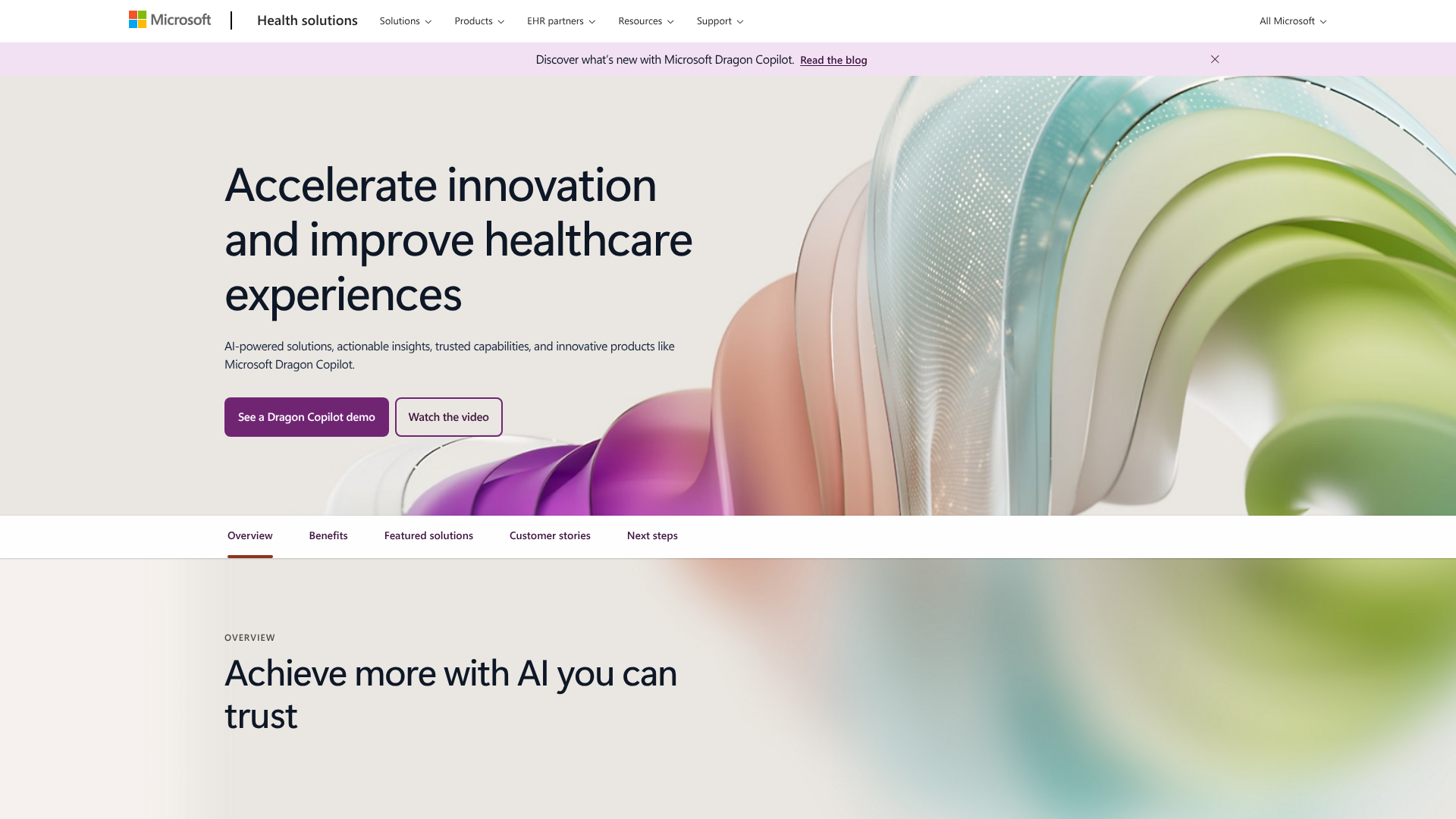
Dragon Medical One is arguably the most well-known name in clinical speech recognition. It's a cloud-based platform that allows for direct dictation into virtually any Windows-based application, including all major EHRs. It's known for its high accuracy and extensive medical vocabularies.
- Key Features: Cloud-based profile accessible from any workstation, mobile app for dictation on the go, customisable commands, and broad speciality support.
- Pros: Extremely high accuracy, reliable performance, works across almost any EHR, strong brand reputation.
- Cons: Can be one of the more expensive options, operates on a direct dictation model which still requires active work from the clinician.
2. DeepScribe: The AI-Powered Ambient Scribe
DeepScribe takes a different approach with its ambient technology. It uses AI to listen to the natural patient conversation and automatically generates a complete SOAP note. This promises a truly hands-free experience, allowing the clinician to focus entirely on the patient.
- Key Features: Ambient note generation, AI-powered medical coding suggestions, and direct EHR integration.
- Pros: Can eliminate almost all documentation time, captures natural conversation, helps with billing and coding.
- Cons: The final note always requires review and editing, may be less suitable for noisy environments, and the subscription model can be costly.
3. Augmedix: Human-in-the-Loop Scribing
Augmedix offers a hybrid model that combines AI with real-time human scribes. The clinician wears a smartphone or Google Glass, which streams the appointment to a remote scribe who documents the encounter. AI assists the human scribe to ensure speed and accuracy.
- Key Features: Live remote scribing, real-time documentation, support for a wide range of specialities.
- Pros: Delivers highly accurate, structured notes without requiring the physician to do any work post-visit. Excellent for busy clinicians.
- Cons: This is a premium service and is significantly more expensive than software-only solutions. It also involves a third party in the exam room (remotely).
4. Amazon Transcribe Medical: For Custom Development
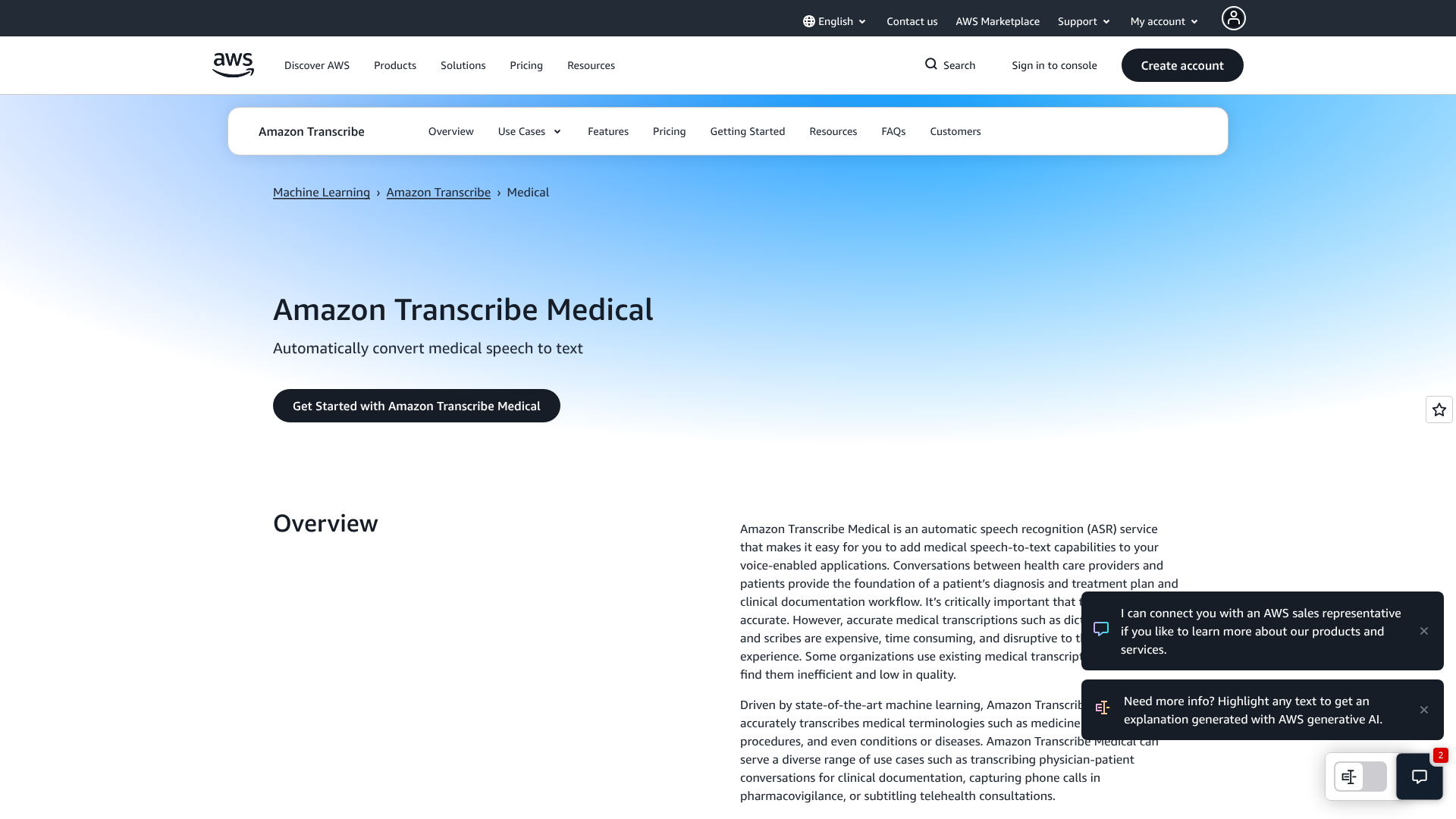
This is not an out-of-the-box software but rather a HIPAA-eligible automatic speech recognition (ASR) service from Amazon Web Services (AWS). It's designed for developers and large healthcare organisations that want to build custom voice-enabled applications. It provides the core transcription engine that can be integrated into a custom telehealth platform or a proprietary EHR.
- Key Features: High-accuracy medical ASR, speaker separation, and a pay-as-you-go pricing model.
- Pros: Highly flexible, cost-effective for high-volume usage, leverages Amazon's powerful AI infrastructure.
- Cons: Requires significant technical expertise and development resources to implement; it's not a ready-to-use product for a clinical practice.
5. VoiceboxMD: A Strong Contender for Accuracy
VoiceboxMD is a cloud-based medical dictation software that focuses on high accuracy and ease of use. It uses advanced AI and machine learning to adapt to the user's voice and speaking style, improving its performance over time. It functions similarly to Dragon, allowing for direct dictation into EHRs and other applications.
- Key Features: AI-powered learning, cloud-based platform, mobile app, and custom templates.
- Pros: Often cited for its high accuracy, can be more affordable than some competitors, simple and intuitive interface.
- Cons: May not have the same level of brand recognition or extensive EHR partnerships as a market leader like Nuance.
Understanding the Cost: Pricing Models Explained
The cost of medical voice software can vary significantly based on the vendor, the features included, and the pricing model. Understanding these structures is key to budgeting effectively and avoiding unexpected expenses.
Per-User, Per-Month Subscriptions
This is the most common model for modern, cloud-based software like Dragon Medical One or DeepScribe. You pay a recurring monthly or annual fee for each user (e.g., each clinician) who needs access to the software. Prices can range from around £50 to over £200 per user per month, depending on the provider and the level of service.
Per-Encounter or Per-Minute Pricing
This model is typical for API-based services like Amazon Transcribe Medical or for some virtual scribe services. You are charged based on usage—either the number of minutes of audio transcribed or the number of patient encounters documented. This can be cost-effective for practices with fluctuating patient loads but can be harder to budget for.
One-Time Licence Fees (Less Common Now)
In the past, software was often sold with a perpetual licence for a large, one-time fee. This model is becoming rare for voice recognition software, as vendors have moved to the more predictable revenue of subscriptions. If you do encounter this, be sure to ask about ongoing costs for support and updates.
Hidden Costs to Consider
When comparing prices, look beyond the monthly fee. Ask about potential hidden costs, which can include:
Implementation and Setup Fees: A one-time charge to get the software installed and integrated. * Training Costs: Some vendors charge extra for onboarding and training sessions. * EHR Integration Fees: There may be a separate charge to connect the software to your specific EHR.
Premium Support: Basic support may be included, but a higher tier of support with faster response times might cost extra.
| Feature | Subscription Model (e.g., Dragon) | Usage-Based Model (e.g., AWS) | Scribe Service (e.g., Augmedix) |
|---|---|---|---|
| Typical Cost | £50 – £200 /user/month | £0.02 – £0.10 /minute | £800 – £1500+ /user/month |
| Best For | Predictable budgeting, consistent use | Custom applications, variable use | Maximum time savings, high-volume practices |
| Payment Structure | Fixed recurring fee | Pay for what you use | Fixed fee for a dedicated service |
The Pros and Cons of Speech Recognition in Medicine
While the benefits are compelling, it's important to have a balanced view. Like any technology, voice recognition software comes with its own set of advantages and potential challenges.
Advantages Summarised
- Efficiency: The single biggest advantage is the massive time savings on documentation, allowing clinicians to be more productive and focused.
- Accuracy: Specialised medical vocabularies lead to fewer spelling errors and more detailed, comprehensive notes compared to manual typing.
- Clinician Satisfaction: By reducing administrative burden and 'pajama time', the software directly addresses a major cause of burnout and improves job satisfaction.
- Improved Patient Care: More time for patient interaction and better continuity of care through detailed notes ultimately leads to better health outcomes.
Potential Disadvantages and Challenges
- Initial Cost: The subscription fees, especially for multiple users or premium services, can be a significant investment for a practice.
- Training and Adoption: There is a learning curve. Users need to be trained to speak clearly and use commands effectively. Resistance to change can also hinder adoption.
- Accuracy Isn't Perfect: While very high, no system is 100% accurate. All notes must be reviewed and proofread before signing, which still takes time.
- Environmental Factors: Background noise in a busy clinic or hospital can sometimes interfere with accuracy.
- Integration Complexity: If the software doesn't integrate well with your EHR, it can create frustrating new workflows and inefficiencies.
Frequently Asked Questions (FAQ)
What is the best medical dictation software?
There isn't a single "best" software for everyone; the ideal choice depends on your practice's specific needs. Dragon Medical One is often considered the industry standard for direct dictation due to its high accuracy and reliability. For those seeking to completely automate the process, AI-powered ambient solutions like DeepScribe are excellent choices. The best approach is to evaluate your workflow, budget, and integration needs, then trial a few top contenders.
What do many physicians use voice recognition software to do?
Physicians use voice recognition software primarily to document patient encounters within their EHR. This includes dictating history of present illness (HPI), review of systems (ROS), physical exam findings, and assessment and plan sections of a note. They also use it to draft referral letters, respond to patient messages, and complete other clinical documentation tasks, all of which significantly speeds up their administrative workload.
What software is used for voice recognition?
The underlying technology is a combination of Automatic Speech Recognition (ASR) and Natural Language Processing (NLP). On the market, the most prominent software products are Nuance's Dragon Medical One, Microsoft's ambient intelligence solutions (which now incorporate Nuance), DeepScribe, and VoiceboxMD. For developers building custom solutions, services like Amazon Transcribe Medical provide the core engine.
How much is Dragon Medical One per month?
Pricing for Dragon Medical One is typically handled by resellers and can vary based on the number of licences purchased and the terms of the contract. However, you can generally expect the cost to be in the range of £60 to £100 per user, per month. It's always best to contact an official Nuance reseller for a precise quote tailored to your organisation's needs, as they may offer discounts for larger practices or longer-term commitments.
Final Thoughts
Voice recognition medical software is no longer a futuristic concept; it's a practical and powerful tool that is actively reshaping clinical workflows. By converting the spoken word into structured, accurate data, it directly tackles the documentation burden that plagues modern medicine. The result is more efficient clinicians, more detailed patient records, and a renewed focus on the patient-doctor relationship.
Choosing the right solution requires a careful assessment of your practice's workflow, technical requirements, and budget. Whether you opt for a direct dictation tool like Dragon or an ambient AI scribe like DeepScribe, the investment can yield substantial returns in time saved and burnout avoided.
Ultimately, the goal of any healthcare technology should be to empower clinicians to do their best work. By freeing them from the keyboard, voice recognition software does just that, allowing them to focus once again on the art of medicine.