

Job Costing Construction Software: A Buyer's Guide for Contractors
In the construction industry, profit margins are notoriously thin. A single miscalculation on labour, an unexpected rise in material costs, or an unrecorded change order can be the difference between a profitable project and a significant loss. Relying on spreadsheets and guesswork is no longer a viable strategy. This is where dedicated job costing construction software becomes not just a helpful tool, but an essential component for financial control and business growth.
- What to Know
- What Exactly is Job Costing Construction Software?
- The Core Benefits: Why Your Construction Business Needs Job Costing Tools
- Gain Real-Time Financial Visibility
- Improve Estimating Accuracy for Future Bids
- Protect Razor-Thin Profit Margins
- Enhance Project Management and Accountability
- A Buyer's Guide: Key Features to Look for in Costing Software for Construction
- Real-Time Data Sync and Mobile Access
- Detailed Cost Code Tracking
- Budget vs. Actual Reporting
- Change Order Management
- Integration Capabilities
- How to Choose the Right Job Cost Software for Your Business
- Step 1: Assess Your Company's Size and Complexity
- Step 2: Define Your Must-Have Features
- Step 3: Consider Your Existing Tech Stack
- Step 4: Evaluate User-Friendliness and Team Adoption
- Step 5: Request Demos and Free Trials
- Top Job Costing Construction Software Recommendations for 2026
- Best All-in-One Platform: BrickControl
- Best for Safety and Compliance Integration: HammerTech
- Best for Large Enterprises: Procore
- Best for Small to Medium Businesses: Knowify
- Comparison of Top Construction Job Costing Tools
- Understanding Pricing Models and Total Cost of Ownership
- Frequently Asked Questions (FAQ)
- What is the difference between job costing and project accounting?
- Can I use QuickBooks for construction job costing?
- How long does it take to implement job costing software?
- What are construction cost codes?
- Final Thoughts
It provides a real-time, granular view of every pound spent on a project, empowering you to make informed decisions before it's too late.
This guide is designed for contractors and construction business owners who need to move beyond basic accounting and gain true financial command over their projects. We will break down what this software does, the critical features you need, how to choose the right solution, and review some of the top options available today. By understanding these systems, you can protect your profits, improve your bidding accuracy, and build a more resilient and successful construction business.
What to Know
- Beyond Basic Accounting: Job costing software is specifically designed for the construction industry, tracking costs by project, phase, and cost code, which generic accounting software cannot do effectively.
- Real-Time Data is Crucial: The primary benefit is seeing your budget versus actual spending as it happens. This allows you to identify and address cost overruns immediately, not weeks later when invoices arrive.
- Integration is Key: The best solutions integrate with your existing accounting, payroll, and project management tools to create a single source of truth and eliminate double-entry.
- It's a Profitability Tool: Ultimately, these platforms are not just for tracking expenses. They are strategic tools that help you understand which types of jobs are most profitable, leading to more accurate future bids and sustainable growth.
What Exactly is Job Costing Construction Software?
At its core, job costing construction software is a specialised financial management system that tracks all expenses related to a specific construction project and compares them against the original budget in real time. Think of it as a high-resolution financial map for each job site. While your general accounting software tells you how much your company spent on timber last month, job costing software tells you exactly how much timber was used for the 'Framing' phase of the 'Smith Residence' project and whether that amount was over or under budget.
This level of detail is achieved through the use of cost codes. Cost codes are specific categories assigned to every type of expense, such as '01-100 Labour: Concrete Pouring', '02-250 Materials: Drywall', or '03-500 Subcontractor: Electrical'. When an invoice is paid, a timesheet is submitted, or a piece of equipment is used, the cost is allocated to the correct project and the relevant cost code. This creates a detailed breakdown of where every single pound is going.
This process fundamentally connects the activities in the field with the financial data in the office. A site manager can approve a material purchase on a mobile app, and the project manager instantly sees that cost reflected in the project's dashboard. This immediate feedback loop is what separates dedicated costing software for construction from outdated methods like manual spreadsheet tracking, which is often slow, prone to errors, and provides a historical view rather than a live one.
The Core Benefits: Why Your Construction Business Needs Job Costing Tools

Adopting specialised software is a significant decision, but the return on investment is measured in protected profits and improved operational efficiency. The right construction job costing tools provide benefits that ripple through every aspect of your business, from the accuracy of your initial bid to the final project profitability report.
Gain Real-Time Financial Visibility
The most immediate benefit is the elimination of financial blind spots. With real-time data syncing from the field to the office, you no longer have to wait for the end of the month to discover a budget overrun. If a team is logging more hours than allocated for a specific task, or if the cost of steel suddenly increases, you'll see the impact on your budget instantly. This allows you to have proactive conversations with your client about change orders or adjust your strategy on-site to mitigate the financial damage.
Improve Estimating Accuracy for Future Bids
Every completed project becomes a rich source of data for future estimates. By analysing detailed job cost reports, you can see exactly where your initial estimates were accurate and where they were off. Perhaps you consistently underestimate the labour required for foundations or overestimate the cost of finishing materials. This historical data allows you to refine your bidding formulas, leading to more competitive and, more importantly, more profitable bids.
You can confidently bid on projects knowing your numbers are based on proven historical performance, not just industry averages.
Protect Razor-Thin Profit Margins
In an industry where a 3-5% net profit margin is common, there is little room for error. Job costing software acts as a guardrail for your profitability. It helps you track every potential cost, including often-overlooked expenses like labour burden (taxes, insurance, benefits) which can add 20-30% on top of an employee's wage. By accurately tracking these costs against the budget, you can ensure that every change order is properly documented and billed, preventing profit erosion from scope creep.
Enhance Project Management and Accountability
When project managers and site supervisors have access to real-time budget data, they become more financially accountable. They can see the immediate cost implications of their decisions, such as authorising overtime or ordering extra materials. This fosters a culture of cost-consciousness throughout the team. It also provides objective data to facilitate better communication between the project manager, the client, and the accounting department, ensuring everyone is working from the same set of numbers.

A Buyer's Guide: Key Features to Look for in Costing Software for Construction
When evaluating different software options, it's easy to get lost in a long list of features. To simplify your decision, focus on the core functionalities that deliver the most value for a construction business. The right platform should not only track costs but also streamline workflows and provide actionable insights.
Real-Time Data Sync and Mobile Access
This is non-negotiable. The software must be cloud-based and offer a functional mobile app for field staff. Your team on-site needs to be able to log hours, submit purchase orders, and upload expense receipts directly from their mobile phones or tablets. This information should sync instantly with the main platform, so project managers in the office have an up-to-the-minute view of job costs.
Check for offline capabilities, which allow staff to log data even in areas with poor connectivity, syncing it once they are back online.
Detailed Cost Code Tracking
The system's power lies in its granularity. It should allow you to create a customised library of cost codes that match the way you bid and build. You need the ability to track costs across multiple levels: by project, by phase (e.g., 'Excavation'), and by specific cost type (Labour, Materials, Equipment, Subcontractors). This detailed tracking is what enables you to pinpoint the exact source of a cost overrun.
Budget vs. Actual Reporting
Look for clear, visual, and easy-to-understand dashboards and reports. The software should make it simple to see your original budget, approved changes, and actual costs side-by-side. Key reports to look for include Work-in-Progress (WIP) reports, cost-to-complete forecasts, and profitability summaries by project and cost code. These reports are the primary tools you'll use to monitor project health.
Change Order Management
Scope creep is a major threat to profitability. A good job cost software will have a built-in workflow for creating, approving, and tracking change orders. When a client requests a change, you should be able to quickly price the new work, send it for electronic signature, and have the approved amount automatically added to the project budget. This ensures no work is done without financial approval and that everything is properly documented for billing.
Integration Capabilities
Your job costing tool shouldn't live on an island. To avoid manual data entry and ensure consistency, it must integrate with your other business systems. The most critical integration is with your accounting software (e.g., Xero, Sage, QuickBooks). Other important integrations include payroll systems, project management platforms, and estimating software.
A seamless flow of information between these systems creates a powerful, unified platform for managing your business.
Pro Tip: When evaluating integrations, ask about the depth of the integration. A 'deep' integration means data flows automatically in both directions without manual intervention, whereas a 'shallow' integration might only involve a one-way data push or require manual file exports and imports.
How to Choose the Right Job Cost Software for Your Business
Selecting a software platform is a long-term commitment, so it's important to approach the decision methodically. Following a structured process will help you find a solution that not only meets your current needs but can also scale with your company as it grows.
Step 1: Assess Your Company's Size and Complexity
The needs of a small residential builder are very different from those of a large commercial contractor. Be honest about your scale. A smaller business might prioritise simplicity and ease of use, while a larger firm will need more advanced features like multi-currency support, complex labour burden calculations, and robust user permissions. Don't pay for enterprise-level features if you're a five-person team.
Step 2: Define Your Must-Have Features
Using the feature list from the previous section, create a checklist of your non-negotiables. Sit down with your team—including project managers, bookkeepers, and estimators—to understand their biggest pain points. Is the main problem tracking labour hours from the field. Is it managing subcontractor invoices.
Prioritise software that excels at solving your most pressing problems.
Step 3: Consider Your Existing Tech Stack
Map out the software you already use for accounting, payroll, and project scheduling. Your chosen job costing platform must integrate smoothly with these systems. A lack of integration will create data silos and require time-consuming manual work, defeating the purpose of the new software. Ask potential vendors for a detailed demonstration of how their integration works with your specific accounting package.
Step 4: Evaluate User-Friendliness and Team Adoption
The most powerful software in the world is useless if your team won't use it. During demos, pay close attention to the user interface. Is it intuitive. Does the mobile app seem easy for your field crew to navigate.
A complex system with a steep learning curve can lead to poor adoption and inaccurate data. The success of the implementation depends entirely on your team using it consistently and correctly.
Step 5: Request Demos and Free Trials
Never buy software based on a brochure alone. Shortlist two or three vendors and request personalised demos where you can ask specific questions related to your workflows. If possible, sign up for a free trial and run a small, real-world project through the system. This hands-on experience is the best way to determine if the software is a good fit for your business operations.
Top Job Costing Construction Software Recommendations for 2026
The market for construction software is vast, with options catering to different business sizes and specialisations. Here are a few top contenders to consider, including all-in-one platforms and specialised tools.
Best All-in-One Platform: BrickControl
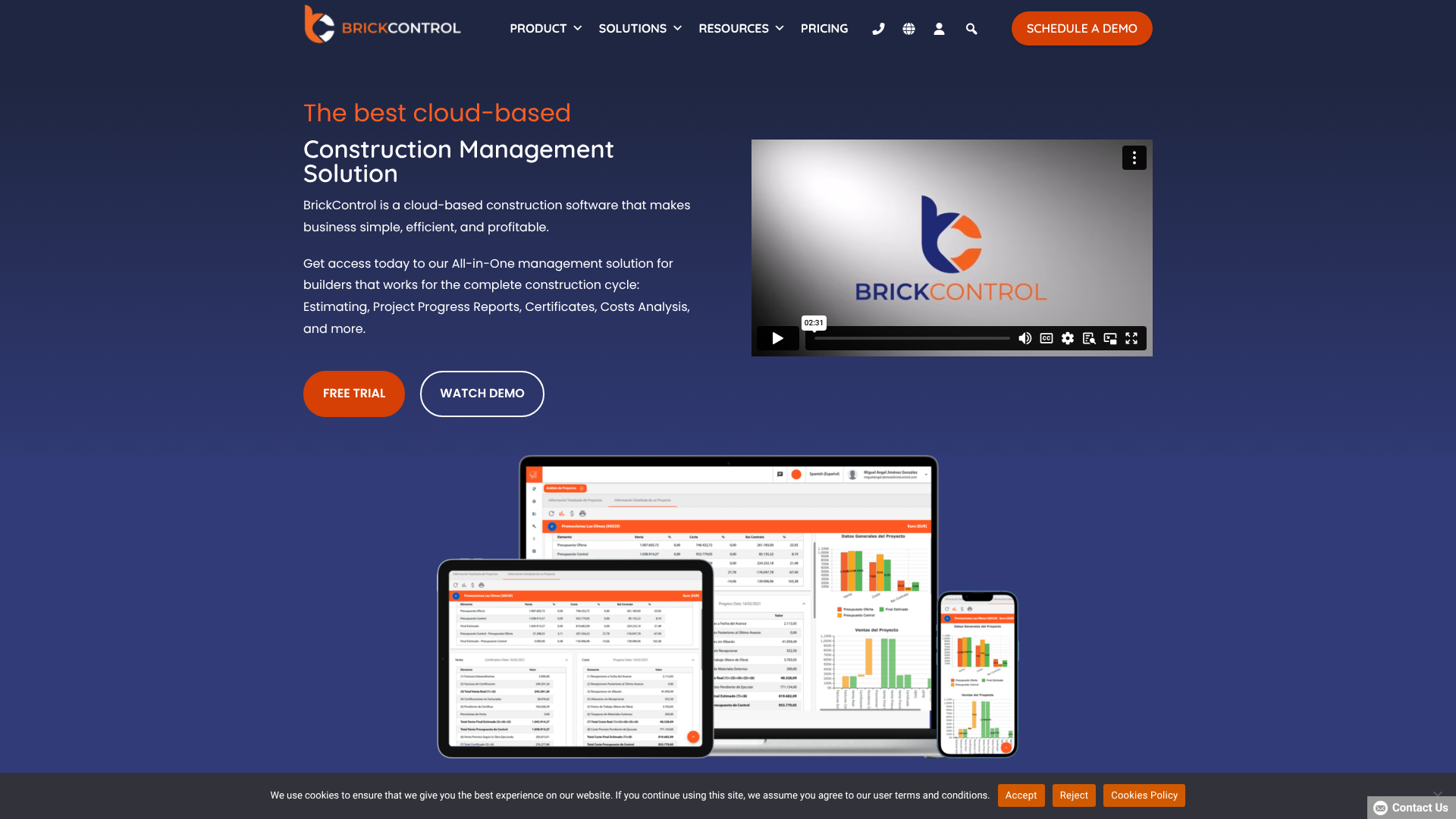
BrickControl is a comprehensive cloud-based platform designed to manage the entire construction lifecycle. Its strength lies in its integration of job costing with estimating, project management, and CRM functionalities. It aims to be the single source of truth for a construction business, connecting initial bids to final project costs.
Pros
- End-to-End Solution: Manages everything from bidding and procurement to project execution and financial reporting, reducing the need for multiple disparate systems.
- Strong BIM Integration: Offers capabilities to work with Building Information Modeling (BIM) models, which is a significant advantage for firms working on complex projects.
- Scalable: Suitable for both growing businesses and established enterprises with modules that can be adapted to your needs.
Cons
- Learning Curve: As a comprehensive platform, it may have a steeper learning curve compared to simpler, single-purpose tools.
- Pricing: May be a more significant investment than basic costing tools, so it's best suited for companies ready to commit to an all-in-one system.
Best for Safety and Compliance Integration: HammerTech
While not a traditional job costing tool in the accounting sense, HammerTech offers a unique and critical perspective by connecting field operations, safety, and quality control to project financials. It helps contractors understand the hidden costs associated with safety incidents, delays, and rework, which directly impact job profitability.
Pros
- Operational Cost Control: Provides visibility into how safety and compliance issues create costly delays and financial risks.
- Reduces Rework: By standardising quality control and inspection processes, it helps minimise expensive rework, directly protecting your budget.
- Centralised Field Management: Consolidates safety orientations, permits, equipment logs, and daily reports in one place, improving efficiency.
Cons
- Not a Standalone Accounting Tool: It's designed to complement a dedicated accounting or job costing system, not replace it. It focuses on operational cost factors rather than direct financial transaction tracking.
- Focused on Larger Projects: The platform delivers the most value on larger, more complex job sites where safety and compliance are paramount.
Best for Large Enterprises: Procore
Procore is one of the most well-known and widely used construction management platforms in the world. It is an incredibly powerful and comprehensive system used by many of the largest construction firms. Its financial management module includes sophisticated job costing, budgeting, and forecasting tools designed for complex, multi-stage projects.
Pros
- Extensive Feature Set: Offers a vast array of tools covering nearly every aspect of construction management.
- Large Ecosystem: Features a massive marketplace of third-party app integrations, allowing for extensive customisation.
- Highly Scalable: Built to handle the demands of large, enterprise-level contractors with multiple offices and hundreds of projects.
Cons
- High Cost: It is one of the more expensive options on the market and can be cost-prohibitive for small to medium-sized businesses.
- Complexity: The sheer number of features can be overwhelming and may require significant training and a dedicated administrator to manage effectively.
Best for Small to Medium Businesses: Knowify
Knowify is designed specifically for trade contractors and small to medium-sized residential and commercial builders. It strikes a great balance between powerful job costing features and user-friendliness, making it an accessible yet capable option for businesses that are not yet at an enterprise scale.
Pros
- User-Friendly Interface: Known for being intuitive and easier to implement than some of the larger, more complex platforms.
- Strong QuickBooks Integration: Offers one of the best-in-class integrations with QuickBooks Online, making it a popular choice for businesses that already use that accounting system.
- Good Value: Provides a robust feature set at a more accessible price point compared to enterprise solutions like Procore.
Cons
- Limited for Large GCs: While excellent for SMBs and trade contractors, it may lack some of the advanced project management and financial controls required by very large general contractors.
- Fewer Advanced Features: May not have the depth in areas like BIM integration or international compliance that larger platforms offer.
Comparison of Top Construction Job Costing Tools
| Feature | BrickControl | HammerTech | Procore | Knowify |
|---|---|---|---|---|
| Best For | All-in-one management | Safety & operational costs | Large enterprises | Small to medium businesses |
| Core Focus | Bidding, PM, Costing | Safety, Quality, Field Ops | Full-suite project management | Job costing & trade contractors |
| Accounting Integration | Yes (Built-in & external) | Complements existing systems | Yes (Extensive) | Yes (Excellent with QuickBooks) |
| Mobile App | Yes | Yes | Yes | Yes |
| Typical User | Growing to large contractors | Mid-size to large GCs | Large GCs & enterprises | Trade contractors, SMBs |
Understanding Pricing Models and Total Cost of Ownership
Job costing software pricing can vary dramatically, and the sticker price is only one part of the equation. Understanding the different pricing models and potential hidden fees is essential for calculating the true total cost of ownership (TCO) and avoiding budget surprises down the road.
Common Pricing Structures
Most software-as-a-service (SaaS) platforms use a subscription model, but the specifics can differ:
- Per User, Per Month: This is a very common model. You pay a set fee for each user who needs access to the system. This can be cost-effective for small teams but can become expensive as your company grows. * Tiered Plans: Vendors often offer several tiers (e.g., Basic, Pro, Enterprise) with different feature sets and user limits.
You choose the plan that best fits your current needs, with the option to upgrade later. * Based on Annual Construction Volume (ACV): Some enterprise-level platforms base their pricing on your company's total revenue. This model is designed to scale with your business but can be a significant investment.
Hidden Costs to Watch For
Always ask about costs beyond the monthly subscription fee. These can include:
- Implementation and Onboarding Fees: Many vendors charge a one-time fee for setting up the system, migrating your data, and providing initial training. This can range from a few hundred to many thousands of pounds. * Training and Support: While basic support is often included, premium or dedicated support may come at an extra cost.
Ongoing training for new employees might also be an additional expense. * Integration Fees: Some platforms charge extra to connect to third-party software like your accounting system.
To get a clear picture, always request a detailed, all-inclusive quote that outlines every potential cost for the first year.
Frequently Asked Questions (FAQ)
What is the difference between job costing and project accounting?
Job costing is a subset of project accounting. Job costing focuses specifically on tracking the detailed costs (labour, materials, etc.) of a project against a budget. Project accounting is a broader term that encompasses all financial aspects of a project, including job costing, as well as billing, revenue recognition, and overall financial reporting for that project.
Can I use QuickBooks for construction job costing?
While QuickBooks (especially QuickBooks Online Advanced and Desktop Enterprise) has features that can be used for basic job costing, it is not a specialised construction accounting platform. It lacks many industry-specific features like detailed labour burden tracking, change order management workflows, and robust reporting for things like Work-in-Progress. Many contractors use a dedicated job costing tool like Knowify that integrates deeply with QuickBooks to get the best of both worlds.
How long does it take to implement job costing software?
The implementation timeline varies depending on the complexity of the software and the size of your company. A simple system for a small business could be up and running in a few weeks. A full-scale enterprise implementation for a large contractor could take several months and involve data migration, system customisation, and extensive team training.
What are construction cost codes?
Construction cost codes are a standardised set of numbers used to categorise all the work and associated costs on a project. They break a project down into specific, trackable components. For example, the Construction Specifications Institute (CSI) MasterFormat is a widely used system in North America. Using a standard set of cost codes across all your projects allows you to accurately compare performance and create reliable data for future estimates.
Final Thoughts
Choosing the right job costing construction software is a strategic decision that can fundamentally change the way you manage your business. It's about moving from reactive problem-solving to proactive financial management. By gaining a clear, real-time view of your project costs, you empower your team to protect profits, make smarter decisions, and bid on future work with confidence.
The key is to select a system that aligns with your company's size, complexity, and existing workflows. Whether you need a comprehensive, all-in-one platform or a specialised tool to enhance your current systems, the goal is the same: to turn data into profit. Take the time to assess your needs, demo multiple products, and involve your team in the decision-making process.
If you're looking for a comprehensive platform to manage your entire project lifecycle, a solution like BrickControl could be a strong fit. For those focused on controlling the significant hidden costs associated with on-site safety and quality, exploring how HammerTech complements a financial system is a worthwhile investigation. The right tool is out there, and finding it is a critical step toward building a more profitable and sustainable construction business.