

11 Best AI Writing Tools for Marketers & Creators (2026 Rankings)
Creating high-quality content consistently is a major challenge. Whether you're facing writer's block, tight deadlines, or the need to scale production, the pressure is always on. This is where using the right ai writing tools can transform your workflow, acting as a powerful assistant to help you generate ideas, draft copy, and refine your message faster than ever before.
- What to Know
- What Are AI Writing Tools and How Do They Work?
- The Core Benefits: Why Use AI Writing Software?
- How to Choose the Right AI Writing Tool for Your Needs
- The 11 Best AI Writing Tools of 2026 (Reviewed & Compared)
- For All-Round Content Creation
- For Editing and Polishing
- For SEO-Focused Content
- For Specialised Use Cases
- For Budget-Friendly Options
- For AI-Powered Content Repurposing
- For Building Custom AI Assistants
- Understanding Pricing Structures: What Do AI Writing Tools Cost?
- The Pros and Cons of Using Automated Writing Tools
- Frequently Asked Questions (FAQ)
- Can AI replace human writers?
- Are AI writing tools detectable?
- Is content from AI writers plagiarised?
- What is the best free AI writing tool?
- Final Thoughts: Integrating AI into Your Writing Workflow
These platforms are not about replacing human creativity; they are about augmenting it. By handling the heavy lifting of initial drafts and research, they free you up to focus on strategy, editing, and adding the unique human touch that makes content truly great. From crafting compelling marketing copy to optimising blog posts for search engines, the right tool can significantly boost your productivity and the quality of your output.
This guide breaks down the best AI writing software available today. We'll explore what they do, how to choose the right one for your specific needs, and review the top 11 options on the market, so you can make an informed decision.
What to Know
- AI as an Assistant: The most effective way to use AI writing tools is as a collaborator. They excel at generating first drafts, brainstorming ideas, and overcoming writer's block, but human oversight is essential for fact-checking, tone refinement, and strategic input.
- Use Case is Key: The best tool for you depends entirely on your primary goal. A marketing team needs different features (e.g., ad copy templates) than a novelist (e.g., plot generation) or an SEO specialist (e.g., keyword optimisation).
- Top Contenders for Business: For general marketing and business content, platforms like Jasper and Writesonic offer a comprehensive suite of templates and features designed to maintain brand consistency and scale content production.
- Editing is Non-Negotiable: Always review and edit AI-generated content. Check for factual accuracy, ensure the tone aligns with your brand, and refine the text to add your unique perspective and avoid a generic feel.
What Are AI Writing Tools and How Do They Work?
AI writing tools are applications designed to generate human-like text based on user prompts. Think of them as incredibly advanced predictive text systems. You provide an input—a topic, a keyword, a short description—and the software produces paragraphs, blog posts, emails, or ad copy in response.
At their core, these tools are powered by large language models (LLMs), such as OpenAI's GPT (Generative Pre-trained Transformer) series. These models have been trained on vast datasets of text and code from the internet. By analysing trillions of examples of how words and sentences fit together, they learn the patterns, grammar, context, and nuances of human language.
When you give a prompt to an AI writer, it doesn't 'understand' the meaning in a human sense. Instead, it calculates the most probable sequence of words to follow your input based on the patterns it has learned. This allows it to draft articles, summarise long documents, rephrase sentences, and even write in specific tones or styles.
The Core Benefits: Why Use AI Writing Software?

Integrating AI writing software into your workflow offers several powerful advantages that go far beyond simply writing faster. These platforms act as a force multiplier for individuals and teams, addressing common content creation bottlenecks and opening up new possibilities for efficiency and quality.
First and foremost, they are exceptional at breaking through writer's block. Staring at a blank page can be daunting, but an AI tool can generate an outline, a first draft, or a list of topic ideas in seconds. This initial momentum is often all that's needed to get the creative process flowing, turning a difficult start into a simple editing task.
Speed and scale are perhaps the most obvious benefits. For marketing teams and content creators who need to produce a high volume of content, these tools are invaluable. They can draft social media posts, product descriptions, and entire blog articles in a fraction of the time it would take a human, allowing you to meet demanding content calendars without sacrificing quality. This efficiency frees up valuable time for more strategic work, like audience research and campaign analysis.
Furthermore, many modern writing assistants come equipped with features that actively improve the quality of your writing. They can help you maintain a consistent brand voice across all materials, optimise content for SEO by suggesting relevant keywords, and check for grammatical errors and awkward phrasing. This ensures your final product is not only created quickly but is also polished, professional, and tailored to perform well.

How to Choose the Right AI Writing Tool for Your Needs
With a growing number of options available, selecting the perfect AI writing tool can feel overwhelming. The key is to move past the marketing hype and focus on your specific requirements. A systematic approach will ensure you invest in a platform that truly enhances your workflow rather than complicating it.
Define Your Primary Use Case
Before looking at any features, identify what you'll be using the tool for most often. Your needs will vary drastically depending on your role.
- Marketers: Look for tools with templates for ad copy, social media posts, email newsletters, and landing pages. Features like brand voice and campaign ideation are crucial.
- SEO Specialists: Prioritise platforms that integrate with SEO tools like Surfer or have built-in keyword research, content optimisation scoring, and competitor analysis.
- Fiction Writers: Specialised tools like Sudowrite offer features for plot generation, character development, and descriptive writing that general-purpose tools lack.
- Students/Academics: Tools with strong paraphrasing, summarising, and citation features are most beneficial.
Evaluate Key Features
Once you know your use case, assess the features that support it. Look for a high-quality template library relevant to your needs, a plagiarism checker to ensure originality, and the ability to set a custom brand voice or tone. The quality of the AI output is paramount; test different tools to see which one produces the most natural and accurate text for your prompts.
Consider Ease of Use and Integrations
A powerful tool is useless if it's difficult to navigate. Look for a clean, intuitive interface that doesn't require a steep learning curve. Additionally, check for integrations with the software you already use. A tool that connects with WordPress, Google Docs, or your favourite SEO platform can save you significant time by streamlining your entire content lifecycle from draft to publication.
Pro Tip: Take full advantage of free trials. Most top-tier AI writing tools offer a free trial or a limited free plan. Use this opportunity to test the same set of prompts across multiple platforms. This will give you a direct comparison of output quality, feature sets, and overall user experience before you commit to a subscription.
The 11 Best AI Writing Tools of 2026 (Reviewed & Compared)
Navigating the landscape of automated writing tools can be complex. To simplify your search, we've tested and reviewed the top platforms, categorising them by their strongest use cases. Here are the 11 best AI writing tools to consider in 2026.
For All-Round Content Creation
1. Jasper (formerly Jarvis)
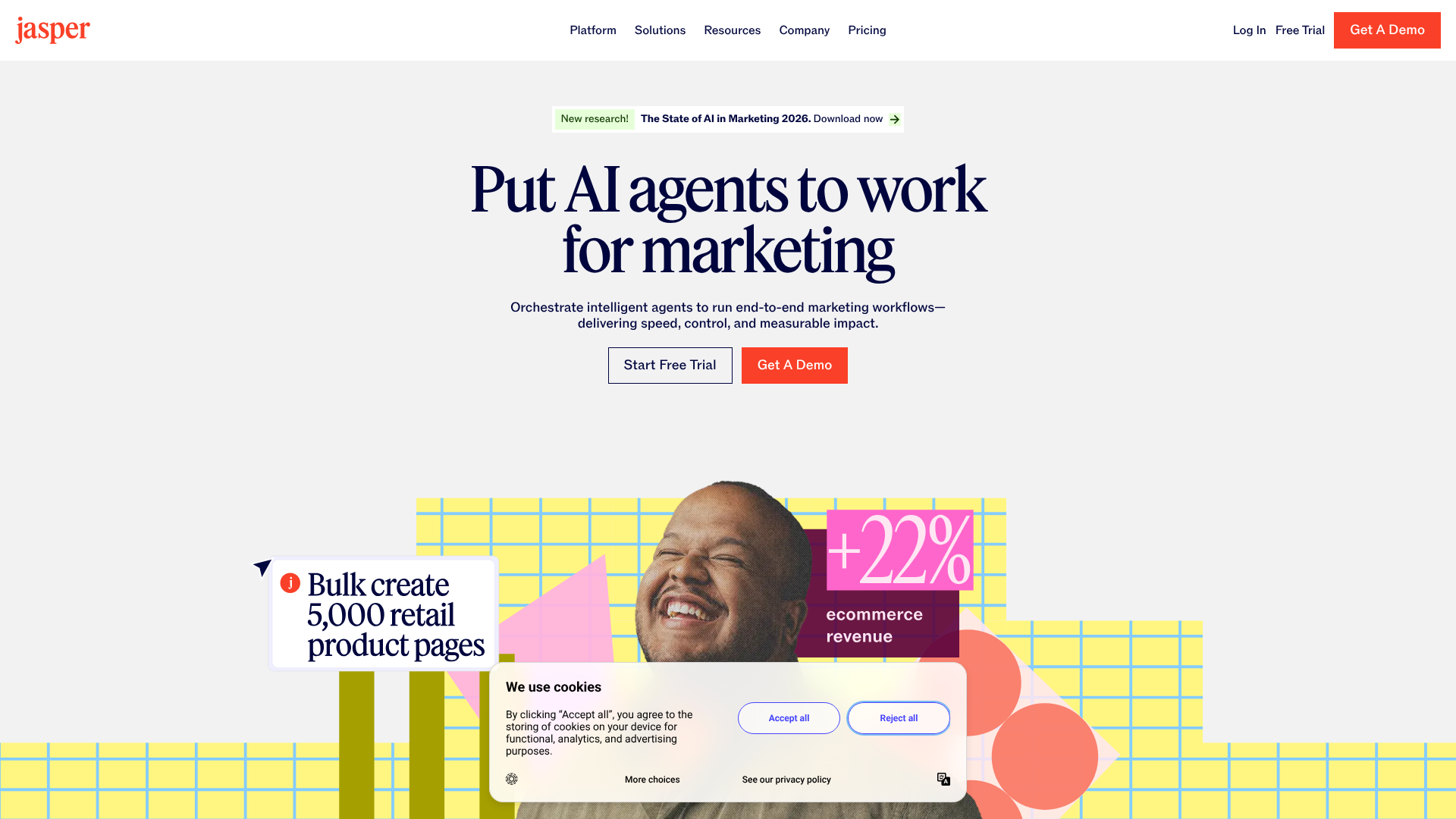
Jasper is one of the most well-known and respected names in the AI writing space, particularly for marketing and business content. It offers a massive library of over 50 templates for everything from blog posts and social media ads to video scripts and website copy. Its standout feature is 'Brand Voice', which allows you to upload documents or scan your website to teach Jasper your specific style, tone, and product knowledge.
This makes it incredibly effective for teams needing to maintain brand consistency across a high volume of content. The user interface is clean and collaborative, with project folders and team management features that support larger organisations. While it sits at a higher price point, its powerful features and high-quality output make it a top choice for serious content creators and marketing teams.
Pros:
- Excellent 'Brand Voice' feature for maintaining consistency.
- Extensive library of high-quality marketing and business templates.
- Strong long-form content editor with built-in commands.
- Good integration with other marketing and SEO tools.
Cons:
- Can be more expensive than some competitors.
- The credit system can be confusing for new users.
Best for: Marketing teams, agencies, and businesses focused on creating on-brand content at scale.
2. Writesonic

Writesonic positions itself as an all-in-one content marketing platform, and it delivers on that promise. It combines a powerful AI writer with a suite of tools designed to cover the entire content workflow. This includes Photosonic for AI image generation, Audiosonic for text-to-speech, and Botsonic for creating custom AI chatbots.
Its AI Article Writer 5.0 is particularly impressive, capable of generating 1,500+ word, SEO-optimised articles that are well-researched and factually accurate by pulling data directly from Google. It also includes features for creating landing pages and integrates with tools like Surfer SEO to further refine your content for search performance. This comprehensive feature set makes it an excellent value for those who want more than just a text generator.
Pros:
- All-in-one platform with AI writing, image generation, and chatbot creation.
- Strong fact-checking and SEO-optimisation features for articles.
- More affordable pricing tiers compared to some direct competitors.
- User-friendly interface suitable for beginners.
Cons:
- The sheer number of features can be overwhelming at first.
- Output quality can sometimes require more editing for complex topics.
Best for: Bloggers, SEO specialists, and marketers looking for a single platform to handle writing, images, and optimisation.
For Editing and Polishing
3. Grammarly
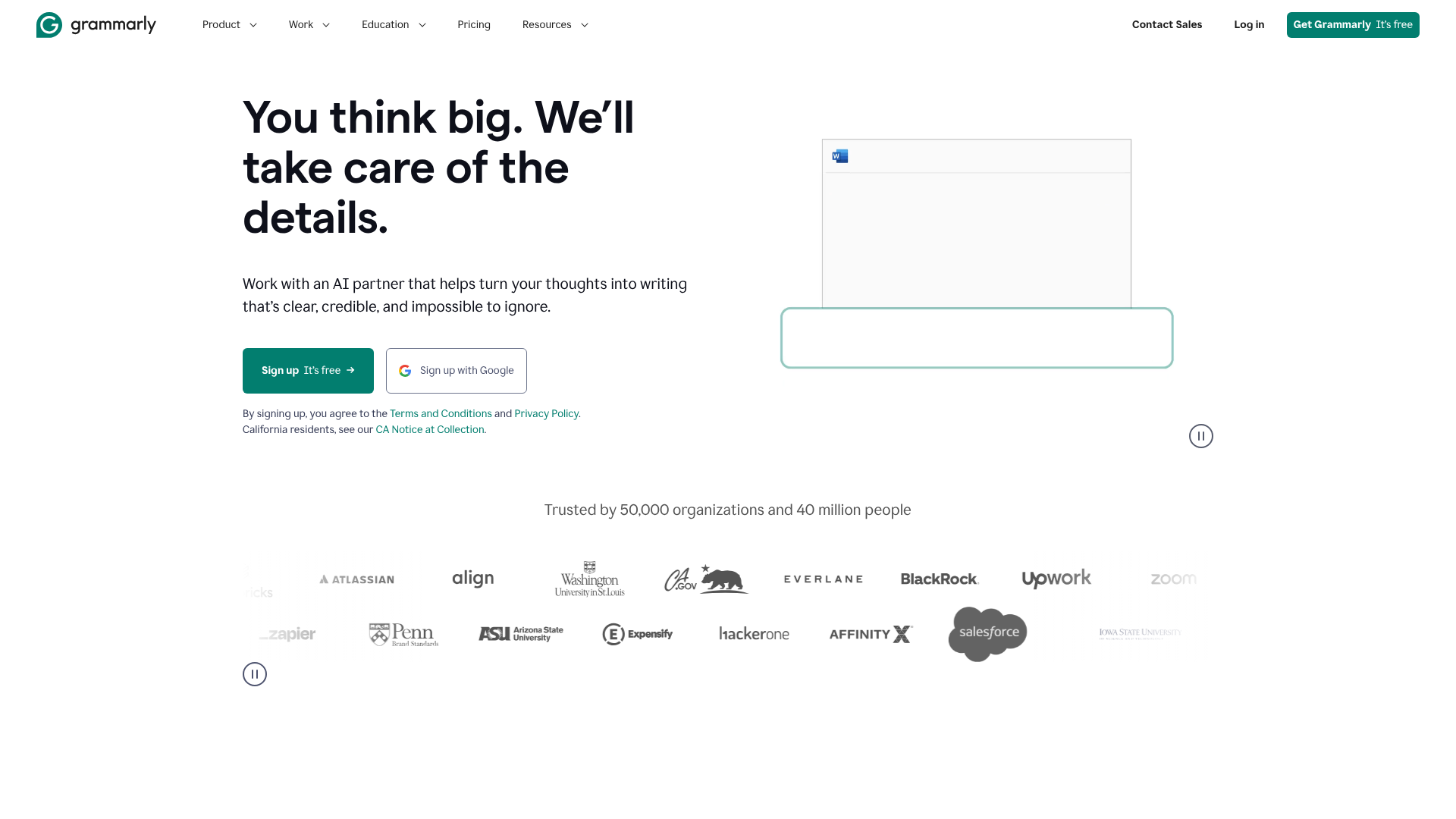
While long known as the industry-standard grammar checker, Grammarly has evolved into a full-fledged AI writing assistant. Its core strength remains its best-in-class proofreading, which catches everything from simple spelling mistakes to complex grammatical errors, awkward phrasing, and inconsistent tone.
With the introduction of GrammarlyGO, it now offers generative AI features directly within its editor. You can use it to compose drafts, generate ideas, rewrite sentences for clarity, and adjust the tone of your text. Because it's available as a browser extension and integrates with countless apps (including Microsoft Word and Google Docs), it works seamlessly wherever you write, making it an indispensable tool for polishing any piece of content to perfection.
Pros:
- Unmatched accuracy in grammar, spelling, and punctuation checking.
- Generative AI features are integrated directly into the editing workflow.
- Tone detector helps ensure your writing matches your intended audience.
- Widely available through browser extensions and app integrations.
Cons:
- The free version is quite limited.
- Generative AI capabilities are not as advanced as dedicated AI writers.
Best for: Everyone. From students and professionals to authors and marketers, anyone who writes can benefit from Grammarly's polishing power.
4. QuillBot
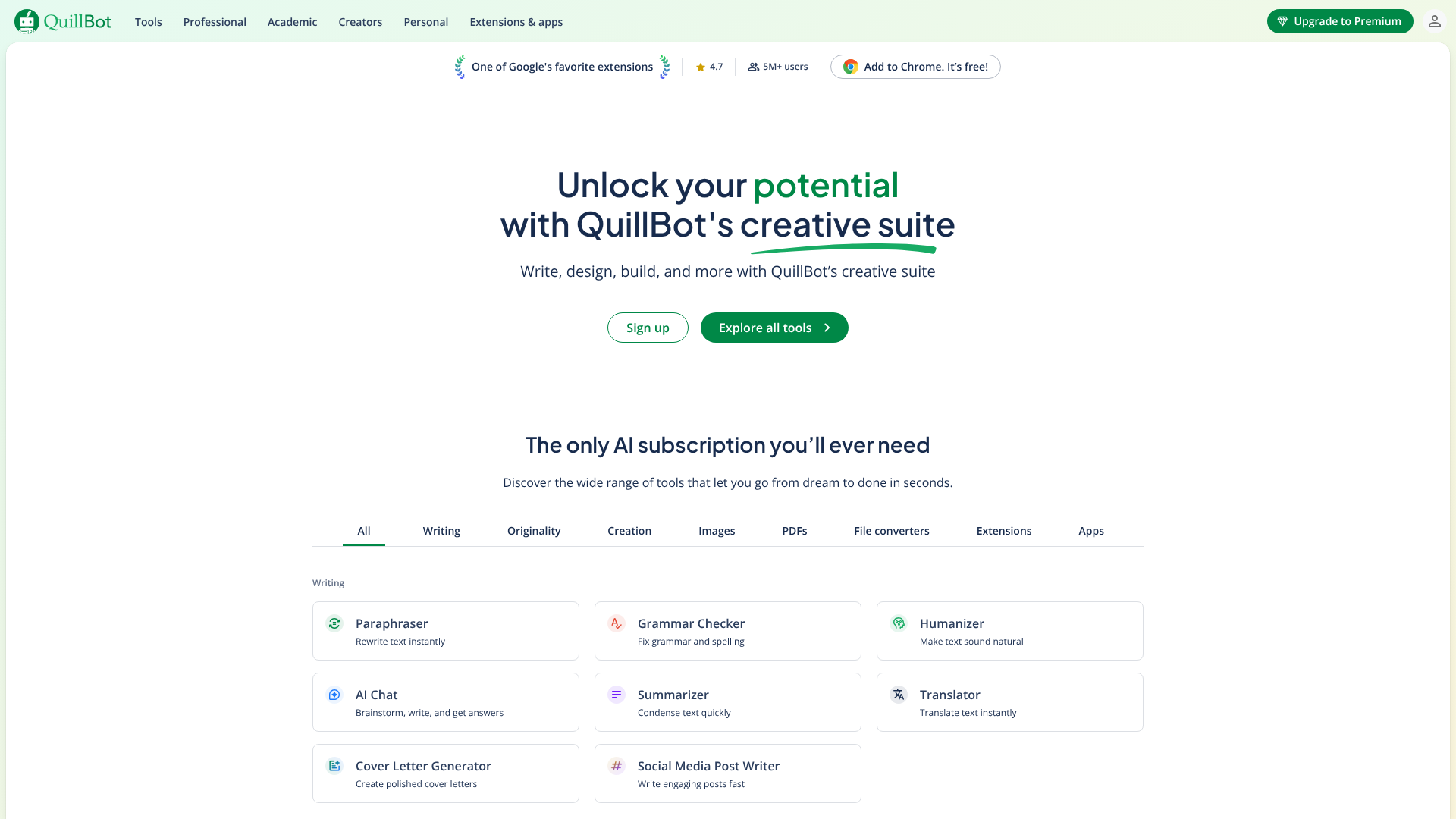
QuillBot started as a paraphrasing tool but has expanded into a comprehensive writing suite. Its paraphraser is still its star feature, offering multiple modes (e.g., Formal, Simple, Creative) to rephrase text effectively without losing its original meaning. This is incredibly useful for avoiding plagiarism, simplifying complex sentences, or finding new ways to express an idea.
Beyond paraphrasing, QuillBot offers a Grammar Checker, Summarizer, Citation Generator, and the Co-Writer, a unified space to research, write, and edit. Its focus on refining and restructuring existing text makes it a fantastic companion for students, academics, and anyone who needs to work with and repurpose source material.
Pros:
- Best-in-class paraphrasing tool with multiple modes.
- Generous free plan with access to most core features.
- Integrated suite of tools including a summariser and citation generator.
- Simple and very easy-to-use interface.
Cons:
- The Co-Writer's generative capabilities are basic compared to Jasper or Writesonic.
- Can sometimes produce slightly unnatural phrasing that requires manual correction.
Best for: Students, academics, researchers, and writers who need to paraphrase and summarise text accurately.
For SEO-Focused Content
5. Semrush (SEO Writing Assistant)
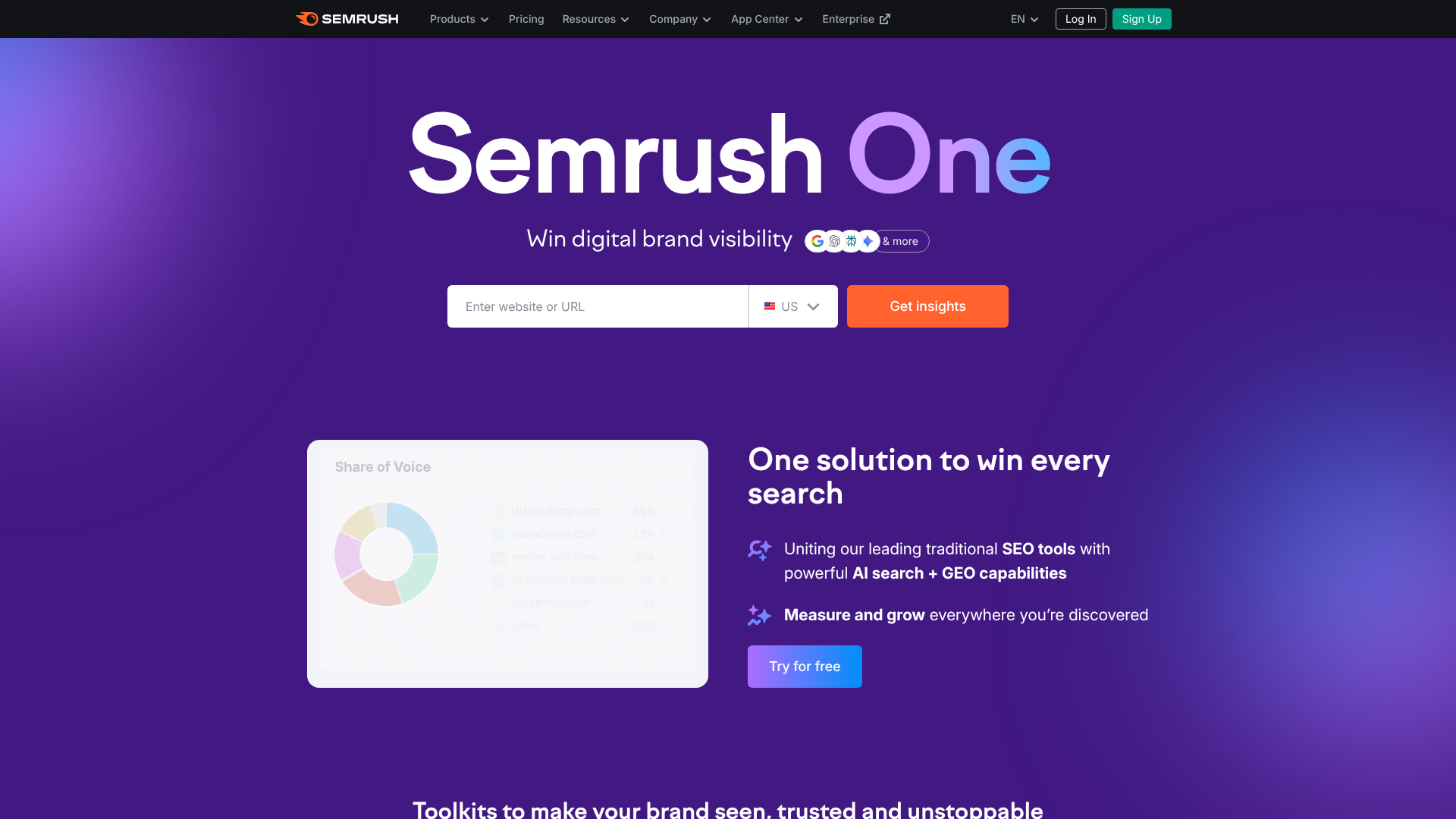
For those serious about search engine optimisation, the Semrush SEO Writing Assistant is a must-have. It's not a standalone AI writer in the same vein as Jasper; rather, it’s a content optimisation tool that integrates with Google Docs and WordPress. It analyses the top-ranking content for your target keyword and provides real-time feedback on your draft.
The tool gives you a content score based on four key areas: SEO, readability, tone of voice, and originality. It provides actionable recommendations, such as which semantically related keywords to include, what your word count should be, and how to improve readability. By guiding your writing process with data-driven insights, it helps you create content that is structured to rank.
Pros:
- Provides data-driven, real-time feedback based on top SERP results.
- Helps ensure content is fully optimised for a target keyword.
- Seamless integration with Google Docs and WordPress.
- Part of the larger, powerful Semrush SEO toolkit.
Cons:
- Requires a Semrush subscription, which can be expensive.
- Does not generate content from scratch; it is an optimisation tool.
Best for: SEO professionals, content marketers, and businesses focused on ranking high in search results.
6. Surfer SEO
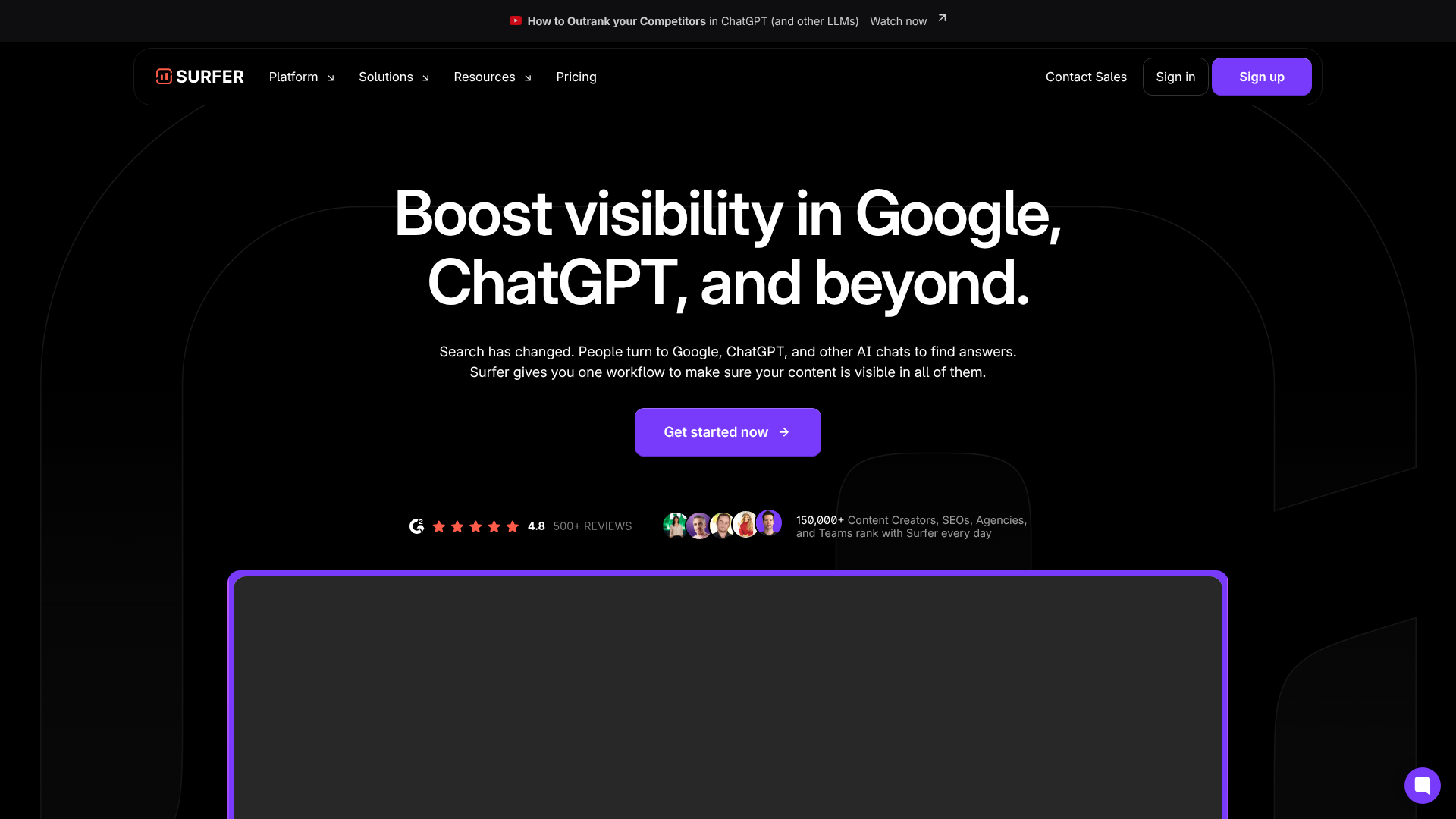
Surfer SEO is another giant in the content optimisation space. Like Semrush's tool, its primary function is to help you write content that will rank. Its Content Editor provides a detailed brief based on an analysis of the top-ranking pages, outlining ideal structure, word count, and a comprehensive list of NLP-friendly keywords to include.
Where Surfer shines is in its depth of analysis and its own AI writer, which can generate entire articles based on the optimisation brief it creates. This combination of data-driven guidance and AI generation makes it a complete solution for creating competitive SEO content from start to finish. It's a favourite among affiliate marketers and SEO agencies for its reliable and effective recommendations.
Pros:
- In-depth content analysis and data-driven recommendations.
- Built-in AI writer that drafts content based on SEO guidelines.
- Excellent for creating comprehensive, competitive articles.
- Strong community and support resources.
Cons:
- Can be complex for beginners.
- Subscription plans are based on the number of articles, which can be limiting.
Best for: SEO agencies, affiliate marketers, and anyone creating long-form content designed to compete in search.
For Specialised Use Cases
7. Sudowrite
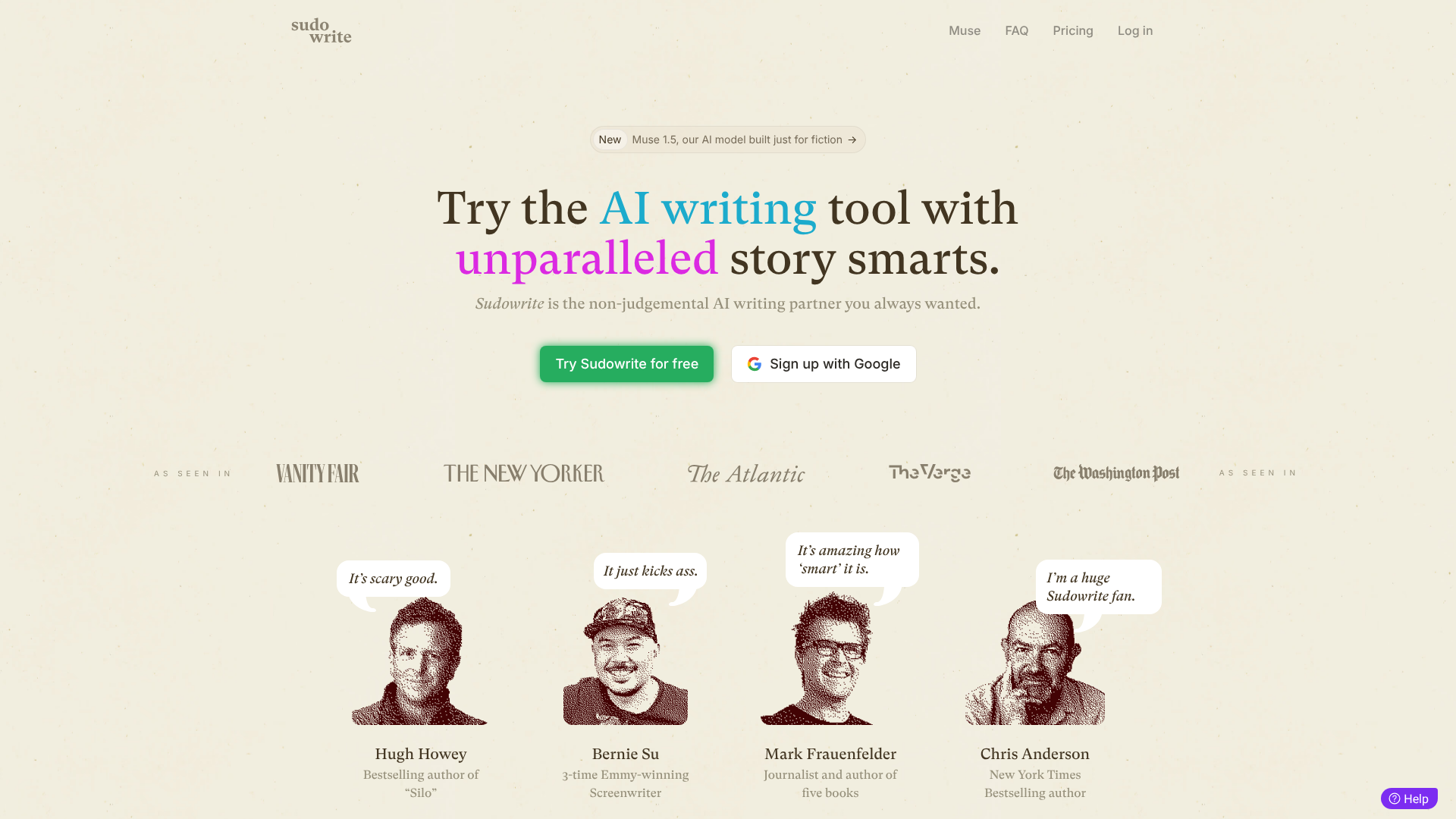
Sudowrite is an AI writing tool built specifically for creative writers. It's designed to be a brainstorming partner for authors of fiction, helping them craft vivid descriptions, expand on scenes, and explore different plot points. Its features are tailored to the art of storytelling.
Features like 'Describe' help you paint a picture using all five senses, while 'Rewrite' can rephrase sentences to be more intense or descriptive. The 'Brainstorm' function can generate character ideas, plot twists, and world-building details. It's not for writing marketing copy or blog posts; it's a dedicated companion for bringing stories to life.
Pros:
- Specifically designed for fiction and creative writing.
- Unique features like 'Describe' and 'Brainstorm' spark creativity.
- Helps writers overcome creative blocks and explore new ideas.
- Intuitive interface that feels like a creative partner.
Cons:
- Not suitable for any other type of writing (e.g., marketing, business).
- Can sometimes generate suggestions that don't fit the story's tone.
Best for: Novelists, screenwriters, and creative writers of all kinds.
8. Copy.ai
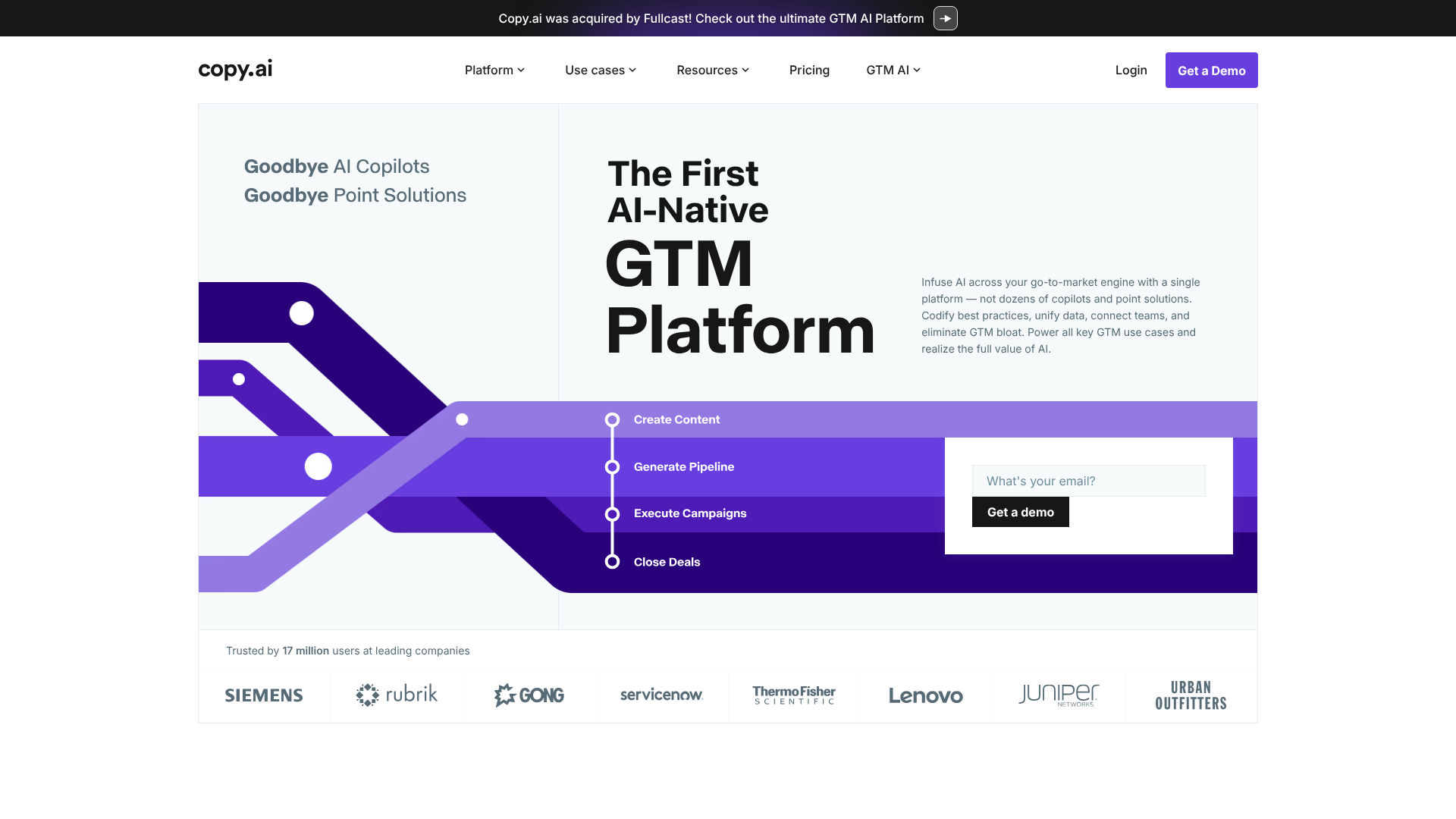
Copy.ai excels at generating short-form copy and brainstorming ideas quickly. With over 90 templates, it's particularly strong for tasks like writing social media captions, Google Ad headlines, product descriptions, and sales emails. Its interface is simple and focused on rapid generation, allowing you to produce dozens of variations in seconds.
While it does have a long-form editor, its core strength lies in short, punchy copy. The 'Freestyle' tool is a standout feature, allowing you to describe what you want to write in plain language and get surprisingly creative results. It's an excellent tool for marketing teams who need to generate a high volume of creative ideas for campaigns.
Pros:
- Excellent for short-form copy (ads, social media, emails).
- Fast and easy to generate multiple variations of copy.
- The 'Freestyle' tool is powerful for creative brainstorming.
- Offers a decent free plan for testing.
Cons:
- Long-form content generation is not as strong as competitors like Jasper.
- The interface can feel a bit cluttered with so many templates.
Best for: Social media managers, copywriters, and marketing teams focused on short-form content and ad campaigns.
For Budget-Friendly Options
9. Rytr
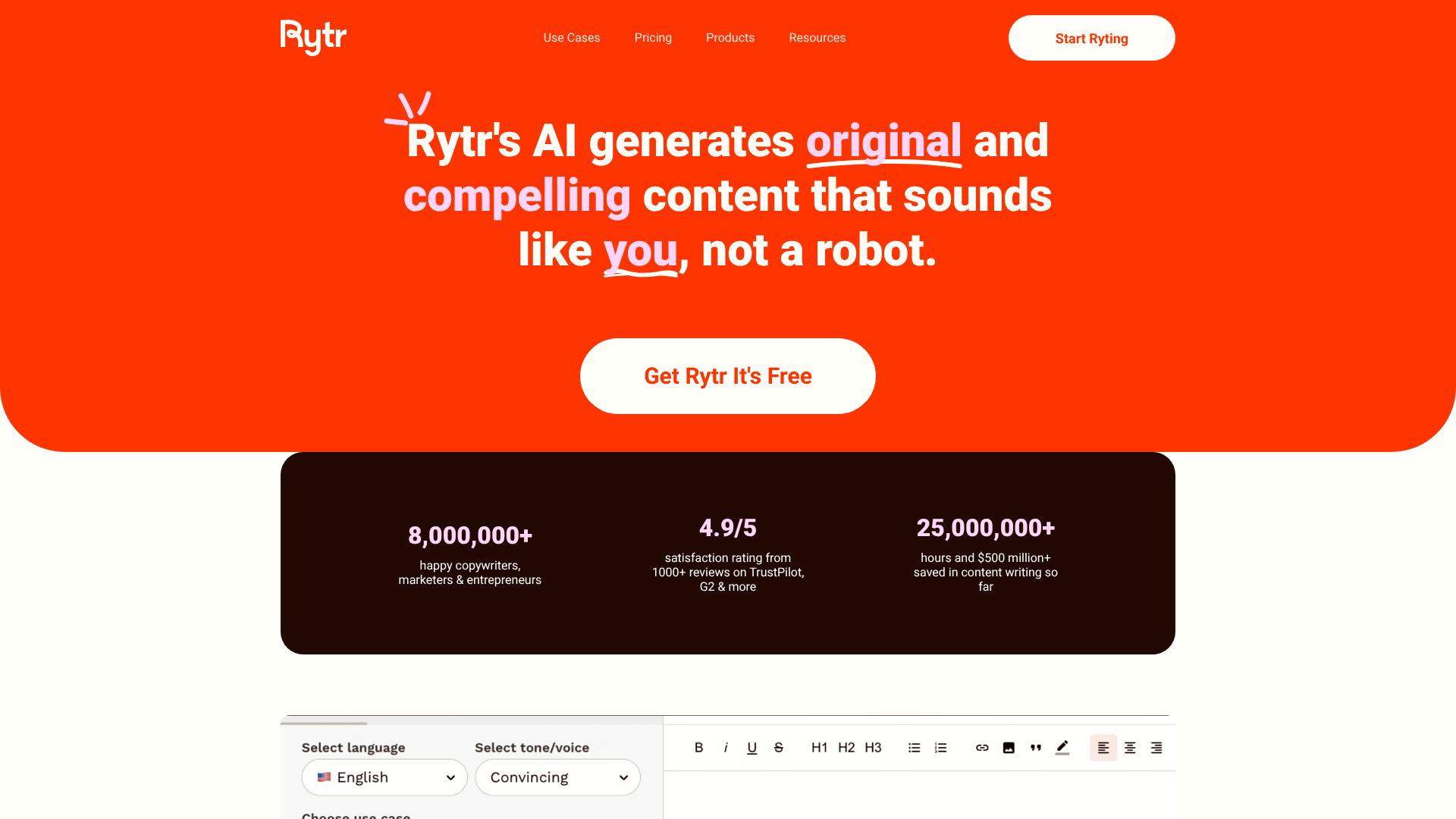
Rytr is a popular choice for those looking for a capable yet affordable AI writer. It offers a simple, clean interface with over 40 use cases, covering everything from blog ideas and outlines to email and ad copy. One of its unique features is the ability to generate text in over 30 languages and choose from over 20 tones.
What makes Rytr stand out is its generous free plan, which allows you to generate up to 10,000 characters per month. The paid plans are also very competitively priced, making it accessible for freelancers, small businesses, and individuals on a tight budget. While it may not have all the advanced features of premium tools, it provides excellent value for its cost.
Pros:
- Very affordable pricing and a generous free plan.
- Simple, uncluttered, and easy-to-use interface.
- Supports over 30 languages and 20 tones.
- Includes a built-in plagiarism checker.
Cons:
- Character limits on all plans can be restrictive for long-form content.
- The quality of output can be less consistent than more expensive tools.
Best for: Freelancers, bloggers, and small businesses looking for a budget-friendly AI writing assistant.
For AI-Powered Content Repurposing
10. Pictory
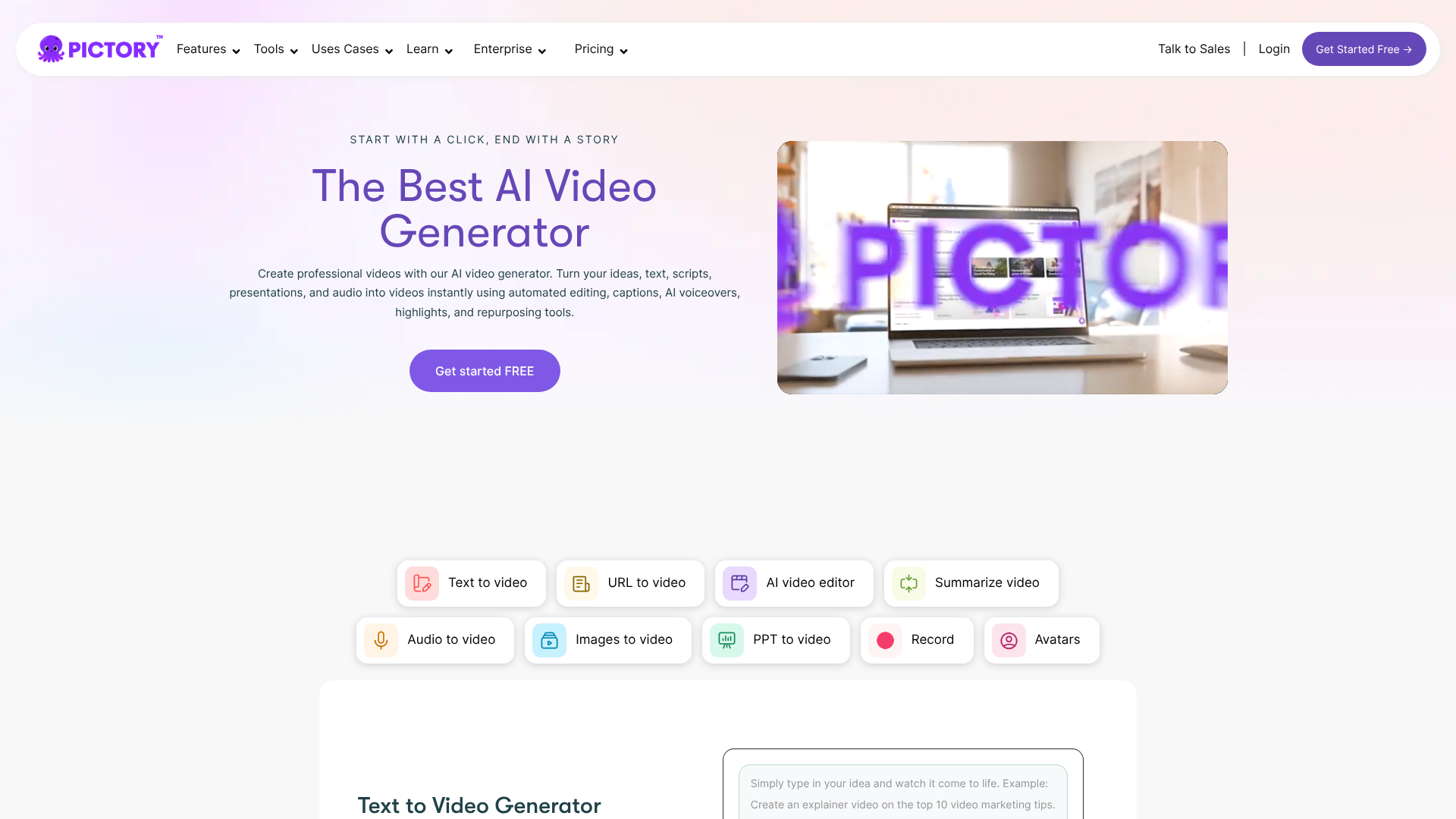
Pictory is a unique tool on this list because it focuses on transforming text into video. It uses AI to automatically create short, engaging, branded videos from your long-form content like blog posts, scripts, or white papers. This is an incredibly powerful way to repurpose your existing content for social media platforms where video is king.
You simply provide the text, and Pictory's AI selects relevant stock video clips, images, and music, adding captions automatically. You can then easily edit the video in their cloud-based editor. It's a fast and efficient way to multiply your content output without having to learn complex video editing software.
Pros:
- Automatically creates videos from text in minutes.
- Huge library of royalty-free video clips, images, and music.
- AI-powered voiceovers and automatic captioning.
- Great for repurposing blog content for social media.
Cons:
- The AI's video clip selection sometimes needs manual adjustment.
- Customisation options are more limited than professional video editors.
Best for: Content marketers, social media managers, and YouTubers who want to quickly turn text into video content.
For Building Custom AI Assistants
11. CustomGPT.ai
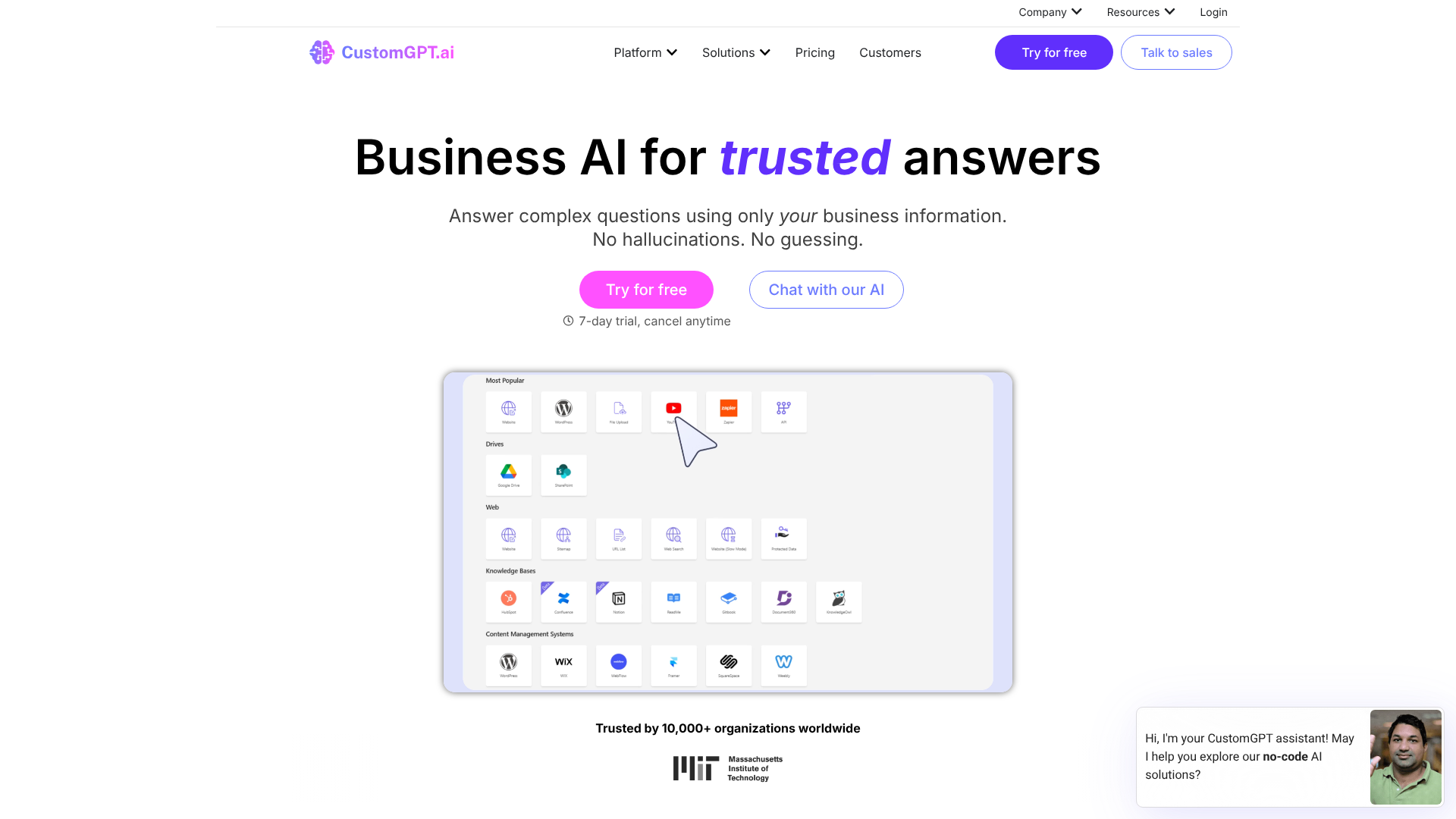
For businesses that need a more tailored solution, CustomGPT.ai allows you to build your own custom AI chatbot based on your specific business content. You can upload documents, connect your website, or integrate with your helpdesk, and it will create a ChatGPT-like bot that can answer questions using only your data.
This is incredibly useful for creating internal knowledge bases for employees or customer-facing support bots that provide accurate, context-aware answers without making things up ('hallucinating'). It ensures that every response is grounded in your company's own information, providing a secure and reliable AI assistant for your team or your customers.
Pros:
- Creates a custom chatbot trained exclusively on your business data.
- Anti-hallucination technology ensures responses are factually accurate.
- Easy to set up with no coding required.
- Excellent for internal knowledge bases and customer support.
Cons:
- A specialised tool, not a general-purpose content writer.
- Pricing is higher and aimed at business use cases.
Best for: Businesses needing a custom AI chatbot for customer support, employee training, or internal knowledge management.
Understanding Pricing Structures: What Do AI Writing Tools Cost?
The cost of AI writing tools can vary significantly, so it's important to understand the different pricing models to find one that fits your budget and usage patterns. Most platforms fall into one of a few common structures.
Monthly/Annual Subscriptions: This is the most common model. You pay a flat fee each month or year for access to the tool. Plans are often tiered based on the number of words or characters you can generate, the number of user seats, and access to premium features. For example, a basic plan might give you 50,000 words per month, while a pro plan offers unlimited words and advanced features like brand voice.
Credit-Based Systems: Some tools use a credit system where you purchase a number of credits, and different actions consume a certain amount. Generating a short paragraph might cost one credit, while a full blog post could cost ten. This model can be flexible but also harder to predict your monthly spending.
Free Tiers: Many tools offer a limited free plan to let you test their capabilities. This is usually restricted by a monthly word/character limit (e.g., 10,000 characters per month for Rytr) or limited access to advanced features. These are great for light users or for trying before you buy.
Here’s a quick comparison of the typical pricing approach for some top tools:
| Tool | Typical Pricing Model | Starting Price Point (Approx.) |
|---|---|---|
| Jasper | Subscription (Word-based Tiers) | Higher (Premium) |
| Writesonic | Subscription (Word-based Tiers) | Mid-Range (Good Value) |
| Grammarly | Subscription (Feature-based Tiers) | Mid-Range |
| QuillBot | Subscription (Feature-based Tiers) | Lower (Affordable) |
| Rytr | Subscription (Character-based Tiers) | Very Low (Budget-Friendly) |
Always visit the official website for the most current pricing information, as plans and features can change.
The Pros and Cons of Using Automated Writing Tools
While AI writing assistants are powerful, they are not a magic solution. Understanding their strengths and weaknesses is key to using them effectively and responsibly. A balanced perspective helps you integrate them into your workflow in a way that enhances, rather than hinders, your final output.
The Advantages
- Unmatched Speed: The most significant pro is the ability to generate text almost instantly. This dramatically reduces the time spent on first drafts, allowing you to produce more content in less time.
- Idea Generation: AI is an excellent brainstorming partner. It can provide blog post ideas, headlines, marketing angles, and outlines when you're feeling stuck.
- Improved Consistency: For businesses, tools with 'Brand Voice' features help ensure that all content, regardless of who writes it, adheres to the same tone and style guidelines.
- Cost-Effectiveness: For certain tasks, using an AI tool can be more affordable than hiring additional writers, especially for generating high volumes of formulaic content like product descriptions.
The Disadvantages
- Factual Inaccuracies: AI models can 'hallucinate'—that is, they can invent facts, statistics, or sources that sound plausible but are completely false. Fact-checking is absolutely essential.
- Lack of True Creativity: AI generates text based on patterns it has seen. It cannot create truly original ideas, express genuine emotion, or provide unique personal insights. That human element is still irreplaceable.
- Generic Output: Without careful prompting and heavy editing, AI-generated content can sound bland, repetitive, and devoid of personality. It often lacks the nuance and flair of human writing.
- Potential for Plagiarism: While rare, AI models can sometimes reproduce text that is very close to their training data. Always run content through a plagiarism checker as a final step.
Frequently Asked Questions (FAQ)
Can AI replace human writers?
No, AI is best viewed as an assistant, not a replacement. While automated writing tools are excellent for drafting, brainstorming, and handling repetitive tasks, they lack the critical thinking, emotional intelligence, and creativity of a human writer. The best results come from a partnership where AI handles the initial legwork and a human writer provides the strategy, editing, and unique voice.
Are AI writing tools detectable?
Some tools exist to detect AI-generated content, but their accuracy is inconsistent. As AI models become more sophisticated, distinguishing their output from human writing becomes more difficult. The focus should not be on avoiding detection, but on producing high-quality, valuable, and original content. A well-edited piece of AI-assisted writing is often indistinguishable from human work because it has been refined by a human.
Is content from AI writers plagiarised?
Generally, no. AI writing tools generate original combinations of words based on learned patterns, so the output is typically unique. However, because they are trained on existing text, there is a small chance they might produce sentences that are identical or very similar to their source material. It is always a best practice to use a reliable plagiarism checker on any content before publishing.
What is the best free AI writing tool?
Several tools offer excellent free plans for light users. Rytr provides a generous free tier with up to 10,000 characters per month. QuillBot's free plan gives access to its powerful paraphraser and other core features with some limitations. For general-purpose brainstorming and drafting, the free versions of platforms like ChatGPT or Claude are also very capable options.
Final Thoughts: Integrating AI into Your Writing Workflow
AI writing tools have firmly established themselves as essential assets for anyone involved in content creation. They are no longer a novelty but a practical solution for increasing efficiency, overcoming creative hurdles, and scaling content production in a way that was previously unimaginable. The key to success lies in viewing them not as a shortcut to bypass the writing process, but as a powerful collaborator to enhance it.
By understanding your specific needs—whether for marketing, SEO, or creative fiction—you can select a tool that complements your skills and streamlines your workflow. The platforms we've reviewed represent the best in their respective categories, each offering a unique set of features to tackle different challenges.
For an all-in-one marketing solution, Writesonic is a strong contender with its suite of writing and optimisation features. For those who need maximum flexibility and powerful brand control, Jasper remains a top-tier choice. And for perfecting any piece of text, the editing power of Grammarly is simply unmatched. Explore their free trials, find the one that fits, and start augmenting your creativity.