
11 Best AI Content Generation Tools for Marketers (2026 Review)
Finding the best AI content generation tool can feel overwhelming with so many options available. These platforms promise to speed up workflows, eliminate writer's block, and scale your output, but choosing the right one is key to actually achieving those results. Whether you're a blogger, a social media manager, or part of a larger marketing team, the ideal tool depends entirely on your specific goals, from writing SEO-optimised articles to creating engaging videos from a simple text prompt.
- What You'll Learn
- What Exactly is an AI Content Generation Tool?
- The Core Benefits: Why Use a Top AI Content Tool?
- How to Choose the Best Content Creation Tool for Your Needs
- Define Your Primary Use Case
- Evaluate Core Features
- Consider Ease of Use and Learning Curve
- Check for Content Quality and Originality
- Analyse Pricing and Value for Money
- The Top 11 AI Content Generation Tools Ranked
- Category: Best for All-Round Writing & Marketing Copy
- Category: Best for SEO Content & Research
- Category: Best for Video Creation from Text
- Category: Best for Editing & Paraphrasing
- Category: Best for AI Voice & Audio
- Category: Best for Building Custom AI Solutions
- AI Content Tools: A Quick Comparison
- Understanding the Pros and Cons of AI Content Generators
- Frequently Asked Questions (FAQ)
- Which AI tool is the best for content creators?
- Can I legally publish a book written by AI?
- What AI is better than ChatGPT?
- What is the 30% rule in AI?
- Final Thoughts: Choosing Your AI Content Partner
This guide breaks down the top contenders for 2026, moving beyond a simple list to categorise them by their strongest use case. We'll explore platforms built for long-form writing, marketing copy, video creation, and SEO, giving you a clear path to selecting the best content creation tool to integrate into your workflow. We've tested and analysed these tools to help you find a partner that not only creates content but helps you create better, more effective content, faster.
What You'll Learn
- Best All-Rounders: For teams needing a versatile AI writer for blogs, ads, and social media, tools like Jasper and Writesonic offer comprehensive feature sets.
- Video is a Different Beast: Content isn't just text. Platforms like Pictory and Synthesia specialise in turning scripts and articles into engaging videos, a must-have for modern marketing.
- SEO Integration is Crucial: A top AI content tool for marketers should work with your SEO strategy. Tools like Semrush's Content Marketing Platform are built with search engine optimisation at their core.
- It's Not Just About Generation: The best solutions also help with editing and refinement. QuillBot and Grammarly are essential for polishing your final output to perfection.
- No Single 'Best' Tool Exists: The ideal choice depends on your primary need. This guide helps you match your specific use case—be it corporate training videos, blog posts, or social media clips—to the right platform.
What Exactly is an AI Content Generation Tool?
An AI content generation tool is a software application that uses artificial intelligence, specifically large language models (LLMs), to create human-like text, images, video, or audio. Unlike a simple spell checker or grammar tool, an AI content generator can produce entirely new content based on a user's instructions, known as a 'prompt'. You can ask it to write a blog post outline, draft an email, create a social media caption, or even generate a script for a marketing video.
The technology behind these tools is a form of generative AI. These models are trained on vast amounts of data from the internet, including books, articles, and websites. This training allows them to understand context, grammar, tone, and style, enabling them to produce coherent and relevant content on almost any topic. The quality of the output depends heavily on the sophistication of the underlying model and the clarity of the user's prompt.
For marketers and creators, these tools act as powerful assistants. They can automate repetitive writing tasks, provide inspiration when you're stuck, and help produce content at a scale that would be impossible for a human team alone. A top AI content tool doesn't just write; it can help with brainstorming ideas, researching topics, optimising text for search engines, and even repurposing a single piece of content into multiple formats, like turning a blog post into a video script or a series of tweets.
The Core Benefits: Why Use a Top AI Content Tool?
Integrating a powerful AI content generator into your workflow offers significant advantages that go far beyond just writing faster. These tools are becoming essential for modern content teams looking to maintain a competitive edge. The primary benefit is a massive boost in speed and efficiency. A task that might take a human writer hours, like drafting a 1,500-word blog post, can be accomplished in minutes with AI, freeing up creators to focus on strategy, editing, and more creative work.
Another major benefit is overcoming the dreaded writer's block. Staring at a blank page can be paralysing for any creator. An AI content generator can provide instant outlines, topic ideas, opening paragraphs, or different angles on a subject, acting as a creative spark plug to get the process started. This makes it an invaluable partner for brainstorming and initial drafting.
Scaling content production is perhaps the most impactful benefit for businesses. To stay relevant, brands need a consistent presence across multiple channels—blogs, social media, email newsletters, and video platforms. An AI content tool allows a small team, or even a single person, to produce a high volume of quality content variants tailored for each channel. This consistency helps build brand authority and keeps audiences engaged without burning out your creative team.
Finally, many of the best content creation tools come with built-in SEO features. They can help you naturally incorporate keywords, structure articles with proper headings, and even suggest related topics to build topical authority. This ensures that the content you create so efficiently is also optimised to be found by search engines, maximising the return on your investment.
How to Choose the Best Content Creation Tool for Your Needs
Selecting the right AI content generator requires a clear understanding of your specific requirements. With a crowded market, focusing on a few key factors will help you filter out the noise and find a tool that genuinely enhances your productivity. The process starts with identifying what you'll use it for most.
Define Your Primary Use Case
Are you a blogger focused on long-form, SEO-optimised articles? Or are you a social media manager who needs to create dozens of short, punchy captions and video scripts every week? Perhaps you're in corporate training and need to produce professional-looking videos with AI avatars. Your primary use case dictates the features you should prioritise. A tool that excels at marketing copy might not be the best for academic writing, and a text-to-video generator is a completely different beast from a long-form article writer.
Evaluate Core Features
Once you know your main goal, look at the features that support it. For writers, this includes the quality of templates, the ability to set a brand voice, and integration with SEO tools like Surfer or Clearscope. For video creators, look for the quality of AI voices and avatars, the size of the stock footage library, and customisation options. Also, consider workflow features like team collaboration, document organisation, and integration with other apps you use, such as WordPress or HubSpot.
Consider Ease of Use and Learning Curve
A powerful tool is useless if it's too complicated to operate. The best platforms have intuitive interfaces that make it easy to get started. Many offer free trials or freemium plans, which are excellent opportunities to test the user experience before committing. See how easy it is to generate your desired content and how much 'prompt engineering' is required to get a good result. A steep learning curve can negate the time-saving benefits you're seeking.
Check for Content Quality and Originality
The output quality can vary significantly between tools. Generate several pieces of content during your trial period and assess them for accuracy, coherence, and readability. It's also critical to ensure the tool has safeguards against plagiarism. Most reputable AI content generators produce original content, but many also include a built-in plagiarism checker for peace of mind. Remember, all AI-generated content should be fact-checked and edited by a human.
Pro Tip: When testing a tool, use the same prompt across different platforms. This gives you a direct comparison of their underlying models and how they interpret instructions, revealing which one aligns best with your desired style and quality standards.
Analyse Pricing and Value for Money
AI tool pricing can range from affordable monthly subscriptions to expensive enterprise plans. Look beyond the sticker price and evaluate the value you're getting. Consider the word limits, the number of user seats, and access to premium features. A cheaper plan with a low word count might end up being more expensive if you constantly have to buy credits, while a pricier all-inclusive plan could be more cost-effective for a high-volume team.
The Top 11 AI Content Generation Tools Ranked
With the criteria for choosing a tool established, let's explore the top options on the market. We've categorised them based on their primary strengths to help you find the perfect fit for your content strategy.
Category: Best for All-Round Writing & Marketing Copy
1. Jasper (formerly Jarvis)
-6dc10185-289f-485e-9984-7a657a197e7a-1776418286540-wtf8an.png "11 Best AI Content Generation Tools for Marketers (2026 Review) 3")
Jasper is one of the most well-known names in AI writing, and for good reason. It's a polished and powerful platform designed specifically for marketing and business content. Its standout feature is the 'Brand Voice' capability, where you can upload documents or scan your website to teach Jasper your company's style, tone, and specific product knowledge. This makes it incredibly effective at producing on-brand content consistently.
Jasper offers over 50 templates for everything from blog posts and social media ads to video scripts and email newsletters. Its long-form document editor is excellent for creating detailed articles, and its integration with Surfer SEO (requires a separate subscription) helps ensure your content is optimised for search. It's a premium tool geared towards teams who need high-quality, on-brand content at scale.
Pros
- Excellent Brand Voice: Learns and adapts to your specific brand style for highly consistent output.
- High-Quality Content: The underlying AI models produce well-written, coherent, and creative text.
- Strong Marketing Focus: Templates and features are tailored for marketers, agencies, and business owners.
Cons
- Premium Pricing: It's one of the more expensive options on the market, which may be a barrier for solo creators.
- Learning Curve: To get the most out of Jasper, you need to learn how to use its commands and workflows effectively.
If Jasper's focus on brand-specific marketing content aligns with your needs, you can explore its features and pricing here.
2. Writesonic
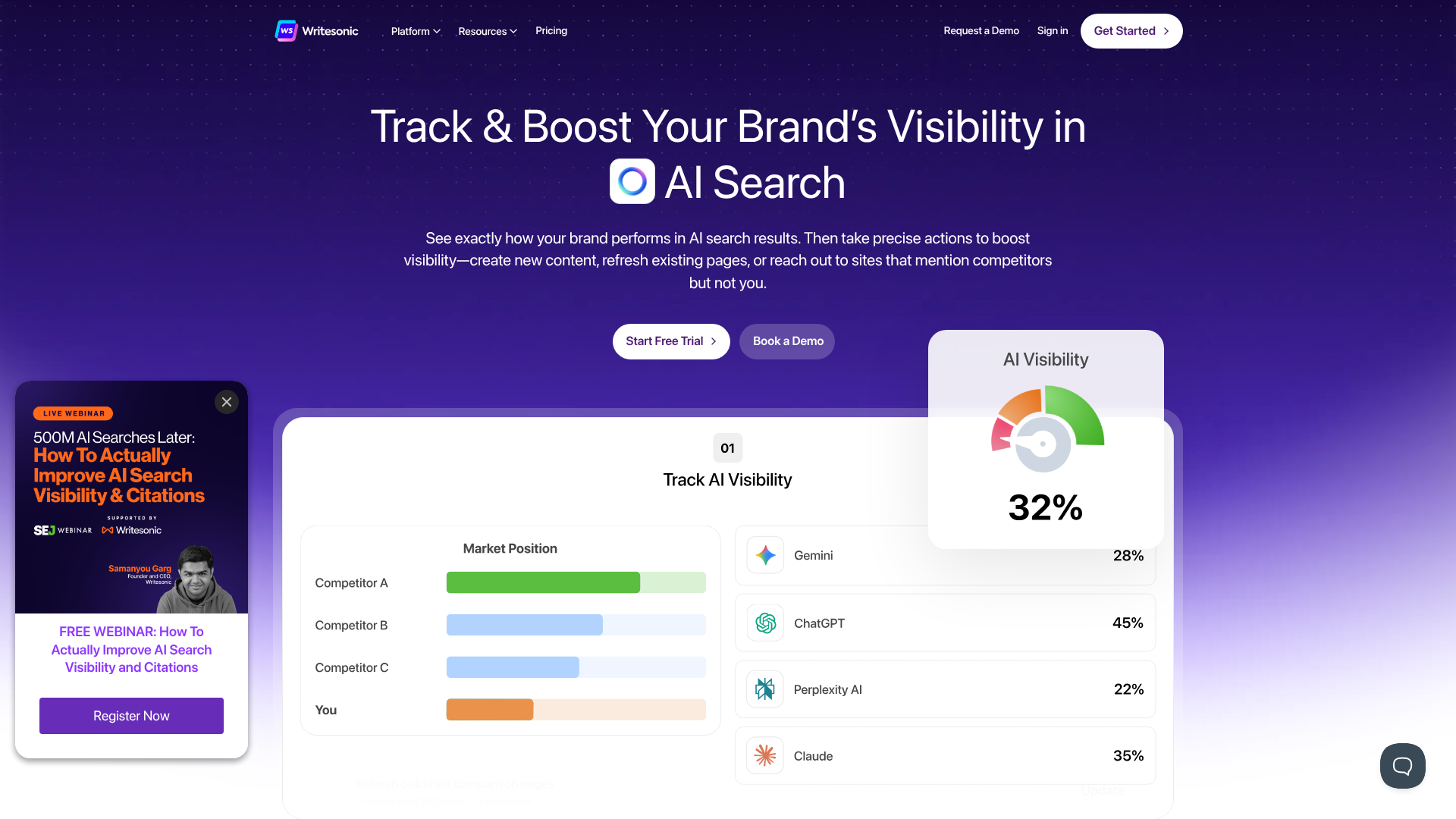
Writesonic positions itself as an all-in-one content creation suite. It competes directly with Jasper but often at a more accessible price point. It offers a wide array of tools, including an AI article writer, a paraphrasing tool, a landing page generator, and even an AI image generator called Photosonic. This makes it a great value proposition for those who need more than just a text generator.
The platform is known for its user-friendly interface and straightforward workflow, making it easy for beginners to jump in and start creating. Like Jasper, it integrates with Surfer SEO to help you create optimised long-form content. Writesonic is a versatile and powerful option for bloggers, freelancers, and small businesses looking for a comprehensive AI content generator without the enterprise-level price tag.
Pros
- All-in-One Platform: Includes text, image, and SEO tools in one subscription.
- User-Friendly: The interface is clean and easy to navigate, making it great for beginners.
- Competitive Pricing: Often provides more features or higher word counts for a lower price than competitors.
Cons
- Output Can Be Generic: While generally good, the output can sometimes require more editing to add a unique voice.
- Credit System Can Be Confusing: Different tools consume credits at different rates, which can be tricky to manage.
For an all-in-one solution that's both powerful and easy to use, check out Writesonic's plans.
Category: Best for SEO Content & Research
3. Semrush (Content Marketing Platform)
-6dc10185-289f-485e-9984-7a657a197e7a-1776418318638-s8qyuu.png "11 Best AI Content Generation Tools for Marketers (2026 Review) 5")
While Semrush is famous as a comprehensive SEO toolkit, its Content Marketing Platform includes a powerful AI-driven writing assistant. This isn't a standalone AI generator in the same vein as Jasper; instead, it's an SEO-first content creation environment. The workflow starts with topic research, helping you find content ideas with high traffic potential.
Once you have a topic, the SEO Writing Assistant provides real-time feedback on your text. It analyses your content based on the top-ranking pages for your target keyword and gives actionable recommendations on readability, tone of voice, keyword usage, and overall SEO score. It's the best content creation tool for teams where search engine performance is the primary measure of success. It ensures every piece of content is created with a clear SEO purpose from the very beginning.
Pros
- Deep SEO Integration: Content creation is directly tied to keyword research, competitor analysis, and on-page SEO best practices.
- Data-Driven Recommendations: Provides specific, actionable feedback to improve your content's ranking potential.
- Comprehensive Workflow: Covers the entire content lifecycle, from ideation and creation to optimisation and tracking.
Cons
- Not a Pure Generator: It's more of an assistant and optimiser than a tool for generating full articles from scratch.
- Expensive: Access to the Content Marketing Platform requires a higher-tier Semrush subscription.
If your content strategy is driven by SEO, exploring the Semrush platform is a must.
Category: Best for Video Creation from Text
4. Pictory
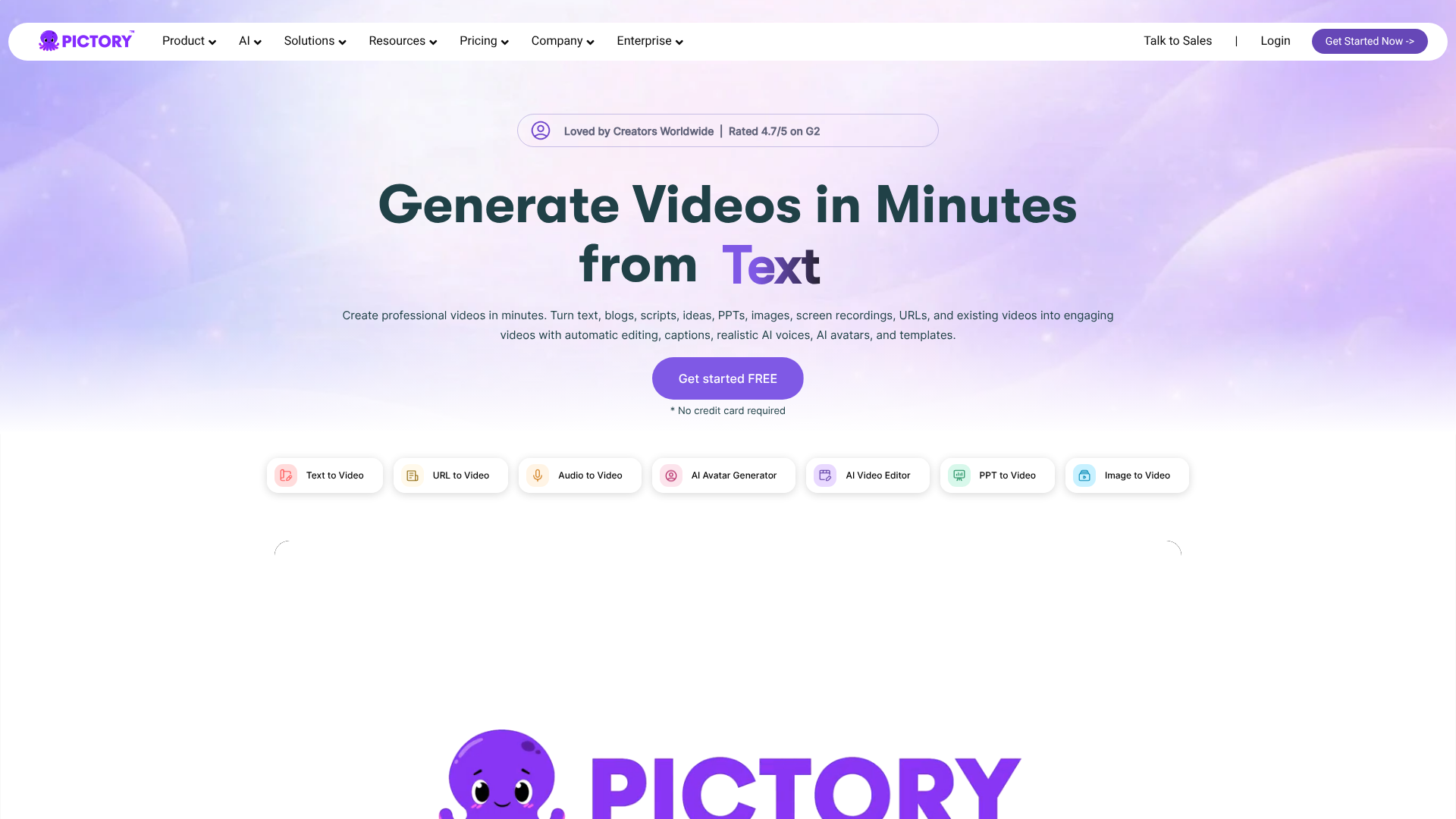
Pictory is a fantastic tool that makes video creation accessible to everyone, regardless of technical skill. Its core function is turning long-form text content, such as blog posts, scripts, or press releases, into professional-looking videos. You simply input your text, and Pictory's AI selects relevant stock video clips, adds captions, and pairs it with music and an AI voiceover.
The entire process is incredibly fast, allowing you to repurpose your existing articles into engaging videos for YouTube or social media in minutes. You have full control to edit the final video, swap clips, change the music, or upload your own voiceover. Pictory is perfect for content marketers looking to expand their strategy into video without investing in expensive equipment or complex editing software.
Pros
- Incredibly Fast: Go from article to video in under 10 minutes.
- Easy to Use: The interface is simple and intuitive, with no video editing experience required.
- Excellent for Repurposing: Breathe new life into your existing blog content by turning it into video.
Cons
- AI Clip Selection Can Be Hit-or-Miss: You'll often need to manually swap some of the AI-selected stock footage.
- AI Voices are Serviceable, Not Perfect: While good, the AI voices can still sound slightly robotic compared to premium voice generators.
To start turning your text into video, you can try Pictory here.
5. Synthesia
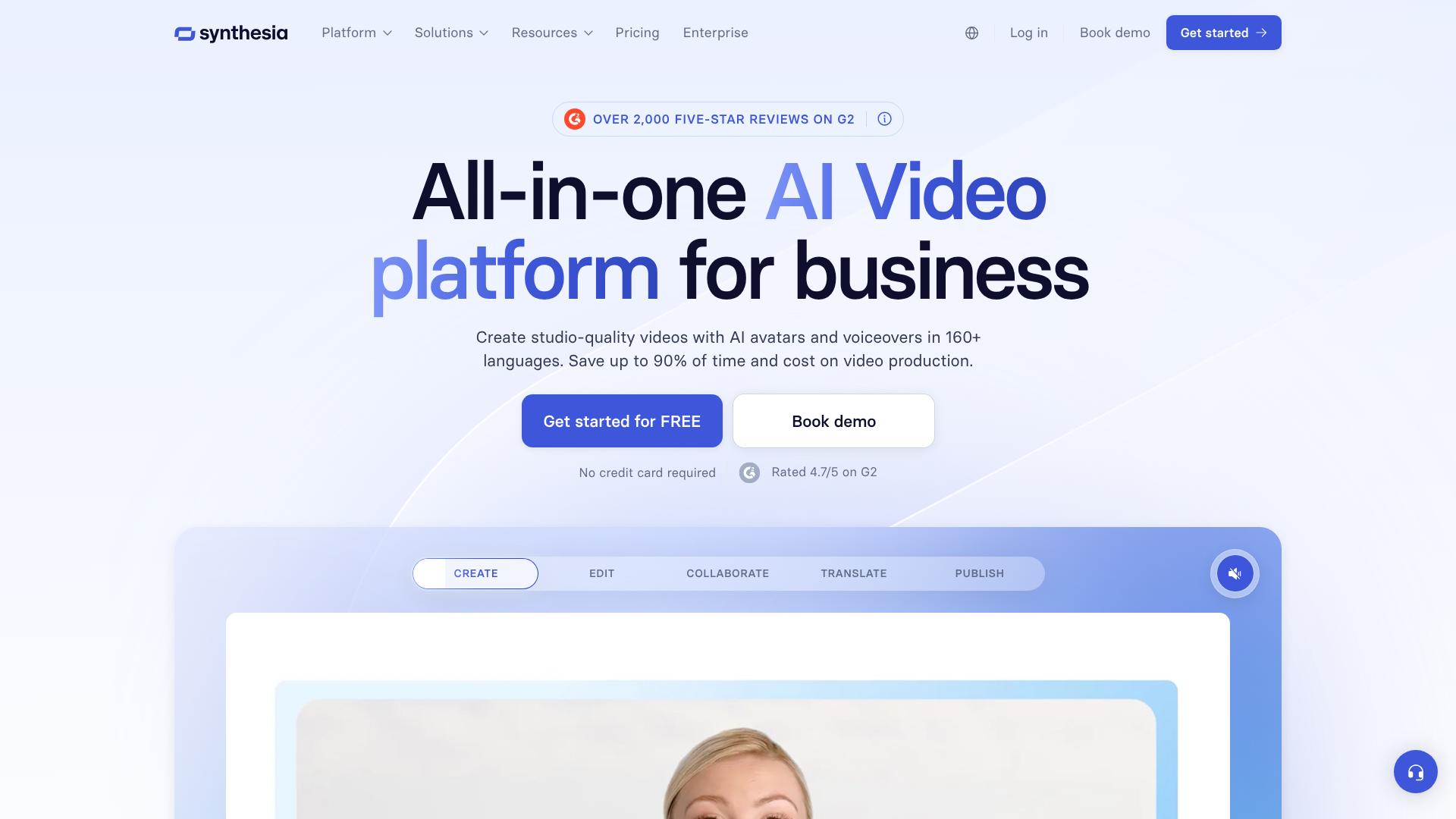
Synthesia takes AI video generation to the next level with its realistic AI avatars. This platform allows you to create high-quality videos featuring a digital presenter without needing a camera, microphone, or actor. You simply type your script, choose from over 140 diverse AI avatars, select a language and voice, and the platform generates a polished video.
This tool is widely used for corporate training, product demonstrations, and internal communications. You can create custom avatars (based on yourself or an actor), upload your own branding assets, and easily update videos by just editing the text. Synthesia is the best ai content generation tool for businesses that need to produce scalable, professional, and consistent video content, especially for learning and development.
Pros
- Realistic AI Avatars: High-quality, diverse avatars make videos look professional.
- Scalable and Easy to Update: Create and update training videos in minutes across dozens of languages.
- No Filming Required: Saves enormous amounts of time and money compared to traditional video production.
Cons
- Higher Price Point: The cost makes it more suitable for businesses than individual creators.
- Avatars Lack Human Emotion: While realistic, the avatars can't yet replicate the full range of human emotion and nuance.
For creating professional videos with AI presenters, learn more about Synthesia.
6. Invideo
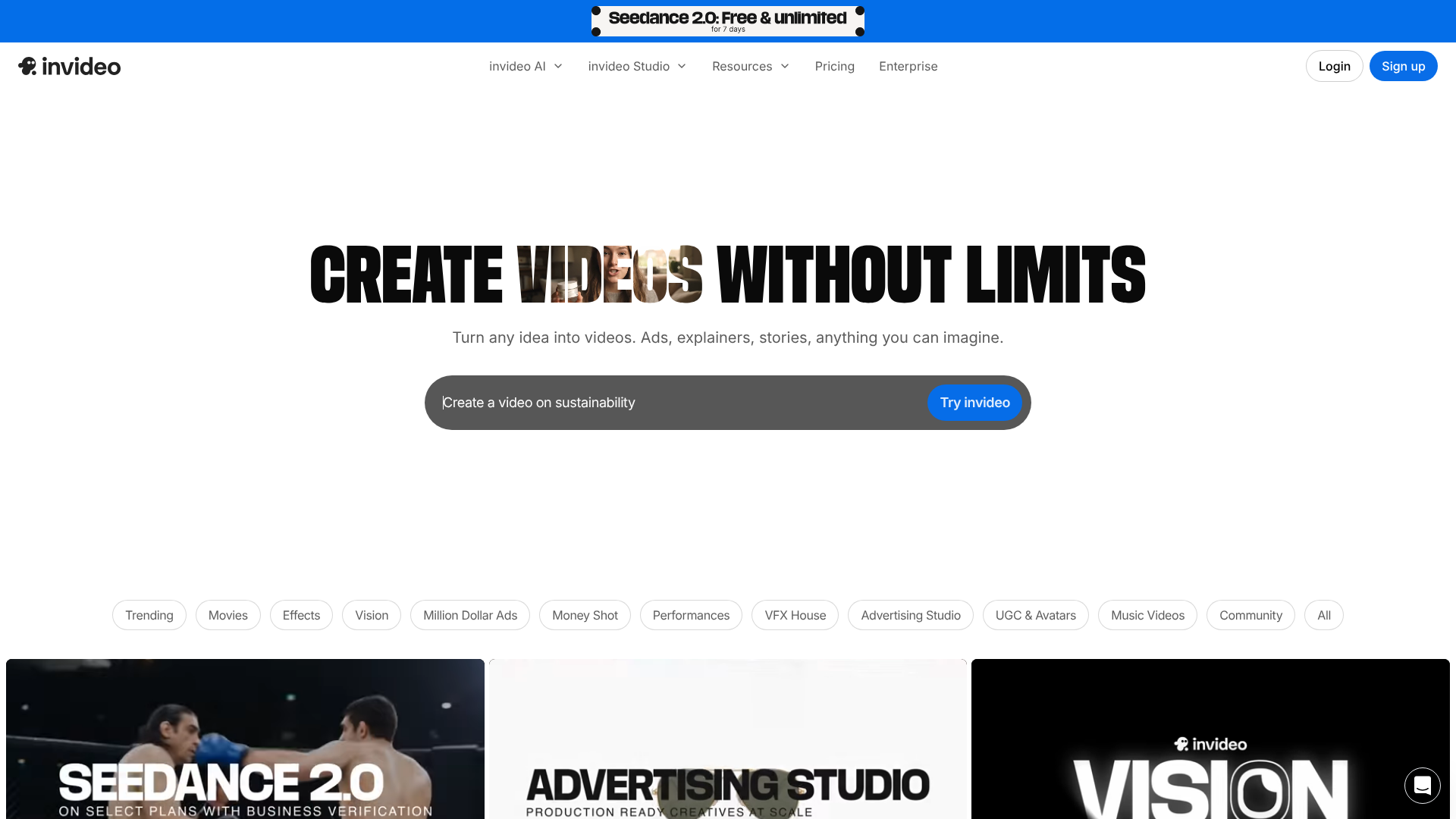
Invideo is another strong contender in the AI video space, focusing on making video creation fast and simple through its prompt-based editor. You can give it a simple text prompt, like "create a 30-second video about the benefits of remote work," and its AI will generate a script, find matching stock footage, add a voiceover, and create a video for you.
It also offers thousands of pre-made templates that you can customise for any purpose, from YouTube intros to Instagram stories. Its editor is more traditional than Pictory's, offering a timeline-based interface that gives users more granular control over the final product. Invideo is a great choice for social media managers and small businesses who need to produce a high volume of short-form videos quickly.
Pros
- Powerful Prompt-to-Video: Generate a full video from a single text instruction.
- Massive Template Library: Thousands of customisable templates for any social media platform or use case.
- Flexible Editor: Offers both a simple storyboard and a more advanced timeline editor.
Cons
- Interface Can Be Cluttered: With so many features, the editor can feel a bit overwhelming for new users.
- Export Times Can Be Slow: Rendering and exporting videos can sometimes take a while, especially for longer projects.
To quickly generate videos from prompts or templates, give Invideo a try.
Category: Best for Editing & Paraphrasing
7. QuillBot
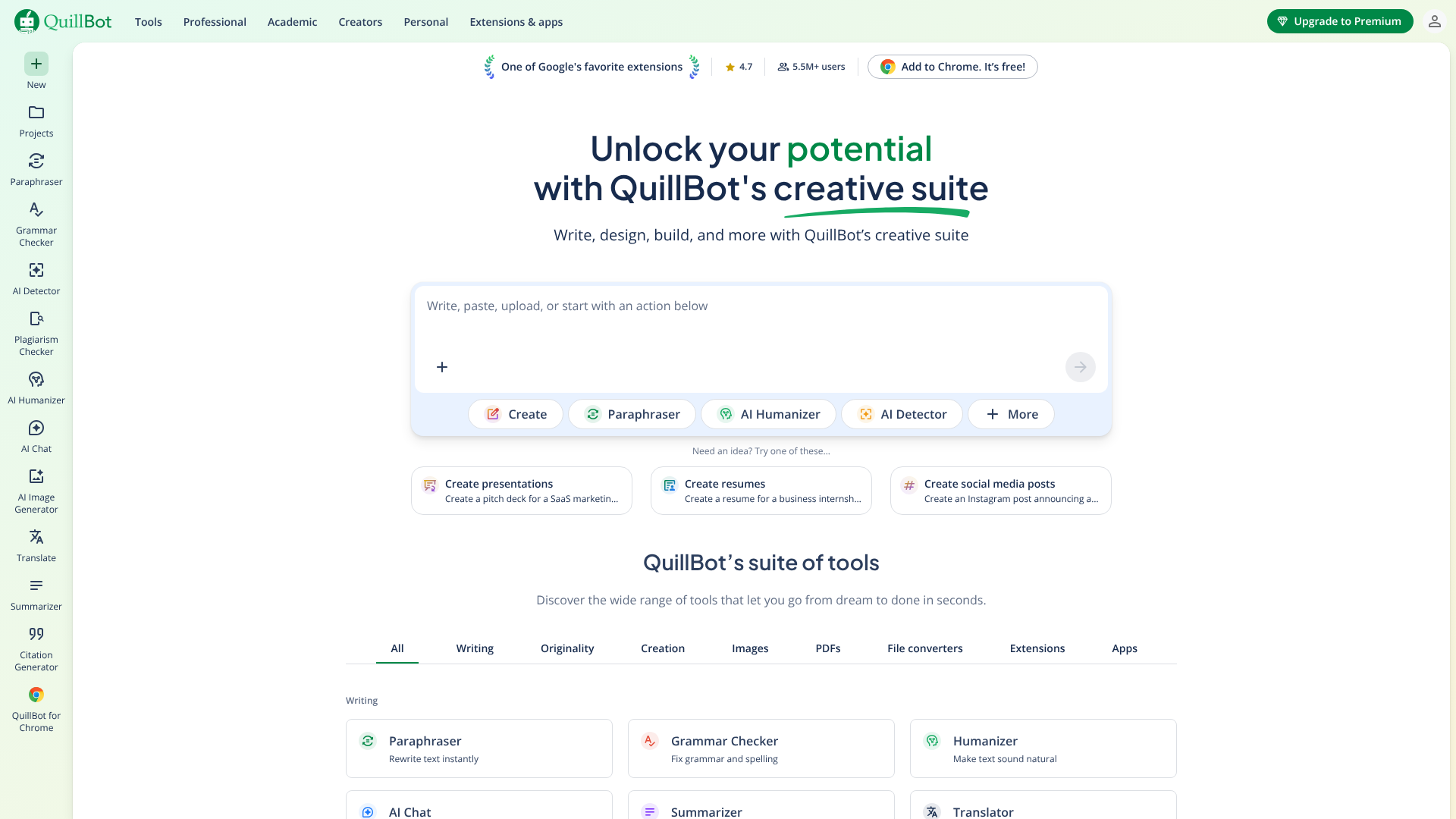
QuillBot is an AI-powered writing assistant that specialises in refining existing text. Its core feature is a best-in-class paraphrasing tool that can rewrite sentences, paragraphs, or entire articles in various tones, such as 'Formal', 'Simple', or 'Creative'. This is incredibly useful for avoiding plagiarism, improving clarity, or simply finding a better way to phrase an idea.
Beyond paraphrasing, QuillBot also includes a grammar checker, a summariser, and a citation generator, making it a favourite among students and academics. For content creators, it's an excellent tool for rephrasing AI-generated drafts to add a more human touch or for repurposing a piece of content for different audiences without starting from scratch.
Pros
- Advanced Paraphrasing: Multiple modes provide excellent flexibility for rewriting text.
- Suite of Tools: Includes a summariser, grammar checker, and more in one package.
- Generous Free Plan: The free version is quite capable for basic paraphrasing and grammar checks.
Cons
- Not a Content Generator: It's designed for editing and rewriting, not creating content from a prompt.
- Paraphrasing Can Sometimes Lose Context: As with any paraphraser, human review is needed to ensure the original meaning is preserved.
For powerful text rewriting and editing, QuillBot is an excellent choice.
8. Grammarly
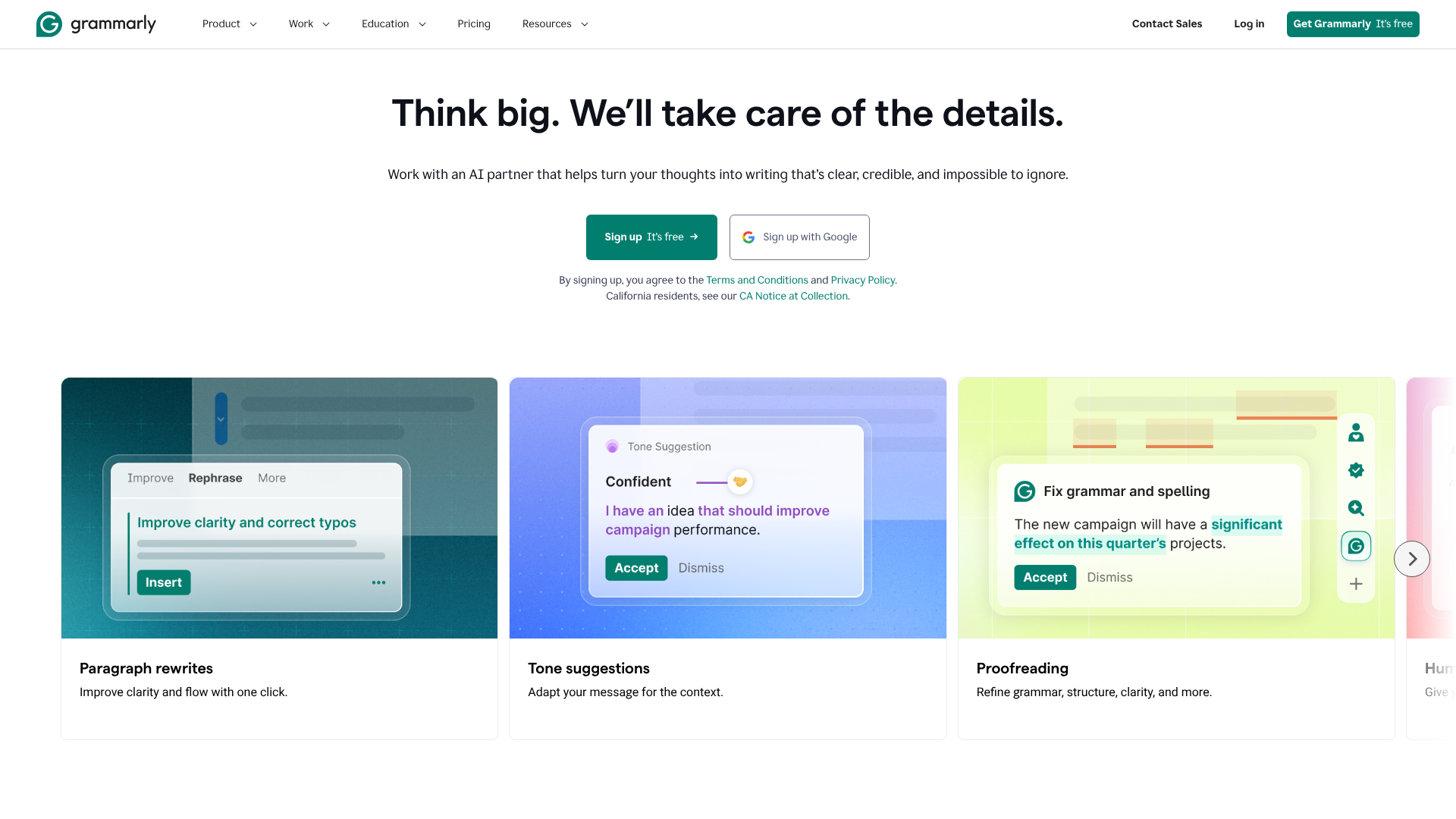
Grammarly has evolved far beyond its origins as a simple grammar and spell checker. It is now a comprehensive AI writing partner. Its core strength remains its exceptional proofreading capabilities, but it now includes features for checking tone, clarity, and conciseness. It helps you ensure your writing is not only correct but also effective and easy to read.
With the introduction of GrammarlyGO, it now has generative AI features as well. It can help you brainstorm ideas, compose drafts, and rewrite text directly within the apps you already use, like Gmail, Google Docs, and Microsoft Word. It's an indispensable tool for anyone who writes professionally, ensuring every piece of content is polished and error-free.
Pros
- Best-in-Class Proofreading: Catches grammatical errors, spelling mistakes, and punctuation issues with high accuracy.
- Tone and Style Suggestions: Helps you adjust your writing to be more confident, friendly, or formal.
- Seamless Integration: Works everywhere you write, thanks to its browser extensions and desktop apps.
Cons
- Generative AI is Less Advanced: Its generative features are not as powerful as dedicated tools like Jasper or Writesonic.
- Can Be Overly Prescriptive: Some suggestions can be stylistic and may not always align with the writer's intent.
To improve the quality and clarity of everything you write, Grammarly is a must-have tool.
Category: Best for AI Voice & Audio
9. Murf AI
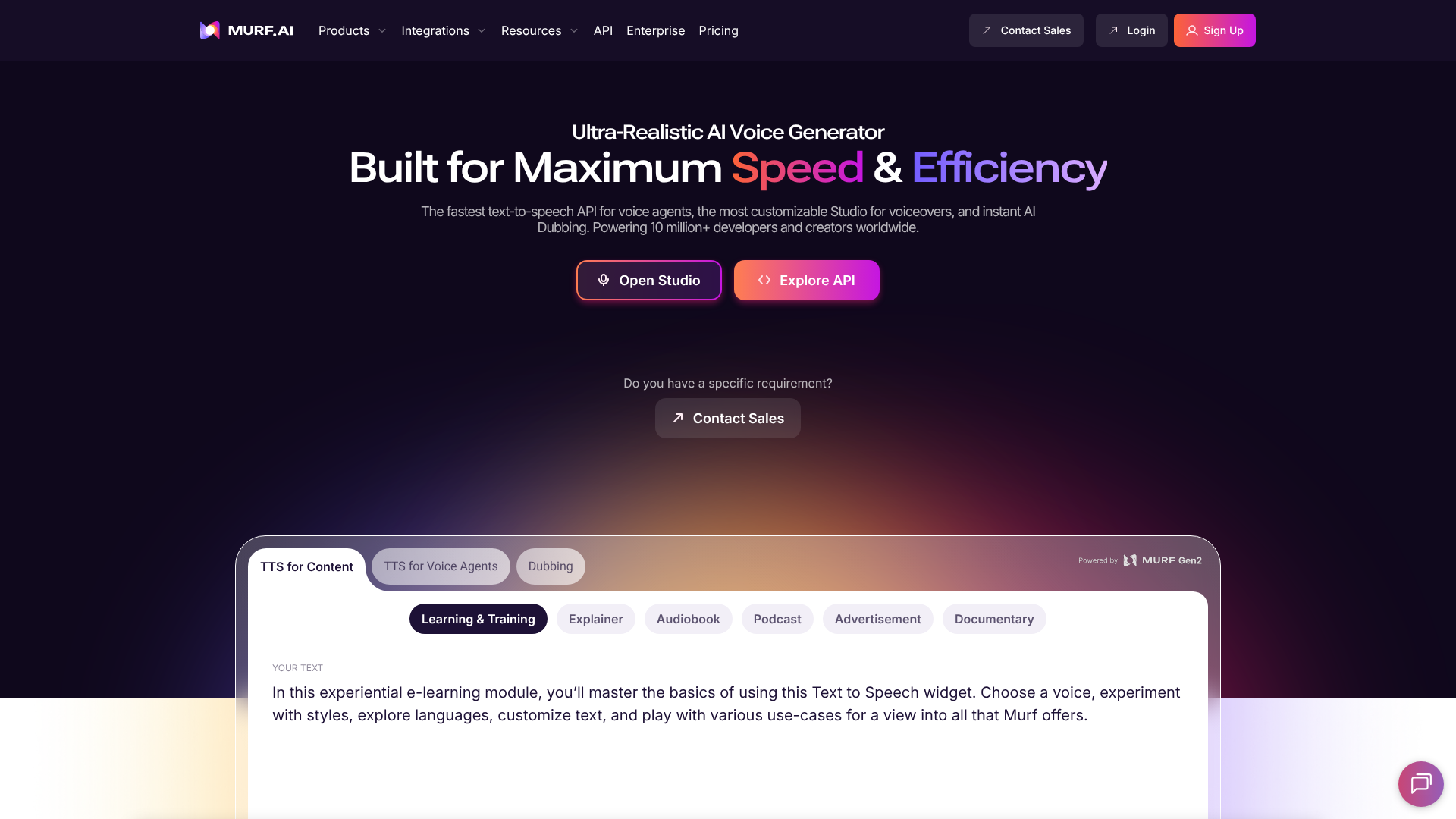
Murf AI is a versatile text-to-speech (TTS) platform that allows you to create studio-quality voiceovers without a microphone. It offers a library of over 120 AI voices in more than 20 languages, with options to control pitch, speed, and emphasis to make the delivery sound more natural. You can easily sync the voiceover to your videos or presentations directly within the Murf Studio.
One of its standout features is voice cloning, which allows you to create a custom AI voice model of your own voice. This is perfect for creators and brands who want to maintain a consistent audio identity across all their content. Murf AI is an ideal solution for podcasters, video creators, and e-learning developers who need high-quality, scalable voiceovers.
Pros
- High-Quality, Natural Sounding Voices: A wide selection of voices that sound far less robotic than older TTS technologies.
- Voice Cloning Feature: Create a custom AI voice for a consistent brand sound.
- All-in-One Studio: Edit audio and sync it with video or images within the same platform.
Cons
- Expensive for High Usage: The plans are based on voice generation hours, which can add up for long-form content.
- Cloning Requires a High-Tier Plan: The voice cloning feature is only available on the Enterprise plan.
For creating professional voiceovers for your projects, check out Murf AI.
10. ElevenLabs
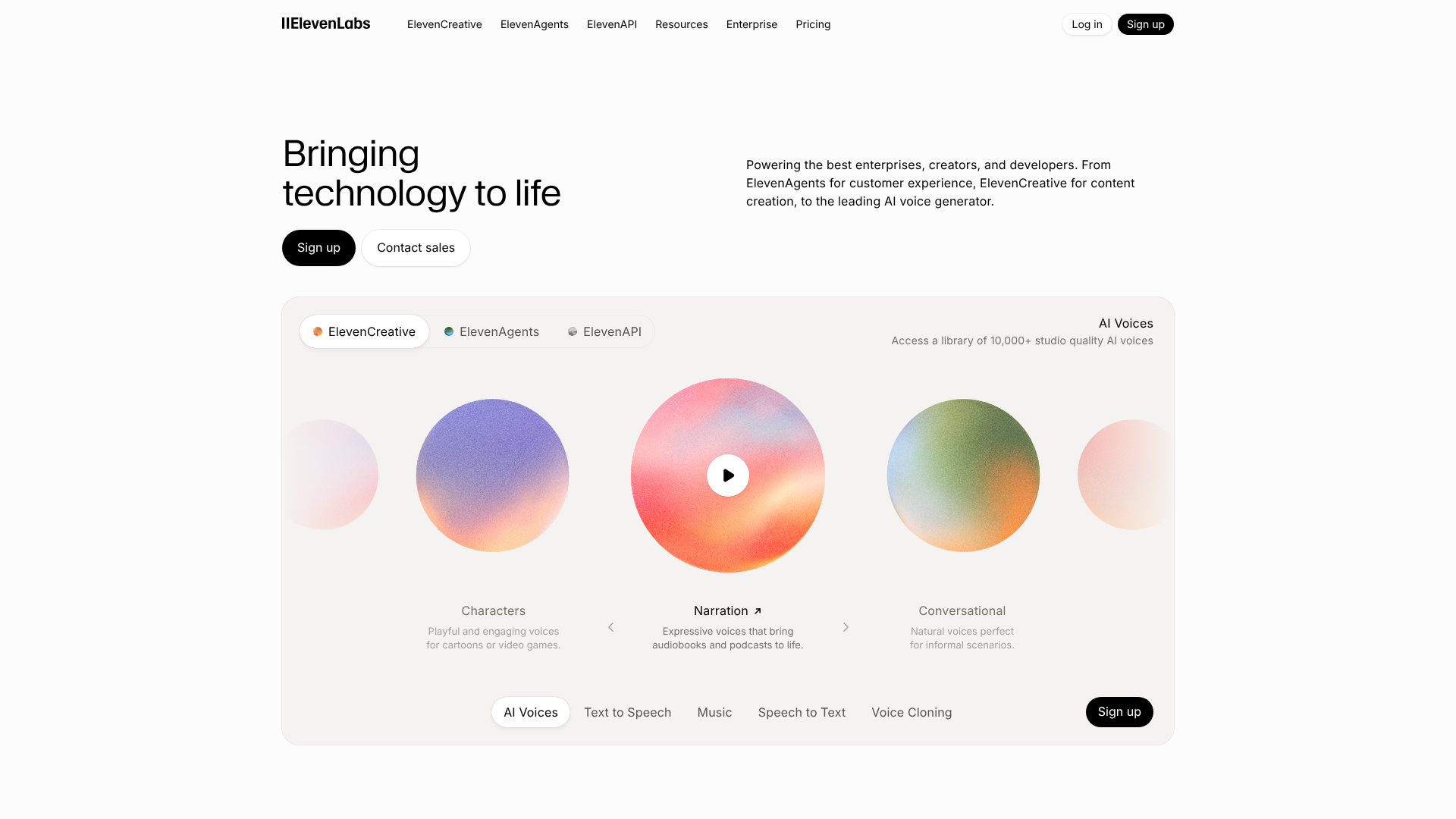
ElevenLabs is widely regarded as the leader in realistic AI voice generation. The quality of its speech synthesis is exceptionally high, producing voices that are rich in emotion and intonation, making them nearly indistinguishable from human speech. This makes it a top choice for high-end applications like audiobooks, character voices for games, and AI-powered dubbing for films.
The platform offers powerful voice cloning that requires only a few minutes of audio to create a high-fidelity digital replica of a voice. It also has a generous free tier that allows you to generate a significant amount of audio each month, making it accessible for experimentation. For projects where voice quality is the absolute top priority, ElevenLabs is the undisputed market leader.
Pros
- Unmatched Voice Realism: The most human-like AI voices available today.
- Powerful and Fast Voice Cloning: Create a high-quality clone from a small audio sample.
- Generous Free Tier: Allows for extensive testing and use on smaller projects.
Cons
- Fewer Editing Features: It's more focused on pure voice generation than all-in-one studio platforms like Murf.
- Ethical Concerns: The realism of the technology raises potential misuse concerns, which the company is actively working to address.
To access the most realistic AI voices on the market, explore ElevenLabs.
Category: Best for Building Custom AI Solutions
11. CustomGPT.ai

CustomGPT.ai offers a different kind of content generation. Instead of creating net-new blog posts, it allows you to build your own custom version of ChatGPT, trained exclusively on your business data. You can upload your website content, help documents, product catalogues, or internal knowledge base, and it will create a secure, private chatbot that can answer questions based only on that information.
This is incredibly powerful for creating customer support bots, internal team assistants, or lead-generation tools for your website. The responses are accurate and cite the sources from your content, preventing the 'hallucinations' or incorrect information common with public models. It's the best tool for businesses that want to use AI to make their existing content more interactive and accessible.
Pros
- Uses Your Own Content: Ensures responses are accurate, on-brand, and secure.
- Citation-Backed Answers: Every answer includes a link to the source material, building trust.
- Easy to Set Up: No coding is required to build and deploy your custom chatbot.
Cons
- Specific Use Case: It's not for general content creation like blogs or social media posts.
- Requires a Good Content Base: The quality of the chatbot depends entirely on the quality and comprehensiveness of the data you provide.
To build a custom AI chatbot powered by your own business content, visit CustomGPT.ai.
AI Content Tools: A Quick Comparison
To help you visualise the options, here's a table summarising our top picks and their best-fit use cases.
| Tool | Primary Use | Key Feature | Free Plan Available? | Best For |
|---|---|---|---|---|
| Jasper | Writing & Marketing Copy | Brand Voice & Recipes | No (Free Trial) | Marketing Teams & Agencies |
| Writesonic | All-in-One Content | AI Article Writer 5.0 | Yes (Limited) | Bloggers & Small Businesses |
| Semrush | SEO Content Optimisation | SEO Writing Assistant | No (Free Trial) | SEO Professionals & Strategists |
| Pictory | Text-to-Video Creation | Article-to-Video Workflow | Yes (Trial with Watermark) | Content Repurposing |
| Synthesia | AI Avatar Videos | Realistic Digital Presenters | No (Free Demo Video) | Corporate Training & L&D |
| Grammarly | Editing & Proofreading | Tone & Clarity Suggestions | Yes (Core Features) | Everyone Who Writes |
Understanding the Pros and Cons of AI Content Generators
While AI content tools offer transformative potential, it's important to approach them with a balanced perspective. They are powerful assistants, not magic wands. Understanding both their strengths and weaknesses is key to using them effectively and responsibly.
The Advantages
The most celebrated advantage is speed. AI can produce a first draft in seconds, dramatically reducing the time it takes to go from idea to publication. This efficiency leads to cost-effectiveness, as teams can produce more content without a proportional increase in headcount. For many businesses, this makes a consistent content strategy financially viable for the first time.
AI is also a powerful engine for idea generation. When you're unsure what to write about, you can ask an AI for topic ideas, different angles, or catchy headlines. Finally, AI ensures consistency in tone and style, especially with tools like Jasper that can learn a brand voice. This is difficult to maintain across a large team of human writers but is effortless for an AI.
The Disadvantages & Risks
The biggest risk is factual inaccuracy. AI models can 'hallucinate'—confidently state incorrect information. All facts, statistics, and claims generated by AI must be rigorously fact-checked by a human expert. Similarly, AI can lack the nuance, creativity, and emotional depth of a skilled human writer.
The content can sometimes feel generic or soulless without human editing to inject personality.
There is also a risk of producing unoriginal or plagiarised content, although this is becoming less common with newer models. Always run content through a plagiarism checker before publishing. Lastly, relying too heavily on unedited AI content can lead to SEO penalties. Google's guidelines reward high-quality, helpful content created for people, not search engines.
AI content must be edited, refined, and enhanced with human expertise to meet this standard.
Frequently Asked Questions (FAQ)
Which AI tool is the best for content creators?
There is no single 'best' tool; it depends entirely on the creator's primary medium. For writers and bloggers, Jasper is a top-tier choice for its quality and marketing focus. For video creators, Pictory is excellent for repurposing text, while Synthesia is unmatched for creating professional videos with AI avatars. For those focused on SEO, the Semrush Content Marketing Platform is the most data-driven option.
Can I legally publish a book written by AI?
The legal landscape around AI-generated content is still evolving. In most jurisdictions, copyright protection is only granted to works with human authorship. This means a book written entirely by an AI with no human input may not be eligible for copyright. However, if a human significantly edits, arranges, and modifies the AI-generated text, it is often considered a co-created work where the human's contribution can be copyrighted. It's crucial to be transparent about the use of AI, especially on platforms like Amazon KDP, which have specific disclosure requirements.
What AI is better than ChatGPT?
'Better' is subjective and depends on the task. While ChatGPT is a powerful and versatile general-purpose model, specialised tools are often superior for specific use cases. For example, Jasper is often considered better for creating structured marketing copy because of its templates and Brand Voice feature. ElevenLabs is far better than ChatGPT's voice capabilities for creating realistic audio. Think of ChatGPT as a Swiss Army knife—incredibly useful for many things, but a specialised tool will always outperform it for a specific job.
What is the 30% rule in AI?
The '30% rule' is a popular guideline in the content marketing community for editing AI-generated text. It suggests that you should aim to edit, rewrite, or add to at least 30% of the AI's output. The goal is to infuse the content with your unique expertise, perspective, and brand voice, while also fact-checking and improving its clarity. This practice helps ensure the final piece is original, valuable to the reader, and compliant with search engine guidelines for helpful content, moving it from a generic draft to a polished, authoritative article.
Final Thoughts: Choosing Your AI Content Partner
The world of AI content generation is no longer a futuristic concept; it's a practical and powerful reality for creators and marketers. The tools we've explored offer a glimpse into how AI can augment human creativity, not replace it. From drafting a blog post in minutes with Jasper to creating a corporate training video with a Synthesia avatar, these platforms are designed to handle the heavy lifting, so you can focus on strategy and refinement.
Your journey to finding the best AI content generation tool starts with a clear understanding of your needs. If you're a writer, a platform like Jasper or Writesonic will be your best bet. If your focus is video, explore what Pictory or Synthesia can do. And for anyone serious about search traffic, integrating an SEO-focused tool like Semrush is non-negotiable.

The most effective approach is to view these tools as partners. Experiment with their free trials, see which one fits your workflow, and commit to mastering it. By combining the speed of AI with your human insight and expertise, you'll be equipped to scale your content production and achieve your marketing goals faster than ever before.