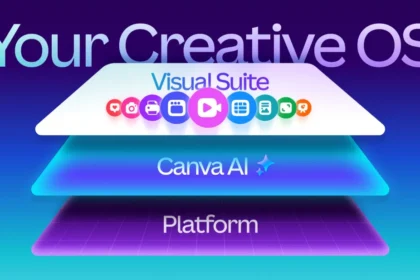

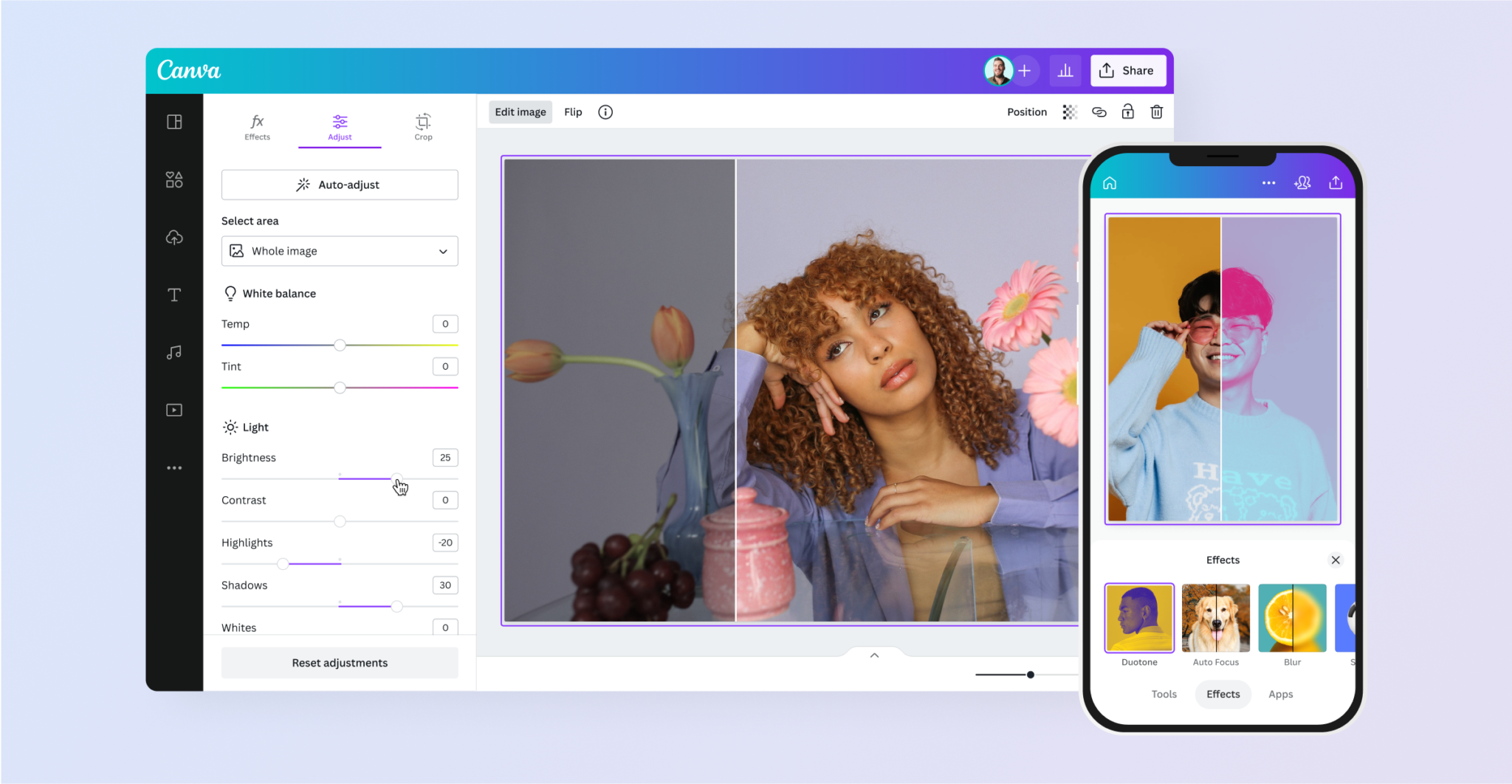

10 latest Canva features that will blow your mind is not just a catchy headline. Canva has been moving far beyond simple templates, adding AI powered creation, editing, publishing, collaboration, and professional design capabilities. In 2026, some of its newest tools make Canva look less like a design app and more like a complete creative workspace.
- 1. Canva AI 2.0 turns ideas into editable designs
- 2. Canva AI can remember your brand preferences
- 3. Magic Layers makes AI images editable
- 4. Image to Video can animate photos with people
- 5. Magic Eraser is getting better at removing objects
- 6. Canva can now help with web research
- 7. Sheets AI brings AI into data work
- 8. Canva Code 2.0 lets ideas become interactive experiences
- 9. Canva Offline lets you keep creating without internet access
- 10. Canva is becoming a full professional creative suite
- What these new Canva features mean for marketers
- Which Canva feature should you try first?
- FAQs about the latest Canva features
- What is the newest Canva AI feature?
- Can Canva turn an image into a video?
- Can Canva AI remember my brand?
- Is Canva becoming more than a design tool?
- Final thoughts
Canva’s recent product announcements include Canva AI 2.0, layered editing, web research, brand intelligence, Sheets AI, Canva Code 2.0, offline access, and a significantly expanded professional design suite. Canva has also rolled out practical improvements to image editing, video creation, publishing, and integrations.

1. Canva AI 2.0 turns ideas into editable designs
Canva AI 2.0 is one of the biggest changes to the platform. Instead of starting with a blank canvas or searching through templates, you can begin with an idea and work through it conversationally.
Canva says the system can generate fully layered, editable output from a prompt. That matters because editable design elements give you more control than a flat AI generated image. You can refine the result instead of starting over every time.
2. Canva AI can remember your brand preferences
One of the more interesting developments is Canva AI’s move toward persistent context. Canva says its AI 2.0 includes living memory that can learn from your Brand System, style, and preferences.
For marketers and businesses, that could make repeated content production much faster. Instead of explaining the same visual rules in every request, your brand context can become part of the creative workflow.
3. Magic Layers makes AI images editable
AI images have traditionally created a frustrating problem: they look impressive, but individual objects are difficult to manipulate. Magic Layers is designed to change that by letting users isolate objects within generated images.
You can separate elements such as a product, background, furniture, or other objects and then move, resize, or modify them. Canva has also made Magic Layers available through AI assistants including ChatGPT, Claude, and Microsoft Copilot through its AI Connector.
4. Image to Video can animate photos with people
Canva has expanded its Image to Video capability so that photos containing human faces can be animated. Canva says the upgraded feature improves quality and performance while allowing portraits to become short video content.
This is especially useful for marketers who have strong photography but limited video footage. A single still image can become another asset for social media, presentations, or short form campaigns.
5. Magic Eraser is getting better at removing objects
Canva’s Magic Eraser has received an image quality upgrade designed to make object removal cleaner and more natural. Canva specifically highlights improved results around unwanted shadows and reflections.
That sounds like a small improvement until you use it on a product image or a busy photograph. Removing an unwanted object without leaving an obvious visual mess can save a surprising amount of editing time.
6. Canva can now help with web research
Canva AI 2.0 introduces web research as one of its new intelligent workflows. This pushes Canva further toward becoming a place where research and creation can happen together.
For content teams, the attraction is obvious. You can research a topic, develop an idea, and turn the result into a visual asset without constantly moving between unrelated tools. The important caveat is that research outputs should still be checked against reliable sources before publication.
7. Sheets AI brings AI into data work
Canva is also expanding beyond traditional visual design with Sheets AI. The goal is to make data related work more accessible while keeping it connected to the rest of the Visual Suite.
This could be useful for marketers working with campaign data, content calendars, planning documents, or performance information. Instead of treating spreadsheets and creative work as completely separate tasks, Canva is bringing more of the workflow into one environment.
8. Canva Code 2.0 lets ideas become interactive experiences
Canva Code 2.0 is another sign that Canva is expanding beyond static graphics. It is part of Canva AI 2.0’s new intelligent workflows and is aimed at turning ideas into interactive experiences.
For non developers, this could be particularly interesting because interactive content can require skills that traditional design tools do not usually provide. Canva’s direction suggests that the boundary between designing a visual and building an experience is becoming less rigid.
9. Canva Offline lets you keep creating without internet access
One of Canva’s most practical new launches is Offline mode. Canva says it is designed to make its design and communication tools available to people who do not always have reliable internet access.
This is less flashy than an AI feature, but it could be more useful in everyday work. A design tool that remains available when connectivity disappears can be valuable for travel, classrooms, remote locations, and unreliable networks.
10. Canva is becoming a full professional creative suite
Canva’s biggest change may not be a single feature at all. The company is expanding its professional design ecosystem with tools and integrations connected to Affinity, Cavalry, Capture One, DaVinci Resolve, Claude, and other creative workflows.
At the same time, Canva continues expanding Docs, Presentations, Sheets, Whiteboards, Websites, Video, and Print. Its own newsroom says more than 100 upgrades have recently landed across the Visual Suite.
What these new Canva features mean for marketers
The interesting story is not simply that Canva has added more buttons. Canva is trying to reduce the number of separate tools required to move from an idea to finished content.
A marketer could research a topic, develop a visual concept, create branded assets, edit images, produce video, collaborate with a team, and publish content from a more connected workflow. That does not mean every Canva feature will replace specialist software, but it does make Canva considerably more capable for everyday marketing work.
Which Canva feature should you try first?
If you create social content, start with Image to Video and the improved image editing tools. If you manage a brand, explore Canva AI and its brand intelligence capabilities. If you work with data, look at Sheets AI. If you want to experiment with more advanced creative workflows, Magic Layers and Canva Code 2.0 are worth exploring.
The best approach is not to try everything at once. Pick one feature that solves a real problem in your current workflow, test it on a genuine project, and then decide whether it saves enough time or improves the result enough to keep using it.
A simple way to test new Canva features
- Choose one real content task you already need to complete.
- Pick the Canva feature that appears most relevant to that task.
- Create a first version and compare the time and quality against your usual workflow.
- Keep the feature only if it produces a useful improvement.
If you are also exploring AI for content creation, see our guide to AI content generation tools for marketers. For broader AI writing workflows, our AI writing apps guide is another useful starting point.
FAQs about the latest Canva features
What is the newest Canva AI feature?
Canva AI 2.0 is one of Canva’s major 2026 launches. It adds conversational creation, layered editable output, memory, web research, brand intelligence, Sheets AI, and Canva Code 2.0.
Can Canva turn an image into a video?
Yes. Canva’s Image to Video feature can turn still images into short video content, and Canva has expanded it to support photos containing human faces.
Can Canva AI remember my brand?
Canva says Canva AI 2.0 includes memory that can learn your Brand System, style, and preferences. Availability and capabilities can depend on the feature and account you use.
Is Canva becoming more than a design tool?
Yes. Its recent launches show Canva expanding into AI assisted creation, data, websites, video, collaboration, professional design, publishing, and interactive experiences.
Final thoughts
The 10 latest Canva features that will blow your mind are interesting because they reveal where Canva is heading. The platform is no longer focused only on helping people make attractive graphics quickly. It is increasingly trying to connect research, creation, editing, data, collaboration, publishing, and professional design in one ecosystem.
For creators and marketers, that could be the most important Canva update of all. The real advantage is not having more features. It is having fewer gaps between the idea in your head and the finished piece of content.