

Leadpages vs Unbounce vs Instapage: A Marketer's 2026 Comparison
Choosing the right landing page builder is a critical decision that can directly impact your lead generation and conversion rates. With so many powerful options available, the debate of Leadpages vs Unbounce vs Instapage often comes down to your specific business needs, technical skill, and budget. These three platforms are leaders in the space, but they serve distinctly different audiences and use cases, making a direct comparison essential before you commit.
- In a Nutshell
- What is Leadpages vs Unbounce vs Instapage?
- Leadpages: The Accessible All-Rounder
- Unbounce: The Conversion Optimisation Powerhouse
- Instapage: The Enterprise-Grade Solution
- Landing Page Builders Comparison: Key Features
- Page Editor and Design Flexibility
- Templates and Customisation
- A/B Testing and Optimisation
- AI-Powered Features
- Feature and Usability Showdown
- Pros and Cons: A Balanced View
- Pricing and Cost Comparison
- How to Choose the Right Option for You
- Frequently Asked Questions
- Is Leadpages good for beginners?
- Which is better, Unbounce or Instapage?
- Can I build a full website with these tools?
- Do I need a separate web host for these landing pages?
- Final Thoughts
If you're a small business owner, you might prioritise ease of use and affordability. If you're a performance marketer running complex PPC campaigns, you'll need advanced customisation and optimisation tools. And if you're part of a large enterprise team, collaboration and scalability become the most important factors. This guide breaks down every aspect of these tools to help you make an informed choice that aligns perfectly with your marketing goals.
In a Nutshell
- Best for Beginners & Small Businesses: Leadpages is the most affordable and user-friendly option, offering excellent value with unlimited traffic and leads on all plans, making it ideal for those who need to get started quickly without a steep learning curve.
- Best for Marketers & PPC Specialists: Unbounce provides unmatched design flexibility with its true drag-and-drop editor and powerful AI-driven tools like Smart Traffic, making it the top choice for marketers who need granular control over their campaigns.
- Best for Enterprise & Teams: Instapage is a premium solution built for scale, offering advanced features like real-time collaboration, detailed heatmaps, and unparalleled page-load speeds, perfect for large organisations and agencies.
What is Leadpages vs Unbounce vs Instapage?
Before we dive into a feature-by-feature breakdown, it's important to understand the core philosophy and target audience for each of these landing page builders. While they all help you create high-converting pages, their approaches and strengths are quite different.
Leadpages: The Accessible All-Rounder
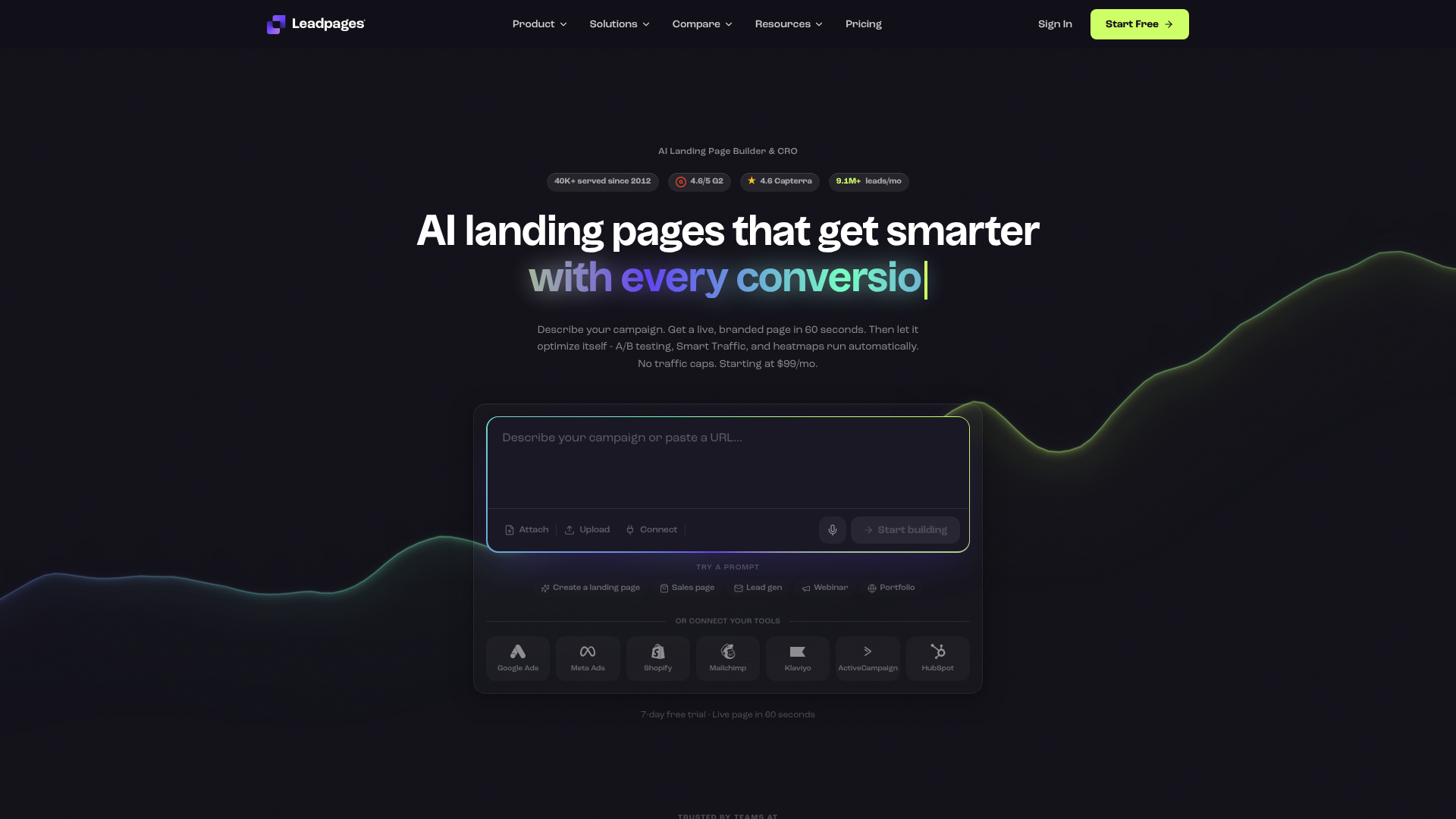
Launched in 2012, Leadpages was created to simplify the process of building landing pages for entrepreneurs and small business owners. Its primary focus has always been on speed and ease of use. The platform is designed to help users without coding or design skills create professional-looking pages, pop-ups, and alert bars quickly.
Leadpages operates on the principle that you shouldn't need to be a developer to generate leads online. It offers a vast library of mobile-responsive templates that are optimised for conversion out of the box. While its editor is more structured than its competitors, this is often seen as a benefit for beginners, as it prevents design mistakes and ensures a clean, effective layout every time. It's the go-to tool for those who value efficiency and affordability over intricate customisation.
Unbounce: The Conversion Optimisation Powerhouse
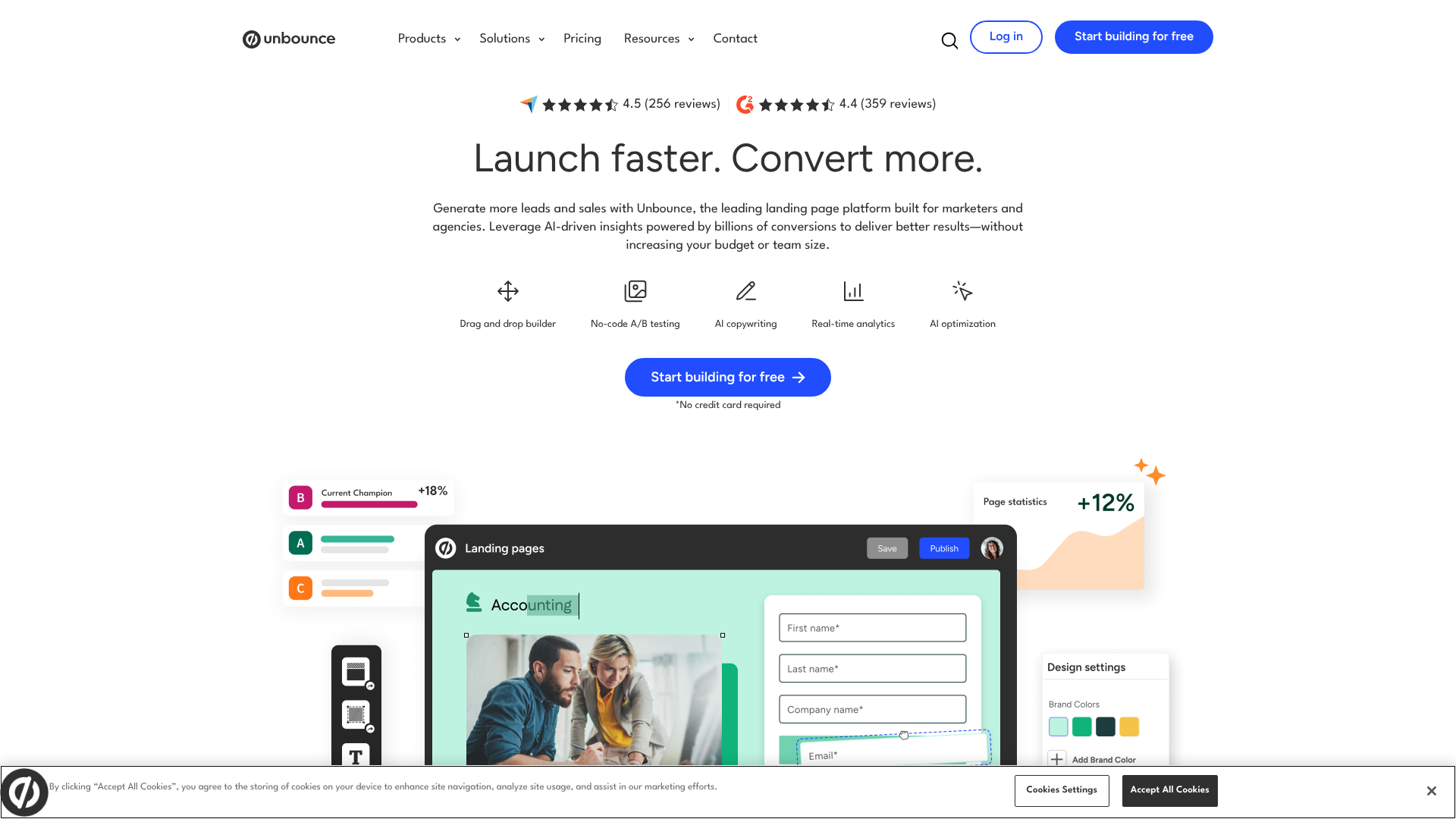
Unbounce, founded in 2009, is one of the original players in the landing page software market. It was built by marketers, for marketers, with a strong emphasis on creative freedom and conversion rate optimisation (CRO). Its standout feature is a true, free-form drag-and-drop editor that allows you to place any element anywhere on the page, giving you pixel-perfect control over your designs.
This flexibility makes it a favourite among marketing agencies and in-house teams who need to match landing pages precisely to brand guidelines or execute complex design ideas. Beyond the editor, Unbounce has invested heavily in AI-powered tools, such as Smart Traffic, which automatically directs visitors to the page variant most likely to convert for them. This focus on data-driven optimisation makes it the ideal platform for serious performance marketers.
Instapage: The Enterprise-Grade Solution
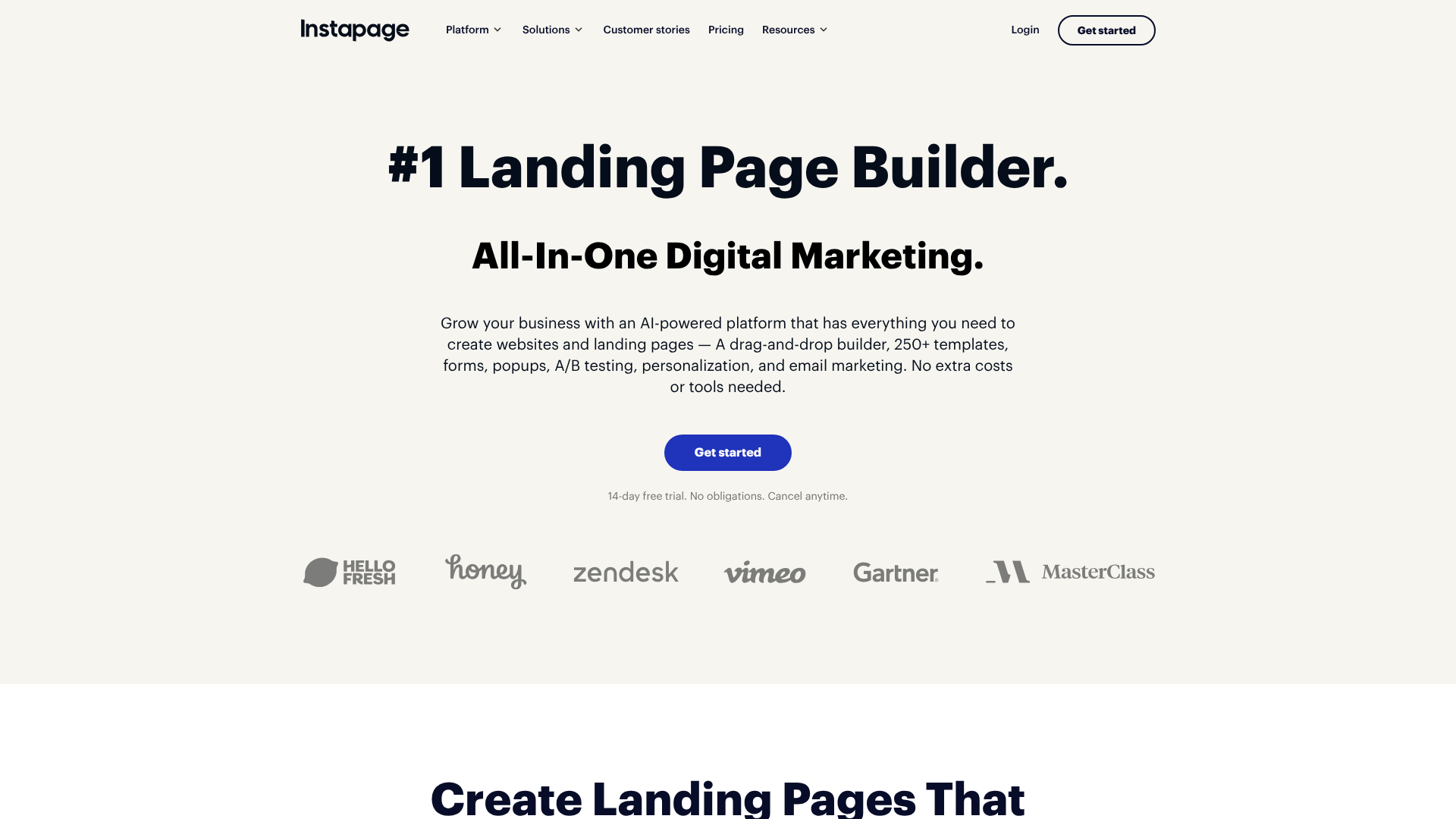
Instapage positions itself as the premium solution for larger businesses and enterprise clients. Its platform is built around four key pillars: landing page building, personalisation, experimentation, and collaboration. The entire ecosystem is designed to help marketing teams scale their post-click experiences efficiently and effectively.
Like Unbounce, Instapage offers a highly flexible drag-and-drop editor, but it sets itself apart with features geared towards teams. Real-time visual collaboration allows multiple team members to work on a page simultaneously, leaving comments and feedback directly within the editor. Furthermore, its proprietary Thor Render Engine ensures some of the fastest page load speeds in the industry, which is crucial for maximising conversions, especially on mobile devices.
Landing Page Builders Comparison: Key Features
A landing page builder is only as good as its features. Here’s a detailed look at how Leadpages, Unbounce, and Instapage stack up in the areas that matter most to marketers.
Page Editor and Design Flexibility
This is perhaps the most significant point of difference between the three platforms.
- Leadpages: Uses a section-based, grid-style editor. You can drag and drop elements, but only into predefined columns and rows. This structure makes it incredibly easy to create a well-organised page quickly but limits your creative freedom. It's a trade-off between simplicity and control.
- Unbounce: Offers a true, pixel-perfect drag-and-drop editor. You can place any element (text, images, buttons) anywhere on the canvas with complete freedom. This is ideal for designers and marketers who want total control over the look and feel of their pages.
- Instapage: Also provides a free-form, drag-and-drop editor similar to Unbounce. It includes helpful alignment and distribution tools to keep designs tidy. The flexibility is excellent, catering to professionals who need precise control over their layouts.
Templates and Customisation
Templates provide the starting point for your landing pages, and the quality of these can save you hours of work.
- Leadpages: Boasts a library of over 200 high-quality, mobile-responsive templates. You can sort them by conversion rate, which is a unique and highly useful feature. Customisation is straightforward but confined by the grid-based editor.
- Unbounce: Provides over 100 templates that are clean, modern, and conversion-focused. Because of its flexible editor, these templates are fully customisable, allowing you to change every single element to match your brand.
- Instapage: Offers a massive library of over 500 templates designed for specific use cases (e.g., webinar registration, ebook download). The templates are well-designed and, like Unbounce, completely customisable.
A/B Testing and Optimisation
Creating a landing page is just the first step; optimising it for conversions is where the real value lies.
- Leadpages: Offers simple A/B testing on its Pro plan. You can test different headlines, images, or calls to action. The setup is easy for beginners, but it lacks the advanced capabilities of its competitors.
- Unbounce: This is a core strength. Unbounce provides robust A/B testing on all plans. Its standout feature is Smart Traffic, an AI tool that analyses a visitor's attributes and automatically sends them to the landing page variant where they are most likely to convert. This goes beyond traditional 50/50 split testing.
- Instapage: Also offers powerful A/B testing and includes built-in heatmaps to show you where users are clicking, scrolling, and engaging on your page. This visual data is incredibly valuable for identifying areas for improvement.
AI-Powered Features
Artificial intelligence is becoming increasingly important in marketing technology.
- Leadpages: Has been slower to adopt AI features compared to the others. Its primary focus remains on simplicity and core functionality.
- Unbounce: Is a leader in this area. It offers an AI copywriting tool to help you generate headlines, body copy, and calls to action. Its Smart Traffic feature, as mentioned, uses AI to optimise traffic distribution in real-time.
- Instapage: Uses AI to power its personalisation features, allowing you to create unique page experiences for different audience segments. It also has an AdMap feature to ensure message match between your ads and landing pages.
Feature and Usability Showdown

To make the choice clearer, here’s a direct comparison table highlighting the key differences in this landing page builders comparison.
| Feature | Leadpages | Unbounce | Instapage |
|---|---|---|---|
| Page Editor | Grid-based, easy to use | True drag-and-drop | True drag-and-drop |
| Best For | Beginners, Small Businesses | Performance Marketers, Agencies | Enterprise, Large Teams |
| A/B Testing | Basic (on Pro plan) | Advanced with AI (Smart Traffic) | Advanced with Heatmaps |
| AI Features | Limited | AI Copywriting, Smart Traffic | Personalisation, AdMap |
| Templates | 200+ (sort by conversion) | 100+ (fully customisable) | 500+ (use-case specific) |
| Page Speed | Good | Very Good | Excellent (Thor Render Engine) |
| Integrations | 90+ native integrations | 100+ native integrations | 120+ native integrations |
| Unique Feature | Unlimited traffic & leads | Smart Traffic AI optimisation | Real-time team collaboration |
Pros and Cons: A Balanced View
No tool is perfect. Understanding the strengths and weaknesses of each platform is key to making the right decision. Here's an honest look at the leadpages vs unbounce and unbounce vs instapage dynamics.
Leadpages
Pros:
- Most Affordable: The entry-level plan is significantly cheaper than its competitors, making it accessible for small budgets.
- Extremely User-Friendly: The simple, structured editor has a very gentle learning curve, allowing anyone to build a page in minutes.
- Unlimited Traffic & Leads: Unlike the others, Leadpages does not cap the number of visitors or conversions you can get, which provides excellent value.
- Built-in Website Builder: You can create a full, simple website on the platform, not just landing pages.
Cons:
- Limited Design Flexibility: The grid-based editor can feel restrictive if you have a specific design vision in mind.
- Basic A/B Testing: The testing features are not as sophisticated as those offered by Unbounce or Instapage.
Unbounce
Pros:
- Total Creative Freedom: The pixel-perfect drag-and-drop editor gives you complete control over your page design.
- Powerful Optimisation Tools: Features like Smart Traffic and advanced A/B testing are built to maximise your conversion rates.
- AI Copywriting: The built-in AI writer is a fantastic tool for overcoming writer's block and generating high-converting copy ideas.
- Dynamic Text Replacement: This feature is excellent for PPC campaigns, as it automatically matches the text on your landing page to the user's search query.
Cons:
- Steeper Learning Curve: The sheer flexibility of the editor can be overwhelming for complete beginners.
- Traffic and Conversion Limits: Plans have caps on monthly visitors and conversions, which can lead to higher costs as you scale.
Instapage
Pros:
- Blazing Fast Page Speeds: The Thor Render Engine and AMP functionality ensure your pages load almost instantly.
- Excellent for Collaboration: Real-time editing and feedback tools are perfect for teams working together on campaigns.
- Advanced Personalisation: Easily create dynamic page experiences tailored to different audience segments.
- Enterprise-Level Security: Offers robust security features that are essential for larger organisations.
Cons:
- Highest Price Point: Instapage is the most expensive of the three, putting it out of reach for many small businesses.
- Strict Visitor Limits: The plans have tight caps on unique monthly visitors, and overage charges can be significant.
Pricing and Cost Comparison
Budget is often a deciding factor. The pricing structures of these three platforms reflect their target audiences. Please note that pricing can change, so it's always best to visit the official websites for the most current information.
Leadpages Pricing
Leadpages is the most budget-friendly option. Its plans typically start with a 'Standard' tier designed for new businesses and a 'Pro' tier for growing businesses that includes A/B testing and online sales/payments.
- Standard Plan: Usually around £37/month (billed annually). Includes one site, landing pages, pop-ups, and unlimited traffic and leads.
- Pro Plan: Typically around £74/month (billed annually). Adds A/B testing, online payments, and more integrations.
The key takeaway for Leadpages is the value offered by its unlimited traffic and leads policy. You never have to worry about being penalised for your success.
Unbounce Pricing
Unbounce's pricing is tiered based on the number of conversions, visitors, and connected domains. This model is geared towards businesses that can directly tie their investment to conversion-based ROI.
- Launch Plan: Often starts around £79/month. This plan is suitable for those just starting out, with limits of around 500 conversions and 20,000 visitors.
- Optimise Plan: A popular mid-tier option, usually around £120/month. It increases the limits to 1,000 conversions and 30,000 visitors and includes Smart Traffic.
- Accelerate & Scale Plans: Higher-tier plans offer even more conversions and visitors for larger businesses and agencies.
Instapage Pricing
Instapage is a premium product with a price tag to match. Its plans are based on unique visitors and the number of users.
- Create Plan: The entry-level plan starts at a higher price point, often around £159/month (billed annually). It includes the core builder, A/B testing, and SSL encryption but has a limit of 30,000 unique visitors per month.
- Convert Plan: This is a custom-priced plan for enterprise clients. It adds advanced features like personalisation, heatmaps, collaboration tools, and dedicated customer support.
Pro Tip: When evaluating pricing, look beyond the monthly cost. Consider the limits on traffic, conversions, and users. A cheaper plan with tight limits might end up costing more in overages than a more expensive plan with generous allowances.
How to Choose the Right Option for You
Making the final decision in the Leadpages vs Unbounce vs Instapage debate comes down to a clear assessment of your needs.
Choose Leadpages if:
- You are a solopreneur, blogger, or small business owner.
- Your budget is a primary concern.
- You prioritise speed and ease of use over complex design customisation.
- You want to build landing pages quickly without a steep learning curve.
Choose Unbounce if:
- You are a professional marketer, agency, or part of an in-house marketing team.
- You need complete creative control and pixel-perfect design capabilities.
- You run paid advertising campaigns (PPC) and need tools like Dynamic Text Replacement.
- You are focused on data-driven optimisation and want to use AI to improve conversion rates.
Choose Instapage if:
- You work in a large organisation or enterprise company.
- You need to collaborate with a team of designers, copywriters, and marketers.
- Maximum page load speed and performance are non-negotiable.
- You require advanced features like 1:1 ad-to-page personalisation at scale.
Frequently Asked Questions
Here are answers to some common questions people have when comparing these landing page builders.
Is Leadpages good for beginners?
Yes, Leadpages is arguably the best option for beginners out of the three. Its structured, grid-based editor simplifies the design process and prevents users from making common layout mistakes. The extensive template library also provides a great starting point, allowing beginners to publish a professional-looking page very quickly.
Which is better, Unbounce or Instapage?
This depends entirely on your use case. Unbounce is generally better for hands-on marketers and agencies who need a flexible, all-in-one conversion optimisation toolkit with powerful AI features. Instapage is better for large, collaborative teams and enterprises that need to scale their advertising personalisation and demand the absolute fastest page speeds.
Can I build a full website with these tools?
Leadpages offers a dedicated website builder, allowing you to create a simple but complete website with a homepage, about page, contact page, and more. While you could technically link multiple Unbounce or Instapage pages together to form a site, they are primarily designed and optimised for creating standalone landing pages, not full websites.
Do I need a separate web host for these landing pages?
No, you do not need a separate web host. All three platforms host the landing pages you create on their own servers. You can publish your pages to a custom domain that you own (e.g., promo.yourwebsite.com) or use a WordPress plugin to publish them directly to your existing website.
Final Thoughts
Ultimately, there is no single 'best' platform in the Leadpages vs Unbounce vs Instapage comparison; there is only the best platform for you. Each tool has carved out a specific niche by excelling in different areas.
Leadpages wins on affordability and simplicity, making it the perfect entry point for small businesses and entrepreneurs who need to generate leads without breaking the bank or hiring a designer. Its focus on core functionality and ease of use delivers exceptional value.
Unbounce is the marketer's choice, offering a powerful combination of creative freedom and intelligent optimisation tools. If your role is defined by conversion rates and campaign ROI, its flexible editor and AI-driven features provide the control you need to succeed. Instapage stands as the enterprise champion, built for scale, speed, and collaboration. For large teams managing high-volume campaigns, its advanced personalisation and team-oriented workflow features are indispensable.
Assess your budget, your team's technical skills, and your long-term marketing goals. By aligning your needs with the core strengths of each platform, you can confidently choose the landing page builder that will best support your growth.