
5 Best Deal Management Software for Sales Teams (2026 Review)
Losing track of leads, forgetting follow-ups, and struggling with inaccurate sales forecasts are common challenges that prevent teams from hitting their targets. Managing a sales pipeline using spreadsheets and scattered notes quickly becomes chaotic as your business grows. Finding the best deal management software is the most effective way to bring order to this chaos, providing a centralised system to track every opportunity from initial contact to a closed deal.
- Quick Summary
- What Exactly is Deal Management Software?
- The Core Features and Benefits of Top Deal Management Tools
- How to Choose the Right Software for Your Deals
- The 5 Best Deal Management Software Options for 2026
- Comparing Deal Management Solutions: A Quick Overview
- Understanding Pricing and Costs
- Frequently Asked Questions (FAQ)
- What's the difference between a CRM and deal management software?
- What are the top 3 CRM systems?
- Can I just use a spreadsheet to manage deals?
- How does AI improve deal management?
- Final Thoughts: Choosing Your Deal Management Platform
These platforms are more than just digital address books; they are powerful engines for sales efficiency. They visualise your pipeline, automate tedious administrative tasks, and provide the data-driven insights needed to make smarter decisions. By organising every interaction, document, and next step, you empower your sales team to focus on what they do best: building relationships and closing deals.
Quick Summary
- What It Is: Deal management software is a tool designed to help sales teams track, manage, and analyse their sales pipeline, ensuring no opportunity falls through the cracks.
- Key Features: Look for visual pipeline management (like Kanban boards), contact management, automation capabilities, robust reporting, and integration with other sales tools.
- Why It Matters: Using the right software increases pipeline visibility, improves sales forecasting accuracy, boosts team productivity, and ultimately helps you close more deals faster.
- Top Picks: For an all-in-one solution, HubSpot CRM is a powerful and scalable choice, while tools like PandaDoc excel at the document and proposal stage of deal management.
What Exactly is Deal Management Software?
Deal management software is a centralised platform that gives sales teams a clear, real-time view of their entire sales pipeline. Think of it as an air traffic control system for your sales opportunities. It tracks every deal as it moves through various stages, from a new lead to a qualified prospect, to negotiation, and finally, to a signed contract.
At its core, this software organises all the critical information related to each deal. This includes contact details, communication history (emails, calls), relevant documents (proposals, contracts), scheduled activities, and the deal's potential value. Instead of this data being scattered across emails, spreadsheets, and notepads, it's all in one accessible place.
While many of these capabilities are found within a Customer Relationship Management (CRM) system, deal management is the specific function focused on the sales pipeline itself. Some standalone tools specialise in certain parts of the deal process, like proposal creation, but most comprehensive deal management solutions are built into modern CRMs. This integration provides a seamless flow from lead generation to customer retention.
The Core Features and Benefits of Top Deal Management Tools

When evaluating different platforms, certain features and benefits stand out as essential for any effective sales team. Understanding these will help you identify the top deal management tools that align with your specific processes and goals. The right combination of features doesn't just organise your work; it actively helps you sell more effectively.
Must-Have Features to Look For
Not all software is created equal. Here are the core functionalities that provide the most value:
- Visual Pipeline Management: The ability to see all your deals laid out in a visual format, typically a Kanban-style board. This allows reps and managers to quickly see the status of every deal, identify bottlenecks, and drag-and-drop opportunities from one stage to the next.
- Contact and Lead Management: A centralised database for all contacts, leads, and company information. The software should automatically log emails, calls, and meetings associated with a contact, creating a complete history of every interaction.
- Automation Workflows: The power to automate repetitive tasks. This can include sending follow-up email sequences, creating task reminders when a deal moves to a new stage, or assigning new leads to sales reps automatically. Automation frees up valuable time for selling.
- Reporting and Analytics: Dashboards and reports that provide insights into sales performance. Key metrics include deal velocity, conversion rates by stage, sales cycle length, and revenue forecasting. This data is crucial for strategic planning and coaching.
- Document Management and Tracking: A place to store, send, and track sales documents like proposals, quotes, and contracts. Advanced tools will even notify you when a prospect has opened or viewed your proposal, giving you a perfect window for follow-up.
- Integration Capabilities: The software must connect with the other tools you use daily. Essential integrations include email clients (Gmail, Outlook), calendars, e-signature platforms, and marketing automation software.
Key Benefits for Your Sales Team
Implementing one of these deal management solutions translates into tangible business results:
- Increased Visibility and Control: Managers get a bird's-eye view of the entire pipeline, while reps have a clear picture of their individual priorities. This transparency ensures everyone is aligned and accountable.
- Improved Sales Velocity: By streamlining processes and automating tasks, deals move through the pipeline faster. Reps spend less time on admin and more time engaging with prospects.
- More Accurate Forecasting: With all deal data in one place, you can generate reliable sales forecasts based on historical data and current pipeline health. This helps with resource planning and setting realistic revenue targets.
- Enhanced Team Collaboration: Team members can easily share notes, tag colleagues for input, and seamlessly hand off deals when needed. Everyone has access to the same up-to-date information, reducing miscommunication.
- Reduced Administrative Work: Automating data entry and follow-up reminders significantly cuts down on the manual work that often bogs down sales reps. This leads to higher job satisfaction and productivity.
How to Choose the Right Software for Your Deals
Selecting the best software for deals involves more than just picking the one with the most features. It's about finding the platform that best fits your team's unique workflow, size, and budget. Following a structured evaluation process will help you make a confident decision that pays dividends long-term.
Assess Your Current Sales Process and Pain Points: Before looking at any software, map out your current sales process. What are the distinct stages a deal goes through? Where are the biggest bottlenecks? Are reps struggling with data entry, follow-ups, or collaboration? Your goal is to find a tool that solves your most pressing problems.
Define Your Budget and Team Size: Deal management software is typically priced on a per-user, per-month basis. Determine how much you can realistically invest and how many users will need access. Be mindful of different pricing tiers; a cheaper plan might lack a critical feature you need.
Prioritise Key Features: Based on your pain points, create a list of must-have features. If your team struggles with organisation, a visual pipeline is critical. If you send many proposals, document tracking is a priority. Rank your features from essential to nice-to-have to guide your evaluation.
Check for Integrations with Your Existing Tools: The software must work well with your current tech stack. Does it integrate smoothly with your email provider, calendar, and any marketing or customer support platforms you use? Poor integrations can create more manual work, defeating the purpose of the software.
Evaluate User-Friendliness and Onboarding Support: A powerful tool is useless if your team finds it too complicated to use. Look for an intuitive interface and sign up for free trials to let your team test it. Also, consider the level of customer support and onboarding resources the vendor provides.
Look for Scalability: Choose a solution that can grow with your business. Can you easily add more users? Does it offer more advanced features in higher-tier plans that you might need in the future? Switching systems is disruptive, so it's best to choose a platform you can stick with for years.
Pro Tip: Involve your sales reps in the final stages of the selection process. They are the ones who will use the tool every day, and their buy-in is crucial for successful adoption. Let them test the top 2-3 contenders and provide feedback.
The 5 Best Deal Management Software Options for 2026
After extensive research, we've compiled a list of the best deal management software platforms available today. Each tool has unique strengths, catering to different business sizes and needs.
1. HubSpot CRM
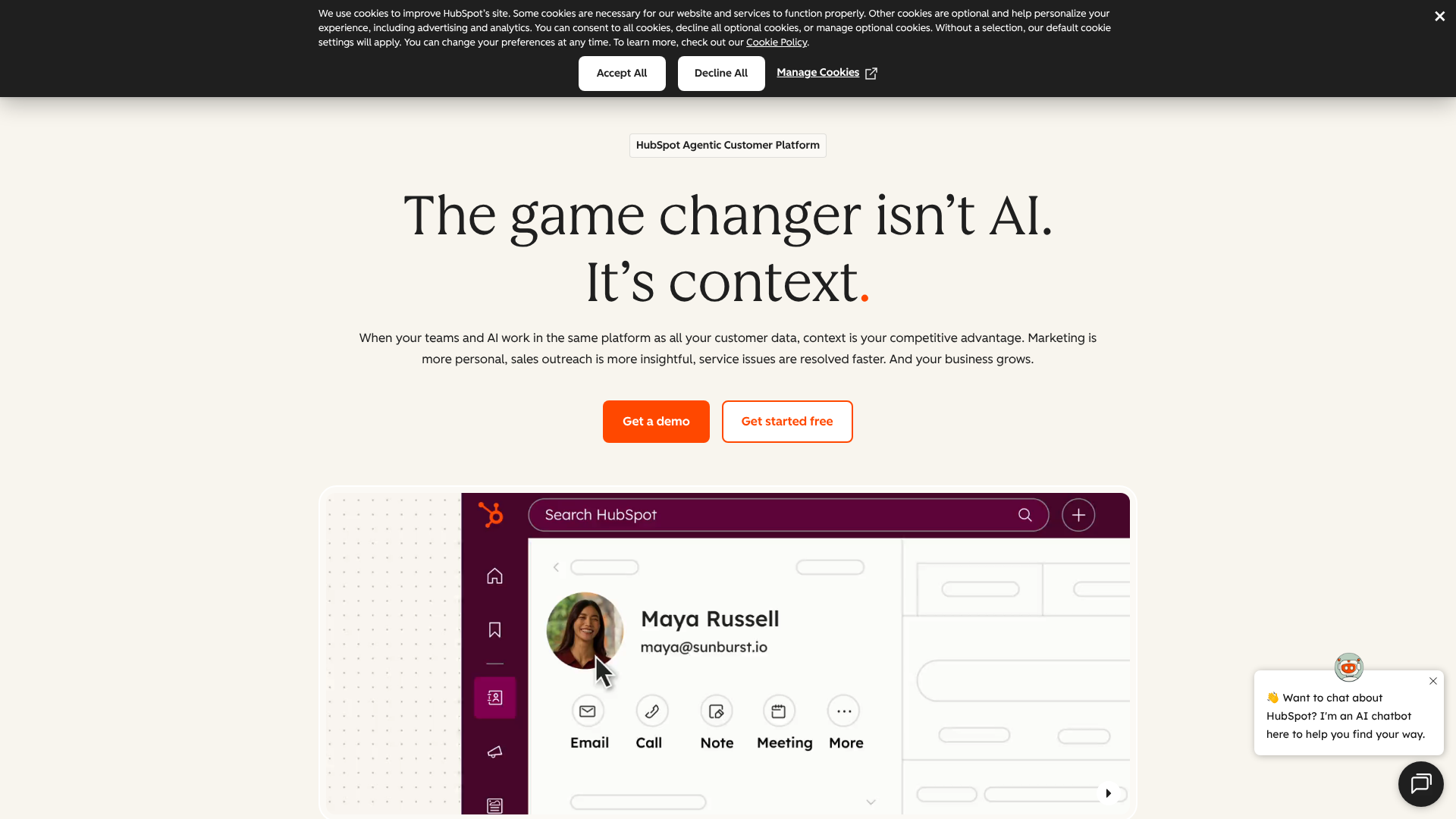
Best for: An all-in-one platform for growing businesses.
HubSpot CRM is a powerhouse in the sales and marketing world, and its deal management capabilities are a core part of its offering. It provides a clean, visual deal pipeline that is incredibly easy to use. You can create custom deal stages, assign tasks, and store all relevant contact information, emails, and notes in one place.
What sets HubSpot apart is its integration with the broader HubSpot ecosystem, including marketing and service hubs. This creates a unified view of the entire customer journey. Its free CRM is remarkably generous, offering more than enough functionality for small businesses and startups to get started with professional deal management without any initial investment.
Pros
- Excellent Free Version: The free CRM includes deal pipelines, contact management, and email tracking, making it highly accessible.
- User-Friendly Interface: HubSpot is known for its intuitive design, which reduces the learning curve for new teams.
- Powerful Automation: As you move to paid plans, you unlock sophisticated automation for tasks, email sequences, and lead rotation.
Cons
- Can Get Expensive: The price jumps significantly as you move up to the Professional and Enterprise tiers.
- Feature Overload for Some: For teams needing only basic deal tracking, the full suite of marketing and service tools can feel overwhelming.
2. Zoho CRM
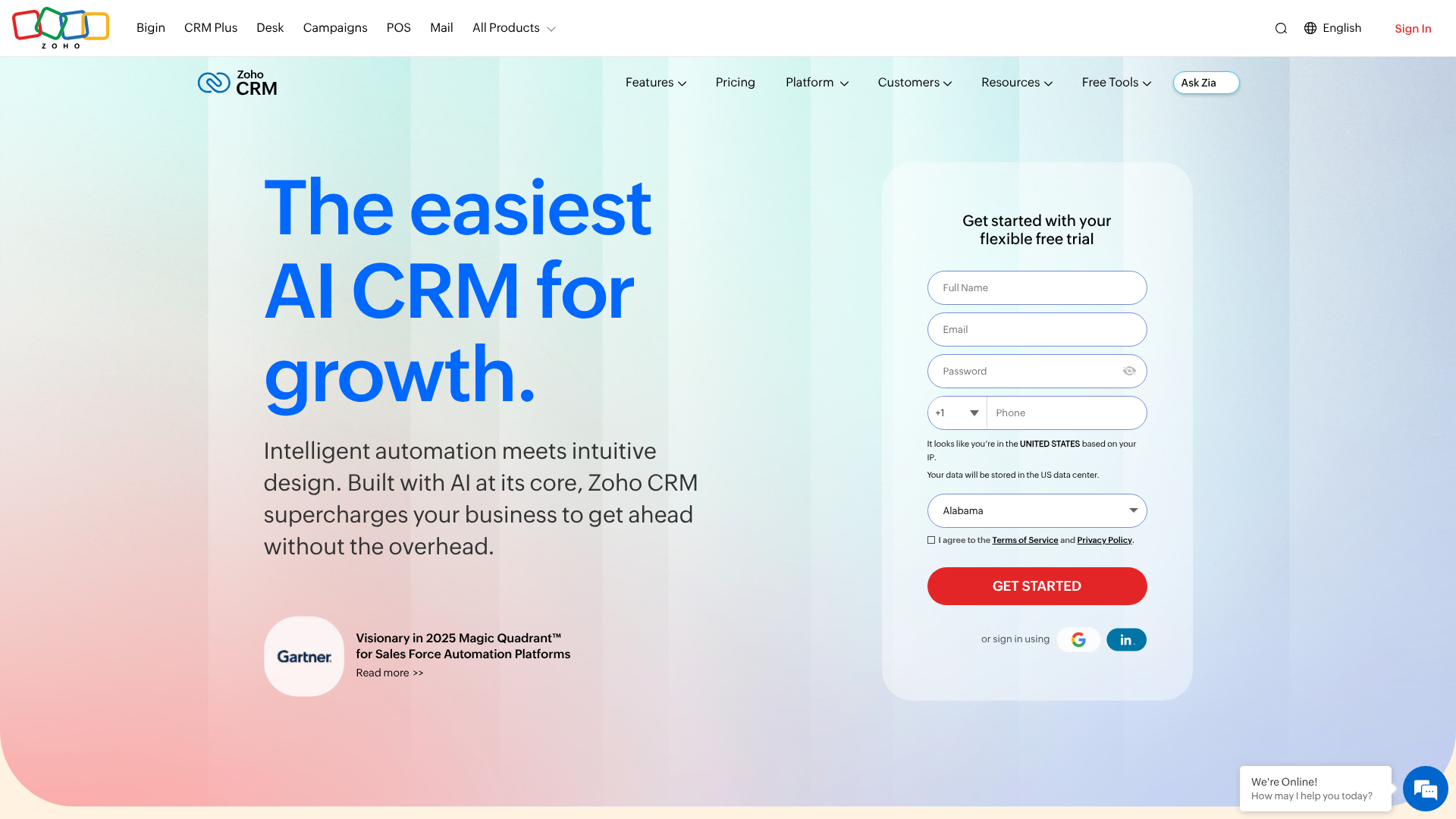
Best for: Businesses needing high levels of customisation and value.
Zoho CRM is a versatile and powerful platform that offers an extensive suite of features at a very competitive price point. It provides deep customisation options, allowing you to tailor modules, fields, and layouts to perfectly match your sales process. Its deal management tools include pipeline tracking, lead scoring, and advanced workflow automation.
Zoho also features an AI-powered sales assistant named Zia, which can provide predictions, suggest the best time to contact a lead, and detect anomalies in your sales process. For businesses that want to fine-tune their CRM to their exact specifications without breaking the bank, Zoho CRM is an outstanding choice.
Pros
- Highly Customisable: You can adapt almost every aspect of the CRM to fit your business needs.
- Great Value for Money: Offers enterprise-grade features at a price point accessible to small and medium-sized businesses.
- Broad Feature Set: Includes tools for sales, marketing, and support, all within one platform.
Cons
- Steeper Learning Curve: The sheer number of features and customisation options can be intimidating for new users.
- Interface Can Feel Dated: While highly functional, the user interface isn't as modern or sleek as some competitors.
3. PandaDoc
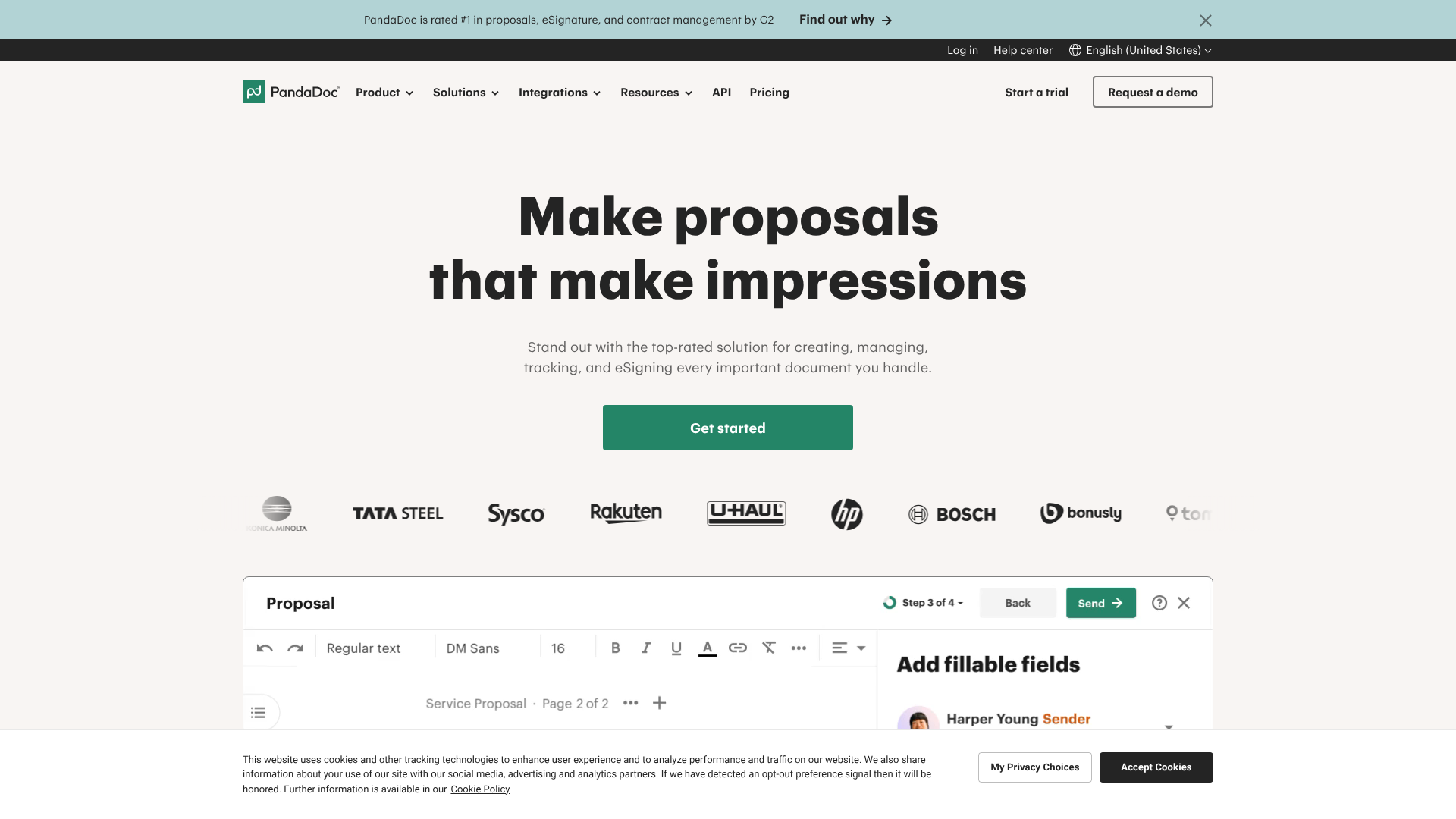
Best for: Teams with a document-centric sales process.
While not a traditional CRM, PandaDoc is a leading deal management solution for the final, critical stages of a sale: proposals, quotes, and contracts. It streamlines the creation of beautiful, professional sales documents using templates and a simple drag-and-drop editor. Its real power lies in its tracking and e-signature capabilities.
PandaDoc notifies you the moment a prospect opens, views, and comments on your document, providing powerful insights into their engagement level. It integrates seamlessly with major CRMs like HubSpot and Zoho, allowing you to generate and send documents directly from your deal record. For teams that live and die by the quality of their proposals, PandaDoc is an essential tool.
Pros
- Advanced Document Analytics: Get detailed insights into how prospects interact with your sales documents.
- Streamlined Workflow: Simplifies the entire process from document creation to e-signature.
- Strong Integrations: Works perfectly with the CRM you're already using.
Cons
- Not a Full CRM: It's a specialised tool and needs to be paired with a CRM for complete pipeline management.
- Pricing Based on Features: Core features like analytics and CRM integrations are only available on higher-tier plans.
4. Pipedrive
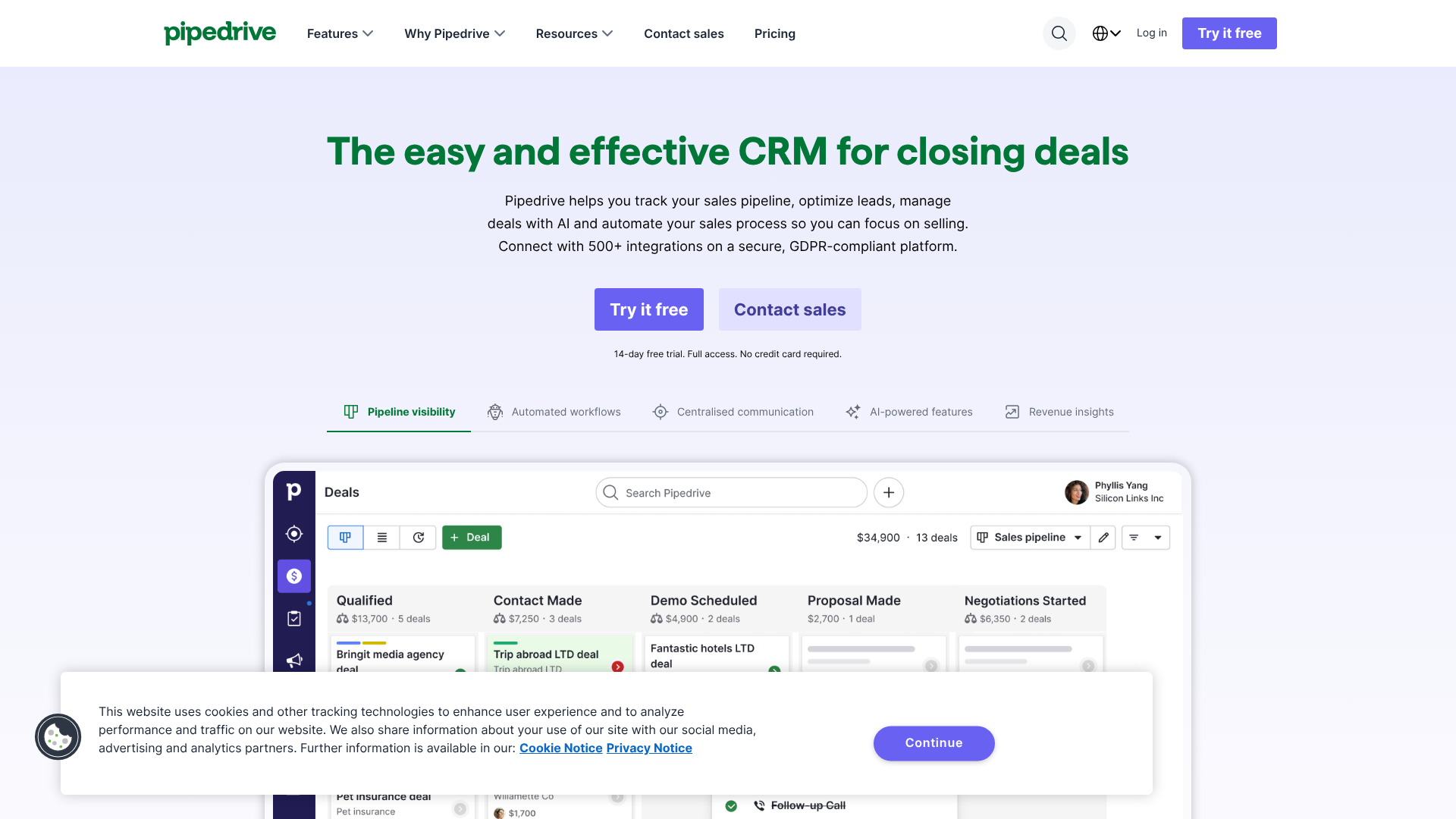
Best for: Sales teams that prioritise a visual and activity-based sales approach.
Pipedrive was built from the ground up with one thing in mind: making life easier for salespeople. Its entire interface is centred around a clear, visual sales pipeline. The philosophy is simple: you can't control results, but you can control the activities that lead to results. Pipedrive prompts you to schedule a next activity for every deal, ensuring nothing gets forgotten.
It is celebrated for its simplicity and laser focus on sales pipeline management. It strips away the complexity found in many all-in-one CRMs, making it incredibly easy for teams to adopt and use consistently. If your primary need is a straightforward, powerful tool for managing deals and sales activities, Pipedrive is a top contender.
Pros
- Highly Intuitive Pipeline: The visual, drag-and-drop interface is one of the best on the market.
- Activity-Based Focus: Helps reps build strong habits by prompting them to schedule their next action for every deal.
- Easy to Set Up and Use: Teams can get up and running with minimal training.
Cons
- Limited Marketing Features: It is purely a sales tool and lacks the integrated marketing automation of platforms like HubSpot.
- Reporting is Less Robust: While functional, its analytics and reporting capabilities are not as deep as some competitors.
5. Better Proposals
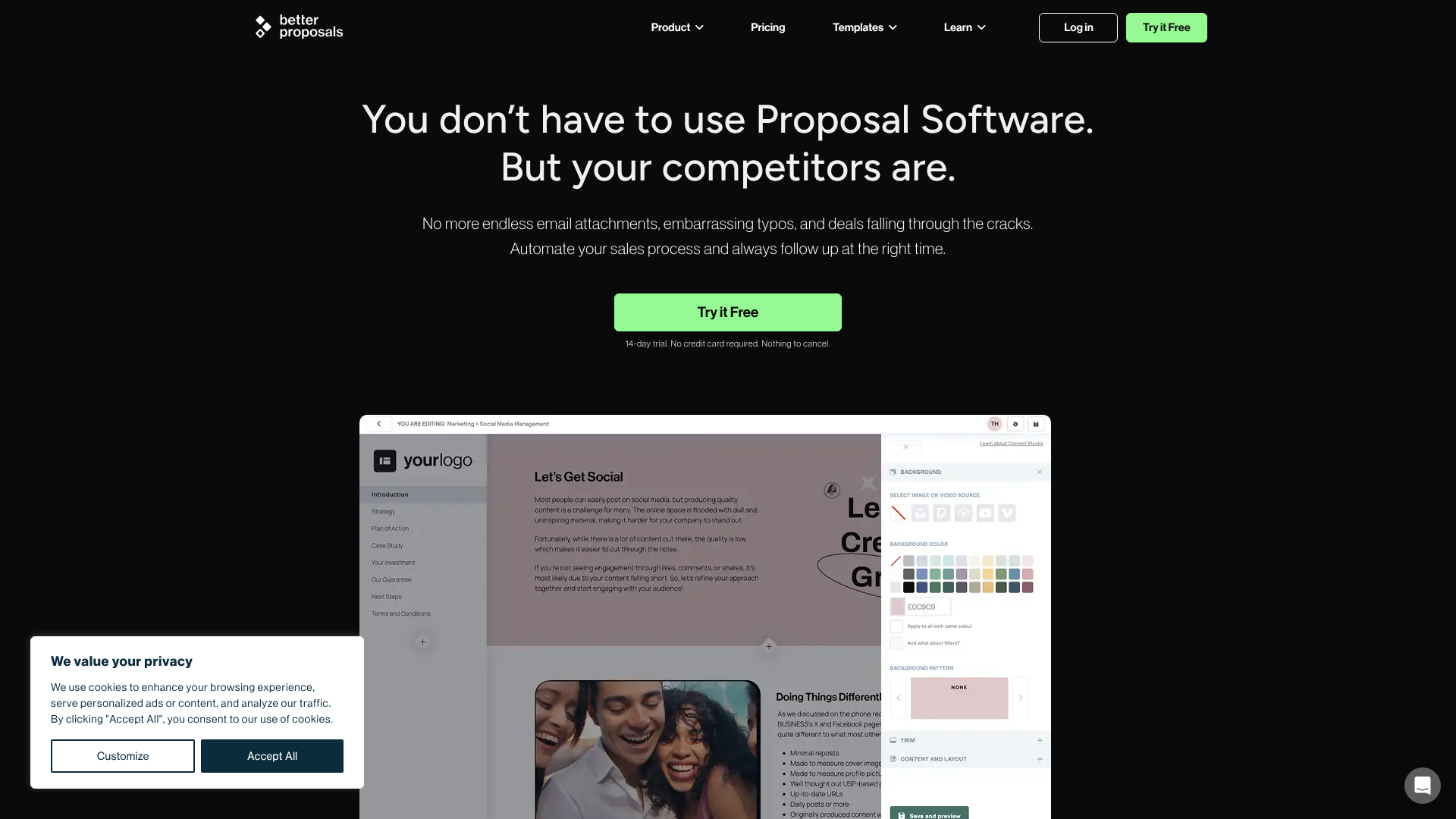
Best for: Creating visually stunning, high-converting proposals quickly.
Similar to PandaDoc, Better Proposals focuses on perfecting a crucial part of the deal management process. It helps you create modern, web-based proposals that look great on any device. The platform offers a library of templates, a content library for saving your best sections, and detailed analytics to see how your clients engage with each proposal.
Better Proposals aims to speed up the proposal process while increasing your win rate. Features like integrated payments and legally binding digital signatures help you close deals faster once the client says yes. It's an excellent choice for agencies, consultants, and service-based businesses that need to impress clients with polished, professional documents.
Pros
- Beautiful Proposal Design: Create impressive, modern proposals without needing a designer.
- Excellent Analytics: Track when your proposal is opened, how long each section is viewed, and when it's signed.
- Focus on Conversion: The platform is designed with features that help you win more deals.
Cons
- Niche Focus: Like PandaDoc, it's a specialised tool that works best alongside a dedicated CRM.
- Free Plan is Limited: The free plan has significant limitations, requiring an upgrade for most business use cases.
Comparing Deal Management Solutions: A Quick Overview
To help you see the key differences at a glance, here is a comparison of our top picks.
| Tool | Best For | Key Feature | Pricing Model |
|---|---|---|---|
| HubSpot CRM | All-in-one growth platform | Integrated marketing & sales tools | Freemium, tiered plans |
| Zoho CRM | Customisation and value | Deep workflow automation | Per user/month, tiered plans |
| PandaDoc | Document-centric sales | Proposal analytics & e-signatures | Freemium, tiered plans |
| Pipedrive | Visual pipeline management | Activity-based selling prompts | Per user/month, tiered plans |
| Better Proposals | High-converting proposals | Modern design & tracking | Per user/month, tiered plans |
Understanding Pricing and Costs

Navigating the pricing of deal management solutions can be complex, as vendors use several different models. The most common is a per-user, per-month subscription. This means you pay a set fee for each person on your team who needs access to the software, billed monthly or annually (often with a discount for annual payment).
Many platforms, like HubSpot and Zoho, offer tiered plans. A free or basic tier provides essential features, while more expensive tiers (e.g., Starter, Professional, Enterprise) unlock advanced capabilities like automation, deeper analytics, and more customisation. It's crucial to examine which features are included in each tier to ensure the plan you choose meets your needs.
Finally, be aware of potential hidden costs. These can include one-time setup or onboarding fees, charges for premium customer support, or additional costs for integrating with certain third-party applications. Always ask for a detailed quote and clarify what is included before committing to a platform. For the most accurate and up-to-date information, visit the pricing page on the vendor's website.
Frequently Asked Questions (FAQ)
What's the difference between a CRM and deal management software?
There is a significant overlap, and the terms are often used interchangeably. A Customer Relationship Management (CRM) system is a broad platform for managing all interactions with customers and potential customers. Deal management is a specific function within a CRM that focuses on tracking sales opportunities through the pipeline.
While most modern CRMs have excellent deal management features, some specialised tools focus only on one part of the deal process, like proposal creation. In most cases, the best deal management software for a business will be a full-featured CRM.
What are the top 3 CRM systems?
Based on market share, user reviews, and feature sets, the top three CRM systems are generally considered to be Salesforce, HubSpot, and Zoho. Salesforce is the enterprise leader known for its immense power and customisability. HubSpot is celebrated for its user-friendliness and powerful inbound marketing and sales tools, making it a favourite among small to mid-sized businesses. Zoho offers a comprehensive suite of business apps with a highly customisable CRM at its core, providing exceptional value.
Can I just use a spreadsheet to manage deals?
You can, especially when you're just starting out with only a handful of deals. However, spreadsheets quickly become a liability as you grow. They lack automation, make collaboration difficult, are prone to human error, and offer no real-time insights or reporting. A dedicated deal management tool automates data entry, provides a single source of truth for your team, and delivers the analytics you need to grow your business predictably.
How does AI improve deal management?
Artificial Intelligence (AI) is becoming a key feature in modern deal management solutions. AI can analyse historical data to provide predictive lead scoring, helping reps prioritise the deals most likely to close. It can also forecast sales with greater accuracy, recommend the next best action for a specific deal, and automate communication by analysing email sentiment. Essentially, AI helps sales teams work smarter, not just harder, by providing data-driven guidance.
Final Thoughts: Choosing Your Deal Management Platform
Selecting the best deal management software is a strategic decision that can significantly impact your sales team's performance and your company's bottom line. The right platform brings clarity, efficiency, and predictability to your sales process, transforming it from a reactive scramble into a well-oiled machine.
There is no single 'best' platform for everyone. The ideal choice depends entirely on your team's size, sales process complexity, budget, and existing technology. Start by identifying your biggest pain points and prioritise a solution that directly addresses them.
For most growing businesses seeking a scalable, all-in-one platform, HubSpot CRM offers an unbeatable combination of power and ease of use, with a free version that lets you start immediately. If your sales process hinges on creating impressive, trackable proposals and contracts, a specialised tool like PandaDoc can be a perfect addition to your CRM. We recommend taking advantage of free trials to find the tool that feels right for your team.