

9 Best Free AI Writing Tools in 2026 (For Bloggers & Marketers)
Finding the best free AI writing tools can feel overwhelming with so many options available. These platforms promise to speed up content creation, break through writer's block, and even help with SEO, but many come with restrictive limits or hidden costs. This guide cuts through the noise to give you a clear look at the top free AI writers that genuinely deliver value without requiring a credit card upfront.
- Quick Summary
- What Exactly is Free AI Writing Software?
- Key Features to Look For in Top Free AI Writers
- How to Choose the Right Free AI Writing Tool for Your Needs
- The 9 Best Free AI Writing Tools (Tested & Ranked)
- 1. Jasper (Formerly Jarvis): Best for Premium Features on a Free Trial
- 2. Writesonic: Best All-Rounder with a Generous Free Tier
- 3. QuillBot: Best for Paraphrasing and Academic Writing
- 4. Grammarly: Best for Editing and Polishing Existing Content
- 5. ChatGPT (GPT-4o): Best for General Brainstorming and Versatility
- 6. Claude 3.5 Sonnet: Best for Natural, Human-Like Prose
- 7. Rytr: Best for Short-Form Copy and Social Media
- 8. Copy.ai: Great for Marketing and Sales Copy Templates
- 9. HubSpot AI Content Assistant: Best for Integrated Marketing Workflows
- Free vs. Paid AI Writers: Understanding the Trade-Offs
- Frequently Asked Questions About Free AI Writing Tools
- What is the best AI for writing for free?
- Which AI tool is 100% free?
- Which free AI is better than ChatGPT?
- How can you avoid AI detection?
- Final Thoughts: Choosing Your Go-To Free AI Writer
We've tested and analysed the most popular options to help you find the right fit, whether you're a blogger drafting articles, a marketer creating ad copy, or a student polishing an essay. From versatile chatbots to specialised paraphrasing tools, there's a free option that can significantly improve your writing workflow.
Quick Summary
- Understanding "Free": Most free AI writing tools operate on a freemium model, offering limited monthly words, credits, or access to basic features. Truly 100% free options are rare and often have other trade-offs.
- Best for Versatility: General-purpose tools like ChatGPT and Claude are excellent for brainstorming, drafting, and getting quick answers, making them a great starting point for any writing task.
- Best for Specialised Tasks: For specific needs like rephrasing text or improving grammar, dedicated tools like QuillBot and Grammarly offer powerful free versions that outperform general AI writers in their niche.
- Choosing a Tool: The right tool depends on your primary need. Define your main goal—be it long-form content, social media posts, or academic writing—to select a tool whose free plan aligns with that task.
- Always Edit: No matter which tool you use, AI-generated content should always be treated as a first draft. Human editing is essential for fact-checking, adding a unique brand voice, and ensuring accuracy.
What Exactly is Free AI Writing Software?
Free AI writing software uses artificial intelligence, specifically large language models (LLMs), to generate, rewrite, summarise, or improve human text. Think of it as an assistant that can help you draft an email, outline a blog post, or come up with creative ideas based on a simple prompt you provide. These tools are trained on vast amounts of text from the internet, allowing them to understand context, grammar, and style.
The term "free" however, needs some clarification. It rarely means unlimited access to every feature. Most of the best AI writing tools free versions fall into one of these categories: a freemium model, a free trial, or a credit-based system. The freemium model is the most common, giving you permanent access to a basic version of the tool with limitations, such as a monthly word count (e.g., 10,000 words per month) or restricted access to advanced features.
A free trial gives you full access to a premium version for a limited time, usually 7 to 14 days, after which you need to pay to continue. A credit-based system gives you a set number of credits to use on generating text, with each generation costing a certain amount. Understanding these models is key to managing expectations and finding a tool that fits your long-term needs without unexpected costs.
Key Features to Look For in Top Free AI Writers

When you're evaluating different options, it's easy to get lost in a long list of features. However, a few key characteristics separate the genuinely useful tools from the rest. Focusing on these will help you make a much better decision and find a platform that actually helps you instead of causing frustration.
First and foremost is the quality of the output. The text should be coherent, grammatically correct, and sound natural. Some free tools use older AI models that produce robotic or nonsensical content, so it's vital to test the output yourself. A good tool should be able to adapt to different tones, from professional to casual, based on your instructions.
Next, consider the limitations of the free plan. This is arguably the most important factor. A tool might produce brilliant content, but if its free plan only allows for 1,000 words per month, it's not practical for a blogger who needs to write several articles. Look for generous word or character limits, or a reasonable number of daily uses that align with your workflow.
Also, check which templates and features are included. Some tools lock essential features like long-form blog post writers behind a paywall.
Finally, the user interface and overall experience matter. The software should be intuitive and easy to navigate. You shouldn't have to spend hours learning how to use it. Extra features like a built-in plagiarism checker, grammar correction, or SEO suggestions can also add significant value, even in a free plan.
These elements combine to create a tool that not only writes well but is also a pleasure to use.

How to Choose the Right Free AI Writing Tool for Your Needs
Selecting the perfect tool from a sea of options comes down to a clear understanding of your own requirements. A tool that's perfect for a social media manager might be completely wrong for a novelist. Following a structured approach can help you narrow down the choices and find the ideal match for your specific tasks.
Define Your Primary Use Case: Start by identifying what you'll use the tool for most often. Are you writing long-form blog posts? Do you need help with short, punchy social media captions? Or is your main goal to paraphrase academic research? Your primary use case dictates which features are most important. For example, a blogger needs a tool with a strong long-form editor, while a copywriter needs access to marketing-focused templates like AIDA or PAS.
Assess the Free Plan's Limitations: Once you know what you need, scrutinise the free plans of your top contenders. Don't just look at the word count; check how it's measured (words, characters, or credits) and how often it resets (daily or monthly). A tool offering 10,000 characters per month might sound good, but it's only about 1,500-2,000 words. Make sure the free plan's limits are sufficient for you to complete your most common tasks without constantly hitting a wall.
Test the Output Quality and Relevance: The only way to know if a tool works for you is to test it. Sign up for a few different services and give them the same prompt related to your work. Compare the outputs. Is the text accurate? Does it match the tone you requested? Is it well-structured and free of errors? This hands-on testing will quickly reveal which AI model produces the best results for your specific niche and style.
Consider the User Experience and Workflow Integration: Finally, think about how the tool fits into your existing workflow. Do you prefer a clean, minimalist interface or one packed with features? Is there a browser extension or app that makes it easy to use across different platforms? The best tool is one you'll actually use, and a clunky or confusing interface can be a major barrier. Choose something that feels intuitive and makes your writing process faster, not more complicated.
The 9 Best Free AI Writing Tools (Tested & Ranked)
Here are our top picks for the best free AI writing tools available today. Each has been selected based on the generosity of its free plan, the quality of its output, and its unique strengths for different types of writers.
1. Jasper (Formerly Jarvis): Best for Premium Features on a Free Trial
Jasper is one of the most well-known names in AI writing, and for good reason. It offers a powerful suite of features, including over 50 templates, brand voice customisation, and deep document editing capabilities. While it doesn't have a permanent free plan, its free trial provides full access to its premium features, making it the best option for those who want to test-drive a top-tier tool or need to complete a specific, short-term project with maximum power.
The platform excels at creating high-quality marketing copy, blog posts, and creative content. The interface is polished and professional, and features like Jasper Chat and the document editor make it easy to go from an idea to a finished piece all in one place. The free trial is a great way to experience what a premium AI writer can do.
Pros
- High-Quality Output: Jasper is known for producing some of the most polished and coherent AI content.
- Extensive Features: The free trial gives you access to all premium features, including advanced templates and brand voice.
- Great User Interface: The platform is well-designed and intuitive for beginners.
Cons
- No Forever-Free Plan: The value ends after the trial period, requiring a paid subscription to continue.
- Can Be Complex: The sheer number of features might be overwhelming for users with very simple needs.
If you want to see what a fully-featured AI writer is capable of, you can explore what Jasper has to offer with its free trial.
2. Writesonic: Best All-Rounder with a Generous Free Tier

Writesonic strikes an excellent balance between features and a generous free plan, making it a fantastic all-rounder. Its free tier offers a monthly word allowance that can be used across its wide array of tools, including an AI article writer, paraphraser, and landing page generator. This makes it one of the most versatile options for bloggers, marketers, and business owners.
What sets Writesonic apart is its focus on up-to-date, factual content. It can integrate with Google Search to pull in recent information, reducing the risk of generating outdated or inaccurate text. The free plan provides access to its premium quality models, which is a significant advantage over competitors that reserve their best tech for paying customers.
Pros
- Generous Free Plan: Offers a recurring monthly word count that's useful for ongoing projects.
- Factual & Current Content: Integration with Google Search helps ensure content is relevant and accurate.
- Wide Range of Tools: The free plan includes access to dozens of templates for different content types.
Cons
- Word Count Varies: The number of words you get can depend on the quality setting you choose (Premium vs. Superior), which can be confusing.
- Interface Can Be Busy: With so many tools, navigating to the right one can take a moment.
3. QuillBot: Best for Paraphrasing and Academic Writing
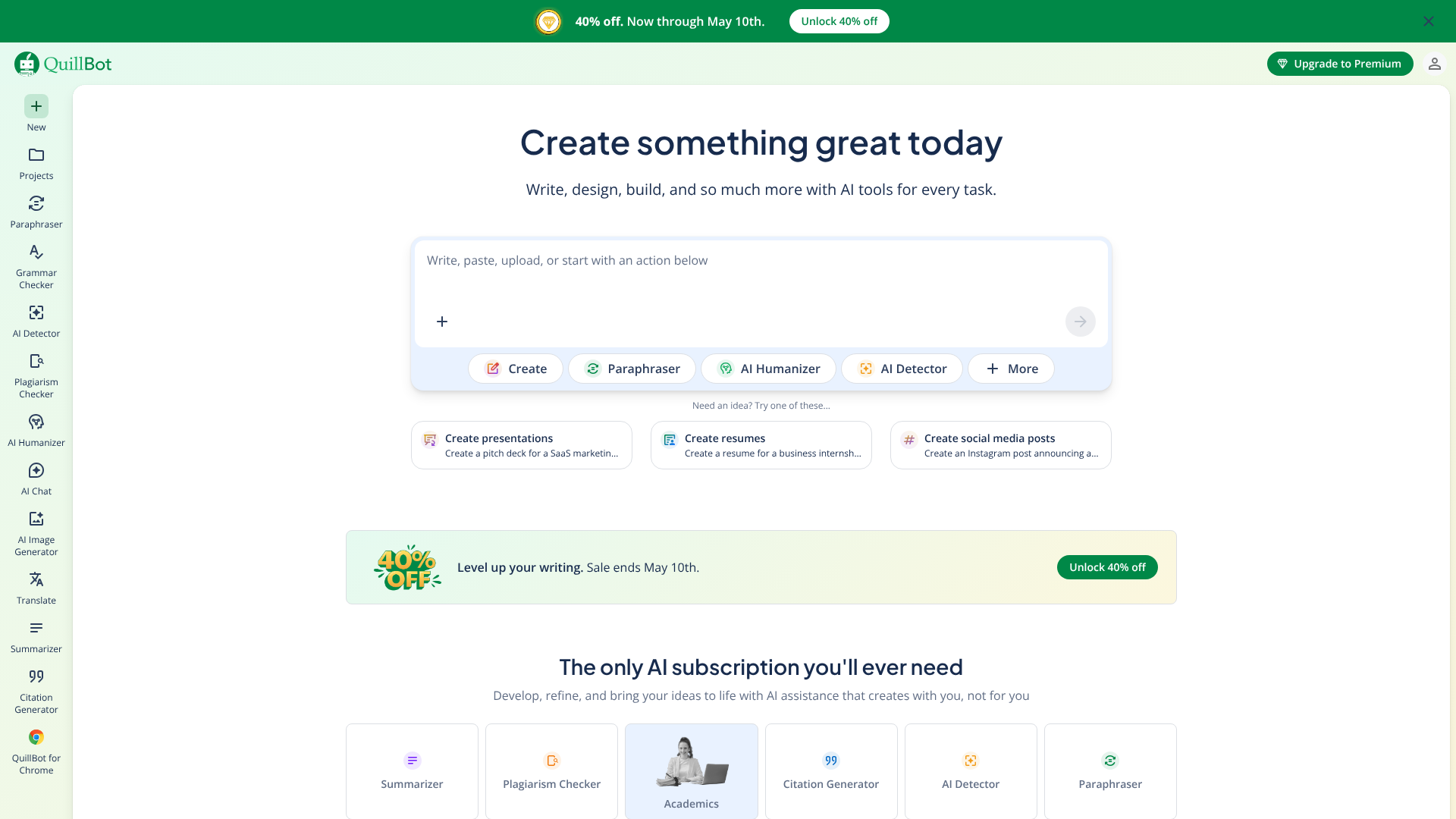
While many tools focus on generating new content from scratch, QuillBot has carved out a niche as the leading tool for rewriting and improving existing text. Its paraphraser is exceptionally powerful, allowing you to rephrase sentences, paragraphs, or entire documents in various modes (like Standard or Fluency) to change the tone and style. This makes it an invaluable resource for students, academics, and writers looking to avoid plagiarism or simply find a better way to phrase an idea.
The free version of QuillBot is very capable. It includes access to the paraphraser with a 125-word limit per use, a grammar checker, and a summariser. The Chrome extension is particularly useful, allowing you to use its features directly in Google Docs, emails, and social media. For anyone whose work involves heavy editing or restructuring of text, QuillBot's free offering is hard to beat.
Pros
- Excellent Paraphrasing: The core feature is best-in-class for rewriting content accurately.
- Useful Additional Tools: The free grammar checker and summariser add a lot of value.
- Great Integration: The browser extension makes it easy to use anywhere you write online.
Cons
- Limited Paraphrasing Length: The 125-word limit on the free plan means you have to work in small chunks.
- Not for Content Generation: It's designed for improving existing text, not creating new content from a prompt.
4. Grammarly: Best for Editing and Polishing Existing Content
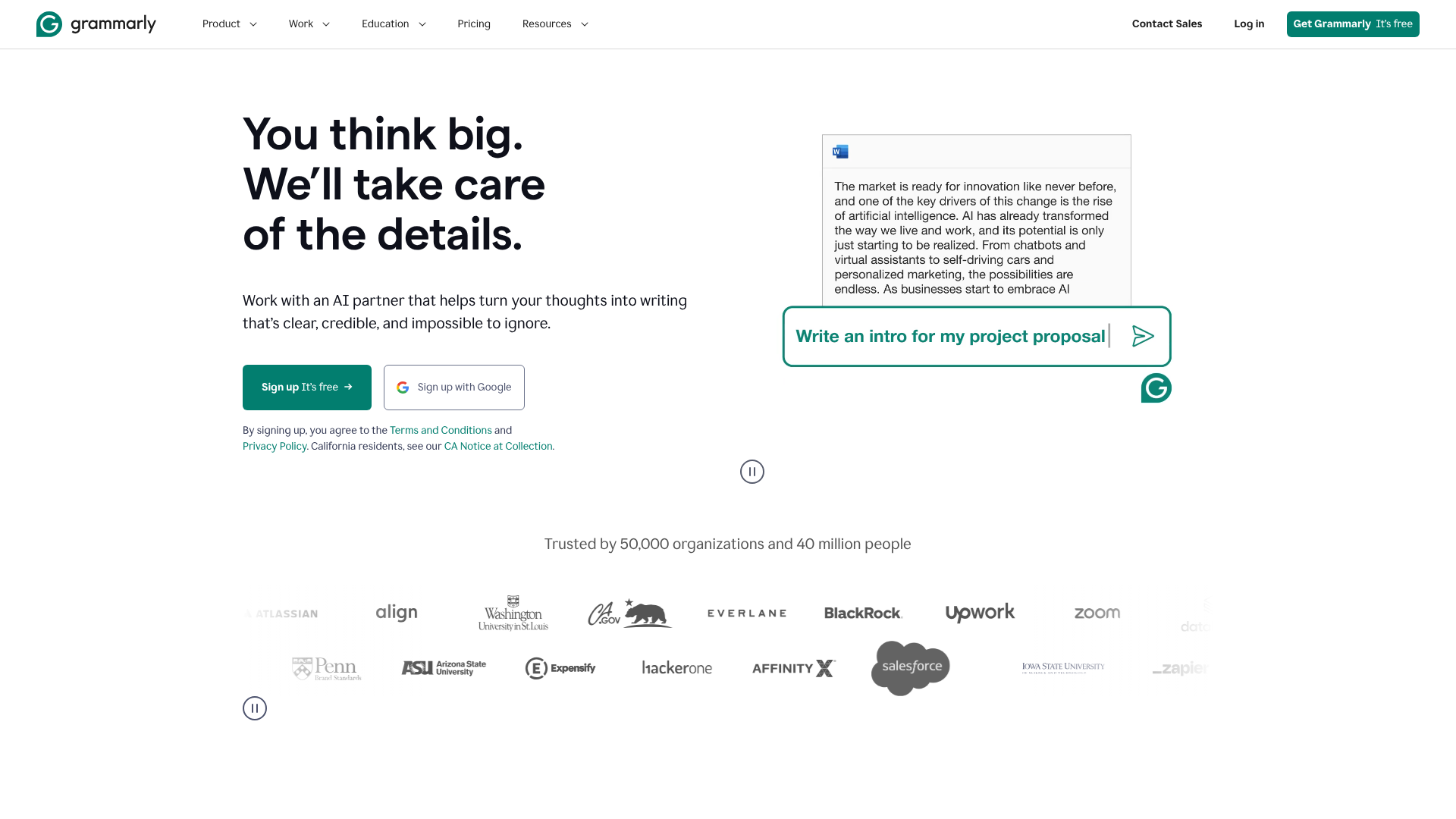
Grammarly is already a household name for its world-class grammar, spelling, and punctuation checker. Its free version is an essential tool for any writer. Recently, it has integrated generative AI features, allowing free users a certain number of prompts per month to help rephrase sentences, adjust tone, or brainstorm ideas directly within the editor.
This makes Grammarly a powerful two-in-one tool. You can write your draft and then use its traditional proofreading features to catch errors, while also using its new AI capabilities to improve clarity and flow. The free plan's AI prompts are limited, but they are a great addition to an already indispensable tool for ensuring your final copy is polished and professional.
Pros
- Superior Proofreading: Its core grammar and spelling checker is the industry standard.
- Integrated AI Features: The free plan now includes a monthly allowance of generative AI prompts.
- Seamless Integration: Works everywhere through its browser extensions, desktop apps, and mobile keyboards.
Cons
- Limited AI Prompts: The number of free generative AI uses is quite restricted compared to other tools.
- Focus is on Correction: It's primarily an editor, not a long-form content generator.
Pro Tip: Combine tools for the best results. Use a generative tool like ChatGPT to create a first draft, then paste it into Grammarly or QuillBot to refine the grammar, style, and sentence structure. This workflow leverages the strengths of each platform.
5. ChatGPT (GPT-4o): Best for General Brainstorming and Versatility
No list of AI writers would be complete without ChatGPT. Developed by OpenAI, its free version now runs on the powerful GPT-4o model, making it incredibly capable and versatile. It excels at a huge range of tasks, from drafting emails and writing code to brainstorming blog post ideas and summarising complex articles. Its conversational interface makes it extremely easy to use—you just ask for what you want.
The free version of ChatGPT is powerful enough for most everyday writing tasks. It can generate high-quality text, answer questions with information from the web, and even analyse images. While there are usage limits during peak times, it remains one of the most accessible and powerful top free AI writers for anyone looking for a general-purpose assistant.
Pros
- Extremely Versatile: Can handle almost any writing task you throw at it.
- Powerful AI Model: The free tier uses GPT-4o, providing high-quality responses.
- Easy to Use: The simple chat interface requires no learning curve.
Cons
- Usage Limits: During peak hours, free users may have to wait or face restrictions.
- Can Be Too General: Lacks the specialised templates and workflows of dedicated writing tools.
6. Claude 3.5 Sonnet: Best for Natural, Human-Like Prose
Claude, from Anthropic, is a direct competitor to ChatGPT and has gained a reputation for producing more nuanced, natural, and human-sounding text. The free version gives users access to the latest model, Claude 3.5 Sonnet, which is fantastic for creative writing, long-form content, and tasks that require a more conversational or thoughtful tone.
One of Claude's standout features is its large context window, which allows it to process and remember large amounts of text, such as an entire document you upload for analysis or summarisation. The free plan has a message limit that resets every few hours, which is quite generous for moderate use. If you find other AI outputs to be a bit robotic, Claude is definitely worth trying.
Pros
- Excellent Writing Quality: Produces very natural and coherent prose.
- Large Context Window: Can handle long documents and complex instructions.
- Generous Free Access: The message limit is reasonable for most users.
Cons
- Message Limits: You can hit your usage cap during intensive work sessions and have to wait.
- Fewer Integrations: Not as widely integrated into other apps as ChatGPT.
7. Rytr: Best for Short-Form Copy and Social Media
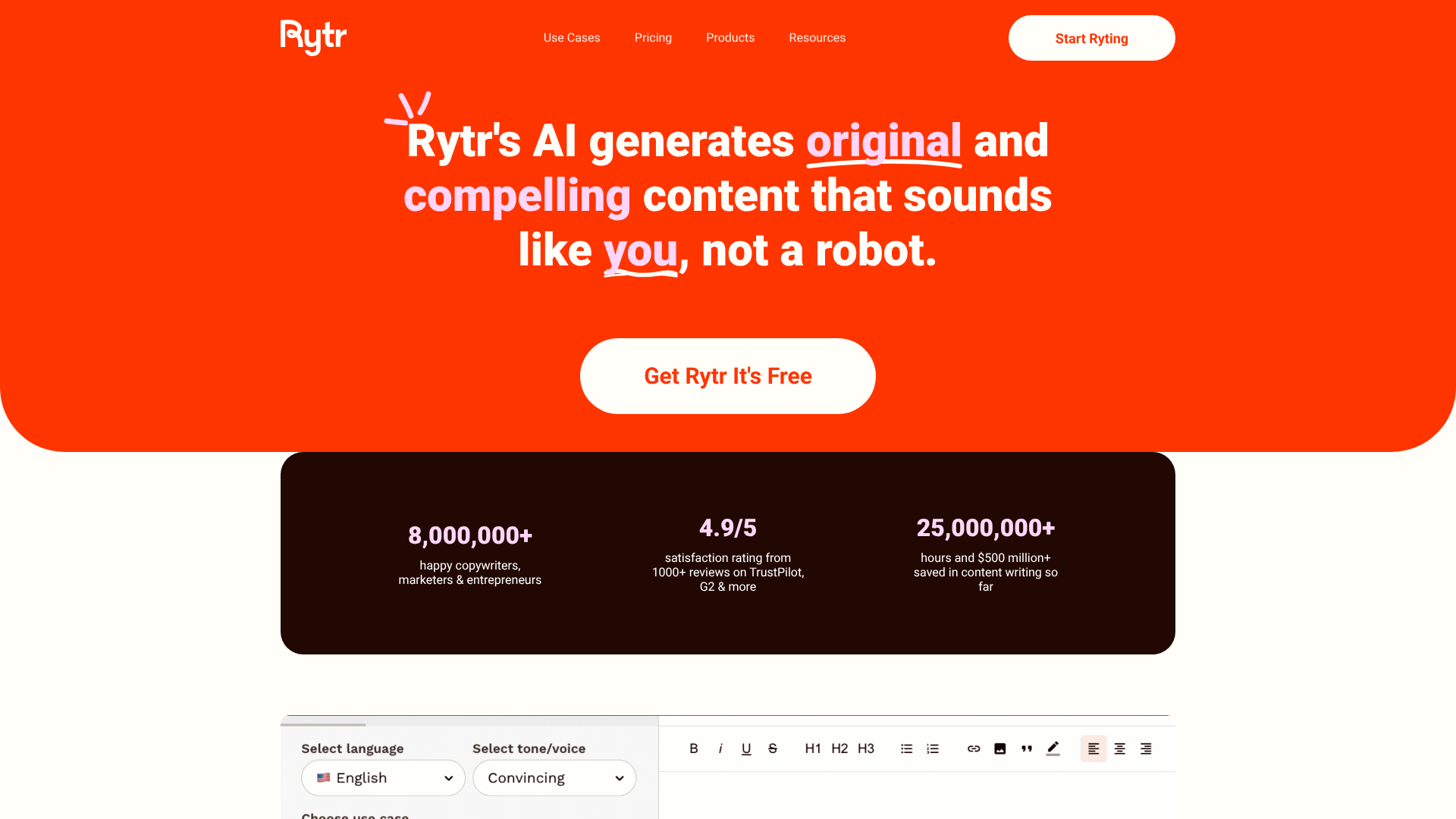
Rytr is a fantastic option for those who primarily need help with short-form content. Its free-forever plan offers 10,000 characters per month (around 1,500-2,000 words), which is perfect for generating social media posts, product descriptions, ad copy, and email subject lines. It offers over 40 use cases (templates) tailored to these specific needs.
The interface is clean and straightforward. You simply select a use case, provide some context, and Rytr generates several variations for you to choose from. It also includes a basic plagiarism checker, which is a nice bonus for a free plan. While the character limit isn't suitable for long-form bloggers, it's an ideal tool for marketers and small business owners who need quick, creative copy.
Pros
- Great for Short Copy: Over 40 templates designed for marketing and social media.
- Simple Interface: Very easy to learn and use immediately.
- Built-in Plagiarism Checker: A valuable feature not always found in free tools.
Cons
- Low Character Limit: The 10,000-character monthly limit is restrictive for long-form content.
- Output Can Be Repetitive: May require more editing to get a unique result.
8. Copy.ai: Great for Marketing and Sales Copy Templates
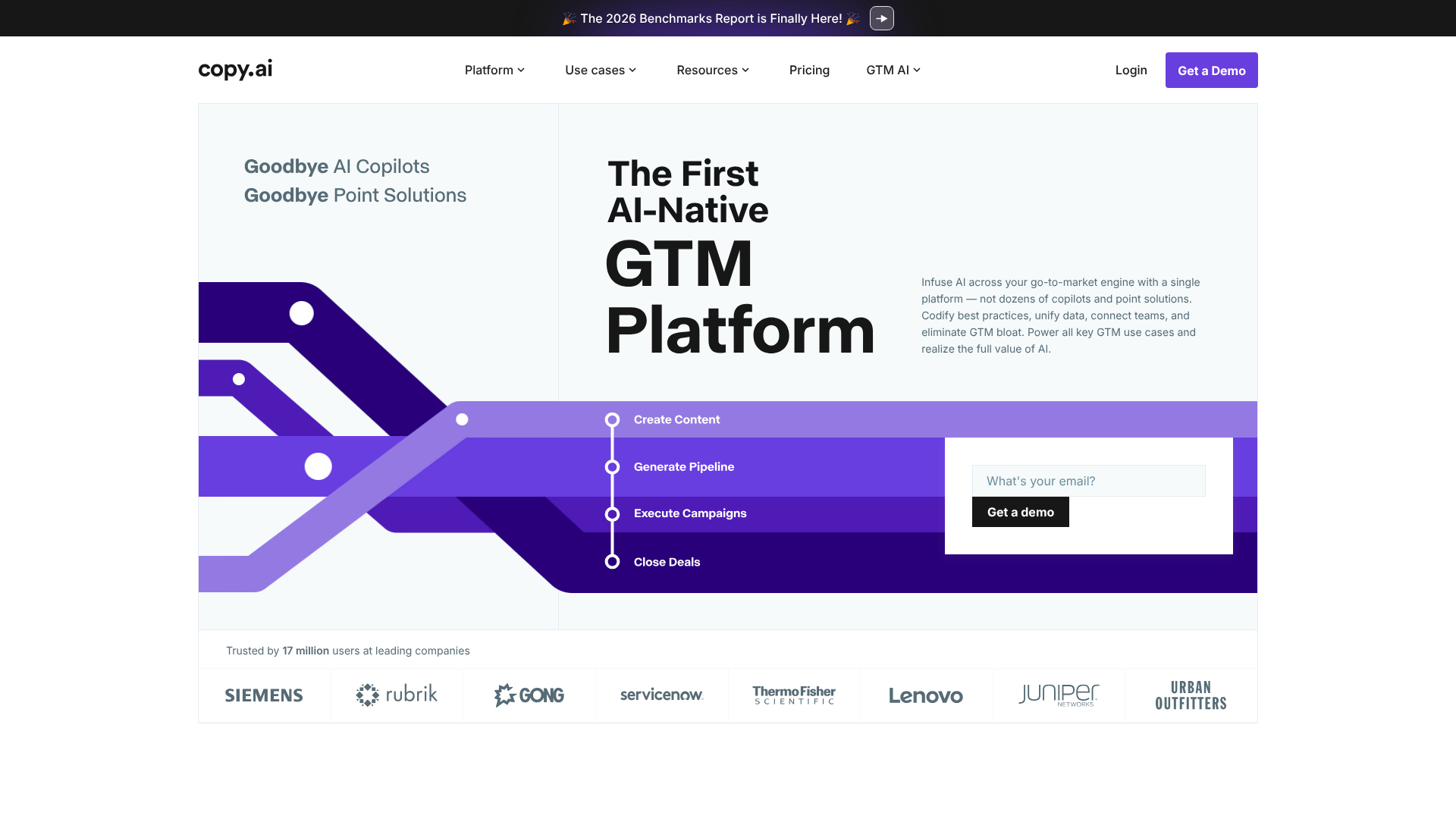
Copy.ai is another strong contender in the marketing and sales copy space. Its free plan provides a 2,000-word limit per month and access to over 90 copywriting tools and templates. This makes it a great choice for professionals who need to generate a variety of marketing materials, from website headlines to sales emails.
The platform is designed to be a collaborative workspace for marketing teams, though its free plan works perfectly well for individuals. The quality of the copy is generally high, and the sheer number of specialised templates means you can find a starting point for almost any marketing task. It's a solid alternative to Rytr, especially if you value a wider range of templates.
Pros
- Huge Template Library: Over 90 tools for specific marketing and sales tasks.
- High-Quality Copy: Generates persuasive and effective marketing content.
- Team-Oriented Features: Good for those who might scale to a paid plan with collaborators later.
Cons
- Strict Word Limit: 2,000 words per month is not a lot and can be used up quickly.
- Focused on Marketing: Less versatile for general or creative writing.
9. HubSpot AI Content Assistant: Best for Integrated Marketing Workflows
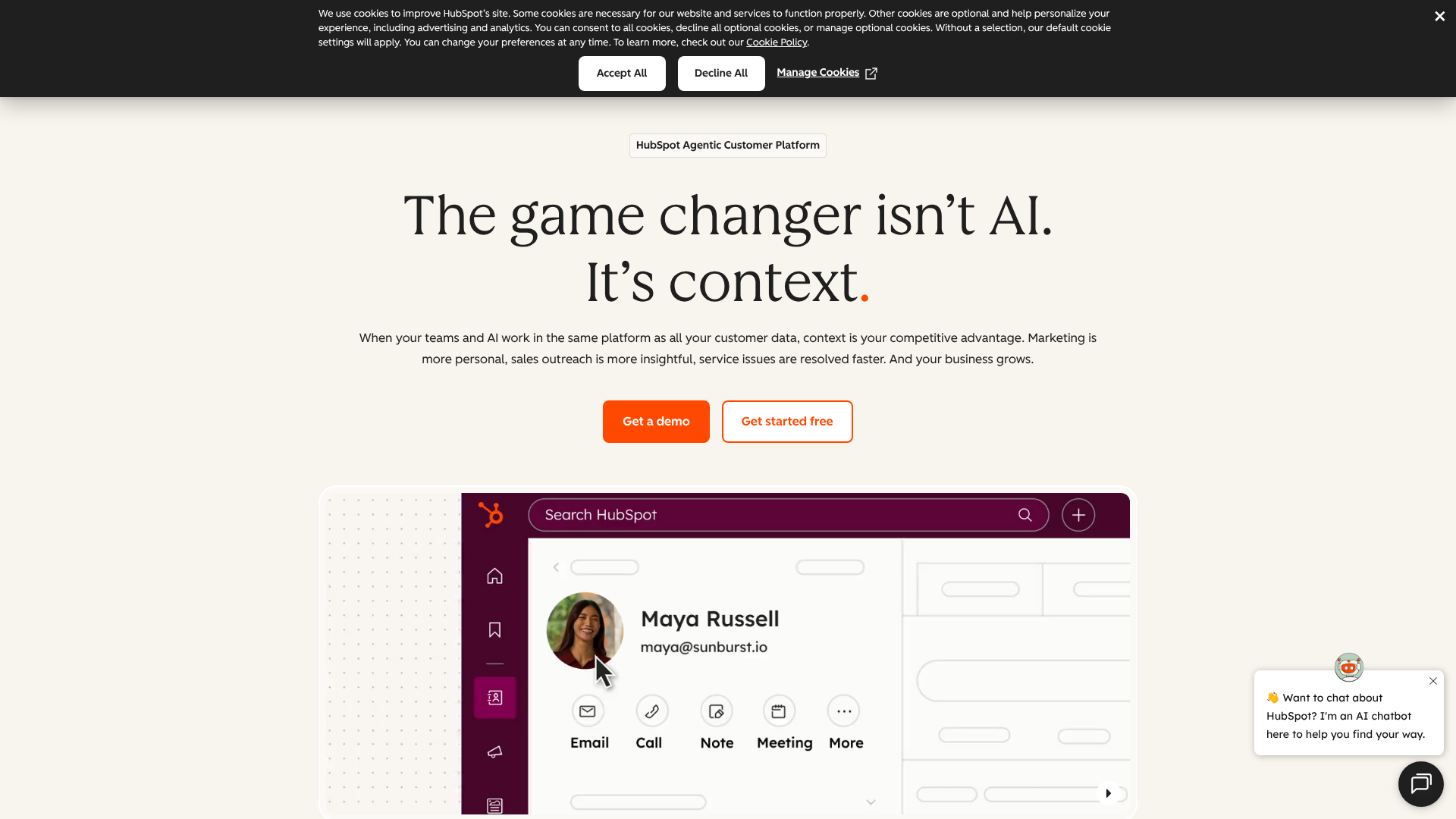
For those already using HubSpot's ecosystem, the free AI Content Assistant is a natural choice. Integrated directly into the HubSpot CRM platform, this tool helps you draft blog posts, marketing emails, and landing page copy without ever leaving your workspace. It's part of HubSpot's suite of free tools, making it incredibly convenient for marketers.
The tool is designed to streamline content creation within a marketing campaign. You can generate a blog outline, write an email to promote it, and create social posts about it, all from one central hub. While it may not have the standalone power of ChatGPT or Jasper, its seamless integration into a leading marketing platform makes it one of the best AI writing tools free for HubSpot users.
Pros
- Seamless Integration: Works directly within the HubSpot platform.
- Completely Free: Included with HubSpot's free CRM tools.
- Workflow-Oriented: Designed to speed up common marketing tasks.
Cons
- Requires HubSpot Account: Only useful if you are using or plan to use the HubSpot ecosystem.
- Less Powerful than Standalone Tools: The features are more basic compared to dedicated AI writers.
If you're looking for a tool that works inside your marketing platform, the HubSpot AI assistant is an excellent option.
Free vs. Paid AI Writers: Understanding the Trade-Offs
While free tools are incredibly useful, it's important to understand what you gain by upgrading to a paid plan. The decision to pay often comes down to scale, efficiency, and access to advanced capabilities. Free plans are perfect for occasional use, testing the waters, or handling small-scale projects. However, for professionals who rely on content for their business, a paid plan often becomes a necessary investment.
The most significant difference is the usage limits. Free plans will always have a cap on words, characters, or generations. Paid plans offer much higher limits or are completely unlimited, which is essential for anyone producing content at volume. Paid tools also provide access to the latest and most powerful AI models, resulting in higher-quality, more nuanced, and more accurate output.
Advanced features are another key differentiator. Paid plans often include features like a brand voice or style guide, which allows the AI to learn and mimic your specific writing style for consistent content. They also offer advanced SEO tools, team collaboration features, and priority customer support. The table below summarises the main differences.
| Feature | Free AI Writers | Paid AI Writers |
|---|---|---|
| Usage Limits | Heavily restricted (e.g., 10,000 characters/month) | High or unlimited |
| AI Model Access | Often good, but may use older models | Access to the latest, most powerful models |
| Advanced Features | Basic templates, limited functionality | Full access (SEO, brand voice, plagiarism check) |
| Content Quality | Generally good, but may require more editing | Highest quality, more nuanced and accurate |
| Support | Community forums or limited email support | Priority email and chat support |
Frequently Asked Questions About Free AI Writing Tools
What is the best AI for writing for free?
There isn't a single "best" tool for everyone, as the ideal choice depends on your specific needs. For all-around versatility and high-quality brainstorming, ChatGPT's free version (using GPT-4o) is an excellent starting point. For more natural, long-form prose, Claude 3.5 Sonnet is a top contender. If your primary need is rewriting and improving existing text, QuillBot is arguably the best in its class.
Which AI tool is 100% free?
Truly 100% free tools with no limits are extremely rare, as running large AI models is expensive. However, some tools come close. HubSpot's AI Content Assistant is free as part of its broader free CRM platform. ChatGPT and Claude offer very generous free tiers that feel almost unlimited for casual users.
Most others operate on a freemium model, providing a set amount of free usage that resets each month, like Rytr or Writesonic.
Which free AI is better than ChatGPT?
"Better" is subjective and depends on the task. For creative and long-form writing where a natural, human-like tone is important, many users find Claude to be superior to ChatGPT. It often produces more nuanced and less formulaic text. For specialised tasks, other tools are better.
For example, QuillBot is far better at paraphrasing, and Grammarly is superior for proofreading and editing. ChatGPT's strength lies in its versatility, but it's not always the best for every specific job.
How can you avoid AI detection?
AI detection tools look for patterns common in AI-generated text, such as uniform sentence length and predictable word choices. To avoid detection and, more importantly, to create better content, always use AI output as a first draft. Manually edit the text to add your own unique voice, personal anecdotes, and analysis. Vary sentence structure, combine short sentences with longer ones, and replace common words with more specific synonyms.
The goal isn't just to trick a detector, but to add genuine human value to the content.
Final Thoughts: Choosing Your Go-To Free AI Writer
Navigating the world of free AI writing software doesn't have to be complicated. The key is to match the tool's strengths to your specific writing needs. For general-purpose drafting and idea generation, you can't go wrong with the powerful free versions of ChatGPT or Claude. They are the Swiss Army knives of the AI writing world.
For more specialised tasks, look to dedicated tools. A writer focused on academic integrity and rephrasing will find a perfect partner in QuillBot, while anyone needing to polish their final draft will benefit immensely from Grammarly's proofreading prowess. Marketers who need a constant stream of creative copy for ads and social media might find the template-driven approach of Writesonic or Rytr to be the most efficient solution.
The best approach is to experiment. Try two or three tools from this list that seem like a good fit. Spend an hour with each, giving them real-world tasks. You'll quickly discover which one feels the most intuitive and produces the results that best align with your standards, helping you write better and faster without spending a penny.