
Lead Capture Landing Page Explained: How to Convert Visitors for Your Business
In digital marketing, traffic is only half the battle. Getting visitors to your website is essential, but the real goal is to turn that anonymous traffic into tangible connections. This is precisely where a well-designed lead capture landing page becomes one of the most powerful tools in your arsenal. It’s a specialised webpage with a single, focused objective: to persuade a visitor to exchange their contact information for something of value, transforming them from a passing browser into a potential customer.
- What You'll Learn
- What Exactly is a Lead Capture Landing Page?
- The Core Components of a High-Converting Lead Capture Page
- 1. A Compelling Headline and Subheading
- 2. Engaging and Relevant Visuals
- 3. Benefit-Oriented Copy
- 4. The Lead Capture Form
- 5. An Irresistible Call-to-Action (CTA)
- 6. Social Proof and Trust Signals
- Why Your Business Needs a Dedicated Landing Page for Leads
- How to Create an Effective Lead Generation Landing Page: A Step-by-Step Guide
- Choosing the Right Lead Capture Page Builder for Your Needs
- Top Lead Capture Landing Page Builders in 2026
- Understanding the Costs: Pricing for Landing Page Software
- The Pros and Cons of Using Specialised Landing Page Tools
- Frequently Asked Questions
- What is a lead capture landing page?
- Is Leadpages worth the money?
- What is the 5 minute rule for leads?
- Is lead generation illegal?
- What are the three types of landing pages?
- Final Thoughts
Unlike a homepage, which offers multiple paths and distractions, a landing page for leads is built for conversion. It strips away all non-essential elements, guiding the user towards one specific action. Whether you're offering a free ebook, a webinar registration, or a product demo, this page is your dedicated digital salesperson, working 24/7 to grow your audience and fill your sales pipeline.
This guide explains everything you need to know about creating a lead generation landing page that works. We'll cover its core components, the benefits for your business, the best tools to build one, and step-by-step instructions to get you started.
What You'll Learn
- What a Lead Capture Page Is: Understand the fundamental definition and how it differs from other pages on your website, like your homepage.
- The Essential Components: Learn about the key elements every high-converting landing page must have, from the headline to the call-to-action.
- Key Business Benefits: Discover why using a dedicated landing page for leads can significantly increase your conversion rates and provide valuable marketing insights.
- Top Builder Recommendations: Get an overview of the best software for creating effective lead capture pages, including their strengths and ideal use cases.
- Step-by-Step Creation Process: Follow a clear, actionable process for building your own lead capture page from scratch, ensuring you cover all critical steps for success.
What Exactly is a Lead Capture Landing Page?
A lead capture landing page is a standalone web page created specifically for a marketing or advertising campaign. Its sole purpose is to collect contact information—or 'leads'—from visitors. A visitor typically arrives on this page after clicking a link in an email, a social media post, a search engine result, or an online advertisement.
Think of your website's homepage as a department store's main entrance. There are signs pointing everywhere: to menswear, electronics, home goods, and the food court. The visitor has many choices and can easily get distracted. A lead capture page, on the other hand, is like a pop-up kiosk in the middle of the store with a single, compelling offer: "Free Sample Here".
There's no other clutter, just a clear offer and a simple action to take.
This laser-like focus is what makes a lead capture page so effective. It removes all navigation menus, sidebars, and competing links that could draw the visitor's attention away from the primary goal. The entire experience is engineered to guide the user towards filling out the form. The exchange is simple and direct: you provide a valuable resource (an ebook, a checklist, a webinar seat), and in return, they provide their name and email address.
This differs significantly from other types of landing pages, such as a 'click-through' page, whose goal is to warm up a visitor before sending them to a shopping cart or checkout page. A lead generation landing page is all about the information exchange, making it a foundational element of inbound marketing, content marketing, and paid advertising strategies.
The Core Components of a High-Converting Lead Capture Page

An effective lead capture page isn't just a form on a page; it's a carefully constructed combination of persuasive elements working together. Each component has a specific job to do in convincing the visitor that your offer is worth their personal information. Missing or weak elements can cause your conversion rates to plummet.
Here are the essential components you must include:
1. A Compelling Headline and Subheading
The headline is the first thing a visitor reads and must grab their attention immediately. It should be clear, concise, and directly related to the offer and the ad or link they clicked to get there. The subheading provides a little more detail, expanding on the benefit promised in the headline.
2. Engaging and Relevant Visuals
A high-quality image or short video can make a huge impact. The visual should be directly related to your offer. For an ebook, show the cover. For a webinar, show the host or a slide from the presentation. Video can be particularly powerful for explaining a complex offer or building a personal connection.
3. Benefit-Oriented Copy
The body copy should be scannable and focused on benefits, not just features. Use bullet points to clearly list what the visitor will get or learn. Answer the user's core question: "What's in it for me?" Keep sentences short and use simple language.
4. The Lead Capture Form
This is the heart of the page. The key is to only ask for the information you absolutely need. For a simple newsletter sign-up, an email address might be enough. For a sales consultation, you might need a name, company, and phone number. Every additional field you add creates friction and can lower your conversion rate.
5. An Irresistible Call-to-Action (CTA)
The CTA is the button the user clicks to submit their information. It should be visually prominent, using a contrasting colour that stands out. The text on the button should be action-oriented and specific, such as "Download Your Free Guide" or "Reserve My Spot Now" instead of a generic "Submit".
6. Social Proof and Trust Signals
People are more likely to take action if they see that others have done so and had a positive experience. Include testimonials, logos of well-known clients, or statistics (e.g., "Join 10,000+ subscribers"). Additionally, add trust signals like a link to your privacy policy or security badges to reassure visitors that their data is safe.
Why Your Business Needs a Dedicated Landing Page for Leads
Some marketers are tempted to send campaign traffic directly to their homepage, thinking it's good enough. This is almost always a mistake that leads to wasted ad spend and missed opportunities. Using a dedicated landing page for leads offers distinct advantages that directly contribute to better marketing results and business growth.
First and foremost, it dramatically increases conversion rates. Because a lead capture page is free from distractions and focused on a single offer, it provides a clear path for the user. This clarity reduces confusion and decision fatigue, making it much more likely that a visitor will complete the desired action. Industry benchmarks consistently show that dedicated landing pages convert better than general-purpose web pages.
Second, it allows for precise campaign measurement and optimisation. When you create a unique landing page for each campaign (e.g., one for your Facebook ad, one for your Google ad), you can track performance with incredible accuracy. You know exactly which channels, ads, and offers are generating the most leads. This data is crucial for calculating your return on investment (ROI) and making informed decisions about where to allocate your marketing budget.
Finally, using a lead generation landing page helps improve the quality of your leads. The specific offer on your page acts as a filter. It attracts people who are genuinely interested in what you have to offer, meaning they are more likely to be a good fit for your business. This results in a higher-quality email list and a sales pipeline filled with more qualified prospects, saving your sales team time and effort.
How to Create an Effective Lead Generation Landing Page: A Step-by-Step Guide
Building a landing page that converts doesn't have to be complicated. By following a structured process, you can ensure you cover all the essential elements. Modern landing page builders make the technical side easy, so you can focus on the strategy and messaging.
Here is a step-by-step guide to creating your first lead capture page:
Define Your Goal and Offer: Before you build anything, be crystal clear on what you want to achieve. What specific action do you want the visitor to take? Then, define the 'lead magnet' or offer you'll provide in exchange. It must be something your target audience finds genuinely valuable, like a comprehensive guide, a time-saving template, or an exclusive discount.
Understand Your Audience: Who are you trying to reach? What are their pain points, challenges, and desires? All of your messaging—from the headline to the CTA—should speak directly to this person in a language they understand. The more you know your audience, the more persuasive your page will be.
Write Compelling Copy: Start with a powerful, benefit-driven headline. Use bullet points in the body to make the benefits of your offer easy to scan and digest. Keep your language clear, direct, and persuasive. Focus on the transformation or result the user will get after they download your offer.
Design for Simplicity and Focus: Choose a clean, uncluttered layout. The most important rule is to remove all site navigation and any other links that could lead the visitor away from the page. Use visual cues, like directional arrows or contrasting colours, to guide the user's eye towards the form and the CTA button.
Build Your Form: Keep your form as short as possible. For top-of-funnel offers like an ebook, a name and email address are often sufficient. The more you ask for, the lower your conversion rate will be. Ensure the form is easy to see and simple to complete.
Integrate with Your Marketing Tools: Connect your landing page form to your email marketing service (like ActiveCampaign or GetResponse) or CRM. This ensures that new leads are automatically added to your database and can be entered into a follow-up email sequence or nurturing campaign immediately.
Test and Optimise: Your first version is rarely your best. Use A/B testing to experiment with different headlines, images, CTA button text, and form lengths. Even small changes can lead to significant improvements in your conversion rate over time. Tools like Unbounce and Leadpages have built-in A/B testing features that make this process straightforward.
Pro Tip: Implement the "5-second test." Show your landing page to someone unfamiliar with it for just five seconds. Then, hide it and ask them what the offer was and what they were supposed to do. If they can't answer clearly, your page isn't focused enough.
Choosing the Right Lead Capture Page Builder for Your Needs
While you could technically code a landing page from scratch, using a dedicated landing page builder is faster, easier, and often more effective for most businesses. These tools are designed specifically for creating high-converting pages and come with features like templates, drag-and-drop editors, and built-in analytics. But with so many options available, how do you choose the right one?
Your decision should be based on a few key factors: your technical skill level, your budget, and your specific marketing needs.
First, consider ease of use. If you're not a designer or developer, you'll want a platform with an intuitive drag-and-drop editor and a wide selection of professional templates. This allows you to launch beautiful, mobile-responsive pages quickly without writing a single line of code. Platforms like Leadpages are well-known for their user-friendliness.
Next, evaluate the integration capabilities. Your landing page builder needs to connect seamlessly with the other tools in your marketing stack, especially your email marketing platform or CRM. Check if the builder offers native integrations with the services you already use. A smooth integration automates the process of adding new leads to your lists and follow-up sequences.
Finally, look at the features and pricing. Do you need advanced features like A/B testing, dynamic text replacement for paid ad campaigns, or pop-ups and alert bars. More advanced platforms like Unbounce offer these, but they come at a higher price. If you're just starting out, a more affordable tool with core features might be all you need.
Consider the scalability of the platform and whether its pricing plans will still fit your budget as your business grows.
Top Lead Capture Landing Page Builders in 2026
Selecting the right software is crucial for streamlining the creation and optimisation of your lead capture pages. Here are some of the top platforms on the market, each with its own unique strengths.
1. Leadpages
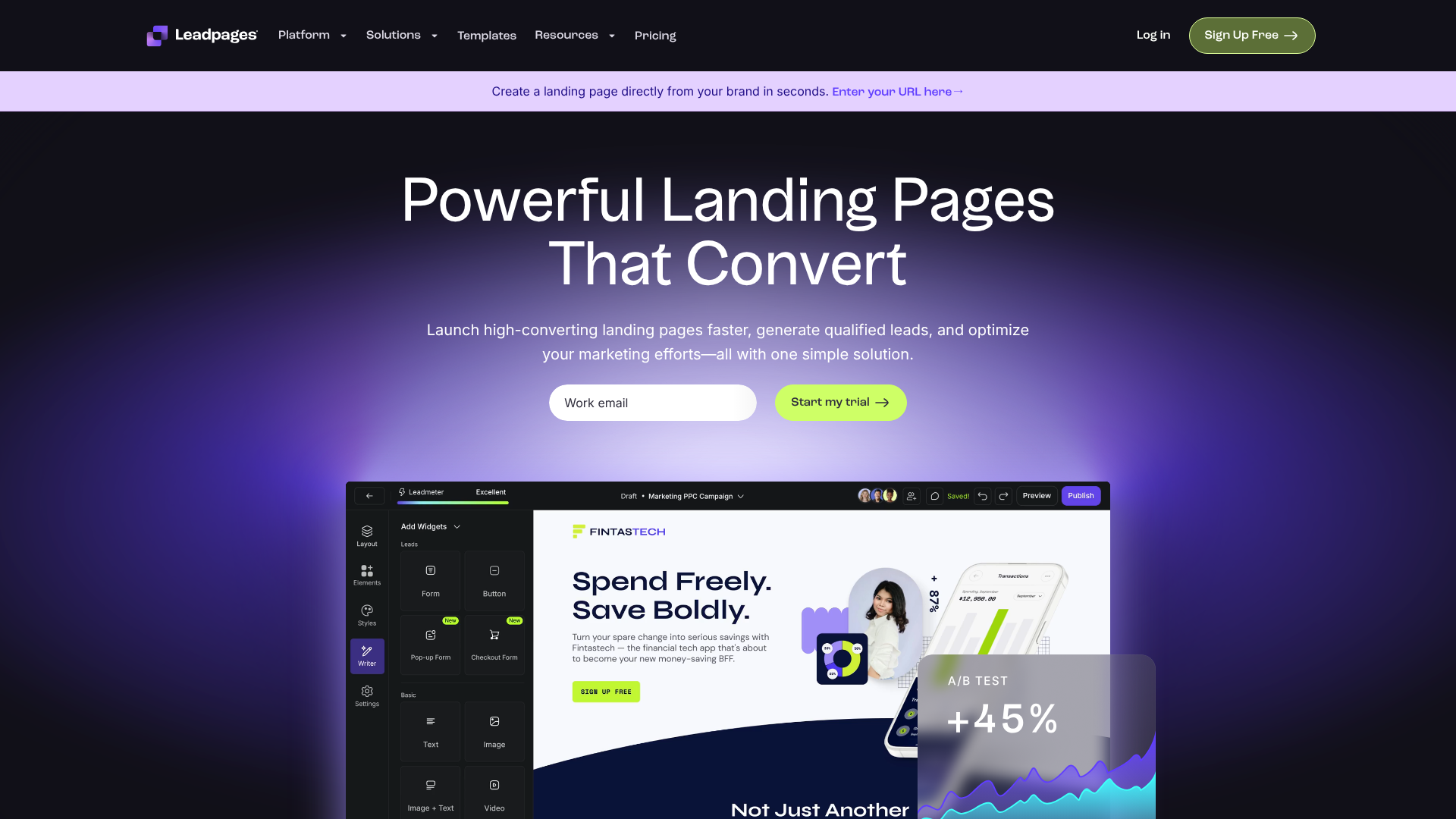
Leadpages is one of the most popular and user-friendly landing page builders available. It's an excellent choice for small businesses, entrepreneurs, and marketers who want to create and launch high-converting pages quickly without a steep learning curve.
Pros
- Extremely Easy to Use: The drag-and-drop editor is intuitive, and the platform offers a vast library of mobile-responsive templates sorted by conversion rate.
- Affordable: Compared to some competitors, Leadpages offers a very competitive starting price, making it accessible for smaller budgets.
- Includes Website Building: Higher-tier plans include a full website builder, pop-ups, and alert bars, offering great value.
Cons
- Limited A/B Testing on Standard Plan: The most robust A/B testing features are reserved for the more expensive Pro plan.
- Less Design Flexibility: While easy to use, the editor can feel slightly more restrictive than more advanced tools like Unbounce.
2. Unbounce
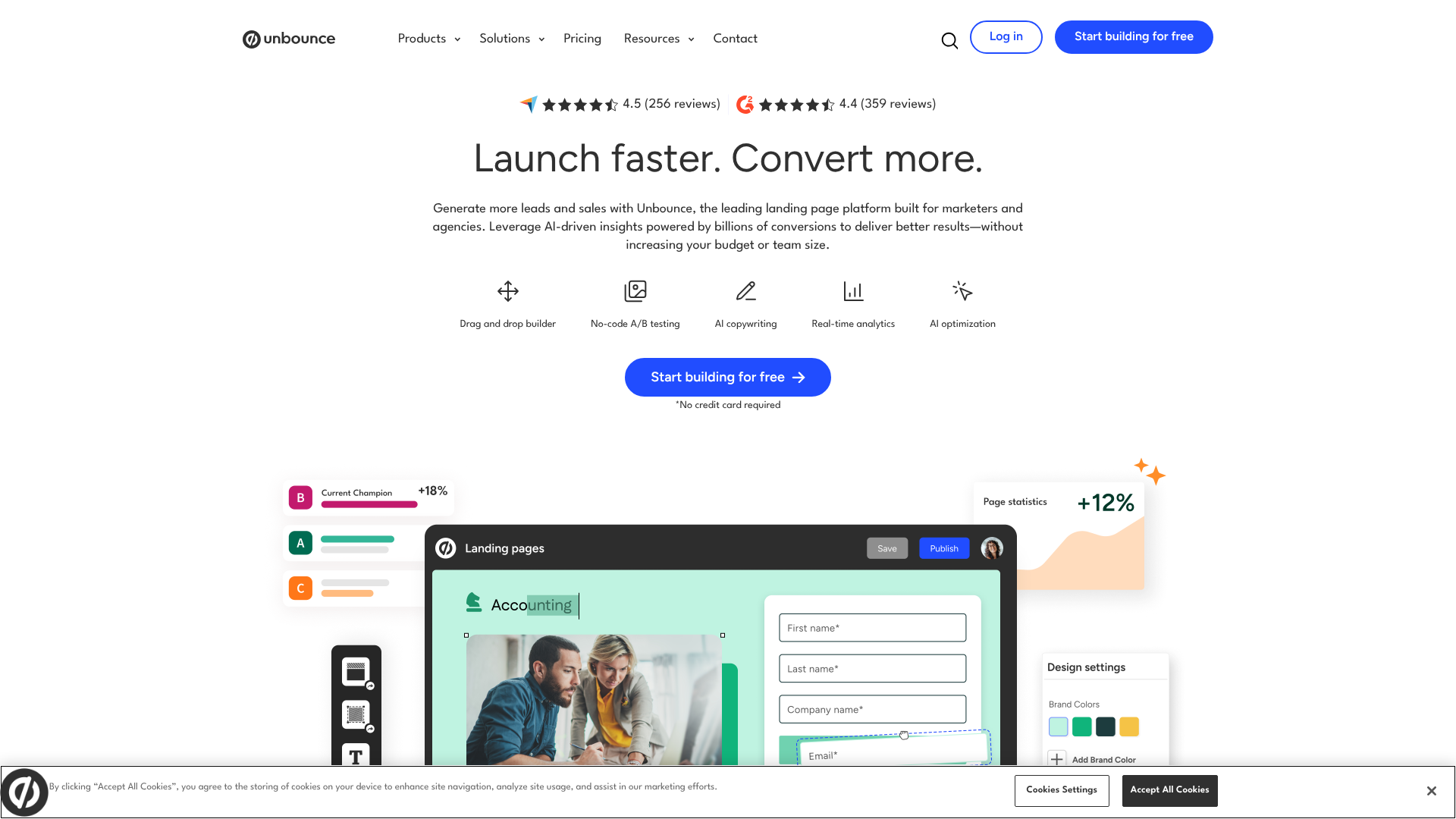
Unbounce is a powerful and flexible platform designed for serious marketers, agencies, and SaaS companies that rely heavily on paid advertising and conversion optimisation. It offers advanced features that allow for granular control over page design and testing.
Pros
- Powerful A/B Testing: Unbounce's testing capabilities are top-notch, making it easy to run experiments and optimise for conversions.
- Dynamic Text Replacement: This feature is a huge benefit for PPC marketers, as it allows you to automatically match the text on your landing page to the user's search query, increasing relevance and Quality Score.
- Great Design Flexibility: The free-form drag-and-drop editor gives you complete control over the placement of every element on your page.
Cons
- Higher Price Point: Unbounce is one of the more expensive options, which may put it out of reach for businesses with tight budgets.
- Steeper Learning Curve: The added flexibility and advanced features mean it can take a bit longer to master compared to simpler tools.
3. ClickFunnels
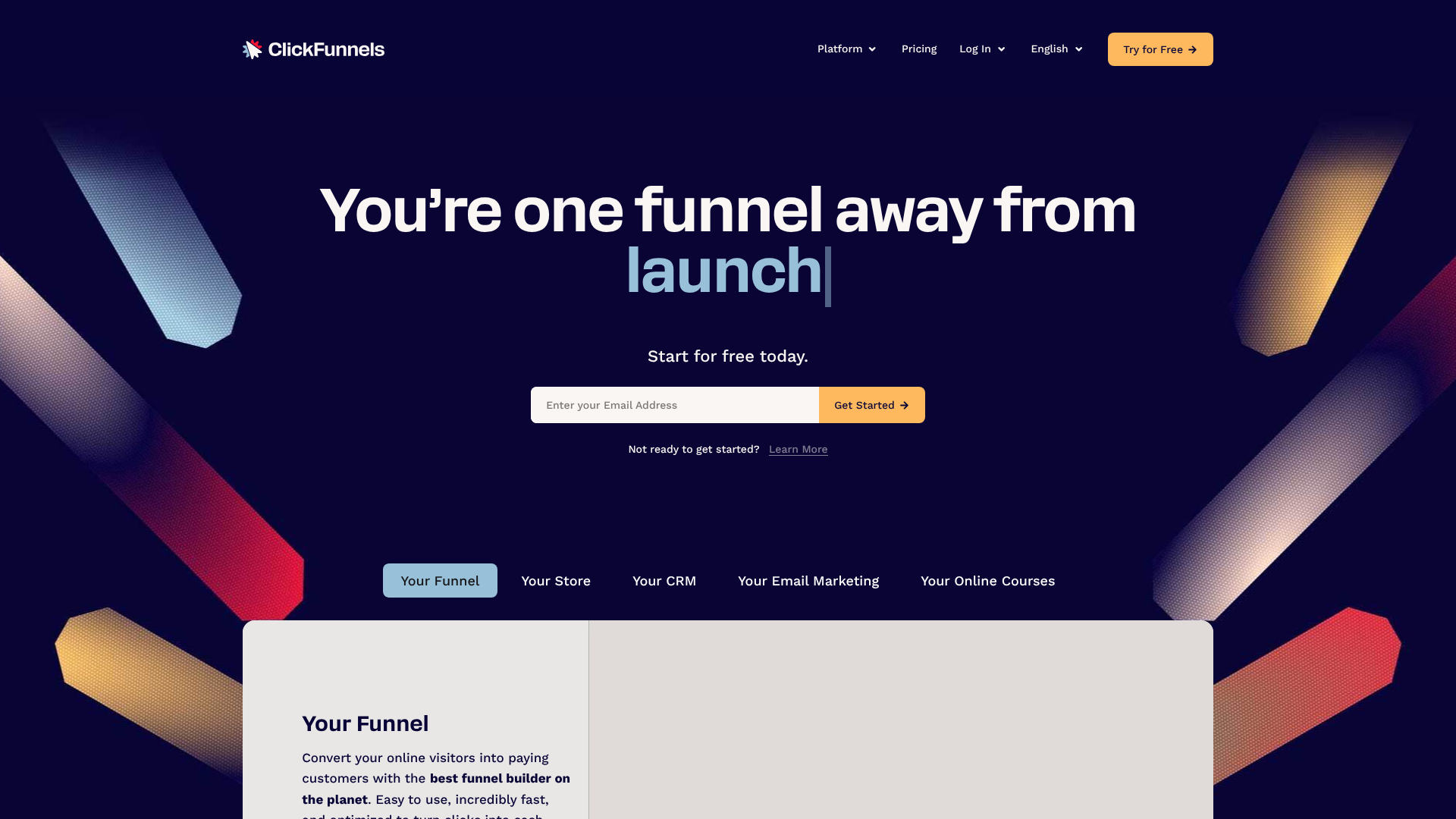
ClickFunnels goes beyond just landing pages. It's a comprehensive platform designed for building entire sales funnels, from the initial lead capture to the final sale and upsells. It's ideal for businesses selling products or services directly online, such as course creators, coaches, and e-commerce stores.
Pros
- All-in-One Funnel Builder: It handles every step of the sales process, including landing pages, payment processing, membership sites, and affiliate management.
- Focus on Sales: The platform is built from the ground up to guide users through a sales process, making it highly effective for direct-response marketing.
- Large Community and Training: ClickFunnels has a massive, active community and extensive training resources to help users succeed.
Cons
- Can be Overkill: If you only need a simple lead capture page, the full suite of funnel-building tools can be overwhelming and unnecessary.
- Expensive: The platform comes with a premium price tag, reflecting its broad range of features.
If building complete sales funnels is your primary goal, you can explore what ClickFunnels has to offer.
4. GetResponse
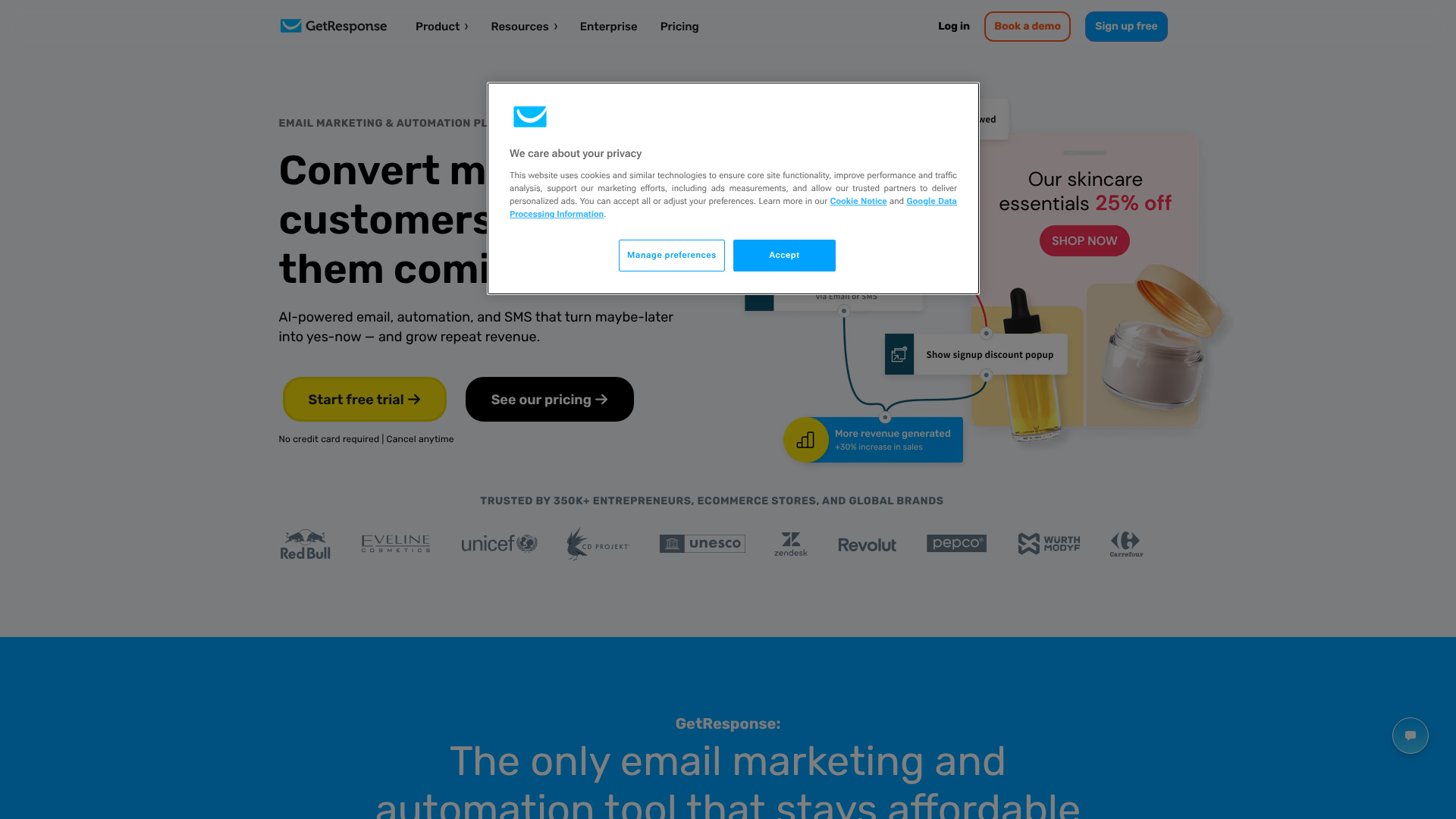
GetResponse is an all-in-one marketing platform that includes a landing page builder alongside email marketing, marketing automation, and webinar tools. It's a fantastic option for businesses looking to consolidate their marketing tools into a single, integrated solution.
Pros
- Integrated Marketing Suite: Having your landing pages, email marketing, and automation in one place creates a seamless workflow.
- Cost-Effective: For the number of features included, GetResponse offers excellent value, especially with its free-forever plan that includes a landing page and website builder.
- AI-Powered Builder: The platform includes an AI-driven builder that can help you create pages quickly based on your industry and goals.
Cons
- Landing Page Builder is Not its Core Focus: While capable, the landing page builder may not have all the advanced, specialised features of a dedicated tool like Unbounce.
- Editor Can Be Clunky: Some users find the editor less intuitive than those of its main competitors.
Understanding the Costs: Pricing for Landing Page Software
Investing in a lead capture page builder is an investment in your business's growth, but costs can vary significantly between platforms. Understanding the pricing structures will help you make a decision that fits your budget and provides the features you need. Most tools operate on a tiered, subscription-based model (SaaS).
Here's a general comparison of what you can expect. Please note that pricing changes, so it's always best to check the official websites for the most current information.
| Tool | Starting Price (Approx.) | Best For | Key Feature |
|---|---|---|---|
| Leadpages | ~$37/month (billed annually) | Small Businesses & Solopreneurs | Ease of use and high-converting templates |
| Unbounce | ~$99/month (billed annually) | Marketers & Agencies | Advanced A/B testing & dynamic text |
| ClickFunnels | ~$127/month (billed annually) | Sales Funnels & Online Courses | All-in-one funnel building capabilities |
| GetResponse | Free plan available; Paid plans start ~$16/month | All-in-One Marketing | Integrated email, automation, and landing pages |
Free vs. Paid Plans: Some platforms like GetResponse offer a free-forever plan, which is a great way to get started. However, these plans usually come with limitations, such as caps on traffic or leads, platform branding on your pages, and restricted features. Paid plans unlock essential tools like A/B testing, custom domains, and more integrations.
Factors Affecting Cost: The price you pay often depends on factors like the number of landing pages you can publish, the amount of monthly traffic you receive, and the number of leads you capture. As you move up the tiers, you gain access to more advanced features, higher traffic limits, and priority support.
Pro Tip: Always look for an annual payment option. Most SaaS companies offer a significant discount (typically 15-25%) if you pay for a year upfront, which can lead to substantial savings over time.
The Pros and Cons of Using Specialised Landing Page Tools
Deciding whether to invest in a dedicated landing page builder requires weighing the advantages against the potential drawbacks. While these tools offer immense power and convenience, it's important to understand the complete picture before committing to a monthly subscription.
Pros of Specialised Tools
- Speed and Efficiency: The biggest advantage is speed. With pre-built templates and drag-and-drop editors, you can design, build, and launch a professional-looking landing page in a matter of hours, or even minutes, rather than days or weeks.
- No Technical Skills Required: You don't need to be a developer or a designer. These platforms democratise web design, empowering marketers to create and manage their own campaigns without relying on a technical team.
- Built for Conversion: Every feature, from the templates to the A/B testing functionality, is designed with one goal in mind: maximising conversions. This focus is something you don't get with a general-purpose website builder.
- Integrated Analytics: Most tools come with built-in dashboards that make it easy to track key metrics like views, conversions, and conversion rates, helping you quickly see what's working.
Cons of Specialised Tools
- Ongoing Cost: The most obvious drawback is the recurring monthly or annual fee. While often a worthwhile investment, it's an additional expense that businesses, especially those just starting, need to factor into their budget.
- Potential Design Constraints: While flexible, template-based systems can sometimes be more restrictive than building a page from scratch with custom code. You may occasionally run into limitations with the editor.
- Platform Lock-in: Your landing pages are hosted on the provider's platform. If you decide to switch services or stop paying, you will lose the pages you've built. You can't simply migrate them to another host.
For most businesses, the pros—particularly the speed and ease of optimisation—far outweigh the cons. The ability to quickly test ideas and scale successful campaigns provides a competitive advantage that is difficult to achieve otherwise.
Frequently Asked Questions
Here are answers to some of the most common questions people have about lead capture pages and the tools used to build them.
What is a lead capture landing page?
A lead capture landing page is a single, standalone web page designed with one specific goal: to collect a visitor's contact information, such as their name and email address. This is achieved by offering something of value (a 'lead magnet') in exchange for their details. The page is intentionally minimalistic, removing typical website navigation to focus the user's attention entirely on the call-to-action.
Is Leadpages worth the money?
For many small businesses, consultants, and solo entrepreneurs, Leadpages is absolutely worth the investment. Its primary strengths are its ease of use and its extensive library of templates that are optimised for conversion. If your main goal is to get effective landing pages up and running quickly without needing deep technical or design skills, Leadpages provides excellent value. However, if you require highly advanced A/B testing or complex features like dynamic text replacement for large-scale PPC campaigns, a more powerful tool like Unbounce might be a better fit, albeit at a higher cost.
What is the 5 minute rule for leads?
The "5-minute rule" refers to the principle that you should follow up with a new lead within five minutes of them submitting their information. Studies have shown that the odds of contacting a lead decrease dramatically after the first five minutes, and the chances of qualifying that lead drop even more. This is why integrating your lead capture page with an email automation system is so critical. It allows you to send an instant confirmation email that delivers the promised lead magnet and begins the nurturing process while your business is still top-of-mind.
Is lead generation illegal?
Lead generation itself is not illegal, but it must be done ethically and in compliance with data protection laws. Regulations like the GDPR in Europe and the CCPA in California require that you obtain clear and explicit consent from individuals before you collect their data and send them marketing communications. This means you cannot add someone to your marketing list without their permission. Your lead capture form should clearly state what the user is signing up for, and you must provide a straightforward way for them to unsubscribe at any time.
What are the three types of landing pages?
While there are many variations, landing pages are often categorised into three main types based on their goal. The first is the Lead Capture Page (or Lead Gen Page), which we've discussed extensively, focused on collecting contact information. The second is the Click-Through Page, which aims to 'warm up' a visitor and persuade them to click through to another page, typically a checkout or purchase page. The third is the Squeeze Page, which is an ultra-minimalist version of a lead capture page, often containing only a headline, a brief offer, and a form, designed to 'squeeze' an email address from the visitor with maximum efficiency.
Final Thoughts
A lead capture landing page is more than just a part of your website; it's a fundamental engine for business growth. By providing a focused, distraction-free environment, it serves as the most effective bridge between attracting an audience and building a relationship with them. It transforms passive visitors into active leads, giving you the opportunity to nurture them into loyal customers.
Creating a page that converts requires a thoughtful combination of persuasive copy, clean design, a valuable offer, and the right technology. While the principles are straightforward, the execution makes all the difference. Start by understanding your audience, craft a compelling offer, and use a dedicated builder to bring your vision to life efficiently.
Whether you're just starting to build your email list or looking to optimise complex advertising funnels, mastering the art of the lead generation landing page is a non-negotiable skill. If you're ready to simplify the process and start converting more visitors, exploring a tool like Leadpages for its simplicity or ClickFunnels for its comprehensive funnel-building capabilities could be the perfect next step.