

Jotform vs Google Forms: The Definitive 2026 Comparison for Businesses
Choosing the right online form builder can feel like a simple task until you're faced with the two biggest names in the game. On one side, you have a completely free, universally accessible tool from a tech giant. On the other, a feature-packed powerhouse designed for professional workflows. This in-depth comparison of Jotform vs Google Forms will break down every critical aspect, from features and pricing to customisation and security, helping you decide which platform is the right fit for your business needs in 2026.
- Quick Summary
- What Are Jotform and Google Forms? An Overview
- Feature Face-Off: A Detailed Jotform vs Google Forms Comparison
- Design and Customisation
- Conditional Logic and Automation
- Payments and E-commerce
- Integrations and Workflows
- Data Collection and Management
- Pricing and Plans: Is Jotform Worth the Cost?
- Pros and Cons: The Honest Breakdown
- How to Choose: Jotform or Google Forms for Your Needs?
- Frequently Asked Questions (FAQ)
- What is better, Jotform or Google Forms?
- Is Jotform really free?
- Is Google Forms no longer free?
- What are the disadvantages of using Google Forms?
- Final Thoughts: The Verdict
Whether you're gathering simple feedback or building complex application processes with payment collection, the choice you make has a significant impact on your efficiency and brand presentation. We'll move beyond the surface-level differences to give you the detailed insights needed to make an informed decision. This guide will help you understand when to use the simple, free option and when it's time to invest in a more advanced solution like Jotform.
Quick Summary
- Best for Simplicity & Cost: Google Forms is 100% free and incredibly easy to use, making it perfect for simple surveys, internal data collection, and users already embedded in the Google Workspace ecosystem.
- Best for Power & Professionalism: Jotform offers vastly superior features, including payment integrations, advanced conditional logic, e-signatures, and extensive design customisation, making it the ideal choice for businesses.
- Key Differentiators: The biggest differences lie in payment processing, design flexibility, and advanced features. Jotform excels in all three areas, while Google Forms offers basic functionality.
- Pricing Model: Google Forms is completely free with unlimited forms and responses. Jotform operates on a freemium model, offering a capable free plan with limitations on submissions and features, with paid plans unlocking its full potential.
What Are Jotform and Google Forms? An Overview
Before we dive into a side-by-side feature analysis, it's important to understand the core philosophy behind each tool. They were built to solve similar problems but for very different audiences, which explains their vast differences in functionality and design.
What is Jotform?
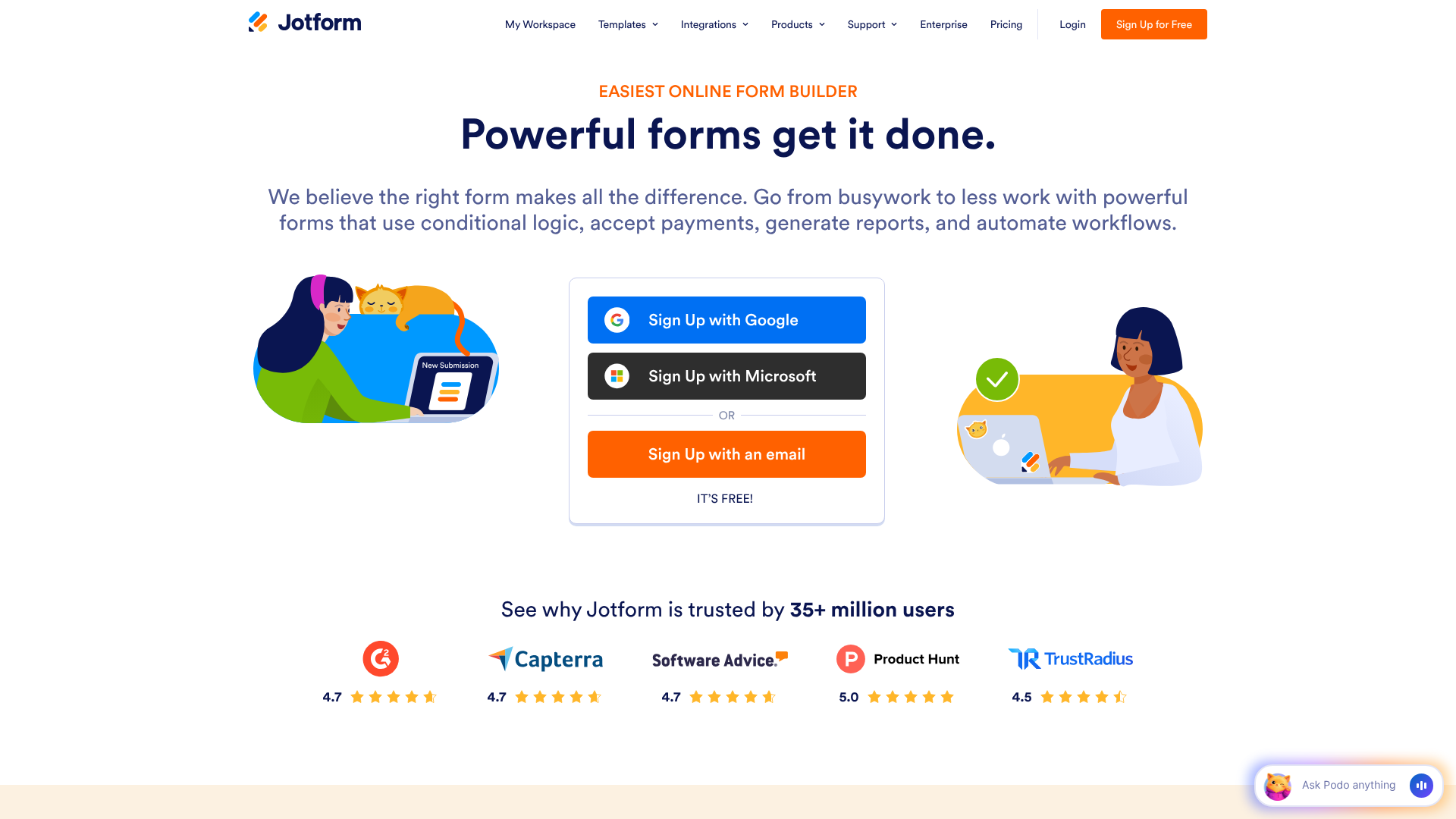
Jotform is a comprehensive online form builder designed for users who need more than just basic data collection. It positions itself as an all-in-one solution for creating powerful, customisable, and automated forms for nearly any purpose. Think of it as a Swiss Army knife for data collection, equipped for everything from simple contact forms to complex event registrations, e-commerce order forms, and even HIPAA-compliant medical intake forms.
Its main appeal lies in its sheer versatility. With over 10,000 ready-made templates, hundreds of integrations with other business tools, and advanced features like payment collection and conditional logic, Jotform empowers businesses to create professional-looking forms that match their branding and automate their workflows. It's built for scenarios where the form is a critical part of a business process, not just a simple questionnaire.
What is Google Forms?
Google Forms is a straightforward, no-frills form and survey tool that is part of Google's free web-based application suite, Google Workspace. Its primary strength is its simplicity and seamless integration with other Google products, especially Google Sheets. If you have a Google account, you already have access to Google Forms.
It's the go-to choice for quick, easy data collection without any complexity. Educators use it for quizzes, small teams use it for internal feedback, and individuals use it for planning events with friends. The user interface is clean and intuitive, allowing anyone to create a functional form in minutes. However, this simplicity comes at the cost of advanced features and customisation, which is where the comparison of Jotform vs Google really begins to show a divide.
Feature Face-Off: A Detailed Jotform vs Google Forms Comparison
This is where the differences between the two platforms become most apparent. While both can create a basic form with standard fields like name, email, and multiple-choice questions, their capabilities diverge quickly when you need more sophisticated functionality.
| Feature | Jotform | Google Forms |
|---|---|---|
| Pricing | Freemium (Free plan with limits, paid plans from ~$34/month) | 100% Free |
| Templates | 10,000+ | ~17 basic templates |
| Customisation | Extensive (Themes, CSS, advanced branding) | Basic (Header image, colours, font style) |
| Conditional Logic | Advanced (Show/hide fields, skip pages, conditional emails) | Basic (Go to section based on answer) |
| Payment Integrations | 30+ (Stripe, PayPal, Square, etc.) | None (Requires third-party workarounds) |
| E-Signatures | Yes (Native widgets) | No (Requires add-ons) |
| Integrations | 150+ native integrations | Primarily Google Workspace, limited add-ons |
| Data Management | Tables, Report Builder, PDF Editor, Inbox | Google Sheets |
| HIPAA Compliance | Available on paid plans | No |
Design and Customisation
Your form's appearance can significantly impact completion rates and brand perception. A professional-looking form builds trust, while a generic one can feel unprofessional.
Jotform is the clear winner here. It offers a massive library of over 10,000 templates for virtually any industry or purpose. Beyond templates, its Form Designer provides granular control over every visual element, from colours and fonts to spacing and layout. For those with technical skills, Jotform even allows for custom CSS injection, giving you complete freedom to match your form to your website's design perfectly.
Google Forms, in contrast, is very limited. You can choose a header image, pick a theme colour, and select from a few font styles, but that's about it. While the forms are clean and functional, they all have a distinct "Google Form" look that is instantly recognisable and may not align with a professional brand image.
Conditional Logic and Automation
Conditional logic is what makes a form feel smart and interactive. It allows the form to change based on a user's previous answers, creating a personalised experience.
Google Forms offers basic branching logic. You can direct a user to a different section of the form based on their answer to a multiple-choice or dropdown question. This is useful for simple quizzes or surveys where you want to skip irrelevant sections.
Jotform's conditional logic is in a different league. You can create complex "if/then" rules to:
Show or hide individual fields based on answers. – Perform calculations based on user input (perfect for order forms). – Make fields required only if a certain condition is met.
Send customised email notifications to different people based on form responses.
This level of automation allows you to build dynamic workflows directly into your form, saving significant administrative time. For example, an event registration form could show different ticket options based on the attendee type selected.
Payments and E-commerce
If you need to collect money, the choice between Jotform or Google Forms is simple. Jotform is built for e-commerce, while Google Forms is not.
Jotform integrates with over 30 trusted payment gateways, including Stripe, PayPal, Square, and Authorize.Net. You can easily add products, set up subscriptions, collect donations, or charge application fees directly within your form. The process is secure and streamlined, providing a professional checkout experience for your customers.
Google Forms has no native payment processing capabilities. While there are some third-party add-ons that attempt to bridge this gap, they are often clunky, require technical setup, and may not offer the same level of security or reliability as Jotform's native integrations. For any serious e-commerce or payment collection, Jotform is the only viable option.
Integrations and Workflows
A form is often just the first step in a longer process. The ability to send data to other applications is crucial for building efficient workflows.
Google Forms integrates flawlessly with its own ecosystem, particularly Google Sheets. Every response can be automatically populated into a spreadsheet, which is incredibly useful for data analysis. Beyond that, its integration options are limited to a small marketplace of Google Workspace Add-ons.
Jotform, on the other hand, boasts over 150 native integrations with popular business tools. You can connect your forms to CRM software like HubSpot, email marketing platforms like ActiveCampaign, project management tools like Asana, and cloud storage services like Dropbox. This allows you to automatically create new contacts, add subscribers to email lists, or generate tasks based on form submissions, creating a truly automated workflow.
Pro Tip: When evaluating integrations, think about your entire workflow. If a form submission requires you to manually update three different systems, a tool like Jotform with native integrations can save you hours of administrative work each week by automating those steps.
Data Collection and Management
Once you've collected the data, you need tools to manage and analyse it. Here again, the two platforms take very different approaches.
With Google Forms, your data primarily lives in Google Sheets. This is excellent for anyone comfortable with spreadsheets, as you can use Sheets' powerful sorting, filtering, and charting tools to analyse your responses. Google Forms also provides a basic summary view with simple charts and graphs within the platform itself.
Jotform provides a more comprehensive suite of built-in data management tools. Jotform Tables presents your submission data in a powerful spreadsheet-database hybrid, allowing you to view, filter, and manage entries easily. The Report Builder lets you create professional, shareable visual reports and dashboards from your data. You can also automatically generate custom-branded PDF documents from each submission, which is perfect for creating invoices, certificates, or contracts.
Pricing and Plans: Is Jotform Worth the Cost?

Cost is often the deciding factor, and this is where the two platforms are most different. The debate between Jotform vs Google often comes down to a simple question: is the extra power worth the price?
Google Forms Pricing: Completely Free
This is Google Forms' biggest selling point. It is 100% free. There are no hidden costs, no premium tiers, and no limitations on the number of forms you can create or the number of responses you can receive. All you need is a free Google account.
This makes it an unbeatable option for anyone with a zero-dollar budget.
Jotform Pricing Tiers Explained
Jotform uses a freemium model. It has a generous free "Starter" plan, but its true power is unlocked in the paid tiers. It's crucial to understand the limitations of the free plan.
- Starter (Free): This plan is great for testing the platform or for very light usage. It includes up to 5 forms, 100 monthly submissions, 10 monthly payment submissions, and 100 MB of storage. Forms on this plan will also display Jotform branding.
- Bronze: This is the first paid tier, aimed at single users or small businesses. It significantly increases the limits on forms, submissions, and storage, and removes the Jotform branding.
- Silver & Gold: These higher tiers are designed for growing businesses and teams, offering even higher limits, HIPAA compliance features, and priority support.
When does it make sense to pay for Jotform? You should consider upgrading if you consistently hit the free plan's submission limits, need to collect more than 10 payments per month, require HIPAA compliance, or want to remove the Jotform branding for a more professional look. For the most current details, you should always visit the Jotform pricing page.
Pros and Cons: The Honest Breakdown
To help you compare Jotform and Google Forms at a glance, here is a straightforward breakdown of the advantages and disadvantages of each platform.
Jotform: Pros and Cons
Pros:
Immense Feature Set: Offers advanced functionality like payments, e-signatures, and appointment scheduling that Google Forms lacks. – Superior Customisation: Thousands of templates and deep design controls allow for fully branded, professional forms. – Powerful Conditional Logic: Enables the creation of dynamic, interactive forms that adapt to user input. – Extensive Integrations: Connects to over 150 other business applications, automating complex workflows.
Robust Data Management: Built-in tools like Tables and Report Builder make it easy to manage and visualise data.
Cons:
- Cost: The paid plans can be a significant expense for small businesses or individuals, especially compared to a free alternative.
- Learning Curve: With so many features, mastering the more advanced capabilities can take time.
- Limits on Free Plan: The submission and payment limits on the free tier can be restrictive for active users.
Google Forms: Pros and Cons
Pros:
- Completely Free: Unlimited forms, responses, and users at no cost whatsoever.
- Extremely Easy to Use: The intuitive interface allows anyone to create a form in minutes with no training.
- Seamless Google Sheets Integration: Data is automatically sent to a spreadsheet for easy analysis.
- Collaborative: Just like Google Docs, it's easy to have multiple people work on a form at the same time.
Cons:
- Very Limited Design Options: Forms look generic and cannot be customised to match a brand's identity.
- No Native Payment Processing: Cannot be used to sell products or collect payments directly.
- Basic Conditional Logic: Lacks the advanced automation and workflow capabilities of Jotform.
- Lacks Professional Features: No e-signatures, HIPAA compliance, or advanced reporting tools.
How to Choose: Jotform or Google Forms for Your Needs?
The best choice depends entirely on your specific use case. There is no single "better" tool; there is only the right tool for the job.
Choose Jotform if…
- You need to accept payments. If you're selling products, collecting donations, or charging fees, Jotform is the only real choice.
- Your brand image is critical. You need a form that looks professional and matches your website's design.
- You need complex, dynamic forms. Your form requires advanced conditional logic to show/hide fields or perform calculations.
- You need to automate workflows. You want to send form data directly to your CRM, email marketing list, or other business tools.
- You handle sensitive information. You work in healthcare and require HIPAA compliance to protect patient data.
- You need legally binding e-signatures. You're creating contracts, agreements, or waivers that require a secure signature.
Choose Google Forms if…
- Your budget is zero. You need a functional form builder without spending any money.
- You need a simple survey or quiz quickly. Your primary goal is fast and easy data collection for internal or informal use.
- You live in the Google ecosystem. All your work is done in Google Drive, and you want your form data to go directly into Google Sheets.
- You are an educator or student. It's perfect for creating quizzes, assignments, and collecting feedback in an academic setting.
- Collaboration is your top priority. You need multiple team members to build and edit the form simultaneously with ease.
Frequently Asked Questions (FAQ)
What is better, Jotform or Google Forms?
Neither is universally "better"; they serve different purposes. Jotform is better for businesses and professionals who need advanced features, payment processing, and deep customisation. Google Forms is better for individuals, educators, and anyone needing a simple, 100% free tool for basic data collection.
Is Jotform really free?
Yes, Jotform has a permanent free "Starter" plan. However, it comes with limitations, including a cap of 5 forms, 100 monthly submissions, 10 monthly payment submissions, and Jotform branding on your forms. It's a great way to start, but businesses will likely need to upgrade to a paid plan to access higher limits and more features.
Is Google Forms no longer free?
Google Forms is still completely free for anyone with a Google account. There has been no change to its pricing model. It remains one of the most popular free form builders available, with no limits on the number of forms or responses.
What are the disadvantages of using Google Forms?
The main disadvantages of Google Forms are its lack of professional features and customisation. Its design options are very basic, making it difficult to create a branded form. It has no native payment integrations, lacks advanced conditional logic, and doesn't offer features like e-signatures or HIPAA compliance, making it unsuitable for many business workflows.
Final Thoughts: The Verdict
After a thorough comparison of Jotform vs Google Forms, the verdict is clear and depends entirely on your needs. There's a reason both platforms are so popular: they are each the best at what they do.
Google Forms is the undisputed champion of free and simple. For quick surveys, internal feedback, or any situation where budget is the primary concern and functionality can be basic, it is the perfect tool. Its ease of use and seamless integration with Google Sheets make it an invaluable resource for millions.
However, for any business, non-profit, or professional who relies on forms as a core part of their operations, Jotform is the superior choice. The investment in a paid plan unlocks a world of functionality that can save time, automate processes, and present a more professional image to your audience. The ability to accept payments, create complex workflows, and fully brand your forms makes it an indispensable tool for growth. If your forms are essential to your business, Jotform is the clear winner.