

How to Choose a Lead Capture Landing Page Template to Boost Conversions
Growing your business often comes down to one crucial activity: generating new leads. Without a steady stream of potential customers, growth stalls. The challenge is converting website visitors into interested prospects efficiently. This is where using a lead capture landing page template becomes essential, providing a structured, proven framework to turn clicks into contacts without needing to build a page from scratch.
- What You'll Learn
- What Exactly is a Lead Capture Landing Page Template?
- The Anatomy of a High-Converting Lead Capture Page
- Compelling Headline and Subheading
- Persuasive Copy and Value Proposition
- Engaging Visuals (Images or Video)
- The Lead Capture Form
- A Clear and Strong Call-to-Action (CTA)
- Social Proof and Trust Signals
- How to Choose the Right Lead Capture Template for Your Campaign
- Step 1: Define Your Campaign Goal and Offer
- Step 2: Evaluate the Template's Layout and Flow
- Step 3: Assess Customisation Options
- Step 4: Check for Integrations
- Step 5: Prioritise Mobile Responsiveness
- Top Platforms for Lead Capture Landing Page Templates
- 1. Leadpages: Best for Simplicity and Speed
- 2. Unbounce: Best for A/B Testing and AI Optimisation
- 3. Instapage: Best for Teams and Personalisation
- 4. ClickFunnels: Best for Sales Funnel Integration
- 5. GetResponse: Best All-in-One Marketing Platform
- Understanding Pricing and Value for Money
- The Pros and Cons of Using a Template
- Frequently Asked Questions (FAQ)
- What is a lead capture landing page?
- Is Leadpages worth the money?
- How to use landing pages for lead generation?
- What are the three types of landing pages?
- Is there a free alternative to Leadpages?
- Final Thoughts: Turning Templates into Conversion Machines
A well-designed landing page acts as your digital salesperson, working 24/7 to collect valuable information. It focuses a visitor's attention on a single offer, removing distractions and guiding them towards one specific action. By starting with a template, you can launch campaigns faster, rely on conversion-optimised designs, and focus your energy on what matters most: crafting a compelling offer.
This guide will walk you through everything you need to know, from the fundamental components of a successful page to choosing the right platform for your needs. We'll break down how to evaluate different options to ensure you select a template that not only looks good but also delivers measurable results for your business.
What You'll Learn
- The Core Components: Understand the essential elements, from headlines to calls-to-action, that every high-converting lead capture page must have.
- How to Evaluate Templates: Learn a step-by-step process for choosing a template based on your specific campaign goals, brand identity, and technical needs.
- Top Platform Comparisons: Discover the best platforms like Leadpages and ClickFunnels that offer professionally designed lead capture templates for different budgets and use cases.
- Key Design Principles: Uncover the psychological design principles behind effective opt-in page design that encourage visitors to take action and convert.
What Exactly is a Lead Capture Landing Page Template?

A lead capture landing page template is a pre-built, customisable webpage layout designed with a single, focused objective: to collect a visitor's contact information, such as their name and email address. This information is gathered in exchange for a valuable offer, often called a lead magnet. This could be anything from a free e-book or a webinar registration to a discount code or a consultation.
Unlike a website's homepage, which typically has multiple links, navigation menus, and various calls-to-action, a lead capture page is intentionally minimalist. It strips away all distractions to direct the user's full attention to the offer and the form. The goal is to make the decision to sign up as simple and frictionless as possible. Think of it as a direct conversation with your visitor about one specific topic.
Using a template accelerates this process immensely. Instead of hiring a developer or struggling with code, you start with a professionally designed framework that already incorporates best practices for conversions. You simply add your own text, images, and branding to create a polished, effective page in a fraction of the time. This approach makes it a vital tool for marketers looking to build their email lists and fill their sales funnels.
The Anatomy of a High-Converting Lead Capture Page
Every effective lead capture page is built from a set of core components working together to persuade a visitor to act. Understanding these elements is crucial when you're evaluating any landing page template. A good template will have clear, well-defined sections for each of these parts, making it easy for you to fill in your content.

Compelling Headline and Subheading
The headline is the first thing a visitor reads and is arguably the most important element on the page. It must grab their attention immediately and clearly communicate the primary benefit of your offer. A great headline speaks directly to a pain point or a desired outcome. The subheading supports the headline by providing a little more detail or a secondary benefit.
For example, a headline might be "Master SEO in 30 Days," while the subheading could be "Download our free, step-by-step guide and learn the strategies top experts use to rank #1." This combination quickly tells the visitor what the offer is and why they should care.
Persuasive Copy and Value Proposition
The body copy of your landing page should be concise and benefit-driven. Don't just list features; explain how those features solve a problem for the user. Use bullet points to make the key benefits easy to scan. Your value proposition should be crystal clear: what will the visitor get, and why is it worth trading their contact information for?
Focus on using active language and speaking directly to the reader. The goal is to build excitement and trust, making the decision to fill out the form feel like a logical and beneficial next step. A weak value proposition is one of the most common reasons a landing page fails to convert.
Engaging Visuals (Images or Video)
Visuals help break up text and make the page more engaging. An image of your e-book cover, a short video explaining your service, or a high-quality photo that reflects the desired outcome can significantly boost conversions. The right visual should complement the copy and help the visitor picture themselves benefiting from your offer.
Video, in particular, can be incredibly powerful. A short, 1-2 minute video can explain complex offers more effectively than text and build a stronger personal connection with the viewer. When choosing a lead capture template, ensure it supports video embeds and displays images in a clean, professional way.
The Lead Capture Form
This is where the magic happens. The form is the mechanism for capturing the lead. The key to a successful form is simplicity. Only ask for the information you absolutely need. For most top-of-funnel offers, a name and email address are sufficient. Every additional field you add creates friction and can lower your conversion rate.
The placement of the form is also critical. It should be placed "above the fold," meaning visitors can see it without having to scroll down. This ensures it's immediately visible and accessible. Some templates also use two-step opt-ins, where a visitor clicks a button first, and the form appears in a pop-up.
This can increase conversions by getting a micro-commitment from the user first.
A Clear and Strong Call-to-Action (CTA)
The call-to-action is the button the visitor clicks to submit their information. It needs to stand out visually through contrasting colours and be written with clear, action-oriented text. Avoid generic phrases like "Submit" or "Click Here." Instead, use specific text that reinforces the value, such as "Download Your Free Guide Now" or "Get Instant Access."
The CTA should be the most prominent interactive element on the page. Its purpose is to be the final nudge that turns a visitor into a lead. A great landing page template will make the CTA button's design and placement a central focus.
Social Proof and Trust Signals
People are more likely to take action if they see that others have done so and had a positive experience. Social proof can take many forms: testimonials from happy customers, logos of well-known companies you've worked with, review scores, or statistics like "Join 10,000+ subscribers." These elements build credibility and reduce any hesitation a visitor might feel. A good template will have dedicated sections for you to easily add these trust signals.
How to Choose the Right Lead Capture Template for Your Campaign
Selecting the right lead capture template is more than just picking a design you like. It's about finding a layout that aligns with your campaign goals, audience, and brand. Following a structured process will help you make a choice that sets you up for success.
Step 1: Define Your Campaign Goal and Offer
Before you even look at a template, you need to be perfectly clear on what you want to achieve. Are you trying to get sign-ups for a webinar, distribute a whitepaper, or book sales calls? The nature of your offer will influence the type of template you need. A webinar registration page, for instance, might need space for speaker bios and a countdown timer, which an e-book download page wouldn't.
Consider your target audience as well. A template designed for a B2B software offer will likely have a more professional and data-focused design than one for a B2C fashion discount. Your goal and offer are the foundation upon which all other decisions are made.
Step 2: Evaluate the Template's Layout and Flow
A good landing page template guides the visitor's eye naturally towards the call-to-action. This is often achieved through a concept called visual hierarchy. Look for templates with a clean, uncluttered layout where the headline, form, and CTA button are the most prominent elements. Does the design flow logically from the problem (headline) to the solution (offer) to the action (form)?
Avoid templates that are too busy or have competing elements that could distract the visitor. The path to conversion should be a straight line with no detours. A simple, single-column layout is often the most effective for lead capture pages because it keeps the user focused.
Step 3: Assess Customisation Options
Your landing page needs to feel like a seamless extension of your brand. A good template should be flexible enough to allow for easy customisation. You should be able to change colours to match your brand palette, upload your logo, and switch fonts to align with your brand guidelines.
Check how easy it is to modify the layout. Can you add, remove, or rearrange sections without breaking the design? The best landing page builders, like Leadpages, offer drag-and-drop editors that make this process intuitive, even for non-designers. A template that is too rigid will force you to compromise on your branding, which can hurt trust and recognition.
Pro Tip: When customising, stick to your brand's core visual identity. Consistent branding across your website and landing pages creates a cohesive user experience and reinforces brand trust, which can directly impact conversion rates.
Step 4: Check for Integrations
Your lead capture page is just one piece of your marketing puzzle. The leads you collect need to go somewhere. Ensure the template or the platform it's on integrates directly with your essential marketing tools, especially your email marketing service or CRM. Popular platforms like ActiveCampaign or GetResponse should connect easily.
Manual exporting and importing of leads is time-consuming and prone to errors. A seamless integration means that as soon as a lead is captured, it's automatically added to your email list or CRM, where you can begin your nurturing sequence immediately. This automation is critical for timely follow-up and scaling your lead generation efforts.
Step 5: Prioritise Mobile Responsiveness
With a majority of web traffic now coming from mobile devices, your landing page must look and function perfectly on a small screen. A non-responsive page will lead to a frustrating user experience and a high bounce rate. When previewing a template, always check its mobile view.
Are the text and buttons large enough to be easily readable and tappable? Does the form require excessive scrolling or pinching and zooming? A mobile-optimised lead capture template will automatically adjust its layout to provide the best experience on any device, ensuring you don't lose out on valuable leads from mobile visitors.
Top Platforms for Lead Capture Landing Page Templates
Several excellent platforms specialise in providing high-quality, conversion-focused landing page templates. Each has its own strengths, catering to different needs and budgets. Here’s a look at some of the top contenders.
1. Leadpages: Best for Simplicity and Speed
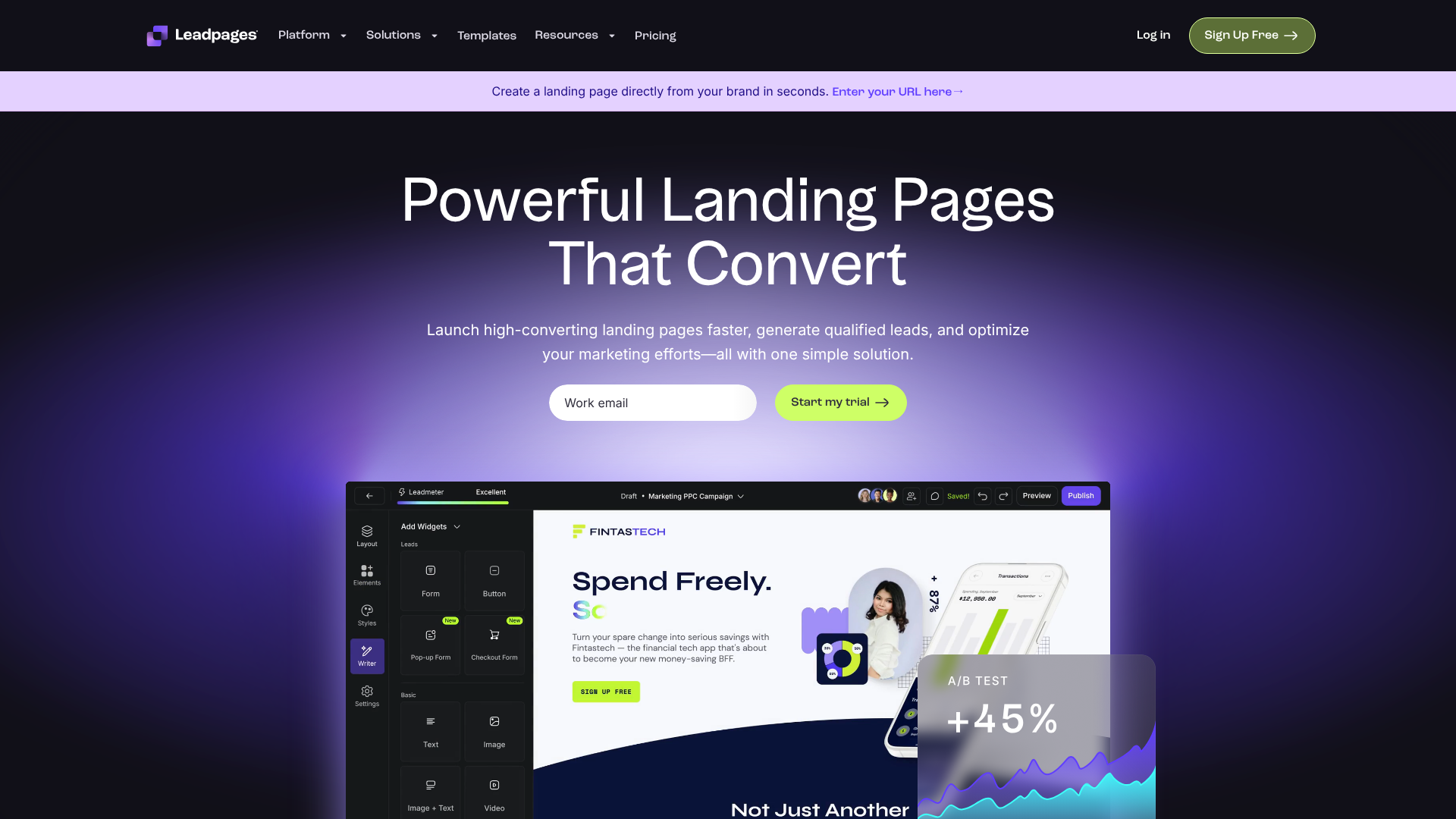
Leadpages is renowned for its user-friendly interface and extensive library of mobile-responsive templates. It's an ideal choice for small businesses, entrepreneurs, and marketers who need to launch professional-looking landing pages quickly without a steep learning curve. Its drag-and-drop editor is intuitive, and many of its templates are sorted by conversion rate, helping you choose a proven layout.
Pros
- Ease of Use: The platform is incredibly simple to navigate, making page creation fast and straightforward.
- High-Converting Templates: Access to a large library of templates that are designed and tested for optimal performance.
- Built-in Tools: Includes features like pop-ups, alert bars, and a built-in A/B testing system to help you optimise your pages.
Cons
- Design Flexibility: While easy to use, the editor offers less granular control over design elements compared to more advanced builders.
2. Unbounce: Best for A/B Testing and AI Optimisation
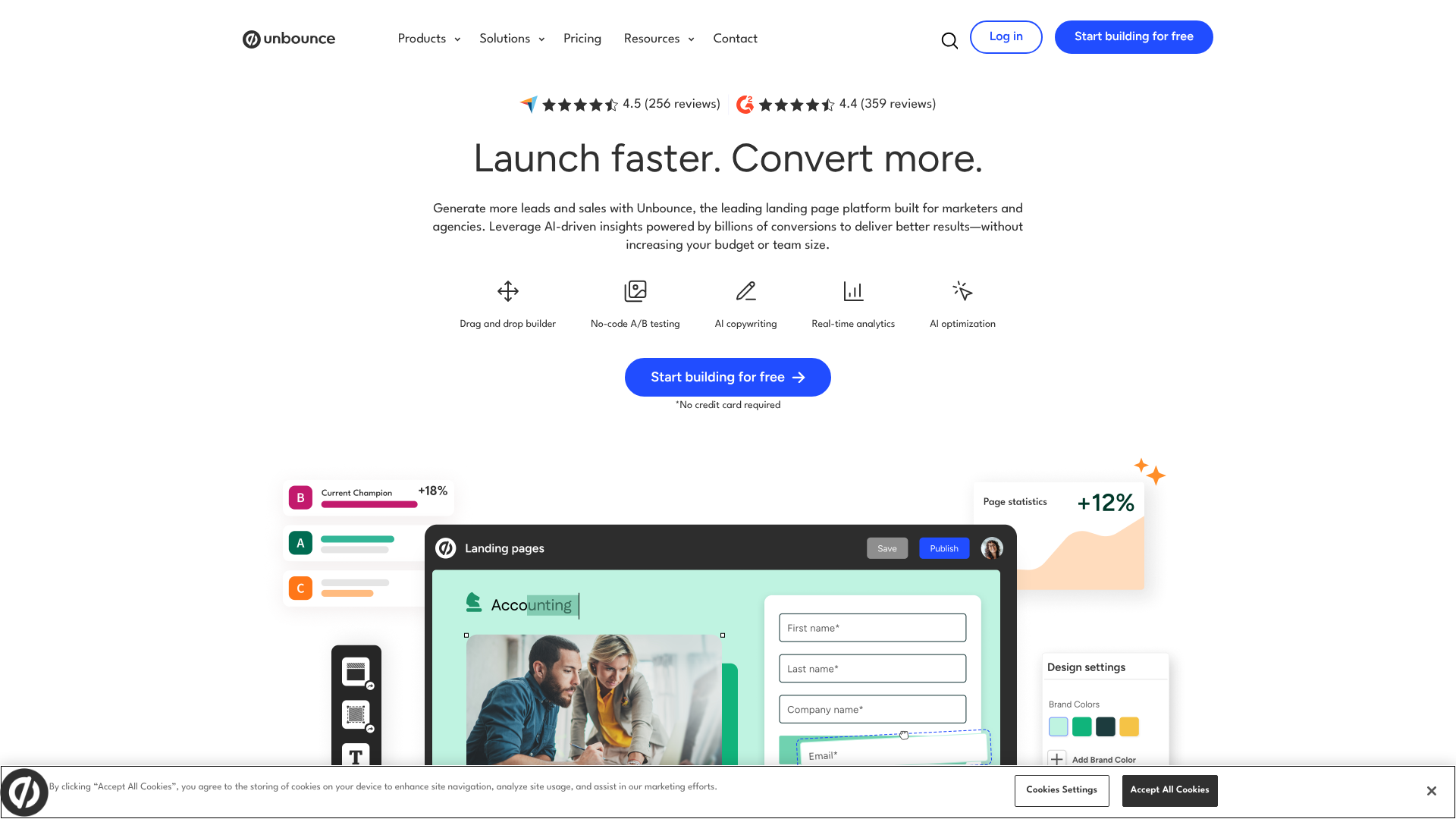
Unbounce is a powerful and flexible landing page builder designed for data-driven marketers who want to optimise every aspect of their campaigns. Its standout features include a highly customisable editor, robust A/B testing capabilities, and AI-powered tools like Smart Traffic, which automatically directs visitors to the landing page variant most likely to convert for them.
Pros
- Powerful A/B Testing: Easily test different headlines, images, and layouts to maximise conversions.
- Advanced Features: Offers dynamic text replacement to match ad copy to landing page copy, increasing relevance and Quality Score.
- AI Optimisation: Smart Traffic and other AI features help automate the optimisation process.
Cons
- Learning Curve: More complex than Leadpages, requiring more time to master.
- Higher Price Point: Tends to be more expensive, making it better suited for businesses with a dedicated marketing budget.
3. Instapage: Best for Teams and Personalisation
Instapage is an enterprise-level solution that excels at personalisation and team collaboration. It's built for larger marketing teams and agencies that manage numerous campaigns. Its AdMap feature allows you to visualise your ad campaigns and connect each ad group to a unique, personalised landing page experience, which can dramatically increase conversion rates.
Pros
- Advanced Personalisation: Create unique page experiences for different audience segments.
- Collaboration Tools: Features real-time collaboration and streamlined workflows for teams.
- Fast Loading Speeds: Pages are built on Instapage's Thor Render Engine for industry-leading speed.
Cons
- Very Expensive: It is one of the priciest options on the market, putting it out of reach for most small businesses.
4. ClickFunnels: Best for Sales Funnel Integration
ClickFunnels is more than just a landing page builder; it's an all-in-one platform for creating entire sales funnels. It provides templates for every step of the customer journey, from lead capture pages and sales pages to order forms and membership sites. It's a great fit for businesses that sell products or services directly online and need a cohesive system to guide customers from prospect to buyer.
Pros
- All-in-One Funnel Builder: Manages every step of the sales process in one place.
- Strong Community and Training: Offers extensive educational resources and a large, active user community.
- Share Funnels: You can easily share and import entire funnels created by other users.
Cons
- Can Be Overwhelming: The sheer number of features can be complex for beginners who only need a simple landing page.
- Specific Marketing Philosophy: The platform is built around a specific direct-response marketing approach that may not fit every business model.
5. GetResponse: Best All-in-One Marketing Platform
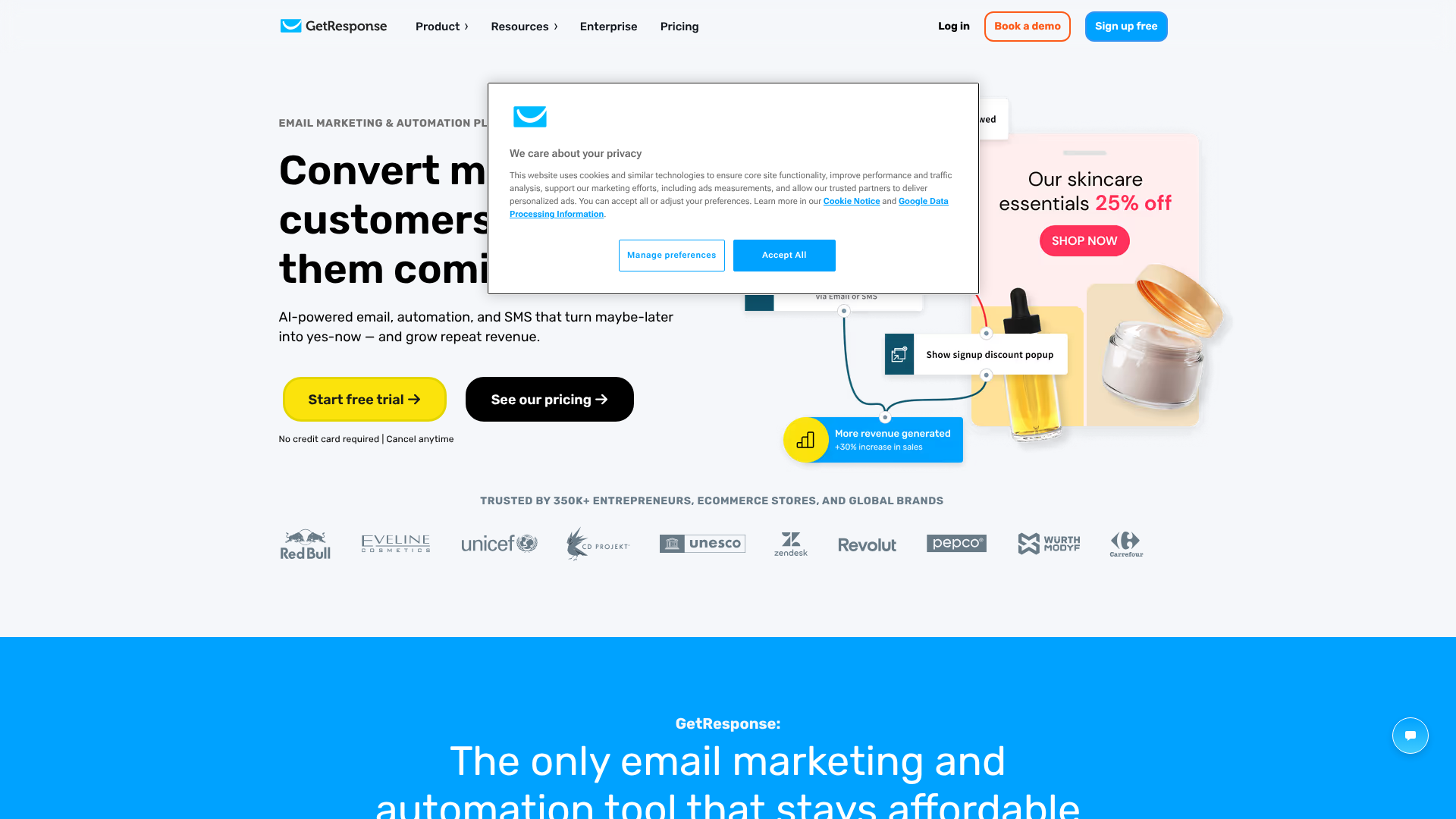
GetResponse is primarily an email marketing platform that has expanded to include a suite of marketing tools, including a landing page builder. This makes it an excellent value proposition for businesses looking for an integrated solution. You can create a lead capture page, collect emails, and send automated nurture sequences all within the same platform.
Pros
- Integrated Solution: Combines landing pages with email marketing, webinars, and automation.
- Affordable: Often more cost-effective than using separate tools for each function.
- AI-Powered Builder: Includes an AI-driven builder that can generate a personalised landing page for you based on a few prompts.
Cons
- Less Advanced Builder: The landing page features are not as robust or flexible as dedicated builders like Unbounce or Instapage.
Understanding Pricing and Value for Money
When choosing a platform for your lead capture templates, it's easy to get focused on the monthly price. However, the true cost and value depend on several factors. Most platforms operate on a tiered subscription model, with prices varying based on features, traffic limits, and the number of pages you can publish.
Here’s a general comparison to help you understand the landscape:
| Platform | Typical Starting Price | Best For | Key Feature |
|---|---|---|---|
| Leadpages | ~$37/month | Beginners & Small Businesses | Ease of use, high-converting templates |
| Unbounce | ~$99/month | Data-Driven Marketers | A/B testing, AI optimisation |
| Instapage | ~$199/month | Agencies & Enterprise Teams | Personalisation, collaboration |
| ClickFunnels | ~$127/month | Sales Funnel Builders | All-in-one funnel creation |
| GetResponse | ~$19/month (includes email) | All-in-One Seekers | Integrated marketing suite |
Note: Prices are approximate and subject to change. Please visit the official websites for the most current pricing information.
When evaluating cost, look beyond the monthly fee. Consider the features included in each plan. A cheaper plan might seem appealing, but if it lacks essential features like A/B testing or key integrations, it could end up costing you more in lost conversions. Conversely, the most expensive plan might have enterprise-level features that a small business would never use.
The best value comes from choosing a plan that matches your current needs while offering room to grow.
The Pros and Cons of Using a Template
While using a lead capture template is a powerful shortcut, it's helpful to understand both the benefits and potential drawbacks before you commit.
Advantages of Using a Lead Capture Template
- Speed and Efficiency: The most significant benefit is speed. You can go from an idea to a live, professional-looking landing page in hours, not weeks. This allows you to be more agile with your marketing campaigns.
- Cost-Effective: Custom web design and development can be expensive. Templates provide a high-quality alternative for a fraction of the cost, making them accessible to businesses of all sizes.
- Proven Designs: Most templates offered by reputable platforms are designed based on conversion best practices and data from thousands of campaigns. You're starting with a framework that is already optimised to perform well.
- Ease of Use: You don't need to know how to code. Modern landing page builders use intuitive drag-and-drop editors, empowering anyone on your team to create and launch pages.
Potential Disadvantages to Consider
- Lack of Originality: Because templates are widely available, there's a chance your landing page might look similar to a competitor's. Strong branding and customisation are key to standing out.
- Design Constraints: You are ultimately limited by the structure of the template. While you can customise many elements, you may not be able to achieve a highly specific or unique layout without starting from a blank canvas.
- Code Bloat: Some poorly designed templates can come with unnecessary code that slows down your page's loading speed. This is why it's crucial to choose a platform known for performance, as page speed is a critical factor for both user experience and SEO.
Frequently Asked Questions (FAQ)
What is a lead capture landing page?
A lead capture landing page is a standalone web page created specifically for a marketing or advertising campaign. Its sole purpose is to collect contact information from visitors, turning them into leads. It does this by offering something of value (a lead magnet) in exchange for their details, submitted via a form on the page.
Is Leadpages worth the money?
For many small businesses, entrepreneurs, and marketers, Leadpages is absolutely worth the money. Its primary strengths are its ease of use and its large library of high-converting templates. If your priority is to launch effective landing pages quickly and without technical headaches, the time and development costs it saves can provide a significant return on investment. However, if you require deep design customisation or advanced A/B testing features, a more powerful platform like Unbounce might be a better fit, albeit at a higher price.
How to use landing pages for lead generation?
To use landing pages for lead generation, you first create a valuable offer, such as an e-book, checklist, or webinar. Then, you build a landing page using a template that clearly explains the benefits of that offer. You drive traffic to this page from sources like social media ads, email marketing, or blog posts. The landing page's focused design persuades visitors to fill out a form with their contact details to get the offer, thus generating a new lead for your business.
What are the three types of landing pages?
While there are many variations, landing pages generally fall into three main categories:
- Lead Capture (or Lead Gen) Pages: These are the focus of this article. Their primary goal is to collect lead data, such as names and email addresses, using a form.
- Click-Through Pages: These pages are designed to "warm up" a visitor before sending them to another page, typically a shopping cart or registration page. They provide more details about an offer to persuade the visitor to click through to the final transaction step.
- Squeeze Pages: This is a more aggressive type of lead capture page. It's typically very short, with a bold headline, a few bullet points, and a prominent opt-in form. The goal is to "squeeze" an email address out of the visitor with a highly compelling, curiosity-driven offer.
Is there a free alternative to Leadpages?
Yes, there are several free alternatives, though they often come with limitations. Some email marketing platforms like Mailchimp or Moosend offer free plans that include a limited number of landing pages. There are also WordPress plugins that allow you to build basic landing pages. While these free options can be a good starting point, they typically lack the advanced features, template variety, and support offered by paid platforms like Leadpages.
Final Thoughts: Turning Templates into Conversion Machines
Choosing the right lead capture landing page template is a critical first step in building a successful lead generation engine. By starting with a proven framework, you save time and resources while leveraging designs that are already optimised for conversions. The key is to move beyond simply picking a pretty design and instead adopt a strategic approach.
Always begin with a clear goal, understand your audience, and select a template that aligns with your offer. Customise it to reflect your brand's unique identity and ensure it integrates seamlessly with your existing marketing tools. Remember that launching the page is just the beginning; the most successful marketers continuously test and refine their pages to improve performance over time.
Whether you need the simplicity and speed of a tool like Leadpages or the all-in-one power of a system like ClickFunnels, the right platform will empower you to turn anonymous website traffic into a valuable list of engaged prospects, fuelling the growth of your business for years to come.