

HIPAA Compliant eSignature Software: A Buyer's Guide for Healthcare
In healthcare, the security of patient data is not just a best practice; it's a legal requirement. As practices digitise their workflows, finding the right tools that protect Protected Health Information (PHI) is critical. This is especially true when it comes to document management, which is why choosing the right HIPAA compliant esignature software is a decision that carries significant weight. These platforms do more than just capture a signature; they provide a secure, auditable framework for handling sensitive agreements, consent forms, and patient intake documents.
- What to Know
- What Makes an eSignature Tool "HIPAA Compliant"?
- Key Features to Look for in Compliant e-Signature Tools
- Robust Audit Trails
- Strong Identity Verification & Authentication
- End-to-End Data Encryption
- Access Controls and User Permissions
- The Benefits of Using Secure e-Signature Solutions in Healthcare
- How to Choose the Right HIPAA e-Signature Software for Your Practice
- Step 1: Verify the Vendor Will Sign a BAA
- Step 2: Assess Your Specific Workflow Needs
- Step 3: Evaluate Security Features Against HIPAA Rules
- Step 4: Consider Integration Capabilities
- Step 5: Analyse Pricing and Scalability
- Top HIPAA Compliant eSignature Software Recommendations
- 1. PandaDoc: Best for All-in-One Document Workflows
- 2. eSignly: A Strong Contender for Secure Signing
- 3. DocuSign: The Industry Standard
- 4. Adobe Acrobat Sign: Trusted and Feature-Rich
- Pricing and Cost Comparison: What to Expect
- Frequently Asked Questions (FAQ)
- Are electronic signatures HIPAA compliant?
- What is the best alternative to DocuSign for HIPAA compliance?
- Is Google eSignature HIPAA compliant?
- Is Adobe eSignature HIPAA compliant?
- Final Thoughts: Making the Right Choice for Your Organisation
This guide is designed to walk you through everything you need to know. We'll break down what true HIPAA compliance means for an e-signature tool, the essential features you must look for, and how to evaluate different options to find the perfect fit for your organisation. We'll also compare some of the top solutions on the market to help you make an informed decision that protects your patients, your staff, and your practice.
What to Know
- Compliance is More Than a Signature: True HIPAA compliance in an e-signature tool requires specific security controls, including robust audit trails, data encryption, user authentication, and, most importantly, a Business Associate Agreement (BAA) from the vendor.
- A Business Associate Agreement (BAA) is Non-Negotiable: If a software vendor will not sign a BAA, you cannot use their service to handle PHI in a compliant manner. This is the first and most critical checkpoint in your evaluation process.
- Key Features are Essential: Look for secure e-signature solutions that offer comprehensive audit logs, multi-factor identity verification, end-to-end encryption for data in transit and at rest, and granular access controls.
- Not All Plans are Created Equal: Free or basic tiers of popular e-signature software are almost never HIPAA compliant. Compliance is typically a premium feature available only on higher-tier business or enterprise plans.
What Makes an eSignature Tool "HIPAA Compliant"?
Many software providers claim their tools are 'secure', but the term "HIPAA compliant" carries a much higher standard, especially within the context of healthcare. It’s a common misconception that any tool allowing for a digital signature is automatically suitable for medical use. The reality is far more nuanced and is rooted in the stringent requirements of the Health Insurance Portability and Accountability Act of 1996.
At its core, compliance hinges on the software's ability to protect any and all Protected Health Information (PHI) that it stores, processes, or transmits. This includes patient names, medical records, billing information, and any other data that could identify an individual. A signature on a document containing PHI makes that entire document, and the system handling it, subject to HIPAA regulations. The software must have specific safeguards in place to meet the standards of the HIPAA Security Rule, which mandates technical, physical, and administrative security measures.
Perhaps the single most important factor is the Business Associate Agreement (BAA). A BAA is a legally binding contract between a healthcare provider (the Covered Entity) and a vendor (the Business Associate) that handles PHI on their behalf. This contract outlines the vendor's responsibilities for protecting PHI and ensures they are also liable for any breaches. Without a signed BAA from the software provider, you cannot use their platform for PHI, and doing so would be a HIPAA violation.
Therefore, the first question you should ask any potential vendor is: "Will you sign a BAA?".
Key Features to Look for in Compliant e-Signature Tools
When you start comparing different HIPAA e-signature software, the marketing language can be overwhelming. To cut through the noise, focus on the specific technical and administrative features that directly support compliance. These are the non-negotiable elements that ensure the integrity and security of your documents and patient data.
Robust Audit Trails
A comprehensive audit trail is one of the most critical features of any compliant e-signature tool. This isn't just a simple log; it's a detailed, unalterable record of every single action taken on a document. A proper audit trail should capture who created, viewed, signed, or modified a document, along with the exact date, time, and IP address for each event. This creates a legally defensible record that can prove the authenticity and integrity of the signed document in case of a dispute or a compliance audit.
Strong Identity Verification & Authentication
Simply sending a signature request to an email address isn't enough to guarantee the signer's identity. Secure e-signature solutions must offer stronger methods of authentication. Look for multi-factor authentication (MFA), which requires a second form of verification, such as a one-time code sent via SMS to the signer's mobile phone. This extra layer of security provides much greater assurance that the person signing the document is who they claim to be, which is essential when dealing with sensitive consent forms or treatment plans.
End-to-End Data Encryption
Protecting PHI from unauthorised access is a cornerstone of the HIPAA Security Rule. This means data must be encrypted both when it's moving across the internet (in transit) and when it's stored on the vendor's servers (at rest). Look for vendors that specify the use of strong encryption standards, such as TLS 1.2 or higher for data in transit and AES-256 bit encryption for data at rest. This ensures that even if a server were to be compromised, the underlying data would remain unreadable.
Access Controls and User Permissions
Not everyone in your organisation needs access to every patient document. A compliant system allows you to implement the principle of 'minimum necessary access'. This is achieved through granular access controls and role-based permissions. You should be able to define specific roles (e.g., administrator, clinician, front desk staff) and assign permissions that restrict users to only the documents and actions necessary for their jobs.
This administrative safeguard is crucial for preventing internal data breaches, whether accidental or malicious.
The Benefits of Using Secure e-Signature Solutions in Healthcare

Adopting HIPAA compliant esignature software is more than just a move to modernise paperwork; it’s a strategic decision that delivers tangible benefits across your entire organisation. From patient interactions to back-office efficiency, these tools can transform how a healthcare practice operates, all while strengthening its compliance posture.
Enhanced Patient Experience
In today's world, patients expect convenience. Asking them to print, sign, scan, and email back forms is a cumbersome process that creates friction. Secure e-signature solutions allow patients to review and sign intake forms, consent documents, and billing agreements from any device, anywhere. This streamlined, digital-first approach not only saves them time but also presents your practice as modern and patient-centric, improving overall satisfaction from the very first interaction.
Improved Operational Efficiency
The administrative burden of managing paper documents is immense. Paperwork gets lost, requires manual filing, and creates significant delays in workflows. A HIPAA e-signature software automates this entire process. Documents can be sent, signed, and automatically routed to the correct department or filed in a patient's digital record in minutes, not days.
This accelerates patient onboarding, speeds up billing cycles, and frees up your administrative staff to focus on more value-added tasks.
Strengthened Security and Compliance
While paper might feel secure in a locked filing cabinet, it's highly vulnerable to loss, theft, and unauthorised access. A digital workflow within a compliant platform offers far superior security. With features like audit trails, encryption, and access controls, you have a centralised and transparent system for managing sensitive documents. This not only makes it easier to demonstrate compliance during an audit but also significantly reduces the risk of a data breach compared to manual, paper-based processes.
Pro Tip: Use templates for your most common documents, like patient intake forms or consent for treatment. This not only saves time but also ensures that the correct, most up-to-date version is always used, reducing the risk of administrative errors.
How to Choose the Right HIPAA e-Signature Software for Your Practice

Selecting the right software requires a structured approach. It's not just about picking the one with the most features, but about finding the solution that best fits your practice's specific workflows, technical environment, and budget. Follow this step-by-step framework to make a well-informed decision.
Step 1: Verify the Vendor Will Sign a BAA
This cannot be overstated. Before you spend any time evaluating features or watching demos, confirm that the vendor will sign a Business Associate Agreement for the specific plan you are considering. If the answer is no, or if they are hesitant, move on immediately. According to the U.S.
Department of Health & Human Services, a BAA is a critical safeguard, and without it, the tool is not an option for handling PHI. You can find more information on the official HHS.gov website.
Step 2: Assess Your Specific Workflow Needs
Think about how you will actually use the software. What types of documents do you need signed. Is it just simple patient consent forms, or are they complex multi-page intake packets. How many people in your organisation need to send or manage documents.
Do you need the ability to create reusable templates. Answering these questions will help you narrow down the list to tools that match your operational reality.
Step 3: Evaluate Security Features Against HIPAA Rules
Use the key features discussed earlier as a checklist. Does the software provide detailed audit trails. Does it offer multi-factor authentication. Is data encrypted both in transit and at rest.
Don't just take the vendor's word for it; ask for documentation or details on their security architecture. A reputable provider of compliant e-signature tools will be transparent about their security measures.
Step 4: Consider Integration Capabilities
A standalone e-signature tool can be helpful, but one that integrates with your existing systems is a true force multiplier. Check if the software can connect with your Electronic Health Record (EHR) or Electronic Medical Record (EMR) system, your practice management software, or your CRM. An integration with a platform like Zoho CRM could streamline patient communication and record-keeping, automatically saving signed documents to the correct patient profile and eliminating manual data entry.
Step 5: Analyse Pricing and Scalability
Finally, examine the cost structure. Some vendors charge per user per month, while others charge based on the number of documents (or "envelopes") sent. Model your expected usage to determine which pricing structure is more cost-effective for your practice. Also, consider scalability.
Will the plan you choose continue to meet your needs as your practice grows, or will you be forced into a costly upgrade down the line.
Top HIPAA Compliant eSignature Software Recommendations
After establishing the criteria for what makes a great HIPAA e-signature software, let's look at some of the leading solutions available. This list includes a mix of tools that excel in different areas, from all-in-one document management to straightforward, secure signing.
1. PandaDoc: Best for All-in-One Document Workflows
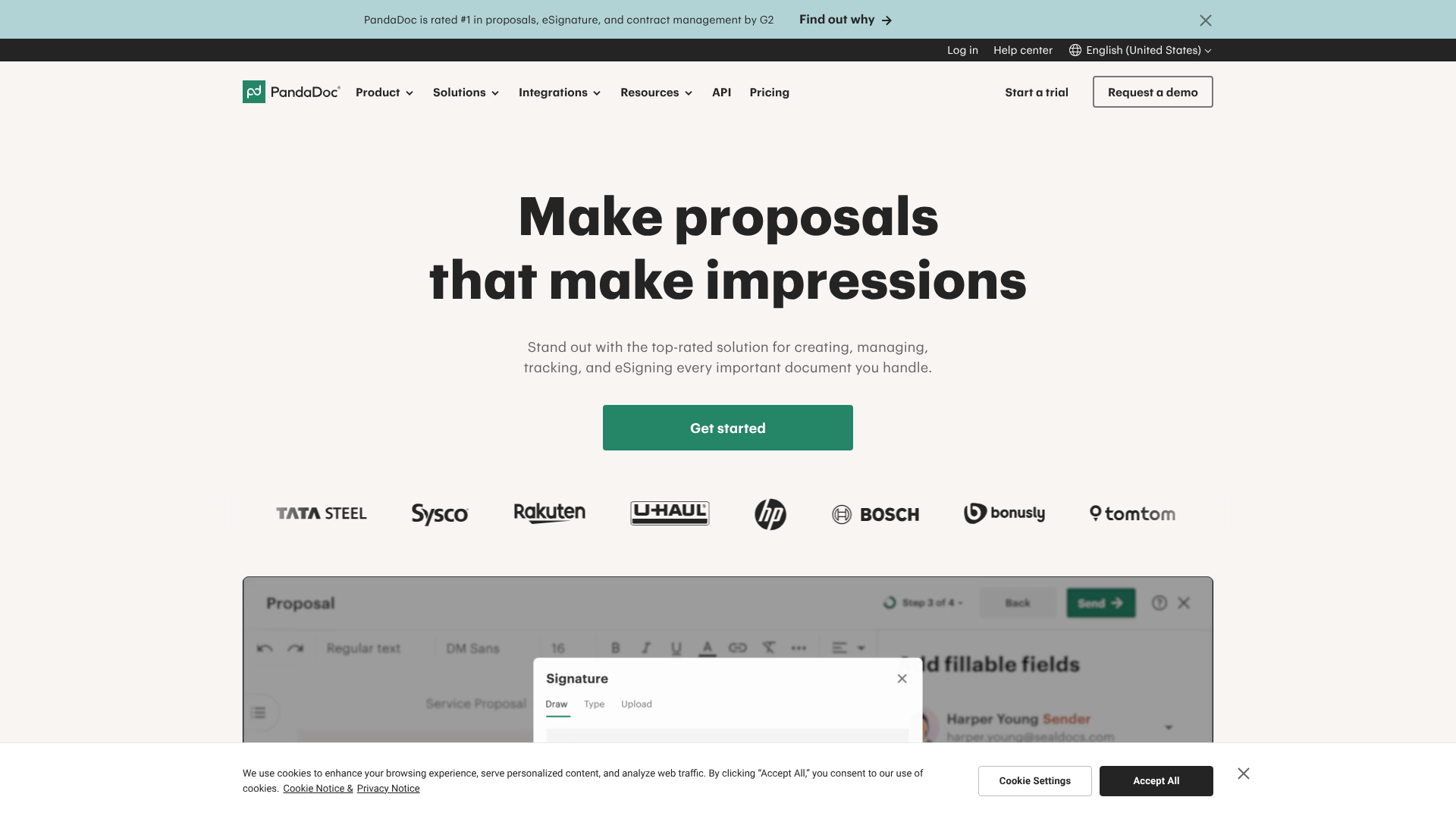
PandaDoc stands out because it's more than just an e-signature tool; it's a comprehensive document workflow platform. It allows you to create, send, track, and sign documents all from one place. This is particularly useful for healthcare practices that need to manage complex intake packets, proposals, or contracts.
For healthcare, PandaDoc offers a HIPAA-compliant solution on its Enterprise plan, which includes a signed BAA. Key features include a rich template library, advanced analytics to see how recipients interact with documents, and integrations with many popular CRM and storage platforms. Its audit trail is exceptionally detailed, providing a clear, chronological history of every document.
Pros
- All-in-one platform: Create, edit, send, and sign documents without leaving the app.
- Powerful template editor: Easily build professional and interactive documents.
- Detailed analytics: Track document opens, views, and time spent on each page.
Cons
- Compliance on highest tier only: HIPAA compliance is restricted to the more expensive Enterprise plan.
- Can be complex for simple needs: The extensive feature set might be overkill for practices that only need basic signing.
HIPAA compliance is available on their Enterprise plan. Visit PandaDoc for current pricing and to request a demo.
2. eSignly: A Strong Contender for Secure Signing
eSignly focuses on providing a secure, straightforward, and legally binding e-signature experience. It is designed to be easy to use for both the sender and the signer, which is a significant advantage when dealing with patients who may not be tech-savvy. The platform is built with security and compliance at its core.
While you'll need to confirm with their team which specific plans are HIPAA compliant and include a BAA, eSignly offers the foundational security features required, such as audit trails and secure encryption. Its clean interface makes it simple to upload a document, add signature fields, and send it out quickly. This makes it a great choice for practices that need a dedicated and efficient signing solution without the complexity of a full document generation suite.
Pros
- User-friendly interface: Simple for both staff and patients to use.
- Focus on core e-signature functionality: Does one thing and does it well.
- Legally binding signatures: Provides the necessary security and audit trails.
Cons
- Fewer workflow features: Lacks the advanced document creation and analytics of platforms like PandaDoc.
- Compliance details require verification: You must contact sales to confirm BAA and HIPAA-compliant plan specifics.
Check the eSignly website for details on their compliant plans and pricing.
3. DocuSign: The Industry Standard
DocuSign is arguably the most well-known name in the e-signature space. It offers a highly reliable and feature-rich platform trusted by millions of users worldwide. For healthcare, DocuSign provides specific plans that are configured to meet HIPAA requirements, including a BAA.
Its platform is known for its extensive integration capabilities and advanced features, such as identity verification options and specialised modules for regulated industries. However, this power and brand recognition often come at a premium price, and like other providers, HIPAA compliance is not available on their standard plans.
Pros
- Market leader with a strong reputation: Widely trusted and recognised.
- Extensive feature set and integrations: Connects with hundreds of other business applications.
- Robust security and compliance options: Offers specific plans for regulated industries.
Cons
- Higher cost: Often more expensive than other competitors.
- Complex plan structure: Can be difficult to determine which plan has the features you need.
4. Adobe Acrobat Sign: Trusted and Feature-Rich

Coming from the creators of the PDF, Adobe Acrobat Sign is another top-tier player. It offers a powerful and secure e-signature solution that integrates seamlessly into the Adobe Document Cloud. For healthcare organisations, Adobe offers enterprise-level plans that are HIPAA-ready and come with a BAA.
The platform excels in creating polished, professional workflows and offers strong security features. Its global reliability and deep integration with other Adobe products like Acrobat Pro make it a compelling choice for organisations already invested in the Adobe ecosystem.
Pros
- Excellent integration with Adobe products: A natural choice for heavy PDF users.
- Strong global compliance and security credentials.
- Highly customisable workflows.
Cons
- Compliance is an enterprise feature: Not available for individuals or small business plans.
- Can be less intuitive than some newer platforms.
Pricing and Cost Comparison: What to Expect
Navigating the pricing of HIPAA compliant esignature software can be tricky, as vendors use different models and often reserve compliance features for their top-tier plans. Understanding these models is key to finding a solution that fits your budget without compromising on security.
The most common pricing structures you'll encounter are:
- Per-User, Per-Month: This is a standard SaaS model where you pay a flat fee for each user in your organisation who needs to send or manage documents. This is often cost-effective for smaller teams. * Per-Envelope: Some platforms, or specific plans, charge based on the number of signature requests (called "envelopes") you send. An envelope is a single transaction, even if it contains multiple documents or requires multiple signatures.
This can be economical for organisations with low-volume, high-importance signing needs. * Tiered Plans: Nearly all vendors offer tiered plans (e.g., Standard, Business, Enterprise). Crucially, HIPAA compliance and the BAA are almost always included only in the highest-priced Enterprise or custom-quoted tiers.
When comparing costs, look beyond the sticker price. Ask about potential hidden fees like setup charges, costs for additional integrations, or overage fees if you exceed your plan's envelope limit. The cheapest option is rarely the best, especially when the security of PHI is at stake.
Quick Comparison of Top Solutions
| Feature | PandaDoc | eSignly | DocuSign | Adobe Sign |
|---|---|---|---|---|
| BAA Available | Yes (Enterprise Plan) | Yes (Check Plans) | Yes (Specific Plans) | Yes (Enterprise Plans) |
| Audit Trail | Comprehensive | Yes | Comprehensive | Yes |
| Identity Verification | Advanced Options | Yes | Advanced Options | Yes |
| Primary Pricing Model | Per User | Varies | Per User / Envelope | Per User |
| Best For | Integrated Document Workflows | Dedicated Secure Signing | Large Enterprises | Adobe Ecosystem Users |
Pro Tip: When requesting a quote for an enterprise plan, be prepared to discuss your specific needs, such as the number of users and estimated monthly document volume. This will help the sales team provide a more accurate and potentially more competitive price.
Frequently Asked Questions (FAQ)
Navigating the specifics of HIPAA and e-signatures can bring up a lot of questions. Here are clear, direct answers to some of the most common queries.
Are electronic signatures HIPAA compliant?
Yes, electronic signatures are permitted under HIPAA, provided they are implemented within a system that has the required technical, physical, and administrative safeguards. The system must be able to verify the signer's identity, ensure the document's integrity (i.e., it hasn't been altered after signing), and create a secure, auditable trail of all actions. Most importantly, the software vendor must sign a Business Associate Agreement (BAA) with the healthcare provider.
What is the best alternative to DocuSign for HIPAA compliance?
There are several excellent alternatives, and the "best" one depends on your specific needs. For organisations that want an all-in-one platform to create, manage, and sign documents, PandaDoc is a powerful choice with its robust workflow and template features. Other strong competitors include Adobe Acrobat Sign, which is great for those in the Adobe ecosystem, and solutions like eSignly for those seeking a more focused, user-friendly signing experience.
Is Google eSignature HIPAA compliant?
No, the basic e-signature functionality found within Google Docs or Google Workspace is not HIPAA compliant for handling PHI. While Google will sign a BAA for some of its core Workspace services (like Gmail and Drive), this agreement does not cover the use of its platform as a formal e-signature solution for medical documents. The features lack the necessary audit trails and identity verification required for compliance.
Is Adobe eSignature HIPAA compliant?
Yes, Adobe Acrobat Sign can be HIPAA compliant, but this compliance is limited to its enterprise-level plans designed for businesses and healthcare organisations. On these specific plans, Adobe will provide a signed BAA. The standard or individual plans of Adobe Sign are not intended for handling PHI and do not come with the necessary agreements or configurations for HIPAA compliance.
Final Thoughts: Making the Right Choice for Your Organisation
Choosing a HIPAA compliant esignature software is a foundational step in securing your practice's digital workflows. It's a decision that directly impacts patient data security, operational efficiency, and your overall compliance posture. The key is to look beyond marketing claims and focus on the three pillars of a truly compliant solution: a signed BAA, robust security features, and a workflow that fits your practice's needs.
Remember to start your evaluation by confirming the vendor's willingness to sign a BAA. From there, use the features discussed in this guide—like audit trails, encryption, and access controls—as your checklist. Evaluate how each platform would integrate into your daily operations and whether its pricing model aligns with your budget and usage patterns.
By taking a methodical approach, you can select a tool that not only meets regulatory requirements but also enhances the experience for your patients and staff. If you're looking for a tool that combines document creation with compliant signing, PandaDoc is a powerful option to explore. For a focused and secure signing experience, consider checking out eSignly.