

AI Writing Assistant Free: A Buyer's Guide for Marketers & Students
Finding a high-quality and genuinely free AI writing assistant can feel like a challenge, but these tools are transforming how we create content. Whether you're a student trying to polish an essay, a marketer drafting social media posts, or a blogger battling writer's block, the right tool can significantly speed up your workflow and improve the quality of your final piece. These assistants go beyond simple spell-checking, offering everything from sentence restructuring and tone adjustment to generating entire article outlines from a single prompt.
- Quick Summary
- What Exactly Is an AI Writing Assistant?
- The Core Benefits: Why Use a Free AI Writer?
- Boost Productivity and Speed
- Overcome Writer's Block
- Improve Writing Quality and Clarity
- Generate Ideas and Outlines
- A Buyer's Guide: How to Choose the Right Free AI Writing Tool
- Top Recommendations for the Best AI Writing Assistant Free in 2026
- 1. Writesonic: Best All-Rounder for Marketers
- 2. QuillBot: Best for Academics and Paraphrasing
- 3. Grammarly: Best for Error-Free Everyday Writing
- 4. Jasper: Best for High-Quality Creative Copy (Free Trial)
- Comparison: Free AI Writing Tools at a Glance
- The Hidden Costs: Understanding Freemium vs. Truly Free
- Pros and Cons of Using a Free Writing Assistant
- Getting the Most Out of Your AI Writing Tool (Free Tips)
- Be Specific with Your Prompts
- Use it as a Partner, Not a Replacement
- Edit and Humanise the Output
- Combine Different Tools for Best Results
- Frequently Asked Questions
- Final Thoughts: Is a Free AI Writing Assistant Worth It?
This guide is designed to help you navigate the options. We'll break down what to look for, compare the top contenders, and show you how to choose the perfect tool for your specific needs. We will focus on the capabilities of the free plans offered by leading platforms, so you can start improving your writing today without spending a penny.
Quick Summary
- Functionality Varies: A free AI writer can range from a sophisticated grammar checker to a full content generator. Understanding your primary need—be it polishing text, rephrasing sentences, or creating new content—is the first step to choosing the right tool.
- 'Free' Has Limits: Most free plans come with restrictions, such as daily or monthly word count caps, limited access to advanced features, or fewer available templates. These are designed to let you test the service before committing to a paid plan.
- Use Case is Key: The best tool for a student writing an academic paper (like QuillBot) is different from the best tool for a marketer creating ad copy (like Writesonic). Match the tool's strengths to your writing tasks.
- Human Oversight is Essential: AI-generated content is a powerful starting point, but it always requires human editing. Always fact-check, refine the tone, and add your unique perspective to ensure the final output is accurate and engaging.
What Exactly Is an AI Writing Assistant?
At its core, an AI writing assistant is a piece of software that uses artificial intelligence, specifically natural language processing (NLP) and large language models (LLMs), to help you write better and faster. Think of it as a collaborator that can analyse, correct, and even generate text based on your instructions. The technology behind these tools, similar to that powering ChatGPT, allows them to understand context, grammar, style, and tone.
These tools are not all the same. They fall into a few main categories:
Grammar and Style Checkers: These are the most common type of free writing assistant. They focus on correcting spelling mistakes, grammatical errors, and punctuation. Advanced versions, like Grammarly, also provide suggestions on clarity, conciseness, and tone to make your writing more effective.
Paraphrasers and Rewriters: These tools are designed to rephrase sentences or entire paragraphs without changing the original meaning. They are incredibly useful for avoiding plagiarism, simplifying complex text, or just finding a different way to express an idea. QuillBot is a leading example in this category.
Content Generators: This is the most advanced category. These tools can create original content from scratch based on a prompt you provide. You can ask them to write a blog post outline, a social media caption, an email, or even a short story. Tools like Writesonic and Jasper excel at this, offering a wide range of templates for different content types.
Many modern platforms combine all three functions into a single interface, giving you a comprehensive suite of tools to work with.
The Core Benefits: Why Use a Free AI Writer?

Integrating a free AI writer into your workflow offers a host of advantages that go far beyond just catching typos. For individuals and small teams, these benefits can level the playing field, providing access to powerful editing and creation tools without a significant financial investment.
Boost Productivity and Speed
The most immediate benefit is a dramatic increase in speed. An AI writing tool can draft an email, outline a blog post, or generate multiple social media captions in seconds. This automates the more repetitive parts of writing, freeing you up to focus on higher-level tasks like strategy, research, and creative thinking. Instead of staring at a blank page, you start with a solid draft that you can then refine.
Overcome Writer's Block
Every writer faces the dreaded blank page. An AI assistant is the perfect cure for writer's block. By providing a simple prompt, you can get a list of ideas, a paragraph to get you started, or a different angle on your topic. This initial momentum is often all that's needed to get your own creative ideas flowing again.
Improve Writing Quality and Clarity
Even experienced writers can miss small errors or awkward phrasing. A free writing assistant acts as a second pair of eyes, catching grammatical mistakes, punctuation errors, and spelling slip-ups. More advanced tools will also suggest improvements for clarity, conciseness, and readability, helping you communicate your message more effectively and professionally.
Generate Ideas and Outlines
Sometimes the hardest part of writing is structuring your thoughts. You can use an AI tool to brainstorm topics, create a detailed outline for an article, or structure a presentation. This ensures your content is logical, well-organised, and covers all the necessary points before you even start writing the main body of the text.
A Buyer's Guide: How to Choose the Right Free AI Writing Tool
With so many options available, selecting the right AI writing tool can seem daunting. The key is to move beyond the marketing hype and focus on what you actually need. This decision-making framework will help you identify the best free option for your specific situation.
Define Your Primary Use Case
First, be clear about what you'll be using the tool for most often. Your needs will dictate which features are most important. Consider these common profiles:
- Students: Your focus is likely on academic integrity and clarity. A tool with a strong paraphraser, grammar checker, and citation generator is ideal. You need to ensure your work is original and well-written.
- Bloggers and Content Creators: You need a tool that can help with idea generation, outlining, and drafting long-form content. SEO features and the ability to write in different tones are also valuable.
- Marketers: Your work involves creating persuasive, concise copy for ads, emails, and social media. You'll want a tool with templates for specific marketing tasks and the ability to generate creative variations quickly.
- Business Professionals: You primarily need help with clear and professional communication. A tool that excels at polishing emails, reports, and presentations for clarity and tone is the best fit.
Evaluate Key Features
Once you know your use case, look for tools whose free plans offer the features you need most. Key features to evaluate include:
- Grammar and Spell Check: This is a baseline feature, but some are better than others. Look for tools that explain the reasoning behind their suggestions.
- Paraphrasing and Rewriting: Check the word limits on the free plan. Can it handle a full paragraph, or just a single sentence?
- Content Generation: Does the free plan allow you to generate content, or is it just an editor? If it does generate content, what are the monthly word limits?
- Tone and Style Adjustment: The ability to change the tone of your text (e.g., from formal to casual) is a powerful feature for tailoring your message to different audiences.
- Plagiarism Checker: This is crucial for students and content creators. Many tools offer this, but it's often a premium feature or has very limited uses on a free plan.
Understand the "Free" Model: Limitations to Expect
No company gives away a powerful tool for nothing. The 'free' in "ai writing assistant free" almost always refers to a freemium model. It's essential to understand the limitations of the free tier to avoid frustration.
Common limitations include a daily or monthly word/character limit for generating or editing text, access to only basic features while advanced ones are behind a paywall, and a limited number of templates or use cases. Some tools may also require you to sign up for an account, while others are accessible without one. Be realistic about these limitations—a free plan is perfect for occasional use and smaller tasks, but you may need to upgrade for heavy, consistent use.
Pro Tip: Create a checklist of your top three must-have features. As you evaluate different tools, see which ones offer those features in their free plan without overly restrictive limits. This will quickly narrow down your options.
Top Recommendations for the Best AI Writing Assistant Free in 2026
After extensive testing, we've identified the top free AI writing assistants that offer the most value. Each of these tools excels in a particular area, making them suited for different types of users. We're focusing specifically on what you get with their free plans.
1. Writesonic: Best All-Rounder for Marketers
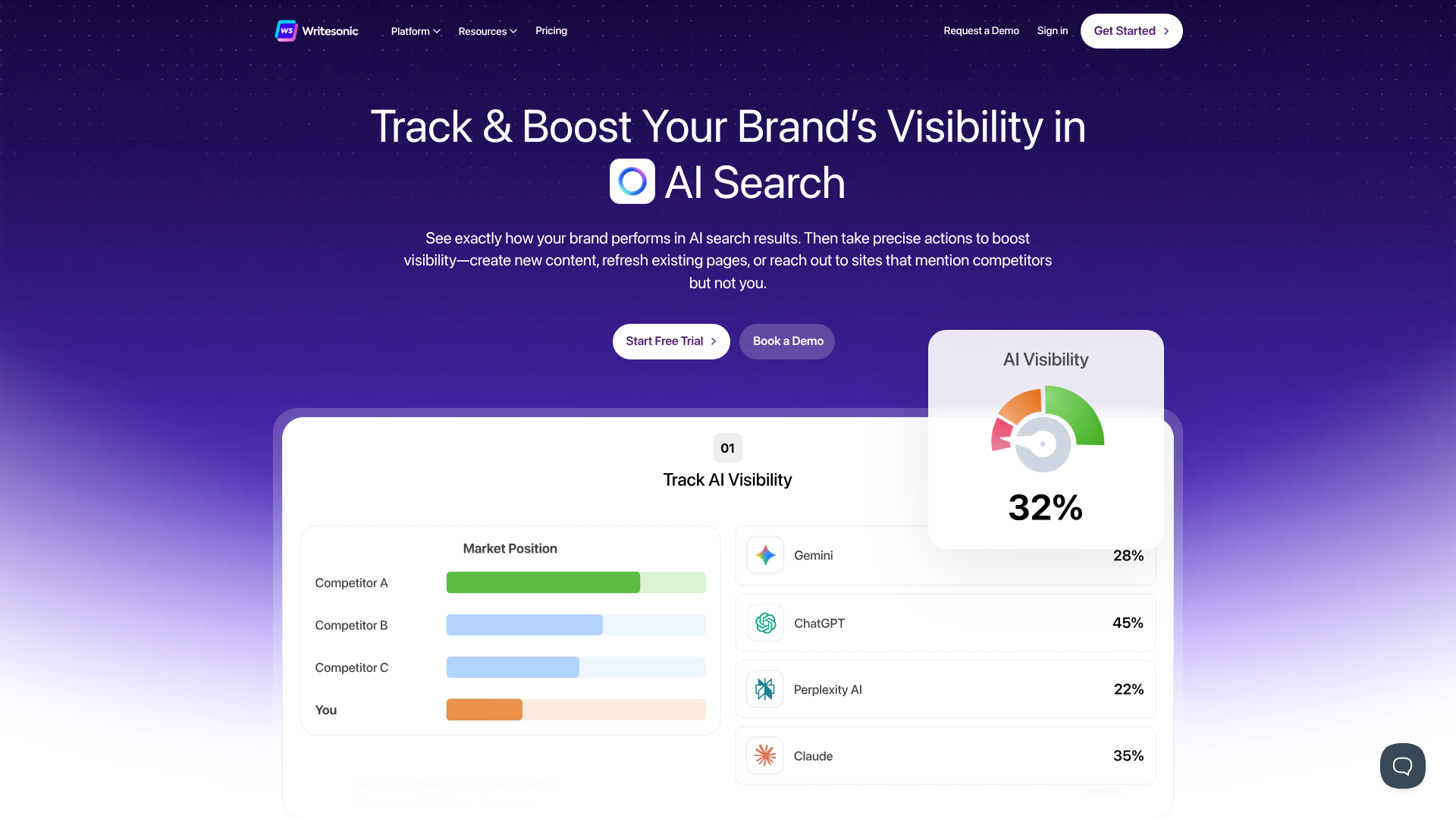
Writesonic offers one of the most generous and feature-rich free plans available, making it an excellent choice for marketers, bloggers, and small business owners. Its free tier provides a monthly allowance of words that you can use across its entire suite of tools, which is more than enough for light to moderate use.
The standout feature is Chatsonic, an AI chat assistant that can pull real-time data from Google, making it great for creating up-to-date content. The free plan also gives you access to over 100 templates, including tools for article writing, social media posts, Google ad copy, and product descriptions. It's an incredibly versatile AI writing tool free of charge.
Pros
- Generous monthly word count on the free plan.
- Access to a huge library of templates for specific tasks.
- Chatsonic provides real-time data for current and factual content.
Cons
- The user interface can be a bit overwhelming for new users due to the sheer number of options.
- Word credits can be used up quickly when generating long-form articles.
2. QuillBot: Best for Academics and Paraphrasing
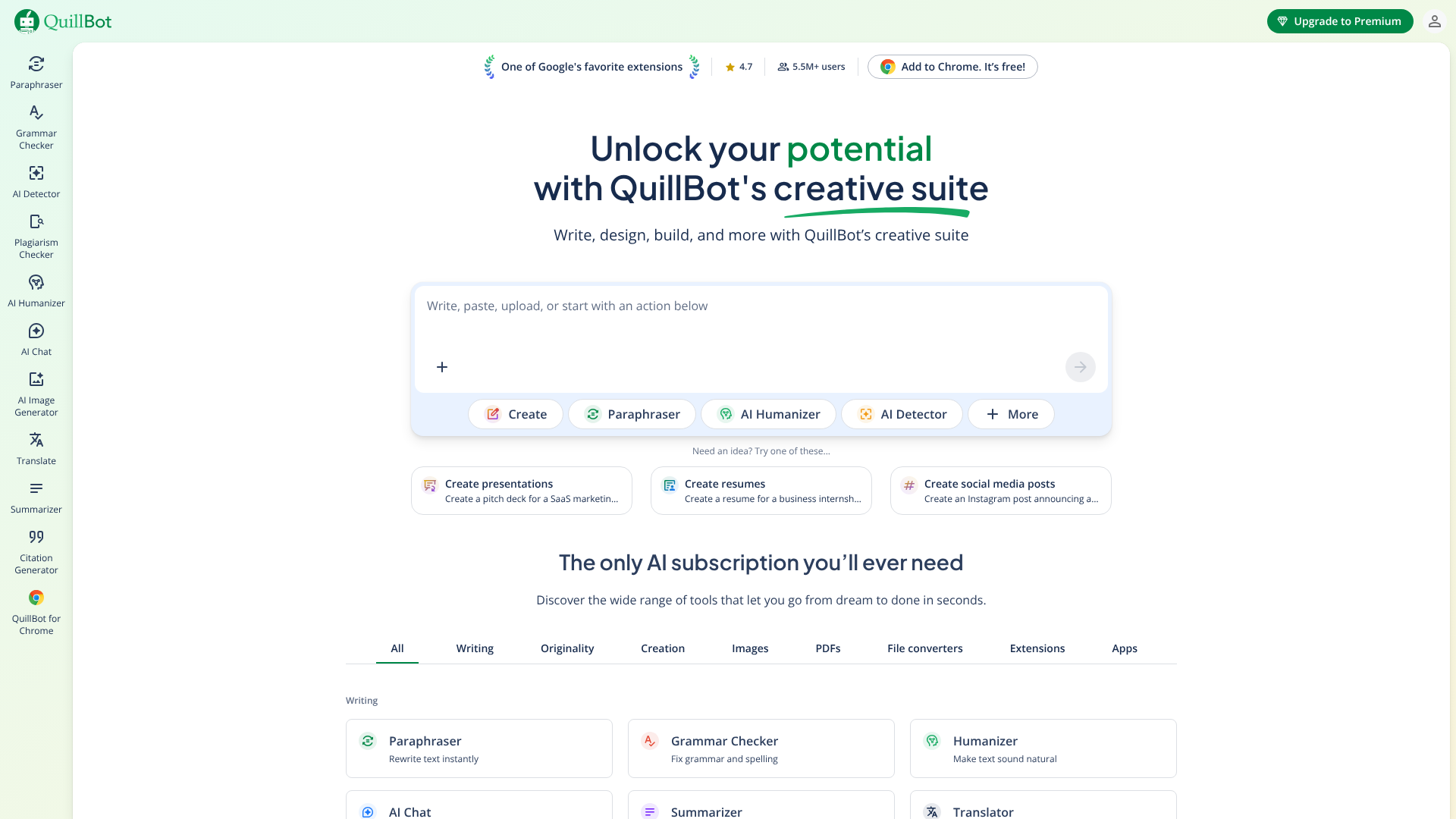
QuillBot has built its reputation on its powerful paraphrasing tool, and its free version is exceptionally useful for students, academics, and anyone needing to rephrase text accurately. The free plan allows you to rewrite up to 125 words at a time and offers two different writing modes (Standard and Fluency) to vary the output.
Beyond paraphrasing, the free plan includes a grammar checker, a summariser to condense long articles, and a citation generator. This combination makes it a one-stop shop for academic writing. While the limitations on the paraphraser can be restrictive for long documents, it's perfect for polishing sentences and paragraphs one by one.
Pros
- Best-in-class paraphrasing tool for maintaining original meaning.
- Integrated suite of tools (grammar, summariser, citation) is perfect for academic work.
- Simple, easy-to-use interface.
Cons
- The 125-word limit on the free paraphraser requires you to work in small chunks.
- More advanced rewriting modes and a plagiarism checker are only available in the premium version.
3. Grammarly: Best for Error-Free Everyday Writing
Grammarly is perhaps the most well-known free writing assistant, and for good reason. Its free plan is an essential tool for anyone who wants to ensure their writing is clear, correct, and professional. It provides excellent real-time suggestions for grammar, spelling, and punctuation across virtually any platform via its browser extension and desktop apps.
While the free version doesn't include the advanced style, tone, and clarity suggestions of the premium plan, its core corrections are incredibly accurate and reliable. It also recently added some basic AI generation features to its free plan, allowing you to compose, ideate, and reply with simple prompts. For everyday writing tasks like emails and reports, Grammarly's free offering is unbeatable.
Pros
- Extremely accurate grammar, spelling, and punctuation checker.
- Browser extension works seamlessly across websites, email clients, and social media.
- Provides a tone detector to help you understand how your writing might be perceived.
Cons
- The free plan constantly prompts you to upgrade, which can be distracting.
- Advanced features like plagiarism detection and fluency suggestions are paywalled.
4. Jasper: Best for High-Quality Creative Copy (Free Trial)
While Jasper doesn't offer a permanent free plan, its free trial provides a substantial number of word credits, allowing you to test its full suite of premium features. Jasper is widely regarded as one of the best AI writers for producing high-quality, creative, and on-brand marketing copy. It excels at understanding brand voice and generating content that doesn't sound robotic.
The trial gives you access to its long-form document editor, command features, and all its marketing templates. This is the perfect option if you have a specific, short-term project or if you want to experience what a top-tier premium tool can do before deciding to invest. For businesses serious about content quality, testing Jasper is a must.
Pros
- Produces exceptionally high-quality and creative content.
- Powerful Brand Voice and Memory features ensure content consistency.
- The free trial is generous and provides access to all premium features.
Cons
- No permanent free plan; it's a premium-only tool after the trial.
- Can be more expensive than other options if you decide to subscribe.
Comparison: Free AI Writing Tools at a Glance
To help you decide, here’s a side-by-side look at the free offerings from our top recommendations.
| Feature | Writesonic (Free Plan) | QuillBot (Free Plan) | Grammarly (Free Plan) | Jasper (Free Trial) |
|---|---|---|---|---|
| Primary Use | Content & Copy Generation | Paraphrasing & Academic | Error Correction & Polishing | Premium Content Generation |
| Word Limit | Monthly word credits | 125 words per paraphrase | No hard limit for checks | Generous trial credits |
| Core Function | AI Article Writer, Chatsonic | Paraphraser, Summariser | Grammar & Spell Check | Document Editor, Templates |
| Best For | Marketers & Bloggers | Students & Academics | All users for daily writing | Businesses & Pro Writers |
| Plagiarism Checker | Yes (uses word credits) | No (Premium only) | No (Premium only) | Yes (uses trial credits) |
| Browser Extension | Yes | Yes | Yes | Yes |
This table shows that the best free AI writer truly depends on your goal. For creating new content, Writesonic is a clear winner. For refining existing text, QuillBot and Grammarly are superior choices.
The Hidden Costs: Understanding Freemium vs. Truly Free
It's important to approach any "free" service with a clear understanding of its business model. The vast majority of AI writing tools operate on a freemium model. The free version is a fully functional but limited product designed to demonstrate value and encourage you to upgrade to a paid subscription for more features and higher limits.
This isn't a bait-and-switch; it's a standard and fair business practice. However, you should be aware of what you're getting. A freemium tool is excellent for trying before you buy, handling occasional tasks, or for users with very light needs. If you find yourself constantly hitting the word limits or needing access to premium features, it might be a sign that your needs have outgrown the free plan.
Consider when an upgrade makes sense. If the time you save or the quality improvement you gain from a paid plan provides a positive return on investment—either through better grades, more business, or saved hours—then it's a worthwhile expense. Always start with the free plan to confirm the tool works for you before considering an upgrade.
Pros and Cons of Using a Free Writing Assistant
While these tools are incredibly powerful, they are not without their drawbacks. A balanced view is necessary to use them effectively and responsibly.
The Advantages
- Zero Cost of Entry: The most obvious benefit is that you can access powerful technology without any financial commitment. This democratises access to tools that can significantly improve writing quality.
- Efficiency on Demand: For quick tasks like writing a difficult email or rephrasing a clunky sentence, a free tool is faster than asking a colleague for help. It provides instant support whenever you need it.
- A Great Learning Environment: Using a free AI writer is an excellent way to learn about the capabilities and limitations of AI. You can experiment with different prompts and features to understand how to get the best results without any risk.
The Disadvantages
- Potential for Generic Content: If used without careful prompting and editing, AI can produce content that is bland, repetitive, and lacks a unique voice. The output is often a reflection of the most common information on the internet.
- Fact-Checking is Non-Negotiable: AI models can "hallucinate" or confidently state incorrect information. You must always verify any facts, statistics, or claims the AI generates, especially when using tools that don't have live web access.
- Privacy Concerns: Be cautious about what information you input into a free online tool, especially if it's sensitive or proprietary. Always review the tool's privacy policy to understand how your data is used.
- Frustrating Limitations: For larger or more complex projects, the word count limits and feature restrictions of a free plan can become a significant bottleneck, slowing you down instead of speeding you up.
Getting the Most Out of Your AI Writing Tool (Free Tips)
Simply having access to a tool isn't enough; you need to know how to use it effectively. These tips will help you get better results from any AI writing assistant, free or paid.
Be Specific with Your Prompts
The quality of the output is directly related to the quality of your input. Instead of a vague prompt like "write about marketing," try something much more specific: "Write a 300-word blog post introduction about the importance of email marketing for small e-commerce businesses. Use a friendly and encouraging tone and include a surprising statistic."
Use it as a Partner, Not a Replacement
Think of the AI as a junior writing partner. It can do the heavy lifting of drafting and research, but you are the editor-in-chief. Your job is to guide it, refine its work, and add the strategic insight, personal anecdotes, and creative flair that only a human can provide. The final piece should always sound like you.
Edit and Humanise the Output
Never copy and paste directly without a thorough review. Read the generated text aloud to catch awkward phrasing. Break up long sentences, inject your own voice, and check for factual accuracy. This editing step is what separates mediocre AI-assisted content from great content.
Combine Different Tools for Best Results
Don't be afraid to use the strengths of multiple free tools. You could use Writesonic to generate a first draft, paste it into QuillBot to rephrase a few key paragraphs for clarity, and then run the final version through Grammarly for a final polish. This layered approach can produce a highly refined piece of writing.
To see how some of these tools work in practice, check out this helpful video overview:
Frequently Asked Questions
Is there a completely free AI writer with no limits?
Truly unlimited and completely free AI writers are extremely rare, as the technology required to run them is expensive. Most tools that advertise as "unlimited" often have fair use policies or other soft caps. Tools like TinyWow offer a suite of free writing tools without sign-up, but for advanced, high-volume use, a freemium model with a paid upgrade path is the industry standard.
Can AI-generated content be detected?
Yes, AI detection tools exist, but their accuracy can be inconsistent. Many AI writers are now designed to produce content that is less robotic and more human-like, making it harder to detect. However, for academic settings, it's crucial to adhere to your institution's policies on AI use. The best practice is to always use AI as a tool to assist your own writing, not to replace it entirely.
Are free AI writing assistants safe to use?
Generally, reputable AI writing assistants are safe to use. However, you should always be mindful of the data you input. Avoid entering personal, confidential, or sensitive information into any online tool unless you have thoroughly reviewed and trust its privacy policy. Stick to well-known providers like the ones mentioned in this guide to minimise risk.
Which free AI writer is best for writing a book?
Writing a book is a massive undertaking that will likely exceed the limits of any free plan. While a tool like Jasper (using its free trial) or Writesonic could help you outline chapters or overcome writer's block on specific scenes, you will almost certainly need a premium plan for a project of that scale. The free tools are better suited for shorter-form content.
Final Thoughts: Is a Free AI Writing Assistant Worth It?
Absolutely. For anyone who writes—whether professionally or for personal projects—a free AI writing assistant is a valuable addition to their toolkit. It can help you save time, improve the quality of your work, and provide a creative spark when you need it most. The key is to choose the right tool for your specific needs and to always remember that it is an assistant, not an author.
The final product should always be guided by your expertise and unique voice.
Start by identifying your main writing tasks. If you're a student focused on clarity and originality, the combination of QuillBot and Grammarly is a powerful, cost-free solution. If you're a marketer or blogger looking to generate creative copy and content ideas, the free plan from Writesonic offers incredible versatility and value.
Experiment with the options on this list. Since they are free to start, you have nothing to lose and a world of efficiency to gain. Find the one that fits your workflow, and you'll wonder how you ever wrote without it.