

HubSpot CRM vs Zoho: Which is Best for Small Business Growth in 2026?
Choosing the right Customer Relationship Management (CRM) platform is one of the most critical decisions a growing business can make. It’s the central hub for your customer data, sales pipeline, and marketing efforts. When it comes to comparing HubSpot CRM vs Zoho, you’re looking at two of the most dominant players in the market, each with a distinct philosophy and approach. This guide will break down every essential aspect to help you make an informed decision that aligns with your budget, team, and long-term goals.
- Quick Summary
- What Are HubSpot CRM and Zoho CRM? An Overview
- HubSpot vs Zoho: A Side-by-Side Feature Comparison
- User Interface and Ease of Use
- Sales Automation and Workflows
- Marketing Automation and Tools
- Reporting and Analytics
- Pricing and Cost Comparison: Which Offers Better Value?
- How to Choose: HubSpot or Zoho for Your Business?
- Pros and Cons: The Honest Breakdown
- Frequently Asked Questions (FAQ)
- Is HubSpot CRM really free?
- Is Zoho better than HubSpot?
- Can I migrate from Zoho to HubSpot?
- Which is better for a very small business or startup?
- Final Thoughts: Making the Right CRM Decision
Both platforms offer powerful tools to manage customer relationships, but they cater to different business needs. HubSpot is renowned for its user-friendly interface and inbound marketing focus, making it a favourite among teams who prioritise ease of use. On the other hand, Zoho offers a vast suite of applications with deep customisation options at a very competitive price point, appealing to businesses that need a flexible, all-in-one solution.
Quick Summary
- HubSpot for Ease of Use: If your top priority is a clean, intuitive interface that your team can adopt quickly with minimal training, HubSpot is the clear winner. Its free CRM is incredibly generous and powerful.
- Zoho for Customisation & Affordability: If you need to tailor a CRM to very specific business processes and are working with a tighter budget, Zoho's flexibility and lower price-per-user are unmatched.
- Marketing vs. All-in-One: HubSpot excels at aligning sales and marketing teams with its integrated Marketing Hub. Zoho aims to be the operating system for your entire business with its Zoho One suite, covering everything from finance to HR.
- Scalability Costs: HubSpot's free tools are exceptional, but costs can escalate quickly as you add users and contacts or move to higher-tier plans. Zoho generally offers a more predictable and affordable scaling path.
What Are HubSpot CRM and Zoho CRM? An Overview
Before we dive into a feature-by-feature breakdown, it's important to understand the core identity of each platform. Their origins and philosophies shape everything from their user interface to their pricing models.
HubSpot CRM: The Inbound Marketing Powerhouse
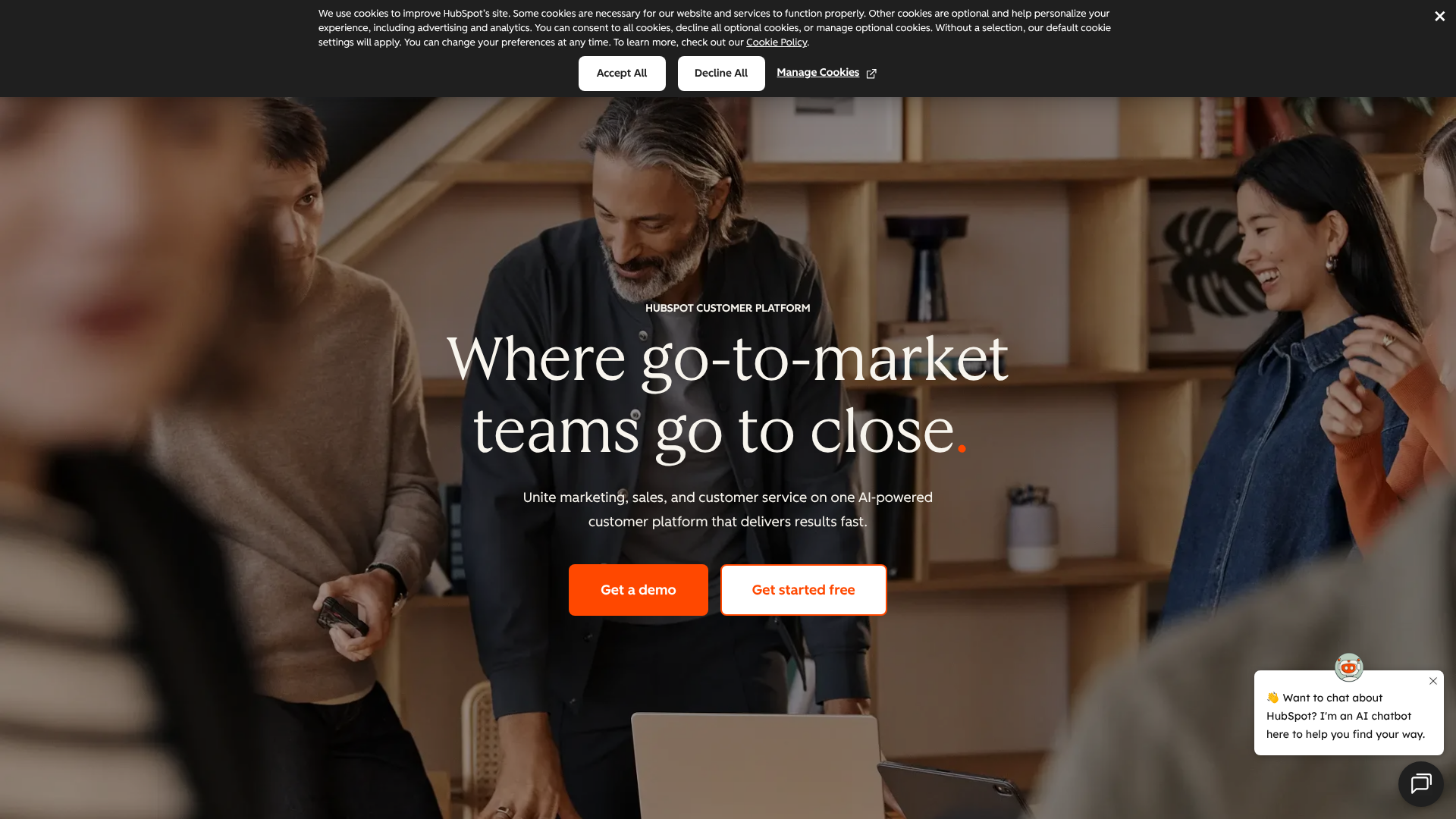
HubSpot was built on the concept of inbound marketing—attracting customers with valuable content and experiences. The HubSpot CRM is the free foundation of its much larger ecosystem, which includes paid 'Hubs' for Marketing, Sales, Service, and Operations. This structure is key to understanding its value.
The platform is designed to be incredibly user-friendly, removing the friction and complexity often associated with traditional CRMs. It focuses on providing a single source of truth for all customer interactions, from their first website visit to their post-purchase support tickets. This makes it exceptionally good for businesses that want to create a cohesive customer journey and align their sales and marketing departments.
Even in its free version, HubSpot CRM provides tools for contact management, deal tracking, pipeline management, and reporting. Its real power, however, is unlocked when combined with the paid Hubs, creating a unified platform where every team works from the same data set.
Zoho CRM: The All-in-One Business Suite
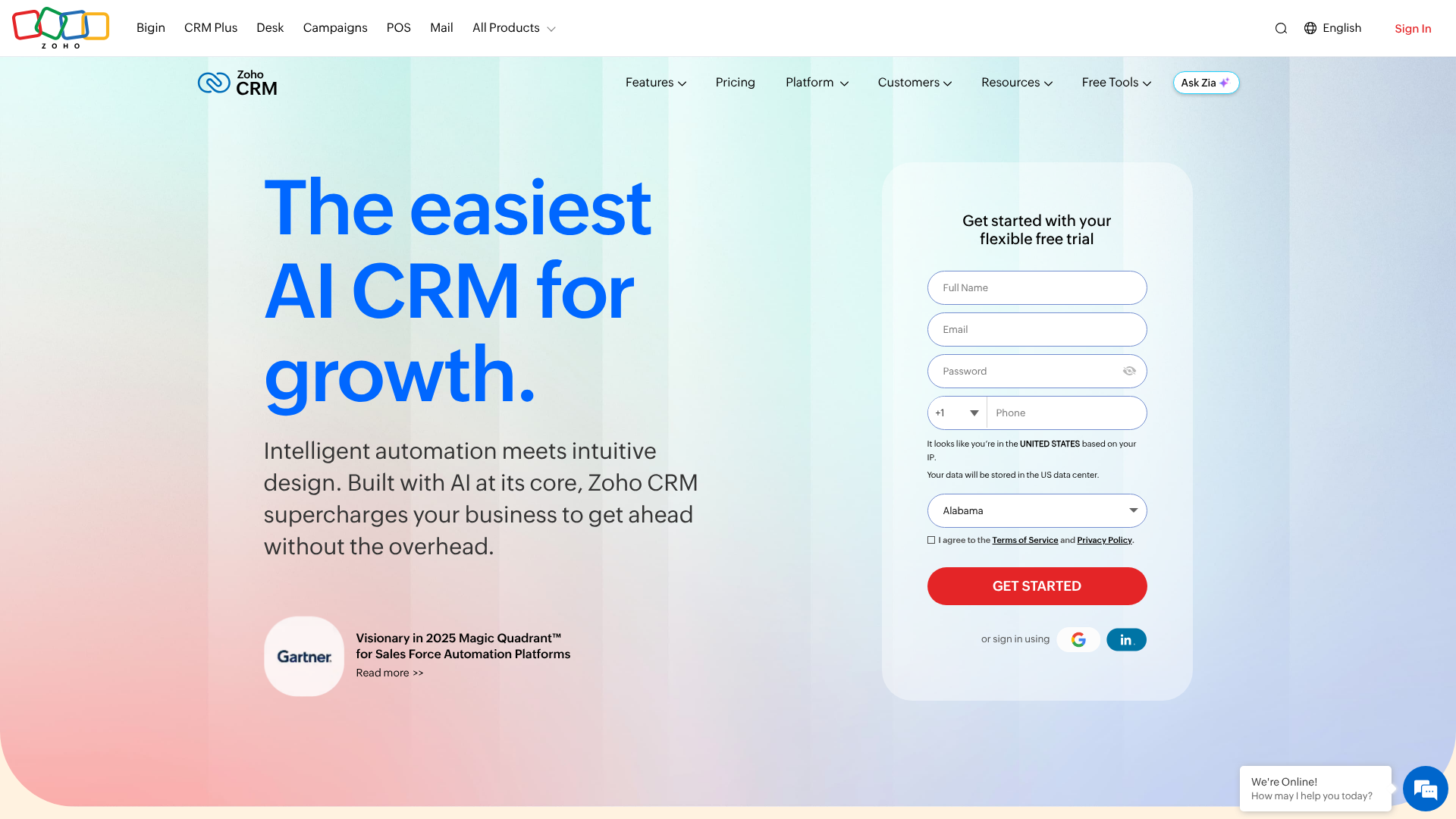
Zoho's philosophy is different. It aims to be the single software vendor for your entire business. Zoho CRM is the flagship product in a massive portfolio of over 50 applications, known as Zoho One. This suite covers everything from accounting (Zoho Books) and project management (Zoho Projects) to email (Zoho Mail) and HR (Zoho People).
This 'all-in-one' approach makes Zoho CRM incredibly powerful for businesses that want tight integration across all their operations without managing multiple vendors. Its main strengths are its affordability and immense customisation. You can modify almost every aspect of the CRM, from creating custom modules and fields to designing unique workflows and automation rules that fit your exact business processes.
While this flexibility is a huge advantage for some, it also contributes to a steeper learning curve. The interface, while powerful, can feel less intuitive than HubSpot's, and setting it up to perfectly match your needs may require more initial effort or technical expertise.

HubSpot vs Zoho: A Side-by-Side Feature Comparison
Now, let's get into the specifics. How do these two platforms stack up when it comes to the features that matter most to sales, marketing, and service teams? Here’s a high-level look before we explore each area in more detail.
| Feature | HubSpot CRM | Zoho CRM |
|---|---|---|
| Ease of Use | Excellent, very intuitive | Moderate, steeper learning curve |
| Free Plan | Very generous and powerful | Good, but more limited than HubSpot |
| Sales Automation | Good, but advanced features are on pricey tiers | Excellent, powerful even on lower tiers |
| Marketing Tools | Best-in-class (especially with Marketing Hub) | Good, but often requires other Zoho apps |
| Customisation | Good, but limited compared to Zoho | Excellent, highly flexible |
| Reporting | Excellent, easy-to-build visual dashboards | Very powerful, but can be complex |
| Integrations | Large marketplace with deep integrations | Massive ecosystem of its own native apps |
User Interface and Ease of Use
This is arguably the biggest differentiator in the HubSpot vs Zoho debate. HubSpot has built its reputation on a clean, modern, and uncluttered user interface. Dashboards are easy to read, navigation is logical, and new users can typically get up and running with minimal training. This focus on user experience reduces adoption friction, a common problem with CRM implementations.
Zoho CRM, while feature-rich, can feel more complex. The interface is highly customisable, which means you can tailor it to your needs, but the out-of-the-box experience can be overwhelming for new users. Finding specific features or settings can sometimes require digging through multiple menus. For teams that need a tool they can use effectively from day one, HubSpot has a distinct advantage.
Sales Automation and Workflows
Both platforms offer robust sales automation tools to streamline your processes. You can automate tasks like sending follow-up emails, creating tasks for reps when a deal moves stages, and updating contact properties based on specific triggers.
HubSpot’s automation is built into its sequences and workflows. It's visually driven and easy to set up simple automation rules. However, the most powerful workflow capabilities are reserved for its Professional and Enterprise tiers, which come at a significant cost. The free and starter plans have limits on the complexity and number of automations you can run.
Zoho, on the other hand, provides powerful workflow automation, known as 'Workflow Rules', even in its lower-priced editions. You can create complex, multi-step rules with custom functions (using Zoho's own scripting language, Deluge) to automate nearly any process. This makes Zoho a stronger choice for businesses with unique sales processes that require sophisticated automation on a budget.
Pro Tip: When evaluating automation, map out your most important sales process. Then, check which plan on each platform is required to fully automate it. This often reveals the true cost difference for your specific needs.
Marketing Automation and Tools
HubSpot is the undisputed leader in this category. Its CRM is designed to work perfectly with its Marketing Hub, providing a seamless experience for lead generation, nurturing, and conversion. Features like email marketing, landing page builders, forms, live chat, and social media management are deeply integrated. The ability to track a contact's entire journey from an anonymous website visitor to a loyal customer is where HubSpot truly shines.
Zoho's marketing capabilities are also strong but are often spread across different applications within the Zoho ecosystem, such as Zoho Campaigns for email marketing and Zoho Social for social media. While these tools integrate well with Zoho CRM, it’s not the same unified, single-platform experience that HubSpot offers. If your primary goal is to execute a sophisticated inbound marketing strategy, HubSpot's integrated approach is hard to beat.
Reporting and Analytics
Data is useless without insights. Both CRMs offer powerful reporting tools, but again, their approach differs. HubSpot focuses on ease of use with its drag-and-drop dashboard builder. You can quickly create beautiful, easy-to-understand reports on sales performance, pipeline health, and marketing campaign effectiveness.
The reports are visually appealing and great for sharing with stakeholders.
Zoho CRM’s reporting module is more traditional but incredibly powerful. It offers a vast number of pre-built reports and gives you the ability to create highly customised reports and dashboards. With its integration with Zoho Analytics, you can pull in data from multiple sources and perform deep analysis. However, building these custom reports can be more complex and less intuitive than on HubSpot.
Pricing and Cost Comparison: Which Offers Better Value?
Price is a major factor in any software decision. The HubSpot CRM vs Zoho pricing structures are fundamentally different, and understanding them is key to avoiding surprise costs down the line.
HubSpot's Pricing Model Explained
HubSpot’s model is built around its powerful free CRM. You can store up to 1 million contacts and have unlimited users for free, which is an incredible offer. The costs come when you want more advanced features, which are sold in the paid 'Hubs'.
For sales teams, the relevant product is the Sales Hub:
Free Tools: Includes contact management, deal pipelines, live chat, and meeting scheduling. * Starter: Starts at around £38/month (paid annually) and adds simple automation and removes HubSpot branding. * Professional: This is a big jump, starting around £360/month (paid annually for 3 users). It unlocks advanced sales automation, forecasting, and custom reporting.
Enterprise: Starts at £990/month (paid annually for 5 users) and adds features like custom objects and predictive lead scoring.
It's important to note that HubSpot's costs scale with both users and the number of marketing contacts you have. This can make it expensive for larger teams or businesses with large contact databases.
Zoho's Pricing Structure
Zoho is known for its straightforward and affordable pricing. It also offers a free edition for up to 3 users, but it's less feature-rich than HubSpot's free offering.
Zoho CRM paid plans are priced per user, per month (billed annually):
Standard: Around £12/user/month. Includes scoring rules and workflows. * Professional: Around £18/user/month. Adds sales signals and inventory management.
Enterprise: Around £35/user/month. Adds AI tools (Zia), multi-user portals, and advanced customisation. * Ultimate: Around £42/user/month. Includes advanced business intelligence and enhanced feature limits.
Zoho's biggest value proposition is Zoho One, which gives you access to over 45 of their enterprise-level apps (including Zoho CRM Ultimate) for a single price: either £30/user/month or £75/month for every employee in your company. For businesses that can use multiple Zoho apps, this is an unbeatable deal.
How to Choose: HubSpot or Zoho for Your Business?
Making the final decision comes down to your company's specific priorities, resources, and growth strategy. There is no single 'best' CRM; there is only the best CRM for you.
Choose HubSpot If…
You should lean towards HubSpot CRM if your business aligns with these characteristics:
- Ease of Use is Your Top Priority: You have a team that is not technically savvy, and you need a platform they can adopt quickly with minimal training.
- Your Focus is Inbound Marketing: Your growth strategy is built around content marketing, SEO, and attracting leads through your website. HubSpot's seamless integration between marketing and sales is perfect for this.
- You Value a Modern User Experience: You want a clean, fast, and intuitive interface that makes daily tasks enjoyable rather than a chore.
- Budget is Less of a Constraint: You are willing to invest in a premium product and have the budget to scale to the Professional or Enterprise tiers as your needs grow.
Choose Zoho If…
Zoho CRM is likely the better fit for your business if you identify with these points:
- You Are Budget-Conscious: You need a powerful CRM at an affordable price per user. Zoho consistently offers more features at a lower price point.
- You Need Deep Customisation: Your business has unique processes that require custom fields, modules, and complex automation rules. Zoho's flexibility is its greatest strength.
- You Want an All-in-One Solution: You are interested in the Zoho One ecosystem and want to run your entire business on a single, integrated platform.
- You Have Technical Resources: You either have an in-house team member who can manage the CRM setup and customisation or are willing to hire a consultant to get it right.
A Note on HubSpot CRM Alternatives
While this is a direct HubSpot vs Zoho comparison, it's worth remembering they aren't the only options. The CRM market is vast, with other excellent platforms like Salesforce, Freshworks, and Pipedrive each serving different niches. However, for small to medium-sized businesses, HubSpot and Zoho consistently represent two of the best and most popular choices, covering the spectrum from ultimate usability to ultimate flexibility.
Pros and Cons: The Honest Breakdown
No platform is perfect. Being aware of the potential downsides is just as important as understanding the benefits. Here’s a balanced look at the strengths and weaknesses of each CRM.
HubSpot CRM: Strengths and Weaknesses
Pros:
- Unbeatable Ease of Use: The intuitive interface leads to faster team adoption and less time spent on training.
- Powerful Free Version: The free CRM is arguably the best on the market, providing immense value for startups and small businesses.
- Seamless Marketing & Sales Alignment: The native integration between the CRM and the Marketing Hub is second to none.
- Excellent Support & Resources: HubSpot offers extensive documentation, a thriving community, and a world-class educational academy.
Cons:
- High Cost to Scale: Moving to paid plans, especially Professional and above, represents a significant financial commitment.
- Pricing Can Be Complex: Costs are based on a combination of user seats and marketing contact tiers, which can be difficult to forecast.
- Less Customisable: While flexible, it doesn't offer the same depth of structural customisation as Zoho.
Zoho CRM: Strengths and Weaknesses
Pros:
- Exceptional Value for Money: The per-user pricing is highly competitive, and the Zoho One bundle is an incredible deal.
- Extreme Customisation: You can adapt the CRM to fit even the most unique and complex business processes.
- Vast Software Ecosystem: It's part of a comprehensive suite of business apps, allowing for deep integration across your entire operation.
- Feature-Rich at All Levels: Advanced features like powerful automation are available on lower-priced plans.
Cons:
- Steeper Learning Curve: The interface can be clunky and less intuitive, requiring more time for users to become proficient.
- Can Feel Overwhelming: The sheer number of features and settings can be daunting for small teams who only need the basics.
- Support Can Be Inconsistent: While support is available, it sometimes gets mixed reviews compared to HubSpot's highly-rated service.
Frequently Asked Questions (FAQ)
Here are answers to some of the most common questions that arise when comparing HubSpot and Zoho.
Is HubSpot CRM really free?
Yes, the core HubSpot CRM is genuinely free forever. You can have unlimited users and store up to one million contacts and companies without paying anything. The free plan includes essential tools like contact management, deal pipelines, email tracking, and meeting scheduling. The costs begin when you need more advanced features found in the paid Sales, Marketing, or Service Hubs.
Is Zoho better than HubSpot?
Neither is objectively 'better'; they are better for different types of businesses. HubSpot is better for companies that prioritise ease of use, a modern interface, and tight integration between marketing and sales. Zoho is better for companies that need deep customisation, are on a tighter budget, and want an all-in-one suite of business applications. The best choice depends entirely on your specific needs and priorities.
Can I migrate from Zoho to HubSpot?
Yes, migrating from Zoho to HubSpot is a common process. HubSpot provides built-in import tools that allow you to upload your data via CSV files. For more complex migrations, you can use third-party data migration services that specialise in moving data between CRM platforms. It's crucial to plan your migration carefully, clean your data beforehand, and map your fields correctly to ensure a smooth transition.
Which is better for a very small business or startup?
For a startup, HubSpot's free CRM is often the best starting point. It's incredibly powerful, costs nothing to get started, and is easy for a small, non-technical team to learn. As the business grows, you can evaluate if scaling with HubSpot's paid plans makes sense or if migrating to a more affordable and customisable platform like Zoho is the right move. Zoho's free plan is also an option, but HubSpot's is generally considered more robust.
Final Thoughts: Making the Right CRM Decision
In the end, the choice between HubSpot CRM and Zoho CRM is a choice between two different business philosophies. Do you want a tool that is beautifully designed, simple to use, and guides you along a proven path for inbound growth? Or do you want a powerful, flexible toolkit that you can build into a custom solution that perfectly matches your unique way of doing business?
There is no wrong answer. The best approach is to take advantage of the free trials and free versions offered by both platforms. Get your team to use them for a week. See which interface they prefer and which platform feels like a more natural fit for your daily workflow.
Your team's adoption and consistent use of the CRM will be the ultimate factor in its success.
If you value simplicity, a seamless user experience, and a platform built for marketing-led growth, HubSpot CRM is an excellent choice that will serve you well as you start and scale your business.