

Kinsta vs WP Engine: Which Is Best for Your WordPress Site in 2026?
Choosing a managed WordPress host is a critical decision, and when it comes to the top tier, the conversation often narrows down to a comparison of Kinsta vs WP Engine. Both are premium providers known for exceptional speed, security, and support, but they achieve this through different philosophies, infrastructures, and pricing models. Picking the right one depends entirely on your specific needs, technical skills, and budget.
- Quick Summary
- Understanding the Contenders: What Are Kinsta and WP Engine?
- Head-to-Head: A Detailed Kinsta vs WordPress Engine Feature Comparison
- Performance and Speed
- A Visual Kinsta vs WP Engine Comparison
- Dashboards and User Experience
- Developer Tools and Workflow
- Pricing and Plans: A Cost Comparison
- Pros and Cons: A Balanced View
- How to Choose: Which Host is Right for You?
- Frequently Asked Questions (FAQ)
- What is the difference between Kinsta and WP Engine?
- What is the best alternative to Kinsta?
- Is WP Engine banned from WordPress?
- Who are WP Engine competitors?
- Final Thoughts: The Verdict
This in-depth analysis will break down every crucial aspect, from raw performance benchmarks and developer tools to user experience and the real cost of their plans. We'll move beyond the marketing claims to give you a clear, honest view of where each platform shines and where it falls short, so you can make an informed decision for your website.
Quick Summary
- Core Infrastructure: Kinsta runs exclusively on the Google Cloud Platform, using its fastest C2 virtual machines. WP Engine uses a mix of Google Cloud and AWS, offering a highly optimised, proprietary platform.
- Performance Focus: Kinsta is often praised for its out-of-the-box speed and modern tech stack. WP Engine provides a powerful, stable environment with an extensive set of developer tools and integrations.
- Pricing Model: Kinsta's pricing is primarily based on the number of monthly visits. WP Engine's plans are structured around visits, storage, and monthly bandwidth, which can be more forgiving for media-heavy sites.
- Best For Developers: WP Engine often gets the nod from developers due to its inclusion of the Genesis Framework, StudioPress themes, and the powerful Local development tool.
- Best For User Experience: Kinsta's custom-built MyKinsta dashboard is widely considered one of the most intuitive and user-friendly control panels in the hosting industry.
Understanding the Contenders: What Are Kinsta and WP Engine?
Before we compare features side-by-side, it's important to understand the identity and core focus of each company. While both offer managed WordPress hosting, their origins and approach to the market are distinct, shaping the products they offer today.
What is Kinsta?
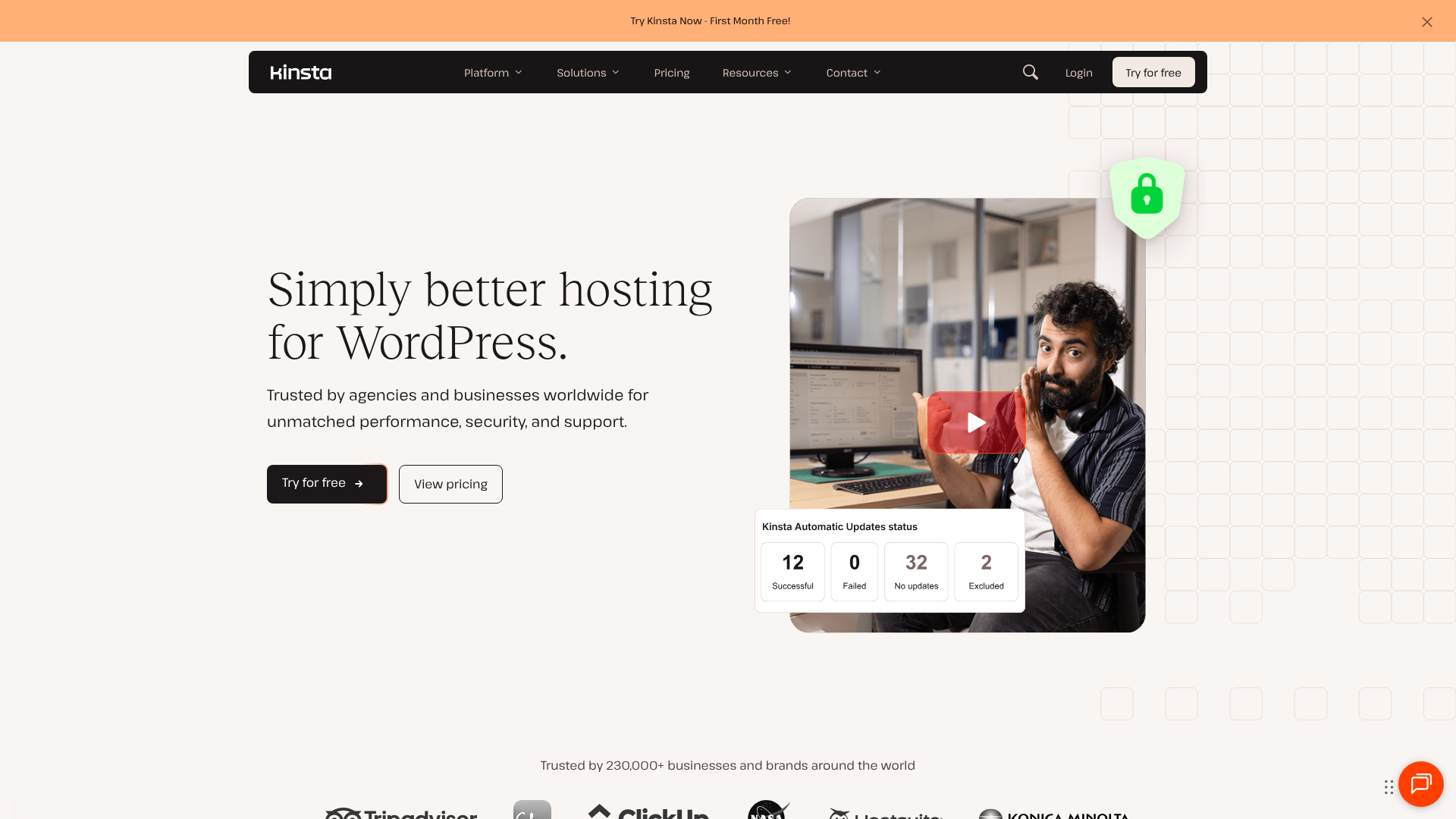
Kinsta is a relatively newer player in the managed hosting space, but it has quickly built a reputation for being a performance-first provider. Its entire infrastructure is built on the Google Cloud Platform (GCP), and it was one of the first hosts to adopt Google's premium-tier C2 machines, which offer significant speed advantages. This focus on using the latest and greatest technology is central to Kinsta's brand.
Their approach is one of streamlined simplicity. Kinsta offers one core product—managed WordPress hosting—and aims to make it as fast and easy to use as possible. The custom-built MyKinsta dashboard is a testament to this, abstracting away server management complexity into a clean, intuitive interface. They cater to everyone from small business owners to large agencies who value speed and a hassle-free experience above all else.
What is WP Engine?
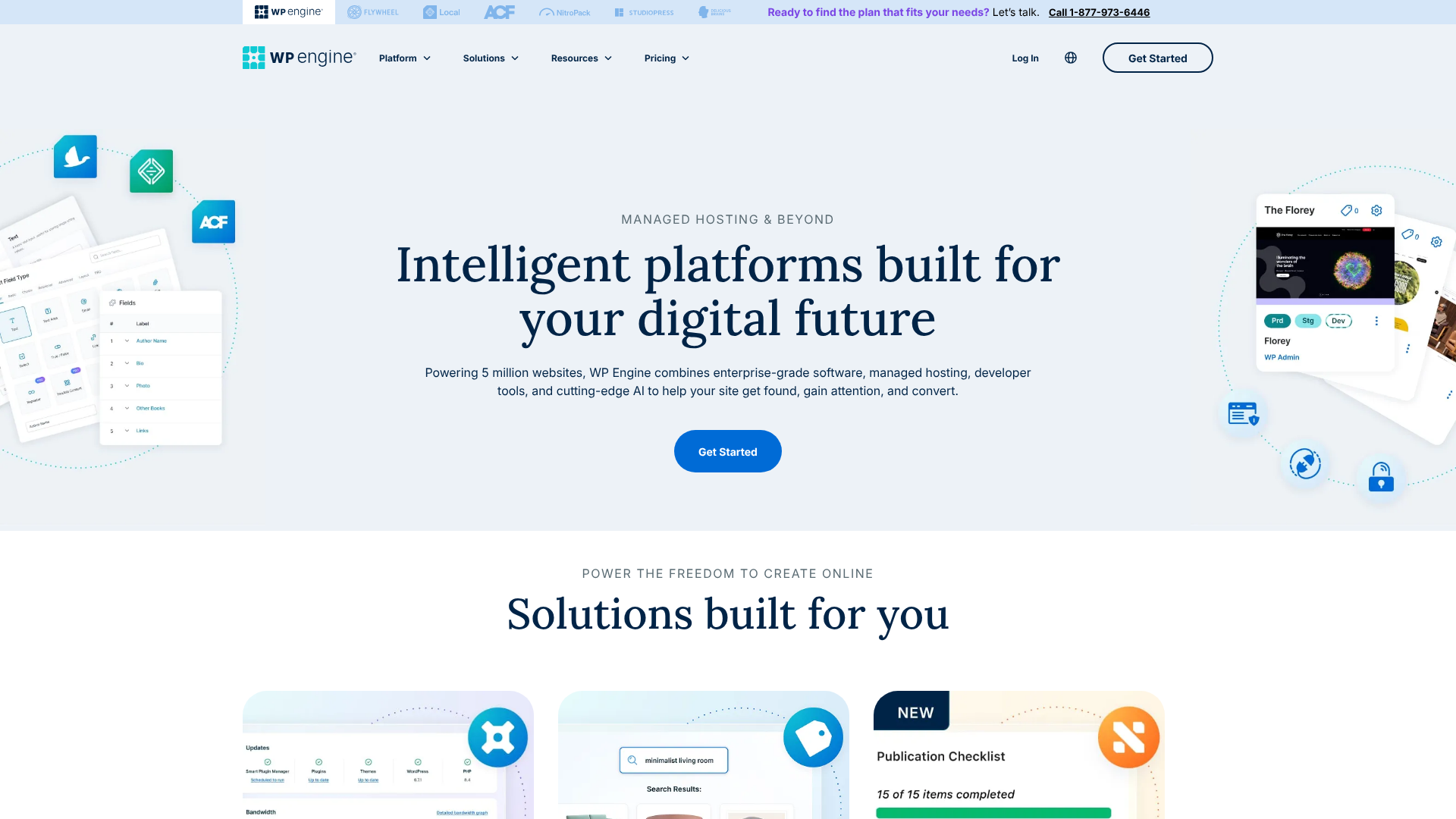
WP Engine is one of the pioneers of the managed WordPress hosting industry. Founded in 2010, they helped define the category by offering a platform specifically tuned for WordPress performance, security, and scalability. Their focus has always been on providing a comprehensive solution that serves not just the website itself, but also the developers and agencies who build and maintain it.
This is evident in their ecosystem of tools. With the acquisition of StudioPress (creators of the Genesis Framework) and the development of the Local flywheel tool for local development, WP Engine offers more than just hosting. It provides a complete toolkit for the WordPress professional. Their platform is trusted by over 1.5 million websites, including major brands, making them a powerhouse in the enterprise space as well as for small businesses and developers.
Head-to-Head: A Detailed Kinsta vs WordPress Engine Feature Comparison
Now, let's get into the specifics. A direct wp engine comparison with Kinsta reveals key differences in how they handle the most critical aspects of web hosting. We'll examine everything from the hardware that powers your site to the support team you call when you need help.
| Feature | Kinsta | WP Engine |
|---|---|---|
| Infrastructure | Google Cloud Platform (C2 VMs) | Google Cloud & AWS (Proprietary Platform) |
| CDN | Cloudflare Enterprise (Free) | Proprietary CDN + Cloudflare Options |
| Control Panel | MyKinsta (Custom) | User Portal (Custom) |
| Free SSL | Yes (Let's Encrypt) | Yes (Let's Encrypt) |
| Staging Sites | Yes (1-Click Staging) | Yes (1-Click Staging, Dev/Stage/Prod) |
| PHP Workers | Starts at 2 per site | Starts at 2-4 per site |
| Security Guarantee | Yes (Free hack fix) | Yes (Free hack fix) |
| Developer Tools | WP-CLI, SSH, Git | WP-CLI, SSH, Git, Local, Genesis Framework |
| Support | 24/7 Expert Chat | 24/7 Expert Chat & Phone (on higher plans) |
| Data Centres | 35+ Google Cloud Locations | 20+ Google Cloud & AWS Locations |
Performance and Speed
Performance is arguably the main reason you'd choose a premium host. Both Kinsta and WP Engine are exceptionally fast, but they use different methods to achieve their speed.
Kinsta's primary advantage is its use of Google Cloud's fastest available Compute-Optimised (C2) virtual machines for all plans. These machines have the highest per-core performance on GCP and are ideal for compute-heavy workloads like WordPress. Combined with their integration of Cloudflare Enterprise CDN, which includes full-page caching and DDoS protection, Kinsta's architecture is built for raw, immediate speed.
WP Engine uses a combination of Google Cloud and AWS infrastructure, optimised with its proprietary EverCache® system. This multi-layered caching solution is incredibly effective at serving cached pages quickly to visitors. While they may not use C2 VMs on all plans, their entire software stack is fine-tuned over a decade to extract maximum performance from their hardware. For many sites, the difference in real-world speed is negligible, but for sites with many complex, uncached database queries, Kinsta's C2 hardware might provide a slight edge.
A Visual Kinsta vs WP Engine Comparison
To see how these platforms stack up in real-world tests, this video provides a helpful overview.
Dashboards and User Experience
This is an area where a clear difference emerges. The MyKinsta dashboard is modern, fast, and incredibly intuitive. Everything from creating a new site, pushing a staging environment live, or viewing analytics is straightforward. The design is clean, and the user experience feels polished.
It's a dashboard that both beginners and experts appreciate for its simplicity and power.
WP Engine's User Portal is also powerful but can feel more traditional and slightly less intuitive than MyKinsta. It provides access to all the essential tools, including backups, staging environments, and CDN controls. However, navigating it can sometimes require a few more clicks. Where WP Engine excels is in its three-environment setup (Development, Staging, Production) on higher plans, which is a feature many development agencies love for its structured workflow.
Developer Tools and Workflow
For developers, the choice between Kinsta vs WP often comes down to the toolset. Both platforms offer the essentials: SSH access, WP-CLI, and Git integration. You can manage your sites effectively from the command line on either host.
However, WP Engine has a significant advantage with its broader ecosystem. The inclusion of the Genesis Framework and all 35+ StudioPress premium themes is a huge value-add, saving developers hundreds of pounds. More importantly, their free Local development tool is considered the industry standard for building WordPress sites on your computer. Its seamless integration with the WP Engine platform, allowing you to push and pull sites with a single click, creates a highly efficient workflow.
Kinsta has its own free local development tool, DevKinsta, which is also very good and integrates well with their platform. However, Local by WP Engine has been around longer and has a larger user base and more mature feature set. For agencies and freelance developers, the WP Engine toolkit is hard to beat.
Pro Tip: When evaluating developer tools, consider your entire workflow. If you already use Local for development, WP Engine offers a native, streamlined path from your computer to a live server. This can save dozens of hours over the course of a year.
Pricing and Plans: A Cost Comparison
Comparing pricing between Kinsta and WP Engine isn't as simple as looking at the monthly fee. Their resource allocations and overage policies are fundamentally different, which can have a big impact on your total bill.
Kinsta's plans are primarily defined by the number of WordPress installs, monthly visits, and disk space. Their entry-level 'Starter' plan offers 1 install, 25,000 visits, and 10 GB of space. Overage charges are billed at £1 per 1,000 extra visits. This model is very predictable if your traffic is consistent.
WP Engine's plans are defined by installs, visits, storage, and bandwidth. Their entry-level 'Startup' plan includes 1 install, 25,000 visits, 10 GB of storage, and 50 GB of bandwidth. Overage charges are typically billed at £2 per 10 GB of extra bandwidth. This can be more cost-effective for sites that don't get a lot of traffic but host large files, like a photographer's portfolio.
Here’s a simplified look at their entry-level offerings (prices are subject to change, always check the official websites for current pricing):
| Plan Tier | Kinsta (Starter) | WP Engine (Startup) |
|---|---|---|
| Price | Check current pricing | Check current pricing |
| Visits | 25,000 | 25,000 |
| Storage | 10 GB | 10 GB |
| Bandwidth | Not a primary metric | 50 GB |
| Overage Model | Per 1,000 visits | Per 10 GB bandwidth |
Ultimately, the better value depends on your site's profile. A high-traffic blog with lightweight text content might find WP Engine's bandwidth limit more generous. A low-traffic e-commerce site with many product images might find Kinsta's visit-based model more affordable.
Pros and Cons: A Balanced View

No hosting provider is perfect. Understanding the trade-offs is key to making the right choice. Here is a breakdown of the strengths and weaknesses of each platform.
Kinsta: Pros and Cons
Pros:
- Exceptional Performance: The use of Google Cloud's C2 VMs and Cloudflare Enterprise provides incredible out-of-the-box speed.
- Intuitive Dashboard: The MyKinsta dashboard is a joy to use, making site management simple and efficient.
- Excellent Support: Support is consistently fast, knowledgeable, and available 24/7 via chat for all customers.
- Transparent Resource Monitoring: The dashboard makes it very easy to see your usage of visits, disk space, and CDN bandwidth.
Cons:
- Strict Visitor Limits: The visit-based pricing can feel restrictive, and overage charges can add up quickly if you have a traffic spike.
- No Phone Support: Support is limited to chat and tickets, which might be a drawback for those who prefer speaking to a person.
- Fewer Developer 'Extras': Lacks the bundled theme and framework ecosystem that WP Engine provides.
WP Engine: Pros and Cons
Pros:
- Powerful Developer Toolkit: The inclusion of the Genesis Framework, StudioPress themes, and Local integration is a massive value for developers.
- Flexible Bandwidth: The generous bandwidth allowances are great for media-heavy websites.
- Scalability and Enterprise Features: Offers advanced solutions like Global Edge Security, Smart Plugin Manager, and dedicated plans for large-scale sites.
- Phone Support Available: Higher-tier plans include 24/7 phone support, which is a critical feature for some businesses.
Cons:
- Slightly More Complex Dashboard: The User Portal is functional but not as streamlined or modern as MyKinsta.
- Performance Can Vary: While generally fast, performance can depend on the specific plan and resource allocation.
- Add-ons Can Increase Cost: Some advanced features, like advanced security or plugin management, come at an additional cost.
How to Choose: Which Host is Right for You?
After this detailed kinsta vs wp engine breakdown, the final decision comes down to your priorities. There is no single 'best' host, only the host that is best for your specific situation.
You should choose Kinsta if:
- Your absolute top priority is raw server speed and the latest technology.
- You value a modern, clean, and highly intuitive user interface for managing your sites.
- You run a business or agency where a simple, predictable hosting experience is more important than advanced developer extras.
- Your website has predictable traffic patterns, making the visit-based pricing model easy to manage.
You should choose WP Engine if:
- You are a developer or part of an agency that relies on a streamlined local-to-live workflow.
- You want the immense value of the included Genesis Framework and premium StudioPress themes.
- Your business requires the option for 24/7 phone support or enterprise-grade security and scalability features.
- Your site is media-heavy, and you would benefit more from a bandwidth-based pricing model than a strict visitor-based one.
Frequently Asked Questions (FAQ)
Here are answers to some of the most common questions people ask when comparing these two hosting giants.
What is the difference between Kinsta and WP Engine?
The primary difference lies in their core philosophy and infrastructure. Kinsta focuses on providing the fastest possible hardware (Google C2 VMs) and a streamlined user experience through its MyKinsta dashboard. WP Engine focuses on providing a complete developer ecosystem, including premium themes and the Local development tool, on a highly reliable and scalable proprietary platform.
Other key differences include their pricing models (Kinsta is visit-based, WP Engine is bandwidth-based) and their support options (Kinsta is chat-only, WP Engine offers phone support on higher plans). Both are excellent, but they cater to slightly different priorities.
What is the best alternative to Kinsta?
WP Engine is widely considered the best and most direct alternative to Kinsta. They compete at the same premium price point and offer similar levels of performance, security, and support. If you are considering Kinsta but are looking for a platform with a stronger developer toolset or more flexible bandwidth, WP Engine is the logical choice.
Is WP Engine banned from WordPress?
No, this is a common misunderstanding. WP Engine is not banned from WordPress in any way; in fact, they are one of the leading platforms in the WordPress ecosystem. The confusion comes from their 'disallowed plugins' list. To ensure optimal performance and security on their platform, WP Engine blocks the use of certain plugins that are redundant or can cause issues.
For example, they disallow most third-party caching plugins because their built-in EverCache® system handles it more efficiently. This is a standard practice among high-performance managed hosts and is done to protect the stability of your site, not to limit you. You can find a full list of these plugins on their support site.
Who are WP Engine competitors?
WP Engine's main competitor in the premium managed WordPress space is Kinsta. They are the two most frequently compared providers. Other notable competitors include SiteGround (particularly its GoGeek and Cloud plans), Pressable (owned by Automattic, the company behind WordPress.com), and Flywheel (which was acquired by WP Engine but still operates as a separate brand focused on designers).
Final Thoughts: The Verdict
In the battle of Kinsta vs WP Engine, there is no loser. Both are exceptional hosting providers that deliver on their promise of a fast, secure, and reliable home for your WordPress site. They represent the peak of what managed hosting can offer, and migrating to either from a standard shared host will feel like a massive upgrade.
The choice is not about which is 'better' overall, but which is better for you. If your priority is bleeding-edge speed delivered through a beautifully simple interface, Kinsta is an outstanding choice. If you are a developer or agency who would benefit from a rich ecosystem of themes and tools, WP Engine provides a more comprehensive and powerful platform.
Evaluate your needs, consider your workflow, and analyse your site's traffic and content. By aligning your priorities with the strengths of each host, you can confidently choose the platform that will best support your website's growth for years to come.