

WP Engine vs Kinsta: Which Host is Best for Your Business in 2026?
Choosing a premium managed WordPress host is a critical decision for any serious business. The right platform can dramatically improve your site's speed, security, and scalability, while the wrong one can lead to slow load times and constant headaches. When it comes to the top tier of managed hosting, the conversation almost always includes a detailed comparison of WP Engine vs Kinsta. Both are giants in the industry, but they cater to slightly different priorities and user needs.
- Quick Summary
- What Are WP Engine and Kinsta? An Introduction to Managed WordPress Hosting
- The WP Engine Kinsta Showdown: A Head-to-Head Feature Comparison
- Performance and Speed: Who Wins the Race?
- User Interface and Ease of Use: MyKinsta vs WP Engine User Portal
- Staging Environments and Developer Workflows
- Security and Backups: Protecting Your Digital Assets
- Pricing and Plans: A Detailed Cost Comparison
- Pros and Cons: A Balanced Kinsta vs WP Engine Comparison
- How to Choose: Which Host is Right for You?
- Frequently Asked Questions (FAQ)
- Is WP Engine legit?
- Is Kinsta reliable?
- Is WP Engine banned from WordPress?
- What is the most reliable WordPress hosting for beginners?
- Why do devs hate WordPress?
- What happened to the WP Engine?
- Final Thoughts: The WP Engine vs Kinsta Verdict
This guide breaks down the essential differences between these two platforms. We'll compare their performance, features, pricing, and support to give you a clear picture of which host is the right choice for your website. Whether you're a small business owner, a growing agency, or a large enterprise, this analysis will help you make an informed decision.
Quick Summary
- Performance & Infrastructure: Both hosts are exceptionally fast. Kinsta often has a slight edge in raw speed, using Google Cloud's fastest C2 or C3D virtual machines and an integrated Cloudflare Enterprise CDN on all plans. WP Engine uses a mix of Google Cloud and AWS infrastructure, optimised with its proprietary EverCache technology.
- Developer Workflow: WP Engine is the clear winner for complex development cycles. Most of its plans include three separate environments: Development, Staging, and Production. Kinsta offers a standard Staging environment, with more advanced options available as a paid add-on.
- Dashboard & Usability: Kinsta's custom-built MyKinsta dashboard is widely considered one of the most modern, intuitive, and user-friendly control panels in the industry. WP Engine's User Portal is powerful and feature-rich but can have a steeper learning curve for beginners.
- Backups & Security: Both offer robust security with free hack-fix guarantees. The key difference is backup retention; WP Engine stores daily backups for up to 60 days, whereas Kinsta's standard retention is 14-30 days, depending on the plan.
What Are WP Engine and Kinsta? An Introduction to Managed WordPress Hosting
Before diving into a direct comparison, it's important to understand what “managed WordPress hosting” actually means. Unlike shared hosting where you're left to manage most technical tasks yourself, managed hosting providers handle the heavy lifting. This includes server optimisation, security monitoring, software updates, daily backups, and performance tuning, allowing you to focus on creating content and growing your business.
WP Engine: The Enterprise-Grade Pioneer
WP Engine is one of the original pioneers in the managed WordPress hosting space. Founded in 2010, it has built a reputation for providing powerful, reliable, and secure hosting solutions, particularly for enterprise clients, high-traffic websites, and development agencies. They focus on a suite of developer-friendly tools and a robust infrastructure designed for stability and scale.
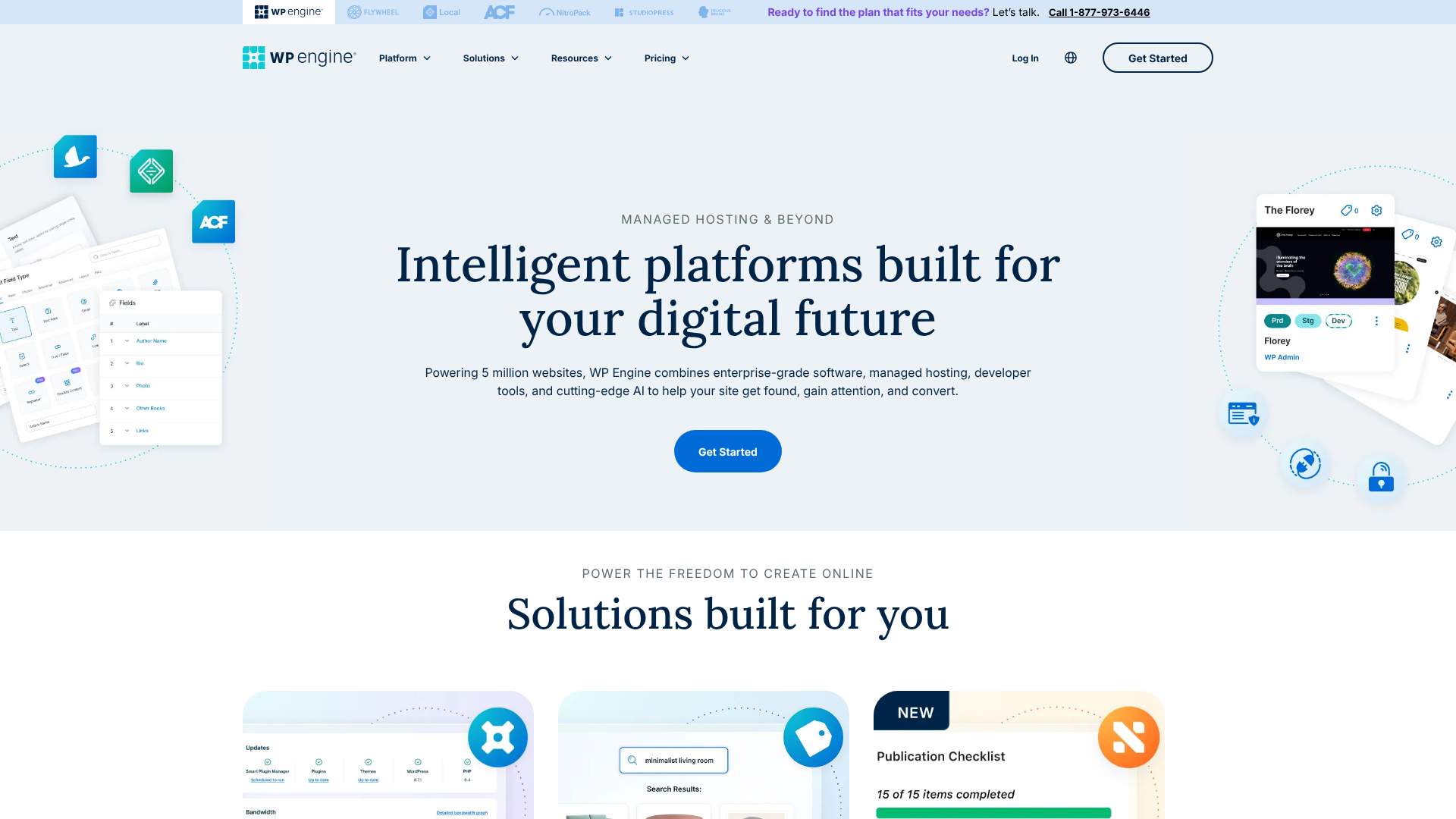
Their platform is more than just hosting; it's a complete digital experience platform for WordPress. They offer tools that cover the entire development lifecycle, from local development with their Local app to deploying code across multiple environments.
Kinsta: The Performance-Focused Challenger
Kinsta entered the scene later but quickly made a name for itself by focusing relentlessly on speed. Built exclusively on the Google Cloud Platform (GCP), Kinsta uses Google's Premium Tier network and its fastest available virtual machines (VMs) for every single customer, regardless of their plan. This commitment to cutting-edge infrastructure gives them a performance-first identity.
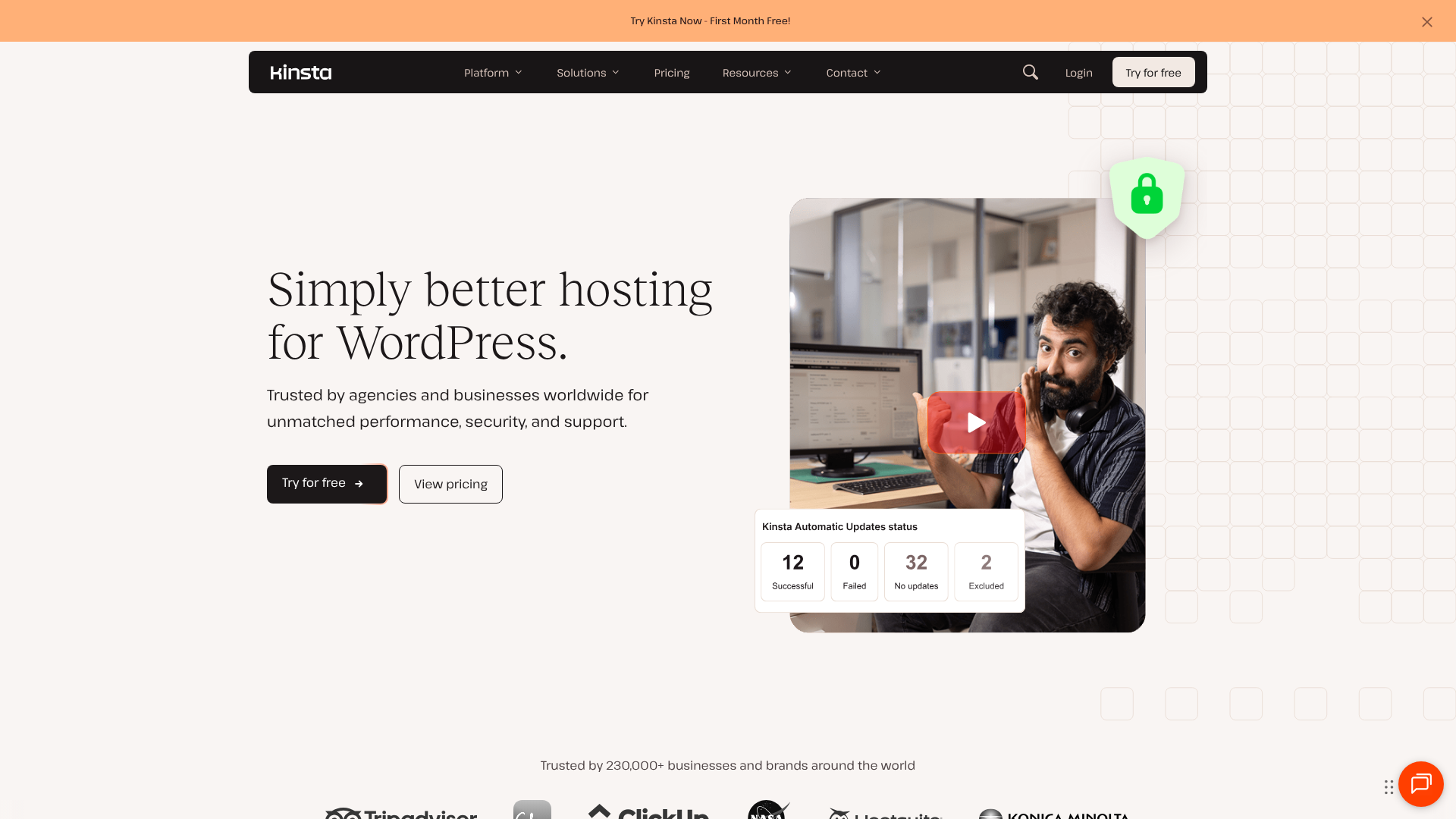
Their approach is to offer a streamlined, all-in-one solution where premium features like an enterprise-level CDN and advanced security are included in every plan. This simplicity, combined with a sleek and modern user dashboard, makes it a favourite among developers and business owners who prioritise raw performance and ease of use.
The WP Engine Kinsta Showdown: A Head-to-Head Feature Comparison
To understand where each host excels, a side-by-side feature comparison is essential. While both offer a premium experience, their approaches to core features reveal their underlying philosophies.
| Feature | WP Engine | Kinsta |
|---|---|---|
| Primary Infrastructure | Google Cloud Platform & AWS | Google Cloud Platform (Exclusive) |
| Server Type | NGINX with proprietary EverCache | NGINX with Google's C2/C3D VMs |
| Data Centres | 20+ locations (Google & AWS) | 35+ locations (Google Cloud) |
| CDN | MaxCDN (StackPath) & Cloudflare | Cloudflare Enterprise (on all plans) |
| Staging Environments | 3 (Dev, Stage, Prod) on most plans | 1 (Standard Staging) on all plans |
| Daily Backups | Automated, 60-day retention | Automated, 14-30 day retention |
| PHP Workers | Varies by plan | Varies by plan, more on higher tiers |
| Security | Proprietary WAF, DDoS mitigation | Cloudflare WAF, free DDoS protection |
| Hack-Fix Guarantee | Yes | Yes |
| Control Panel | WP Engine User Portal | Custom MyKinsta Dashboard |
Performance and Speed: Who Wins the Race?
Speed is a non-negotiable factor for any modern website. It directly impacts user experience, conversion rates, and SEO rankings. Both WP Engine and Kinsta are built for speed, but they achieve it in different ways.
Kinsta's entire platform is engineered for maximum performance. By exclusively using Google Cloud's fastest C2 and C3D compute-optimised VMs and their low-latency Premium Tier network, they ensure that every site has access to top-of-the-line hardware. Furthermore, their integration with Cloudflare Enterprise on every plan provides a global edge network, image optimisation, and early hints technology that can significantly reduce Time to First Byte (TTFB).
WP Engine also delivers excellent performance. Their proprietary caching technology, EverCache, is designed to serve cached pages incredibly quickly, reducing server load and speeding up delivery. They use a combination of Google Cloud and AWS infrastructure, allowing them to optimise server locations for clients. While their standard CDN is very effective, Kinsta's inclusion of Cloudflare's premium features across the board often gives it a slight edge in independent speed tests.
Ultimately, both hosts will make your WordPress site feel exceptionally fast compared to standard hosting. The choice often comes down to Kinsta’s raw, cutting-edge hardware approach versus WP Engine’s fine-tuned, proprietary software solution.
User Interface and Ease of Use: MyKinsta vs WP Engine User Portal
A powerful hosting platform is only useful if you can easily manage it. The user dashboard is your mission control for everything from creating new sites and managing backups to monitoring performance.
Kinsta's MyKinsta dashboard is a standout feature and a major selling point. It was custom-built from the ground up with user experience in mind. The interface is clean, modern, and logically organised, making complex tasks like switching PHP versions, clearing the cache, or reviewing site analytics incredibly simple. It provides detailed performance monitoring tools, including the Kinsta APM (Application Performance Monitoring) tool, which helps identify performance bottlenecks in your site's code.
WP Engine's User Portal is also very powerful, offering access to a wide range of tools for developers and site managers. You can manage environments, access backups, view error logs, and control various site settings. However, some users find its interface to be less intuitive and slightly more dated compared to MyKinsta. While it contains all the necessary functionality, navigating it can sometimes require more clicks and a bit of a learning curve.
For users who value a modern, streamlined, and visually appealing interface, Kinsta has a clear advantage. For those who are more focused on raw functionality, WP Engine's portal is more than capable.
Staging Environments and Developer Workflows
For agencies, developers, and businesses that regularly update their websites, a solid staging workflow is crucial. This is an area where the two hosts have a significant philosophical difference.
WP Engine excels here by offering three distinct environments on most of their plans: Development, Staging, and Production. This setup is ideal for professional development teams. Developers can build and experiment in the 'Dev' environment, push changes to 'Stage' for client review and QA testing, and finally deploy to the live 'Prod' environment with a single click. This structured workflow minimises the risk of breaking the live site and is a major reason why agencies choose WP Engine.
Kinsta provides a standard one-click Staging environment for every site. This is perfect for most users who need a safe place to test updates, plugins, or design changes before pushing them live. While this is sufficient for many, it lacks the dedicated 'Dev' environment that WP Engine offers. Kinsta does offer Premium Staging Environments as a paid add-on, which allows for more complex workflows, but it's not included by default.
Pro Tip: If your team follows a strict Git-based deployment process, WP Engine's three-environment system and SSH Gateway access provide a more structured and powerful workflow for managing code across different stages of development.
Security and Backups: Protecting Your Digital Assets
In today's digital world, security isn't a feature; it's a necessity. Both WP Engine and Kinsta take security extremely seriously and offer comprehensive protection.
Kinsta's security is bolstered by its Cloudflare Enterprise integration. This provides a robust Web Application Firewall (WAF) and free DDoS protection for all sites. They also conduct continuous malware scanning, block malicious requests, and offer a free hack-fix guarantee. If your site is compromised while on their platform, their team will repair it for free.
WP Engine also has a multi-layered security approach, including a proprietary WAF, real-time threat detection, and managed WordPress core patching. Like Kinsta, they stand by their platform with a hack-fix guarantee, offering peace of mind. One of their standout features is the longer backup retention period. WP Engine automatically creates daily backups and stores them for 60 days, giving you a much larger window to restore your site if something goes wrong.
Kinsta's retention is typically 14 days on lower plans, extending to 30 days on higher-tier plans.
For businesses that require longer backup archives for compliance or archival purposes, WP Engine's 60-day policy is a significant advantage.
Pricing and Plans: A Detailed Cost Comparison
Both WP Engine and Kinsta are premium hosting providers, and their pricing reflects the quality of their service. Their pricing structures, however, are slightly different.
Kinsta’s pricing is primarily based on the number of monthly visits, disk space, and PHP workers (which determine how many simultaneous requests your site can handle). Their plans are known for being straightforward and all-inclusive. There are no hidden fees for features like their premium CDN; what you see is what you get. Overage charges for visits are clearly defined and billed automatically.
WP Engine’s plans are structured around monthly visits, storage, and bandwidth. This means if your site has a lot of large files or high-resolution images, you might hit your bandwidth limit even if your visitor count is low. Their entry-level plans are often slightly cheaper than Kinsta's, making them an attractive option for those just starting out. However, it's important to monitor all three metrics—visits, storage, and bandwidth—to avoid overage fees.
For the most accurate and current pricing information, it is always best to visit their official websites.
- Visit WP Engine for their latest plans and pricing.
- Visit Kinsta's website for their current pricing structure.
Generally, Kinsta's model is simpler to understand, while WP Engine's can offer a lower cost of entry if your site has low bandwidth needs.
Pros and Cons: A Balanced Kinsta vs WP Engine Comparison
No host is perfect for everyone. Here’s a breakdown of the strengths and weaknesses of each platform to help you weigh your options in this wpengine kinsta showdown.
WP Engine: Strengths and Weaknesses
Pros:
Three-Environment Workflow: The Dev/Stage/Prod setup is a massive advantage for agencies and professional developers. – Longer Backup Retention: Storing daily backups for 60 days provides an extended safety net. – Enterprise-Grade Features: Strong focus on security, compliance, and scalability for large businesses. – Excellent Support: 24/7 expert support is a hallmark of their service.
Lower Starting Price: Their entry-level plans can be more affordable than Kinsta's.
Cons:
- More Complex Limits: Tracking visits, storage, and bandwidth can be more complicated than Kinsta's model.
- Dashboard UI: The user portal is powerful but can feel less modern and intuitive than MyKinsta.
- Add-on Costs: Some advanced features, like Global Edge Security, may come at an additional cost.
Kinsta: Strengths and Weaknesses
Pros:
Exceptional Performance: Exclusive use of Google's fastest VMs and premium network delivers top-tier speed. – Intuitive MyKinsta Dashboard: Widely regarded as one of the best and easiest-to-use control panels. – All-Inclusive Features: Cloudflare Enterprise, premium CDN, and advanced security are included in all plans. – More Data Centres: A wider global network of 35+ locations allows you to host your site closer to your audience.
Transparent Pricing: The visit-based model is simple and easy to understand.
Cons:
- Higher Entry Price: Their starting plans are typically more expensive than WP Engine's.
- Shorter Backup Retention: The standard 14-30 day retention period is shorter than WP Engine's 60 days.
- Standard Staging Only: The lack of a dedicated 'Dev' environment out of the box may be a drawback for some agencies.
How to Choose: Which Host is Right for You?
After comparing features, performance, and pricing, the decision between Kinsta vs WP Engine comes down to your specific needs and priorities.
You should choose WP Engine if:
- You are a development agency or a large team that requires a structured Dev/Stage/Prod workflow.
- You need long-term backup retention for compliance or peace of mind.
- You are an enterprise client looking for advanced security, scalability, and dedicated support.
- You want to start with a slightly lower monthly cost and have a site with predictable bandwidth usage.
You should choose Kinsta if:
- Your absolute top priority is achieving the fastest possible website speed and performance.
- You value a modern, intuitive, and user-friendly dashboard that simplifies site management.
- You want an all-inclusive plan where premium features like an enterprise CDN are built-in.
- Your audience is globally distributed, and you need a wide selection of data centre locations.
Frequently Asked Questions (FAQ)
Here are answers to some common questions that arise when comparing these two hosting giants.
Is WP Engine legit?
Yes, WP Engine is absolutely legitimate and is one of the most respected and well-established companies in the WordPress hosting industry. They were founded in 2010 and host websites for over 1.5 million customers in 150 countries, including major brands like Yelp, Asana, and PBS. They are known for their reliability, expert support, and enterprise-level solutions.
Is Kinsta reliable?
Kinsta is extremely reliable. Their entire infrastructure is built on the Google Cloud Platform, which is known for its stability and performance. Kinsta offers a 99.9% uptime guarantee backed by a Service Level Agreement (SLA), meaning they will credit your account if your site experiences significant downtime. Their proactive monitoring and expert support team ensure that any issues are addressed quickly.
Is WP Engine banned from WordPress?
No, this is a common misconception. WP Engine is not banned from WordPress; in fact, they are one of the most prominent partners in the WordPress ecosystem. They contribute to WordPress core development and are a leading voice in the community. The confusion may arise from certain plugins being disallowed on their platform, which is a standard practice among managed hosts to ensure security and performance.
What is the most reliable WordPress hosting for beginners?
For absolute beginners, both WP Engine and Kinsta might be more powerful (and expensive) than necessary. While their managed nature makes them easy to use, hosts like SiteGround or Bluehost often provide a more beginner-friendly entry point with simpler plans. However, between the two, Kinsta's intuitive MyKinsta dashboard is often considered slightly more welcoming for users who are new to managed hosting.
Why do devs hate WordPress?
It's a generalisation to say all developers hate WordPress, but some do express frustrations. These often stem from dealing with poorly coded themes and plugins, security vulnerabilities on unmanaged servers, and performance issues on cheap hosting. Managed hosts like WP Engine and Kinsta were created to solve these exact problems. They provide a secure, optimised environment with developer tools (like SSH access, Git, and WP-CLI) that make a developer's job much easier, turning many of those frustrations into non-issues.
What happened to the WP Engine?
Nothing has “happened” to WP Engine in a negative sense; they continue to be a dominant force in the market. They are constantly innovating, acquiring companies to expand their toolset (like the popular Flywheel hosting company and the Local development app), and launching new features. They recently enhanced their platform with more advanced security options and continue to expand their global data centre footprint.
Final Thoughts: The WP Engine vs Kinsta Verdict
Both WP Engine and Kinsta represent the pinnacle of managed WordPress hosting. You truly cannot make a bad choice between them; you can only make a choice that is better aligned with your specific priorities. The decision is not about which host is better overall, but which host is better for you.
To summarise the kinsta vs wpengine debate: WP Engine is the ideal choice for agencies and enterprises that need a structured, multi-environment workflow and long-term backups. Its platform is built for professional development teams who need control and stability at scale.
Kinsta, on the other hand, is the perfect fit for those who prioritise raw speed, a modern user experience, and an all-inclusive feature set. Its relentless focus on performance and its beautifully designed dashboard make it a favourite for performance-driven businesses and developers who value simplicity and power. If WP Engine's robust workflow and enterprise features align with your needs, you can learn more and get started on their website.