

WP Engine vs Kinsta: Which Managed Host is Best for Your Business?
Choosing a managed WordPress host is a critical decision for any serious business, developer, or agency. When you reach a certain scale, standard shared hosting no longer provides the speed, security, or support you need. This is where the debate of WP Engine vs Kinsta comes to the forefront, as both are considered top-tier providers in the premium hosting space. They offer powerful infrastructure and expert support, but they cater to slightly different needs and priorities.
- Quick Summary
- What are WP Engine and Kinsta? An Introduction to the Market Leaders
- Key Features: A Side-by-Side WP Engine Comparison
- Performance and Speed Infrastructure
- Dashboards and User Experience
- Staging Environments
- Backups and Security
- Performance Deep Dive: Kinsta vs WP Engine Speed Tests
- Pricing and Cost Comparison
- Pros and Cons: A Balanced View
- How to Choose: Which Host is Right for You?
- Frequently Asked Questions
- Who is the fastest WordPress host?
- Why is Kinsta so expensive?
- Is WP Engine banned from WordPress?
- Who are WP Engine's main competitors?
- Which hosting service is best for WordPress?
- Final Thoughts: Making Your Decision
This comprehensive comparison will break down every critical aspect of these two hosting giants. We'll examine their performance benchmarks, core features, pricing structures, and user experience to give you a clear picture of which platform is the right fit for your website. Whether you prioritise raw speed, advanced developer tools, or global reach, this guide will help you make an informed decision.
Quick Summary
- Choose WP Engine for Developer Power: WP Engine excels with its advanced developer workflows, including multi-environment staging (dev/stage/prod) on higher plans, making it ideal for agencies and large teams with complex development cycles.
- Choose Kinsta for Raw Speed and Simplicity: Kinsta often leads in pure performance tests, using Google Cloud's premium network for all plans. Its custom-built MyKinsta dashboard is widely praised for being modern and incredibly user-friendly.
- Performance and Infrastructure: Kinsta offers more data centre locations (35+) powered exclusively by Google Cloud Platform. WP Engine uses a mix of Google Cloud and AWS, offering excellent performance with its proprietary EverCache technology.
- Pricing and Value: Both are premium services with similar entry-level pricing. The key difference lies in what's included; Kinsta offers its Application Performance Monitoring (APM) tool for free on all plans, while WP Engine's advanced features are geared towards higher-tier plans.
- The Verdict: Your choice depends on your primary need. If you're a developer or agency that needs a powerful, scalable platform with sophisticated staging, WP Engine is a fantastic choice. If your main goal is maximum speed and a streamlined, easy-to-use management experience, Kinsta is hard to beat.
What are WP Engine and Kinsta? An Introduction to the Market Leaders
Before diving into a direct feature comparison, it's important to understand the philosophy and background of each company. Both offer managed WordPress hosting, which means they handle all the technical aspects of running WordPress for you, including security, speed, updates, and backups. This frees you up to focus on creating content and growing your business.
WP Engine: The Established Industry Pioneer
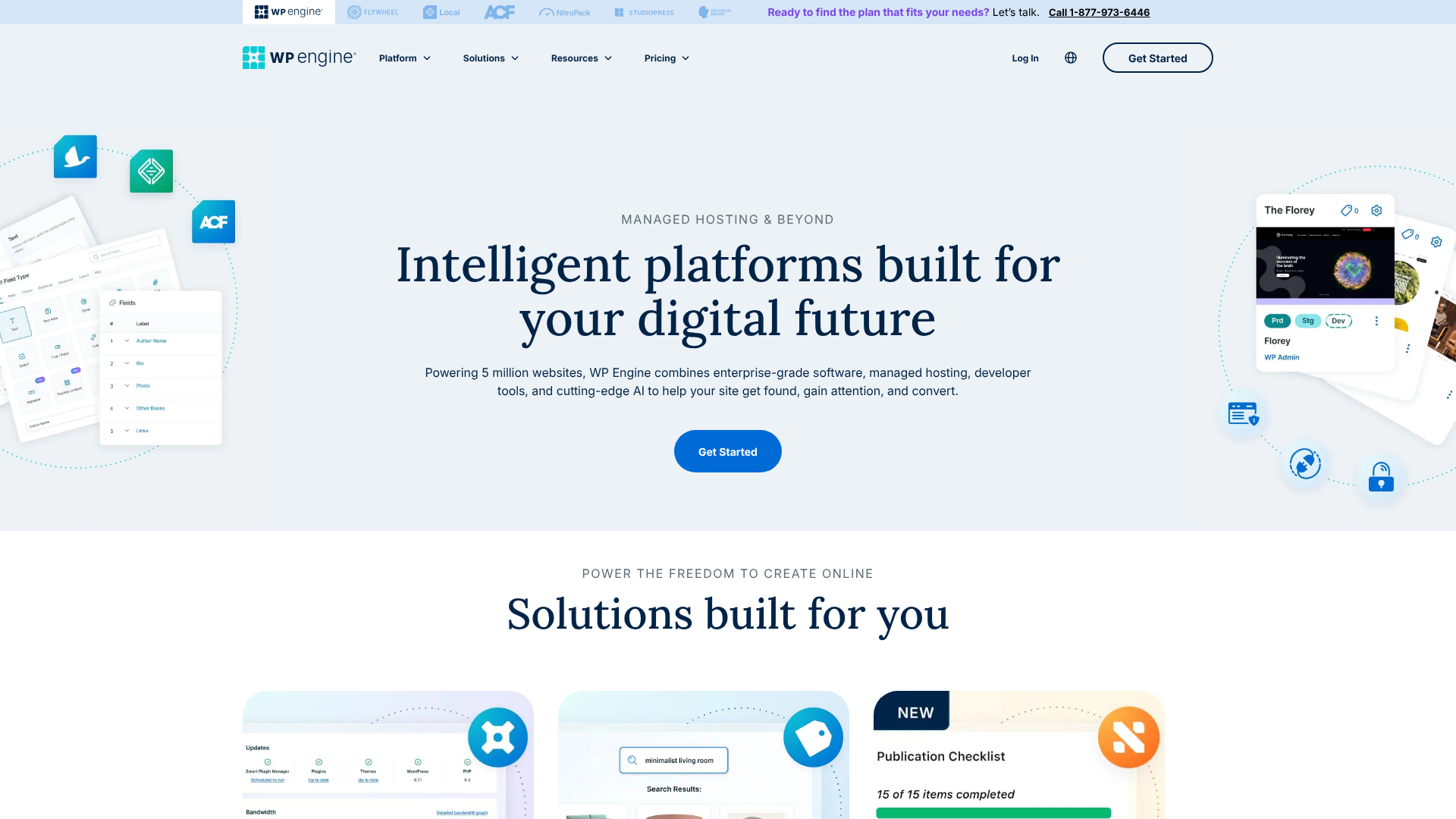
Founded in 2010, WP Engine is one of the original and most well-known names in managed WordPress hosting. They have built a reputation for reliability, security, and a feature set geared towards developers, agencies, and enterprise-level clients. Their platform is built on a foundation of powerful technology, including their proprietary caching system, EverCache, which is optimised to deliver WordPress content at incredible speeds.
WP Engine's primary focus has always been on providing a stable and secure environment for high-traffic websites. They offer solutions that go beyond simple hosting, such as their Genesis Framework and StudioPress themes, which are included with all plans. Their commitment to the developer community is evident in features like Git integration and their multi-environment staging setups, which are a significant advantage for professional development teams.
Kinsta: The Performance-Focused Challenger
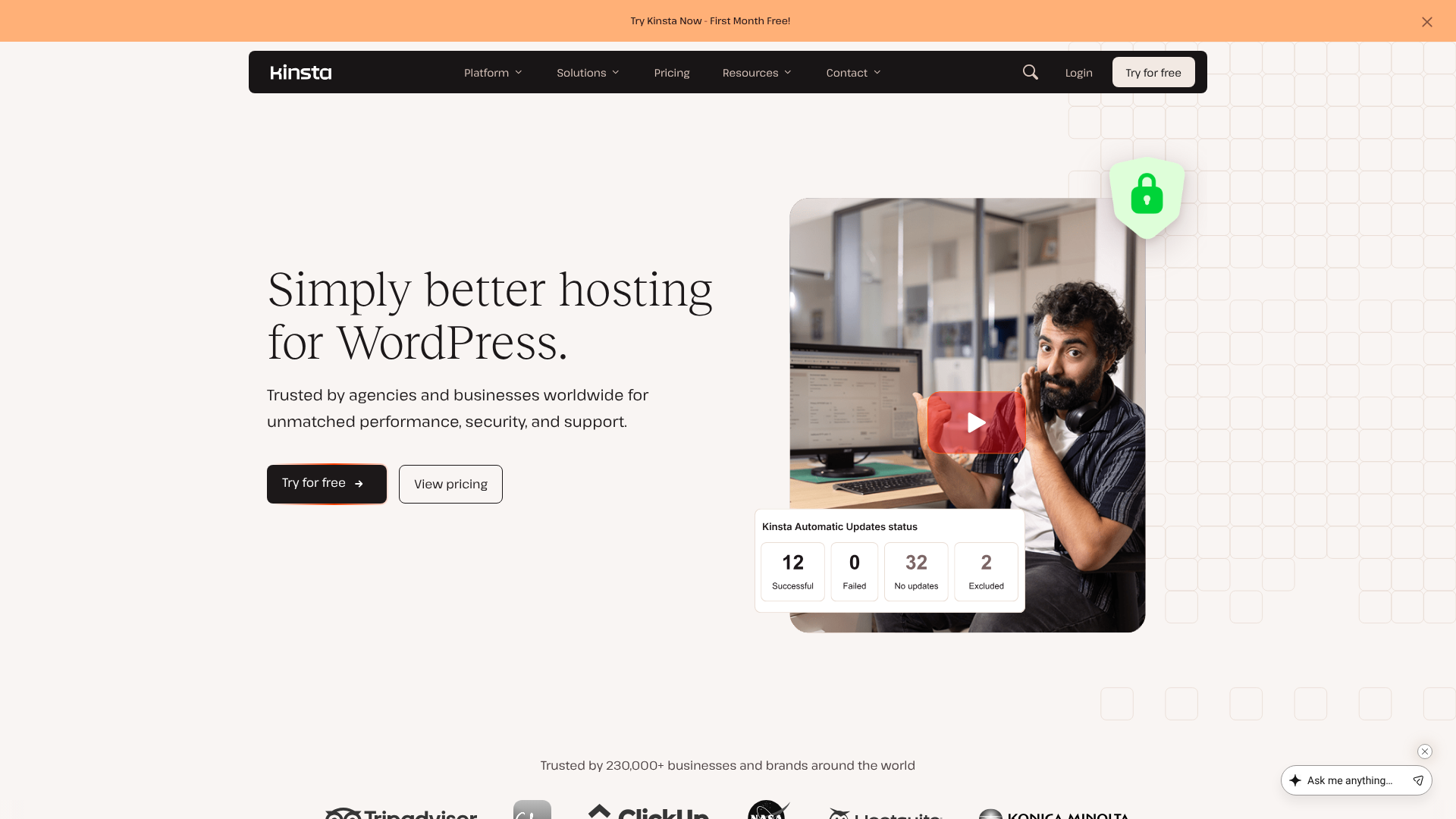
Kinsta entered the market later but quickly made a name for itself by focusing relentlessly on performance. Founded in 2013, Kinsta built its entire infrastructure on the Google Cloud Platform (GCP), specifically using its Premium Tier network. This gives every Kinsta customer, regardless of their plan, access to one of the fastest and most reliable networks in the world.
Kinsta's approach is centred on technology and user experience. They use a container-based architecture, meaning each site's resources are isolated, which improves both security and performance. Their custom-built MyKinsta dashboard is a standout feature, celebrated for its intuitive design and powerful tools, making site management simple for both beginners and experts. Kinsta appeals to users who demand the absolute best in speed and a modern, hassle-free hosting experience.
Key Features: A Side-by-Side WP Engine Comparison
While both hosts cover the essentials of managed hosting, their specific features and how they are implemented differ significantly. Here’s a breakdown of the most important aspects in this kinsta vs wp engine showdown.
| Feature | WP Engine | Kinsta |
|---|---|---|
| Infrastructure | Google Cloud & AWS | Google Cloud Platform (Premium Tier) |
| Data Centres | ~20+ locations | 35+ locations |
| CDN | MaxCDN (StackPath) included | Cloudflare Enterprise included |
| Caching | Proprietary EverCache® system | Server-level caching + Edge Caching |
| Staging Environments | 1-click Staging; Dev/Stage/Prod on higher plans | 1-click Staging on all plans |
| Backups | Daily automated + manual; 60-day retention | Daily automated + manual; 14-30 day retention |
| Security | Managed WAF, DDoS mitigation, free hack fixes | Cloudflare firewall, DDoS protection, free hack fixes |
| Performance Tool | Site performance monitoring tool | Kinsta APM (Application Performance Monitoring) included |
| Dashboard | WP Engine User Portal | Custom-built MyKinsta dashboard |
Performance and Speed Infrastructure
Performance is often the number one reason users upgrade to managed hosting. Both platforms are built for speed, but they achieve it in different ways.
Kinsta leverages Google Cloud's fastest machines (C2 VMs) and its Premium Tier network for every single customer. This ensures low latency globally. Their integration with Cloudflare Enterprise, including Edge Caching on all plans, means your site's static assets are served from a network of over 275+ locations, dramatically speeding up load times for visitors no matter where they are.
WP Engine uses a combination of Google Cloud and Amazon Web Services (AWS) infrastructure, optimising server configurations for WordPress. Their key performance feature is EverCache, a proprietary caching system that aggressively caches pages, objects, and database queries. This system is highly effective and reduces server load, allowing sites to handle large traffic spikes without slowing down.

Dashboards and User Experience
This is one of the most noticeable differences between the two. Kinsta's MyKinsta dashboard is consistently praised for its clean, modern, and intuitive interface. It provides easy access to everything you need, from creating a new site and managing backups to analysing performance metrics with the built-in Kinsta APM tool. It feels fast, responsive, and designed with the user in mind.
WP Engine's User Portal is highly functional and provides access to a vast array of tools and settings. However, some users find its design to be less intuitive and slightly dated compared to MyKinsta. While it contains all the necessary features, navigating to them can sometimes require a few more clicks. For agencies managing dozens of sites, its organisational features are very powerful.
Staging Environments
For developers and agencies, staging environments are non-negotiable. Both providers offer excellent one-click staging environments, allowing you to create a clone of your live site to test changes safely.
However, WP Engine takes this a step further on its higher-tier plans by offering three separate environments: Development, Staging, and Production (Live). This workflow is invaluable for professional teams, allowing them to build in one environment, push to a staging server for client review, and then deploy to the live site with confidence. This is a major selling point for agencies and businesses with rigorous development processes.
Kinsta provides a standard, high-quality staging environment on all plans, which is sufficient for most users. You can easily push changes from staging to live, but it doesn't offer the multi-layered development workflow that WP Engine does.
Pro Tip: When evaluating staging, consider your team's workflow. If you have multiple developers and a separate quality assurance (QA) process, WP Engine's three-environment system can significantly streamline your operations and reduce the risk of deploying bugs to your live site.
Backups and Security
Both companies take security and backups very seriously. You can rest easy knowing your site is protected with either host.
Kinsta provides automatic daily backups with a 14-day retention period on its entry-level plans (extending to 30 days on higher plans). They also offer manual backup points, downloadable backups, and optional hourly backups for an extra fee. Their security is fortified by a Cloudflare Enterprise firewall and free, proactive hack fixes.
WP Engine offers both automatic daily backups and manual backups, but with a longer retention period of up to 60 days, which can be a lifesaver. They also provide a managed Web Application Firewall (WAF), real-time threat detection, and a similar hack-fix guarantee. The longer backup retention is a clear advantage for WP Engine.
Performance Deep Dive: Kinsta vs WP Engine Speed Tests
While on-paper specifications are useful, real-world performance is what truly matters. Numerous independent tests have been conducted comparing these two hosts, and a general trend has emerged.
In many head-to-head speed tests measuring metrics like Time to First Byte (TTFB) and fully loaded time, Kinsta often has a slight edge. This is frequently attributed to its exclusive use of Google's C2 compute-optimised virtual machines and the Premium Tier network, which provides faster data transfer. Kinsta's server-level caching and integrated Edge Caching also contribute to its raw speed.
That isn't to say WP Engine is slow—far from it. It is an exceptionally fast host capable of handling immense traffic loads. Its EverCache system is finely tuned for WordPress and delivers excellent performance, particularly for sites with a high volume of repeat visitors where caching is most effective. The difference in speed is often measured in milliseconds and may not be perceptible to the average user, but for those chasing every possible performance gain, Kinsta frequently comes out on top in benchmarks.
To see a visual comparison of their performance, the video below offers some insights:
Pricing and Cost Comparison
Both WP Engine and Kinsta are premium hosting providers, and their pricing reflects the quality of their service. Their entry-level plans start at a similar price point, but the resources and limits associated with each plan differ.
Understanding the Pricing Models
Both hosts structure their plans primarily around the number of WordPress installs, monthly visits, and disk space. It's crucial to understand how each company defines a "visit."
- Kinsta counts visits based on unique IP addresses within a 24-hour period. This method is generally considered more generous as it doesn't count repeat visits from the same person or bot traffic from known sources.
- WP Engine counts every request to the server, which can include bots and repeat visitors. This can sometimes lead to higher visit counts compared to Kinsta for the same amount of actual human traffic.
Overage charges are another key consideration. If you exceed your plan's visit limit, you'll be charged extra. Kinsta's overage fees are typically lower per 1,000 visits than WP Engine's. For sites with unpredictable traffic, this could be a significant factor in the overall cost.
What's Included for the Price?
When comparing costs, look beyond the monthly fee and consider the included value. Kinsta includes its powerful APM tool and Cloudflare Enterprise CDN with Edge Caching on every plan. These are premium features that can cost a significant amount if purchased separately.
WP Engine includes the Genesis Framework and over 35 StudioPress themes with all plans, a value of over $2,000. For businesses that plan to use these themes, this adds substantial value to their hosting packages. Their advanced developer tools on higher-tier plans are also a form of included value for their target audience.
For the most current pricing, it's always best to visit their official websites, as plans and prices can change. You can find the latest information on the WP Engine website.
Pros and Cons: A Balanced View
No host is perfect for everyone. Here’s a straightforward breakdown of the strengths and weaknesses of each platform to help you decide when considering wp engine or kinsta.
WP Engine
Pros:
Advanced Developer Workflow: The three-environment staging (Dev/Stage/Prod) is a class-leading feature for professional teams and agencies. – Excellent Security: A strong focus on security with a managed WAF and real-time threat detection. – Longer Backup Retention: Storing backups for up to 60 days provides a greater safety net. – Included Themes: Access to the Genesis Framework and StudioPress themes is a huge value-add for many users.
Industry Reputation: As a long-standing leader, they have a proven track record of stability and reliability.
Cons:
- Stricter Visit Counts: Their method of counting visits can lead to higher numbers and potential overage charges.
- Dated User Interface: The user portal is functional but lacks the modern feel and intuitive design of MyKinsta.
- Fewer Data Centres: While they have global coverage, their network is smaller than Kinsta's.
Kinsta
Pros:
Exceptional Performance: Often leads in speed tests due to its exclusive use of Google Cloud's premium infrastructure. – Modern, Intuitive Dashboard: The MyKinsta dashboard is a joy to use and simplifies site management. – More Global Data Centres: With over 35 locations, you can host your site closer to your audience for lower latency. – Valuable Included Tools: The free Kinsta APM tool and Cloudflare Enterprise integration offer significant value.
Generous Visit Counting: Their method of counting unique IPs is fairer and results in fewer overage surprises.
Cons:
- Shorter Backup Retention: 14-30 day retention is standard but less generous than WP Engine's 60 days.
- Standard Staging Only: Lacks the multi-environment staging workflow that benefits larger development teams.
- Newer Player: While well-established, they don't have the same decade-plus history as WP Engine.

How to Choose: Which Host is Right for You?
Ultimately, the best choice in the WP Engine vs Kinsta debate comes down to your specific needs and priorities. Both are excellent choices that will provide a fast, secure, and reliable home for your WordPress site.
You should choose WP Engine if:
- You are an agency or freelance developer managing multiple client sites with complex development needs.
- Your team requires a multi-environment (Dev/Stage/Prod) workflow for rigorous testing and quality assurance.
- You value the inclusion of the Genesis Framework and StudioPress themes.
- You need a longer backup history (up to 60 days) for compliance or peace of mind.
You should choose Kinsta if:
- Your absolute top priority is achieving the fastest possible page load times.
- You value a modern, clean, and intuitive user interface for managing your sites.
- You have a global audience and need to host your site in a specific region from a wide selection of data centres.
- You want access to performance monitoring tools like an APM without paying extra.
For most small to medium-sized businesses, e-commerce stores, and high-traffic blogs, Kinsta's combination of speed, ease of use, and value-packed features makes it an incredibly compelling option. For larger organisations and development agencies, WP Engine's powerful workflow tools might be the deciding factor.
Frequently Asked Questions
Here are answers to some of the most common questions people ask when comparing these two hosting providers.
Who is the fastest WordPress host?
While "fastest" can depend on many factors, including site optimisation and visitor location, independent tests often show Kinsta having a slight edge in raw server performance and TTFB (Time to First Byte). This is largely due to their use of Google Cloud's fastest C2 machines and premium network for all clients. However, both WP Engine and Kinsta are in the top tier of WordPress performance.
Why is Kinsta so expensive?
Kinsta's pricing is in the premium tier because they provide a premium service. The cost covers not just server space but a fully managed experience. This includes top-of-the-line infrastructure (Google Cloud Platform), expert 24/7 support from WordPress developers, robust security measures, and powerful tools like the Kinsta APM, all of which save you time and prevent costly issues.
Is WP Engine banned from WordPress?
No, this is a common myth. WP Engine is not banned from WordPress. This misconception likely arose because, like many managed hosts, WP Engine has a list of disallowed plugins that are known to cause performance or security issues on their platform. This is a standard practice to ensure a stable and optimised environment for all customers.
Who are WP Engine's main competitors?
Besides Kinsta, WP Engine's main competitors in the managed WordPress hosting space include Flywheel (which WP Engine now owns), SiteGround's higher-tier plans, Pressable, and managed cloud hosting platforms like Cloudways. Each offers a different balance of features, performance, and support.
Which hosting service is best for WordPress?
For serious websites, managed WordPress hosting is widely considered the best option. It provides superior performance, security, and support compared to cheaper shared hosting. Within the managed space, providers like WP Engine and Kinsta are regarded as the best of the best, offering specialised environments built exclusively for WordPress.
Final Thoughts: Making Your Decision
Choosing between WP Engine and Kinsta is a good problem to have—it means you're investing in a high-quality foundation for your website. You truly can't make a bad choice here, as both are leaders in the industry for a reason. The decision boils down to aligning a provider's strengths with your own priorities.
To recap, if your work involves complex development cycles, multiple team members, and a need for rigorous testing environments, WP Engine's developer-centric features are likely the perfect fit. Their platform is built to support the workflows of professional agencies and large-scale projects, offering unparalleled stability and control.
On the other hand, if your primary goal is to deliver the fastest possible user experience to a global audience through a simple and elegant management interface, Kinsta is an outstanding choice. Their commitment to cutting-edge performance technology and user experience makes them a favourite among business owners and publishers who want power without complexity. If this sounds like what you need, you can learn more about WP Engine's offerings here.