

What Does WP Engine Do? An In-Depth Guide for Growing Businesses
If you've been exploring options for your WordPress website, you've likely come across the name WP Engine. It's often mentioned in discussions about high-performance web hosting, but it can be difficult to grasp exactly what does WP Engine do that sets it apart from cheaper alternatives. It’s not just another web host; it's a managed WordPress platform designed to handle the technical heavy lifting so you can focus on growing your business.
- In a Nutshell
- What is WP Engine, Really? (Beyond Just Hosting)
- How WP Engine Works: A Look Under the Hood
- Core WP Engine Features That Drive Performance and Security
- Unmatched Speed and Performance Technology
- Enterprise-Grade Security Shield
- Streamlined Developer and Agency Workflow Tools
- Is WP Engine Right for You? Choosing the Best Plan
- WP Engine Pricing: Is It Worth the Investment?
- The Pros and Cons of Using WP Engine
- Frequently Asked Questions
- What's the difference between WordPress and WP Engine?
- Why is WP Engine so expensive?
- Should I use WP Engine?
- What are the limitations of WP Engine?
- Final Thoughts: Does Your Website Need WP Engine?
Think of it this way: standard web hosting gives you a plot of land and a box of tools to build your house. You're responsible for everything from the foundation to the roof and security system. WP Engine, on the other hand, gives you a high-spec, fully serviced house where the maintenance, security, and utilities are all managed for you. You just move in and start decorating.
This guide provides a comprehensive WP Engine overview, breaking down its features, benefits, and ideal use cases. We'll explore how it works, who it's for, and whether the premium price tag translates to real-world value for your website.
In a Nutshell
- Managed WordPress Platform: WP Engine is more than just hosting. It's a specialised service that manages all technical aspects of running a WordPress site, including security, speed, updates, and backups.
- Performance-Focused: Its entire infrastructure, including proprietary caching technology (EverCache®) and a global Content Delivery Network (CDN), is built to make WordPress websites load exceptionally fast.
- Enhanced Security: WP Engine provides enterprise-grade security with features like a managed Web Application Firewall (WAF), automatic threat detection, and free SSL certificates to protect your site from attacks.
- Developer-Friendly Tools: It includes professional tools like one-click staging environments, Git integration, and user permissions that streamline the development and maintenance workflow for agencies and developers.
- Premium Support: A key part of the service is 24/7 access to a support team composed of WordPress experts, offering help with complex issues beyond standard hosting queries.
What is WP Engine, Really? (Beyond Just Hosting)
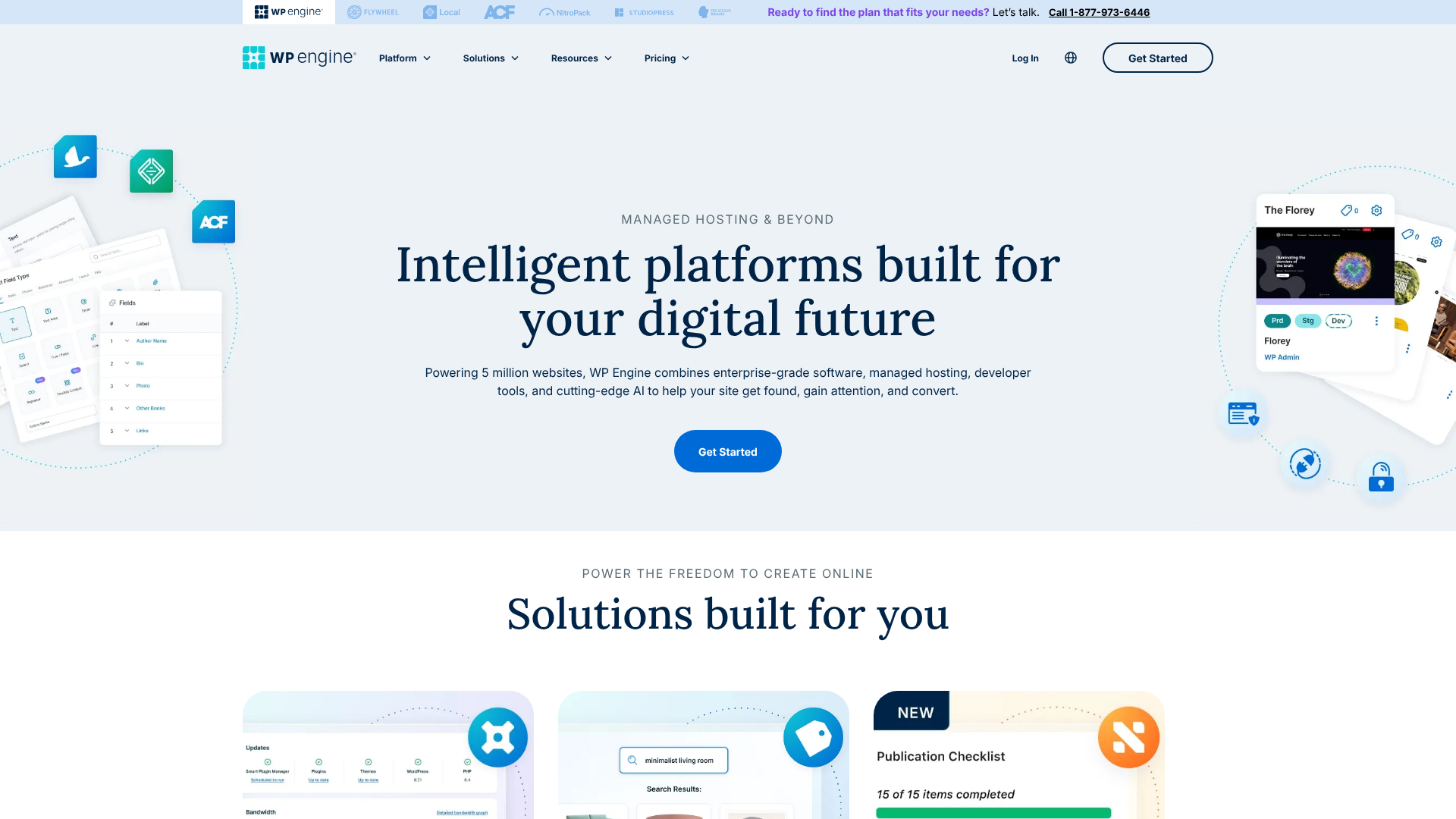
To understand WP Engine, it's crucial to first distinguish it from both standard web hosting and WordPress itself. Many newcomers confuse these concepts, so let's clear it up.
WordPress is the software—the Content Management System (CMS)—used to build and manage your website. It's free and open-source. Web hosting is the service that stores your website's files on a server and makes them accessible on the internet. WP Engine is a specific type of web host known as a managed WordPress host.
Unlike a standard host like Bluehost or HostGator, which might offer a generic server environment for any type of website, WP Engine's entire platform is fine-tuned exclusively for WordPress. This specialisation allows for significant improvements in three key areas: speed, security, and support. The servers are configured with settings that are optimal for WordPress, and the support team is trained specifically to solve WordPress-related problems.
This managed approach means WP Engine proactively handles tasks you'd normally have to manage yourself. This includes optimising your server, scanning for malware, installing critical WordPress updates, and performing daily backups. This service layer is the primary reason for its premium positioning and what separates it from budget hosting providers.
How WP Engine Works: A Look Under the Hood
So, how WP Engine works is by creating a highly optimised ecosystem for WordPress sites to thrive in. Instead of giving you a blank server space, it provides a curated environment where performance and security are built-in from the ground up. This is achieved through a multi-layered technology stack.
At the base is its hosting infrastructure, which is built on top of Google Cloud Platform and Amazon Web Services. This provides a reliable and scalable foundation. On top of this, WP Engine adds its own proprietary technology, most notably its caching system. Caching is a process that stores copies of your site's files to deliver them to visitors more quickly.
WP Engine uses a sophisticated, multi-level caching system called EverCache® that dramatically reduces server load and speeds up page delivery without requiring you to configure complex plugins.
Security is another active layer. WP Engine's platform includes a managed Web Application Firewall (WAF) that inspects traffic to your site and blocks malicious requests before they can even reach WordPress. It also performs regular malware scans and offers free site clean-ups if your site is ever compromised while on their platform. This is a significant value-add, as malware removal services can be very expensive.
Finally, the workflow tools are integrated directly into the user portal. When you want to test a new plugin or a design change, you can create a 'staging' copy of your site with one click. You can make all your changes in this safe, private environment. Once you're happy, you can push those changes to your live site with another click.
This prevents you from breaking your live site and allows for a much smoother development process.


Core WP Engine Features That Drive Performance and Security
When you look at a WP Engine features list, you'll see a collection of tools and services designed to solve the most common challenges faced by WordPress site owners. These features work together to create a stable, fast, and secure environment.
Unmatched Speed and Performance Technology
Website speed is critical for both user experience and SEO rankings. WP Engine tackles this with a powerful combination of technologies.
- EverCache®: This is WP Engine's proprietary caching technology. It intelligently caches static content, page content, and even database query results. This means fewer resources are needed to load a page for a visitor, resulting in much faster load times.
- Global Content Delivery Network (CDN): WP Engine partners with Cloudflare to provide a global CDN. A CDN stores copies of your website's assets (like images and scripts) on servers around the world. When a visitor comes to your site, these assets are served from the server geographically closest to them, which significantly reduces latency.
- Optimised Infrastructure: Because WP Engine only hosts WordPress sites, its entire server stack—from the hardware to the software (PHP, MySQL)—is configured for peak WordPress performance.
Enterprise-Grade Security Shield
Security is a non-negotiable for any serious website. WP Engine takes a proactive approach to protect your site from threats.
- Managed WAF and Threat Detection: The platform actively blocks millions of attacks every day. It identifies and blocks common threats like SQL injection attacks and cross-site scripting (XSS) before they can harm your site.
- Automatic WordPress Updates: WP Engine can automatically manage minor WordPress core updates for you. For major releases, they test the update extensively before recommending you apply it, ensuring it won't cause conflicts with your site.
- Daily Automated Backups: Your website is backed up automatically every day, and you can create a manual backup at any time. Restoring a backup is a simple one-click process, giving you peace of mind.
- Free SSL Certificates: SSL certificates encrypt the connection between your website and your visitors, which is essential for security and SEO. WP Engine provides and automatically installs free Let's Encrypt SSL certificates.
Pro Tip: If your site is ever hacked while hosted on WP Engine, their team will fix it for free. This security guarantee is a major benefit and can save you hundreds or even thousands of pounds in cleanup fees.
Streamlined Developer and Agency Workflow Tools
WP Engine isn't just for site owners; it's also built for the people who build and maintain websites. Its workflow tools are a huge time-saver.
- Staging Environments: Every site plan includes separate Development, Staging, and Production environments. This allows you to build a new site, test changes on a staging copy, and then deploy to the live production site, all within the WP Engine portal. This is a professional workflow that drastically reduces the risk of errors on your live site.
- Git Integration: For more advanced developers, WP Engine offers Git integration, allowing you to push code from your local machine directly to your WP Engine environment.
- User Permissions: You can easily add collaborators (like developers or content editors) to your site and assign them specific roles and permissions, ensuring they only have access to what they need.
- Genesis Framework & StudioPress Themes: All customers get free access to the powerful Genesis Framework and over 35 premium StudioPress themes. This alone is a value of over £1,500.
Is WP Engine Right for You? Choosing the Best Plan
WP Engine is a premium service, and it's not the right fit for everyone. It's best suited for businesses, developers, and agencies who value performance, security, and time-saving tools over rock-bottom pricing. If your website is a critical part of your business, the investment in a managed platform can pay for itself in reliability and peace of mind.
Here’s a breakdown of who benefits most from WP Engine:
- Small to Medium-Sized Businesses (SMBs): If your business relies on its website for leads, sales, or brand reputation, you can't afford downtime or slow performance. WP Engine provides the stability and speed needed to support business growth.
- E-commerce Stores: For online shops running on WooCommerce, speed is directly tied to revenue. WP Engine offers specialised e-commerce hosting plans with optimised caching to ensure a fast shopping and checkout experience, reducing cart abandonment.
- Agencies and Freelance Developers: The workflow tools, such as staging environments and user permissions, are invaluable for agencies managing multiple client sites. It allows them to work efficiently and securely, delivering better results for their clients.
- High-Traffic Blogs and Publications: Websites that receive a large volume of traffic need a hosting environment that can handle the load without slowing down. WP Engine's scalable infrastructure is designed to manage traffic spikes with ease.
Conversely, WP Engine might be overkill for:
- Personal Hobby Blogs: If your website is a personal project with very little traffic and no commercial intent, a standard shared hosting plan is likely more cost-effective.
- Brand New Websites on a Tight Budget: While performance is always important, a brand new site with no traffic may not need the power of WP Engine from day one. It's often a platform businesses grow into.
WP Engine Pricing: Is It Worth the Investment?
One of the most common questions about WP Engine is about its cost. It is significantly more expensive than basic shared hosting, and it's important to understand why. You're not just paying for server space; you're paying for the 'managed' service layer that sits on top.
Think about the costs you avoid by using WP Engine. A premium caching plugin can cost £50-£100 per year. A reliable backup solution might be another £50-£100 per year. A security service with a firewall and malware scanning can cost £200+ per year.
If your site gets hacked, a professional cleanup service can cost £200-£1000 or more. When you add up these individual costs, WP Engine's pricing starts to look much more reasonable.
The price also includes the value of your time. How much is your time worth? Instead of spending hours troubleshooting a slow website, dealing with a security breach, or manually running backups, you can focus on creating content, marketing your business, or serving your customers. For many businesses, this time-saving aspect is the most valuable feature of all.
WP Engine offers several tiers of plans, typically based on the number of websites, monthly traffic volume, and storage. It's best to visit the WP Engine website for the most up-to-date pricing information, as plans and promotions can change.
The Pros and Cons of Using WP Engine
No service is perfect for everyone. To provide a balanced WP Engine overview, it's important to look at both the advantages and potential drawbacks.
Pros of WP Engine
- Exceptional Speed: Websites hosted on WP Engine are consistently among the fastest loading in the industry due to their optimised servers and caching.
- Rock-Solid Security: The proactive security measures and free hack-fix guarantee provide incredible peace of mind.
- Expert WordPress Support: The 24/7 support team is highly knowledgeable about WordPress and can solve complex problems that are outside the scope of typical hosting support.
- Powerful Workflow Tools: Staging environments, automated backups, and developer tools save a huge amount of time and reduce the risk of breaking your live site.
- Scalability: The platform is built to handle traffic spikes, ensuring your site stays online and fast during busy periods, like a Black Friday sale or a viral blog post.
Cons of WP Engine
- Higher Cost: The primary drawback is the price. It's a premium service with a premium price tag that may not be justifiable for small personal sites or those on a tight budget.
- WordPress-Only: As the name implies, WP Engine only hosts WordPress websites. You cannot host other types of applications or use it for email hosting.
- Disallowed Plugins: To ensure the stability and performance of their platform, WP Engine maintains a list of disallowed plugins. These are typically plugins that duplicate features already built into the platform (like caching or backup plugins) or are known to cause performance issues. You should check this list before migrating to ensure your essential plugins are compatible.
- Limited Control Over Server: Because it's a managed platform, you don't get root access to the server. This is a positive for most users, but advanced developers who want to make deep server-level customisations may find it restrictive.
Pro Tip: Before committing, use the staging environment to its full potential. Test all your plugins, your theme, and your site's core functionality in the staging area to ensure everything works perfectly on the WP Engine platform before you point your domain to the live site.
Frequently Asked Questions
Here are answers to some common questions people have about WP Engine.
What's the difference between WordPress and WP Engine?
WordPress is the software used to build your website (the car's engine and body). WP Engine is the high-performance garage and expert mechanic service that houses, maintains, and secures your car. You need both to have a functioning, reliable website. WP Engine provides the optimised hosting environment specifically for the WordPress software to run on.
Why is WP Engine so expensive?
WP Engine's cost reflects the comprehensive 'managed' service it provides. You are paying for a bundle of premium services that would be expensive to purchase separately: enterprise-grade hosting infrastructure, advanced security features, proprietary speed technology, expert 24/7 support, and professional developer tools. The price covers the technology and the team of experts who manage it for you, saving you time and preventing costly problems.
Should I use WP Engine?
You should consider using WP Engine if your website is a serious business tool, an e-commerce store, a high-traffic blog, or if you are an agency managing client sites. If you value top-tier performance, security, and support, and want to offload the technical management of your site, then WP Engine is an excellent choice. If you have a small personal blog with minimal traffic, it might be more than you need.
What are the limitations of WP Engine?
The main limitations are its price, the fact that it only supports WordPress sites, and the list of disallowed plugins. The platform is also a 'closed' environment, meaning you don't have low-level server access, which could be a limitation for a very small percentage of highly technical users. For the vast majority of users, however, these are not significant drawbacks.
Final Thoughts: Does Your Website Need WP Engine?
Ultimately, understanding what does WP Engine do comes down to recognising its role as a premium, managed WordPress platform. It's an all-in-one solution for speed, security, and scalability, designed for website owners who see their online presence as a critical asset rather than a simple hobby.
If you're tired of dealing with slow load times, worried about security threats, or spending too much time on technical maintenance instead of growing your business, then WP Engine offers a compelling solution. The higher price tag is an investment in reliability, performance, and the invaluable resource of your own time.
For businesses, developers, and agencies ready to move beyond basic hosting and treat their website with the professional infrastructure it deserves, WP Engine is a top-tier choice. If this sounds like the right fit for your needs, you can explore their plans and features further on their website. Visit WP Engine to learn more.