
Cover Page Design for Assignment: A Student's Guide to Impressing Tutors
Your assignment's content is crucial, but the first impression it makes can set the tone for how your work is perceived. A well-executed cover page design for an assignment isn't just a formality; it's a signal of your professionalism, attention to detail, and respect for the work you've produced. It acts as the formal introduction to your research and analysis, and getting it right can subtly influence your marker's perception before they even read the first sentence.
- What You'll Learn
- Why a Great Assignment Cover Design Matters More Than You Think
- The Essential Elements of an Effective Cover Page for an Assignment
- 1. Assignment Title
- 2. Your Full Name and Student ID
- 3. Course or Module Name and Code
- 4. Lecturer's or Tutor's Name
- 5. Submission Date
- 6. University or Institution Name
- Choosing the Perfect Fonts and Colours for Your Design
- Using Images and Graphics to Enhance Your Cover Page
- How to Tailor Your Assignment Design Template to the Subject and Audience
- For Scientific and Technical Subjects (e.g., Engineering, Biology, Computer Science)
- For Arts and Humanities Subjects (e.g., Literature, History, Philosophy)
- For Creative and Design-Focused Subjects (e.g., Graphic Design, Architecture, Marketing)
- Top Software and Tools for Creating Your Cover Page
- Common Cover Page Design Mistakes (And How to Avoid Them)
- Creative Cover Page Design Examples to Inspire You
- Pro Formatting and Layout Tips for a Polished Look
- Drawing Inspiration from Professional Designs
- Frequently Asked Questions
- How do you design a cover page for an assignment?
- What is the ideal cover page layout?
- How do you make a title page for an assignment?
- How should a cover page look for a paper?
- Final Thoughts
This guide will walk you through everything you need to know about creating a compelling and appropriate cover page. We'll cover the essential elements, design principles, and tools you can use to produce a cover that looks polished and professional, ensuring your hard work is presented in the best possible light.
What You'll Learn
- The Core Components: Every professional assignment cover page must include specific information. We'll break down the non-negotiable elements like your name, course title, and submission date.
- Design Principles: Learn how to use fonts, colours, and layout effectively to create a visually appealing yet academic cover page that enhances readability.
- Tools and Templates: Discover the best free and accessible software, including popular options and lesser-known tools, to create your design without needing professional skills.
- Common Mistakes to Avoid: We'll highlight the frequent errors students make, from using distracting images to forgetting key information, so you can avoid them.
- Inspiration and Examples: Get inspired with creative and professional examples tailored to different academic subjects, helping you find a style that fits your assignment.
Why a Great Assignment Cover Design Matters More Than You Think
A cover page is the very first thing your lecturer or tutor sees. It's the handshake before the conversation, setting the stage for the academic dialogue that follows. While it may not directly contribute to your final mark in most cases, its indirect impact is significant. A clean, well-organised cover page immediately communicates professionalism and care.
It suggests that the student has taken the entire process seriously, from research to presentation.
Conversely, a sloppy, disorganised, or overly flashy cover page can create a negative first impression. It might imply a lack of attention to detail, which could subconsciously prime the marker to look for other errors within the assignment itself. In academic and professional settings, presentation is a key component of communication. Your ability to present information clearly and professionally is a skill being assessed, whether explicitly stated or not.
Think of it as packaging. A high-quality product is often presented in thoughtful, well-designed packaging. The same principle applies to your academic work. The effort you put into the cover page for an assignment reflects the effort you've invested in the content within.
It shows respect for your work, your reader, and the academic institution's standards.
The Essential Elements of an Effective Cover Page for an Assignment
Before you think about creative flair, you must ensure all the required information is present and correct. Missing a key detail is the fastest way to appear unprofessional. While specific requirements can vary between institutions and even modules, a standard academic cover page generally includes the following elements.
1. Assignment Title
This is the most prominent element on the page. The title should be clear, concise, and accurately reflect the content of your assignment. It should be the largest text on the page to immediately draw the reader's eye.
2. Your Full Name and Student ID
This is for clear identification. Always use your full, official name as registered with your university or college. Your student identification number is equally important, as it's the primary way your work is tracked in the administrative system.
3. Course or Module Name and Code
Your assignment belongs to a specific course. Including the full module name (e.g., "Introduction to Marketing") and its unique code (e.g., "MKT101") ensures your work is routed to the correct marker and recorded against the right academic credit.
4. Lecturer's or Tutor's Name
Showing you know who you're submitting the work to is a small but important detail. Include your lecturer's full name and title (e.g., Dr. Jane Smith). If you have a specific seminar tutor, use their name.
5. Submission Date
The date you hand in the assignment is a critical piece of information for administrative tracking and confirming you've met the deadline. Use a clear and consistent format (e.g., 25 October 2025).
6. University or Institution Name
Including the name of your university, and perhaps its logo if permitted, adds a formal touch and clearly brands the document. Check your university's style guide, as many institutions have specific rules about using their logo.
Pro Tip: Create a master assignment design template in your preferred software (like Word or Google Docs) that contains all this static information. For each new assignment, you can simply open the template, change the title and date, and save a new copy. This saves time and ensures you never forget a key element.
Choosing the Perfect Fonts and Colours for Your Design

Your choice of typography and colour palette plays a huge role in the overall feel of your cover page. The goal is to strike a balance between professionalism and visual appeal. The key is readability and appropriateness for an academic context.
Selecting the Right Fonts
Avoid overly decorative or casual fonts (like Comic Sans or script fonts). Stick to classic, readable typefaces. A good strategy is to use two complementary fonts: one for headings and one for the body text (your details).
- Serif Fonts (e.g., Times New Roman, Garamond, Georgia): These fonts have small lines attached to the end of strokes in their letters. They are traditionally used in print and are often perceived as classic, formal, and authoritative. They work very well for the main title.
- Sans-Serif Fonts (e.g., Arial, Helvetica, Calibri): These fonts lack the small lines and have a cleaner, more modern look. They are highly readable on screens and are excellent for the smaller informational text like your name, course code, and date.
When pairing fonts, ensure there is enough contrast between them. A common and effective technique is to use a serif font for the title and a sans-serif font for the other details, or vice versa. Limit yourself to a maximum of two fonts to avoid a cluttered look.
Using Colour Thoughtfully
Colour can add personality, but it should be used sparingly and with purpose. A black-and-white cover page is perfectly acceptable and often preferred for its formality. If you do use colour, follow these guidelines:
- Stick to a Limited Palette: Choose one or two accent colours at most. A good source of inspiration could be your university's official colours.
- Ensure High Contrast: Your text must be easily readable. Avoid light-coloured text on a light background or dark text on a dark background. The classic black text on a white background is unbeatable for clarity.
- Consider Colour Psychology: Colours evoke emotions. Blue often conveys trust and stability, green can suggest growth, and grey signifies professionalism. Choose a colour that aligns with the tone of your subject matter.
Using Images and Graphics to Enhance Your Cover Page
Images and graphics can elevate your assignment cover design from standard to standout, but only if used correctly. An irrelevant or low-quality image can do more harm than good. The primary rule is that any visual element should be relevant, high-quality, and subtle.
When to Use an Image
Consider using an image if it directly relates to your assignment's topic. For example:
- A marketing assignment could feature a subtle, abstract graphic representing networks or growth.
- A history paper on ancient Rome might include a high-resolution photo of a relevant artefact or building.
- A biology report could use a clean, simple diagram of a cell or a DNA helix.
The image should be a background element, not the main focus. You can achieve this by reducing its opacity or placing it in a specific section of the page, ensuring it doesn't overpower the text. The title and your details must remain the most important elements.
Types of Graphics to Consider
If a full photograph feels too distracting, consider other graphical elements:
- Borders: A simple, thin border can frame your content nicely and add a touch of elegance and structure.
- Lines: Use horizontal lines to separate different sections of information (e.g., separating the title from your personal details).
- Icons: A single, well-chosen icon can be a great visual shorthand for your topic. For a computer science assignment, a minimalist circuit board icon could work well.
- Logos: As mentioned, if your university guidelines permit, using the official logo can add a layer of formality.
Always ensure any image you use is high-resolution to avoid it looking pixelated when printed. Websites like Unsplash, Pexels, and Freepik offer high-quality, royalty-free images and graphics that are suitable for this purpose.
How to Tailor Your Assignment Design Template to the Subject and Audience
One size does not fit all. The best cover page designs are tailored to the specific context of the assignment, including the academic discipline and the expectations of the person marking it. A cover page for a creative writing portfolio should look very different from one for a laboratory report.
For Scientific and Technical Subjects (e.g., Engineering, Biology, Computer Science)
Clarity, precision, and professionalism are paramount. The design should be minimalist and highly structured.
- Layout: Use a clean, grid-based layout. Alignment should be perfect. Centre-aligned or left-aligned text works best.
- Colour: Stick to a monochrome palette (black, white, grey) or use a single, muted accent colour like blue or dark green.
- Graphics: Avoid photographs. If you use a graphic, it should be a technical illustration, a simple diagram, or a clean icon. The focus should be entirely on the information.
For Arts and Humanities Subjects (e.g., Literature, History, Philosophy)
These subjects allow for slightly more creative expression, but the design should still be grounded in academic formality.
- Layout: You have more flexibility with layout, but hierarchy is still key. The title must be the hero.
- Fonts: A classic serif font for the title can convey a sense of tradition and authority, which works well for these subjects.
- Imagery: A relevant, high-quality image (like a historical photo or a piece of art) can be effective if used as a subtle background or a small, contained element. Ensure it's not distracting.
For Creative and Design-Focused Subjects (e.g., Graphic Design, Architecture, Marketing)
Here, your cover page is an opportunity to showcase your design skills. The expectations are higher, and a standard, text-only cover might be seen as a missed opportunity.
- Layout: This is your chance to be creative with asymmetrical layouts, bold typography, and innovative compositions. However, all required information must still be clear and easy to find.
- Colour & Imagery: Be bolder with your colour choices and use of graphics. The cover page itself is part of the assignment and should reflect the project's aesthetic.
Regardless of the subject, always check if your department or lecturer has provided a specific assignment design template or formatting guidelines. According to a style guide from the University of Leicester, following institutional guidelines is a key part of academic practice. If they have, you must follow those instructions to the letter.
Top Software and Tools for Creating Your Cover Page
You don't need to be a professional graphic designer to create a stunning cover page. Many user-friendly tools offer templates and intuitive interfaces to help you get the job done quickly and effectively.
1. Canva
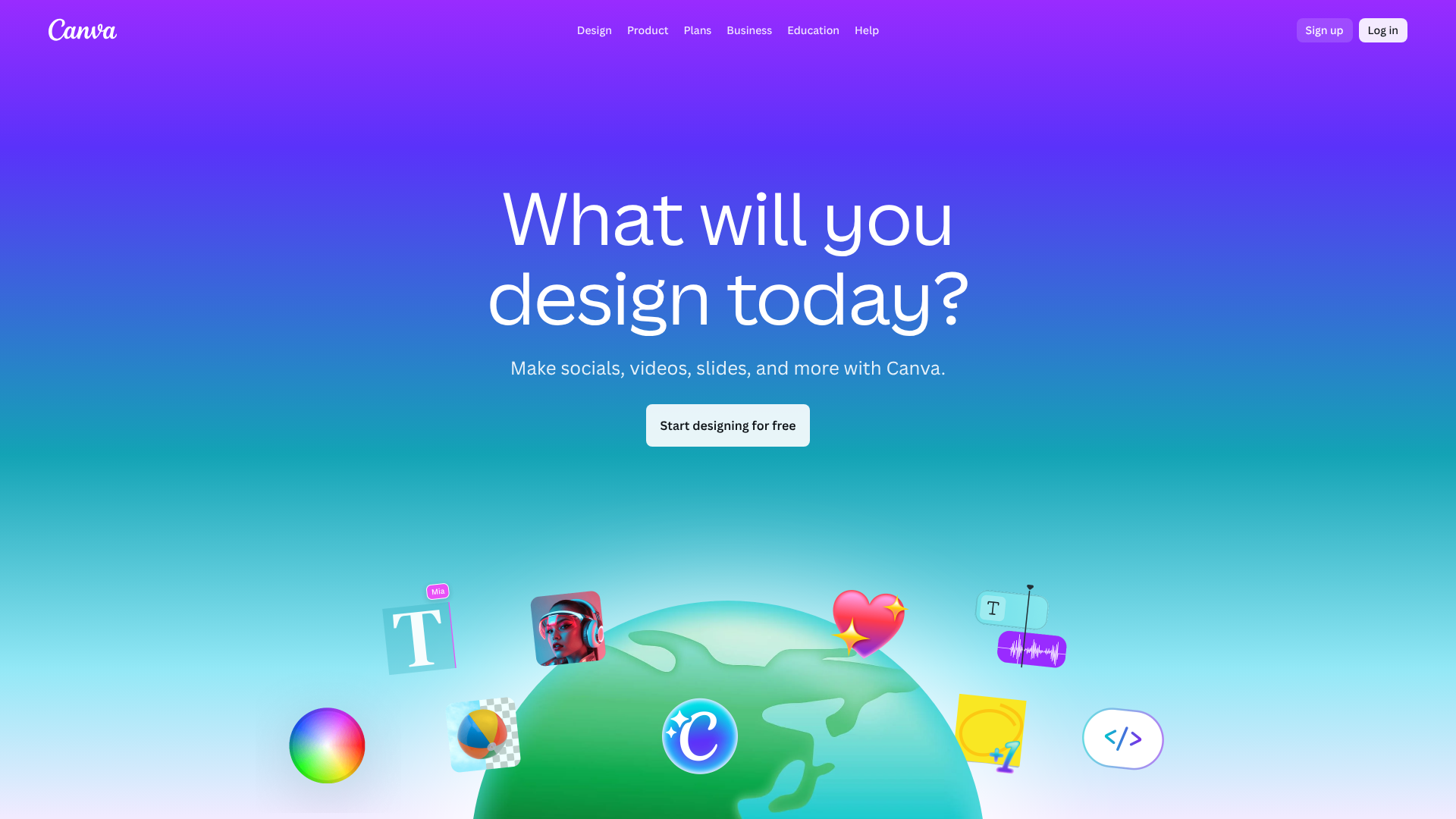
Canva is a favourite among students for a reason. It's a free, web-based design tool with thousands of customisable templates for everything, including report covers and title pages. You can search for "assignment cover page," choose a design you like, and simply edit the text and colours to fit your needs. Its drag-and-drop interface makes it incredibly easy to use.
2. Adobe Express
Similar to Canva, Adobe Express (formerly Adobe Spark) offers a suite of easy-to-use design tools and a vast library of templates. It's also free to use and provides high-quality design assets, fonts, and stock images. If you're looking for a slightly more professional feel with access to Adobe's font library, this is an excellent choice.
3. Microsoft Word & Google Docs
Don't underestimate the power of the tools you already use. Both Word and Docs have built-in cover page templates. In Word, you can go to the "Insert" tab and select "Cover Page" to choose from a range of pre-designed, professional-looking options. You can then easily customise the text, colours, and even replace placeholder images.
4. Visme
Visme is another online design tool that specialises in creating presentations, infographics, and reports. It has a robust library of templates for report covers that are clean, professional, and easily customisable. It's a great option for creating data-heavy reports where you want the cover to reflect a professional, corporate aesthetic.
5. Jotform
While primarily known for creating forms, Jotform also includes a Report Builder and PDF Editor. You can use these tools to create structured, template-based documents. Its strength lies in creating highly organised layouts, which can be adapted to design a clean, information-first cover page, especially for technical or data-driven assignments.
Common Cover Page Design Mistakes (And How to Avoid Them)

Creating a great cover page is often about avoiding common pitfalls. A small mistake can undermine the professionalism of your entire document. Here are some of the most frequent errors to watch out for.
- Typos and Grammatical Errors: A spelling mistake on your cover page is a terrible first impression. Proofread every single word, especially the title, your name, and your lecturer's name.
- Missing Information: Double-check your department's requirements. Forgetting your student ID number or the module code is a common and easily avoidable mistake.
- Using Low-Resolution Images: A blurry or pixelated image looks unprofessional. Always use high-quality, high-resolution graphics.
- Cluttered Design: Too many elements—multiple images, several fonts, clashing colours—will make your cover page look messy. Simplicity is key. White space is your friend; it helps the important elements breathe and stand out.
- Unreadable Fonts: Avoid fonts that are too decorative, too small, or lack contrast with the background. The primary function of the text is to be read easily.
- Irrelevant Imagery: A picture of a sunset might be beautiful, but it has no place on a cover page for a physics assignment. Any visual element must be relevant to the topic.
- Ignoring Guidelines: The biggest mistake is failing to follow the specific instructions provided by your university or lecturer. If they've given you a template or a set of rules, you must adhere to them.
Creative Cover Page Design Examples to Inspire You
Sometimes, the best way to learn is by seeing examples. Whether you prefer a minimalist style or something more creative, there are plenty of ways to design an effective cover page. Here are a few ideas to get you started.
The Minimalist Professional
This style is perfect for scientific, business, or law assignments. It relies on strong typography and a clean layout.
- Layout: Centre-aligned text with generous white space.
- Font: A bold, sans-serif font for the title (e.g., Helvetica Bold) and a lighter version for the details.
- Colour: Strictly black and white.
- Graphic: A thin horizontal line separating the title block from the student information block.
The Creative Academic
Suited for humanities and arts subjects, this design incorporates a single, powerful image.
- Layout: The title is placed prominently at the top. A high-quality, relevant image covers the bottom half of the page, with its opacity lowered so it doesn't overwhelm the text.
- Font: A classic serif font for the title (e.g., Garamond) to give it a traditional, bookish feel.
- Colour: The text is black or dark grey. A single accent colour, pulled from the image, can be used for a separating line or your name.
The Modern Corporate
Ideal for marketing, finance, or management reports, this style mimics a professional business document.
- Layout: An asymmetrical design. A coloured block might run down one side of the page, containing the university logo and course details. The main title is left-aligned on the white space.
- Font: Clean, modern sans-serif fonts throughout (e.g., Calibri or Open Sans).
- Colour: Uses one or two colours from the university's branding palette.
For more visual inspiration, platforms like Pinterest are filled with assignment cover page ideas. As one Instagram user from n21_art showcases, even simple hand-drawn elements can create a unique and personal touch for your notebooks and assignments, proving that creativity can come in many forms. You can also watch tutorials that break down how to create aesthetic designs step-by-step.
Pro Formatting and Layout Tips for a Polished Look
Good formatting is all about creating a clear visual hierarchy and guiding the reader's eye through the information in a logical order. It’s the invisible framework that makes a design feel balanced and professional.
Establish a Clear Hierarchy
Not all information is equally important. The title of your assignment should be the most dominant element, followed by your name, and then the other details. You can create this hierarchy using:
- Size: Make the title significantly larger than the rest of the text.
- Weight: Use a bold or heavier font weight for the title.
- Placement: Position the title at the top or centre of the page where the eye naturally goes first.
Pay Attention to Alignment
Consistent alignment is crucial for a clean look. Choose one primary alignment and stick with it.
- Centre Alignment: A classic and formal choice that creates a sense of balance. It works well for most academic cover pages.
- Left Alignment: A modern and highly readable option. Aligning all your text to the left margin creates a strong, clean line for the eye to follow.
Avoid using multiple alignments on one page (e.g., some text centred, some left-aligned) unless you are a confident designer, as it can look accidental and messy.
Use White Space Strategically
White space (or negative space) is the empty area around the elements on your page. Don't be afraid to use it. Crowding all your text together makes it difficult to read and looks unprofessional. Increase the margins and the spacing between blocks of text to give your design room to breathe. This makes the important information stand out more.
Pro Tip: A simple trick to check your visual hierarchy is to squint your eyes while looking at your cover page. The parts that are still legible and stand out are the most dominant elements. If the title doesn't stand out, you need to increase its size or weight.
Drawing Inspiration from Professional Designs
If you're feeling stuck, look for inspiration beyond student assignments. The principles of good design are universal. Pay attention to the covers of books, magazines, and professional reports in your field.
- Book Covers: Look at academic textbooks and non-fiction books. Notice how they use typography, colour, and imagery to convey the book's subject and tone. The layout is often simple but powerful.
- Academic Journals: The cover pages of articles in academic journals are models of clarity and professionalism. They are typically text-focused and prioritise information hierarchy above all else.
- Corporate Annual Reports: Companies invest heavily in the design of their annual reports. These are excellent examples of how to present information in a clean, professional, and visually engaging way. You can often find them online as PDFs.
When you find a design you like, don't copy it directly. Instead, analyse what makes it effective. Is it the font pairing. The use of white space.
The simple colour scheme. Identify those principles and apply them to your own cover page for an assignment using your own content.
Frequently Asked Questions
Here are answers to some common questions about creating a cover page for an assignment.
How do you design a cover page for an assignment?
To design a cover page, start by gathering all the essential information: assignment title, your name and student ID, course name/code, lecturer's name, and submission date. Choose a clean, readable font like Arial or Times New Roman. Use a clear hierarchy, making the title the largest element. Arrange the information logically using a simple layout (centre or left-aligned) and plenty of white space.
Finally, proofread everything carefully.
What is the ideal cover page layout?
The ideal layout is clean, professional, and easy to read. A centre-aligned layout is a classic, safe, and balanced choice for most academic assignments. A left-aligned layout provides a modern, structured look. The key is to establish a clear visual hierarchy where the title is most prominent, followed by your name, with other details being smaller and grouped logically.
Ample white space around the text blocks is essential to avoid a cluttered appearance.
How do you make a title page for an assignment?
Making a title page is straightforward with tools like Microsoft Word or Google Docs. You can use a built-in template (in Word, go to Insert > Cover Page) or create one from scratch. Start with a blank page. Type your assignment title and make it large and bold.
Then, add your name, course details, lecturer's name, and date in a smaller font. Ensure consistent alignment and spacing, then save it as the first page of your document.
How should a cover page look for a paper?
A cover page for a paper should look professional, uncluttered, and informative. It should be formatted with readability as the top priority. This typically means using black text on a white background, selecting a standard academic font (like Times New Roman, 12-point), and using consistent spacing and margins. Any use of colour or graphics should be minimal and highly relevant to the subject matter.
Above all, it must contain all the required identifying information clearly.
Final Thoughts
Creating an effective cover page design for an assignment is the final touch that shows your commitment to quality. It’s a simple step, but one that contributes to the overall professionalism and impact of your hard work. By focusing on clarity, including all the necessary elements, and applying basic design principles, you can create a cover page that makes a positive first impression every time.
Remember to always check for specific guidelines from your institution or department first. When in doubt, a simple, clean, and professional design is always the best choice. Use the tools and tips in this guide to create a polished assignment cover design that frames your work perfectly and sets you up for success.