

Zoho CRM vs HubSpot CRM: Which Is Right for Your Business in 2026?
Choosing the right Customer Relationship Management (CRM) platform is one of the most critical decisions a business can make. It’s the central hub for your sales, marketing, and customer service efforts. Two of the biggest names in the industry are Zoho and HubSpot, and a detailed comparison of Zoho CRM vs HubSpot CRM reveals two very different philosophies on how to manage customer relationships. One offers unparalleled customisation and value, while the other provides an exceptionally user-friendly experience with powerful inbound marketing tools.
- Quick Summary
- An Introduction to Zoho CRM
- An Introduction to HubSpot CRM
- Zoho CRM vs HubSpot CRM: A Side-by-Side Comparison
- Deep Dive: Key Features Head-to-Head
- Sales Automation & Workflows
- Marketing Tools & Capabilities
- Customisation and Flexibility
- Reporting and Analytics
- Pricing Comparison: Zoho CRM vs HubSpot CRM
- User Interface and Experience (UI/UX)
- Integration Capabilities
- Customer Support: Zoho CRM vs HubSpot CRM
- Use Cases: Who Should Choose Zoho CRM?
- Use Cases: Who Should Choose HubSpot CRM?
- Frequently Asked Questions (FAQ)
- What is the main difference between HubSpot CRM and Zoho CRM?
- What are the top 5 CRM systems?
- What are the disadvantages of Zoho?
- Which CRM is best for beginners?
- Final Thoughts: Making the Right Choice
This guide breaks down the essential differences between these two CRM giants. We'll go beyond the surface-level features to analyse pricing structures, user experience, integration capabilities, and the ideal use cases for each. By the end, you'll have a clear understanding of which platform is the best fit for your team's specific needs and long-term growth goals.
Quick Summary
- HubSpot for Ease of Use: HubSpot CRM is widely recognised for its intuitive, clean interface, making it the ideal choice for teams that need to get up and running quickly with minimal training.
- Zoho for Deep Customisation: Zoho CRM provides extensive customisation options, allowing businesses to tailor the platform to their unique workflows and processes, often at a lower price point for advanced features.
- Pricing Philosophy: HubSpot offers a powerful free CRM but its advanced features in paid tiers can become expensive. Zoho provides more features in its lower-priced tiers, offering significant value for money.
- Core Strengths: HubSpot excels at inbound marketing and sales alignment, with its tools designed to work together from the start. Zoho's strength lies in its broad suite of integrated business apps (Zoho One) and its flexibility as a standalone CRM.
An Introduction to Zoho CRM
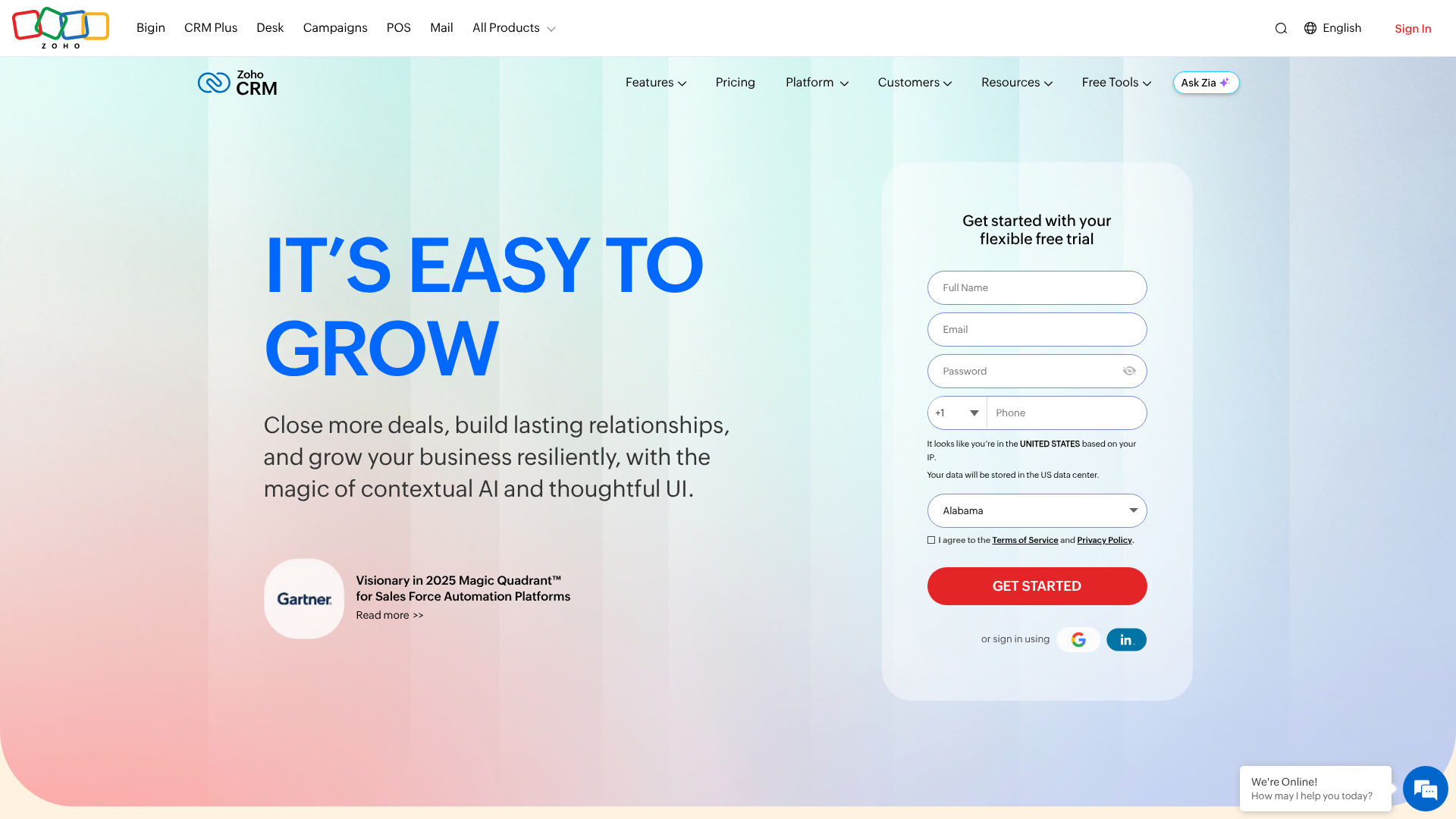
Zoho CRM is a cornerstone of the extensive Zoho ecosystem, a suite of over 50 business applications covering everything from finance to HR. This context is crucial because Zoho CRM is designed to function both as a powerful standalone platform and as a seamlessly integrated part of a larger business operating system. Its primary appeal lies in its depth of functionality and remarkable flexibility.
At its core, Zoho CRM is built for businesses that refuse to be put in a box. It offers a high degree of customisation that allows you to modify modules, layouts, fields, and workflows to match your exact sales process. This is not just about changing a few labels; it's about fundamentally shaping the software to work the way your business works. For example, with tools like Canvas, you can redesign the user interface from the ground up, creating a completely bespoke user experience for your team.
The platform is packed with features, including sales force automation, lead management, deal management, and powerful analytics. It also incorporates an AI-powered assistant named Zia, which provides predictions, suggestions, and alerts to help sales teams stay on top of their activities. This combination of a rich feature set and deep customisability makes it a compelling option for businesses with complex or non-standard sales cycles.
An Introduction to HubSpot CRM
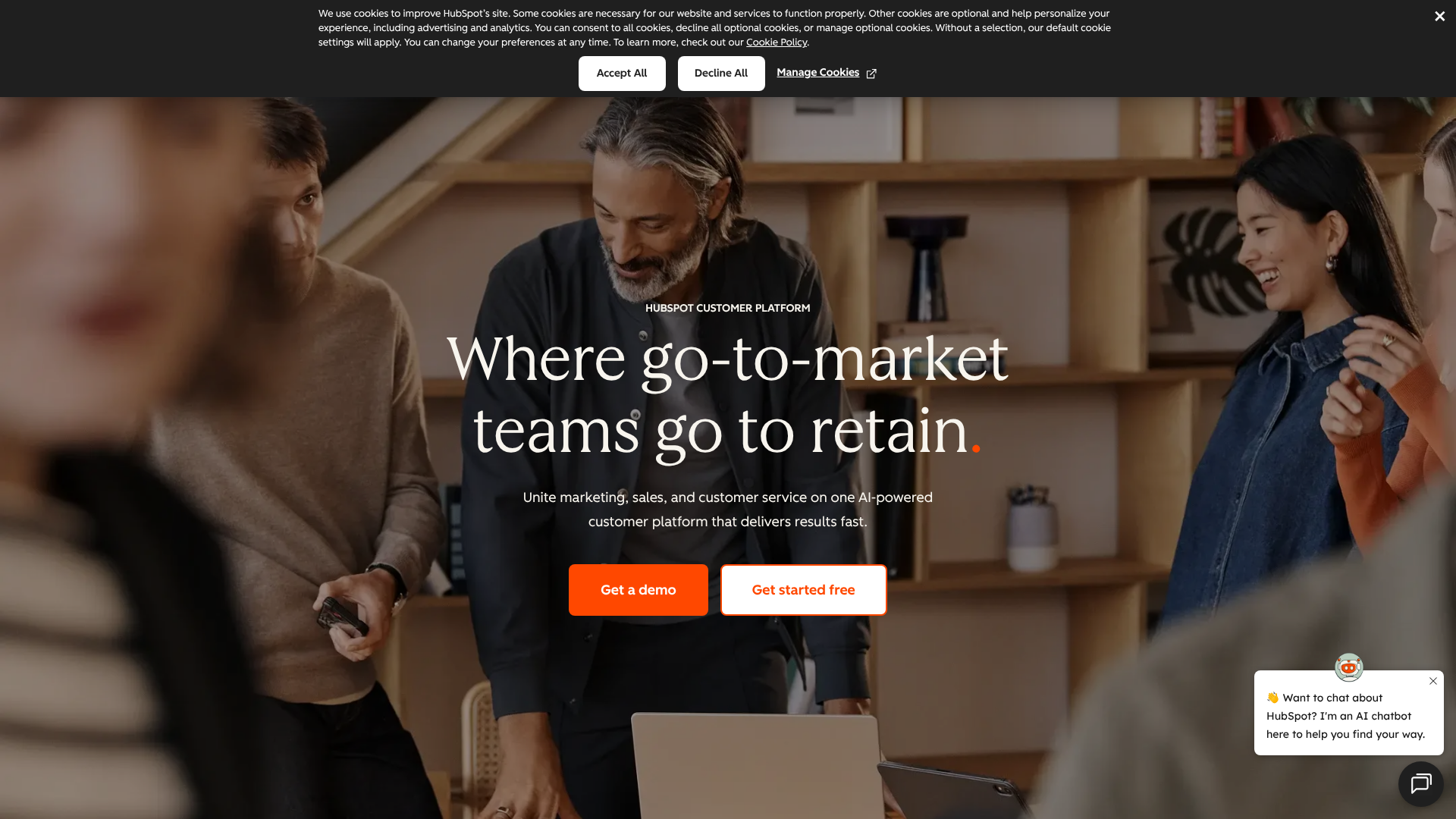
HubSpot CRM entered the market with a clear mission: to make powerful CRM technology accessible and easy to use for everyone. It is the foundation of HubSpot's broader platform, which includes the Marketing Hub, Sales Hub, Service Hub, and CMS Hub. HubSpot's philosophy is centred on the inbound methodology—attracting customers with valuable content and experiences.
The platform's most significant selling point is its user experience. From the moment you sign up, the interface is clean, uncluttered, and intuitive. This focus on usability dramatically lowers the barrier to entry, reducing the time and resources needed for team training and adoption. For small to medium-sized businesses without a dedicated IT department, this is a massive advantage.
Many teams can start using its core features within hours, not weeks.
HubSpot's free CRM is famously generous, offering unlimited users, up to one million contacts, and a solid set of foundational tools like contact management, deal tracking, and task management. This freemium model allows businesses to grow into the platform, adding paid features from the various Hubs as their needs become more sophisticated. This makes it an excellent starting point for startups and small businesses looking to organise their sales process without an initial investment.
Zoho CRM vs HubSpot CRM: A Side-by-Side Comparison
To understand the core differences at a glance, this comparison table breaks down the essential aspects of each platform.
| Feature | Zoho CRM | HubSpot CRM |
|---|---|---|
| Free Plan | Free for up to 3 users, with basic features. | Free for unlimited users, 1 million contacts, and robust core tools. |
| Ease of Use | Steeper learning curve, highly customisable. | Extremely user-friendly and intuitive. |
| Core Focus | All-in-one business suite, deep CRM customisation. | Inbound marketing and sales alignment. |
| Customisation | Extensive; custom modules, fields, layouts, and UI design. | Good, but advanced customisation is limited to higher tiers. |
| Pricing Model | More features included in lower-priced tiers. | Generous free plan, but advanced features can be costly. |
| Integrations | Strong integration within the Zoho ecosystem, plus a marketplace. | Extensive marketplace with over 1,000 third-party apps. |
| Best For | Businesses needing a tailored solution on a budget. | Teams prioritising ease of use and marketing automation. |
Deep Dive: Key Features Head-to-Head
While both platforms cover the basics of contact and deal management, their approaches to advanced features reveal their core strengths. A detailed zoho crm comparison with HubSpot shows where each platform truly shines.
Sales Automation & Workflows
Both Zoho and HubSpot offer powerful automation to streamline sales processes, but they cater to different needs. Zoho's workflow automation is incredibly granular. You can create complex, multi-step rules based on almost any field or action within the CRM. For example, you can automatically assign leads based on territory, send a series of follow-up emails, create a task for a sales rep, and update a field simultaneously.
This is ideal for businesses with established, intricate sales processes that need the software to adapt to them.
HubSpot's automation, particularly in its Sales Hub, is more visual and arguably easier to set up. The workflow builder uses a simple drag-and-drop interface that makes it easy to map out sequences for lead nurturing and task creation. While it may not have the same level of granular complexity as Zoho out of the box in lower tiers, it excels at creating straightforward, effective automation for marketing and sales follow-ups. Its focus is on guiding the user to create effective, repeatable processes without getting lost in technical details.
Marketing Tools & Capabilities
This is where HubSpot's origins as a marketing platform become clear. The integration between HubSpot CRM and Marketing Hub is second to none. You get a unified view of a contact's journey, from their first website visit and content download to their interactions with sales. Features like email marketing, landing pages, and social media management are built directly into the platform, creating a cohesive experience.
For any business heavily invested in content marketing and lead generation, HubSpot is a powerhouse.
Zoho's marketing capabilities are also strong but are often delivered through separate, integrated applications like Zoho Campaigns and Zoho Social. While the integration is tight, especially within the Zoho One bundle, it can feel less unified than HubSpot's all-in-one approach. However, Zoho Campaigns on its own is a very powerful email marketing tool that often exceeds HubSpot's capabilities at a similar price point, offering advanced features like A/B testing and detailed analytics.
Customisation and Flexibility
When it comes to customisation, Zoho is the clear winner. The platform is designed to be moulded to your business. You can create custom modules to track anything you want, from properties and projects to vendors and events. The layout customisation allows you to design different views for different teams, ensuring they only see the information relevant to them.
Zoho's Canvas feature takes this a step further, letting you redesign the record detail view with a drag-and-drop editor for a truly unique CRM experience.
HubSpot offers good customisation, allowing you to create custom properties to store specific data points on your contact, company, and deal records. However, the ability to create custom objects—similar to Zoho's custom modules—is reserved for its highest-tier Enterprise plans. The overall structure of the HubSpot interface is less flexible than Zoho's, prioritising a consistent, easy-to-navigate experience over deep structural changes. This makes the zoho vs hubspot debate a classic case of flexibility versus simplicity.
Reporting and Analytics
Both platforms provide robust reporting tools, but again, their approach differs. Zoho offers a wide range of pre-built reports and dashboards, and its analytics tools are highly customisable. You can build detailed, multi-dimensional reports that cross-reference data from different modules, giving you deep insights into your sales performance. The inclusion of Zia, its AI assistant, also allows you to ask questions in natural language to generate reports on the fly.
HubSpot's reporting is visually appealing and easy to understand. The dashboards are simple to build and provide a clear overview of key metrics. It excels at tracking the entire customer lifecycle, from marketing attribution to sales velocity. While creating highly complex, custom reports might require an Enterprise plan, the out-of-the-box reporting is more than sufficient for most small and medium-sized businesses and provides excellent clarity on marketing ROI.

Pricing Comparison: Zoho CRM vs HubSpot CRM

Pricing is one of the most significant factors in the zoho crm vs hubspot crm decision. The two companies have fundamentally different pricing models that cater to different business growth strategies. It's important to look beyond the advertised starting prices and consider how costs will scale as your team and needs grow.
HubSpot's Pricing Structure
HubSpot's model is built around its powerful free CRM. This is not a limited trial; it's a genuinely useful tool that allows unlimited users and up to 1 million contacts. For startups and small businesses, this is an incredible starting point. The costs come when you need more advanced functionality, which is sold through the various 'Hubs' (Sales, Marketing, Service).
For example, to get serious sales automation, you'll need to subscribe to the Sales Hub, which starts at around £38/month per user for the Professional tier. The Marketing Hub, with its automation features, starts at a much higher price point. This à la carte model can become expensive quickly if you need features from multiple Hubs. However, it allows you to pay only for what you need, starting with a free, solid foundation.
Zoho's Pricing Structure
Zoho's pricing is generally more straightforward and offers more functionality at lower price points. Its paid plans are tiered, with each level unlocking more features. For example, the Zoho CRM Professional edition includes features like workflow automation and inventory management that would require more expensive add-ons or tiers in HubSpot. Zoho's approach provides exceptional value for money, especially for businesses that need advanced features but are on a tighter budget.
Furthermore, Zoho offers the Zoho One bundle, which gives you access to over 45 of their applications (including the enterprise version of Zoho CRM) for a single, affordable per-employee price. For businesses looking to run their entire operation on a unified platform, Zoho One is an almost unbeatable value proposition. Always check the official websites for the most current pricing information, as plans and features can change.
Pro Tip: When evaluating costs, map out your needs for the next 1-2 years. HubSpot might be cheaper to start, but Zoho could be more cost-effective if you anticipate needing advanced automation and customisation down the line.
User Interface and Experience (UI/UX)
The user experience is where the differences between Zoho and HubSpot are most apparent. Your team will be using this software every day, so its usability is a critical factor in successful adoption and overall ROI. A great interface reduces training time, increases productivity, and improves data quality, as reps are more likely to keep it updated.
HubSpot is renowned for its clean, modern, and intuitive user interface. It's designed with the end-user in mind, making it easy to navigate and find information quickly. The layout is logical, with a consistent design across all its Hubs. This simplicity is a major reason for its popularity, especially among teams that are not particularly tech-savvy.
The learning curve is minimal, and most users can become proficient with the core features in a very short amount of time. This makes any hubspot crm review almost always praise its user-friendliness.
Zoho's interface, while powerful, can feel more traditional and dense in comparison. Because it offers so many features and customisation options, the initial experience can be overwhelming for new users. However, what it lacks in initial simplicity, it makes up for in flexibility. With features like Canvas, you have the power to completely redesign the look and feel of your CRM records to create a simplified, bespoke view for your team.
This means that while the default UI may be complex, you have the tools to make it as simple or as detailed as you need.
Integration Capabilities
A CRM doesn't exist in a vacuum. Its ability to connect with the other tools you use every day—from email and accounting software to e-signature and proposal tools—is essential for creating a streamlined workflow and a single source of truth for your customer data.
HubSpot's App Marketplace
HubSpot boasts one of the largest and most comprehensive app marketplaces in the industry, with over 1,500 integrations available. You can find a certified integration for almost any popular business tool, including Slack, Zoom, PandaDoc, and major accounting platforms. This extensive marketplace makes it easy to plug HubSpot CRM into your existing tech stack. The integrations are typically well-vetted and easy to set up, allowing you to create a connected ecosystem without needing a developer.
Zoho's Integrated Ecosystem
Zoho's primary integration strength lies within its own ecosystem. If you use other Zoho apps, like Zoho Books for accounting or Zoho Projects for project management, the integration with Zoho CRM is native and seamless. This creates a deeply unified experience that is difficult to replicate with third-party tools. For businesses that commit to the Zoho suite, especially through the Zoho One bundle, this tight integration is a major advantage.
Beyond its own products, Zoho also has a marketplace with hundreds of third-party integrations. While not as vast as HubSpot's, it covers all the major categories and is constantly growing. For any tools not available in the marketplace, both platforms offer robust APIs, allowing for custom integrations to be built.
Customer Support: Zoho CRM vs HubSpot CRM
When you run into an issue or have a question, the quality and accessibility of customer support can make a huge difference. Both Zoho and HubSpot offer a range of support options, but access to them often depends on your subscription level.
HubSpot provides excellent support resources, including an extensive and well-organised knowledge base, a thriving community forum, and free courses through the HubSpot Academy. For free users, support is primarily limited to the community forum. Phone and email support are reserved for paying customers, with response times and availability improving as you move up the tiers. HubSpot's support is widely praised for being responsive and helpful.
Zoho also offers a comprehensive set of support resources, including a knowledge base, community forums, and webinars. They provide free support for all customers, including those on the free plan, although paid plans receive enhanced support with better response times. Zoho's support is generally considered good, though some users report that the quality can be inconsistent at times. For enterprise-level customers, Zoho offers premium support plans that provide dedicated account managers and faster service.
Use Cases: Who Should Choose Zoho CRM?
Zoho CRM is the ideal choice for a specific type of business. If the following characteristics describe your company, Zoho is likely the better fit:
- You Need Deep Customisation: If your sales process is unique and you need a CRM that can be tailored to your exact workflows, Zoho's flexibility is unmatched. Businesses in niche industries or those with complex sales cycles will find Zoho's custom modules and layout options invaluable.
- You're Budget-Conscious but Need Power: Zoho consistently offers more advanced features at lower price points than HubSpot. If you need robust workflow automation, advanced analytics, and sales intelligence without the enterprise-level price tag, Zoho delivers exceptional value.
- You're Already in the Zoho Ecosystem: If your business already uses other Zoho products like Zoho Books or Zoho Projects, adding Zoho CRM is a natural choice. The seamless, native integration creates a powerful, unified business operating system.
- You Plan to Scale an Entire Business Suite: For companies that want an all-in-one solution for nearly every business function, the Zoho One bundle is a game-changer. It provides a comprehensive and affordable way to manage your entire organisation from a single platform.
Use Cases: Who Should Choose HubSpot CRM?
HubSpot CRM excels in different scenarios and is the preferred platform for businesses with other priorities. Consider HubSpot CRM if your company aligns with these points:
- You Prioritise Ease of Use and Team Adoption: If your top priority is getting your team up and running on a CRM with minimal friction and training, HubSpot is the undisputed winner. Its intuitive interface ensures high adoption rates, which is critical for CRM success.
- Your Business is Built on Inbound Marketing: For companies that rely on content marketing, SEO, and lead generation to drive growth, HubSpot's platform is purpose-built for your strategy. The tight integration between its marketing and sales tools provides a complete view of the customer journey.
- You're a Startup or Small Business Starting Out: HubSpot's generous free CRM provides a risk-free way to get started with professional sales tools. It offers a clear growth path, allowing you to add paid features as your business scales and revenue grows.
- You Need a Wide Range of Third-Party Integrations: If your business relies on a diverse set of best-in-class tools, HubSpot's extensive App Marketplace makes it easy to connect your entire tech stack and keep your data synchronised.
Frequently Asked Questions (FAQ)
What is the main difference between HubSpot CRM and Zoho CRM?
The primary difference lies in their core philosophies. HubSpot CRM prioritises ease of use and offers a seamless, integrated platform for inbound marketing and sales, making it incredibly user-friendly. Zoho CRM, on the other hand, prioritises deep customisation and value, providing a highly flexible platform with more advanced features at lower price points, though with a steeper learning curve.
What are the top 5 CRM systems?
While "top" can be subjective and depends on business needs, five of the most recognised and highly-rated CRM systems in the market today are Salesforce, HubSpot CRM, Zoho CRM, Pipedrive, and Microsoft Dynamics 365. Each has its own strengths, with Salesforce being the enterprise leader, HubSpot excelling in usability, Zoho in value, Pipedrive in sales pipeline management, and Dynamics in Microsoft ecosystem integration.
What are the disadvantages of Zoho?
The main disadvantages of Zoho CRM often cited by users are its steeper learning curve and a user interface that can feel less modern or intuitive compared to competitors like HubSpot. Because the platform is so feature-rich and customisable, it can be overwhelming for new users to set up and navigate initially. Additionally, while its integration within the Zoho suite is excellent, some users find that relying on separate apps for functions like marketing campaigns can feel less cohesive than an all-in-one platform.
Which CRM is best for beginners?
For beginners, HubSpot CRM is almost always the recommended choice. Its interface is designed for simplicity and clarity, which significantly reduces the time it takes for new users to feel comfortable and productive. The setup process is guided and straightforward, and the free version is powerful enough for most beginners to organise their contacts and sales pipeline effectively without any financial commitment. The wealth of free training resources from HubSpot Academy also makes it easy to learn best practices.
Final Thoughts: Making the Right Choice
Ultimately, the zoho vs hubspot debate doesn't have a single winner; it has the right choice for your specific business. The decision comes down to a fundamental trade-off: simplicity and user experience versus power and customisation. Both are exceptional platforms that can drive significant growth when implemented correctly.
If your priority is getting your team on board quickly with a clean, intuitive tool that excels at inbound marketing, HubSpot is your answer. It provides a fantastic starting point with its free CRM and a clear, albeit potentially expensive, path to scale. It's the CRM that gets out of your way so you can focus on selling.
If your business has unique processes, needs granular control over its data and workflows, and wants the most bang for your buck, Zoho CRM is the superior option. It's a platform you can grow with, adapting it to your needs every step of the way. For businesses willing to invest the time in setup and training, Zoho offers a level of power and value that is hard to beat. If that sounds like the right fit for your team, you can explore HubSpot CRM to see its user-friendly approach firsthand.