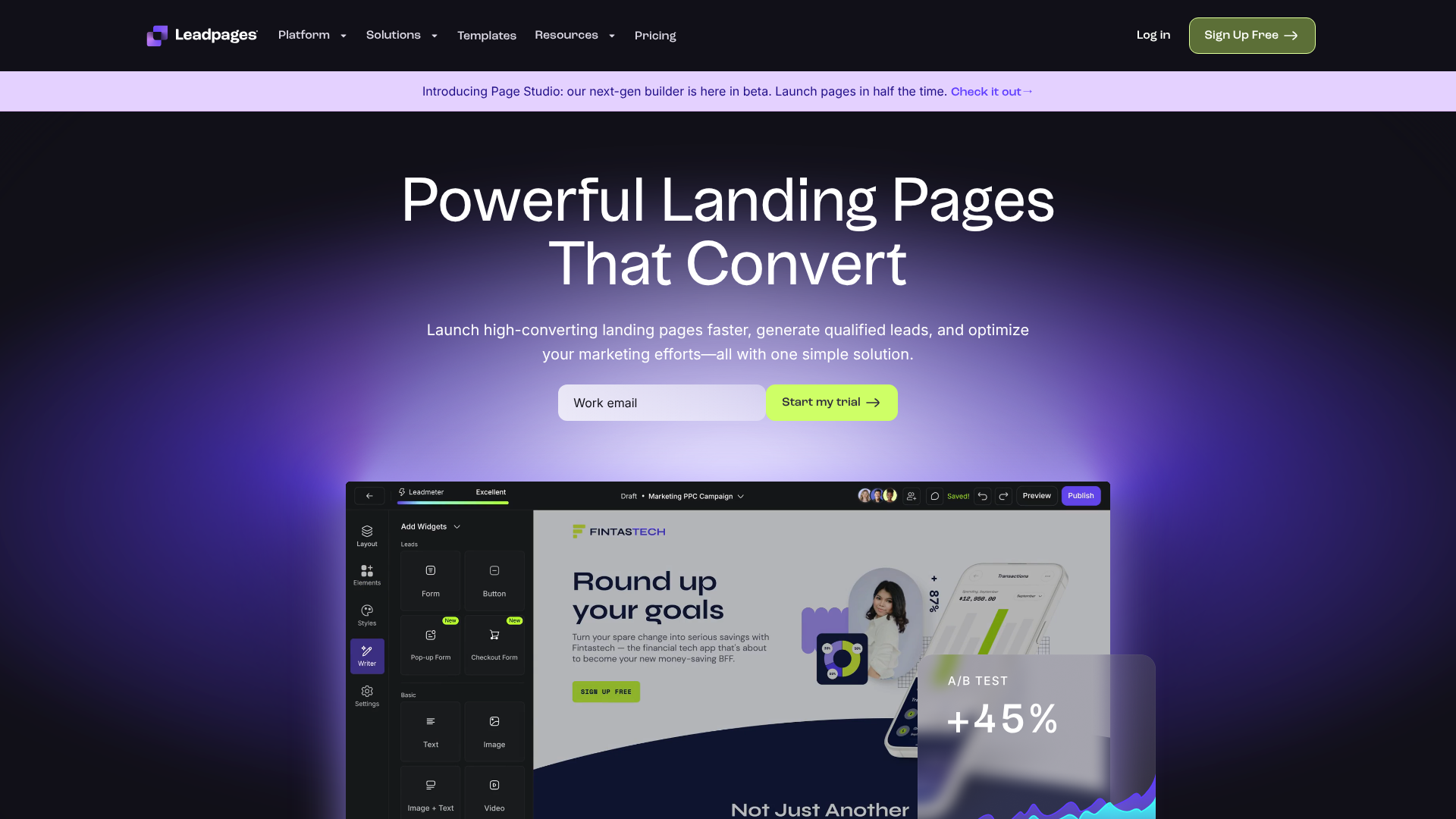

Leadpages Landing Page Builder Review 2026: Is It Right for You?
Creating a landing page that actually converts visitors into leads or customers can feel like a complex puzzle. You need compelling copy, clean design, and fast loading speeds, all without needing a degree in web development. The Leadpages landing page builder positions itself as the solution for entrepreneurs and small businesses who need to launch high-performing pages quickly. But with so many options available, does it truly deliver on its promises?
- Quick Summary
- What Exactly is the Leadpages Landing Page Builder?
- A Deep Dive into Key Features and Benefits
- Intuitive Drag-and-Drop Page Builder
- High-Converting Templates
- Pop-ups and Alert Bars
- A/B Split Testing
- Seamless Integrations
- How to Create Your First Page with the Leadpages Builder
- Leadpages Pricing and Plans: Which Option is Best?
- The Pros and Cons: An Honest Assessment
- Leadpages vs. The Competition: A Quick Look
- Frequently Asked Questions
- Is Leadpages worth the money?
- Is Leadpages free?
- Is Leadpages better than WordPress?
- Is Leadpages good for beginners?
- Can Leadpages replace a website?
- Final Verdict: Is the Leadpages Landing Page Builder a Good Investment?
This review breaks down everything you need to know about Leadpages. We'll explore its core features, analyse its pricing structure, weigh the pros and cons, and see how it stacks up against the competition. By the end, you'll have a clear understanding of whether this popular page builder tool is the right investment for your marketing efforts in 2026.
Quick Summary
- Best For: Leadpages is ideal for small business owners, solo entrepreneurs, and marketers who prioritise speed and ease of use over complex design customisation. It excels at creating simple, high-converting pages for lead generation.
- Key Feature: The drag-and-drop editor, combined with a vast library of conversion-optimised templates and a new AI engine, allows users to build and publish professional-looking landing pages in minutes, not hours.
- Pricing: Leadpages offers a more accessible price point than many competitors, with plans that include unlimited traffic and leads. However, key features like A/B testing are reserved for the more expensive Pro plan.
- Main Drawback: While easy to use, the builder offers less granular design freedom compared to more advanced tools like Unbounce or Instapage. This can be a limitation for designers or businesses with strict branding guidelines.
- Verdict: For those focused on lead generation who need a reliable, fast, and straightforward landing page creator, Leadpages is an excellent choice that provides significant value for its cost.
What Exactly is the Leadpages Landing Page Builder?
The Leadpages landing page builder is a specialised software tool designed for one primary purpose: creating standalone web pages to capture leads and drive sales. Unlike all-in-one website builders like WordPress or Squarespace, which are built to create multi-page websites, Leadpages focuses exclusively on conversion-centric pages. This singular focus is its greatest strength.
Think of it as a precision instrument for your marketing campaigns. When you run a social media ad, an email campaign, or a webinar, you need to send traffic to a page with a single, clear call-to-action (CTA). A full website often has distracting navigation menus, multiple links, and competing information. A landing page built with a tool like Leadpages removes all that noise, guiding the visitor towards the one action you want them to take, whether it's downloading an ebook, signing up for a newsletter, or registering for an event.
Originally launched in 2012, Leadpages was one of the first platforms to make this type of marketing technology accessible to non-developers. It democratised the process, allowing anyone to use a visual, drag-and-drop interface to create pages that previously required a professional designer and coder. Today, it has evolved to include not just landing pages but also pop-up forms, alert bars, and even simple websites, making it a more comprehensive lead generation toolkit for small to medium-sized businesses.
A Deep Dive into Key Features and Benefits
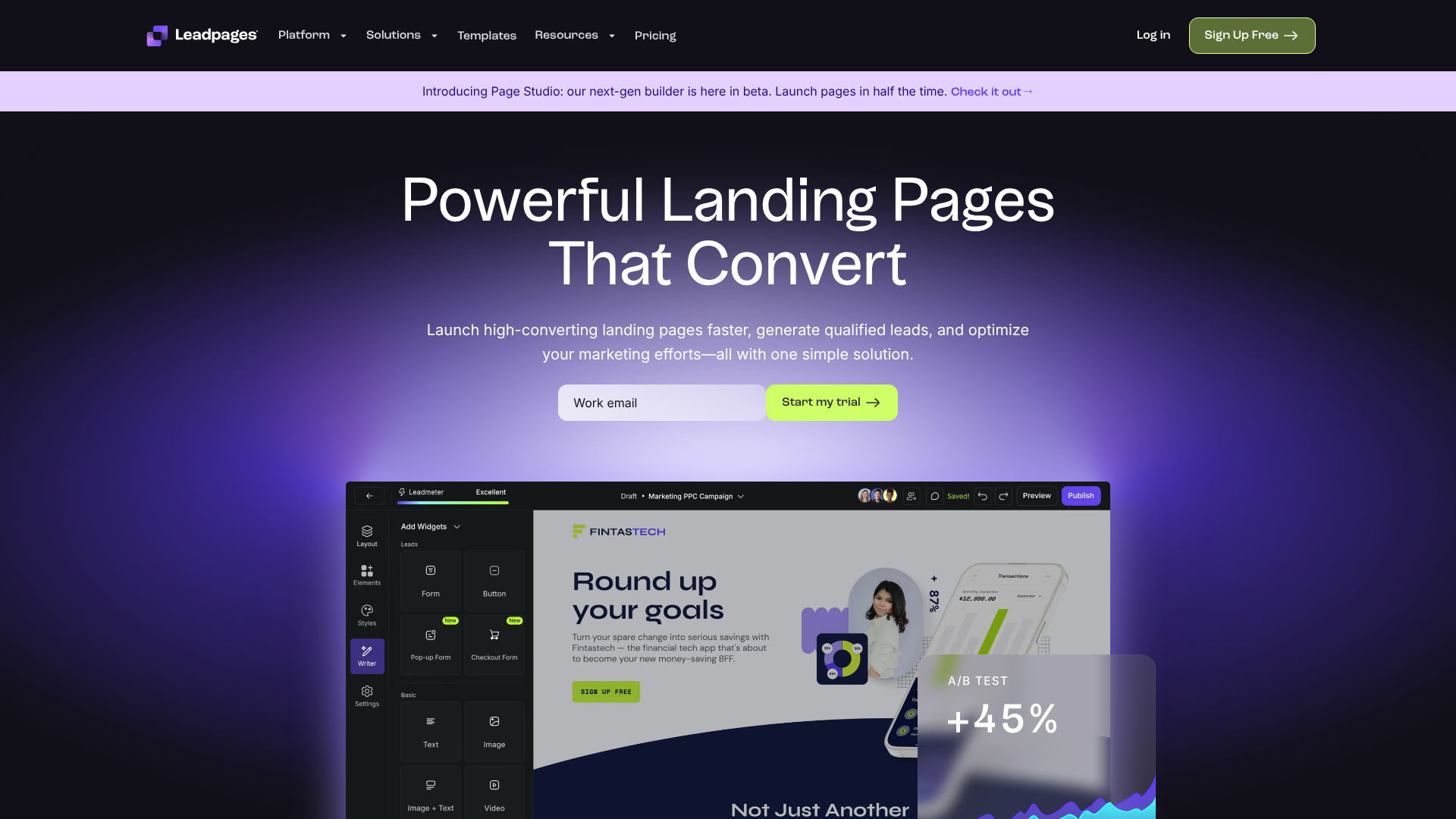
Leadpages packs a lot of functionality into its platform, all geared towards making your marketing more effective. While the interface is simple, the tools underneath are powerful enough to support serious lead generation campaigns. Here’s a breakdown of the features that matter most.
Intuitive Drag-and-Drop Page Builder
The core of the platform is the Leadpages builder itself. It operates on a drag-and-drop system, meaning you can click on elements like text boxes, images, buttons, and forms, and simply drag them into place on your page. The builder is section-based, which helps maintain a clean and organised layout, ensuring your pages look professional on any device.
Recently, Leadpages introduced an AI engine that can generate an entire landing page for you based on your website URL. It pulls your brand colours, logo, and fonts to create a starting point that's already aligned with your brand identity. This feature significantly speeds up the initial creation process, moving you from a blank canvas to a nearly complete page in seconds.
High-Converting Templates
For those who prefer not to start from scratch, Leadpages offers over 200 professionally designed templates. These aren't just pretty layouts; they are built based on conversion rate optimisation (CRO) principles. Each template is designed for a specific goal, such as webinar registrations, ebook downloads, or sales pages. You can filter them by industry or colour, and each one is fully mobile-responsive, guaranteeing a good user experience on smartphones and tablets.
What makes these templates particularly useful is the built-in "Lead Meter." This tool analyses your page as you build it and provides real-time suggestions to improve its conversion potential. It checks for things like a clear headline, a strong call-to-action, and the use of social proof, acting as a helpful guide for marketers of all skill levels.
Pop-ups and Alert Bars
Lead generation doesn't just happen on dedicated landing pages. Leadpages allows you to create pop-up forms (also known as lightboxes) and alert bars that can be added to any page on your website, even if it wasn't built with Leadpages. These are excellent tools for capturing email subscribers from your blog posts or announcing a special offer across your entire site.
You can trigger these pop-ups based on user behaviour, such as time on page, scroll depth, or exit intent (when a user moves their cursor to close the browser tab). This level of control ensures you can present your offer at the most opportune moment without being overly intrusive to the user experience.
A/B Split Testing
To truly optimise your campaigns, you need data. A/B split testing is a critical feature that allows you to test different versions of your landing page to see which one performs better. With the Leadpages builder, you can easily duplicate a page, change an element like the headline, button colour, or main image, and then split your traffic between the two versions.
Leadpages will automatically track the conversion rates of each version and declare a winner once there's enough data to make a statistically significant decision. This feature is essential for maximising your return on ad spend and continuously improving your results over time. It's important to note, however, that this feature is only available on the Pro plan and above.
Pro Tip: When A/B testing, only change one major element at a time. If you change the headline, the image, and the button text all at once, you won't know which change was responsible for the increase or decrease in conversions. Test methodically for the clearest results.
Seamless Integrations
A landing page creator is only as good as the other tools it can connect with. Leadpages offers a wide range of native integrations with popular email marketing services like ActiveCampaign, GetResponse, and Moosend, as well as webinar platforms and CRM systems. This means when someone fills out a form on your landing page, their information is automatically sent to the right tool in your marketing stack.
For any tools that don't have a direct integration, Leadpages connects with Zapier, a third-party service that acts as a bridge between thousands of different web applications. This effectively means you can connect your Leadpages account to almost any marketing software you currently use, ensuring a smooth workflow for managing new leads.

How to Create Your First Page with the Leadpages Builder
One of the most appealing aspects of Leadpages is how quickly you can go from an idea to a live, published page. The process is straightforward and designed for users without technical skills. Here’s a step-by-step guide to building your first landing page.
Step 1: Choose Your Starting Point
After logging into your account, you'll be prompted to create a new landing page. You have two main options here. You can either browse the extensive template library and select a pre-designed layout that fits your campaign goal, or you can use the AI generator by entering your website's URL to create a custom-branded page automatically.Step 2: Customise the Design and Content
Once you're in the editor, you can begin customising. Click on any text element to rewrite the copy. Drag and drop new widgets from the left-hand menu, such as images, videos, countdown timers, or forms. You can change colours, fonts, and spacing in the 'Styles' tab to match your brand. The builder is intuitive; if you can use a word processor, you can use the Leadpages editor.Step 3: Configure Your Form and Integrations
The most important part of a lead generation page is the form. Click on the form widget (or the button that triggers a pop-up form) to configure its settings. Here, you'll add or remove form fields (like name, email, phone number) and connect the form to your email marketing service. This is where you select the specific list or tag you want new subscribers to be added to.Step 4: Adjust SEO and Tracking Settings
Before publishing, click on the 'Settings' tab. Here you can set your page's SEO title and meta description, which is what will appear in Google search results. You can also add tracking codes, such as the Google Analytics tracking ID or a Facebook Pixel, to monitor your page's traffic and conversion data within those platforms.Step 5: Publish Your Page
When you're happy with your page, hit the 'Publish' button. Leadpages gives you several publishing options. You can publish it on a free Leadpages domain (your-name.lpages.co), connect your own custom domain (e.g., promo.yourwebsite.com), or use the Leadpages WordPress plugin to publish the page directly on your WordPress site with a custom URL. The page is live instantly, ready to receive traffic.
Leadpages Pricing and Plans: Which Option is Best?
Understanding the cost is a crucial part of deciding if a tool is right for you. Leadpages offers a more straightforward pricing structure than many of its competitors, focusing on providing value without complicated limits on traffic or leads. All plans come with a 14-day free trial, allowing you to test the platform thoroughly before committing.
As of 2026, Leadpages primarily offers two core plans for small businesses. It's always best to visit the Leadpages website for the most current pricing information, as plans and features can change.
| Feature | Standard Plan | Pro Plan |
|---|---|---|
| Best For | Beginners & Solopreneurs | Marketers & Growing Businesses |
| Landing Pages, Pop-Ups, Alert Bars | Yes | Yes |
| Unlimited Traffic & Leads | Yes | Yes |
| Free Custom Domain (with annual plan) | Yes | Yes |
| Tech Support | Email Only | Email & Chat |
| Online Sales & Payments | No | Yes |
| A/B Split Testing | No | Yes |
| Number of Sites | 1 Site | 3 Sites |
Standard Plan
The Standard plan is designed for individuals or businesses just getting started with landing pages. It gives you access to the core page builder tool, all the templates, pop-ups, and alert bars for a single website. Crucially, it includes unlimited traffic and lead collection, which is a major advantage over some competitors that charge based on visitor numbers. This plan is perfect if your primary goal is to build an email list or drive registrations for a single brand.
Pro Plan
The Pro plan is the most popular option and is geared towards growing businesses and professional marketers. It includes everything in the Standard plan but adds several key features. The most important additions are A/B split testing and the ability to accept online payments directly on your pages via Stripe. You also get access to live chat support and can use the account on up to three different websites.
If you are serious about optimising your conversion rates or selling products directly from your landing pages, the Pro plan is the necessary choice.
Choosing the right plan depends on your immediate needs. If you're just starting out, the Standard plan offers incredible value. However, if you plan to run paid advertising campaigns, the A/B testing feature in the Pro plan will likely pay for itself many times over by helping you improve your campaign performance.
The Pros and Cons: An Honest Assessment
No tool is perfect for everyone. Leadpages has a clear set of strengths that make it a fantastic choice for its target audience, but it also has limitations that are important to consider. Here is a balanced look at its advantages and disadvantages.
What We Like About Leadpages (Pros)
- Exceptional Ease of Use: This is Leadpages' biggest selling point. The platform is incredibly intuitive, allowing absolute beginners to create and publish a professional-looking landing page in under an hour. The learning curve is minimal.
- Focus on Conversion: Everything about Leadpages is geared towards getting you more leads and sales. From the conversion-optimised templates to the built-in Lead Meter, the tool constantly guides you towards making effective marketing decisions.
- Unlimited Traffic and Leads: Not having to worry about hitting a visitor or lead limit provides great peace of mind. You can scale your campaigns without the fear of incurring surprise overage charges, which is a common issue with other platforms.
- Fast Loading Speeds: Leadpages hosts all the pages on its own high-performance servers. This results in incredibly fast page load times, which is a critical factor for both user experience and SEO. According to data from Google, even a one-second delay in mobile page load can impact conversion rates by up to 20%.
- Great Value for Money: Compared to high-end competitors, Leadpages offers a robust feature set at a much more accessible price point, making it a sustainable option for small businesses and startups.
Where Leadpages Could Improve (Cons)
- Limited Design Flexibility: The trade-off for ease of use is a lack of granular design control. While the builder is great for creating clean, effective layouts, it can be restrictive if you have very specific design requirements. You can't always place elements exactly where you want them, which can be frustrating for professional designers.
- Key Features Gated on Higher Plans: Holding back A/B testing and online payments for the Pro plan is a significant limitation of the Standard plan. A/B testing, in particular, is a fundamental tool for any serious marketer, and it would be great to see it available on the entry-level plan.
- The Builder Can Feel Basic for Power Users: If you're an experienced marketer accustomed to advanced features like dynamic text replacement or complex scripting, the Leadpages builder might feel a bit too simple for your needs. It prioritises simplicity over complexity.
Leadpages vs. The Competition: A Quick Look
When searching for a landing page creator, you'll inevitably come across other popular names like Unbounce and Instapage. While they all help you build landing pages, they cater to slightly different users.
Leadpages vs. Unbounce: Unbounce is generally considered a more powerful and flexible tool. Its drag-and-drop editor is a true free-form canvas, allowing you to place any element anywhere on the page with pixel-perfect precision. It also offers more advanced features like Smart Traffic, an AI tool that automatically directs visitors to the page variant most likely to convert for them.
However, this power comes with a steeper learning curve and a significantly higher price tag. Unbounce is better suited for marketing agencies and larger teams with dedicated design resources.
Leadpages vs. Instapage: Instapage is known for its collaboration tools and post-conversion features, making it a strong choice for enterprise-level teams and agencies managing large-scale advertising campaigns. It boasts incredibly fast loading speeds and advanced features for personalising the user experience. Like Unbounce, it offers more design freedom than Leadpages but at a premium price point that puts it out of reach for many small businesses.
In summary, the choice comes down to your priorities. If your main goal is to quickly and easily create effective lead generation pages without a steep learning curve or a large budget, Leadpages is the clear winner. If you need maximum design flexibility and have the budget and technical expertise to use it, Unbounce or Instapage might be a better fit.
Frequently Asked Questions
Here are answers to some of the most common questions people ask about the Leadpages landing page builder.
Is Leadpages worth the money?
For its target audience—small businesses, consultants, and entrepreneurs—Leadpages is absolutely worth the money. The time it saves in page creation, combined with its focus on conversion, means it can deliver a positive return on investment very quickly. If a single landing page helps you acquire even a few new clients or customers, the tool has likely paid for itself for the entire year.
Is Leadpages free?
No, Leadpages is not a free tool. However, it does offer a comprehensive 14-day free trial that gives you full access to the features of the plan you select. This allows you to build pages, test the platform, and even collect leads before you have to make a payment. There are some free landing page builders available, like HubSpot's, but they often come with branding and feature limitations.
Is Leadpages better than WordPress?
This is a common question, but it's like comparing a screwdriver to a hammer. WordPress is a versatile content management system for building entire websites and blogs. Leadpages is a specialised tool for building high-converting landing pages. While you can build landing pages with WordPress using plugins like Elementor or Divi, it's often a more complex and slower process.
Leadpages is purpose-built for speed and conversion, making it the better tool for the specific job of creating campaign pages.
Is Leadpages good for beginners?
Yes, Leadpages is one of the best landing page builders on the market for beginners. Its user-friendly interface, extensive template library, and helpful features like the Lead Meter make it incredibly easy for someone with no technical or design experience to get started. The focus on simplicity is a core part of its value proposition.
Can Leadpages replace a website?
For some businesses, yes. Leadpages has a 'Sites' feature that allows you to use its drag-and-drop builder to create a simple, multi-page website. If your business only needs a few core pages (Home, About, Services, Contact), you could use Leadpages as your primary website. However, for businesses that need a blog, an e-commerce store, or complex functionality, a more robust platform like WordPress or Shopify would still be necessary.
Final Verdict: Is the Leadpages Landing Page Builder a Good Investment?
After a thorough review of its features, pricing, and position in the market, the verdict is clear: the Leadpages landing page builder is an excellent investment for small businesses, solo entrepreneurs, and marketers who need to generate leads and sales without getting bogged down in technical complexity.
Its primary strengths are its unmatched ease of use and its unwavering focus on conversion. The platform empowers users to launch professional, mobile-responsive, and fast-loading pages in a fraction of the time it would take with other tools. While it may lack the advanced design customisation of its more expensive competitors, it provides more than enough flexibility for the vast majority of marketing campaigns.
If you value speed, simplicity, and a proven track record of helping businesses grow, Leadpages is a reliable and cost-effective choice. It removes the technical barriers to effective digital marketing, allowing you to focus on what you do best: running your business. Ready to see if it's the right fit for you? You can explore all its features with a no-obligation, 14-day free trial.
Try Leadpages for free and start building high-converting landing pages today.