

WordPress Site Migration Service: A Buyer's Guide for 2026
Moving your website can feel like a high-stakes operation. You've invested time and resources into your online presence, and the thought of something breaking during a transfer is stressful. A professional WordPress site migration service handles this entire process for you, ensuring your website moves to its new home safely, without data loss or significant downtime. Whether you're changing hosts, updating your domain name, or moving from a development environment to a live server, understanding your options is the first step to a smooth transition.
- What to Know
- What is a WordPress Site Migration Service?
- Key Features and Benefits to Look For
- Zero or Minimal Downtime
- Comprehensive Data Transfer
- Pre-Migration Backups
- Post-Migration Testing and Quality Assurance
- Expert Support
- How to Choose the Right WordPress Migration Option
- 1. Assess Your Technical Skill Level
- 2. Evaluate Your Site's Complexity and Size
- 3. Consider Your Budget
- Top WordPress Migration Options: A Detailed Comparison
- Understanding the Costs: Pricing and Value Comparison
- The 'Free' Option: Host-Provided Migrations
- The Flat-Fee Option: Dedicated Services
- The Custom Quote Option: For Complex Projects
- Pros and Cons: Weighing Your Migration Choices
- Frequently Asked Questions
- How long does a WordPress site transfer take?
- Will my website experience downtime during migration?
- Can I migrate my WordPress site to a new domain name?
- What is the safest way to migrate a WordPress site?
- Do I need to change my DNS settings after migration?
- Final Thoughts: Making Your Decision
This guide breaks down everything you need to know about choosing the right service. We'll compare the different types of migration options available—from free services offered by hosting companies to dedicated professional agencies—and help you determine which path is best for your specific needs, budget, and technical comfort level. We'll cover key features, pricing expectations, and common pitfalls to avoid, giving you a clear framework for making a confident decision.
What to Know
- Three Main Options: You can choose between DIY plugins (best for small sites and tech-savvy users), dedicated professional migration services (ideal for complex, mission-critical sites), and free migrations offered by hosting providers (often the best value when switching hosts).
- Key Decision Factors: Your choice should depend on your site's complexity (e.g., a simple blog vs. a large e-commerce store), your budget, and your tolerance for potential downtime. Mission-critical business sites should prioritise zero-downtime solutions.
- Hosting Migrations Offer Great Value: Many top hosting companies, including SiteGround and Kinsta, offer a free, expert-handled WordPress site transfer as an incentive to sign up for their plans. This often provides professional-grade service at no extra cost.
What is a WordPress Site Migration Service?

A WordPress site migration involves moving your entire website—including its core files, database, themes, plugins, and media—from one server location to another. A service dedicated to this task manages the technical complexities of this transfer to ensure nothing is lost or broken in the process. Think of it as a professional moving company for your digital home.
The process isn't just a simple copy-and-paste. It requires exporting the database, which contains all your posts, pages, and user settings, and then carefully importing it into the new location. Simultaneously, all the files in your wp-content directory (themes, plugins, uploads) must be transferred. Finally, configuration files often need to be updated to reflect the new server environment, and internal links may need to be updated to prevent errors.
There are three primary ways to accomplish this:
- DIY with Migration Plugins: Tools like All-in-One WP Migration or Duplicator allow you to package your site into a single file and upload it to the new host. This method gives you full control but also places all the responsibility on your shoulders. It's a viable option for smaller, simpler websites if you're comfortable with the technical steps involved.
- Dedicated Professional Services: These are specialised agencies or freelancers you hire specifically to migrate your site. They offer a hands-off experience, handle complex situations like large e-commerce stores or multisite networks, and typically guarantee zero downtime. This is the premium choice for businesses that cannot afford any disruption.
- Hosting Provider Migrations: This is perhaps the most popular and cost-effective option. When you sign up with a new web host, many offer to migrate your existing WordPress site for free. Their expert team handles the entire WordPress site transfer, providing a professional-level service as part of your hosting package. This removes the risk of a DIY approach without the high cost of a dedicated agency.

Key Features and Benefits to Look For
When evaluating a WordPress migration service, not all offerings are created equal. Whether you're using a free service from a host or paying a premium for a dedicated agency, there are several critical features that define a high-quality, reliable transfer. Focusing on these ensures your migration is smooth, secure, and successful.
Zero or Minimal Downtime
Downtime means your website is inaccessible to visitors, which can lead to lost sales, damaged reputation, and a negative impact on your SEO rankings. A top-tier service will perform the migration on a temporary domain or staging server. They only make the final switch—a process called 'going live'—after the entire site has been copied and tested, ensuring the period of inaccessibility is seconds, not hours.
Comprehensive Data Transfer
A complete migration means everything moves. This includes your WordPress core files, the wp-content folder (with themes, plugins, and all media uploads), and your entire database. A reliable service guarantees a full, 1:1 clone of your site. They should also handle the search-and-replace process on the database to update all internal URLs to the new domain or server path, preventing a mess of broken links and missing images.
Pre-Migration Backups
The golden rule of any major website change is to back up everything first. Any reputable migration service will perform a complete, verifiable backup of your site's files and database before starting the transfer. This acts as a safety net, ensuring that if anything unexpected occurs, your original site can be restored instantly without any data loss.
Post-Migration Testing and Quality Assurance
Moving the files is only half the battle. Once the site is on the new server, it needs to be thoroughly tested to confirm everything works as expected. This includes checking for broken links (404 errors), ensuring images and media load correctly, testing contact forms and checkout processes, and verifying that backend functionality is intact. A professional service will have a comprehensive checklist for quality assurance.
Expert Support
Even with the best planning, issues can arise. Having access to an experienced support team is crucial. If you encounter a database connection error or a plugin conflict on the new server, you need someone who can diagnose and fix it quickly. This is a major advantage of using a host's migration service or a dedicated agency over a DIY plugin, where you're often left to troubleshoot on your own.
How to Choose the Right WordPress Migration Option
Selecting the best way to migrate your WordPress site comes down to balancing four key factors: your technical confidence, your website's complexity, your budget, and your tolerance for risk. By evaluating your needs in these four areas, you can easily identify the most suitable path forward.
1. Assess Your Technical Skill Level
Be honest about your technical abilities. A WordPress site transfer involves working with files via FTP/SFTP, managing databases through tools like phpMyAdmin, and potentially editing core configuration files like wp-config.php.
- High Confidence: If you're comfortable with these tasks, a DIY approach using a plugin like Duplicator could be a fast and free option.
- Low Confidence: If terms like 'FTP' and 'database export' are intimidating, it's best to leave it to the experts. A host-provided migration or a dedicated service is the safest choice to avoid costly mistakes.
2. Evaluate Your Site's Complexity and Size
The nature of your website plays a huge role. A simple five-page brochure site is far easier to move than a sprawling e-commerce platform with thousands of products and customer records.
- Simple Sites: Personal blogs, portfolios, or small business websites are generally straightforward to migrate. They are good candidates for both DIY plugins and free host migrations.
- Complex Sites: Large WooCommerce stores, membership sites, multisite networks, or sites with custom databases and integrations require specialised expertise. The risk of data corruption is much higher, making a professional service or a premium managed host's migration team the only sensible options.
3. Consider Your Budget
Your budget will naturally narrow down your choices. Fortunately, there are excellent options at every price point.
- No Budget (£0): Your best bet is to find a new hosting provider that offers a free migration. This gives you professional assistance without any upfront cost. The DIY plugin route is also free but carries the 'cost' of your time and the risk of error.
- Modest Budget (£50 – £250): This range covers most one-time, flat-fee professional migration services for standard websites. It's a great middle-ground if you're not changing hosts but don't want to risk a DIY move.
- Flexible Budget (£250+): For highly complex, mission-critical websites, investing in a top-tier dedicated service or a premium managed h

ost like Kinsta or WP Engine is a wise business decision. The cost is an insurance policy against lost revenueensions. A good host will review this for you, but it's smart to ask upfront to prevent post-migration surprises.
Top WordPress Migration Options: A Detailed Comparison
Now that you know what to look for, let's compare some of the best options available. The most common and value-packed solution for many users is leveraging the migration service offered by a new web host. It combines professional expertise with affordability.
Best for Value: Free Migrations with a New Hosting Plan
This is the sweet spot for most website owners. You get a new, often faster, hosting environment and a team of experts to handle the move for free. It's a seamless way to upgrade your infrastructure and get a professional WordPress migration service rolled into one.
Here are some of the top hosting providers known for their excellent migration support:
1. SiteGround
SiteGround is consistently recommended for its outstanding customer support and performance. They offer a free, automated WordPress migrator plugin that makes the process incredibly simple. You just install the plugin on your old site, generate a
token, and enter it into your new SiteGround account. For those who prefer a completely hands-off approach, they also offer a professional manual migration service, with at least one free credit included on their GrowBig and GoGeek plans.
- Best for: Beginners and small to medium-sized businesses who value ease of use and top-notch support.
- Migration Type: Free automated plugin and professional manual transfers.
2. Kinsta
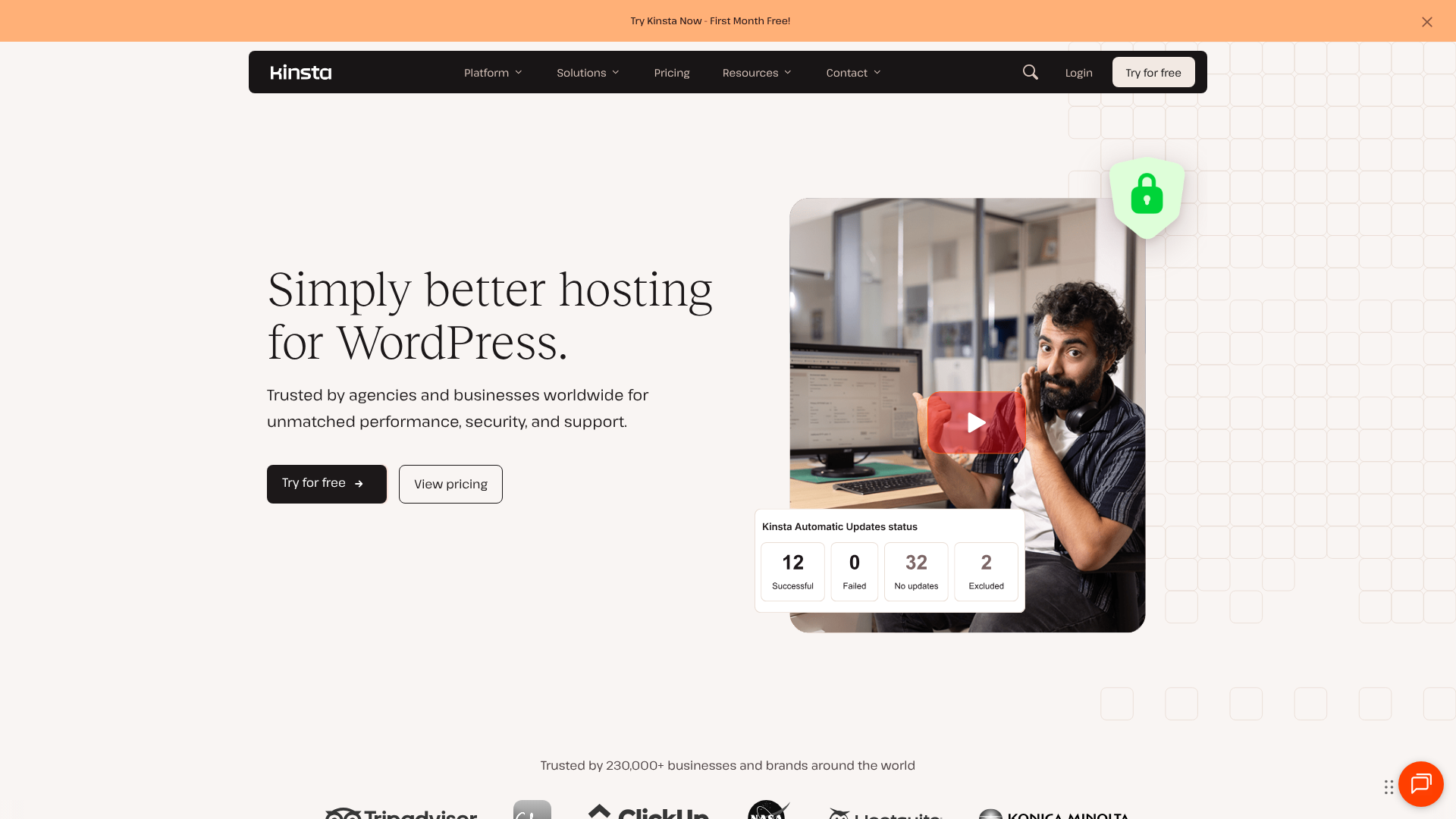
[Kinsta](https://kinstae premium migrations with all of their plans. You simply fill out a form, and their expert team handles the entire process with precision, ensuring zero downtime. They are pros at handling complex and large-scale sites.
- Best for: Businesses, e-commerce stores, and high-traffic websites that require flawless performance and a truly hands-off migration.
- Migration Type: Free expert-handled manual migrations.
3. WP Engine
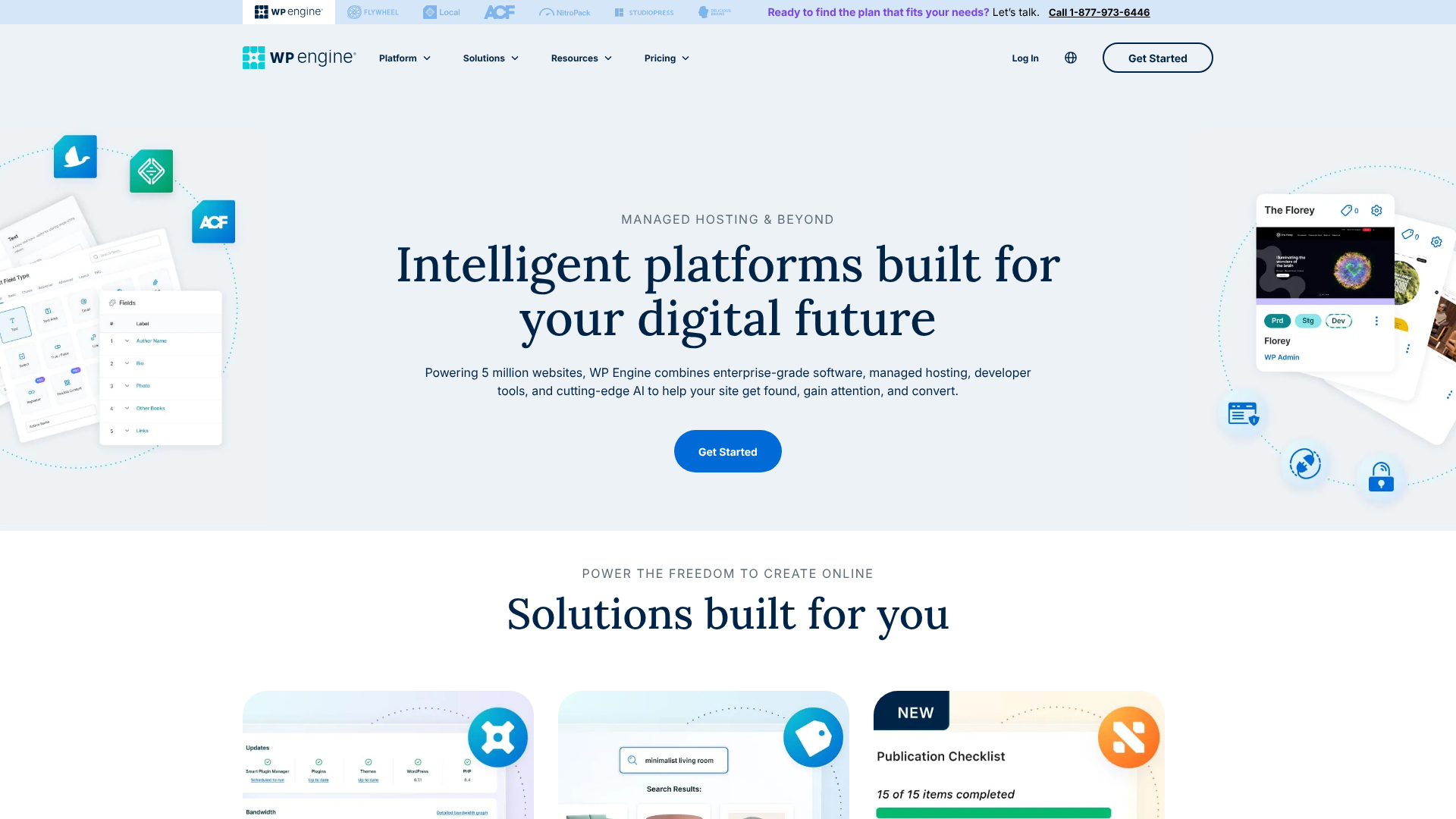
As another leader in the managed WordPress hosting space, WP Engine provides a powerful and easy-to-use Automated Migration plugin. This tool allows you to migrate your site to their platform with just a few clicks. It's designed to be fast and reliable, and their award-winning 24/7 support team is available to assist if you run into any issues. Their platform is optimised for security, speed, and scale.
- Best for: Developers, agencies, and businesses looking for a robust, scalable hosting platform with a simple migration tool.
- Migration Type: Free automated plugin.
4. Hostinger
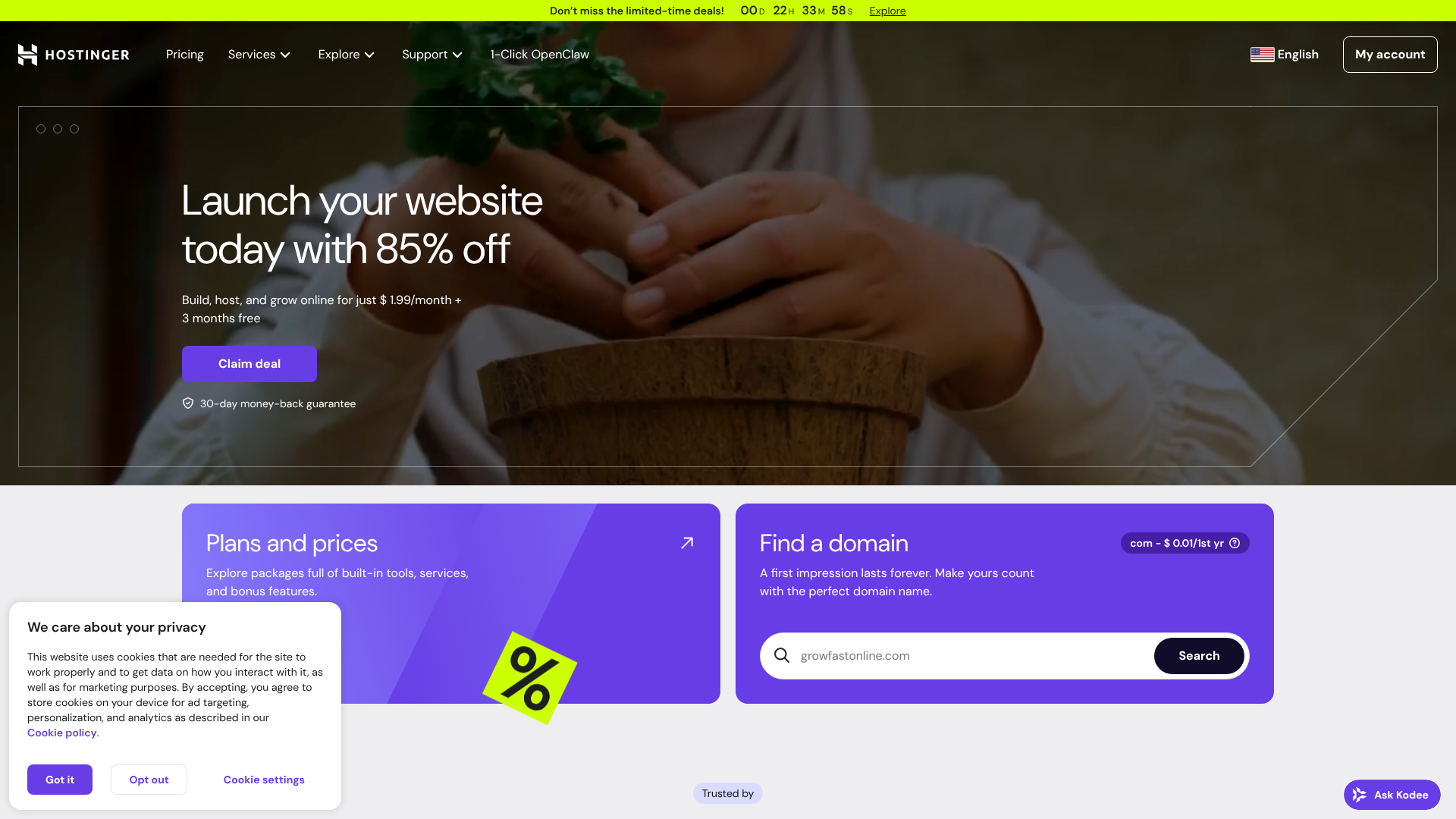
For those on a tighter budget, Hostinger offers an excellent balance of performance and price. They provide a free and straightforward automatic website migration tool. You just need to provide your WordPress admin credentials, and their system handles the transfer. It's a great feature for users who want to move to a more affordable host without the technical headache of a manual migration.
- Best for: Bloggers, startups, and small businesses looking for a budget-friendly hosting solution with an easy migration process.
- Migration Type: Free automated migration tool.
Hosting Migration Service Comparison
| Feature | SiteGround | Kinsta | WP Engine | Hostinger |
|---|---|---|---|---|
| Migration Cost | Free (with plan) | Free (with plan) | Free (with plan) | Free (with plan) |
| Method | Automated Plugin & Manual | Expert Manual | Automated Plugin | Automated Tool |
| Downtime | Minimal to None | Zero | Minimal to None | Minimal |
| Best For | All-around value & support | High-performance sites | Developers & agencies | Budget-conscious users |
| Support | 24/7 Expert Support | 24/7 Migration Experts | 24/7 Expert Support | 24/7 Support |
Understanding the Costs: Pricing and Value Comparison
The cost to migrate a WordPress site can range from completely free to several hundred pounds, depending on the method you choose. Understanding the different pricing structures helps you see beyond the price tag and evaluate the true value of each option.
The 'Free' Option: Host-Provided Migrations
This is often the highest value proposition. While technically not 'free'—as it's contingent on purchasing a hosting plan—it bundles a professional service into a necessary expense. For example, if you were already planning to spend £15 per month on quality hosting, getting a migration that would otherwise cost £150 is a fantastic deal. This is the most cost-effective way to get an expert-handled WordPress site transfer.
The Flat-Fee Option: Dedicated Services
Many professional services charge a one-time flat fee for a standard migration. As of 2026, these fees typically range from £50 to £250. This is a great choice if you are happy with your current host but are moving your site from a subdomain, a development folder, or changing its primary domain. The price is predictable, and you get a guaranteed outcome without a long-term commitment.
The Custom Quote Option: For Complex Projects
For non-standard migrations—such as large WooCommerce stores, multisite networks, or transfers from other platforms like Squarespace to WordPress—you will almost always receive a custom quote. Agencies will assess the complexity, data volume, and potential risks before providing a price. This can range from £300 to over £1,000, reflecting the specialised labour and time required to execute the move flawlessly. While expensive, it's a necessary investment to protect a high-value digital asset.
Pros and Cons: Weighing Your Migration Choices
Each migration method has its own set of advantages and disadvantages. Choosing the right one means aligning these with your project's specific needs.
DIY Migration Plugins
- Pros:
- No Cost: The software is typically free for basic use.
- Full Control: You manage every step of the process.
- Immediate: You can perform the migration on your own schedule without waiting for a support team.
- Cons:
- High Risk: A small mistake can lead to a broken site or data loss.
- No Support: If something goes wrong, you are on your own to fix it.
- Time-Consuming: The process can be lengthy, especially for beginners.
- Size Limitations: Free versions of plugins often have file size limits, making them unsuitable for larger sites.
Hosting Provider Migration Services
- Pros:
- Often Free: Included with the purchase of a new hosting plan.
- Expert Handling: Performed by professionals who know their server environment inside and out.
- Minimal Effort: You simply provide your credentials and let them handle the rest.
- High Value: You get a professional service without the associated high cost.
- Cons:
- Requires Switching Hosts: This option is only available if you are moving to a new provider.
- Potential Wait Times: During busy periods, you might have to wait a day or two for the migration to be completed.
Dedicated Professional Migration Services
- Pros:
- Guaranteed Success: These services often come with a guarantee and insurance against errors.
- Handles Any Complexity: They have the expertise to manage even the most challenging migrations.
- Zero Downtime: They specialise in techniques that ensure your site remains live throughout the process.
- Cons:
- Most Expensive: This is the premium option with a corresponding price tag.
- Vetting Required: You need to research to find a reputable and trustworthy provider.
Frequently Asked Questions
How long does a WordPress site transfer take?
A standard WordPress migration can take anywhere from 30 minutes to a few hours. The duration depends on the size of your website (both files and database), the speed of your old and new servers, and the method used. An automated plugin on a small site might be very quick, while a manual migration of a large e-commerce store could take several hours of dedicated work.
Will my website experience downtime during migration?
With a professional service, downtime should be minimal to non-existent. Experts typically work on a copy of your site on the new server and only perform the final DNS switch when everything is tested and ready. This final step, known as DNS propagation, can take a few hours to complete globally, but the actual 'downtime' is negligible. A DIY migration carries a higher risk of extended downtime if errors occur.
Can I migrate my WordPress site to a new domain name?
Yes, absolutely. Migrating to a new domain is a common reason for using a migration service. The process is more complex than a simple host-to-host transfer because it requires a thorough search-and-replace on the database to update all instances of the old domain to the new one. It's also critical to implement 301 redirects from your old domain to the new one to preserve your SEO rankings.
What is the safest way to migrate a WordPress site?
The safest way is to have it handled by experts, whether through a premium managed host like Kinsta or a reputable dedicated migration service. Their process includes creating backups, using a staging environment for the transfer, and conducting thorough post-migration checks. This eliminates the risk of human error that can occur during a DIY migration.
Do I need to change my DNS settings after migration?
Yes. After the website files and database have been successfully copied to the new server, the final step is to point your domain name to the new host. This is done by updating the Domain Name System (DNS) records, specifically the 'A' record or the nameservers, at your domain registrar (like Namecheap or GoDaddy). Your new host will provide you with the exact details you need to update.
Final Thoughts: Making Your Decision
Choosing the right WordPress site migration service doesn't have to be complicated. By focusing on your website's specific needs, you can make a smart, cost-effective decision that ensures a stress-free transition. The path you choose will ultimately depend on the intersection of your site's complexity, your budget, and your technical comfort level.
For the vast majority of users, the most logical and valuable choice is to leverage the free migration service offered by a quality new host. If you're looking to improve your site's performance, switching to a provider like SiteGround for its excellent support or Kinsta for its premium speed gives you a professional migration for free. This approach solves two problems at once: upgrading your hosting and safely moving your site.
If you have a highly complex, mission-critical website, investing in a dedicated professional service is a wise insurance policy. For the brave and tech-savvy with simple sites, a DIY plugin remains a viable option. Whichever route you take, prioritising a safe, secure, and complete transfer will protect your valuable digital asset for years to come.