

The Essential Site Migration Checklist SEO Pros Use (15 Steps)
A website migration is one of the most high-stakes projects you can undertake. Get it right, and you can unlock new design possibilities, better performance, and improved user experience. Get it wrong, and you risk losing years of hard-earned search engine rankings, traffic, and revenue overnight. The key to success lies in a meticulous plan, and that's where a comprehensive site migration checklist for SEO becomes your most valuable asset.
- What to Know
- What is a Site Migration and Why is an SEO Checklist Crucial?
- The Core Benefits of a Structured SEO Migration Guide
- Key Considerations Before You Begin Your Site Move
- The Ultimate Site Migration Checklist: 15 SEO Steps for Success
- Phase 1: Pre-Migration (The Planning Stage)
- 1. Define Scope, Goals, and Timing
- 2. Benchmark Current Performance
- 3. Crawl Your Existing Site
- 4. Map All URLs (Old to New)
- 5. Set Up Your New Hosting Environment
- 6. Prepare Your 301 Redirect Map
- 7. Review and Migrate Key SEO Elements
- Phase 2: During Migration (Launch Day)
- 8. Implement a Maintenance Page
- 9. Execute the Technical Migration
- 10. Implement 301 Redirects and Remove Blocks
- 11. Update Google Search Console & Analytics
- Phase 3: Post-Migration (Monitoring and Fixing)
- Budgeting for Your Site Migration: What Costs to Expect
- The Pros and Cons: Is a Site Migration Worth the Risk?
- Frequently Asked Questions about Website Migration SEO
- How long does a site migration take?
- Will I lose traffic after a site migration?
- What is the most important part of an SEO site migration?
- What's the difference between a 301 and a 302 redirect?
- Final Thoughts: Ensuring a Smooth Transition
Without one, you're navigating a minefield blindfolded.
This guide isn't just a list of tasks; it's a strategic framework designed to protect your organic visibility at every stage. We'll walk through the entire process, from initial planning and benchmarking to the critical launch day actions and post-migration monitoring. Following these steps will help you execute a smooth transition, minimise SEO risks, and set your new site up for long-term success.
What to Know
- Pre-Migration is Crucial: Over 50% of a successful migration happens before you ever move the site. This includes benchmarking performance, crawling your old site, and meticulously mapping all URLs.
- 301 Redirects are Non-Negotiable: Properly mapping every old URL to its new equivalent with a permanent 301 redirect is the single most important technical SEO task to preserve link equity and rankings.
- Monitoring is Mandatory: The job isn't finished at launch. You must actively monitor traffic, keyword rankings, crawl errors, and indexation status for several weeks to catch and fix issues before they cause lasting damage.
- Don't Forget the Details: Small oversights like forgetting to update canonical tags, internal links, or XML sitemaps can lead to significant SEO problems. A detailed checklist prevents these from slipping through the cracks.
What is a Site Migration and Why is an SEO Checklist Crucial?
A site migration is any event where a website undergoes substantial changes to areas that can significantly affect search engine visibility. This isn't just about changing your hosting provider. It can involve changing the domain name, moving from HTTP to HTTPS, overhauling the site structure, changing the content management system (CMS), or launching a major redesign.
Think of it like moving a massive, intricate library to a new building. You can't just throw the books in boxes. You need to catalogue every book (your pages), map out its exact new location on the shelves (new URLs), and put up clear signs (redirects) so people can find what they're looking for. If you fail, visitors get lost, and the library's reputation suffers.
For a website, this means lost traffic and revenue.
An SEO-focused checklist is your blueprint for this move. It turns a chaotic, high-risk project into a structured, manageable process. It ensures that critical SEO elements like link equity, metadata, internal linking, and content value are preserved and transferred correctly to the new site. Without a proper site move checklist, you risk common disasters like massive 404 errors, duplicate content issues, and a sudden, dramatic drop in search engine rankings that can take months or even years to recover from.
The Core Benefits of a Structured SEO Migration Guide

Using a detailed SEO migration guide offers far more than just peace of mind. It provides tangible benefits that directly impact your project's success and your business's bottom line. The primary advantage is risk mitigation. A migration can wipe out up to 50% of your organic traffic if handled poorly.
A checklist systematically addresses the technical SEO factors that prevent this, such as ensuring all redirects are in place and that search engines can crawl and index the new site effectively.
Second, it ensures continuity. Your website has accumulated authority and rankings over years. A structured guide focuses on transferring this authority—often called 'link equity' or 'link juice'—from your old pages to your new ones via 301 redirects. This tells Google that the new page is the official successor to the old one, preserving its ranking power.
Finally, a checklist provides a framework for accountability and collaboration. A site migration involves multiple teams: developers, marketers, content creators, and SEO specialists. A shared checklist ensures everyone understands their roles, responsibilities, and the critical deadlines involved. It prevents tasks from being overlooked and creates a clear, documented record of the entire process, which is invaluable for troubleshooting if issues arise post-launch.

Key Considerations Before You Begin Your Site Move
Before you even look at the first item on your checklist, it's vital to step back and define the strategic purpose of the migration. Rushing into a move without clear goals is a recipe for failure. Ask yourself and your team the fundamental question: Why are we doing this migration? The answer will shape every decision you make.
Is the goal to improve site speed and performance. Are you rebranding with a new domain name. Is your current CMS too restrictive, and you're moving to a more flexible platform. Clearly defining the objectives helps you prioritise tasks and measure success accurately after the launch.
For example, if the goal is to improve mobile user experience, your post-migration analysis should focus heavily on mobile traffic metrics and Core Web Vitals.
Another key consideration is resource allocation. A site migration is not a small task. It requires significant time and expertise from your technical, SEO, and content teams. Do you have the necessary skills in-house, or will you need to hire an external consultant or agency.
Be realistic about the timeline. A simple migration might take a few weeks, while a complex one involving a large e-commerce site could take several months of planning and execution. Underestimating the resources required is a common pitfall that leads to rushed work and costly mistakes.
The Ultimate Site Migration Checklist: 15 SEO Steps for Success
A successful migration is best managed in three distinct phases: pre-migration planning, launch day execution, and post-migration monitoring. Each phase has its own set of critical tasks. Follow this detailed site migration checklist seo professionals rely on for a smooth transition.
Phase 1: Pre-Migration (The Planning Stage)
This is the most important phase. The work you do here determines whether your launch will be a success or a disaster. Do not rush these steps.
1. Define Scope, Goals, and Timing
First, document exactly what is changing. Is it the domain, the platform, the URL structure, the design, or a combination? Set clear, measurable goals. For example, 'Maintain 95% of pre-migration organic traffic' or 'Improve Core Web Vitals scores by 20%'. Choose a launch day during a low-traffic period, like a weekend or evening, to minimise disruption.
2. Benchmark Current Performance
You can't know if you've succeeded if you don't know where you started. Before you touch anything, capture a complete snapshot of your site's current SEO health. Track key metrics in a spreadsheet, including:
- Organic traffic (by landing page)
- Keyword rankings for your top 100-500 keywords
- Conversion rates from organic traffic
- Crawl errors (from Google Search Console)
- Site speed and Core Web Vitals scores
3. Crawl Your Existing Site
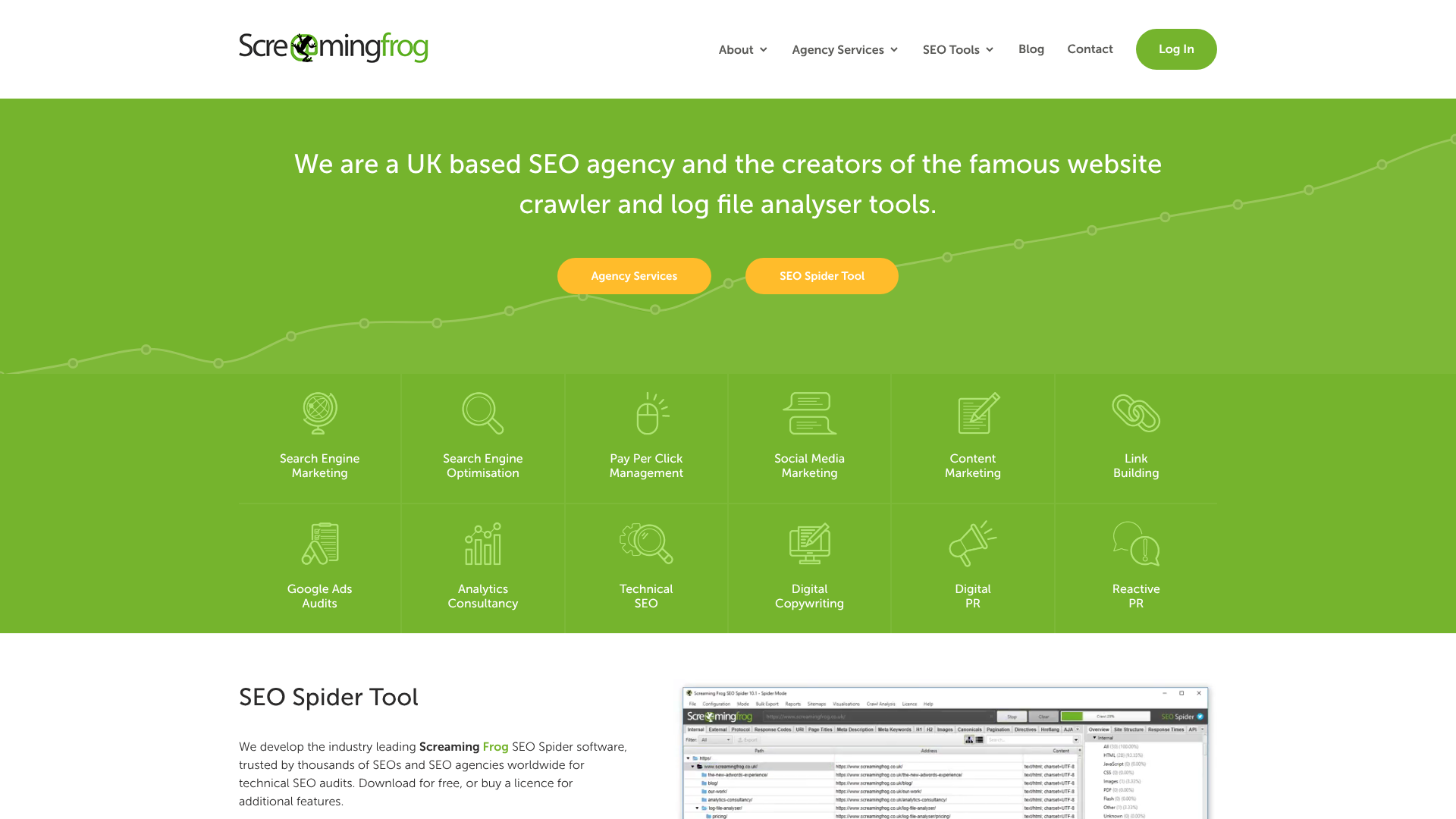
Use a tool like Screaming Frog or Ahrefs' Site Audit to crawl every single URL on your current website. This crawl is your master list. It will help you identify all your pages, including ones you may have forgotten about. Export this data, paying close attention to URLs, title tags, meta descriptions, H1 tags, and response codes.
4. Map All URLs (Old to New)
This is arguably the most critical step in the entire process. Create a spreadsheet with two columns: 'Old URL' and 'New URL'. For every single URL from your crawl in step 3, you must define its corresponding new URL on the new site. This map will become the foundation for your 301 redirects. Do not skip any pages, even if they seem unimportant. Every page with even a single visit or backlink needs a destination.
Pro Tip: When mapping URLs, use it as an opportunity to clean up your site architecture. You can consolidate thin content pages or redirect outdated blog posts to a relevant category page. Just ensure every old URL has a one-to-one redirect to the most relevant new page.
5. Set Up Your New Hosting Environment
Your new site needs a place to live. This is the time to set up your staging or development environment on your new server. Choosing a high-quality host is vital for performance, which is a key ranking factor. Managed WordPress hosts are an excellent option as they often provide specialised support and tools for migrations.
For example, providers like Kinsta and SiteGround are known for their high-performance infrastructure and offer free or assisted migration services. This can significantly reduce the technical burden and risk associated with moving your site's files and database. Ensure your staging site is blocked from search engine crawlers using a robots.txt file or password protection to prevent it from being indexed prematurely.
6. Prepare Your 301 Redirect Map
Using the URL map you created in step 4, you will now create the actual redirect file. The format depends on your server (e.g., .htaccess for Apache, configuration files for Nginx). This file will contain the instructions that tell servers and browsers that an old page has permanently moved to a new one. Test these redirects thoroughly in your staging environment before launch.
7. Review and Migrate Key SEO Elements
Ensure that all on-page SEO elements from the old site are transferred to the new one. This includes:
- Title Tags and Meta Descriptions: Copy them over or write new, optimised ones.
- H1-H6 Headings: Maintain a logical heading structure.
- Content: Ensure all body copy, images, and videos are migrated correctly.
- Canonical Tags: Make sure they point to the correct new URL.
- Schema Markup: Transfer any structured data you were using.
Phase 2: During Migration (Launch Day)
This is the technical execution phase. If your planning was thorough, this part should go smoothly.
8. Implement a Maintenance Page
Just before you begin the migration, put up a user-friendly maintenance page on your old site. This should return a 503 (Service Unavailable) status code. This tells search engines that the downtime is temporary and they should come back later, which helps prevent indexing issues during the transition.
9. Execute the Technical Migration
This is the point of no return. Your development team will move the new site from the staging environment to the live server. This typically involves updating your DNS records to point your domain to the new server's IP address. This process can take a few hours to fully propagate across the internet.
10. Implement 301 Redirects and Remove Blocks
Once the new site is live, the first thing you must do is implement the 301 redirect file you prepared. This will start redirecting all traffic and search engine crawlers from the old URLs to the new ones. At the same time, remove any crawling blocks (like in robots.txt or password protection) that were on the staging site so that search engines can access it.
11. Update Google Search Console & Analytics
In Google Search Console, use the 'Change of Address' tool if you have changed your domain name. This officially informs Google about the move. For all migration types, ensure your new site property is verified. In Google Analytics, update your settings to reflect the new domain and add any necessary annotations to mark the migration date for future performance analysis.
Phase 3: Post-Migration (Monitoring and Fixing)
The site is live, but your job is far from over. This phase is about vigilance and quick responses.
12. Crawl the New Site for Errors
Immediately after launch, run a new crawl of the live site with Screaming Frog. You are looking for problems that may have occurred during the launch. Check for:
- 404 Errors: Broken links that need fixing.
- Incorrect Redirects: Pages redirecting to the wrong destination or in a loop.
- Missing SEO Elements: Check for missing title tags, meta descriptions, or canonicals.
13. Monitor Rankings, Traffic, and Indexation
For the next 4-6 weeks, keep a close eye on the benchmarks you recorded in Phase 1. Use Google Search Console's Index Coverage report to see how quickly Google is indexing your new pages and dropping the old ones. Watch your analytics for any significant drops in organic traffic. Some fluctuation is normal, but a sustained drop of more than 10-15% indicates a problem that needs investigation.
14. Submit New Sitemaps
Generate a new XML sitemap that contains all the URLs of your new site. Submit this sitemap via Google Search Console. This helps Google discover and crawl your new pages more efficiently. It's also a good practice to remove the old sitemap.
15. Conduct Outreach for High-Value Backlinks
While 301 redirects pass most link equity, updating your most valuable backlinks directly is a best practice. Identify your top 10-20 most authoritative backlinks using a tool like Ahrefs. Reach out to the webmasters of those sites and ask them to update the link to point directly to your new URL. This creates a stronger, direct signal to search engines.
Budgeting for Your Site Migration: What Costs to Expect
Understanding the potential costs is a critical part of planning that is often overlooked. A site migration is not just a technical task; it's a business investment. The costs can vary dramatically based on the complexity of your website and the resources you have available. A small blog changing themes might have minimal costs, while a large e-commerce site moving to a new platform could be a six-figure project.
Key cost centres to consider include development resources. This is often the largest expense. You'll need to pay for the time of developers to build the new site, handle the data migration, and execute the technical launch. If you don't have an in-house team, you'll need to budget for a freelance developer or a web development agency.
Another significant cost is SEO expertise. Unless you are an SEO expert yourself, hiring a consultant or agency to manage the SEO aspects of the migration is a wise investment. Their role is to create the checklist, manage the URL mapping, audit the new site, and monitor the results to prevent traffic loss. Other potential costs include new hosting plans, premium plugins or software licences for the new platform, and content creation or updates if you are refreshing content as part of the migration.
The Pros and Cons: Is a Site Migration Worth the Risk?
Embarking on a site migration is a major decision, and it's essential to weigh the potential rewards against the inherent risks. The process is complex and, if mismanaged, can have severe negative consequences for your business. However, when done for the right reasons and executed flawlessly, the benefits can be transformative.
Pros of a Site Migration
- Improved Performance and User Experience: A primary driver for migration is moving to a faster, more modern platform, which can drastically improve site speed and user engagement, both of which are positive SEO signals.
- Enhanced Security and Technology: Migrating allows you to move away from outdated or unsupported platforms to a more secure and feature-rich environment.
- Better SEO Architecture: A migration is the perfect opportunity to fix long-standing structural issues, improve your URL hierarchy, and build a site that is more logical for both users and search engines.
- Rebranding and Repositioning: If your business is evolving, a new domain and website design can help reposition your brand in the market.
Cons of a Site Migration
- Risk of Traffic and Ranking Loss: This is the biggest fear. Any mistake in the redirect process or technical setup can lead to a significant and sometimes permanent loss of organic visibility.
- High Cost and Resource Drain: Migrations are expensive and time-consuming, pulling key personnel away from other business-critical tasks.
- Temporary Business Disruption: Even with perfect planning, there can be temporary glitches, downtime, or broken functionality that can affect sales and lead generation immediately after launch.
- Complexity and Potential for Errors: The sheer number of moving parts means there are many opportunities for human error, from a typo in a redirect file to forgetting to remove a staging site block.
Ultimately, the decision to migrate should be based on a clear business case where the long-term benefits substantially outweigh the short-term risks and costs.
Frequently Asked Questions about Website Migration SEO
Here are answers to some common questions people have when planning a site move.
How long does a site migration take?
A site migration timeline varies greatly. A simple migration of a small brochure site might take 2-4 weeks of planning and execution. A large, complex e-commerce site with thousands of pages moving to a new platform could take 6-12 months from initial planning to post-launch monitoring. The key is not to rush the planning phase.
Will I lose traffic after a site migration?
Some temporary traffic fluctuation (a dip of 5-10%) is normal for a few weeks after a migration as search engines process the changes. However, if you follow a comprehensive site migration checklist for SEO, you should be able to maintain the vast majority of your traffic. A significant, sustained drop indicates a serious technical problem that needs immediate attention.
What is the most important part of an SEO site migration?
While every step is important, the most critical technical element is the 301 redirect mapping. Correctly mapping every old URL to its new equivalent is essential for transferring link equity and ensuring users and search engines are sent to the right page. Errors here are the most common cause of traffic loss.
What's the difference between a 301 and a 302 redirect?
A 301 redirect is permanent. It tells search engines that a page has moved for good, and they should transfer all ranking value to the new URL. A 302 redirect is temporary, indicating the move is not permanent. For a site migration, you must always use 301 redirects to preserve your SEO value.
Final Thoughts: Ensuring a Smooth Transition
A website migration is a powerful opportunity to improve your digital presence, but it comes with significant SEO risks. The difference between a successful launch and a catastrophic failure lies in meticulous planning and flawless execution. By using a detailed site migration checklist seo framework, you transform a daunting task into a manageable, step-by-step process.
Remember that preparation is everything. The time you invest in benchmarking, crawling, and mapping before the move will pay dividends by preventing costly mistakes. On launch day, be methodical. And after launch, be vigilant.
Monitor your analytics and search console data closely to catch and resolve issues quickly.
By treating your website's authority as a valuable asset and following this structured SEO migration guide, you can navigate the complexities of a site move with confidence, protect your hard-earned rankings, and set the stage for future growth.