
15 Best Small SEO Tools for Businesses on a Budget (2025 Rankings)
Trying to improve your website's search engine performance can feel daunting, especially when you see the price tags on enterprise-level SEO platforms. The good news is you don't need a massive budget to get powerful results. A strategic selection of the best small SEO tools can provide all the data and functionality you need to climb the search rankings, find new customers, and grow your business online.
- What You'll Learn
- What Exactly Are Small SEO Tools?
- Why You Should Use Compact SEO Tools
- Top Small SEO Tools for Keyword Research
- Essential Mini SEO Tools for Competitor Analysis
- Powerful SEO Tools for Small Sites: Backlink Analysis
- Creating High-Ranking Content with Small SEO Tools
- The Best Small SEO Tools for Technical & On-Page SEO
- 12. Screaming Frog SEO Spider
- 13. Google Search Console
- 14. Rank Math / Yoast SEO (WordPress Plugins)
- 15. AccuRanker
- The Cost-Effectiveness of Small Tools vs. All-in-One Platforms
- How to Integrate Small SEO Tools into Your Marketing Strategy
- Real-World Success: A Case Study in Using Compact SEO Tools
- The Future of Mini SEO Tools: What's Next?
- FAQ: Your Questions About Small SEO Tools Answered
- What are the best free small SEO tools?
- Can I do SEO effectively without paying for any tools?
- How do I choose the right SEO tools for my small site?
- Are small SEO tools powerful enough for a serious business?
- Final Thoughts: Choosing the Right Tools for Your Growth
These tools are designed to be affordable, focused, and easy to use, making them perfect for small businesses, startups, bloggers, and freelancers. Instead of paying for a bloated, all-in-one suite with features you'll never touch, you can build a custom toolkit that perfectly matches your goals and budget. This guide will walk you through the top options available today.
What You'll Learn
- Cost-Effective SEO: You can build a powerful SEO toolkit without spending thousands. Many effective tools are free or have affordable entry-level plans.
- Focused Functionality: Small SEO tools excel at doing one or two things extremely well, such as keyword research or backlink analysis, giving you exactly what you need without overwhelming complexity.
- Customisable Strategy: By combining different mini SEO tools, you can create a workflow tailored to your specific industry, website, and business objectives.
- Key Areas to Cover: The most critical functions for any small business are keyword research, competitor analysis, backlink tracking, and on-page content optimisation.
What Exactly Are Small SEO Tools?
When we talk about "small SEO tools," we're not referring to their impact but to their scope and cost. Unlike massive, all-in-one platforms that try to do everything, these tools are typically more specialised. They fall into a few main categories: single-function tools that excel at one task (like checking keyword difficulty), free utilities offered by larger companies, or the affordable, entry-level tiers of more comprehensive platforms.
The core idea is accessibility. These are SEO tools for small sites that don't have a dedicated marketing department or a four-figure monthly budget for software. They provide actionable data without the steep learning curve or financial commitment of their enterprise counterparts. For example, instead of a full competitor analysis suite, you might use a free backlink checker to see who links to your rivals.
This approach allows you to be nimble and efficient. You only pay for what you use and can assemble a 'stack' of tools that grows with you. A blogger might start with a free keyword tool and a WordPress plugin, while a small e-commerce shop might add a rank tracker and a content optimiser as their revenue increases. These compact SEO tools democratise search engine optimisation, putting powerful capabilities into the hands of any website owner.
Why You Should Use Compact SEO Tools
Opting for a collection of compact SEO tools over a single, monolithic platform offers several distinct advantages, particularly for smaller operations. The most obvious benefit is cost-effectiveness. You can achieve 90% of the results for a fraction of the price, freeing up capital that can be invested in other areas of your business, like content creation or product development.
Another significant benefit is simplicity. Large SEO platforms can be overwhelming, with dozens of reports and features that are irrelevant to a small business. Mini SEO tools, with their focused functionality, are much easier to learn and master. This means you spend less time wrestling with software and more time implementing changes that actually improve your rankings.
Finally, using a curated set of tools gives you unparalleled flexibility. You can pick and choose the best-in-class tool for each specific task. You might find that one company offers the best keyword research tool, while another has a superior rank tracker. This modular approach allows you to build a dream team of SEO software that is perfectly aligned with your unique strategy, rather than being locked into the ecosystem of a single provider.

Top Small SEO Tools for Keyword Research
Keyword research is the foundation of any successful SEO strategy. Finding the right terms that your customers are searching for is essential for driving relevant traffic. Here are the best small tools for the job.
1. Mangools KWFinder
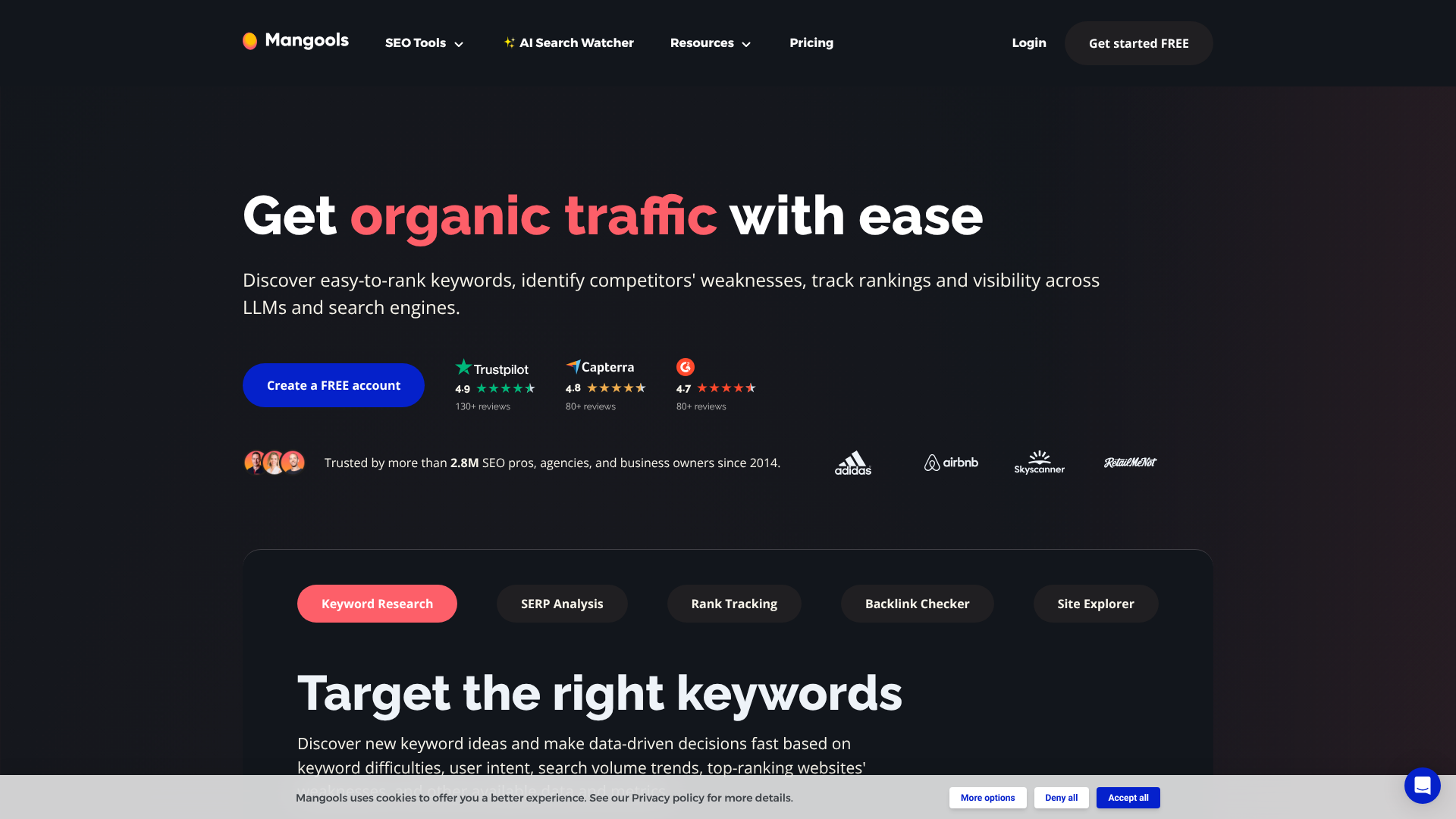
Mangools KWFinder is widely celebrated for its user-friendly interface and incredibly accurate keyword difficulty score. It's designed to make keyword research simple and fast, even for complete beginners. You can enter a seed keyword to find hundreds of suggestions, analyse search trends, and see what keywords your competitors are ranking for.
The platform provides essential data points like monthly search volume, cost-per-click (CPC), and a unique Keyword Difficulty (KD) score that helps you find low-competition keywords you can actually rank for. It's an excellent starting point for any small business looking to build a content strategy from the ground up.
Pros
- Extremely intuitive and easy-to-use interface.
- Reliable and accurate keyword difficulty metric.
- Affordable pricing compared to larger suites.
Cons
- The number of keyword searches and results is limited on lower-tier plans.
- Lacks the broader site audit features of all-in-one platforms.
2. AnswerThePublic
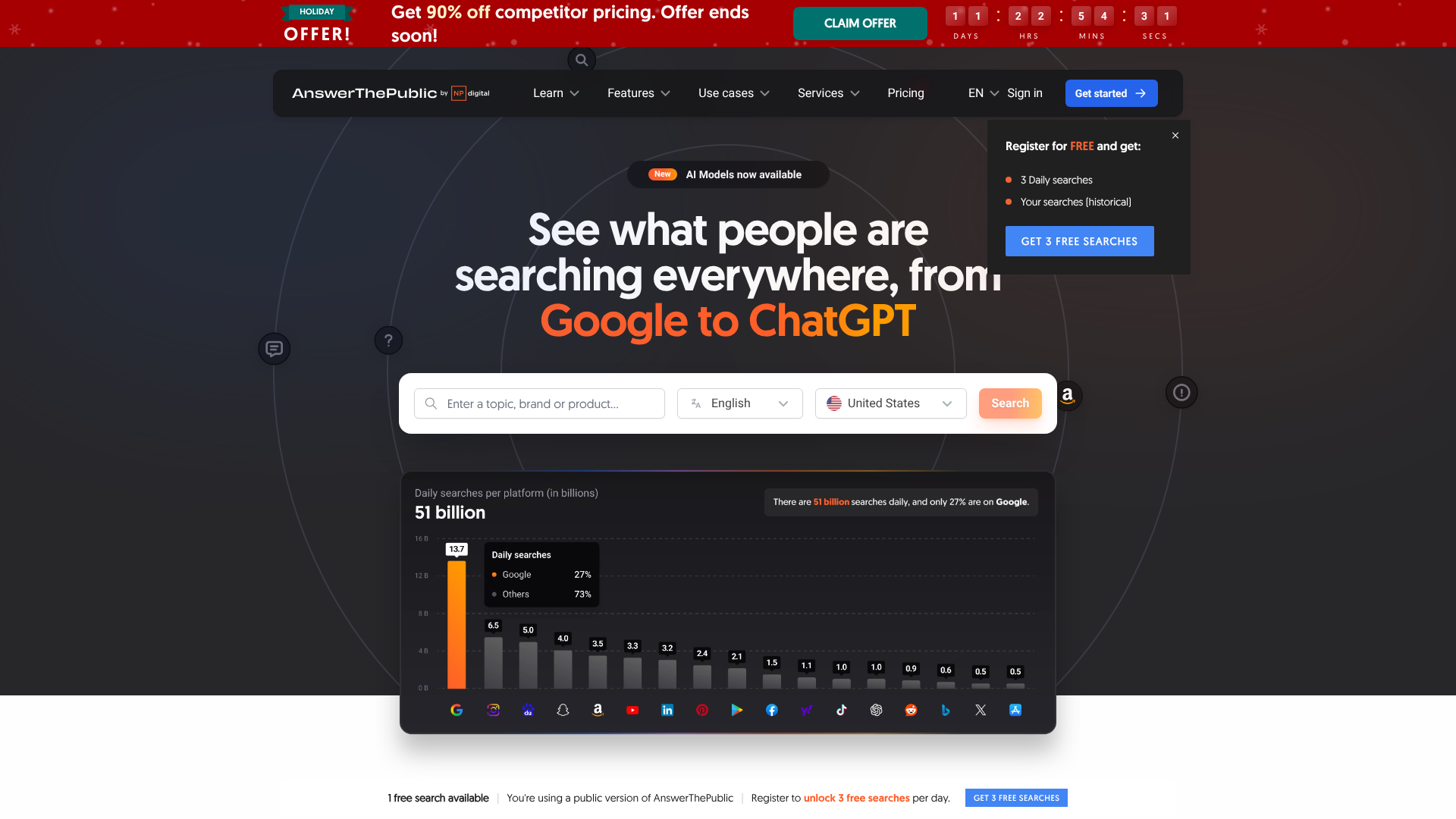
AnswerThePublic is a brilliant tool for understanding search intent. It takes your seed keyword and visualises it into a search cloud, categorised by questions (who, what, why, etc.), prepositions, and comparisons. This is a goldmine for finding long-tail keywords and content ideas that directly address user queries.
Instead of just giving you a list of related terms, it shows you the exact questions people are typing into Google. This allows you to create highly targeted content for blog posts, FAQ pages, and product descriptions that resonates with your audience. The free version is generous enough for occasional use, making it a must-have for any content creator.
Pros
- Excellent for generating content ideas and long-tail keywords.
- Unique data visualisation makes it easy to understand user intent.
- A generous free plan is available for daily use.
Cons
- Doesn't provide traditional metrics like search volume or keyword difficulty.
- Best used in combination with another keyword tool for data validation.
3. Ubersuggest
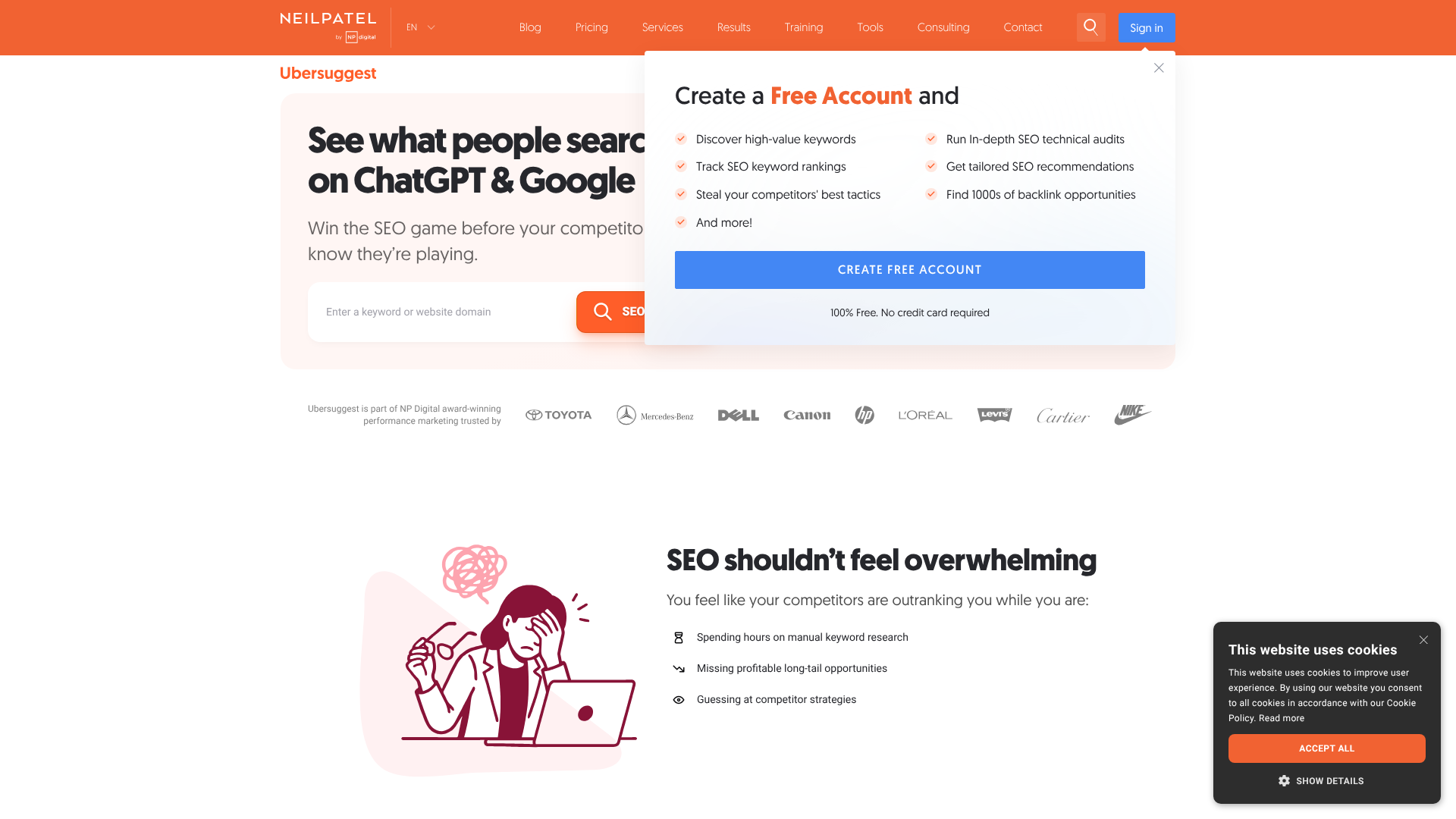
Developed by marketing expert Neil Patel, Ubersuggest started as a simple keyword suggestion tool and has grown into a more comprehensive SEO platform. However, its core keyword research features remain powerful and accessible. It provides data on search volume, seasonality, CPC, and competition.
Ubersuggest also offers valuable content ideas based on top-performing articles for a given keyword. The free version allows a limited number of daily searches, which is often sufficient for a small website owner or blogger just getting started with their SEO efforts.
Pros
- Combines keyword data with content ideas and competitor analysis.
- The free tier is useful for basic daily research.
- Clear and straightforward user interface.
Cons
- Data accuracy can sometimes be less precise than premium competitors.
- The free version has become more limited over time.
Essential Mini SEO Tools for Competitor Analysis
Understanding what your competitors are doing well is a shortcut to success. These tools help you peek at their strategies to find opportunities for your own site.
4. Semrush (Free & Low-Tier Plans)
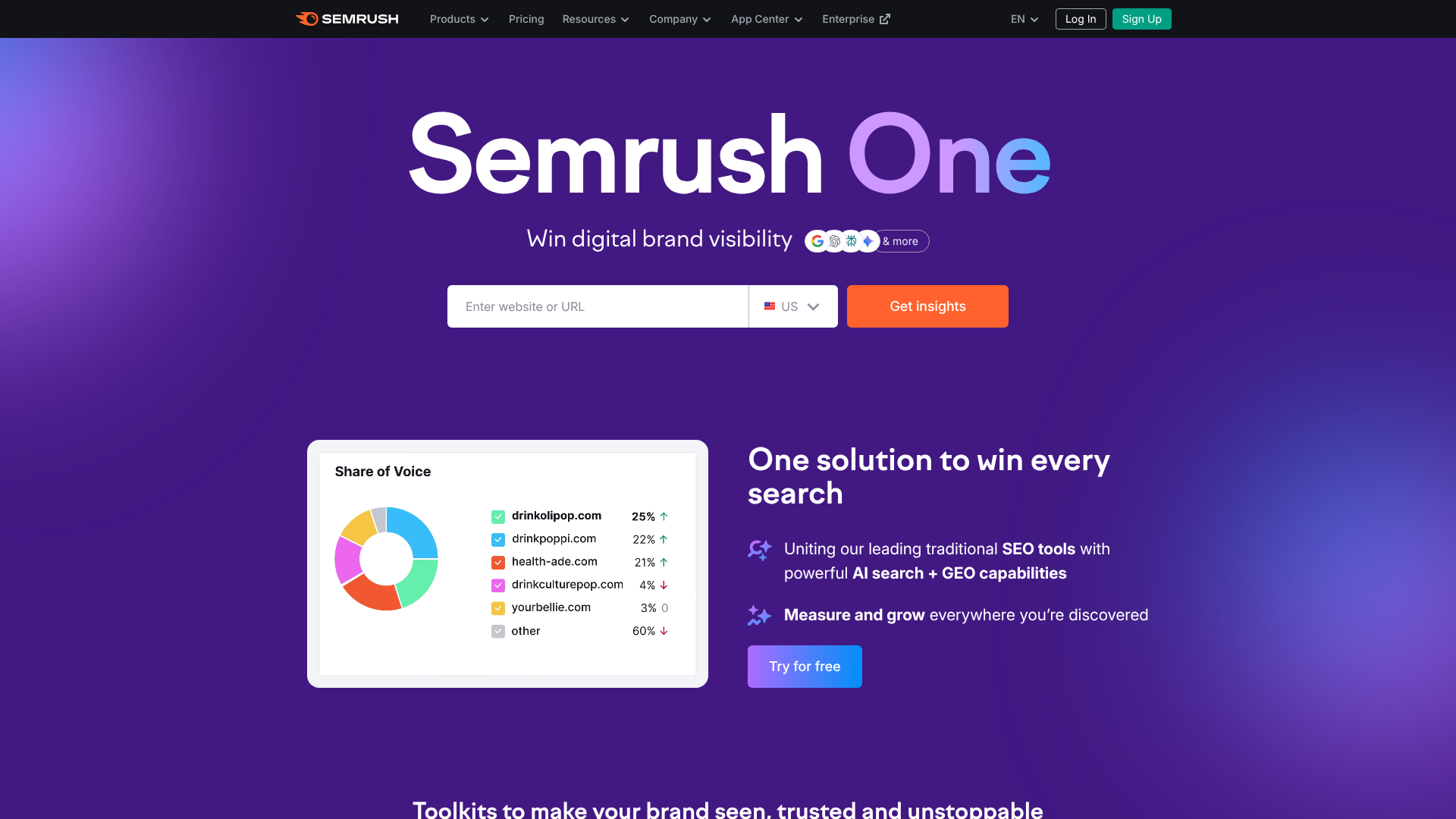
While Semrush is a powerhouse all-in-one platform, its free account and lower-cost 'Pro' plan can function as an excellent set of small SEO tools. With a free account, you can perform a limited number of domain analyses per day. This allows you to see a competitor's top organic keywords, their estimated traffic, and their main paid search competitors.
This is invaluable for quickly identifying the keywords that are driving traffic for your rivals. You can discover terms you may have missed and get a high-level overview of their digital marketing footprint. Even with the daily limits, the quality of the data makes it an essential tool for competitive intelligence.
Pros
- Provides high-quality, reliable data on competitor traffic and keywords.
- The free plan is powerful enough for quick, high-level analysis.
- Offers a glimpse into a competitor's backlink profile and ad strategy.
Cons
- The free plan is heavily restricted by daily search limits.
- Full functionality requires upgrading to expensive plans.
5. Ahrefs Webmaster Tools
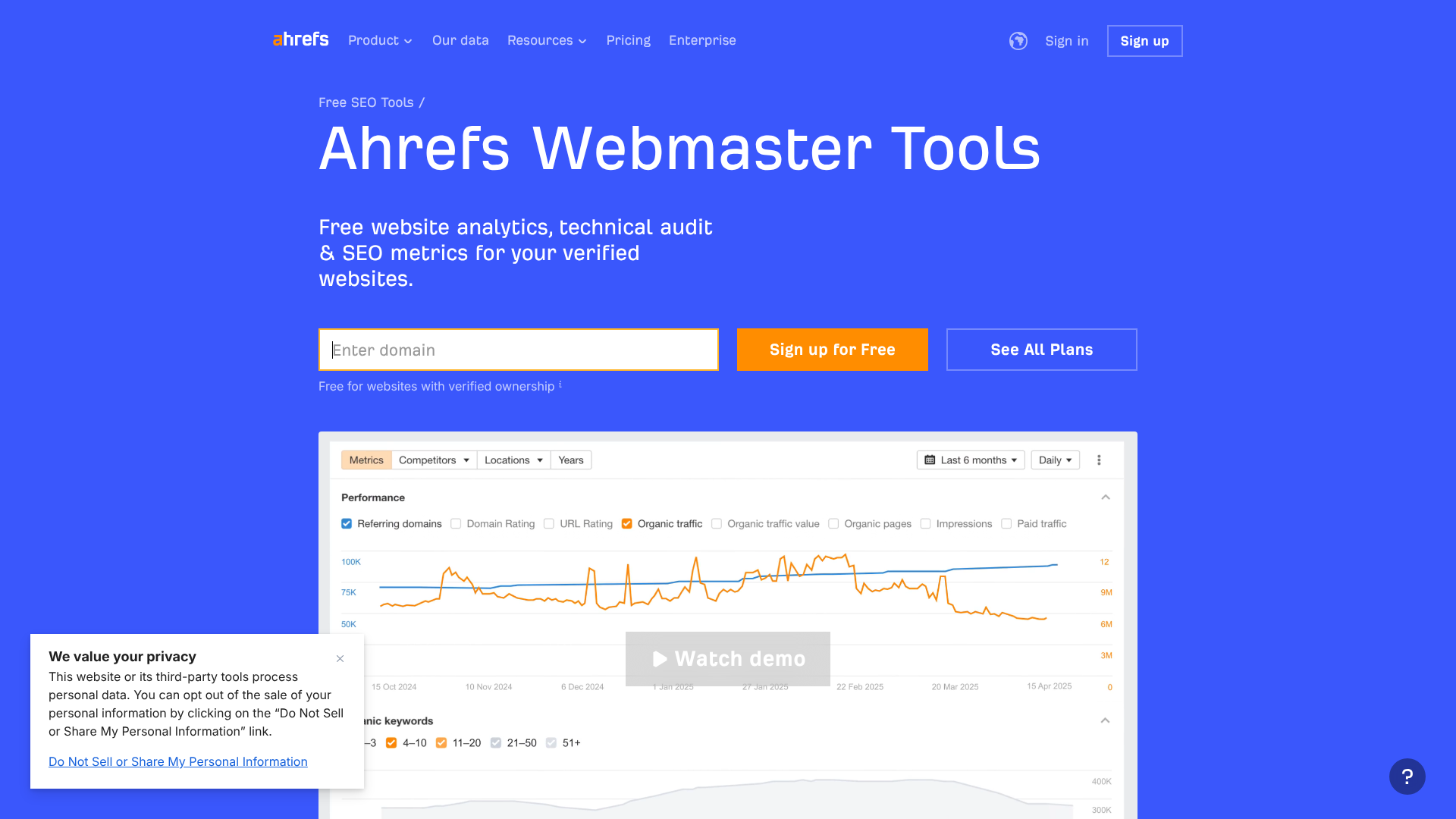
Similar to Semrush, Ahrefs is a top-tier SEO platform, but they offer a fantastic free product called Ahrefs Webmaster Tools (AWT). While it's primarily designed to monitor your own site's health, its real power as a competitive tool comes from combining it with their free Backlink Checker.
With AWT, you can connect your website via Google Search Console to get a free site audit and see all the keywords you rank for. You can't use it to directly spy on competitors, but it gives you a baseline of your own performance, which is the first step in any competitive analysis. It helps you understand your own strengths and weaknesses before you start looking outward.
Pros
- Completely free for website owners.
- Provides a comprehensive technical SEO audit.
- Shows you all the keywords your site ranks for and their positions.
Cons
- Primarily for analysing your own site, not direct competitor research.
- Requires verification of site ownership.
6. Similarweb

Similarweb provides high-level traffic estimations for any website. It's a great tool for getting a quick snapshot of a competitor's overall digital presence. You can see their estimated monthly visits, traffic sources (direct, search, social, etc.), and the top countries their visitors come from.
This is less about specific keywords and more about understanding their overall marketing mix. Are they heavily reliant on social media. Do they get a lot of referral traffic. This information can inform your own strategy and help you identify channels you might be underutilising.
The free version provides enough data for a solid overview.
Pros
- Excellent for high-level traffic and marketing channel analysis.
- Easy to use and provides clear data visualisations.
- Free version is very useful for quick competitive snapshots.
Cons
- Traffic data is an estimation and may not be 100% accurate.
- Lacks granular SEO data like specific keyword rankings.
Powerful SEO Tools for Small Sites: Backlink Analysis
Backlinks are one of Google's most important ranking factors. These tools help you analyse your own backlink profile and find new opportunities by studying your competitors.
7. Ahrefs Backlink Checker
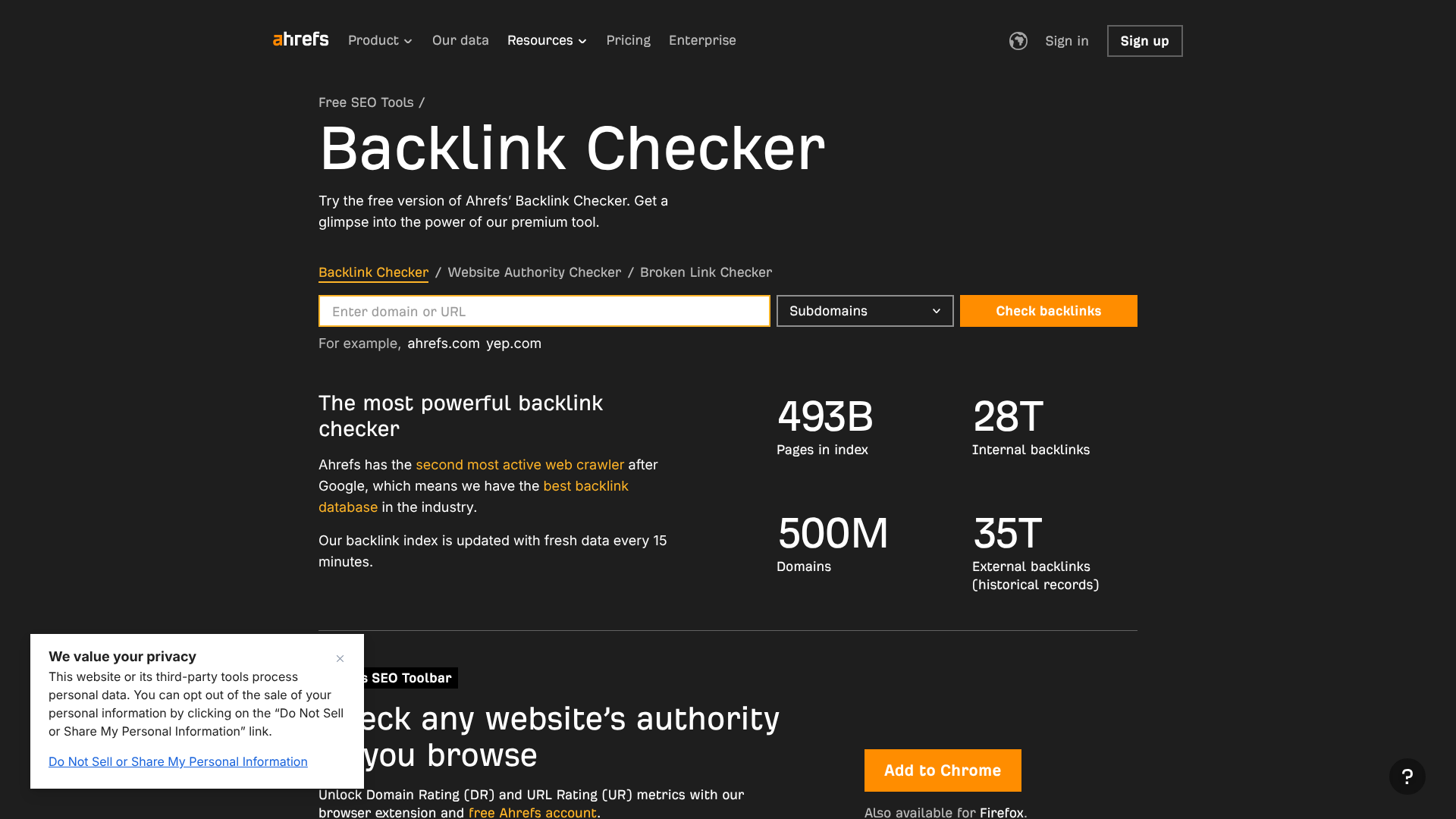
Ahrefs maintains one of the largest and most accurate backlink indexes in the world. Their free Backlink Checker is an incredibly valuable tool for any website owner. You can enter any URL (yours or a competitor's) and see the top 100 backlinks pointing to that page.
For each backlink, you'll see the referring page, the Domain Rating (DR) of the linking site, and the anchor text used. This is perfect for 'reverse engineering' a competitor's link-building strategy. You can identify the high-quality sites that link to them and then target those same sites for your own outreach campaigns.
Pros
- Uses Ahrefs' industry-leading backlink database.
- Completely free to use for checking any website.
- Provides key metrics like Domain Rating and anchor text.
Cons
- Limited to showing only the top 100 backlinks.
- Doesn't provide the advanced filtering and reporting of the full Ahrefs suite.
8. Moz Link Explorer
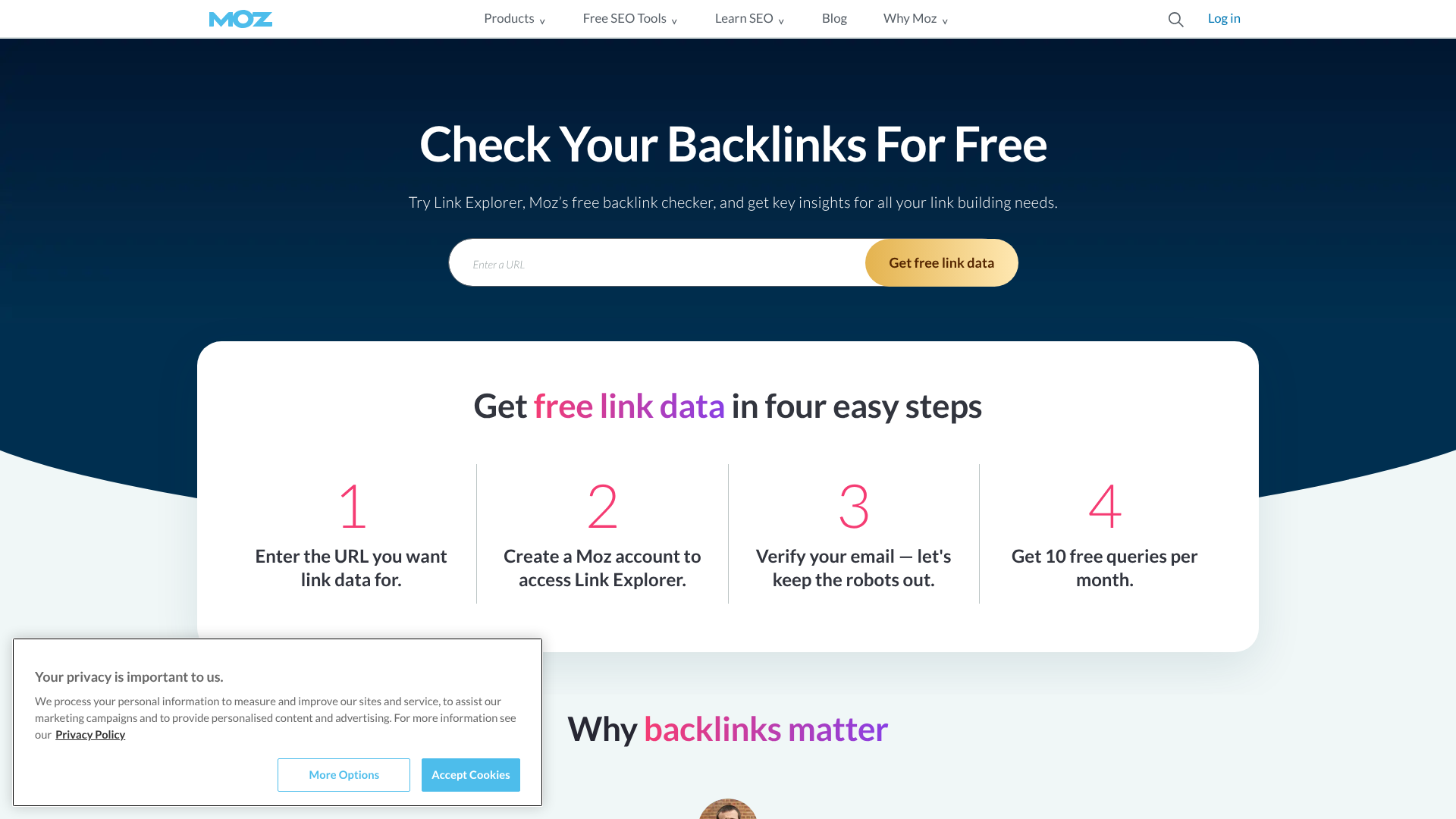
Moz is another giant in the SEO world, and their Link Explorer is a powerful tool for backlink analysis. With a free Moz account, you get a limited number of queries per month. You can analyse a competitor's link profile, see their Domain Authority (DA), and discover their most recent links.
One of its most useful features is the 'Link Intersect' tool, which allows you to see which websites are linking to your competitors but not to you. This is a ready-made list of high-potential link-building targets. The free access is limited, but the quality of the insights makes it worth using your monthly quota wisely.
Pros
- Features powerful tools like Link Intersect for finding opportunities.
- Uses Moz's well-regarded Domain Authority metric.
- Provides data on new and lost links over time.
Cons
- The free plan is very limited, with only a few queries per month.
- The backlink index may not be as comprehensive as Ahrefs'.
Creating High-Ranking Content with Small SEO Tools
Great content is at the heart of SEO. These tools help you write and optimise your content to meet search engine standards and user expectations.
9. Surfer SEO
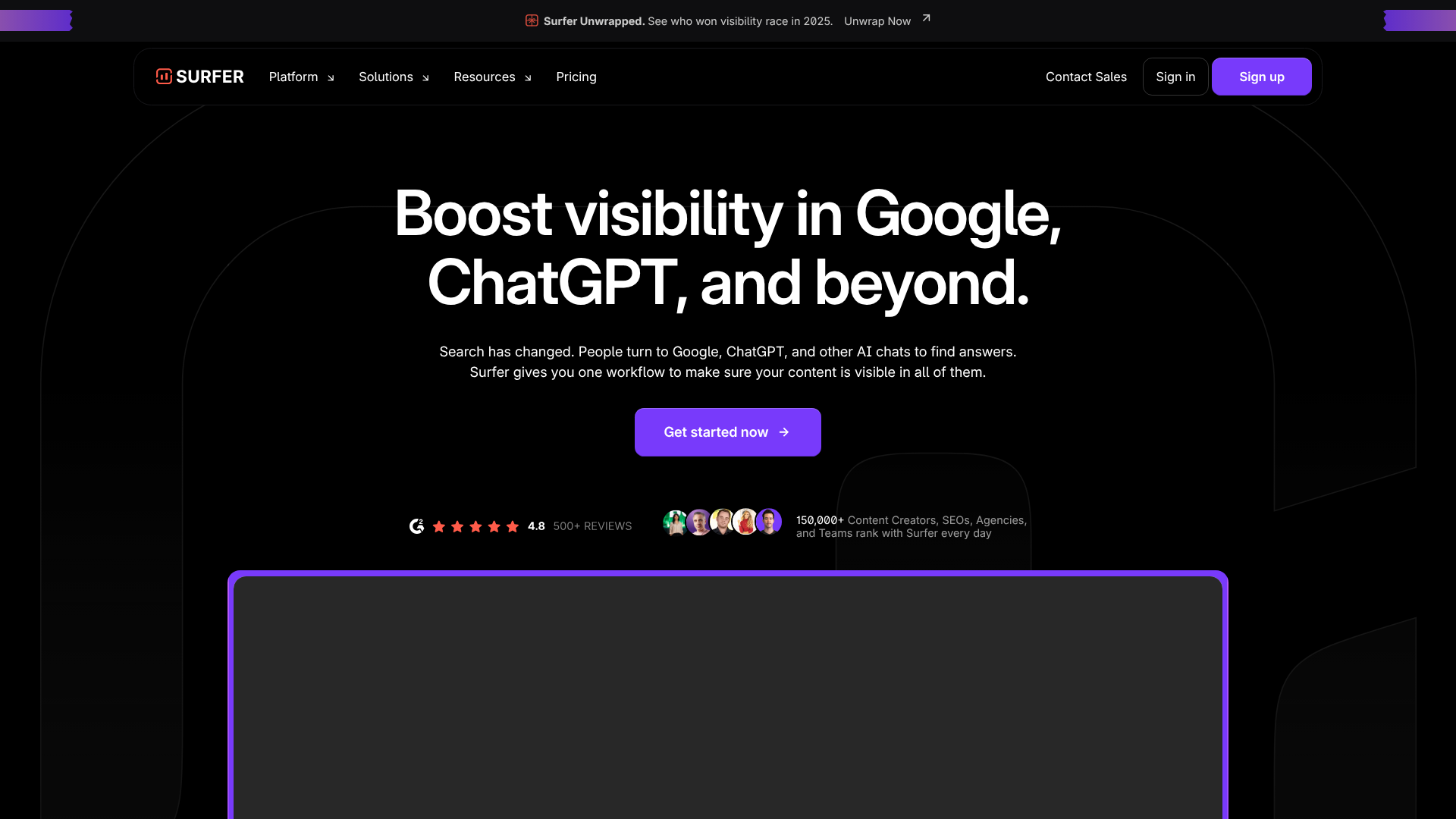
Surfer SEO is a content intelligence tool that helps you write articles that are perfectly optimised to rank for your target keyword. It analyses the top-ranking pages for your query and provides a data-driven blueprint for your own content. This includes recommendations on word count, keywords to include, heading structure, and more.
Its Content Editor provides a real-time optimisation score as you write, making it easy to ensure you've covered the topic comprehensively. While it's a premium tool, its focus on content makes it a powerful addition to a small business toolkit, often replacing the need for more expensive, all-in-one platforms.
Pros
- Provides data-driven, actionable recommendations for content optimisation.
- The real-time Content Editor simplifies the writing process.
- Integrates with Google Docs and WordPress for a seamless workflow.
Cons
- It's a subscription-based tool with no free plan.
- Focus is solely on on-page and content SEO, not other areas like technical SEO.
10. Grammarly
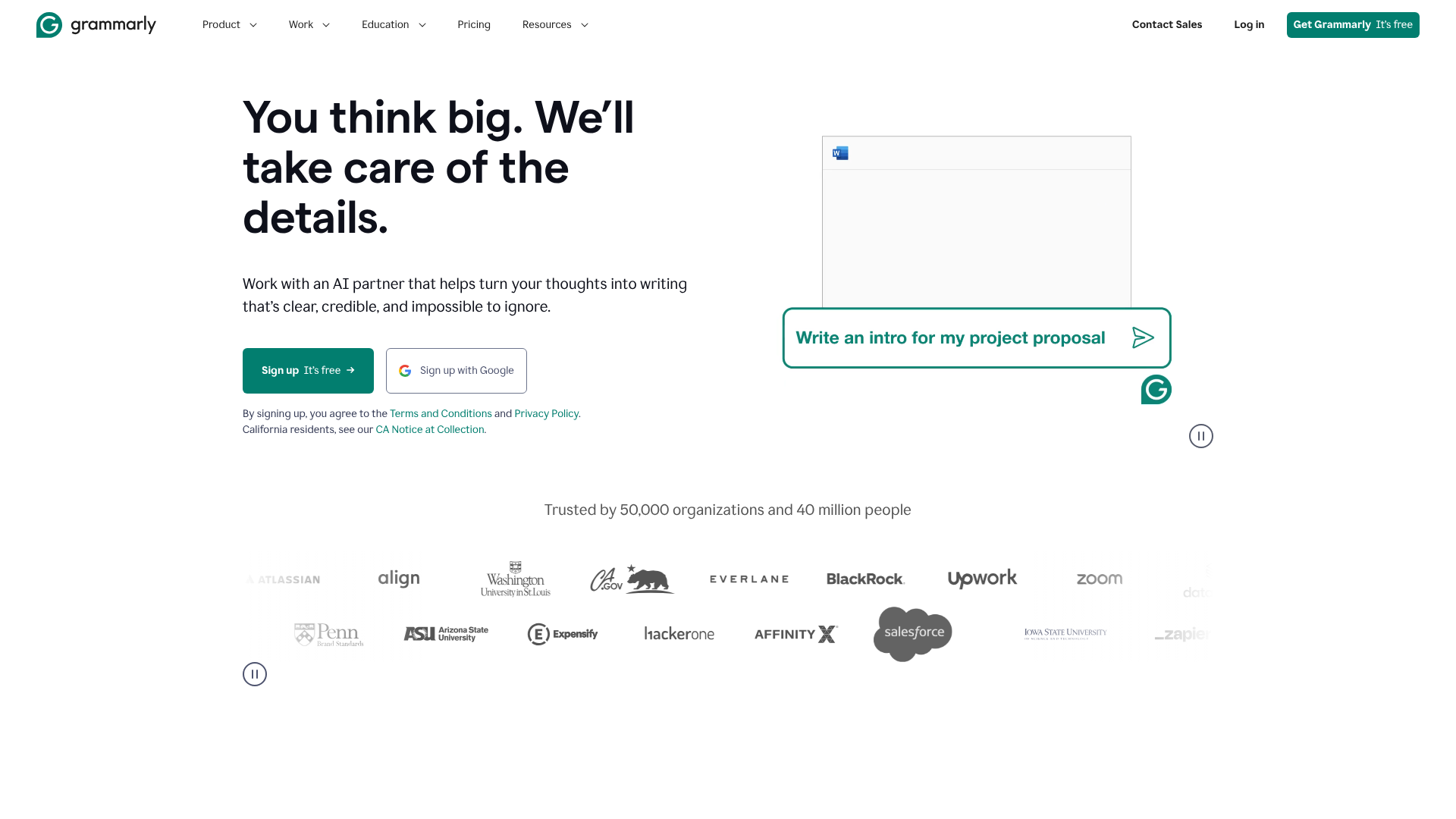
While not strictly an SEO tool, Grammarly is essential for creating high-quality content. Search engines favour content that is well-written, clear, and error-free, as it provides a better user experience. Grammarly's browser extension and editor check for spelling, grammar, and punctuation mistakes.
The free version is excellent for catching critical errors. The premium version goes further, offering suggestions on tone, clarity, and style. Ensuring your content is polished and professional is a simple but effective way to improve its performance in search results.
Pros
- Improves the quality and professionalism of your writing.
- The free browser extension is easy to use and very effective.
- Helps create a better user experience, which is a positive SEO signal.
Cons
- The free version's suggestions are basic.
- It's a writing aid, not a direct SEO optimisation tool.
11. Hemingway Editor
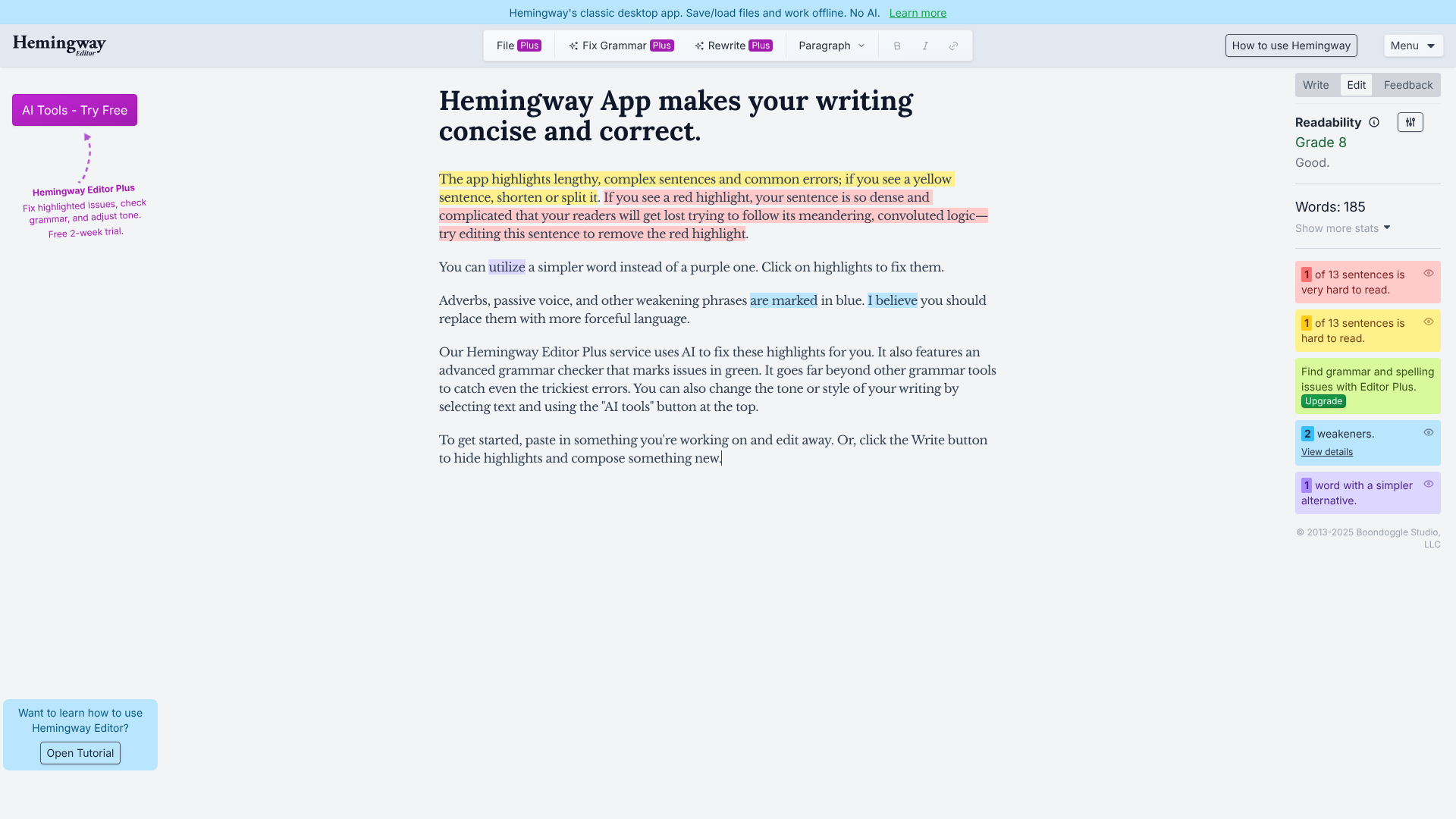
Hemingway Editor is a free web-based tool that helps you make your writing bold and clear. It focuses on readability, highlighting long, complex sentences, passive voice, and unnecessary adverbs. The goal is to help you write content that is easy for your audience to read and understand.
Readability is a crucial component of user experience. If visitors find your content confusing or difficult to parse, they are more likely to leave, which sends negative signals to Google. Using Hemingway to simplify your writing can help reduce your bounce rate and increase the time users spend on your page.
Pros
- Completely free to use in your web browser.
- Effectively improves the clarity and readability of your content.
- Simple, colour-coded interface makes editing easy.
Cons
- Doesn't check for spelling or grammar mistakes.
- Suggestions can sometimes be overly simplistic for complex topics.
The Best Small SEO Tools for Technical & On-Page SEO
Technical SEO ensures your site is easy for search engines to crawl and index. These tools help you find and fix issues that could be holding your site back.
12. Screaming Frog SEO Spider
Screaming Frog is a desktop-based website crawler that acts like a search engine bot, analysing your site to find technical SEO issues. The free version allows you to crawl up to 500 URLs, which is more than enough for most small websites.
It can find broken links (404s), identify redirect issues, analyse page titles and meta descriptions, find duplicate content, and much more. It's the go-to tool for conducting a technical SEO audit and is an essential part of any serious SEO's toolkit.
Pros
- Incredibly powerful and comprehensive technical SEO audit tool.
- The free version is very generous and sufficient for small sites.
- Provides a huge amount of data for deep analysis.
Cons
- The interface can be intimidating for beginners.
- Being a desktop application, it uses your computer's resources.
13. Google Search Console
Google Search Console (GSC) is a non-negotiable tool for any website owner. It's a free service from Google that gives you direct insight into how the search engine sees your site. You can see which keywords are driving clicks, submit sitemaps, and get alerts about crawling or indexing issues.
GSC is your direct line of communication with Google. It's the ultimate source of truth for your site's performance, showing you impressions, clicks, click-through rate (CTR), and average ranking position. Monitoring your GSC data is fundamental to understanding and improving your SEO.
Pros
- Completely free and provides data directly from Google.
- Essential for monitoring site health, performance, and indexing status.
- Helps you find and fix technical errors.
Cons
- Data is limited to the last 16 months.
- Doesn't provide any competitor data.
14. Rank Math / Yoast SEO (WordPress Plugins)
If your website is built on WordPress, having a good SEO plugin is essential. Rank Math and Yoast SEO are the two leading options. These plugins make it easy to handle on-page SEO tasks without needing to code. You can set meta titles and descriptions, create XML sitemaps, and manage redirects.
They also provide real-time content analysis as you write, giving you suggestions on how to improve your on-page optimisation for your target keyword. The free versions of both plugins are incredibly powerful and provide all the essential features a small business needs.
Pros
- Simplifies on-page and technical SEO for WordPress users.
- Powerful free versions are available for both.
- Provides helpful content optimisation guidance within the editor.
Cons
- Only available for websites using WordPress.
- Some advanced features are locked behind premium versions.
15. AccuRanker
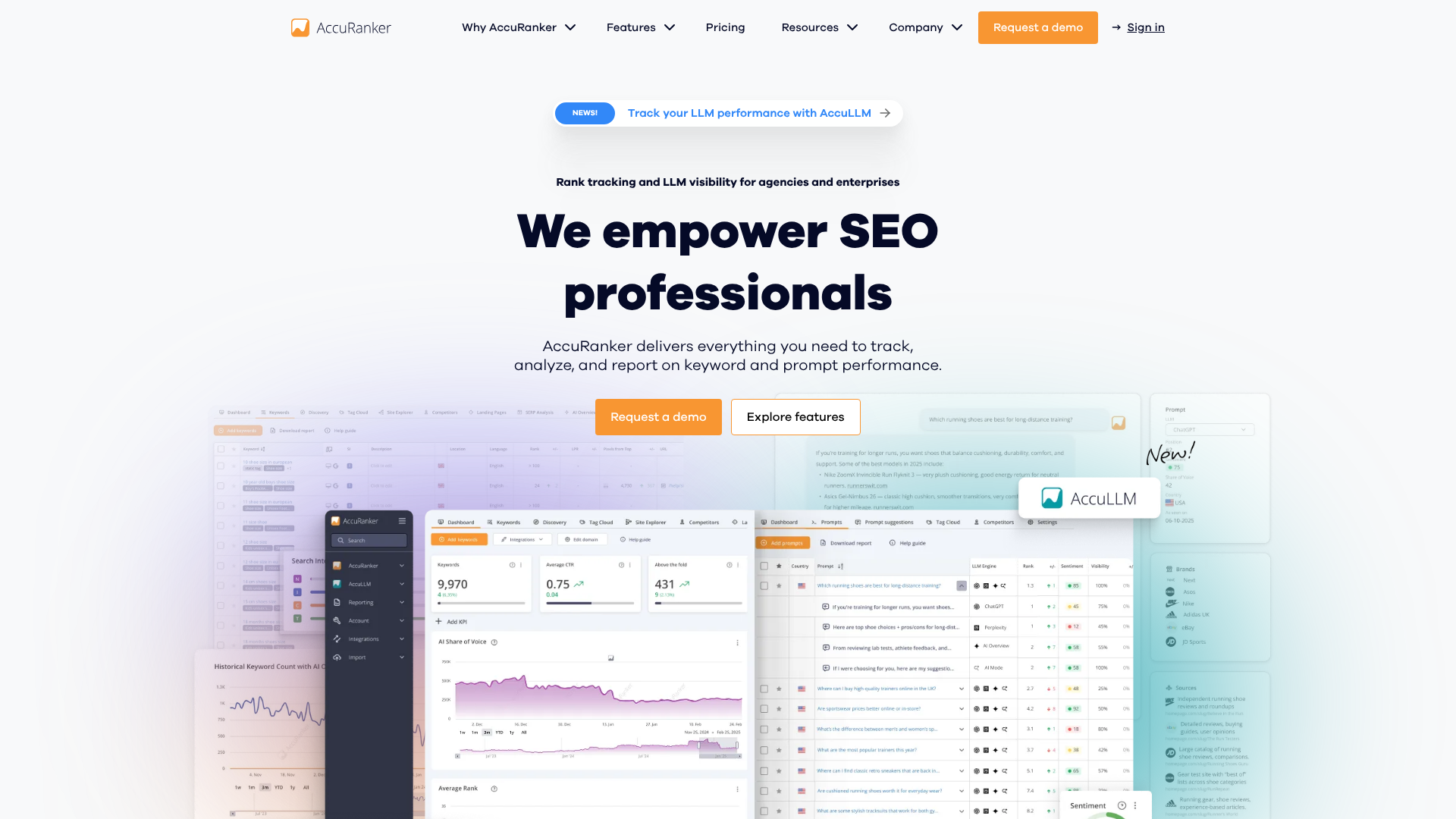
While Google Search Console gives you average position data, a dedicated rank tracker like AccuRanker provides daily, precise rankings for your target keywords. This tool is built for one purpose: to be the fastest and most accurate rank tracker on the market. Knowing your exact position for key terms helps you measure the direct impact of your SEO efforts.
You can track keywords across different search engines and locations, and even monitor your competitors' rankings for the same terms. While it is a paid tool, its specialisation makes it a cost-effective choice if accurate, daily rank tracking is a priority for your business.
Pros
- Extremely fast and accurate daily keyword rank tracking.
- Clean, intuitive interface focused on one core job.
- Allows you to track competitors alongside your own rankings.
Cons
- It's a specialised tool, so it doesn't offer other SEO features.
- Pricing is based on the number of keywords tracked.
The Cost-Effectiveness of Small Tools vs. All-in-One Platforms
One of the most compelling reasons to adopt a suite of small SEO tools is the significant cost savings. A premium, all-in-one SEO platform like the full version of Ahrefs or Semrush can easily cost upwards of £100-£400 per month. For a small business or a solo entrepreneur, this is a substantial and often prohibitive expense.
Let's compare a typical custom stack of mini SEO tools to an all-in-one platform:
| Feature | All-in-One Platform (e.g., Semrush Pro) | Custom Stack of Small Tools | Savings |
|---|---|---|---|
| Keyword Research | Included | Mangools Basic (~£25/month) | – |
| Rank Tracking | Included | Included with Mangools | – |
| Content Optimisation | Not included | Surfer SEO (~£50/month) | – |
| Technical Audit | Included | Screaming Frog (Free) + GSC (Free) | – |
| Backlink Analysis | Included | Ahrefs Free Checker (Free) | – |
| Total Monthly Cost | ~£110/month | ~£75/month | ~32% Savings |
As the table illustrates, you can get best-in-class functionality for your most important tasks while still paying significantly less. This custom approach not only saves money but also prevents you from paying for dozens of features you don't need or use. You get a more focused, efficient, and affordable toolkit that is tailored directly to your business needs.
Pro Tip: Start with free tools first. Use Google Search Console, Ahrefs Webmaster Tools, and the free versions of other tools on this list. Only upgrade or purchase a paid tool when you consistently hit the limits of the free version and can justify the cost with a clear return on investment.
How to Integrate Small SEO Tools into Your Marketing Strategy

Using a collection of different tools might seem disjointed, but creating an effective workflow is straightforward. The key is to assign each tool a specific role in your process, from initial research to final performance tracking. This creates a cohesive system where each tool builds upon the work of the last.
Here is a simple, step-by-step digital marketing workflow using some of the tools we've discussed:
Ideation & Research (Mangools & AnswerThePublic): Start by brainstorming topic ideas. Use AnswerThePublic to understand the questions your audience is asking. Then, take those ideas to Mangools KWFinder to validate search volume and find low-competition keywords to target.
Competitive Analysis (Semrush Free): Before you start writing, pop your main competitor for that keyword into the free version of Semrush. See what their top pages are and what other keywords they rank for. This gives you valuable context on what's already working.
Content Creation (Surfer SEO & Grammarly): With your keyword chosen, use a tool like Surfer SEO to create a content brief. Write your article in its Content Editor to ensure it's fully optimised. Run the final draft through Grammarly to catch any spelling or grammar errors.
On-Page Optimisation (Rank Math/Yoast): Once the content is ready, upload it to WordPress. Use your SEO plugin to set the focus keyword, write a compelling meta title and description, and ensure all on-page elements are correctly configured.
Technical Check (Screaming Frog & GSC): After publishing, run a Screaming Frog crawl to ensure there are no new broken links or redirect errors. Check Google Search Console to make sure the page has been indexed correctly and monitor for any mobile usability or other technical issues.
Performance Tracking (AccuRanker & GSC): Add your new keyword to a rank tracker like AccuRanker to monitor its daily progress. Use Google Search Console to track clicks, impressions, and CTR over time to measure the real-world impact of your work.
Real-World Success: A Case Study in Using Compact SEO Tools
To illustrate the power of this approach, let's consider a hypothetical case study. 'The Artisan Bakery' is a small, local bakery with a website that gets very little organic traffic. Their goal is to rank for local search terms like "sourdough bread in Bristol" and attract more customers to their shop.
Instead of investing in an expensive platform, they adopt a lean strategy using compact SEO tools. They start with Google Business Profile and Google Search Console (both free) to establish their local presence and monitor basic performance. They use the free version of AnswerThePublic to find questions people ask about artisan bread, leading to blog post ideas like "how to store sourdough bread" and "is sourdough gluten-free?"
Next, they subscribe to a basic Mangools plan (£25/month) to find low-competition local keywords and track their rankings. They discover "vegan cakes Bristol" is a high-volume, low-difficulty term. They use this insight to create a new page on their site dedicated to their vegan offerings. To ensure the page is well-written, they use the free Hemingway Editor to improve clarity.
Within three months of publishing, they rank on the first page for this term, driving a noticeable increase in foot traffic from customers seeking vegan treats. Their total monthly spend on tools. Just £25. This demonstrates how a small, targeted investment can yield significant, measurable results.
The Future of Mini SEO Tools: What's Next?
The landscape of SEO tools is constantly evolving, and the trend towards specialisation and accessibility is set to continue. One of the biggest drivers of change is Artificial Intelligence (AI). We are already seeing AI integrated into tools for content generation, keyword clustering, and predictive analytics. In the future, we can expect mini SEO tools to become even smarter, offering more sophisticated insights and automating more routine tasks, making high-level SEO accessible to everyone.
Another trend is the rise of API-first tools. Many new tools are being built to integrate seamlessly with each other and with larger platforms like Google Data Studio or project management software. This will make it even easier to build the custom, interconnected marketing stack we've discussed. Instead of manually moving data between tools, they will communicate with each other, creating a more unified and efficient workflow.
Finally, we'll likely see even greater specialisation. As the SEO field becomes more complex, there will be a growing demand for tools that solve very specific problems—like optimising for voice search, analysing video SEO, or managing internal linking at scale. This will further empower small businesses to pick the precise, compact SEO tools they need to compete in their specific niche.
FAQ: Your Questions About Small SEO Tools Answered
What are the best free small SEO tools?
Some of the most powerful and essential free SEO tools include Google Search Console, Google Analytics, Ahrefs Webmaster Tools, Screaming Frog SEO Spider (up to 500 URLs), and the free versions of tools like Ahrefs' Backlink Checker, Ubersuggest, and AnswerThePublic. Starting with this suite gives you a robust foundation for keyword research, technical audits, and performance monitoring without any cost.
Can I do SEO effectively without paying for any tools?
Yes, you absolutely can. Using the free tools mentioned above, you can cover all the fundamental aspects of SEO. You can find keywords, audit your site, track performance, and analyse backlinks. Paid tools generally offer more data, greater convenience, and advanced features, which can save you time and provide a competitive edge.
However, a solid strategy executed consistently with free tools will always outperform a poor strategy using expensive ones.
How do I choose the right SEO tools for my small site?
Start by identifying your primary goal. Are you focused on creating content. Then a keyword research tool like Mangools and a content optimiser like Surfer SEO are your priorities. Are you in a competitive niche and need to build links.
Then a backlink analysis tool is more important. Begin with free tools to cover the basics, and only invest in a paid tool when you have a specific problem it can solve and a clear idea of how you'll measure its return on investment.
Are small SEO tools powerful enough for a serious business?
Definitely. The term "small" refers to the tool's scope and price, not its quality or impact. A specialised tool like AccuRanker is a best-in-class rank tracker used by major agencies and enterprises. The key is to build a stack of high-quality specialised tools.
This approach is often more powerful than using a single, jack-of-all-trades platform because you get the best tool for each specific job, leading to better data and more effective execution.
Final Thoughts: Choosing the Right Tools for Your Growth
Navigating the world of SEO doesn't have to be complex or expensive. By embracing a strategy built around a curated collection of small SEO tools, you can gain a significant competitive advantage without breaking the bank. The key is to be strategic: identify your goals, start with powerful free utilities, and only invest in premium tools that solve a specific, critical need.
Whether you're focusing on finding untapped keywords, creating perfectly optimised content, or analysing your competitors' backlink profiles, there is an affordable, high-quality tool available to help. By building your own custom toolkit, you empower your business with the data and functionality it needs to grow its organic presence effectively and efficiently.
If you're looking for a great starting point for keyword research, Mangools KWFinder offers an unbeatable combination of ease of use and powerful data. For those ready to elevate their content creation, Surfer SEO provides a data-driven path to ranking on the first page.