

How to Write Sales Proposals That Win Deals: A Step-by-Step Guide
A well-crafted sales proposal can be the difference between a celebrated win and a missed opportunity. It’s the final, critical document you send before a prospect makes their decision. Understanding how to write sales proposals that are persuasive, clear, and client-focused is a fundamental skill for any sales professional. This isn't just about listing prices; it's about telling a story where your prospect is the hero and your solution is their guide to success.
- Quick Summary
- What Exactly is a Sales Proposal? (And What It's Not)
- The Anatomy of a Winning Sales Proposal: Key Components
- 1. Title Page and Introduction
- 2. The Executive Summary
- 3. Problem Statement or Client's Needs
- 4. The Proposed Solution
- 5. Scope of Work, Deliverables, and Timeline
- 6. Pricing and Investment
- 7. Social Proof and About Us
- 8. Terms and Conditions & Call to Action
- How to Write a Sales Proposal in 7 Steps
- Step 1: Conduct Deep-Dive Research
- Step 2: Outline Your Proposal Structure
- Step 3: Write a Compelling Executive Summary
- Step 4: Detail the Problem and Your Tailored Solution
- Step 5: Define the Scope, Timeline, and Investment
- Step 6: Add Social Proof and Formalise the Terms
- Step 7: Proofread, Send, and Follow Up
- Choosing Your Tools: How to Create a Sales Proposal Efficiently
- Top Sales Proposal Software Recommendations for 2026
- 1. PandaDoc: Best All-in-One Document Automation
- 2. Better Proposals: Best for Simplicity and Design
- 3. Proposify: Best for Sales Team Control and Consistency
- Comparison of Top Proposal Software
- Understanding Pricing: Cost Comparison of Proposal Tools
- Common Mistakes to Avoid When Writing Sales Proposals
- Frequently Asked Questions About Writing Sales Proposals
- How do you write a good sales proposal?
- What are the three C's of proposal writing?
- What are common proposal mistakes?
- What is the simplest proposal?
- Final Thoughts: Turning Proposals into Partnerships
Many sales teams struggle with proposals that are too generic, product-focused, or fail to connect with the client's actual needs. The result is often a polite 'no' or, even worse, complete silence. This guide will walk you through a proven process for writing sales proposals that not only get read but also get signed, turning prospects into long-term partners.
Quick Summary
- Focus on the Client, Not Yourself: The best proposals are client-centric. They spend more time discussing the client's problems and desired outcomes than they do listing your company's features.
- Structure is Key: A winning proposal follows a logical flow, starting with an executive summary, defining the problem, presenting a tailored solution, outlining the investment, and providing social proof.
- Personalisation Wins Deals: Avoid sending generic, one-size-fits-all documents. Customise every proposal to reflect the specific conversations, challenges, and goals of each unique prospect.
- Use Proposal Software to Save Time: Modern tools like PandaDoc or Better Proposals can streamline the creation process, add interactivity, and provide analytics to see how prospects engage with your document.
What Exactly is a Sales Proposal? (And What It's Not)

A sales proposal is a formal document sent from a seller to a prospective buyer that offers a specific product or service. Its primary purpose is to persuade the prospect to do business with you. Think of it as the culmination of all your sales conversations, discovery calls, and research, packaged into a single, compelling argument. It’s your final pitch, outlining exactly what you will deliver, how it will solve the client's problem, and what the investment will be.
It’s crucial to understand what a sales proposal is not. It is not a simple price list or a technical quote. While it contains pricing information, its main job is to sell value, not just a product. A quote lists items and prices, but a proposal explains why those items are the right solution for the client’s specific pain points.
It connects your offering directly to their business goals, demonstrating a deep understanding of their situation.
Furthermore, a proposal isn't a company brochure. While it should include a brief introduction to your company and some social proof, the focus should remain squarely on the client. A common mistake is to spend the first few pages talking about your company's history and achievements. A great proposal spends 80% of its time on the client's world and 20% on how you fit into it.
The Anatomy of a Winning Sales Proposal: Key Components
Every effective sales proposal is built on a solid structure. This framework guides the reader logically from their current problem to your proposed solution, making it easy for them to say 'yes'. While the specifics may vary, a high-converting proposal almost always includes the following core components.
1. Title Page and Introduction
First impressions matter. Your title page should be professional and branded, clearly stating the names of both your company and the client's, the date, and a descriptive title like "A Proposal for [Client Name] to Achieve [Specific Goal]". The introduction or cover letter that follows should be brief and personal, referencing your previous conversations and setting the stage for the document.
2. The Executive Summary
If your prospect only reads one page, this is it. The executive summary is a concise, powerful overview of the entire proposal. It should summarise the client's key challenges, the proposed solution, and the expected outcomes or return on investment (ROI). Write this section last, after you've detailed everything else, to ensure it accurately captures the most important points.
Keep it short, sharp, and focused entirely on the value you will deliver.
3. Problem Statement or Client's Needs
This is where you prove you've been listening. This section should clearly and accurately describe the challenges, pain points, and goals the client shared with you during the discovery process. Use their own words where possible. By articulating their problem better than they can, you build immense trust and position yourself as an expert who truly understands their situation.
4. The Proposed Solution
Now, you introduce your solution. This section should detail exactly how your product or service will address the problems outlined in the previous section. Don't just list features. Instead, connect each feature to a specific benefit that solves a client pain point.
For example, instead of saying "Our software has a 24/7 support feature," say "To ensure you never face downtime during peak business hours, our 24/7 support team is always available to resolve issues within minutes.".
5. Scope of Work, Deliverables, and Timeline
Get specific. This section removes ambiguity and sets clear expectations. List the exact deliverables the client will receive, the scope of the project (what's included and what's not), and a realistic timeline for completion. Breaking the project into phases with clear milestones can make it feel more manageable and demonstrates a clear plan of action.
6. Pricing and Investment
Present your pricing clearly and confidently. An itemised table is often the best format, breaking down the costs associated with each part of your solution. Avoid hiding fees or being vague. Frame the cost as an 'investment' and, where possible, tie it back to the expected ROI you mentioned in the executive summary.
Offering a few pricing tiers (e.g., Basic, Standard, Premium) can also be effective, giving the client a sense of control.
7. Social Proof and About Us
Here, you build confidence. Include a brief 'About Us' section, but keep it focused on your expertise relevant to the client's problem. More importantly, add social proof. Short case studies, client testimonials, or logos of well-known customers in a similar industry can significantly boost your credibility and reassure the prospect that they are making a safe choice.
8. Terms and Conditions & Call to Action
Finally, outline the legal framework of the agreement. This includes payment terms, confidentiality clauses, and other contractual details. End with a clear and simple call to action (CTA). Tell the prospect exactly what to do next, whether it's signing the document electronically, clicking a link to pay the initial invoice, or scheduling a final call.
Make it as easy as possible for them to move forward.
How to Write a Sales Proposal in 7 Steps
Knowing the components is one thing; assembling them into a persuasive document is another. Following a structured process ensures you cover all your bases and produce a high-quality proposal every time. Here is a step-by-step guide to create a sales proposal that closes.
Step 1: Conduct Deep-Dive Research
Before you write a single word, you must understand your prospect's world. This goes beyond the information gathered in discovery calls. Research their company, their industry, their competitors, and the specific decision-makers who will read the proposal. Use tools like LinkedIn and their company's annual report to understand their strategic goals.
The more you know, the more you can tailor your proposal to their specific context, which is a key part of writing sales proposals that resonate.
Step 2: Outline Your Proposal Structure
Using the components described in the previous section, create a skeleton outline for your proposal. This ensures a logical flow and helps you organise your thoughts before you start writing. A standard outline might look like: Title Page -> Executive Summary -> Problem Statement -> Proposed Solution -> Timeline -> Investment -> About Us/Social Proof -> Terms -> Next Steps. Having this structure in place prevents you from rambling and keeps the document focused.
Step 3: Write a Compelling Executive Summary
As mentioned, it's often best to write this last, but it appears first in the document. Distil the most critical information into a few powerful paragraphs. Start with their primary goal or problem. Then, briefly introduce your solution and the main benefit it delivers.
Conclude with the expected outcome or ROI. It should be compelling enough to make them want to read the rest of the document.
Step 4: Detail the Problem and Your Tailored Solution
This is the heart of your proposal. Write the 'Problem Statement' section using the information from your research and discovery calls. Show empathy and a deep understanding of their challenges. Then, in the 'Proposed Solution' section, directly map your services or products to each of those challenges.
Use a 'Problem-Solution-Benefit' framework for clarity. For every problem you identified, present your solution and explain the tangible benefit they will receive.
Step 5: Define the Scope, Timeline, and Investment
Clarity is your friend. In the 'Scope of Work', be explicit about what is included and, just as importantly, what is not. This prevents 'scope creep' later on. Create a simple timeline with key milestones.
For the 'Investment' section, present your pricing table clearly. Consider offering options to give the client a choice, which can increase close rates by over 25% according to some studies.
Pro Tip: When presenting pricing, always lead with value. The pricing section should come after you have thoroughly explained the client's problem and how your solution delivers significant value. This frames the cost as a worthwhile investment rather than an expense.
Step 6: Add Social Proof and Formalise the Terms
Select testimonials or case studies that are most relevant to the prospect's industry or problem. A short, impactful quote from a happy client is often more powerful than a long, generic company history. Follow this with your standard 'Terms and Conditions'. While this section is often template-based, ensure it is easy to read and understand.
Step 7: Proofread, Send, and Follow Up
Typos and grammatical errors kill credibility. Proofread the document carefully, or use a tool like Grammarly. Better yet, have a colleague review it for clarity and impact. When you send the proposal, use a system that notifies you when it's opened and viewed.
This brings us to the next important topic: the tools you can use to make this entire process more efficient.
Choosing Your Tools: How to Create a Sales Proposal Efficiently
In today's sales environment, the way you create and deliver your proposal matters. You have two main options: the traditional, manual method using standard office software, or using dedicated sales proposal software. Each has its pros and cons, and the right choice depends on your sales volume, team size, and desired level of sophistication.
The Manual Method: Word Processors and PDFs
For decades, sales proposals were created in programs like Microsoft Word or Google Docs and then saved as PDFs to be emailed to prospects. This method is familiar to everyone and requires no additional software investment, which is its primary advantage. It's perfectly suitable for freelancers or small businesses that send only a few proposals per month.
However, the manual approach has significant downsides. It's time-consuming to create each document from scratch, and even with templates, ensuring consistent branding and formatting across a team can be a challenge. Furthermore, PDFs are static. You have no way of knowing if or when the prospect opened the document, which pages they focused on, or if they forwarded it to other decision-makers.
This lack of insight leaves you guessing during the crucial follow-up stage.
The Modern Method: Dedicated Proposal Software
Dedicated proposal software is designed to solve the problems of the manual method. These platforms offer a range of features that streamline the process of writing sales proposals, improve their quality, and provide valuable analytics. Key benefits include:
- Template Libraries: Start with professionally designed, customisable templates to save hours on every proposal.
- Content Libraries: Store and reuse pre-approved content blocks (like case studies, team bios, and service descriptions) to ensure consistency and accuracy.
- Interactive Elements: Embed videos, interactive pricing tables, and other rich media directly into your proposals to make them more engaging.
- eSignatures: Allow clients to sign proposals electronically with a legally binding signature, like those from eSignly, dramatically speeding up the closing process.
- Analytics and Tracking: Receive real-time notifications when a prospect opens your proposal. See exactly which sections they read, how long they spent on each page, and when they forward it. This data is invaluable for timing your follow-up perfectly.
While these tools come with a monthly subscription fee, the time saved and the increase in close rates often provide a significant return on investment, especially for teams sending more than 5-10 proposals per month.

Top Sales Proposal Software Recommendations for 2026
If you're ready to move beyond static PDFs, several excellent platforms can help you create, send, and track stunning sales proposals. Here are our top recommendations, each with unique strengths.
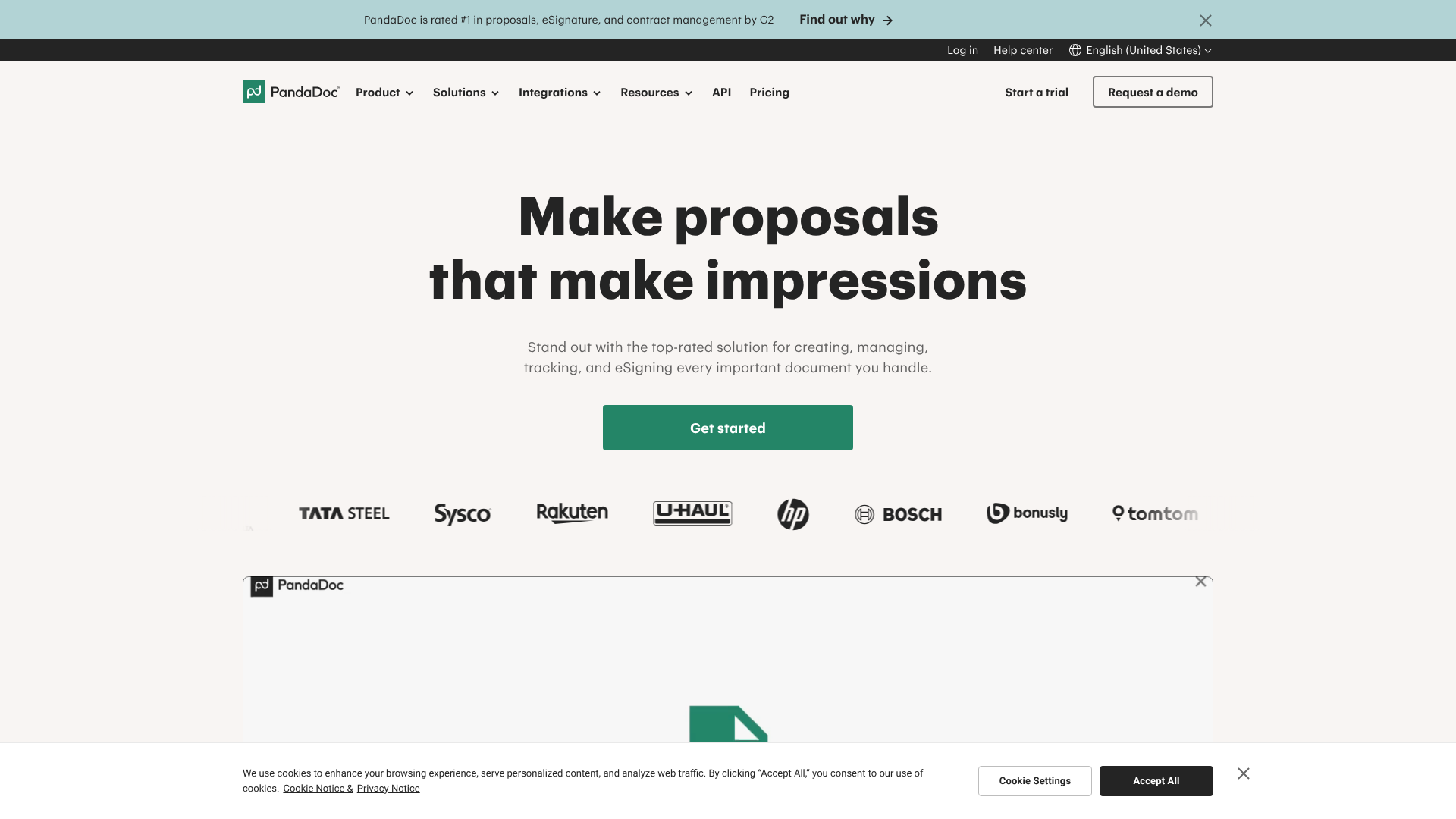
1. PandaDoc: Best All-in-One Document Automation
PandaDoc is more than just a proposal tool; it's a complete document automation platform. It handles proposals, quotes, contracts, and eSignatures in one place. Its powerful editor and extensive template library make it easy to create beautiful, on-brand documents quickly.
One of its standout features is the deep integration with a wide range of CRMs, including HubSpot CRM and Zoho CRM. This allows you to pull customer and deal data directly into your proposals, eliminating manual data entry and reducing errors. The analytics are also top-notch, providing detailed insights into viewer engagement.
Pros
- Excellent template and content libraries for fast creation.
- Robust analytics provide deep insight into prospect engagement.
- Integrates seamlessly with most major CRM and sales platforms.
Cons
- Can be more expensive than some competitors, especially for larger teams.
- The sheer number of features can be overwhelming for users with simple needs.
2. Better Proposals: Best for Simplicity and Design
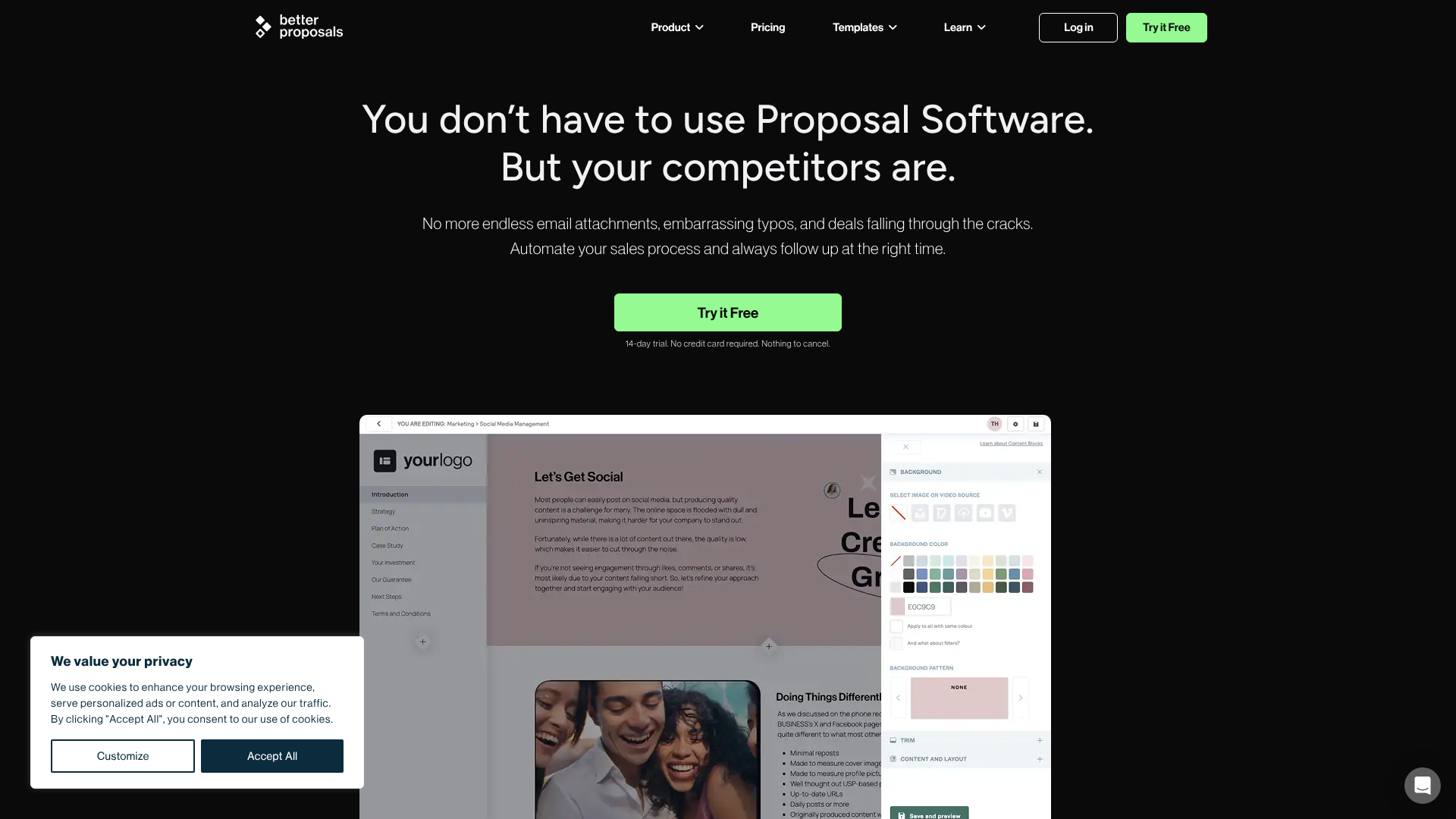
Better Proposals focuses on helping you create visually stunning, web-based proposals that look great on any device. The platform is known for its user-friendly interface and beautifully designed templates that are easy to customise. Their philosophy is that a better-looking proposal has a better chance of winning.
Their key features include a simple drag-and-drop editor, integrated payment options (via Stripe, PayPal, and GoCardless), and intelligent follow-up reminders. The analytics are clear and actionable, showing you exactly where your prospect is in the decision-making process. It's an excellent choice for creative agencies, consultants, and businesses that want their proposals to have a strong visual impact.
Pros
- Incredibly easy to use with a clean, intuitive interface.
- Produces beautiful, modern, and responsive proposals.
- Strong focus on closing, with integrated payments and signatures.
Cons
- Fewer deep integrations with enterprise-level software compared to PandaDoc.
- Customisation options, while good, may not be as extensive as some other platforms.
3. Proposify: Best for Sales Team Control and Consistency
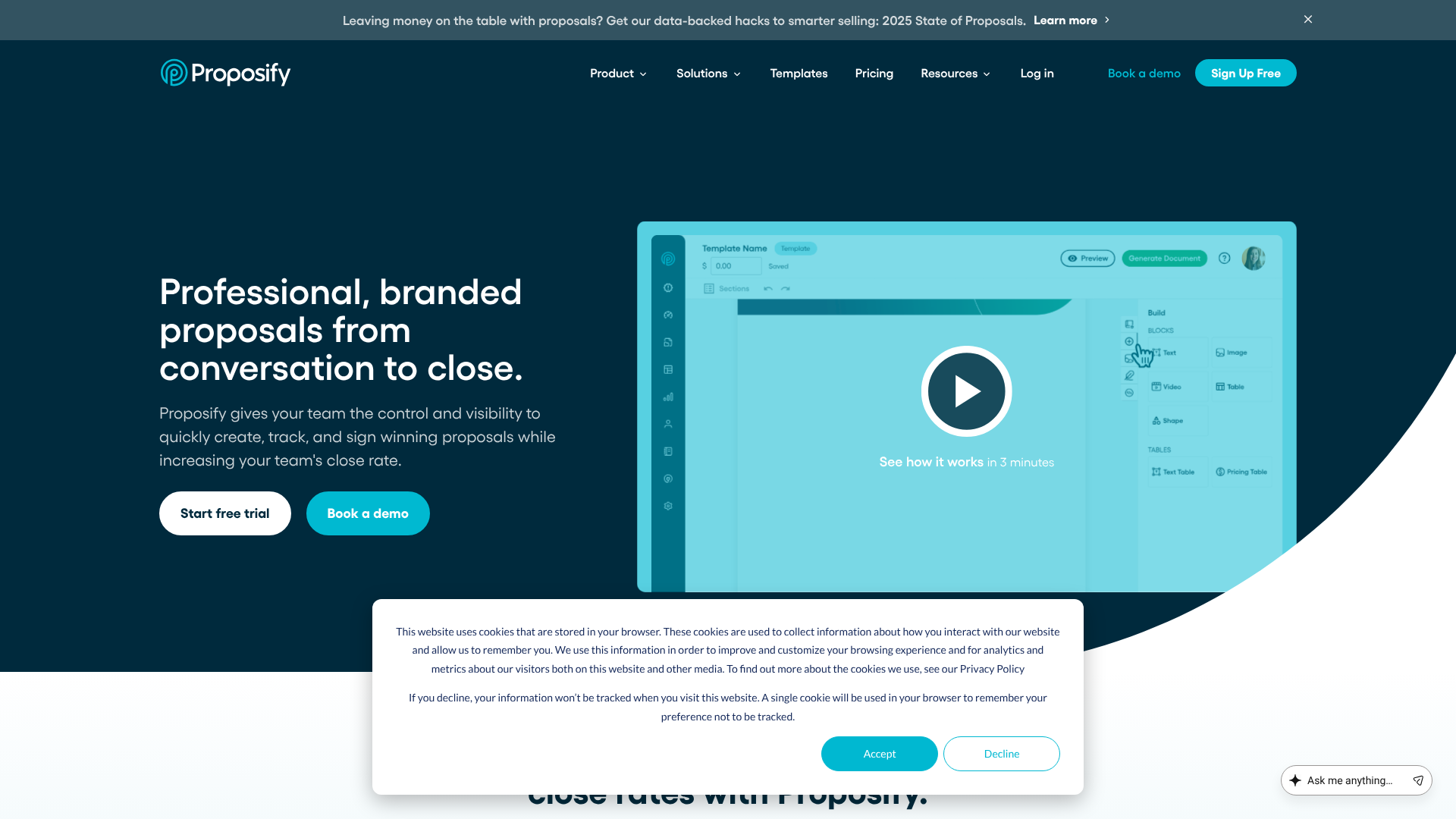
Proposify is built for growing sales teams that need control, consistency, and scalability. It gives sales managers powerful tools to lock down branding, pricing, and content, ensuring that every proposal sent by the team is accurate and professional. This helps maintain brand integrity and prevents reps from going off-script.
Features like content libraries with user permissions, interactive fee tables, and design flexibility make it a favourite for B2B sales organisations. Proposify also offers detailed metrics on team performance, showing which templates, sections, and reps are performing best. This data can be used to refine your sales process and improve win rates across the board.
Pros
- Excellent features for managing content and branding across a sales team.
- Provides valuable insights into team performance and proposal effectiveness.
- Highly customisable editor gives you granular control over design.
Cons
- The editor can have a steeper learning curve than simpler tools.
- Some users report occasional slowness when working with very large documents.
Comparison of Top Proposal Software
| Feature | PandaDoc | Better Proposals | Proposify |
|---|---|---|---|
| Best For | All-in-one document automation | Visually stunning proposals | Sales team control & consistency |
| eSignatures | Yes, built-in | Yes, built-in | Yes, built-in |
| CRM Integrations | Extensive (HubSpot, Zoho, etc.) | Good (Pipedrive, HubSpot, etc.) | Extensive (Salesforce, HubSpot, etc.) |
| Analytics | Advanced (page views, time spent) | Standard (opens, views, downloads) | Advanced (section metrics, team stats) |
| Pricing Model | Per user/month | Per user/month | Per user/month |
Understanding Pricing: Cost Comparison of Proposal Tools
When you create a sales proposal using dedicated software, you're investing in a tool to improve efficiency and effectiveness. The pricing for these platforms typically follows a Software-as-a-Service (SaaS) model, with monthly or annual subscriptions. Understanding the common pricing structures can help you choose the right option for your budget and needs.
Most proposal software is priced on a per-user, per-month basis. This means the total cost scales with the size of your team. Plans are usually tiered, with more expensive tiers unlocking advanced features like deeper CRM integrations, content-locking permissions for managers, and more detailed analytics. A typical entry-level plan for a single user might range from £15 to £40 per month.
For small to medium-sized teams, you can expect to pay between £35 and £60 per user per month for a mid-tier plan that includes the most essential features like custom branding, analytics, and a content library. Enterprise-level plans with advanced security, API access, and dedicated support will have custom pricing. It's always a good idea to take advantage of the free trials offered by most providers, such as PandaDoc and Proposify, to test the platform before committing. For the most up-to-date information, it's best to visit their websites directly.
Pro Tip: When evaluating cost, look beyond the monthly fee. Calculate the potential ROI. If a £40/month tool saves you 5 hours of work and helps you close just one extra deal per year, it has likely paid for itself many times over.
Common Mistakes to Avoid When Writing Sales Proposals
Even with the best tools and a solid structure, common pitfalls can derail an otherwise great proposal. Being aware of these mistakes is the first step to avoiding them. Here are some of the most frequent errors that can cost you the deal.
- Making It All About You: The most common mistake is writing a proposal that reads like a company brochure. The client cares about their problems, not your company's founding story. Keep the focus on them.
- Using a Generic Template: Sending a non-personalised proposal is a clear signal that you haven't invested time in understanding the client. Always customise the content to reflect your specific conversations and their unique needs.
- Focusing on Features, Not Benefits: Clients don't buy features; they buy outcomes. Always connect what your product does (feature) to how it helps them achieve their goals (benefit).
- Being Vague on Scope and Deliverables: Ambiguity leads to mistrust and future conflicts. Be crystal clear about what you will deliver, by when, and what is considered out of scope.
- Hiding or Complicating the Price: A confusing pricing section makes clients nervous. Present your investment options clearly and transparently. If your pricing is complex, offer to walk them through it on a call.
- Forgetting the Call to Action: You've made a compelling case, but what should they do next? A proposal without a clear CTA often gets set aside. Make the next step obvious and easy.
- Not Proofreading: A proposal riddled with spelling and grammar mistakes looks unprofessional and suggests a lack of attention to detail. This can erode the trust you've worked so hard to build.
Frequently Asked Questions About Writing Sales Proposals
Here are answers to some of the most common questions people have about the art of writing sales proposals.
How do you write a good sales proposal?
A good sales proposal is client-centric, persuasive, and clear. It starts by demonstrating a deep understanding of the client's problem, then presents a tailored solution that connects features to tangible benefits. It sets clear expectations regarding scope, timeline, and investment, and it makes it easy for the client to say 'yes' with a simple call to action and an easy signing process.
What are the three C's of proposal writing?
The three C's are a great framework for remembering the core principles of an effective proposal: Clear, Concise, and Compelling. Your proposal should be clear in its language and structure, free of jargon. It must be concise, respecting the reader's time by getting straight to the point. Finally, it needs to be compelling, telling a persuasive story that convinces the client you are the right partner to help them achieve their goals.
What are common proposal mistakes?
The most common mistakes include making the proposal too self-focused, failing to personalise it for the client, listing features instead of benefits, being vague about deliverables and pricing, and neglecting to include a clear call to action. Another critical error is not proofreading, as typos and grammatical mistakes can severely damage your credibility and professionalism.
What is the simplest proposal?
The simplest proposal is often a one-page document or a detailed email, suitable for smaller, less complex projects. It would typically include a brief summary of the client's need, a clear description of the single service or product being offered, a fixed price, and the next step to get started. While simple, it must still be persuasive and professional.
Final Thoughts: Turning Proposals into Partnerships
Learning how to write sales proposals is more than a technical writing skill; it's a strategic part of the sales process. A great proposal isn't just a document—it's a conversation. It reflects your understanding, demonstrates your value, and builds the trust necessary to turn a prospect into a partner.
By focusing on the client's needs, structuring your document logically, and using modern tools to enhance your efficiency and presentation, you can transform your proposals from simple price quotes into powerful deal-closing assets. Remember to personalise every document, clearly articulate the value you provide, and make it easy for your future client to take the next step.
If you're looking to streamline your process and create more impactful documents, exploring a dedicated platform is a logical next step. Tools like PandaDoc or Better Proposals can provide the structure, analytics, and professional polish needed to elevate your sales game.