

Top 10 Platforms for Online Courses in 2026 (For Creators & Businesses)
Choosing from the many platforms for online courses can feel overwhelming, but selecting the right one is crucial for turning your knowledge into a successful business. The best online course platforms provide the tools to not only build and host your content but also to market it effectively and manage your students. Whether you're a first-time creator or scaling an established education business, the software you choose will define your capabilities and your students' learning experience.
- What to Know
- Comparative Analysis: The 10 Best Platforms for Courses in 2026
- 1. Teachable: Best for Beginners
- 2. LearnWorlds: Best for Interactive Learning
- 3. Thinkific: Best for Full Customisation
- 4. Tutor LMS: Best WordPress Plugin
- 5. Kajabi: Best All-in-One Platform for Marketers
- 6. Academy LMS: Best for Simple WordPress Integration
- 7. Podia: Best for Selling Digital Products & Memberships
- 8. Udemy: Best Marketplace for Audience Reach
- 9. Skillshare: Best for Creative Skills
- 10. Coursera: Best for Academic & Professional Content
- Key Features to Look for in an Online Course Platform
- Intuitive Course Builder (Drag-and-Drop)
- Content Hosting (Video, PDFs, Quizzes)
- Student Engagement Tools (Drip Content, Certificates, Forums)
- Marketing and Sales Features (Coupons, Affiliates, Landing Pages)
- Payment Processing and Security
- Cost Comparison: Decoding Free vs. Paid Course Creation Platforms
- The "Free" Model: What's the Catch?
- Monthly Subscriptions: Predictable Costs for Growth
- One-Time Payments: The WordPress Plugin Advantage
- Hidden Costs to Consider
- Why User Experience and Interface Design Matter
- Integrating Multimedia to Enhance Your Courses
- Marketing Your Online Course: Strategies for Success
- Success Stories: What Top Creators Are Using
- The Future of E-Learning: Trends in Online Course Platforms
- Accessibility and Inclusivity in Your Online Courses
- How to Choose the Right Platform for Your Online Course
- Frequently Asked Questions
- What is the free platform for hosting online courses?
- Which online platform is best for beginners?
- Which platform is better for online classes?
- What is the largest online learning platform?
- Final Thoughts
This guide breaks down the top contenders for 2026, comparing their features, pricing, and ideal use cases. We'll explore all-in-one solutions that handle everything for you, as well as powerful plugins that integrate directly into your own website. By the end, you'll have a clear understanding of which course creation platform aligns with your specific goals, technical comfort level, and budget.
What to Know
- Two Main Types: Platforms are generally either hosted (like Teachable), where they manage the tech for you, or self-hosted plugins (like Tutor LMS) that you install on your own WordPress site, offering more control.
- Core Features are Key: Look for an intuitive course builder, reliable video hosting, student engagement tools (quizzes, certificates), and built-in payment processing. These are non-negotiable for a professional setup.
- Pricing Models Vary: Options range from free plans with transaction fees, which are great for starting out, to monthly subscriptions with advanced features and zero transaction fees, which are better for scaling.
- Your Needs Dictate the 'Best' Choice: The ideal platform depends entirely on your goals. A beginner might prioritise ease of use, while a large business may need advanced analytics and integrations.
Comparative Analysis: The 10 Best Platforms for Courses in 2026
Finding the perfect home for your online course means weighing features against your budget and long-term vision. Here’s a detailed breakdown of the best platforms for courses, each excelling in a different area.
1. Teachable: Best for Beginners
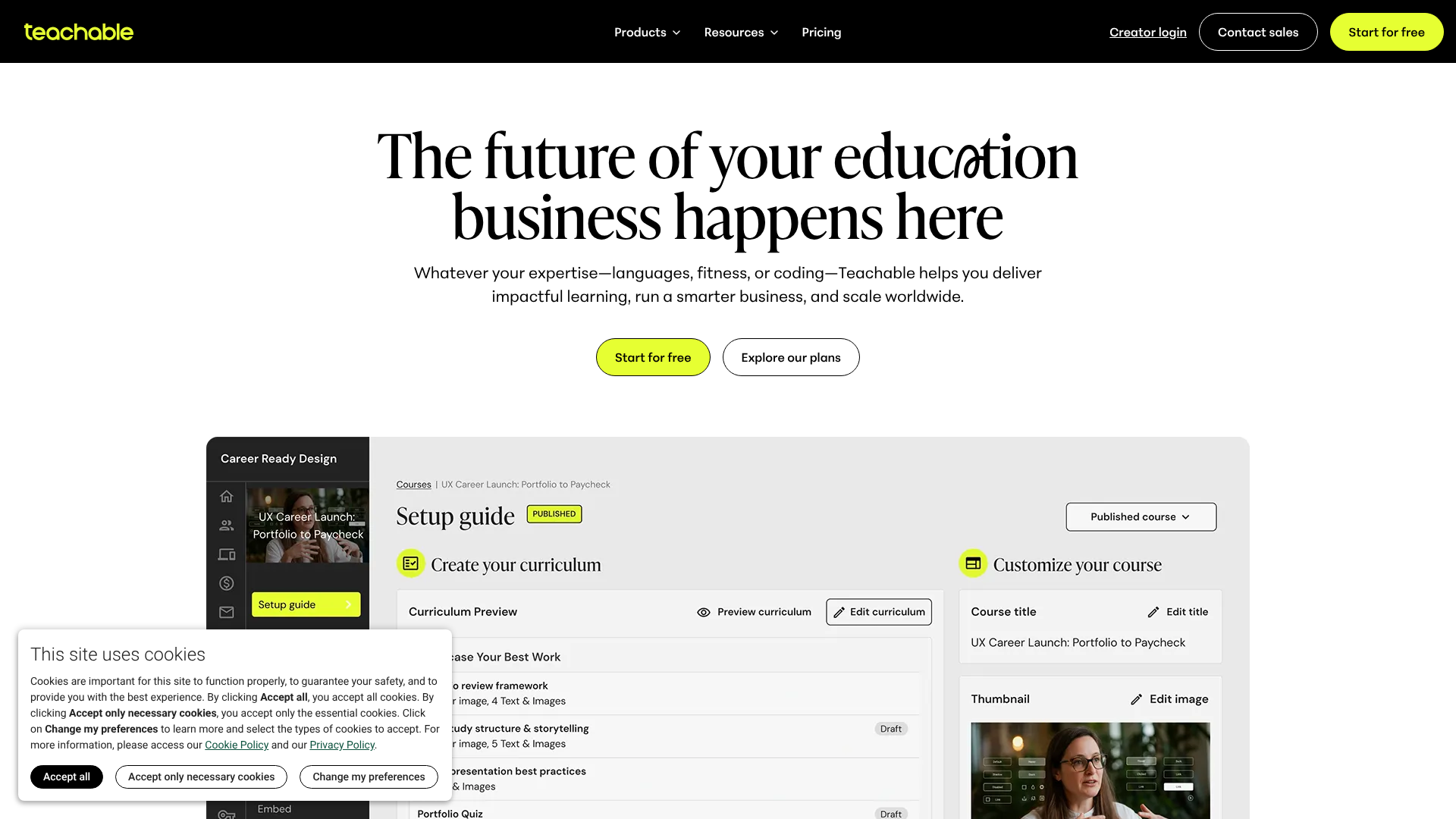
Teachable has built its reputation on simplicity and ease of use, making it an excellent choice for creators who are launching their first online course. The platform guides you through every step, from uploading your content to setting up your payment gateways. Its interface is clean and intuitive, removing the technical barriers that can often intimidate new entrepreneurs.
You can create a professional-looking course website without writing a single line of code. Teachable handles all the technical heavy lifting, including hosting, security, and updates, so you can focus entirely on creating valuable content for your students. It also includes basic marketing tools like coupons and affiliate programs, even on its lower-tiered plans.
Pros
- User-Friendly: The backend is incredibly straightforward, making course creation and management simple.
- All-in-One Solution: Handles hosting, payment processing, and student management under one roof.
- Built-in Marketing Tools: Includes affiliate marketing, coupons, and email marketing integrations to help you sell your course.
Cons
- Transaction Fees: The free and basic plans include a transaction fee on top of payment processor fees.
- Limited Customisation: While easy to use, the design options for your course site are more limited compared to other platforms.
2. LearnWorlds: Best for Interactive Learning
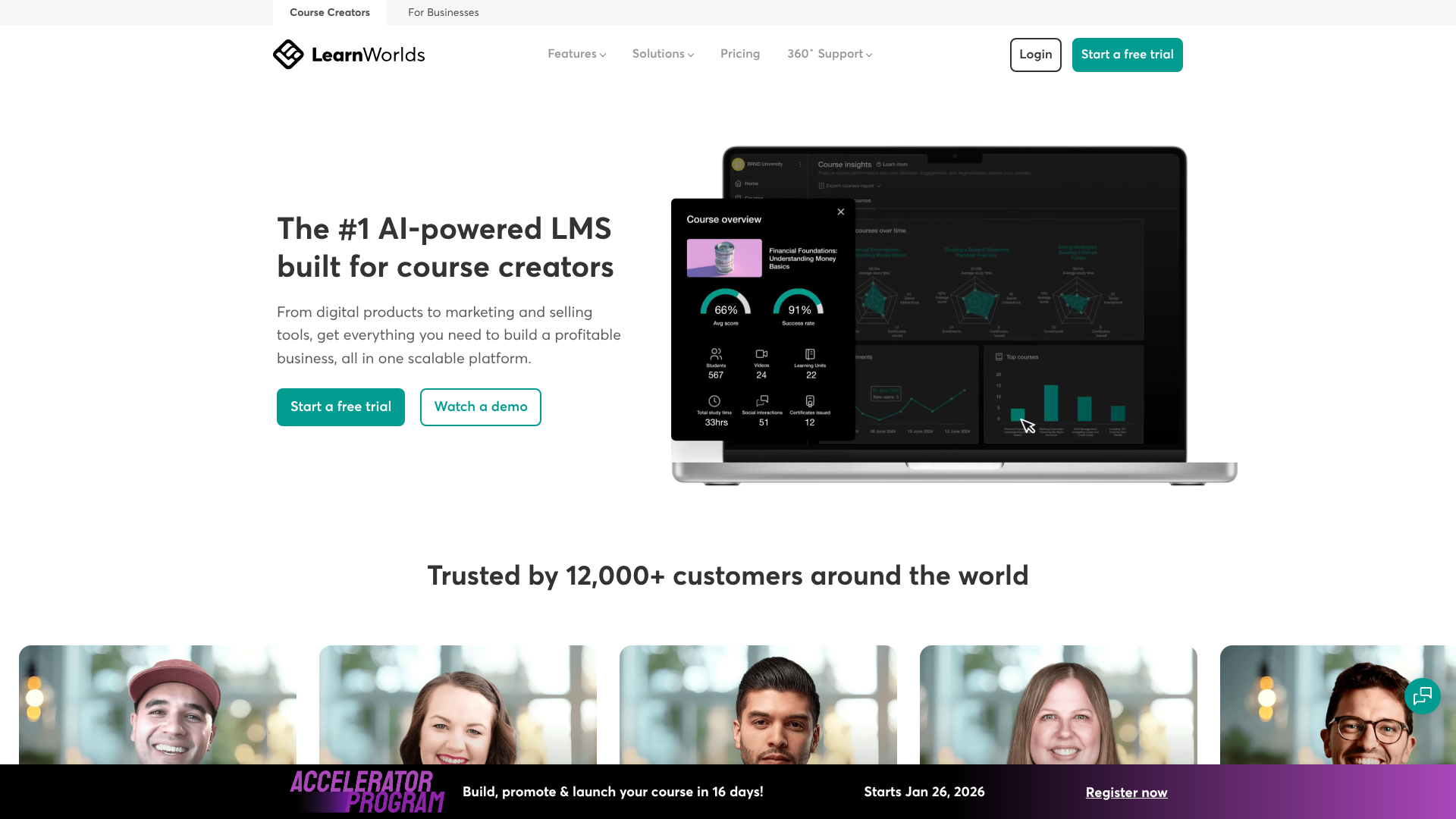
LearnWorlds stands out by focusing on creating engaging and interactive learning experiences. It goes beyond simple video-and-text lessons by allowing you to add interactive elements directly into your videos, such as questions, pop-ups, and links. This feature helps keep students engaged and improves knowledge retention.
The platform is also known for its powerful assessment engine, which lets you create a wide variety of quizzes, exams, and assignments. Another unique feature is the ability to generate an interactive ebook from your course content. For creators who want to build a true online school with a strong community focus and high-quality learning tools, LearnWorlds is a top-tier option.
Pros
- Advanced Engagement Tools: Interactive video, a powerful quiz engine, and SCORM compliance make learning more dynamic.
- White-Label Solution: Offers extensive branding and customisation, including the ability to launch your own mobile app (on higher plans).
- Strong Community Features: Built-in social networking features allow students to connect and learn together.
Cons
- Steeper Learning Curve: The sheer number of features can be overwhelming for absolute beginners.
- Higher Price Point: The entry-level plan is more expensive than some competitors, and key features are reserved for pricier tiers.
3. Thinkific: Best for Full Customisation
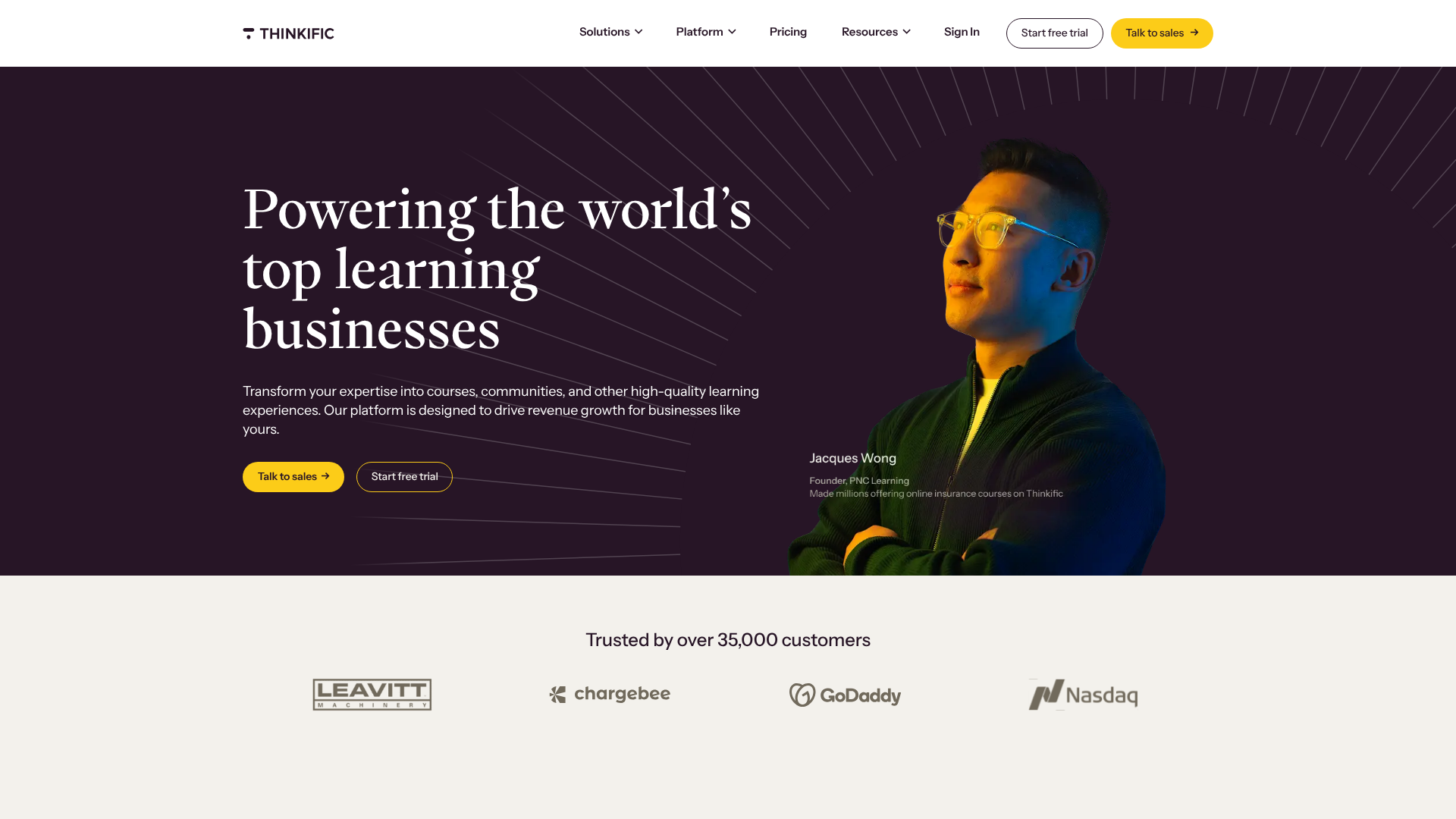
Thinkific is a direct competitor to Teachable but places a greater emphasis on giving creators control over their brand and website design. Its drag-and-drop site builder is more flexible, allowing you to create a fully customised storefront for your courses without needing technical skills. A major selling point is that Thinkific charges zero transaction fees on all of its paid plans.
The platform supports a wide range of content types, including live lessons, assignments, and surveys. It also offers advanced features like learning communities, memberships, and course bundles, making it a scalable solution that can grow with your business. Its free plan is one of the most generous available, making it a great way to test the waters.
Pros
- No Transaction Fees: You keep 100% of your revenue on all paid plans (excluding standard payment processor fees).
- Powerful Site Builder: Offers more design flexibility and customisation options than many competitors.
- Generous Free Plan: Allows you to build and sell your first course without a monthly subscription.
Cons
- No Built-in Email Marketing: You'll need to integrate with a third-party service for advanced email campaigns.
- Certificate Creation is Basic: The built-in certificate customisation is limited on lower-tier plans.
4. Tutor LMS: Best WordPress Plugin
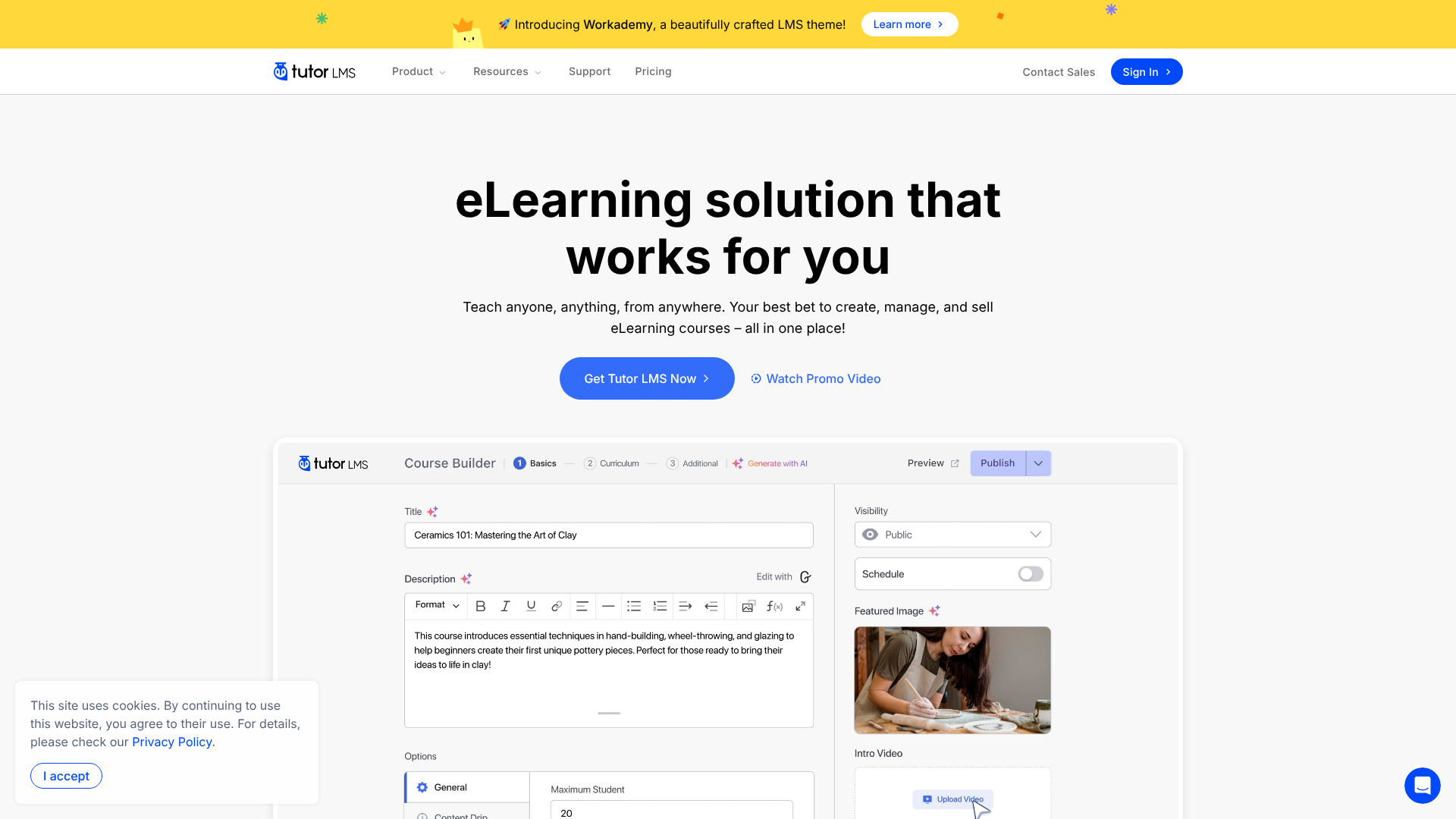
For those who already have a WordPress website or want complete control over their platform, Tutor LMS is a leading Learning Management System (LMS) plugin. It transforms your existing site into a fully functional online course platform. You get powerful features like a front-end course builder, a sophisticated quiz creator with multiple question types, and detailed analytics.
Using a plugin like Tutor LMS means you own your data and have unlimited customisation possibilities by leveraging the entire WordPress ecosystem of themes and plugins. While it requires more hands-on management (you're responsible for hosting and security), it offers unparalleled flexibility and can be more cost-effective in the long run, as it's typically a one-time or annual purchase rather than a recurring monthly fee.
Pros
- Full Ownership and Control: Your platform, your data, your rules. No restrictions from a third-party host.
- Cost-Effective: Often cheaper over time compared to monthly subscription platforms.
- Extensive Features: Includes advanced quizzing, drip content, certificates, and e-commerce integration.
Cons
- Requires WordPress: You must have a self-hosted WordPress site.
- More Technical Management: You are responsible for your own hosting, security, and updates.
5. Kajabi: Best All-in-One Platform for Marketers
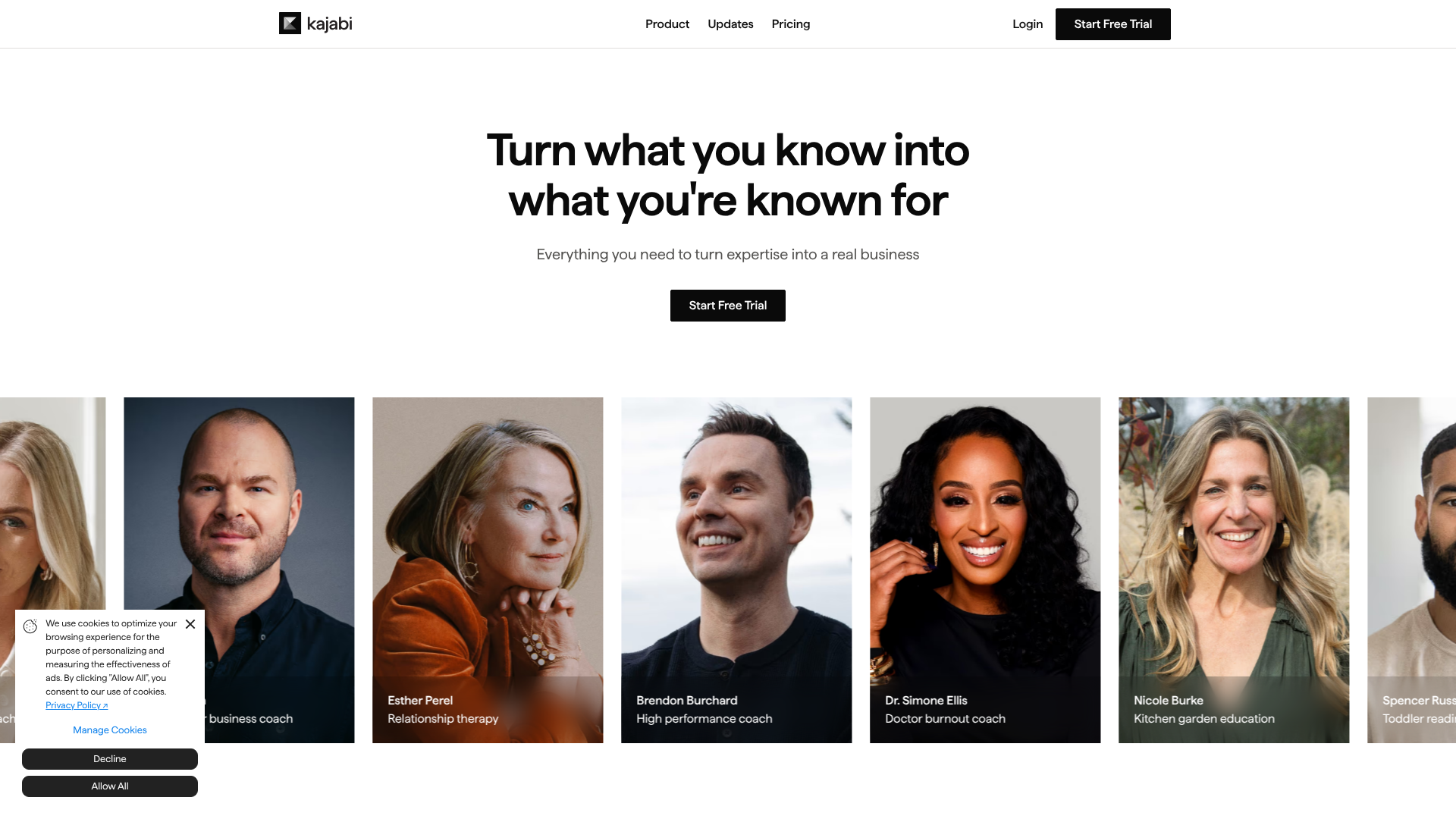
Kajabi is more than just a course platform; it's an all-in-one business solution for knowledge entrepreneurs. It aims to replace your entire marketing stack by including a website builder, email marketing automation, sales funnel creation (pipelines), landing pages, and a CRM. This integration means all your business tools work together perfectly from day one.
This comprehensive approach is ideal for serious marketers who want to build complex sales funnels and automated marketing campaigns around their courses. While it comes with a premium price tag, it can potentially save you money by eliminating the need for separate subscriptions to email marketing providers, landing page builders, and more. It's built for scaling a digital product business.
Pros
- Truly All-in-One: Combines course hosting with powerful, built-in marketing and sales tools.
- Advanced Automation: Create sophisticated email sequences and marketing funnels without third-party tools.
- Excellent Support: Known for its high-quality customer support and active user community.
Cons
- Very Expensive: The starting price is significantly higher than most other platforms.
- Potential Overkill: The extensive feature set may be too complex for creators who just want to sell a course.
6. Academy LMS: Best for Simple WordPress Integration
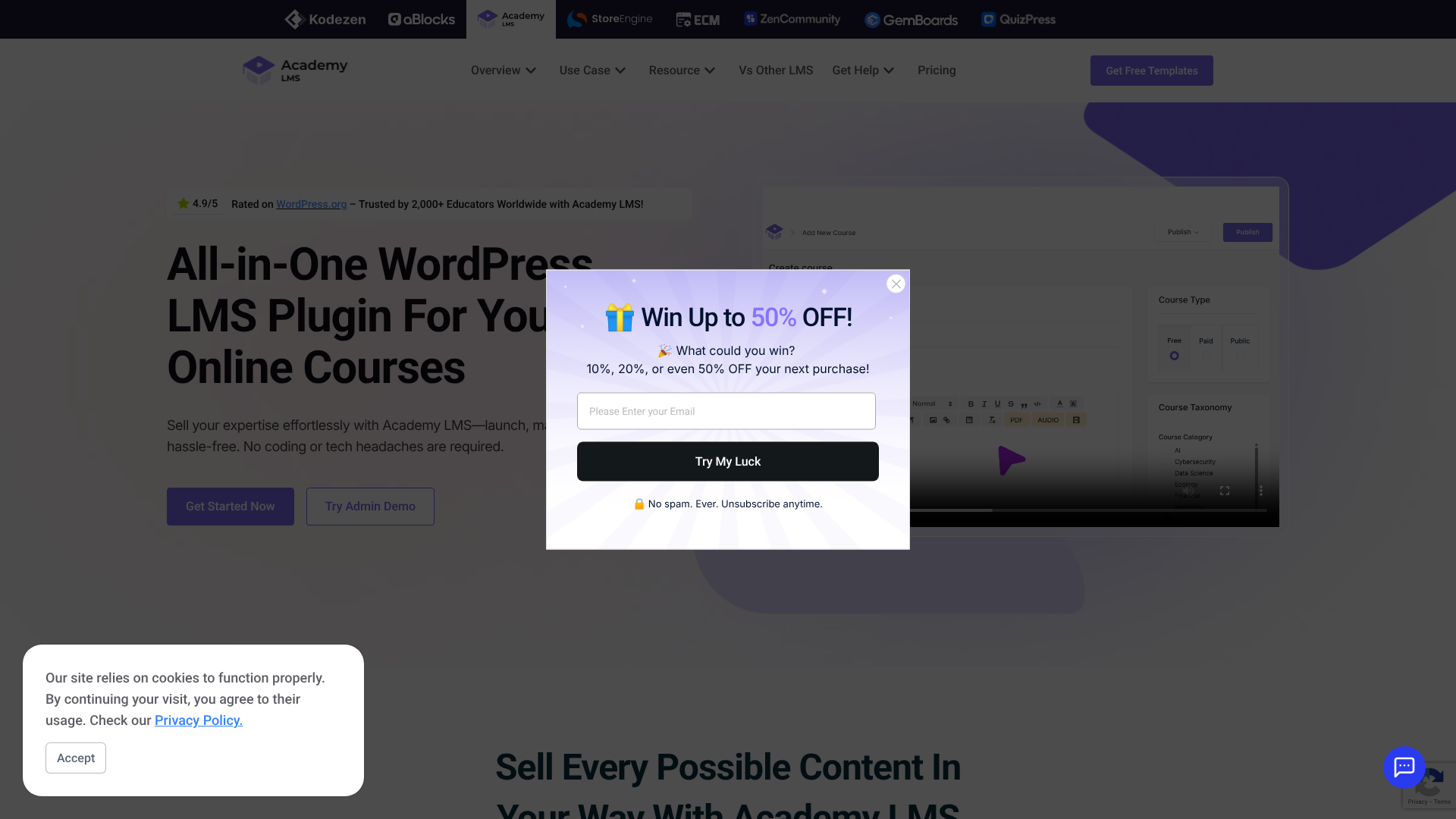
Similar to Tutor LMS, Academy LMS is another powerful WordPress plugin designed to help you create and sell online courses directly from your website. It focuses on providing a streamlined and user-friendly experience, making it a great option for WordPress users who might find other LMS plugins too complex. It offers a clean interface and essential features without the bloat.
Key features include a drag-and-drop course builder, support for multiple content types, and integration with popular e-commerce plugins like WooCommerce. Academy LMS is a solid choice for individuals and institutions that want the control of a self-hosted solution but prioritise simplicity and ease of setup over an exhaustive list of advanced features.
Pros
- Simple and Intuitive: Easy to set up and manage, even for less technical WordPress users.
- Core Features Included: Provides all the essentials like course building, quizzes, and payment integrations.
- Good Value: Offers a competitive feature set for its price point in the WordPress LMS space.
Cons
- Fewer Advanced Features: May lack some of the sophisticated tools found in more established plugins like Tutor LMS.
- Requires Self-Hosting: Like all plugins, you are responsible for your website's hosting and maintenance.
7. Podia: Best for Selling Digital Products & Memberships
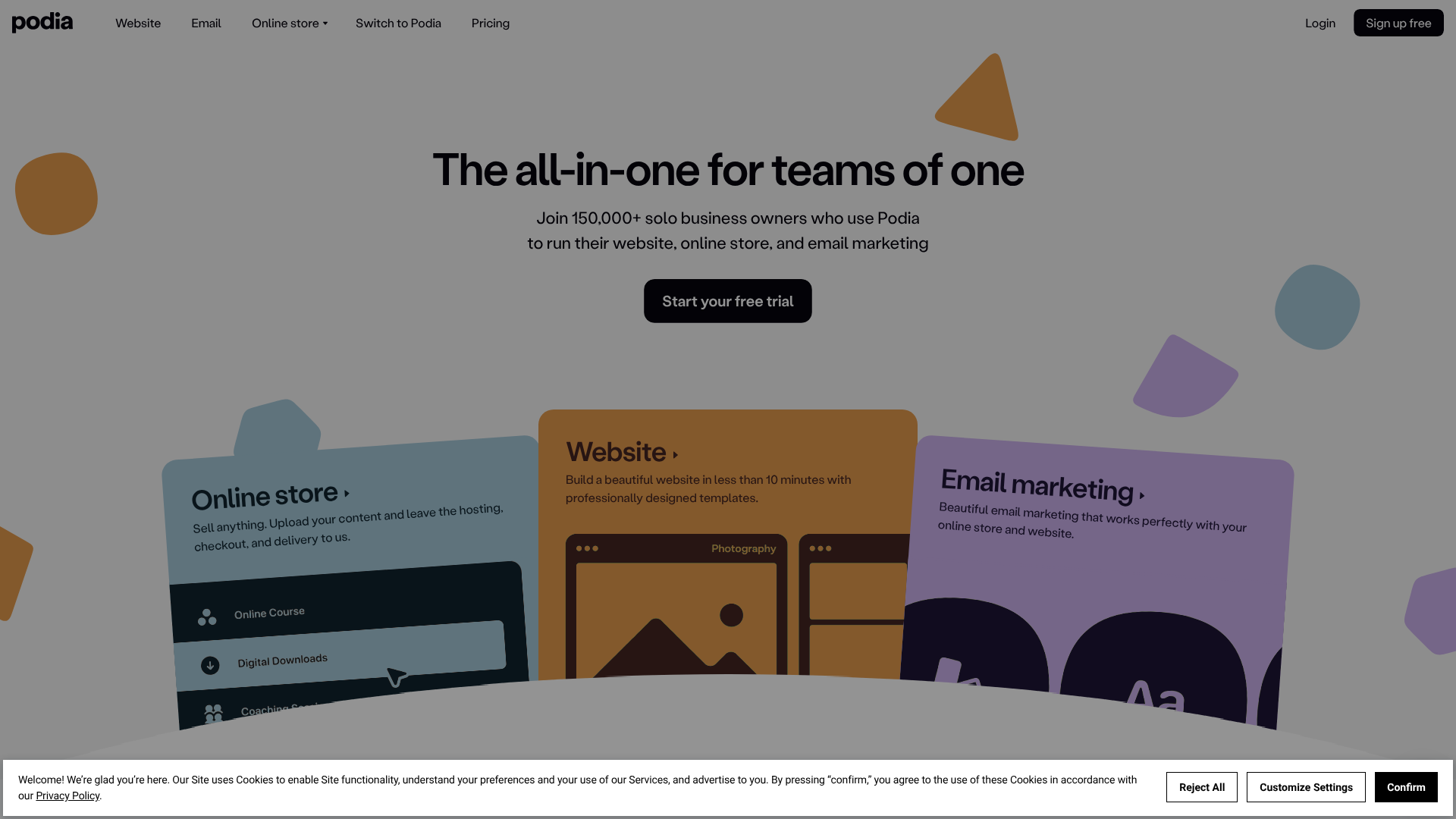
Podia is an all-in-one platform that simplifies selling any kind of digital product. While it's great for online courses, it also excels at selling digital downloads (like ebooks or templates), webinars, and community memberships. Its main philosophy is simplicity; the platform is designed to be incredibly easy to use, with a focus on getting your products online and selling quickly.
The interface is clean and modern, and it bundles features like email marketing and a community platform into its plans at no extra cost. Podia is an excellent choice for creators with a diverse range of digital products who don't want to juggle multiple platforms. It offers predictable pricing with no transaction fees on paid plans.
Pros
- Sells More Than Courses: Easily sell digital downloads, memberships, and webinars from one dashboard.
- Simple and All-Inclusive: Includes email marketing and community features in all paid plans.
- Creator-Friendly: Zero transaction fees and a very easy-to-use interface.
Cons
- Less Powerful Course Builder: The course creation tools are not as advanced as dedicated platforms like LearnWorlds.
- Limited Design Customisation: Your storefront and course pages have fewer design options.
8. Udemy: Best Marketplace for Audience Reach
Udemy operates on a different model from the platforms above. It's a massive online course marketplace, meaning you upload your course to their site, and they market it to their millions of existing students. The primary benefit is access to a huge, built-in audience you wouldn't otherwise have.
However, this comes with significant trade-offs. You have no control over branding or pricing, as Udemy frequently runs site-wide promotions that heavily discount courses. You also don't own the student data, and the revenue share can be as low as 37% if a student finds your course through Udemy's marketing efforts. It's a good option for passive income or lead generation but not for building a standalone brand.
Pros
- Massive Built-in Audience: Potential to reach millions of students without your own marketing efforts.
- No Upfront Cost: It's free to create and upload a course to the platform.
- Brand Recognition: Being on Udemy can add a level of credibility.
Cons
- Low Revenue Share: You share a significant portion of your earnings with Udemy.
- No Control Over Pricing: Udemy controls promotions and can discount your course heavily.
- No Student Data: You don't get access to your students' email addresses.
9. Skillshare: Best for Creative Skills
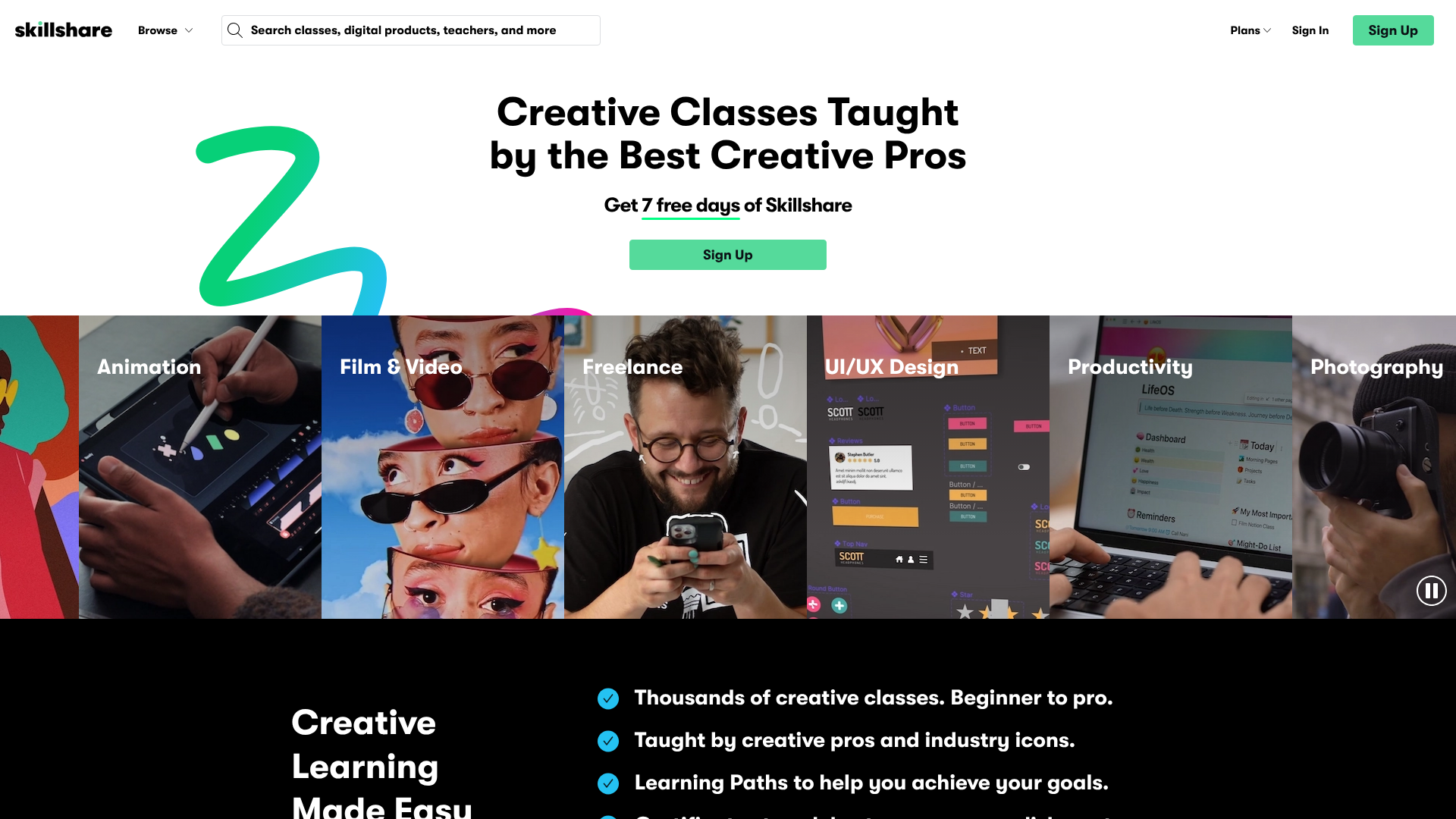
Skillshare is another marketplace, but it's specifically geared towards creative professionals. Courses are typically shorter, project-based, and focused on topics like graphic design, photography, writing, and illustration. Instead of students buying individual courses, they pay a monthly or annual subscription for access to the entire library.
Instructors are paid based on the number of minutes their videos are watched by premium members each month. This model can provide a steady stream of passive income for popular instructors in creative fields. Like Udemy, it's not for building an independent business, but it's an excellent platform for sharing creative expertise.
Pros
- Targeted Creative Audience: Your content is placed in front of students specifically looking for creative skills.
- Subscription Model: Can create a reliable, recurring revenue stream.
- Strong Community: The project-based nature of classes fosters a collaborative environment.
Cons
- Lower Earning Potential per Student: Payouts are based on minutes watched, not direct course sales.
- Niche Focus: Only suitable for instructors in creative or lifestyle fields.
10. Coursera: Best for Academic & Professional Content
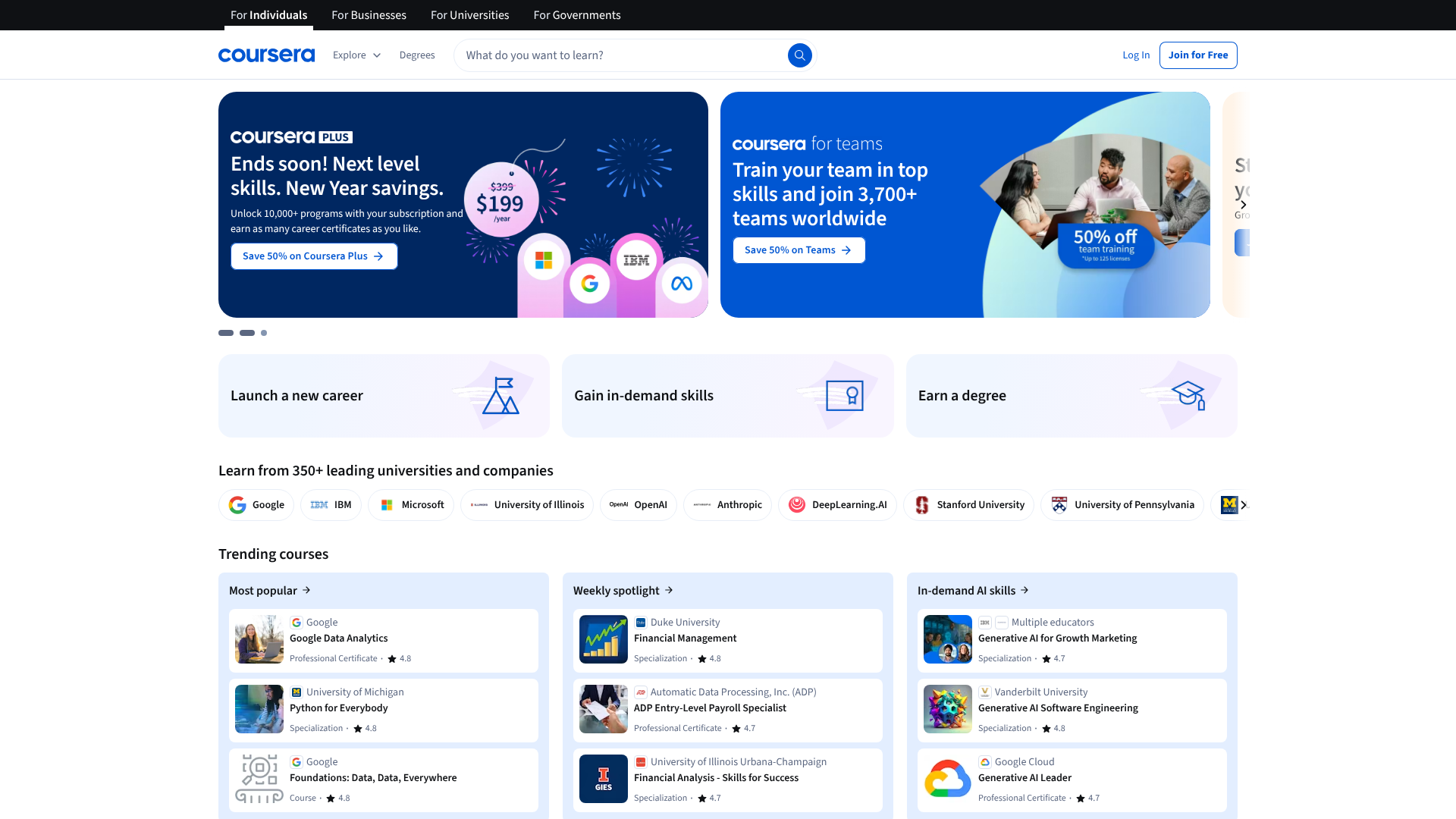
Coursera partners with top universities and companies (like Google, IBM, and Stanford) to offer courses, professional certificates, and even online degrees. For individual instructors, getting a course on Coursera is difficult unless you are affiliated with one of their partner institutions. It's the most prestigious marketplace, focused on rigorous academic and professional development content.
This platform is less for the everyday entrepreneur and more for academics and industry experts who want to create content under the banner of a recognised institution. The quality standards are extremely high, but so is the credibility that comes with being featured on the platform.
Pros
- High Prestige and Credibility: Associated with world-class universities and companies.
- Access to a Professional Audience: Attracts learners focused on career advancement.
- Structured Learning Paths: Offers certificates and specialisations, not just standalone courses.
Cons
- Highly Exclusive: Very difficult for individual creators to get accepted.
- Rigid Course Structure: You must adhere to Coursera's strict pedagogical and formatting guidelines.
Key Features to Look for in an Online Course Platform
When comparing different online course platforms, it's easy to get lost in long feature lists. To simplify your decision, focus on these five core areas that will have the biggest impact on your business and your students' success.
Intuitive Course Builder (Drag-and-Drop)
A good course builder should be simple and visual. You should be able to easily upload different types of content (video, text, PDFs, audio), structure them into lessons and modules, and reorder them with a drag-and-drop interface. The process of creating your course curriculum should feel empowering, not frustrating.
Content Hosting (Video, PDFs, Quizzes)
Your platform needs to securely host all your course materials. Reliable and fast video hosting is especially important, as video is the primary medium for most online courses. Look for platforms that offer unlimited video hosting. Additionally, the ability to add supplementary materials like downloadable worksheets, presentations, and interactive quizzes is essential for a rich learning experience.
Student Engagement Tools (Drip Content, Certificates, Forums)
Keeping students motivated is key to high completion rates. Look for features like drip content, which releases lessons on a set schedule to prevent overwhelm. Completion certificates provide a sense of achievement, while community forums or discussion areas allow students to interact with you and each other, fostering a sense of community.
Marketing and Sales Features (Coupons, Affiliates, Landing Pages)
Creating a great course is only half the battle; you also need to sell it. The best platforms for courses include built-in marketing tools. This can include the ability to create discount coupons, run your own affiliate program to incentivise others to promote your course, and build high-converting landing pages to attract new students.
Payment Processing and Security
Your chosen platform must offer secure and reliable payment processing. Look for integrations with trusted gateways like Stripe and PayPal. The ability to offer different payment options, such as one-time payments, payment plans, or recurring subscriptions for memberships, gives you flexibility in how you price and sell your content.
Cost Comparison: Decoding Free vs. Paid Course Creation Platforms

The price of course creation platforms can range from free to several hundred pounds per month. Understanding the different pricing structures is crucial for choosing a sustainable option for your business.
The "Free" Model: What's the Catch?
Several platforms, including Teachable and Thinkific, offer a free plan. These are fantastic for validating your course idea and making your first sales without any upfront investment. However, they are not truly free. Most free plans come with limitations, such as a cap on the number of courses or students, and more importantly, they charge a transaction fee (e.g., 10%) on every sale you make. This can become very expensive as your revenue grows.
Monthly Subscriptions: Predictable Costs for Growth
This is the most common model. You pay a fixed monthly fee in exchange for a set of features. As you move up the tiers, you typically unlock more advanced capabilities, fewer limitations, and lower (or zero) transaction fees. This model provides predictable costs and is ideal for creators who are generating consistent income. It allows you to scale your business without your platform costs growing proportionally to your sales.
One-Time Payments: The WordPress Plugin Advantage
WordPress LMS plugins like Tutor LMS and Academy LMS often operate on a one-time payment or an annual licence fee. While the initial investment might be higher than one month on a subscription platform, it can be significantly more affordable in the long run. You pay once and own the software forever (though annual renewals are often required for ongoing support and updates). This model gives you the most control over your expenses.
Hidden Costs to Consider
Remember to factor in potential extra costs. Even with an all-in-one platform, you might need a separate email marketing service for advanced automation. With a WordPress plugin, you are responsible for web hosting, security plugins, and potentially premium themes. Always read the fine print to understand the total cost of ownership.
Why User Experience and Interface Design Matter
The user experience (UX) and user interface (UI) of a platform are critically important for two key people: you (the creator) and your students. A clunky, confusing platform creates friction that can hurt your business.
For you, a clean and intuitive backend makes course creation faster and more enjoyable. If uploading videos, building quizzes, and managing students is a chore, you'll be less motivated to create new content or engage with your community. A good admin dashboard should present key information clearly and make essential tasks easy to find and execute.
For your students, the learning environment is everything. A well-designed student interface makes it easy to navigate lessons, track progress, and access resources. This leads to higher engagement, better completion rates, and more positive reviews. A poor user experience, on the other hand, can lead to frustration, refund requests, and negative word-of-mouth, no matter how good your content is.
Integrating Multimedia to Enhance Your Courses
Modern online courses are much more than just a series of videos. The most effective courses use a variety of media formats to cater to different learning styles and keep students engaged. When choosing a platform, check its ability to support a rich multimedia experience.
Video is the cornerstone, but look for platforms that allow you to do more with it. For example, LearnWorlds lets you add interactive elements directly into your videos. Quizzes and assessments are also crucial for reinforcing learning. A good platform should offer multiple question types, from multiple-choice to open-ended questions.
Don't forget downloadable resources. Providing PDFs, checklists, templates, and audio files gives students tangible assets they can use. Finally, for corporate training or more technical subjects, look for SCORM or Tin Can API compatibility, which allows you to import standardised e-learning content created with other authoring tools.
Marketing Your Online Course: Strategies for Success

Your course platform should be a partner in your marketing efforts. The best platforms for courses come with built-in tools designed to help you attract and convert students. Leveraging these features can save you time and money.
One of the most powerful tools is an affiliate program. This allows you to recruit partners who will promote your course in exchange for a commission on sales. It's a low-risk way to expand your reach. Similarly, the ability to create discount codes and bundles can drive urgency and increase the average order value.
Beyond the platform's features, you need a broader marketing strategy. This includes building an email list to nurture potential students, using social media to share your expertise and build a community, and creating content (like blog posts or YouTube videos) that attracts your ideal audience. A platform like Kajabi tries to integrate many of these external strategies, while others like Teachable focus on providing solid integrations with dedicated marketing tools.
Pro Tip: Before launching your course, build an email list of interested people. Offer a free lead magnet, like a checklist or mini-course, to capture emails. This gives you a warm audience to launch to, dramatically increasing your chances of a successful first week of sales.
Success Stories: What Top Creators Are Using
Seeing what platforms successful creators use can provide valuable insight. While individual results vary, these examples show how different platforms align with different business models.
Case Study 1: The Yoga Instructor
A yoga instructor named Chloe wanted to sell pre-recorded yoga classes and mindfulness courses. As a solo entrepreneur with limited technical skills, she chose Teachable for its simplicity. She was able to set up her school, upload her videos, and start selling within a weekend. The platform's clean interface allowed her students to easily access classes on any device.
Case Study 2: The Corporate Trainer
A consultant named David creates compliance and leadership training for corporate clients. He needed a platform that could handle sophisticated content and provide detailed reporting. He chose LearnWorlds because of its SCORM compatibility, advanced assessment engine, and ability to issue formal certificates. The white-label features allowed him to create a branded portal for each corporate client.
Case Study 3: The Finance Blogger
A personal finance blogger, Sarah, had a popular WordPress blog with a large, established audience. She wanted to sell a detailed budgeting course without sending her audience to a third-party site. She chose Tutor LMS to integrate her courses directly into her existing website. This kept her branding consistent and allowed her to use her favourite WordPress plugins for marketing and SEO.
The Future of E-Learning: Trends in Online Course Platforms
The world of e-learning is constantly evolving. Staying aware of future trends can help you choose a platform that is prepared for what's next. The most significant trend is the integration of Artificial Intelligence (AI). AI can be used to personalise learning paths for students, recommend relevant content, and even automate grading for certain types of assessments.
Another major trend is micro-learning, which involves delivering content in small, bite-sized chunks that are easy to consume on the go. This is driving the demand for platforms with excellent mobile apps and the ability to create short, focused lessons. Gamification—the use of game-like elements such as points, badges, and leaderboards—is also becoming more common to increase student motivation and engagement.
Finally, immersive technologies like Augmented Reality (AR) and Virtual Reality (VR) are beginning to enter the e-learning space, especially for hands-on technical training. While not yet mainstream, forward-thinking platforms are starting to explore integrations that will support these future learning environments.
Accessibility and Inclusivity in Your Online Courses
Creating an online course that is accessible to everyone, including people with disabilities, is not just a good practice—it's essential for ethical and inclusive business. An accessible course expands your potential audience and ensures that everyone has an equal opportunity to learn from your expertise.
When evaluating platforms, look for features that support accessibility. This includes things like the ability to add closed captions or transcripts for videos, support for keyboard navigation, and compatibility with screen readers. The design of the course player should use high-contrast colours and readable fonts. For more detailed guidance, you can refer to the Web Content Accessibility Guidelines (WCAG), which are the global standard for web accessibility.
Beyond the platform's technical capabilities, you also play a role. When creating content, describe any important visual information for those who can't see it, and provide your materials in multiple formats where possible. Building accessibility into your course from the start is far easier than trying to add it later.
How to Choose the Right Platform for Your Online Course
With all this information, the final choice comes down to a systematic evaluation of your own needs. Follow these steps to make a confident decision.
- Define Your Audience and Course Topic: Who are you teaching? What kind of content will you create? A highly technical course for professionals has different needs than a hobbyist course for beginners.
- Assess Your Technical Skills: Be honest about your comfort level with technology. If you're not tech-savvy, a fully hosted, all-in-one platform like Teachable or Podia is your best bet. If you're comfortable with WordPress, a plugin like Tutor LMS offers more power.
- Set Your Budget: Determine how much you can afford to invest upfront and on a monthly basis. Don't forget to account for transaction fees on free or lower-tier plans.
- List Your Must-Have Features: Based on the feature breakdown above, create a short list of non-negotiable features. Do you need a mobile app? Advanced quizzing? An affiliate program? Use this list to filter your options.
- Test Drive with Free Trials: Nearly every platform offers a free trial or a free plan. Sign up for your top two or three choices and spend time in their ecosystem. Build a sample lesson, test the student view, and see which one feels right. This hands-on experience is the best way to make your final choice.
Frequently Asked Questions
What is the free platform for hosting online courses?
Several platforms offer robust free plans. Thinkific is often cited as having one of the best, as it allows you to create and sell your first course with no monthly fee and zero transaction fees. Teachable also offers a free plan, but it comes with a 10% transaction fee. These free plans are excellent for starting out but have limitations on features and the number of courses you can offer.
Which online platform is best for beginners?
For absolute beginners, Teachable is widely considered one of the best options. Its interface is extremely intuitive and guides you through the course creation process step-by-step. It handles all the technical aspects, allowing you to focus solely on your content. Podia is another excellent choice for beginners due to its simple, all-in-one design.
Which platform is better for online classes?
This depends on whether you mean live classes or pre-recorded (asynchronous) courses. For pre-recorded courses, any of the platforms listed, like LearnWorlds or Thinkific, work well. For live classes, you need a platform that integrates well with video conferencing tools like Zoom. Many platforms, including Thinkific and Kajabi, have built-in integrations that allow you to schedule, manage, and host live lessons directly within the platform.
What is the largest online learning platform?
In terms of student numbers and course variety, Udemy is the largest online learning marketplace, with tens of millions of students and hundreds of thousands of courses. However, when it comes to platforms for creators to build their own schools, Thinkific and Teachable are two of the largest, hosting hundreds of thousands of independent creator schools on their software.
Final Thoughts
Choosing the right platform for your online course is a foundational decision for your business. There is no single 'best' platform, only the one that is best for you. Your choice should balance your budget, technical comfort, and long-term business ambitions.
Start by clarifying your goals. If you prioritise simplicity and speed to market, an all-in-one hosted solution is a fantastic choice. If you value complete control, customisation, and long-term cost savings, a WordPress plugin is the superior option. Use the free trials to get a feel for the user experience before you commit.
If you're a beginner looking for simplicity, Teachable is a great starting point. For those wanting deep interactivity and engagement tools, explore what LearnWorlds has to offer. And if you're a WordPress user who wants full control, Tutor LMS provides an excellent, feature-rich solution.