

How to Use a Lead Capture Form Template to Grow Your List
Building a steady stream of new leads is the lifeblood of any growing business. Yet, creating the forms to capture those leads can feel like a major technical hurdle. A well-designed lead capture form template is your most effective shortcut, allowing you to create professional, high-converting forms in minutes, not hours, without needing to write a single line of code. These templates are more than just a collection of fields; they are conversion-optimised frameworks designed to turn website visitors into valuable contacts.
- What You'll Learn
- What Exactly is a Lead Capture Form Template?
- The Core Benefits: Why You Shouldn't Start from Scratch
- Key Features to Look for in a Lead Capture Template
- How to Choose the Right Lead Capture Form Template: A Step-by-Step Guide
- Step 1: Define Your Goal
- Step 2: Identify Your Required Fields
- Step 3: Consider the Placement and Context
- Step 4: Evaluate Design and User Experience (UX)
- Step 5: Check for Mobile Responsiveness
- Top Tools for Finding High-Converting Lead Form Templates
- 1. Leadpages: Best for Landing Pages and Pop-ups
- 2. Jotform: Best for Versatility and Complex Forms
- 3. GetResponse: Best All-in-One Marketing Platform
- Understanding Pricing and Costs
- The Pros and Cons of Using a Pre-Built Lead Capture Template
- Frequently Asked Questions (FAQ)
- What makes a good lead capture form?
- How many fields should a lead capture form have?
- Where is the best place to put a lead capture form?
- What is the difference between a lead capture form and a contact form?
- Final Thoughts: Building Your Lead Generation Engine
This guide will walk you through everything you need to know about using a lead capture template effectively. We'll cover what they are, the essential features to look for, and how to choose the perfect one for your specific goal. You'll also discover some of the best platforms for finding templates that are built to convert, helping you build your marketing list faster and more efficiently.
What You'll Learn
- What a Template Is: A lead capture form template is a pre-built, customisable layout designed to collect contact information from website visitors, saving you time and effort.
- Essential Features: The best templates offer customisable fields, mobile-responsive design, and seamless integrations with your existing marketing tools.
- How to Choose: Selecting the right template depends on your campaign goal (e.g., newsletter signup vs. demo request), your target audience, and the specific data you need to collect.
- Top Tool Recommendations: Platforms like Leadpages, Jotform, and GetResponse provide extensive libraries of conversion-focused templates to accelerate your form creation process.
- The Conversion Balance: An effective form strikes a careful balance between gathering enough information to qualify a lead and keeping the form short enough to minimise user friction and maximise submissions.
What Exactly is a Lead Capture Form Template?
A lead capture form template is a pre-designed, reusable framework for a web form created specifically to collect information from potential customers, also known as leads. Think of it as a blueprint. Instead of building a house from scratch—sourcing materials, drawing plans, and laying the foundation—you start with a professionally designed model home and simply customise the paint colours and furnishings to match your style. This approach dramatically speeds up the process and ensures the final result is structurally sound and visually appealing.
At its core, the purpose of a lead form template is to standardise and accelerate the creation of these critical marketing assets. The structure, layout, and even the basic psychology of a high-converting form are already built-in. This includes elements like a clear headline, logically ordered fields, and a prominent call-to-action (CTA) button. Your job is to adapt this proven framework to your specific offer and brand identity.
Using a template removes the technical barriers and guesswork often associated with web design. You don't need to worry about coding HTML or CSS to ensure your form looks good and functions correctly. Most templates are built within user-friendly platforms that use drag-and-drop editors, making customisation accessible to anyone, regardless of their technical skill level.
The Core Benefits: Why You Shouldn't Start from Scratch

While building a form from a blank canvas might seem like it offers total freedom, it often introduces unnecessary complexity and risk. Starting with a pre-built lead capture template provides several distinct advantages that directly impact your marketing efficiency and results.
Speed and Efficiency
This is the most immediate and obvious benefit. Designing, building, and testing a form from scratch can take hours, or even days, especially if you lack design or development experience. A template reduces this process to minutes. You simply select a layout that fits your goal, apply your branding, connect it to your email service provider, and publish it. This speed allows you to be more agile in your marketing, quickly launching campaigns for new ebooks, webinars, or promotions without getting bogged down in technical details.
Conversion-Optimised by Default
Reputable platforms design their templates based on extensive data and conversion rate optimisation (CRO) principles. They understand what works. This includes using single-column layouts for easier scanning, creating strong visual contrast for CTA buttons, and ensuring fields are logically grouped. By using a professionally designed lead capture template, you are leveraging thousands of hours of testing and data analysis, giving your form a higher chance of success from the moment it goes live.
Brand Consistency
Maintaining a consistent brand image across all your marketing channels is crucial for building recognition and trust. Templates make this easy. You can quickly customise fonts, colours, and logos to align with your brand guidelines. This ensures that whether a visitor sees your form on a landing page, a blog post, or a pop-up, the experience feels cohesive and professional, reinforcing your brand identity at a critical point in the customer journey.
Mobile Responsiveness
With over half of all web traffic coming from mobile devices, a form that is difficult to use on a smartphone is a form that will fail. Most modern templates are fully responsive by default, meaning they automatically adjust their layout to provide an optimal viewing experience on any screen size. This is a non-negotiable feature in today's market, and templates handle this complex technical requirement for you, ensuring you don't lose leads due to a poor mobile experience.
Key Features to Look for in a Lead Capture Template
Not all templates are created equal. When browsing through libraries or choosing a form-building tool, there are several key features you should look for to ensure the template is flexible, powerful, and capable of meeting your marketing needs. A great template is more than just a pretty design; it's a functional tool that works for your business.

Customisable Fields
The ability to add, remove, and reorder form fields is fundamental. Your data needs will change depending on the campaign. A simple newsletter signup might only require an email address. A webinar registration, however, could benefit from asking for a name and company size. Look for templates that offer a variety of field types, including text input, dropdown menus, checkboxes, and radio buttons, giving you the flexibility to collect the exact information you need.
Design Flexibility
While a template provides a starting point, it shouldn't lock you into a rigid design. A good lead capture template allows for deep customisation. You should be able to easily change background colours or images, adjust fonts and text sizes, modify button styles, and upload your own logo. This ensures you can transform the template to perfectly match your brand's visual identity and the aesthetic of the page it will be embedded on.
Integrations
A lead capture form is useless if the data it collects just sits there. The most critical feature is the ability to integrate with other software in your marketing stack. This means automatically sending new leads to your Customer Relationship Management (CRM) system or your email marketing platform, such as ActiveCampaign or GetResponse. Seamless integration automates your workflows, allowing for immediate follow-up and lead nurturing.
Multi-Step Functionality
If you need to collect a significant amount of information, asking for it all at once can overwhelm visitors and lead to high abandonment rates. Multi-step forms break the process into smaller, more manageable chunks. For example, the first step might ask for a name and email, while the second asks for more detailed qualifying information. This technique, known as the Zeigarnik effect, makes users more likely to complete the entire form once they've started. Look for templates or platforms that support this advanced functionality.
Analytics and Tracking
How do you know if your form is effective? Built-in analytics are essential for measuring performance. The best form builders provide data on views, submission rates, and conversion percentages. This allows you to A/B test different headlines, field combinations, or button colours to see what resonates most with your audience. Data-driven optimisation is the key to improving your lead generation results over time.
How to Choose the Right Lead Capture Form Template: A Step-by-Step Guide
With thousands of options available, selecting the perfect template can feel daunting. However, by following a structured process, you can easily narrow down the choices and find a design that aligns perfectly with your campaign objectives. Here’s a simple, step-by-step guide to making the right choice.
Step 1: Define Your Goal
Before you even look at a single template, you must be crystal clear about what you want to achieve. The purpose of the form dictates its design and content. Are you trying to:
- Grow your newsletter list? A simple form asking only for an email address is best.
- Generate leads for a sales team? You'll need more qualifying information, like company name, job title, and phone number.
- Register attendees for a webinar? You might ask for their name, email, and perhaps a question they'd like answered during the event.
Your goal determines the complexity of the form and the value proposition you need to present. A template designed for a free quote request will look very different from one for an ebook download.
Step 2: Identify Your Required Fields
Once your goal is set, list the absolute minimum information you need to collect. Every additional field you add to a form increases friction and slightly decreases the conversion rate. Be ruthless in this step. Ask yourself, "Do I absolutely need this piece of information right now?"
For example, while a phone number is valuable, is it essential for an initial ebook download? Probably not. You can always ask for more information later in the customer journey. Start with the essentials—often just a name and email—to maximise initial signups.
Step 3: Consider the Placement and Context
Where will this form live? The context is crucial. A capture form example placed on a dedicated landing page can be more prominent and detailed because the visitor's intent is highly focused. In contrast, a form embedded at the end of a blog post should be simpler and more direct, designed to capture interest without disrupting the reading experience. A pop-up form needs to be extremely concise to avoid being intrusive. Choose a template layout that matches its intended environment.
Pro Tip: For pop-up forms, consider using a two-step opt-in. The initial pop-up shows a simple button (e.g., "Download the Guide"). Clicking the button triggers the actual form to appear. This micro-commitment increases the likelihood that the user will complete the form they actively chose to open.
Step 4: Evaluate Design and User Experience (UX)
The template should be clean, professional, and easy to navigate. Look for designs with plenty of white space, legible fonts, and a clear visual hierarchy that guides the user's eye towards the call-to-action button. The headline should be prominent and clearly state the benefit of filling out the form. Avoid cluttered designs or jarring colour schemes that could distract or confuse the user.
Step 5: Check for Mobile Responsiveness
This is a critical final check. Before committing to a template, preview it on a mobile screen. Can you easily read the text? Are the form fields large enough to tap without zooming? Is the CTA button easy to press with a thumb? A poor mobile experience will kill your conversion rates. Never assume a template is mobile-friendly; always verify it yourself.
Top Tools for Finding High-Converting Lead Form Templates
The best templates are typically found within dedicated marketing platforms that specialise in lead generation and conversion. These tools not only offer vast template libraries but also provide the robust functionality needed to customise, integrate, and analyse your forms. Here are a few of the top platforms to consider.
1. Leadpages: Best for Landing Pages and Pop-ups
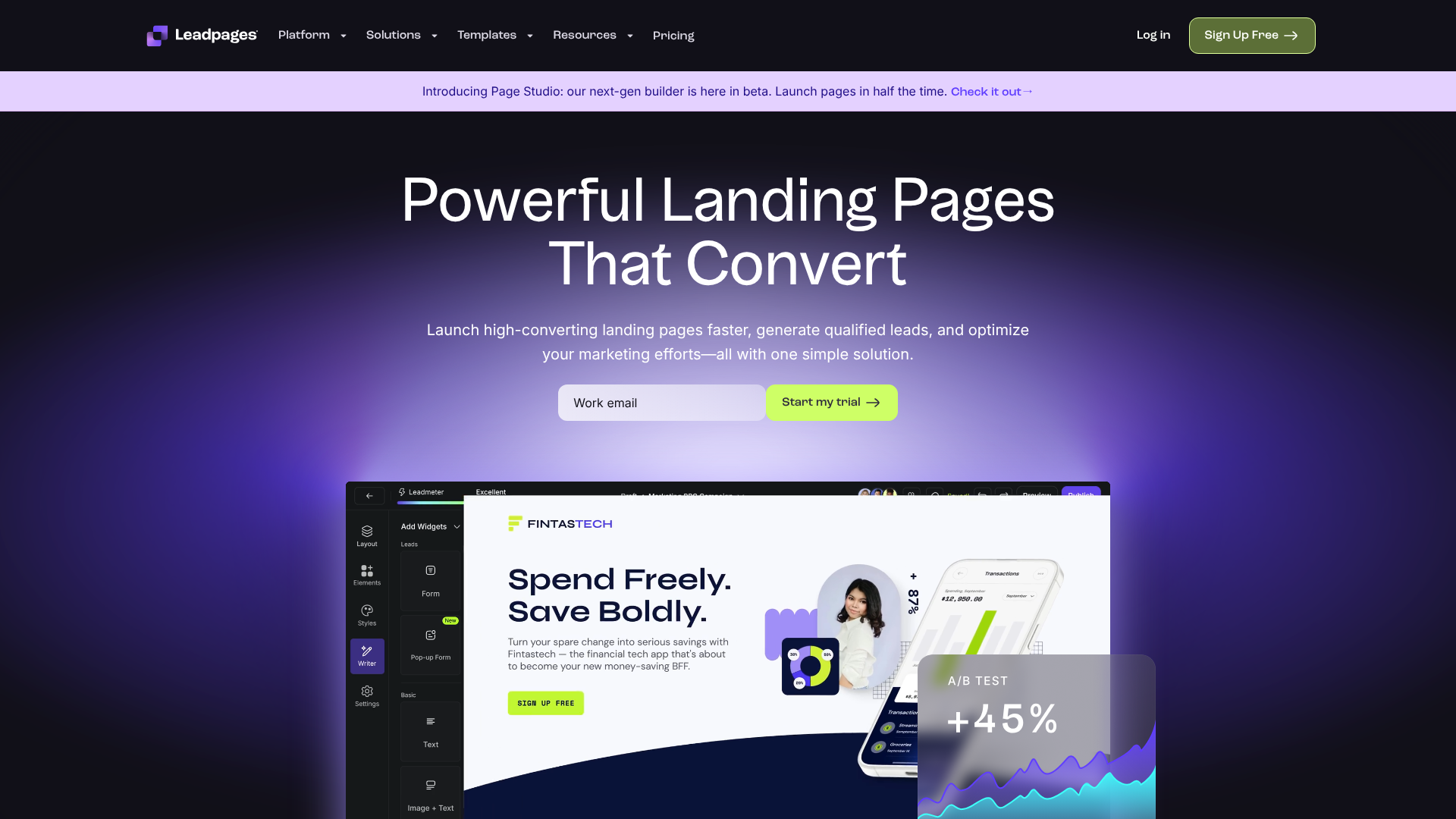
Leadpages is a market leader in landing page creation, and its strength lies in its laser focus on conversions. The platform offers a massive library of professionally designed templates for landing pages, pop-ups, and alert bars, all of which are built around lead capture. A unique feature is the ability to sort templates by their historical conversion rate, allowing you to start with a design that is already proven to perform well.
Pros
- Extensive library of beautiful, conversion-optimised templates.
- An intuitive drag-and-drop builder that is very beginner-friendly.
- Built-in A/B testing capabilities to optimise your forms and pages.
- Fast page load speeds, which is important for both SEO and user experience.
Cons
- More focused on the entire page/pop-up rather than just standalone form embedding.
- Can be more expensive than simple form builders if you don't need all the landing page features.
If your primary goal is to create entire lead generation experiences, from the ad click to the thank you page, Leadpages is an excellent choice. Its templates are designed to be part of a complete conversion funnel.
2. Jotform: Best for Versatility and Complex Forms
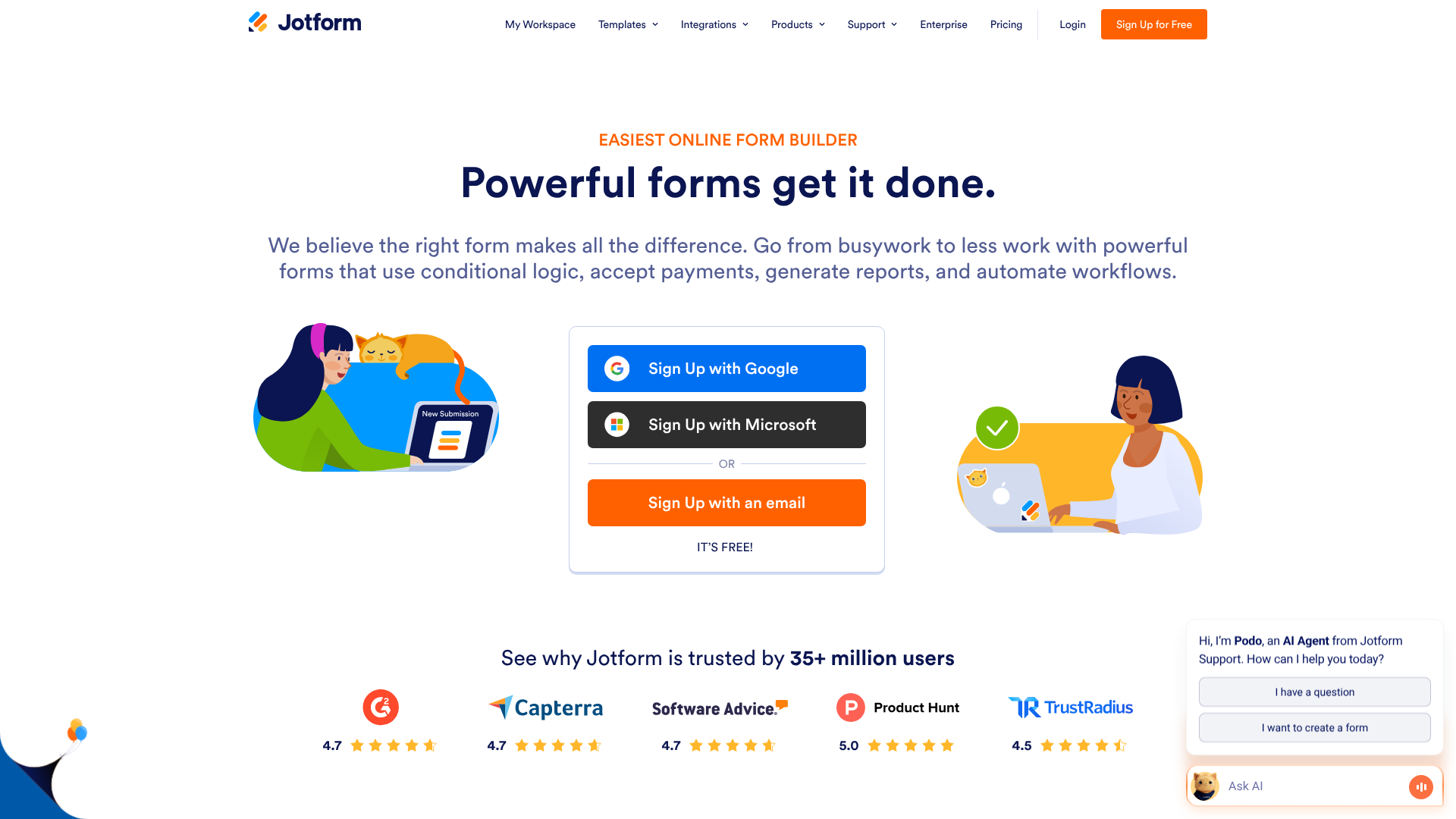
Jotform is an incredibly powerful and versatile online form builder. It boasts one of the largest template libraries available, with over 10,000 options covering virtually every industry and use case imaginable. If you can dream of a form, Jotform likely has a template for it. Its strength lies in its deep feature set, including advanced conditional logic (showing/hiding fields based on user answers), payment integrations, and electronic signature collection.
Pros
- A massive library of over 10,000 templates for any purpose.
- Powerful features like conditional logic, calculation widgets, and payment processing.
- A generous free plan that is suitable for many small businesses and individuals.
- Integrates with hundreds of other applications.
Cons
- The sheer number of options and features can be overwhelming for new users.
- The design customisation interface is powerful but not as streamlined as dedicated landing page builders.
Jotform is the ideal solution when you need more than just a simple lead capture form. It's perfect for applications, registrations, surveys, and any scenario requiring complex logic or data collection.
3. GetResponse: Best All-in-One Marketing Platform
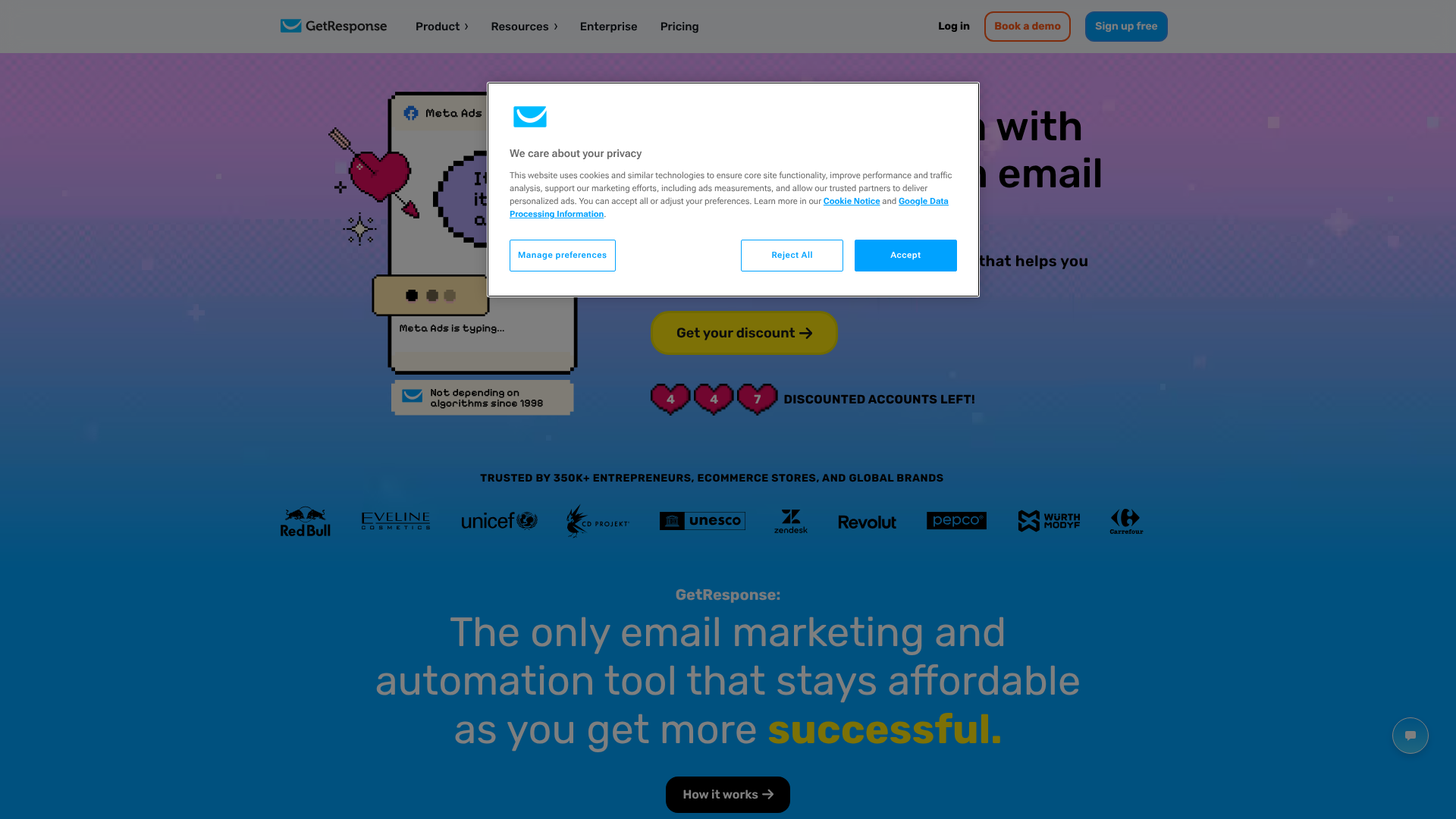
GetResponse is a comprehensive marketing platform that combines email marketing, automation, landing pages, and forms into a single, integrated solution. The primary advantage of using GetResponse for your forms is that they are natively connected to the rest of your marketing ecosystem. When someone fills out a form, they can be instantly added to an email list, tagged, and entered into a sophisticated automated nurturing sequence.
Pros
- Seamless integration between forms, email marketing, and automation workflows.
- Good selection of modern, clean templates designed for lead generation.
- All-in-one platform simplifies your marketing stack and can be cost-effective.
- Includes features like conversion funnels and webinar hosting in higher-tier plans.
Cons
- The form builder is not as feature-rich as a specialised tool like Jotform.
- You are tied to the GetResponse ecosystem for email marketing.
For marketers who want a unified platform where every component works together effortlessly, GetResponse is a fantastic option. It streamlines the entire lead capture and nurturing process.
Understanding Pricing and Costs
The cost of accessing and using a lead capture form template varies significantly depending on the platform you choose. The pricing structures are generally designed to scale with your business needs, from free entry-level options to enterprise-grade solutions. Understanding these models will help you select a tool that fits your budget.
Freemium Models
Many form builders, including Jotform, operate on a freemium model. This means they offer a completely free plan that is functional but comes with certain limitations. These restrictions are typically based on usage metrics, such as the number of forms you can create, the number of monthly submissions you can receive, or the amount of storage space you can use. Freemium plans are an excellent way to get started and test a platform's capabilities without any financial commitment. They are often sufficient for small businesses or individuals with low-volume needs.
Subscription-Based Tiers
This is the most common model for more advanced platforms like Leadpages and GetResponse. You pay a recurring monthly or annual fee for access to the software. These platforms typically offer several different pricing tiers. The entry-level tier might include core features like the template library and builder but have limits on traffic or the number of domains you can use. Higher-priced tiers unlock advanced features like A/B testing, more integrations, and dedicated customer support. This model is suited for businesses that rely heavily on lead generation and require a more robust set of tools.
What to Expect to Pay
- Free Plans: Expect limitations on submissions (e.g., 100 per month) and features. You may also have to display the provider's branding on your forms.
- Basic Paid Plans: These typically start around £15 to £40 per month. They remove branding, increase submission limits, and offer more customisation and integration options.
- Advanced/Pro Plans: Ranging from £50 to £150+ per month, these plans are for serious marketers and businesses. They include features like advanced analytics, A/B testing, priority support, and higher traffic allowances.
When comparing costs, always consider the value provided, not just the price tag. A more expensive tool that doubles your conversion rate is a far better investment than a cheaper tool that underperforms. Always visit the platform's official website for the most current and detailed pricing information.
The Pros and Cons of Using a Pre-Built Lead Capture Template
While templates offer a powerful shortcut to effective lead generation, it's important to have a balanced view. Like any tool, they come with a set of advantages and potential drawbacks. Understanding both sides will help you use them more effectively and know when a custom solution might be necessary.
The Advantages (Pros)
- Time and Cost Savings: This is the most significant benefit. You save countless hours of design and development work, which translates directly into cost savings, whether it's your own time or the expense of hiring a developer.
- Ease of Use: Template-based platforms are designed for non-technical users. With intuitive drag-and-drop interfaces, anyone can create and publish a professional-looking form in minutes.
- Proven Designs: The templates offered by reputable companies are not random designs. They are based on data, user experience research, and conversion best practices, giving you a head start on creating a form that performs well.
- Rapid Deployment: The speed of creation allows you to be more agile and responsive with your marketing campaigns. You can launch a new lead magnet and its corresponding capture form in a single afternoon.
The Disadvantages (Cons)
- Potential for a Generic Look: If you don't take the time to customise the template with your brand's colours, fonts, and imagery, your form can end up looking generic and similar to many others on the web. Effective customisation is key to overcoming this.
- Functional Limitations: A template is, by its nature, a predefined structure. If you require highly specific or unique functionality that falls outside the template's built-in capabilities, you may find it restrictive. For very complex or bespoke needs, a custom-coded solution might be the only option.
- Code Bloat: Some template-based builders can generate code that is heavier than necessary. While top-tier platforms like Leadpages prioritise speed, less optimised builders can sometimes add extra code that might slightly slow down your page load times, a factor that can impact SEO and user experience.
For the vast majority of marketing and business use cases, the pros of using a lead capture template far outweigh the cons. The efficiency and built-in best practices they provide are invaluable for any team looking to grow its lead flow.
Frequently Asked Questions (FAQ)
What makes a good lead capture form?
A good lead capture form is simple, clear, and trustworthy. It has a compelling headline that states the value proposition (e.g., "Get Your Free SEO Checklist"), uses a minimal number of fields to reduce friction, and features a strong, action-oriented call-to-action button (e.g., "Download Now" instead of "Submit"). It should also be visually clean and load quickly on all devices.
How many fields should a lead capture form have?
The golden rule is to ask for as little information as you possibly can to achieve your immediate goal. For most top-of-funnel offers like newsletter signups or ebook downloads, an email address is often enough. A common best practice is to stick to 3-5 fields. The more you ask for, the lower your conversion rate will be. If you need more data, consider a multi-step form to ease the user into the process.
Where is the best place to put a lead capture form?
The best placement depends on your website and goals. Common high-performing locations include the hero section of your homepage, at the end of relevant blog posts, on a dedicated landing page linked from ads or social media, in an exit-intent pop-up to capture abandoning visitors, or as a permanent feature in your website's footer or sidebar. Test different locations to see what works best for your audience.
What is the difference between a lead capture form and a contact form?
While they may look similar, their purpose is different. A lead capture form is a proactive marketing tool designed to convert anonymous visitors into known leads, usually in exchange for a resource or offer (a lead magnet). A contact form is a more passive, general-purpose tool for existing customers or visitors to ask questions or get in touch. Lead capture forms are tied to marketing campaigns, while contact forms are typically for general communication.
Final Thoughts: Building Your Lead Generation Engine
A lead capture form template is one of the most powerful and efficient tools in a modern marketer's toolkit. It democratises the process of creating high-converting forms, removing technical barriers and allowing you to focus on what truly matters: crafting a compelling offer that resonates with your audience.
By starting with a professionally designed, conversion-optimised framework, you save invaluable time and resources while significantly increasing your chances of success. Remember to always begin with a clear goal, choose a template that aligns with that objective, and customise it to reflect your unique brand identity.
Ultimately, the form is just one part of the equation. The real magic happens when you connect it to a robust marketing system that nurtures those new leads and guides them on their journey to becoming loyal customers. If you're ready to start building high-converting forms and landing pages, exploring platforms with extensive template libraries is your best next step. For different use cases, consider Leadpages for its conversion-focused landing pages or GetResponse for its all-in-one marketing automation capabilities.