

The Essential Donor Management Software Comparison Chart for Non-Profits
Choosing the right software for your non-profit can feel overwhelming. With so many options available, each promising to streamline your operations and boost donations, it's difficult to know where to start. This is where a detailed donor management software comparison chart becomes an invaluable resource, helping you cut through the noise and focus on what truly matters for your organisation's success. It allows you to objectively evaluate different donor management tools side-by-side, ensuring you invest in a platform that aligns with your specific goals, budget, and team workflow.
- Quick Summary
- What is a Donor Management Software Comparison Chart?
- The Core Benefits: Why Your Non-Profit Needs Donor Management Tools
- Centralised Donor Data for Deeper Insights
- Streamlined Communication and Engagement
- Automated Administrative Tasks to Save Time
- Improved Fundraising Campaign Performance
- How to Choose the Right Donor Software: A Step-by-Step Guide
- Step 1: Assess Your Organisation's Needs and Budget
- Step 2: Identify Must-Have vs. Nice-to-Have Features
- Step 3: Evaluate Usability and Team Training Requirements
- Step 4: Check for Integrations with Your Existing Tools
- Step 5: Request Demos and Take Advantage of Free Trials
- The 2026 Donor Management Software Comparison Chart
- 1. Bloomerang: Best for Donor Retention
- 2. DonorPerfect: Best for Growing Non-Profits
- 3. Fundraising.com: Best for Diverse Fundraising Campaigns
- 4. VolunteerMark: Best for Volunteer-Centric Organisations
- Understanding Pricing Models: A Cost Comparison
- Per-Contact or Per-Record Pricing
- Tiered Subscription Plans
- Per-User Pricing
- Hidden Costs to Watch Out For
- Frequently Asked Questions (FAQ)
- What is the difference between a CRM and donor management software?
- How much should a small non-profit spend on donor software?
- Is there free donor management software available?
- Final Thoughts
This guide provides a comprehensive donor software comparison, breaking down the key features, pricing models, and unique benefits of the top platforms in 2026. We'll explore how to assess your needs and make an informed decision that empowers your mission. Whether you're a small, volunteer-led group or a growing national charity, finding the right system is crucial for building stronger donor relationships and maximising your impact.
Quick Summary
- Functionality is Key: The best donor management software centralises contact information, tracks donation history, automates communication, and generates insightful reports to help you understand your supporters better.
- Scalability Matters: Choose a solution that can grow with your organisation. Consider platforms that offer flexible pricing tiers based on the number of contacts or features, so you don't overpay now or outgrow your system too quickly.
- Ease of Use is Non-Negotiable: A complicated system won't get used. Prioritise software with an intuitive interface that your team and volunteers can adopt with minimal training, saving valuable time and resources.
- Integration Capabilities are Crucial: Your donor management tool should work well with other software you use, such as email marketing platforms, accounting software, and payment gateways, to create a unified and efficient workflow.
What is a Donor Management Software Comparison Chart?
A donor management software comparison chart is a structured tool designed to help non-profit organisations evaluate and select the most suitable software for managing their donor relationships and fundraising activities. Instead of navigating dozens of websites and sales pitches, a comparison chart lays out the essential information in a clear, side-by-side format. This makes it significantly easier to spot the differences between various platforms and identify which one best meets your unique requirements.
Typically, these charts compare software across several critical categories. Core features are a primary focus, detailing functionalities like contact management, donation processing, campaign tracking, reporting and analytics, and communication tools. By seeing which platform offers what, you can quickly filter out options that lack your must-have features. For example, if running peer-to-peer fundraising campaigns is a priority, you can instantly see which tools support that function.
Beyond features, a good comparison chart also breaks down pricing structures, which can often be complex. It clarifies whether a provider charges per user, per number of contacts, or through a tiered subscription model. This transparency helps you understand the total cost of ownership and avoid unexpected fees. Finally, the chart often includes details on customer support, ease of use, and integration capabilities, giving you a holistic view to make a well-rounded and confident decision.
The Core Benefits: Why Your Non-Profit Needs Donor Management Tools

Implementing dedicated donor management tools is more than just an operational upgrade; it's a strategic move that can fundamentally change how your non-profit functions and grows. These platforms provide the infrastructure needed to build lasting relationships with supporters, streamline workflows, and ultimately, raise more funds for your cause. The benefits extend far beyond a simple digital address book.
Centralised Donor Data for Deeper Insights
One of the most significant advantages is creating a single source of truth for all donor information. Instead of scattered spreadsheets and disconnected notes, you get a unified profile for each supporter. This profile can include contact details, donation history, communication records, event attendance, and volunteer activity.
With this centralised data, you can segment your audience with incredible precision. You can identify major donors, first-time givers, lapsed supporters, and recurring donors. This allows you to tailor your communication and appeals, making each supporter feel seen and valued, which is a key driver of long-term loyalty and increased giving.
Streamlined Communication and Engagement
Effective communication is the cornerstone of donor retention. Donor management software often includes built-in tools for email marketing, direct mail campaigns, and personalised thank-you messages. Many systems can automate acknowledgements, sending immediate tax receipts and thank-you notes after a donation is made.
This automation frees up your team's time to focus on more strategic engagement, like making personal phone calls to major donors or planning appreciation events. By maintaining consistent and personalised contact, you keep your cause top-of-mind and show supporters the impact of their contributions, encouraging them to give again.
Automated Administrative Tasks to Save Time
Non-profit work involves a mountain of administrative tasks, from processing donations to generating reports for board meetings. Donor management tools automate many of these repetitive processes. Donation processing, for instance, can be handled automatically through online forms that sync directly with donor records.
Reporting is another area where these platforms shine. You can generate financial reports, campaign performance analyses, and donor retention metrics with just a few clicks. This not only saves countless hours of manual work but also provides real-time data to inform your fundraising strategy and demonstrate your organisation's impact to stakeholders.
Improved Fundraising Campaign Performance
Running a successful fundraising campaign requires careful planning, execution, and analysis. Donor management software provides the tools to manage every stage of the process. You can create dedicated campaign pages, track progress towards goals in real-time, and manage different fundraising activities like events, online appeals, and grant applications.
After a campaign, the software's analytics help you understand what worked and what didn't. You can see which communication channels drove the most donations, which donor segments were most responsive, and calculate the return on investment for your efforts. These insights are invaluable for refining your strategy and making future campaigns even more successful.
How to Choose the Right Donor Software: A Step-by-Step Guide

Selecting the right platform from a donor software comparison requires a methodical approach. The best tool isn't necessarily the one with the most features, but the one that best fits your organisation's specific needs, budget, and long-term goals. Following a clear process will help you avoid common pitfalls and choose a solution that empowers your team.
Step 1: Assess Your Organisation's Needs and Budget
Before you even look at a single product, look inward. Gather your team—including fundraising staff, administrators, and key volunteers—to discuss your current challenges and future aspirations. Are you struggling with tracking donations? Is your communication with donors inconsistent? Do you need better reporting for your board?
Document your key pain points and goals. At the same time, establish a realistic budget. Remember to consider not just the monthly subscription fee but also potential one-time costs like data migration or setup fees. Having a clear understanding of your needs and financial constraints will provide a strong foundation for your search.
Step 2: Identify Must-Have vs. Nice-to-Have Features
Based on your needs assessment, create a checklist of features. Divide this list into two categories: 'must-haves' and 'nice-to-haves'. Must-haves are the core functionalities your organisation cannot operate without, such as online donation processing, contact management, and basic reporting.
Nice-to-haves might include advanced features like grant management, peer-to-peer fundraising modules, or integrations with social media. This prioritised list will act as your scorecard when you compare donor software. It ensures you focus on platforms that meet your essential requirements without getting distracted by flashy features you may never use.
Step 3: Evaluate Usability and Team Training Requirements
Powerful software is useless if your team finds it too difficult to use. User-friendliness should be a top priority. A clean, intuitive interface reduces the learning curve and encourages adoption across your organisation. If the software is clunky or confusing, your team will likely revert to their old methods, wasting the investment.
Consider the technical skill level of your staff and volunteers. Will they need extensive training to get up to speed? Look for providers that offer comprehensive onboarding support, tutorials, and responsive customer service. A system that is easy to learn and use will deliver a much faster return on investment.
Step 4: Check for Integrations with Your Existing Tools
Your donor management software doesn't operate in a vacuum. It needs to connect with the other tools you rely on every day. Make a list of your current software stack, including your accounting software (like QuickBooks or Xero), email marketing platform (like Mailchimp), and website content management system (like WordPress).
Check if the donor management platforms you're considering offer seamless integrations with these tools. Good integrations prevent data silos and eliminate the need for manual data entry between systems. This creates a more efficient, connected workflow and ensures your data is consistent and up-to-date across all platforms.
Pro Tip: When evaluating integrations, ask about the depth of the connection. A 'deep' integration that syncs data automatically in both directions is far more valuable than a simple one-way data push that requires manual intervention.
Step 5: Request Demos and Take Advantage of Free Trials
Once you've narrowed your list down to two or three top contenders, it's time for a hands-on evaluation. Schedule live demos with a sales representative from each company. Prepare a list of questions based on your needs assessment and feature checklist. Use the demo to see the software in action and ask specific questions about how it would handle your organisation's unique workflows.
Even better, sign up for a free trial if one is offered. There is no substitute for using the software yourself. Input some sample data, run a report, and create a test campaign. This direct experience will give you a true feel for the platform's usability and help you make your final decision with confidence.
The 2026 Donor Management Software Comparison Chart
To help you compare donor software effectively, we've compiled a chart and detailed reviews of some of the top options available for non-profits in 2026. This comparison focuses on key aspects like target audience, standout features, and overall value. We've included a mix of industry leaders and specialised tools to provide a balanced overview.
| Feature | Bloomerang | DonorPerfect | Fundraising.com | VolunteerMark |
|---|---|---|---|---|
| Best For | Donor Retention & Engagement | Growing Non-Profits | Diverse Fundraising Campaigns | Volunteer-Centric Organisations |
| Contact Management | Yes (Advanced) | Yes (Comprehensive) | Yes (Standard) | Yes (Integrated Volunteer/Donor) |
| Donation Processing | Yes | Yes | Yes | Yes |
| Reporting & Analytics | Yes (Engagement-focused) | Yes (Highly Customisable) | Yes (Campaign-focused) | Yes (Volunteer & Donor Hours) |
| Email Marketing | Yes (Built-in) | Yes (Integrates with Constant Contact) | Yes (Basic) | Yes (Basic) |
| Volunteer Management | No | Add-on Module | No | Yes (Core Feature) |
| Free Trial | No (Demo available) | No (Demo available) | Varies by service | Yes |
1. Bloomerang: Best for Donor Retention
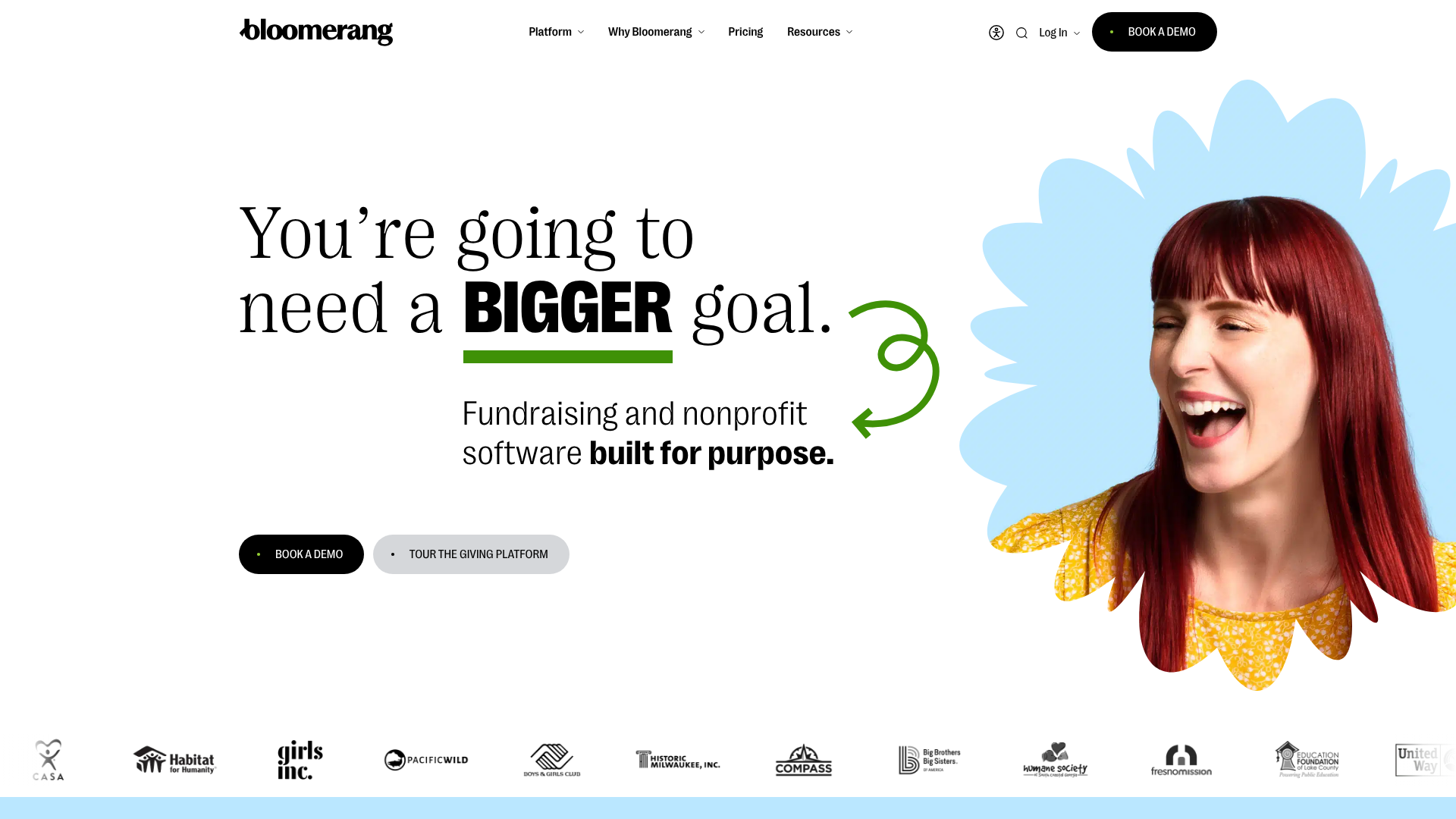
Bloomerang is a popular choice in the non-profit sector, known for its strong focus on donor retention and engagement. The platform is built around best practices in fundraising, with features designed to help you build stronger, more lasting relationships with your supporters. Its standout feature is the 'Engagement Meter', which gives you an at-a-glance score for each donor based on their interactions with your organisation.
This focus on engagement makes Bloomerang ideal for non-profits that want to move beyond transactional fundraising and cultivate a loyal community. The software includes robust reporting, integrated email marketing, and wealth screening tools to help you identify potential major donors. Its interface is clean and generally considered user-friendly, making it accessible for teams without a dedicated IT expert.
Pros
- Engagement-focused features: The Engagement Meter and other retention-focused dashboards are unique and highly effective.
- User-friendly interface: The software is intuitive and easy to navigate, reducing the training time for new users.
- Excellent customer support: Bloomerang is consistently praised for its responsive and helpful support team.
Cons
- Higher price point: It can be more expensive than some competitors, especially for smaller organisations.
- Limited customisation: While easy to use, it offers less flexibility for custom fields and reports compared to some other platforms.
2. DonorPerfect: Best for Growing Non-Profits
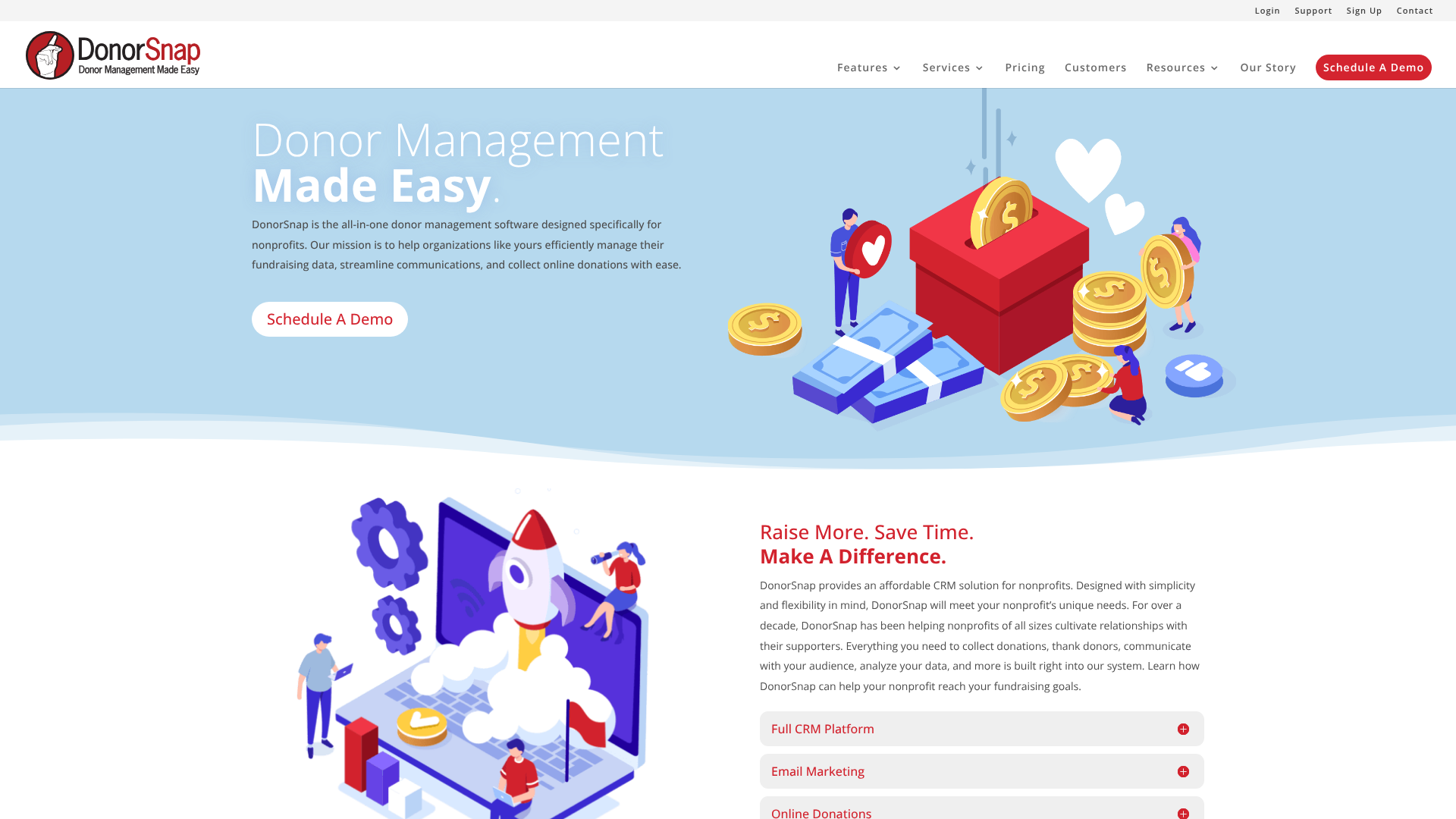
DonorPerfect is a comprehensive and highly customisable donor management system that is well-suited for growing non-profits. It offers a vast array of features that can be tailored to fit the specific needs of almost any organisation. From detailed contact records to advanced reporting and integrated fundraising tools, DonorPerfect provides a powerful, all-in-one solution.
The platform's strength lies in its flexibility. You can create unlimited custom fields, build complex reports, and choose from a wide range of add-on modules for things like event management or auction planning. This makes it a scalable solution that can adapt as your organisation's needs evolve. It also integrates seamlessly with a large network of partners, including payment processors and email marketing services.
Pros
- Highly customisable: The ability to add custom fields and build tailored reports is a major advantage.
- Scalable solution: With various pricing packages and add-on modules, it can grow with your non-profit.
- Strong integration network: Connects with hundreds of third-party applications to extend its functionality.
Cons
- Can be complex: The sheer number of features can be overwhelming for new users, and the interface can feel dated.
- Pricing can be confusing: The à la carte pricing for add-on modules can make it difficult to predict the total cost.
3. Fundraising.com: Best for Diverse Fundraising Campaigns
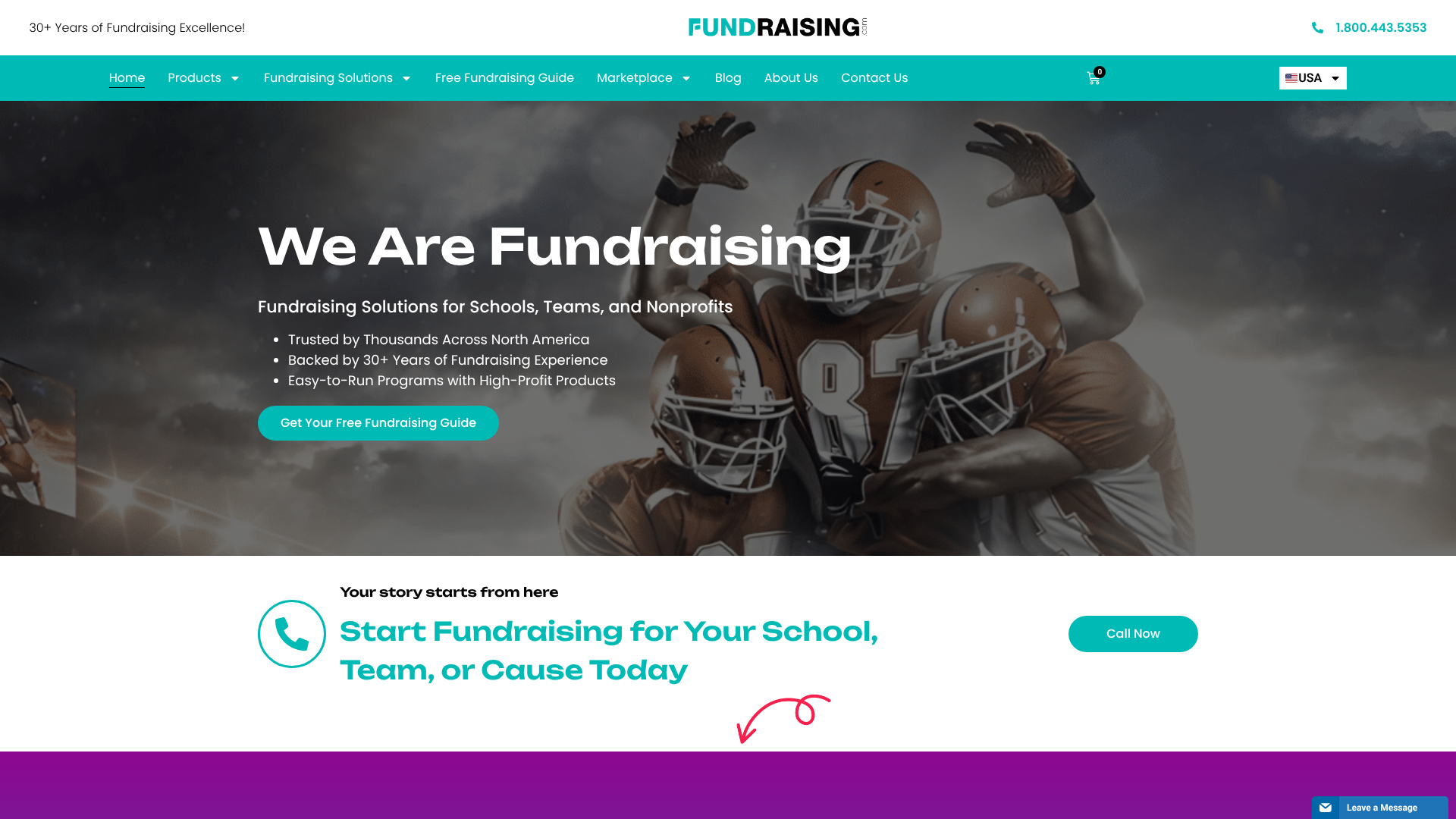
Fundraising.com offers a unique approach by combining traditional donor management features with a wide array of fundraising campaign options. It's an excellent choice for organisations like schools, sports teams, and community groups that rely on product sales, crowdfunding, or event-based fundraising in addition to direct donations. The platform provides tools to manage everything from cookie dough sales to online donation drives.
This platform excels at providing practical, turn-key fundraising solutions. You can set up an online store, run a crowdfunding campaign, or organise a product fundraiser with relative ease. While its core CRM features may not be as deep as specialised tools like Bloomerang, it provides all the essential functionality needed to track donors, manage communications, and report on campaign success. If your fundraising strategy is varied and hands-on, this could be a great fit.
If its features align with your needs, you can explore Fundraising.com here.
Pros
- Wide range of fundraising options: Supports everything from product sales to online giving and crowdfunding.
- Easy to launch campaigns: Provides ready-made solutions that are simple for volunteers and staff to implement.
- Good for event-based fundraising: Well-suited for groups that need to manage specific, time-bound campaigns.
Cons
- Less advanced CRM features: The core donor management and reporting tools are more basic compared to dedicated CRM platforms.
- Focus is on campaign execution: It's more of a fundraising campaign platform than a deep relationship management tool.
4. VolunteerMark: Best for Volunteer-Centric Organisations
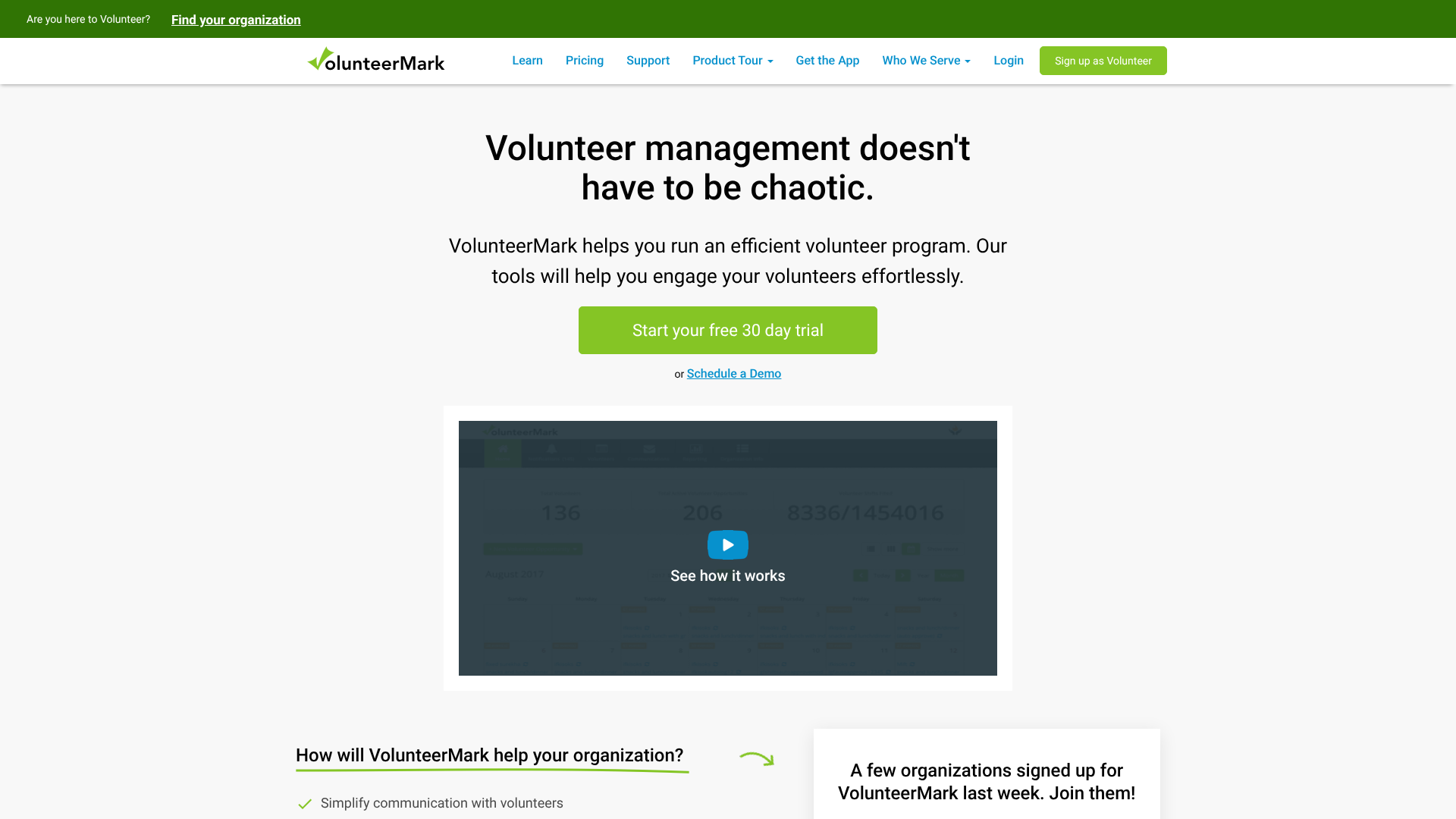
For many non-profits, volunteers are just as important as donors. VolunteerMark is designed specifically for these organisations, seamlessly integrating volunteer management with donor management. This unified approach allows you to see a complete picture of each supporter's contributions, whether they give time, money, or both.
The platform simplifies every aspect of volunteer coordination, from scheduling and communication to tracking hours and gathering feedback. At the same time, it includes features for managing donor profiles, tracking donations, and sending acknowledgements. By connecting these two critical functions, you can identify dedicated volunteers who might become donors and engage donors with volunteer opportunities, deepening their connection to your cause. If managing a large volunteer base is central to your mission, VolunteerMark is worth considering.
Pros
- Integrated volunteer and donor management: Provides a 360-degree view of supporter engagement.
- Strong volunteer coordination tools: Excellent features for scheduling, communication, and tracking volunteer hours.
- Affordable pricing: Offers competitive pricing plans suitable for small to mid-sized non-profits.
Cons
- Donor management is not as robust: The fundraising and donor tracking features are solid but may lack the advanced analytics of more specialised platforms.
- Best for a specific niche: It's a perfect fit for volunteer-heavy organisations but might be less suitable for those focused purely on fundraising.
Understanding Pricing Models: A Cost Comparison
Navigating the cost of donor management tools can be one of the most confusing parts of the selection process. Providers use several different pricing models, and understanding them is key to finding a solution that fits your budget both now and in the future. Always look beyond the advertised monthly fee to understand the total cost.
Per-Contact or Per-Record Pricing
This is one of the most common models. The provider charges based on the number of donor or contact records you store in the system. For example, a plan might cost £50 per month for up to 1,000 contacts and £100 per month for up to 5,000 contacts. This model is often favoured by growing organisations because the cost scales directly with the size of their supporter base.
When evaluating this model, be sure to ask how 'contacts' are defined. Some systems count every email address as a contact, while others only count unique donor profiles. Also, project your growth over the next few years to estimate how your costs might increase over time.
Tiered Subscription Plans
In this model, the provider offers several different subscription tiers (e.g., Basic, Pro, Premium) at set prices. Each higher-priced tier unlocks more features, greater capacity, or more users. A 'Basic' plan might include core contact and donation management, while a 'Premium' plan could add advanced reporting, marketing automation, and API access.
This approach can be beneficial because it allows you to pay only for the features you need. However, it's important to carefully review which features are included in each tier. Sometimes a single, critical feature is locked behind a much more expensive plan, forcing you to upgrade.
Per-User Pricing
Some platforms, particularly those that function more like a traditional CRM, charge based on the number of staff members who need access to the system. For example, a plan might cost £30 per user, per month. This can be cost-effective for organisations with a small team but can become expensive quickly if you have many staff members or key volunteers who need access.
Pro Tip: If considering a per-user model, ask if the provider offers different types of user licences. Some allow for 'view-only' or 'light' users at a reduced cost, which can be a great option for board members or volunteers who need to see data but not edit it.
Hidden Costs to Watch Out For
Finally, always inquire about potential costs beyond the subscription fee. Common additional charges include:
- Onboarding and Setup Fees: A one-time fee for helping you configure the system and import your data.
- Data Migration: Costs associated with moving your existing donor data from spreadsheets or an old system.
- Training: Fees for live training sessions for your team.
- Premium Support: Some providers charge extra for priority phone or email support.
- Payment Processing Fees: Standard transaction fees (e.g., 2.2% + 20p) for online donations, which are separate from the software subscription.
Frequently Asked Questions (FAQ)
What is the difference between a CRM and donor management software?
A CRM (Customer Relationship Management) is a broad term for software that manages interactions with customers or clients. Donor management software is a specialised type of CRM designed specifically for the needs of non-profits. While a generic business CRM can be adapted, a dedicated donor management platform includes purpose-built features like donation tracking, fundraising campaign management, tax receipting, and volunteer management that are essential for non-profit operations.
How much should a small non-profit spend on donor software?
There is no single answer, as it depends on the organisation's size, needs, and budget. However, a general guideline is to allocate a small percentage of your fundraising revenue to technology. Many entry-level donor management tools start at around £30-£80 per month for small non-profits. It's important to view this as an investment rather than a cost, as the right software should help you raise more money and operate more efficiently, providing a positive return.
Is there free donor management software available?
Yes, there are some free donor management software options available. These are typically best for very small or new non-profits with minimal needs and a tight budget. While 'free' is appealing, these platforms often have significant limitations, such as a cap on the number of contacts, limited features, minimal customer support, and no integrations. As an organisation grows, it will almost always need to upgrade to a paid plan to get the necessary functionality and support.
Final Thoughts
Choosing the right platform is a critical decision that will shape your fundraising success and operational efficiency for years to come. By using a donor management software comparison chart and following a structured evaluation process, you can move beyond marketing claims and select a tool that genuinely serves your mission. The best software is the one that fits your unique workflow, empowers your team, and helps you build stronger, more meaningful relationships with the people who support your cause.
Remember to start with your needs, establish a clear budget, and prioritise user-friendliness. Take the time to demo your top choices and involve your team in the decision. Whether you need the diverse campaign tools of Fundraising.com or the integrated volunteer management of VolunteerMark, investing in the right system will pay dividends in time saved, relationships strengthened, and funds raised.