HIPAA Compliant eSignature Software: A Buyer's Guide for Healthcare
For any healthcare organisation, from a small private practice to a large hospital network, managing patient data securely is non-negotiable. The shift to digital workflows has introduced immense efficiencies, but it also brings significant compliance challenges. Finding the right hipaa compliant esignature software is a critical step in modernising operations without compromising Protected Health Information (PHI).
- What to Know
- What Exactly is HIPAA Compliant eSignature Software?
- The Core Features Your Secure e-Signature Software Must Have
- Robust Access Controls
- Comprehensive Audit Trails
- End-to-End Data Encryption
- Data Integrity and Tamper-Proofing
- A Practical Guide: How to Choose the Right Compliant e-Signature Solution
- Step 1: Assess Your Clinical and Administrative Workflows
- Step 2: Verify HIPAA Compliance Claims and Security Posture
- Step 3: Evaluate Ease of Use for Staff and Patients
- Step 4: Consider Integrations with Your Existing Systems
- Step 5: Analyse Pricing Structures and Scalability
- Top HIPAA Compliant eSignature Software Recommendations for 2026
- 1. PandaDoc: Best for All-in-One Document Workflow Automation
- 2. eSignly: A Strong Contender for Secure Signing
- 3. DocuSign: The Industry Standard (with a Caveat)
- 4. Adobe Acrobat Sign: A Solid Choice for Adobe Ecosystem Users
- Comparing Costs: What to Expect from HIPAA E-Signature Software Pricing
- The Pros and Cons of Adopting Compliant e-Signature Solutions
- Frequently Asked Questions (FAQ)
- Are electronic signatures HIPAA compliant?
- What is the alternative to DocuSign for HIPAA?
- Is Adobe eSignature HIPAA compliant?
- Can DocuSign be HIPAA compliant?
- What's the difference between an eSignature and a digital signature?
- What's the best HIPAA compliance tool?
- Final Thoughts: Making the Right Choice for Your Practice
This guide breaks down everything you need to know to make an informed decision. We'll explore what true HIPAA compliance entails for electronic signatures, the essential features to look for, and how to evaluate vendors to protect your practice and your patients. This isn't just about picking a tool; it's about implementing a secure system that supports your duty of care.
What to Know
- A BAA is Non-Negotiable: True HIPAA compliance is impossible unless the software vendor is willing to sign a Business Associate Agreement (BAA). This legal contract makes them responsible for protecting PHI.
- Look Beyond Basic Encryption: Compliance requires a suite of security features, including comprehensive audit trails, strict access controls, and data integrity checks to prevent tampering.
- Workflow Integration is Key: The best solution fits into your existing processes. Evaluate how a platform integrates with your Electronic Health Record (EHR) system and other administrative tools.
- Free Tools Are a Red Flag: Free or basic-tier e-signature services almost never meet the stringent security standards required by HIPAA. Compliance is a premium feature that requires investment.
What Exactly is HIPAA Compliant eSignature Software?
At its core, HIPAA e-signature software is a platform designed to capture legally binding electronic signatures on documents containing PHI, all while adhering to the strict privacy and security rules of the Health Insurance Portability and Accountability Act of 1996.
However, it's a common misconception that any e-signature is automatically compliant. The signature itself is only one part of the equation. True compliance lies within the platform's architecture and the administrative, physical, and technical safeguards it employs to protect sensitive patient data. The U.S.
Electronic Signatures in Global and National Commerce (ESIGN) Act confirms the legality of electronic signatures, but HIPAA adds another critical layer of security requirements for healthcare.
For an e-signature solution to be considered compliant, it must address key tenets of the HIPAA Security Rule. This includes mechanisms to ensure the confidentiality, integrity, and availability of electronic PHI (ePHI). The software must prevent unauthorised access, ensure documents cannot be secretly altered, and maintain a clear record of all interactions with the data.
The Critical Role of the Business Associate Agreement (BAA)
The single most important factor in determining compliance is the vendor's willingness to sign a Business Associate Agreement (BAA). A BAA is a legally binding contract between a healthcare provider (the Covered Entity) and a vendor (the Business Associate) that handles PHI on their behalf.
This agreement outlines the vendor's responsibilities for safeguarding PHI and contractually obligates them to comply with HIPAA regulations. Without a signed BAA, you have no legal assurance that the vendor is protecting your patient data to HIPAA standards. If a vendor will not sign a BAA, you cannot use their service for any documents containing PHI, period.


The Core Features Your Secure e-Signature Software Must Have
When evaluating different platforms, moving beyond marketing claims and focusing on specific technical features is essential. These security controls are what truly separate a standard e-signature tool from a genuinely compliant e-signature solution suitable for healthcare.
Robust Access Controls
Controlling who can access ePHI is a fundamental HIPAA requirement. The software must have strong mechanisms to verify user identities before granting access to sensitive documents. This includes features like unique user IDs and passwords, two-factor authentication (2FA), and automatic logoff after a period of inactivity to prevent unauthorised viewing on unattended devices.
Furthermore, the system should allow for role-based access control. This means an administrator can define permissions, ensuring a receptionist, for example, cannot access the same documents as a lead physician. This principle of 'minimum necessary access' is crucial for limiting potential data exposure.
Comprehensive Audit Trails
An unchangeable, detailed audit trail is a cornerstone of HIPAA compliance. The software must automatically record every single action taken on a document. This log should be detailed enough to track who created, viewed, signed, and modified a document, along with precise timestamps and IP addresses for each event.
This trail serves two purposes. First, it provides a clear, legally admissible record of the signing process. Second, in the event of a security incident or audit, it allows you to trace the lifecycle of the document and identify any unauthorised activity, which is a requirement under the HIPAA Security Rule.
End-to-End Data Encryption
All ePHI must be encrypted to render it unreadable and unusable to unauthorised parties. This protection must apply to data both 'in transit' and 'at rest'.
Data in transit refers to information moving between your device and the vendor's servers. This should be protected using strong protocols like Transport Layer Security (TLS) 1.2 or higher. Data at rest refers to information stored on the vendor's servers. This data should be encrypted using a powerful algorithm like AES-256, the same standard used by banks and governments.
Data Integrity and Tamper-Proofing
It's not enough to know who signed a document; you must also be certain the document hasn't been altered since it was signed. Secure e-signature software uses cryptographic technologies, often in the form of a digital signature applied alongside the electronic signature, to create a tamper-evident seal.
If even a single character in the document is changed after signing, this seal is broken, immediately invalidating the signature and alerting all parties to the modification. This ensures the integrity and authenticity of the final, executed document.
Pro Tip: Ask potential vendors about their certificate of completion. This is a summary document attached to the signed file that contains the full audit trail, signer details, and verification data. A detailed certificate is a good sign of a mature, compliant platform.
A Practical Guide: How to Choose the Right Compliant e-Signature Solution
Selecting the right software requires a structured approach. Following these steps will help you move from a long list of potential vendors to the one that best fits your practice's unique needs.
Step 1: Assess Your Clinical and Administrative Workflows
Before you look at any software, map out your current document processes. What types of documents do you need signed? Consider patient intake forms, consent for treatment, release of information requests, and third-party agreements with other providers or vendors. Who needs to sign them, and in what order?
Understanding your workflow will help you identify must-have features. For example, if you have forms that require multiple signatures in a specific sequence, you'll need a tool with advanced workflow routing. If you use the same forms repeatedly, a robust template library is essential.
Step 2: Verify HIPAA Compliance Claims and Security Posture
Do not take a vendor's marketing claims at face value. Your due diligence is a legal requirement. First and foremost, ask for a copy of their standard Business Associate Agreement and have your legal counsel review it. If they hesitate or refuse, move on immediately.
Next, dig deeper into their security practices. Ask for documentation like a SOC 2 Type II report or an ISO 27001 certification. These independent audits verify that a company has strong security controls in place and follows them consistently. You can also review their security or trust centre on their website for details on encryption and data handling, as outlined in the HHS Security Series.
Step 3: Evaluate Ease of Use for Staff and Patients
A powerful tool is useless if no one can figure out how to use it. The software should be intuitive for your administrative staff to send documents and for your patients to sign them. A complicated signing process can lead to frustration, delays, and a poor patient experience.
Look for a clean, simple interface. The process for a patient to open an email, review a document, and apply their signature should be straightforward and require minimal technical skill. Many platforms offer free trials; use this opportunity to send test documents to yourself and colleagues to gauge the user experience from both sides.
Step 4: Consider Integrations with Your Existing Systems
To maximise efficiency, your chosen HIPAA e-signature software should integrate with your existing technology stack. The most important integration is often with your Electronic Health Record (EHR) or Electronic Medical Record (EMR) system. A good integration can automate the process of sending documents for signature and automatically file the completed copies back into the correct patient record.
Also, consider integrations with other tools you use, such as practice management software or even a CRM like HubSpot CRM if you use one for patient outreach and communication. Seamless data flow between systems reduces manual data entry, minimises errors, and saves valuable staff time.
Step 5: Analyse Pricing Structures and Scalability
Finally, evaluate the cost. Pricing models vary widely, so it's important to understand what you're paying for. Some vendors charge per user per month, which is predictable but can be costly for larger teams. Others charge based on the number of documents (or 'envelopes') you send, which can be more cost-effective for practices with fluctuating needs.
Be sure to ask about any hidden costs, such as setup fees, charges for API access, or extra costs for premium support. And consider the future. Can the plan you choose scale with your practice as it grows? Choosing a platform that can grow with you will prevent a costly and disruptive migration down the road.
Top HIPAA Compliant eSignature Software Recommendations for 2026
After considering the critical features and evaluation criteria, here are some of the top platforms that offer dedicated solutions for healthcare compliance. Remember that for any of these options, you must be on a specific plan that includes a BAA.
1. PandaDoc: Best for All-in-One Document Workflow Automation
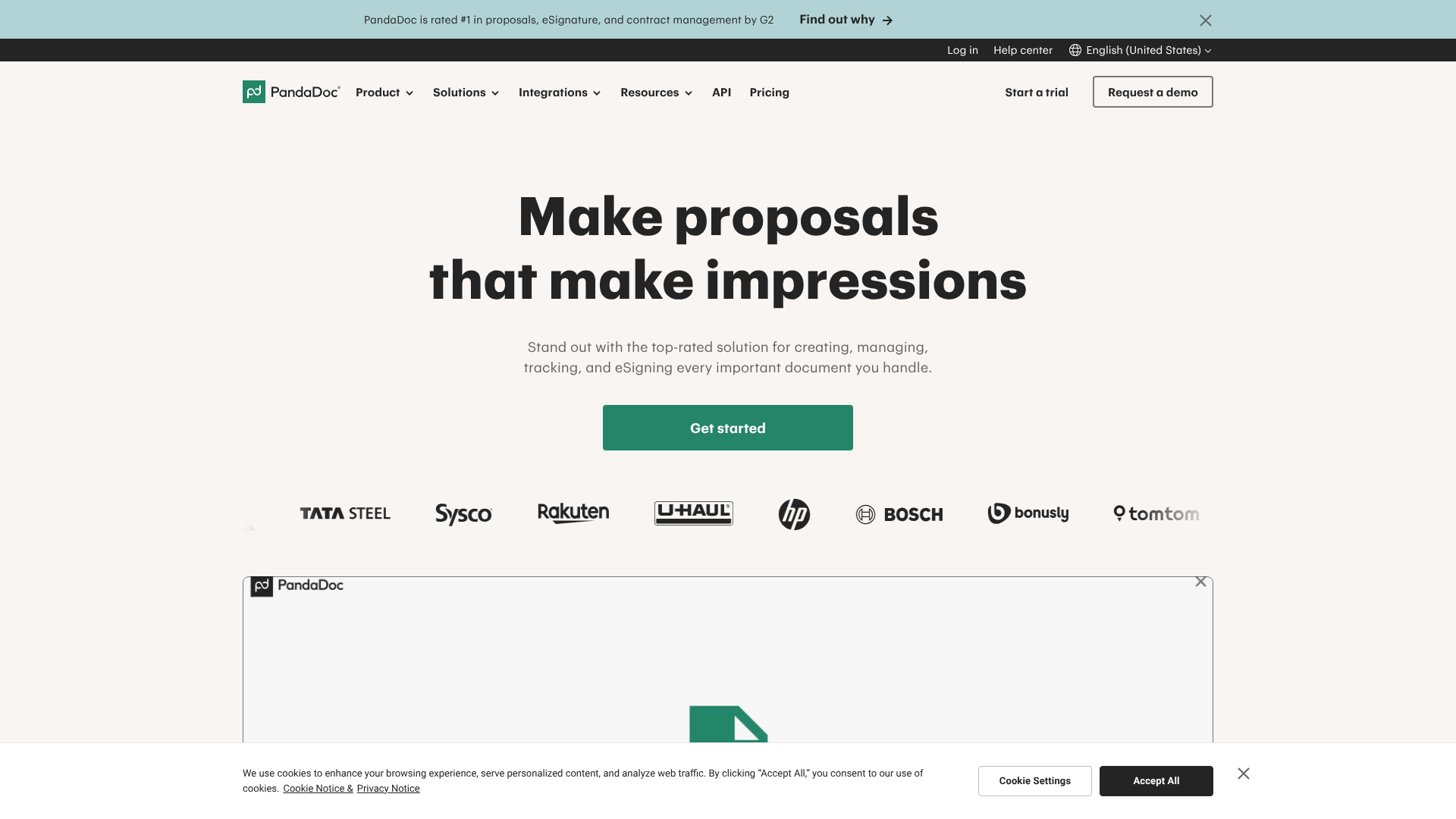
PandaDoc has evolved from a simple e-signature tool into a comprehensive document management platform. It excels at streamlining the entire document lifecycle, from creation and collaboration to signing and storage. Its drag-and-drop document editor and extensive template library are particularly useful for healthcare practices that need to create and manage a wide variety of forms.
HIPAA compliance is available on their Enterprise plan, which includes the necessary security features and a BAA. This plan also provides advanced features like bulk sending (for policy updates) and detailed analytics to track document engagement.
Pros
- Excellent Document Editor: Easily create professional, customised forms and templates without leaving the platform.
- Comprehensive Workflow Tools: Advanced routing and approval workflows can automate complex multi-signer processes.
- Strong Integration Capabilities: Connects with many popular CRM, cloud storage, and payment platforms.
Cons
- Compliance is Pricey: HIPAA features are restricted to the top-tier Enterprise plan, which may be too expensive for smaller practices.
- More Than Just Signatures: Can be overly complex if you only need a basic e-signing function.
For practices looking to modernise their entire document process, PandaDoc offers a powerful, integrated solution.
2. eSignly: A Strong Contender for Secure Signing
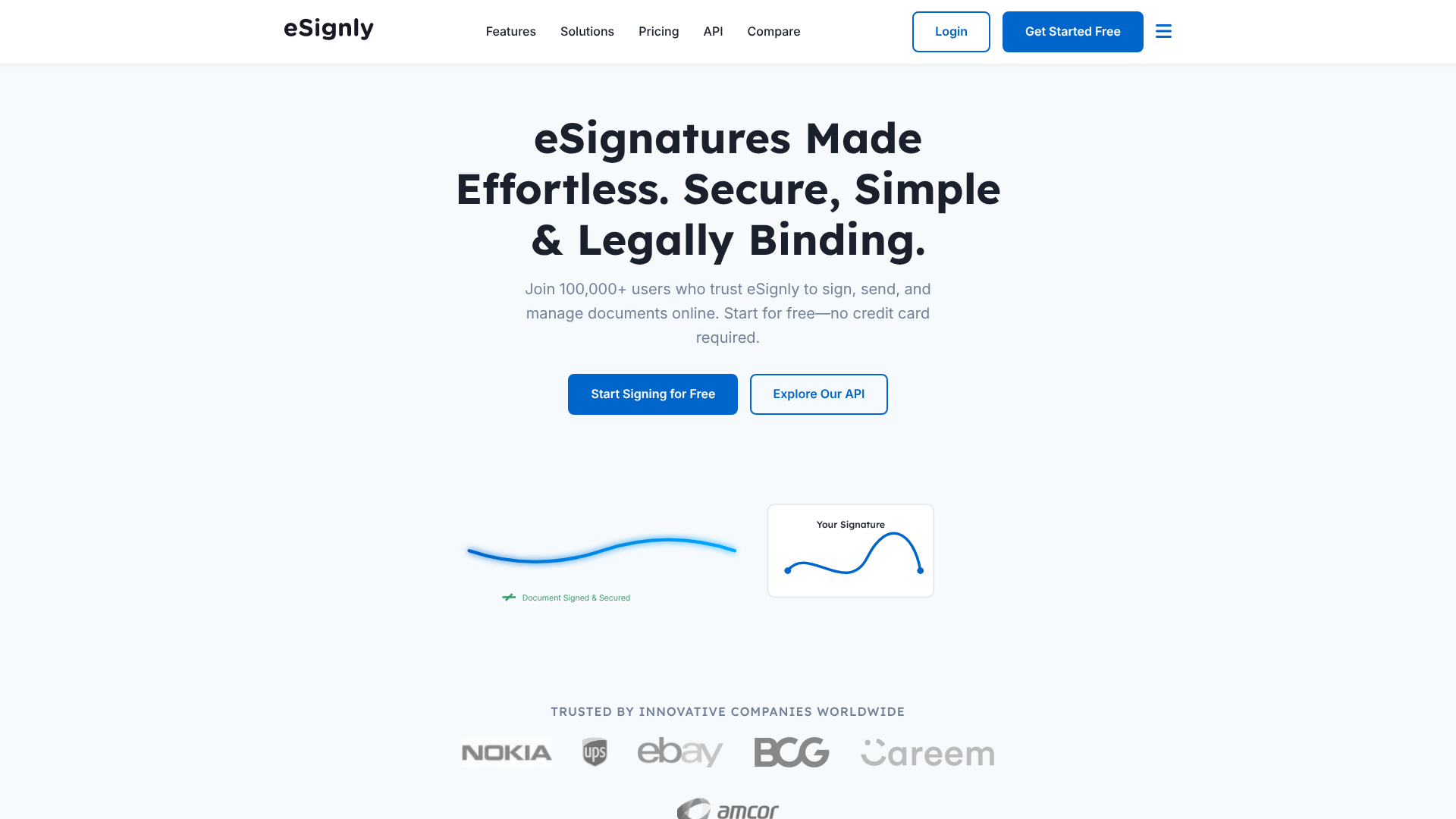
eSignly is a dedicated electronic signature platform with a strong focus on security and legal compliance across various industries, including healthcare. It provides all the core features needed for HIPAA compliance, such as detailed audit trails, multi-factor authentication, and robust encryption.
The platform is known for its straightforward user interface, making it easy for both staff and patients to adopt. It offers flexible APIs for practices that want to build custom integrations with their existing software systems.
Pros
- Strong Security Focus: Built with compliance in mind, offering a solid set of security features.
- User-Friendly Interface: Simple and intuitive design reduces the learning curve for staff and patients.
- Flexible API: Good for practices with development resources who need custom integrations.
Cons
- Fewer Built-in Integrations: May not have as many out-of-the-box connections as larger competitors.
- Lacks Advanced Document Creation Tools: Primarily focused on the signing process rather than document generation.
If you need a reliable and secure e-signature software without the complexity of a full document automation suite, eSignly is a worthy option to explore.
3. DocuSign: The Industry Standard (with a Caveat)
DocuSign is arguably the most well-known name in the e-signature market. It offers a HIPAA-compliant solution as part of its specialized plans for healthcare, which includes the signing of a BAA. The platform is incredibly feature-rich, reliable, and trusted by millions of users worldwide.
However, this market leadership comes at a price. DocuSign's compliant plans are typically among the most expensive options available. It's a fantastic choice for large healthcare systems that need enterprise-grade features and support, but it can be cost-prohibitive for smaller clinics.
Pros
- Market Leader: Widely recognized and trusted by patients.
- Extensive Feature Set: Offers a vast array of features for almost any conceivable workflow.
- Excellent Reliability: High uptime and a proven track record.
Cons
- High Cost: The plans that include a BAA are significantly more expensive than many alternatives.
- Complex Pricing Tiers: Can be difficult to determine the exact cost without speaking to a sales representative.
4. Adobe Acrobat Sign: A Solid Choice for Adobe Ecosystem Users
For organisations already heavily invested in the Adobe ecosystem (using tools like Adobe Acrobat Pro and Creative Cloud), Adobe Acrobat Sign is a natural fit. It provides a HIPAA-compliant solution through its enterprise-level offerings, complete with a BAA.
The platform offers powerful features, deep integration with Microsoft and other business applications, and the backing of a major technology company. Its compliance features are robust, meeting various global and industry-specific standards beyond just HIPAA.
Pros
- Seamless Adobe Integration: Works perfectly with PDF workflows and other Adobe products.
- Strong Enterprise Features: Designed for large-scale deployments with advanced security and administration tools.
- Global Compliance Standards: Meets a wide range of international security regulations.
Cons
- Enterprise-Focused: Like its main competitors, HIPAA compliance is reserved for higher-cost enterprise plans.
- Can be Less Intuitive: The interface can feel more complex compared to some newer, more streamlined platforms.
Comparing Costs: What to Expect from HIPAA E-Signature Software Pricing
Budget is a major factor for any practice. Understanding the common pricing models will help you compare options effectively and avoid surprises. The most important takeaway is that free plans are never an option for handling PHI.
| Pricing Model | How It Works | Best For | Potential Downside |
|---|---|---|---|
| Per User, Per Month | A flat monthly fee for each user who can send documents. | Practices with a predictable number of administrative staff sending documents. | Can become expensive as your team grows. |
| Per Envelope | You purchase a set number of 'envelopes' (documents sent for signature). | Practices with variable or low-volume signing needs. | Can be hard to predict monthly costs; overage fees can be high. |
| Tiered Plans | Bundled plans (e.g., Basic, Pro, Enterprise) with increasing features and user/envelope limits. | Most practices, as it allows for scaling. | Critical features like HIPAA compliance are often locked in the most expensive tier. |
When budgeting, remember to look beyond the sticker price. Ask about one-time setup fees, costs for additional API calls if you plan custom integrations, and whether premium customer support is included or an extra charge. Investing in a compliant solution is an investment in risk management, and the cost of a data breach far exceeds the subscription fee for the right software.
Pro Tip: Always clarify the definition of an 'envelope' with vendors who use that model. Does it mean one document sent to one person, or one signing transaction regardless of the number of signers or documents included?
The Pros and Cons of Adopting Compliant e-Signature Solutions
Transitioning from paper-based workflows to a digital system is a significant change. Understanding both the benefits and potential challenges can help you manage the process effectively.
Key Advantages
- Enhanced Security and Reduced Risk: A proper compliant e-signature solution is far more secure than paper. Documents are encrypted, access is controlled, and there's a clear audit trail, significantly reducing the risk of a data breach and associated fines.
- Improved Efficiency and Faster Turnaround: Digital workflows are dramatically faster. Documents can be sent, signed, and returned in minutes, not days. This accelerates patient onboarding, treatment consent, and billing cycles.
- Better Patient Experience: Patients appreciate the convenience of signing documents from their own device, on their own time. It eliminates the need to print, scan, or make an extra trip to the office, creating a modern, patient-centric experience.
- Reduced Costs: The savings on paper, ink, printing, postage, and physical storage can be substantial over time. It also frees up staff from manual administrative tasks like chasing down paperwork.
Potential Disadvantages
- Initial Cost and Subscription Fees: There is an upfront and ongoing cost associated with compliant software. This investment must be factored into the practice's budget.
- Implementation and Training Time: Staff will need to be trained on the new system. While most platforms are intuitive, there will be a learning curve and a period of adjustment.
- Dependence on a Third-Party Vendor: You are placing your trust in the vendor's security infrastructure. This is why thorough due diligence and a strong BAA are so important.
- Potential for Patient Technology Barriers: While most patients are comfortable with technology, some may struggle or lack access to a reliable internet connection or device. It's wise to maintain a paper-based option for these edge cases.
Frequently Asked Questions (FAQ)
Are electronic signatures HIPAA compliant?
Yes, electronic signatures can be fully HIPAA compliant, but compliance depends entirely on the platform used to capture them. The ESIGN Act makes e-signatures legally valid, but HIPAA requires the software vendor to implement specific technical, administrative, and physical safeguards to protect any PHI in the documents. A signed Business Associate Agreement (BAA) with the vendor is mandatory.
What is the alternative to DocuSign for HIPAA?
There are several excellent alternatives to DocuSign for healthcare. Platforms like PandaDoc, Adobe Acrobat Sign, and eSignly all offer HIPAA-compliant plans that include a BAA. The best alternative depends on your specific needs, such as whether you need advanced document creation tools, specific integrations, or a more straightforward, budget-friendly solution.
Is Adobe eSignature HIPAA compliant?
Yes, Adobe Acrobat Sign can be HIPAA compliant. They offer compliance for their enterprise-level plans, which are designed for businesses and organisations with stringent security needs. To use it in a compliant manner, you must subscribe to the appropriate plan and sign a Business Associate Agreement (BAA) with Adobe.
Can DocuSign be HIPAA compliant?
Yes, DocuSign can be HIPAA compliant. They have specific plans and a version of their platform that is configured to meet HIPAA security standards. Like other vendors, this requires purchasing a plan that explicitly includes these features and executing a BAA with DocuSign. Their standard or personal plans are not compliant for handling PHI.
What's the difference between an eSignature and a digital signature?
Though often used interchangeably, they are technically different. An 'electronic signature' is a broad term for any electronic process that signifies intent to sign a document (e.g., a typed name, a drawn signature). A 'digital signature' is a specific, highly secure technology that uses cryptography to embed a tamper-evident seal on a document. Most secure e-signature software platforms use digital signature technology in the background to secure the electronic signatures they capture.
What's the best HIPAA compliance tool?
The 'best' tool is subjective and depends entirely on your practice's size, workflow, and budget. The best tool for you will be one that signs a BAA, provides robust security features (audit trails, encryption, access controls), integrates with your EHR, is easy for your staff and patients to use, and fits within your budget.
Final Thoughts: Making the Right Choice for Your Practice
Choosing hipaa compliant esignature software is a foundational decision for any modern healthcare practice. It's a choice that impacts operational efficiency, patient experience, and, most importantly, your legal and ethical obligation to protect sensitive data.
By focusing on the non-negotiable requirement of a Business Associate Agreement and carefully evaluating core security features, you can confidently navigate the market. Remember to map your workflows, conduct thorough due diligence on potential vendors, and choose a solution that not only meets today's compliance needs but can also scale with your practice tomorrow.
The right platform will do more than just capture a signature; it will secure your data, streamline your administration, and empower you to focus on what truly matters: providing excellent patient care. If you're looking for a comprehensive document workflow solution, PandaDoc is a great place to start. For a dedicated security-focused option, consider exploring eSignly.