

Digital Signature vs eSignature: Key Differences for UK Businesses
Many people use the terms “electronic signature” and “digital signature” interchangeably, but they aren't the same thing. Understanding the crucial difference between a digital signature and an esignature is vital for ensuring your agreements are secure, legally binding, and appropriate for your business needs. While all digital signatures are a type of electronic signature, not all electronic signatures have the advanced security of a digital signature.
- Quick Summary
- Demystifying the Terms: eSignature vs Digital Signature
- Digital Signature Comparison: A Head-to-Head Look
- Weighing Your Options: Pros and Cons of Each
- Making the Right Choice: When to Use an eSignature vs a Digital Signature
- Leading eSignature and Digital Signature Platforms in 2026
- PandaDoc: Best for Sales Teams and Proposal Management
- eSignly: A Versatile and Secure Option
- Better Proposals & Proposify: Streamlining the Closing Process
- Integrating Signatures with Your CRM
- Understanding the Costs: Pricing Structures Explained
- Frequently Asked Questions
- Is DocuSign an e-signature or digital signature?
- Why is digital signature better than electronic signature?
- What are the three types of digital signatures?
- Is a digital signature just typing your name?
- How do I generate my digital signature?
- What does a digital signature look like?
- Final Thoughts: Choosing Security and Simplicity
An electronic signature, or esignature, is a broad legal concept that signifies a person's intent to agree to the terms of a document. A digital signature, however, is a specific, highly secure technology that uses cryptography to verify the authenticity and integrity of a signed document. Choosing the wrong one can expose your business to unnecessary risk, especially with high-value contracts or sensitive information.
Quick Summary
- eSignature is a Broad Category: An electronic signature is any electronic symbol or process attached to a contract, signifying intent to sign. This can be as simple as a typed name or a scanned image of a handwritten signature.
- Digital Signature is a Specific Technology: A digital signature is a highly secure type of eSignature that uses a cryptographic mechanism called Public Key Infrastructure (PKI) to link a signer to a document.
- Security is the Main Difference: The core of the esignature vs digital signature debate comes down to security. Digital signatures provide a tamper-evident seal, ensuring the document hasn't been altered since it was signed.
- Authentication Varies: Digital signatures offer robust signer authentication through digital certificates issued by trusted Certificate Authorities (CAs), while the authentication for a simple eSignature can be less rigorous.
- Choose Based on Risk: Use eSignatures for low-risk, everyday agreements like HR forms or internal approvals. Opt for digital signatures for high-stakes documents like major financial contracts, legal filings, or regulated industry agreements.
Demystifying the Terms: eSignature vs Digital Signature

To make an informed decision, you first need to grasp the fundamental concepts behind each term. Think of it like this: "vehicle" is a broad category, while "armoured truck" is a specific type of vehicle built for a high-security purpose. Similarly, "eSignature" is the broad category, and "digital signature" is the high-security version.
What is an Electronic Signature (eSignature)?
An electronic signature is a legal concept. In the UK, the Electronic Communications Act 2000 and the updated eIDAS regulations (retained in UK law) give electronic signatures legal standing. An eSignature is defined as data in electronic form which is attached to or logically associated with other data in electronic form and which is used by the signatory to sign.
This is a very broad definition. It means an eSignature can be:
- A name typed at the end of an email.
- A scanned image of your handwritten signature pasted into a Word document.
- A unique sound or symbol.
- Ticking an "I Agree" box on a website.
- Using a dedicated eSignature platform to draw your signature with a mouse or finger.
The key element is the intent to sign and be bound by the terms of the document. The legal validity of a simple eSignature rests on proving this intent, which can sometimes be challenging if disputed.
What is a Digital Signature?
A digital signature is not a legal term but a technical one. It refers to a specific, technology-based implementation of an electronic signature that offers far greater security. Digital signatures use Public Key Infrastructure (PKI) to create a unique, encrypted "fingerprint" of a document.
Here’s how it works in simple terms:
- Hashing: When you sign a document with a digital signature, the software creates a unique cryptographic hash—a fixed-length string of characters that acts as a digital fingerprint for the document.
- Encryption: This hash is then encrypted using your private key, which is securely stored and accessible only to you. This encrypted hash is the digital signature.
- Verification: When someone opens the document, their software uses your public key (which is freely available) to decrypt the signature. It then generates a new hash of the document and compares it to the decrypted one. If they match perfectly, it confirms two things: the signature is authentic (it came from you), and the document has not been altered since you signed it.
This process is all handled automatically by the software, but it provides a powerful, tamper-evident seal that is extremely difficult to forge or bypass.
Digital Signature Comparison: A Head-to-Head Look
Understanding the practical differences helps clarify which option is right for your specific needs. The choice often comes down to balancing convenience with the level of security and legal assurance required. Here’s a direct digital signature comparison.
| Feature | Electronic Signature (eSignature) | Digital Signature |
|---|---|---|
| Underlying Concept | A broad legal term for any electronic mark showing intent to sign. | A specific technology that uses cryptography to secure a signature. |
| Security | Varies. Can be low (e.g., a typed name) or higher with audit trails. | Very high. Uses encryption and a tamper-evident seal. |
| Authentication | Relies on methods like email verification or IP address logging. | Relies on a trusted, third-party Certificate Authority (CA) to issue a digital certificate that verifies the signer's identity. |
| Integrity | Can be difficult to prove that the document wasn't altered after signing. | Guarantees document integrity. Any change, however small, will invalidate the signature. |
| Legal Standing | Legally recognised in the UK for most contracts. | Also legally recognised and often provides stronger evidence in court due to its high security. |
| Common Use Cases | HR forms, internal approvals, sales quotes, registration forms. | High-value financial contracts, legal filings, government documents, real estate transactions. |
| Technology | Simple software, often just capturing an image or typed text. | Public Key Infrastructure (PKI), cryptographic hashing, and digital certificates. |
Weighing Your Options: Pros and Cons of Each
Choosing between an eSignature and a digital signature involves a trade-off. You need to consider the speed and simplicity you need against the level of risk you're willing to accept. Here’s a breakdown of the pros and cons to help you decide.
Electronic Signatures: The Pros and Cons
Electronic signatures are the most common choice for everyday business agreements, and for good reason. They are incredibly easy to implement and use, making them a popular feature in many business software platforms.
Pros:
Ease of Use: Signing is often as simple as typing a name or drawing with a mouse. This low barrier to entry ensures high adoption rates among clients and employees. * Speed and Efficiency: Documents can be sent, signed, and returned in minutes, dramatically accelerating business cycles compared to traditional paper methods. * Cost-Effective: Many platforms offer basic eSignature functionality for free or at a low cost, making it accessible for businesses of all sizes.
Wide Acceptance: For the vast majority of business agreements, a standard electronic signature is perfectly acceptable and legally binding.
Cons:
- Lower Security: Without the cryptographic backing of a digital signature, it can be more vulnerable to forgery or tampering.
- Weaker Authentication: Proving the identity of the signer can be more difficult if challenged, as it often relies on simple email verification.
- Risk of Repudiation: A signer might more easily claim they never signed the document (known as repudiation), as the evidence linking them to the signature may be less robust.
Digital Signatures: The Pros and Cons
Digital signatures are the gold standard for security and authentication. They are designed for situations where you cannot afford any doubt about the signer's identity or the document's integrity.
Pros:
Superior Security: The use of PKI and encryption makes digital signatures extremely secure and virtually impossible to forge. * Guaranteed Integrity: The tamper-evident seal ensures that the document is exactly as it was when signed. Any modification will be immediately flagged. * Strong Authentication: Digital certificates from trusted CAs provide strong, third-party verification of the signer's identity.
Non-Repudiation: It is very difficult for a signer to deny signing a document that has a valid digital signature, providing strong legal evidence.
Cons:
- Complexity: The underlying technology is more complex, which can sometimes translate to a less straightforward user experience.
- Higher Cost: The infrastructure required for digital signatures, including obtaining digital certificates, generally makes them more expensive.
- Potential Overkill: For simple, low-risk documents, the high security of a digital signature can be unnecessary and may slow down processes.
Making the Right Choice: When to Use an eSignature vs a Digital Signature

Now that you understand the difference between digital and esignature technologies, the practical question is: which one should your business use? The answer almost always depends on the type of document you're signing and the level of risk involved.
Pro Tip: Conduct a simple risk assessment for your documents. Consider the financial value, the sensitivity of the information, and the potential legal consequences if the signature were disputed. The higher the risk, the stronger the case for using a digital signature.
Use Cases for Electronic Signatures
Standard eSignatures are perfect for high-volume, low-risk agreements where speed and convenience are the top priorities. They are the workhorse of modern business operations.
Common examples include:
Sales Proposals and Quotes: Sending a proposal for a client to approve. * New Employee Onboarding: Signing employment contracts, policy acknowledgements, and other HR forms. * Internal Approvals: Documenting manager sign-off on expenses, purchase orders, or project plans. * Customer Agreements: Signing up for a service, accepting terms and conditions, or confirming a delivery.
Non-Disclosure Agreements (NDAs): For routine business discussions.
Use Cases for Digital Signatures
Digital signatures should be reserved for transactions where security, authenticity, and non-repudiation are critical. These are typically high-value or legally sensitive documents that require the strongest possible evidence of agreement.
Common examples include:
Large Financial Contracts: Multi-year service agreements, major procurement contracts, or loan agreements. * Legal and Court Filings: Submitting official documents to courts or government bodies. * Real Estate Transactions: Signing deeds, mortgage documents, and purchase agreements. * Healthcare Documents: Ensuring patient consent forms and medical records comply with data privacy regulations like GDPR.
Regulated Industries: Any document in finance, pharmaceuticals, or government that requires strict compliance and audit trails.
Leading eSignature and Digital Signature Platforms in 2026
Most modern document management platforms have evolved to offer a spectrum of signing solutions. They typically provide user-friendly eSignatures as their standard offering, with options to upgrade to more secure, certificate-based digital signatures for compliance and high-risk scenarios. This flexibility allows businesses to use the right tool for the right job.
PandaDoc: Best for Sales Teams and Proposal Management
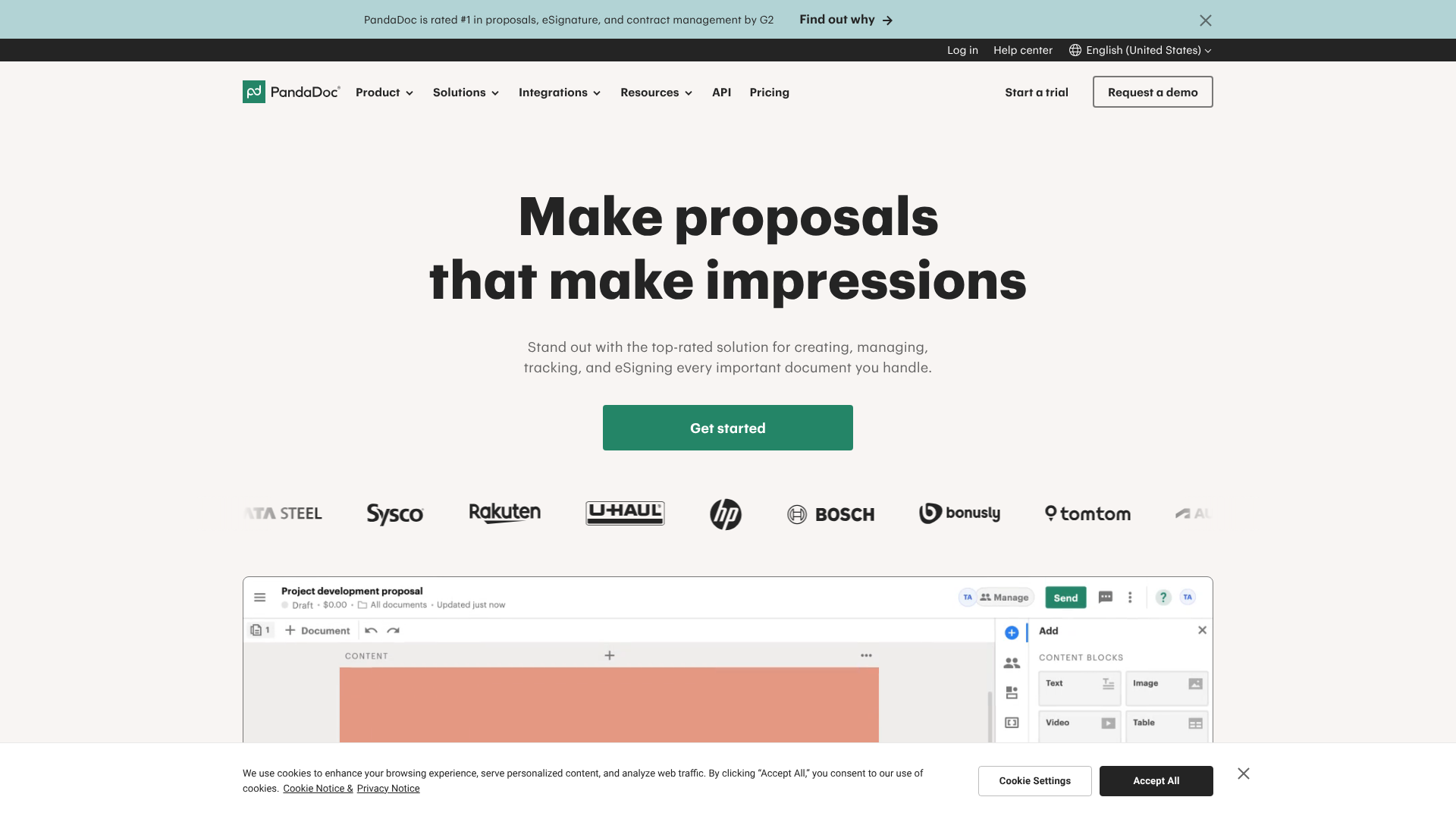
PandaDoc is a powerful platform designed to streamline the entire document workflow, from proposal creation to final signature. While it's known for its robust electronic signature capabilities, it provides a complete audit trail that strengthens the legal standing of its signatures.
It excels in sales environments where speed is crucial. Features like document tracking, templates, and CRM integrations make it a favourite for sales teams looking to close deals faster. For most commercial agreements, the level of security and tracking provided by PandaDoc is more than sufficient.
eSignly: A Versatile and Secure Option
eSignly is a dedicated signature platform that offers a range of solutions, including both standard eSignatures and more advanced digital signatures. This makes it a versatile choice for businesses that handle a mix of low-risk and high-risk documents.
Its digital signature features are designed to meet the requirements of highly regulated industries, providing compliance with standards like FDA 21 CFR Part 11 and HIPAA. If your business needs to ensure the highest level of document integrity and signer identity verification, a platform like eSignly is built for that purpose.
Better Proposals & Proposify: Streamlining the Closing Process
Similar to PandaDoc, platforms like Better Proposals and Proposify are tailored for creating and managing sales documents. They integrate legally binding electronic signatures directly into their workflow, allowing clients to sign a proposal the moment they decide to buy.
These tools focus on the user experience, making it incredibly simple to sign on any device. The emphasis is on removing friction from the sales process, and their eSignature solutions are designed to be fast, reliable, and legally sound for typical business-to-business agreements.
Integrating Signatures with Your CRM
For ultimate efficiency, these signature platforms can be integrated with your Customer Relationship Management (CRM) system. For example, connecting PandaDoc to a CRM like HubSpot CRM or Zoho CRM allows you to generate, send, and track documents directly from a customer's record. This creates a seamless flow from initial contact to a signed deal, with all documentation stored in one central place.
Understanding the Costs: Pricing Structures Explained
When evaluating signature solutions, pricing can vary significantly based on the features you need. The cost is typically influenced by the level of security, the number of users, and the volume of documents you send for signing.
Generally, you'll find pricing structured in tiers:
- Free or Basic Plans: These are often limited to a few signatures per month and provide standard eSignature functionality. They are great for freelancers or very small businesses with minimal needs.
- Business or Pro Plans: These plans are priced per user, per month and offer more features, such as unlimited documents, custom branding, templates, and integrations. This is the most common tier for small to medium-sized businesses.
- Enterprise Plans: These are custom-priced and designed for large organisations. They include advanced features like APIs for custom integrations, enhanced security protocols, and certificate-based digital signatures for compliance with strict industry regulations.
The cost of digital signatures is often higher because it includes the cost of verifying identities and issuing digital certificates from a trusted Certificate Authority. When comparing platforms, look beyond the price and consider the value of the security and compliance features offered. For the most accurate and up-to-date information, it's always best to visit the platform's website, as pricing for tools like PandaDoc can change.
Frequently Asked Questions
Here are answers to some of the most common questions people ask when comparing digital and electronic signatures.
Is DocuSign an e-signature or digital signature?
DocuSign is a platform that offers a wide range of electronic signature solutions. Its standard offering is a highly secure and legally binding eSignature that comes with a detailed audit trail. However, DocuSign also provides solutions that comply with digital signature standards, including Advanced and Qualified signatures under eIDAS regulations, for customers who require that higher level of cryptographic security and identity verification.
Why is digital signature better than electronic signature?
"Better" depends entirely on the context. A digital signature is better from a security standpoint because its cryptographic foundation provides superior authentication, integrity, and non-repudiation. However, for many everyday business transactions, this level of security is unnecessary and can add complexity and cost. An electronic signature is often "better" when you need speed, simplicity, and efficiency for low-risk agreements.
What are the three types of digital signatures?
Under the UK and EU eIDAS regulations, there are three main types of electronic signatures, with increasing levels of security:
Simple Electronic Signature (SES): This is the most basic form, like a typed name or a scanned signature image. 2. Advanced Electronic Signature (AES): This must be uniquely linked to the signer, capable of identifying them, created using data the signer can control, and linked to the signed data in such a way that any subsequent change is detectable.
Qualified Electronic Signature (QES): This is an Advanced Electronic Signature that is created by a qualified signature creation device and is based on a qualified certificate. A QES has the same legal effect as a handwritten signature and is legally recognised across all EU member states (and the UK).
Is a digital signature just typing your name?
No, this is a common misconception. Typing your name at the bottom of a document is a form of a simple electronic signature (eSignature). A digital signature is an entirely different process that happens in the background. It involves creating an encrypted, cryptographic hash of the document to secure it, which is invisible to the user but provides a powerful, tamper-evident seal.
How do I generate my digital signature?
You don't generate a digital signature yourself in the way you might create a password. Instead, you use a trusted software provider or a Trust Service Provider (TSP) that acts as a Certificate Authority (CA). When you sign up, this provider will verify your identity and issue you a unique digital certificate. This certificate is then used by their software to create the digital signature whenever you sign a document.
What does a digital signature look like?
While the underlying digital signature is a block of encrypted data, most software provides a visual representation for users. This often appears as a box on the document containing the signer's typed or drawn name, along with a timestamp and information confirming that the document was secured with a digital signature. Clicking on this visual element usually reveals details about the digital certificate and the validity of the signature.
Final Thoughts: Choosing Security and Simplicity
In the digital signature vs esignature debate, there is no single winner. The best choice depends on the specific needs of your business and the nature of the documents you handle. An electronic signature offers unparalleled speed and convenience for the vast majority of everyday agreements, helping you close deals and run your operations efficiently.
A digital signature provides an essential layer of security and legal assurance for your most critical, high-value transactions. It's the right choice when you cannot afford any doubt about a document's authenticity or integrity. Modern platforms increasingly offer both, allowing you to apply the right level of security to the right situation.
If you're managing sales documents and need a streamlined signing process, tools like PandaDoc or Better Proposals are excellent starting points. For higher security needs involving sensitive data or regulatory compliance, explore the advanced digital signature features offered by platforms like eSignly. By understanding the difference, you can protect your business while embracing the efficiency of digital agreements.