

The Small Business Buyer's Guide to Cloud Based CRM Software
Managing customer relationships effectively is the backbone of any successful business. But as you grow, spreadsheets and scattered notes quickly become a bottleneck, leading to missed opportunities and frustrated teams. This is where using a cloud based CRM software becomes essential, providing a central hub to manage every customer interaction, from the first contact to the final sale and beyond.
- Essential Points
- What Exactly is Cloud Based CRM Software?
- The Core Benefits: Why Your Business Needs a Cloud CRM
- Unmatched Accessibility and Flexibility
- Significant Cost Savings
- Effortless Scalability
- Enhanced Data Security and Reliability
- Key Features to Look for in Online CRM Software
- Contact and Lead Management
- Sales Pipeline Visualisation
- Automation Capabilities
- Reporting and Analytics
- Integration with Other Tools
- How to Choose the Right Cloud Based CRM: A Step-by-Step Framework
- 1. Assess Your Business Needs and Goals
- 2. Define Your Budget
- 3. Consider User Experience and Ease of Use
- 4. Evaluate Integration Capabilities
- 5. Shortlist and Test Drive
- Top Cloud CRM Recommendations for 2026
- 1. HubSpot CRM: Best All-in-One Platform for Growth
- 2. Zoho CRM: Best for Customisation and Value
- 3. Salesforce Sales Cloud: The Enterprise Standard
- Quick Comparison of Top Options
- Understanding Pricing and Cost: What to Expect
- The Pros and Cons of Web-Based CRM at a Glance
- Frequently Asked Questions (FAQ)
- What are the top 3 CRM systems?
- What are the 4 types of CRM?
- Which CRM is best for beginners?
- Is Zoho CRM really free?
- What is the #1 CRM platform?
- Final Thoughts: Making Your Decision
This guide is designed to walk you through everything you need to know about choosing the right platform. We'll break down what a cloud CRM is, the features that matter most, how to compare your options, and our top recommendations to help you make an informed decision for your business.
Essential Points
- What it is: Cloud based CRM software is a tool hosted on the provider's servers and accessed via the internet. It centralises all your customer data, sales activities, and marketing efforts in one place, accessible from anywhere.
- Key Benefits: The main advantages include lower upfront costs, easy access for remote teams, automatic software updates, and the ability to scale your plan as your business grows without needing to manage any hardware.
- Must-Have Features: Look for robust contact management, a visual sales pipeline, automation capabilities to save time, and detailed reporting to track performance. Integrations with your existing tools are also critical.
- Top Choices for SMBs: HubSpot CRM is excellent for its powerful free plan and all-in-one marketing and sales tools, while Zoho CRM offers incredible value and deep customisation options for businesses on a budget.
What Exactly is Cloud Based CRM Software?

Cloud based CRM software is a system for managing customer relationships that you access through your web browser. Instead of installing software on each of your office computers and maintaining your own servers, all the data and functionality are hosted online by the CRM provider. This model is also known as Software-as-a-Service (SaaS).
Think of it like the difference between buying a DVD and streaming a film on Netflix. With on-premise software (the DVD), you own a physical copy that requires a player, storage space, and can become outdated. With a cloud CRM (Netflix), you pay a subscription to access a vast library of content that is constantly updated, maintained, and accessible from any device with an internet connection.
This approach eliminates the need for a dedicated IT department to handle server maintenance, security patches, and software updates. The provider takes care of all the technical heavy lifting behind the scenes. Your team can simply log in from their laptop, tablet, or mobile phone and get to work, whether they're in the office, at home, or on the road. This makes online CRM software incredibly flexible for modern, distributed teams.
On-Premise vs. Cloud CRM: The Key Differences
The primary distinction lies in where the software and data live. With on-premise CRM, your company is responsible for purchasing, housing, and maintaining the servers and IT infrastructure required to run the software. This involves significant upfront capital expenditure and ongoing maintenance costs.
In contrast, a web-based CRM shifts this responsibility to the vendor. You pay a predictable monthly or annual fee, and they handle everything related to infrastructure, security, and updates. This model transforms a large capital expense into a manageable operational expense, making powerful CRM technology accessible to businesses of all sizes, not just large enterprises.

The Core Benefits: Why Your Business Needs a Cloud CRM
Adopting a cloud CRM isn't just about organising contacts; it's about transforming how your business operates. The benefits extend across sales, marketing, and customer service, creating a more efficient and customer-centric organisation.
Unmatched Accessibility and Flexibility
One of the most significant advantages of a cloud CRM is the ability to access your data from anywhere, at any time. As long as you have an internet connection, your entire customer database and sales pipeline are at your fingertips. This is invaluable for sales teams who are frequently meeting clients outside the office or for businesses that have embraced remote or hybrid work models.
A sales representative can update a deal's status on their mobile phone immediately after a client meeting, ensuring the information in the CRM is always current. This real-time access means everyone on the team is working with the most up-to-date information, reducing errors and improving collaboration.
Significant Cost Savings
Traditional on-premise CRM systems require a hefty upfront investment in server hardware, software licenses, and IT staff to manage it all. Cloud CRM systems eliminate these costs entirely. The subscription-based model means you avoid a large capital outlay, making it much more affordable for small and medium-sized businesses.
Furthermore, the provider handles all maintenance, security, and updates, which are included in your subscription fee. This predictable pricing structure makes budgeting easier and lowers the total cost of ownership over time. You're not just saving money on hardware; you're saving on the staff hours needed to maintain it.
Effortless Scalability
As your business grows, your needs will change. A cloud CRM is designed to grow with you. Adding a new user is typically as simple as upgrading your subscription plan with a few clicks. You don't need to worry about purchasing additional server capacity or managing complex software installations.
This scalability works in both directions. If your business experiences seasonal fluctuations, you can often scale your user count up or down as needed. This flexibility ensures you're only paying for what you use, making it a highly efficient solution for businesses of any size.
Enhanced Data Security and Reliability
For many businesses, the thought of storing sensitive customer data online can be concerning. However, reputable cloud CRM providers invest far more in security infrastructure than the average small business could ever afford. They employ teams of security experts and use enterprise-grade measures like data encryption, firewalls, and regular security audits to protect your information.
They also handle data backups automatically. If your office were to experience a fire, flood, or theft, your customer data would remain safe and accessible from another location. This level of disaster recovery provides peace of mind and ensures business continuity.
Key Features to Look for in Online CRM Software
Not all cloud CRM platforms are created equal. When evaluating your options, there are several core features that are non-negotiable for most businesses. Focusing on these will ensure you choose a tool that actively helps your team sell more effectively and manage relationships better.
Contact and Lead Management
At its heart, a CRM is a centralised address book. It should provide a complete 360-degree view of every contact, including their contact details, communication history (emails, calls, meetings), purchase history, and any notes from your team. This ensures that anyone in your company can pick up a conversation with a customer and have all the necessary context.
Lead management features help you track potential customers from the moment they show interest. The system should allow you to capture leads from your website, social media, or other sources, assign them to the right sales rep, and score them based on their likelihood to buy.
Sales Pipeline Visualisation
A visual sales pipeline is one ofthe most powerful features of a modern CRM. It provides a clear, at-a-glance overview of every deal your team is working on, organised by stages (e.g., 'New Lead', 'Contact Made', 'Proposal Sent', 'Negotiation').
This drag-and-drop interface makes it easy for sales reps to update their deals and for managers to forecast revenue accurately. It helps identify bottlenecks in your sales process and shows where deals are getting stuck, allowing you to intervene and provide support.
Automation Capabilities
Automation is what separates a great CRM from a simple database. Look for features that can automate repetitive administrative tasks, freeing up your team to focus on building relationships and closing deals. This can include:
- Email Sequences: Automatically send a series of follow-up emails to new leads.
- Task Reminders: Automatically create a task for a sales rep to follow up after a demo.
- Data Entry: Automatically log emails and calls to a contact's record.
These small automations add up to significant time savings and ensure that important follow-ups never fall through the cracks.
Reporting and Analytics
What gets measured gets managed. A good CRM should provide customisable dashboards and reports that give you deep insights into your sales performance. You should be able to track key metrics like conversion rates, sales cycle length, and revenue per rep.
These analytics help you understand what's working and what isn't. You can identify your top-performing sales channels, see which reps are hitting their targets, and make data-driven decisions to optimise your sales strategy.
Integration with Other Tools
Your CRM doesn't operate in a vacuum. It needs to connect with the other tools your business relies on every day. Look for a platform with a robust marketplace of integrations, especially for:
- Email: Gmail, Outlook
- Calendar: Google Calendar, Office 365
- eSignature: Tools like PandaDoc for sending contracts.
- Proposal Software: Platforms like Better Proposals to streamline your sales documents.
- Accounting Software: Xero, QuickBooks
Seamless integrations create a single source of truth and eliminate the need for manual data entry between systems, reducing errors and improving efficiency.
Pro Tip: When evaluating integrations, check if they are 'native' (built by the CRM provider) or third-party. Native integrations often offer deeper and more reliable functionality. Also, consider using a tool like Zapier, which can connect your CRM to thousands of other apps if a direct integration isn't available.
How to Choose the Right Cloud Based CRM: A Step-by-Step Framework
With so many options on the market, selecting the perfect cloud CRM can feel overwhelming. Following a structured process will help you cut through the noise and find a solution that truly fits your business.
1. Assess Your Business Needs and Goals
Before you even look at a single feature, start by looking inward. What specific problems are you trying to solve. Are you losing leads. Is your follow-up process inconsistent.
Is your customer data a mess. Write down your top 3-5 pain points.
Next, define your goals. Do you want to increase sales by 20%. Improve customer retention. Shorten your sales cycle.
Having clear objectives will help you prioritise features and evaluate platforms based on their ability to help you achieve those goals.
2. Define Your Budget
Your budget will be a major factor in your decision. Most cloud CRMs are priced on a per-user, per-month basis. Consider how many people on your team will need access to the system. Be realistic about what you can afford, but also consider the potential return on investment.
A CRM that helps you close just one or two extra deals per month can often pay for itself.
Also, be aware of potential hidden costs. Some providers charge extra for implementation, data migration, training, or premium support. Ask about these upfront to get a clear picture of the total cost.
3. Consider User Experience and Ease of Use
The most powerful CRM in the world is useless if your team doesn't use it. User adoption is one of the biggest challenges when implementing a new system. Look for a CRM with a clean, intuitive interface that is easy to navigate.
If your team finds the software complicated or clunky, they will revert to their old methods. A simple, user-friendly design is crucial for ensuring everyone on your team embraces the new tool and uses it consistently.
4. Evaluate Integration Capabilities
As mentioned earlier, your CRM needs to play well with your existing technology stack. Make a list of the essential tools your business uses every day (email, calendar, accounting, etc.) and check if the CRMs you're considering offer seamless integrations with them.
Poor integrations can create data silos and require manual workarounds, defeating the purpose of having a centralised system. A well-integrated CRM acts as the central hub that connects all your business applications.
5. Shortlist and Test Drive
Based on the steps above, create a shortlist of 2-3 CRM platforms that seem like a good fit. Nearly every provider offers a free trial or a live demo. Take full advantage of these.
Assign a small group of your team members to test each platform with real-world scenarios. Try adding contacts, creating deals, and running reports. This hands-on experience is the best way to determine which software feels right for your team and best meets your specific needs.
Top Cloud CRM Recommendations for 2026
While the 'best' CRM is subjective and depends on your unique needs, some platforms consistently stand out for their features, ease of use, and value. Here are our top recommendations for small to medium-sized businesses.
1. HubSpot CRM: Best All-in-One Platform for Growth
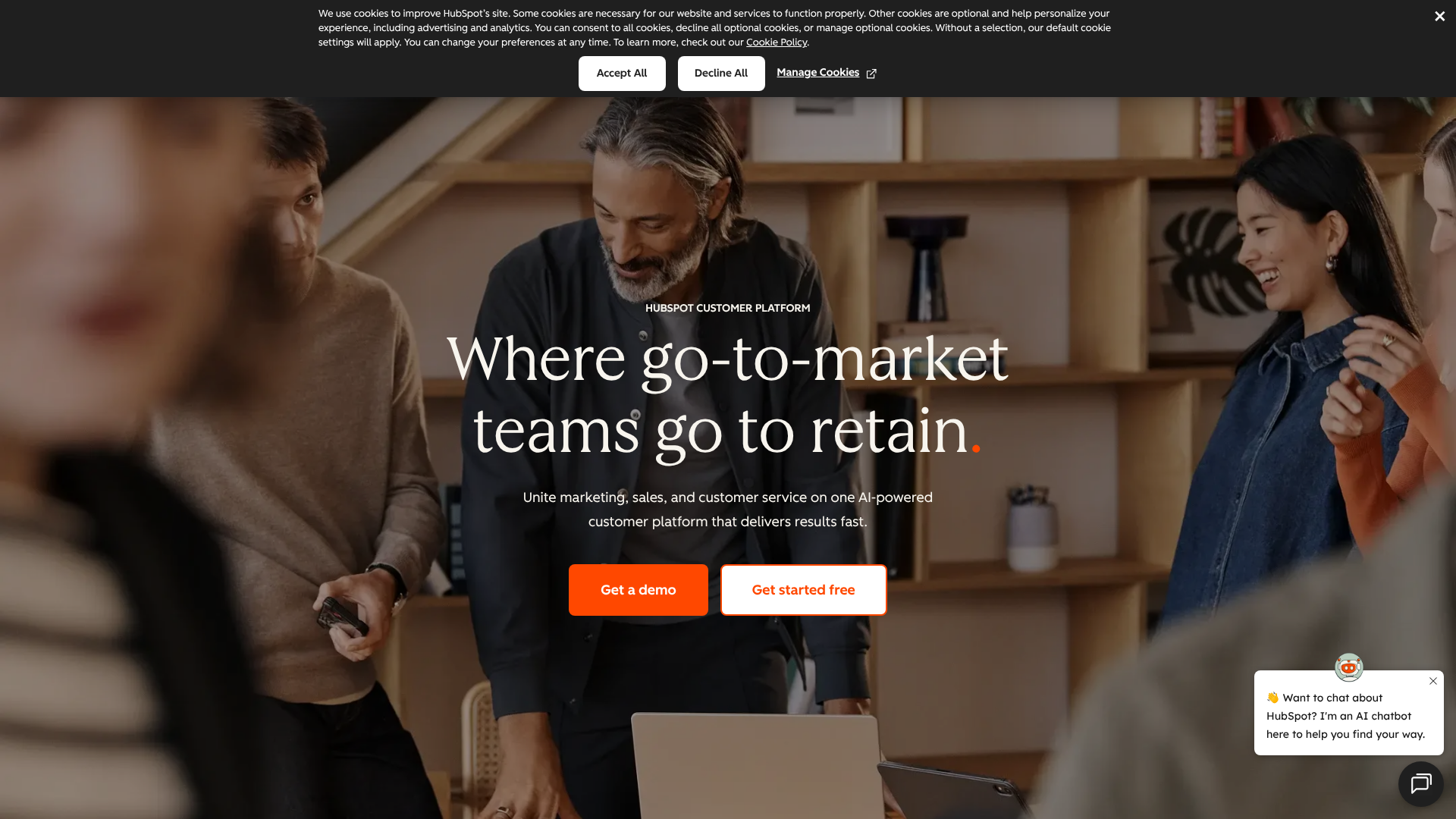
HubSpot CRM is a market leader, particularly for SMBs, because of its incredibly generous free plan and its user-friendly interface. It's not just a CRM; it's part of a larger platform that includes powerful marketing, sales, and customer service tools.
The free version offers more than enough functionality for many small businesses to get started, including contact management, deal tracking, and email integration. As you grow, you can upgrade to paid 'Hubs' to unlock advanced features like marketing automation, sales sequences, and advanced reporting. This scalability makes it an excellent choice for businesses with ambitions to grow.
Pros
- Powerful Free Plan: The free CRM is one of the most capable on the market.
- User-Friendly: Its clean and intuitive design makes it easy for teams to get started with minimal training.
- All-in-One Solution: The ability to integrate marketing, sales, and service tools in one platform creates a truly unified view of the customer.
Cons
- Can Get Expensive: The paid plans, especially when bundling multiple Hubs, can become costly as your team grows.
- Limited Customisation on Lower Tiers: Deep customisation options are often reserved for the more expensive Professional and Enterprise plans.
2. Zoho CRM: Best for Customisation and Value
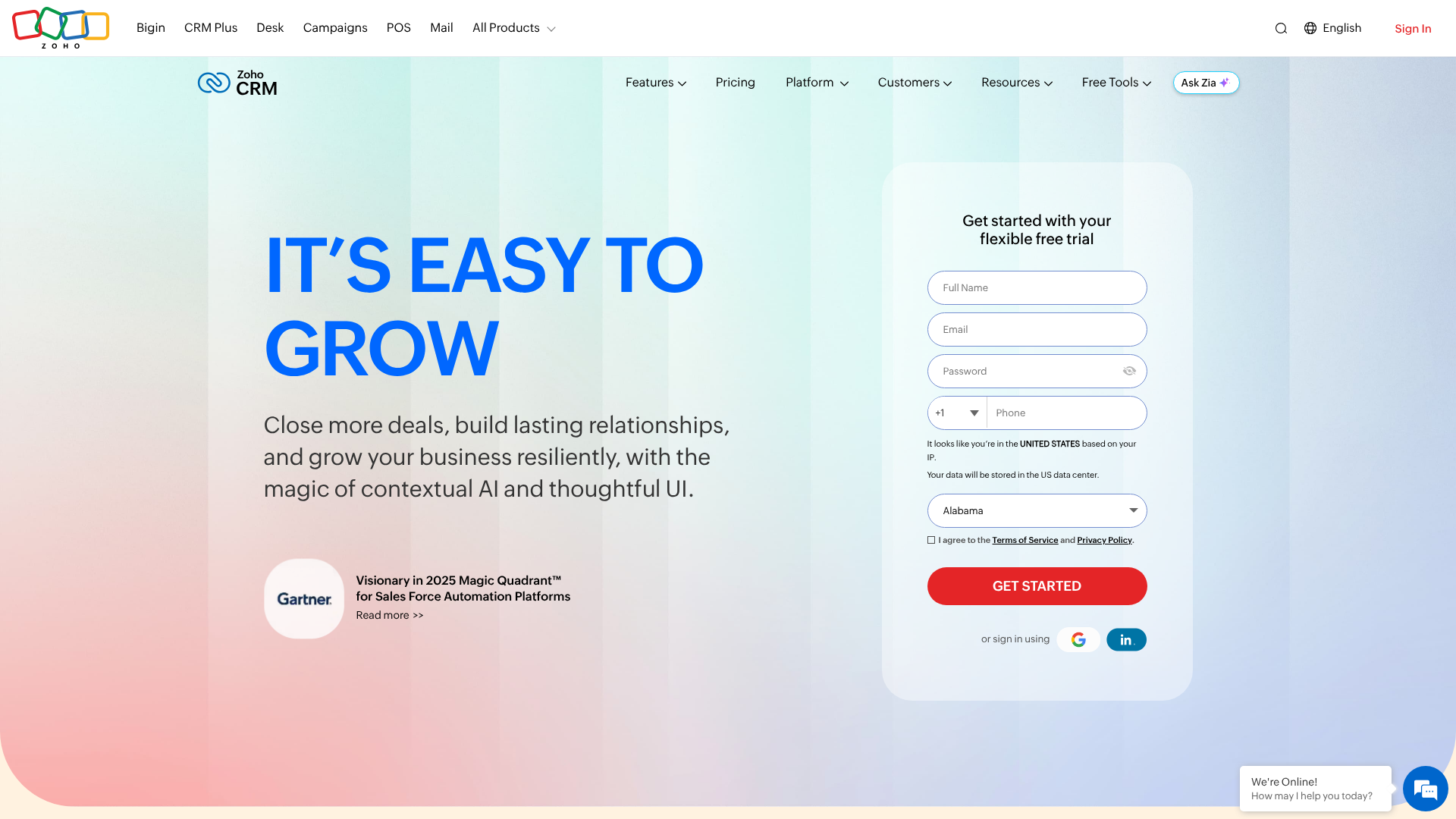
Zoho CRM is another fantastic option that offers exceptional value for money. It's known for its extensive feature set and deep customisation capabilities, allowing you to tailor the software to your specific business processes. Zoho also offers a free plan for up to three users.
Zoho is part of the Zoho One ecosystem, a suite of over 40 integrated business apps. If you're looking for a single provider to handle everything from CRM and accounting to project management and HR, Zoho offers an incredibly compelling and affordable package. Its power lies in its ability to be moulded to fit almost any business need.
Pros
- Excellent Value: Zoho's paid plans are very competitively priced, offering a rich feature set for a fraction of the cost of some competitors.
- Highly Customisable: You can customise modules, fields, and workflows to match your unique sales process.
- Part of a Larger Ecosystem: Seamless integration with other Zoho apps provides a comprehensive business management solution.
Cons
- Can Be Overwhelming: The sheer number of features and customisation options can have a steeper learning curve for new users.
- Interface Feels Less Modern: While highly functional, some users find the user interface to be less polished than competitors like HubSpot.
3. Salesforce Sales Cloud: The Enterprise Standard
No list of CRMs would be complete without mentioning Salesforce. It is the undisputed market leader, especially for large enterprises. Salesforce is incredibly powerful, offering near-limitless customisation and a massive ecosystem of third-party apps on its AppExchange.
For small businesses, however, Salesforce can be overkill. Its complexity often requires a dedicated administrator to manage, and its pricing is at the higher end of the market. It's a fantastic solution for companies with complex sales processes and the resources to invest in implementation and training, but smaller businesses may find more value in simpler, more affordable options.
Quick Comparison of Top Options
| Feature | HubSpot CRM | Zoho CRM | Salesforce Sales Cloud |
|---|---|---|---|
| Best For | All-in-one growth platform, ease of use | Customisation, value for money | Large enterprises, complex needs |
| Free Plan | Yes, very generous | Yes, for up to 3 users | No, free trial only |
| Starting Price | Free, paid plans start around £38/month | Free, paid plans start around £12/user/month | Starts around £20/user/month (essentials) |
| Ease of Use | Very High | Medium | Low to Medium |
| Key Strength | Integrated marketing & sales tools | Deep customisation, Zoho ecosystem | Scalability, AppExchange |
Pricing is approximate and subject to change. Please visit the provider's website for the most current information.
Understanding Pricing and Cost: What to Expect
Navigating the pricing structures of web-based CRM providers can be confusing. Most platforms use a combination of pricing models, and understanding them is key to avoiding unexpected costs.
Common Pricing Models
- Per-User, Per-Month (PUPM): This is the most common model. You pay a flat fee for each user who needs access to the CRM each month. This makes costs predictable and easy to scale.
- Tiered Plans: Providers typically offer several tiers (e.g., Basic, Professional, Enterprise). Each higher tier unlocks more advanced features and often has a higher user limit or more data storage. It's important to carefully examine which features are included in each tier to ensure you're not paying for things you don't need.
- Freemium Model: Some CRMs, like HubSpot and Zoho, offer a free-forever plan with basic functionality. This is an excellent way for very small businesses or startups to get started without any financial commitment.
Watch Out for Hidden Costs
The subscription fee is not always the final price. Be sure to ask about other potential costs, which can include:
- Onboarding and Implementation Fees: Some providers charge a one-time fee to help you set up your account and migrate your data.
- Training Costs: While many CRMs are intuitive, complex platforms may require paid training sessions for your team.
- Add-ons and Integrations: Access to certain premium features or third-party integrations might come at an additional cost.
- Support Plans: Basic support is usually included, but priority or dedicated support often requires a premium support plan.
Pro Tip: When comparing prices, create a spreadsheet that outlines the total cost for each option over a one-year period, including the subscription fees and any potential hidden costs. This will give you a much more accurate comparison than looking at the monthly price alone.
The Pros and Cons of Web-Based CRM at a Glance
To summarise, moving your customer relationship management to the cloud offers compelling advantages, but it's also important to be aware of the potential downsides.
Advantages
- Lower Initial Investment: No need to buy expensive servers or hardware.
- Accessibility: Access your data from any device with an internet connection.
- Scalability: Easily add or remove users as your business needs change.
- Automatic Updates: The provider handles all software maintenance and updates for you.
- Enhanced Security: Benefit from enterprise-grade security and automatic data backups.
Disadvantages
- Subscription Costs: The recurring monthly fees can add up over the long term.
- Reliance on Internet: If your internet connection goes down, you lose access to your CRM.
- Less Control: You have less control over your data and server configuration compared to an on-premise solution.
- Potential for Vendor Lock-in: Migrating large amounts of data from one CRM to another can be a complex and costly process.
Frequently Asked Questions (FAQ)
Here are answers to some of the most common questions businesses have about cloud based CRM software.
What are the top 3 CRM systems?
While the 'best' depends on your needs, the three most recognised leaders in the CRM market are typically Salesforce, HubSpot, and Zoho CRM. Salesforce is the dominant choice for large enterprises due to its power and scalability. HubSpot is a favourite among small and medium-sized businesses for its ease of use and integrated marketing tools. Zoho offers a fantastic balance of powerful features, customisation, and affordability.
What are the 4 types of CRM?
CRMs can be categorised by their primary function into four main types:
- Operational CRM: Focuses on streamlining and automating business processes in sales, marketing, and service. This is the most common type and includes features like contact management and sales automation.
- Analytical CRM: Focuses on analysing customer data to gain insights. These CRMs have strong reporting and business intelligence features to help you understand customer behaviour and identify trends.
- Collaborative CRM: Focuses on improving communication and collaboration between different departments (e.g., sales, marketing, and support) to provide a unified customer experience.
- Strategic CRM: Aims to build a customer-centric culture. It's less about technology and more about a business philosophy that places the customer at the centre of all decisions.
Which CRM is best for beginners?
For beginners and small businesses, HubSpot CRM is widely considered the best starting point. Its interface is incredibly intuitive and user-friendly, which significantly shortens the learning curve. The free version is robust enough to provide real value immediately, allowing new users to learn the fundamentals of CRM without any financial risk.
Is Zoho CRM really free?
Yes, Zoho offers a free-forever edition of its CRM for up to three users. It includes essential features like lead and contact management, deal tracking, and standard reports. However, it has limitations compared to the paid plans. Advanced features like sales automation, custom dashboards, and inventory management are only available in the paid tiers.
The free plan is a great way to start, but most growing businesses will eventually need to upgrade to a paid plan.
What is the #1 CRM platform?
By market share and revenue, Salesforce is the #1 CRM platform in the world. It has held this position for many years due to its deep penetration in the enterprise market. However, 'number one' in terms of popularity doesn't always mean it's the best fit for every business, especially for SMBs who might find it too complex or expensive.
Final Thoughts: Making Your Decision
Choosing the right cloud based crm software is a strategic decision that can have a profound impact on your business's efficiency and growth. It's the central nervous system for all your customer-facing activities, empowering your team with the data and tools they need to build lasting relationships.
By carefully assessing your needs, understanding the key features, and taking the time to test your top options, you can find a platform that not only solves your current challenges but also supports your long-term ambitions. Don't rush the process; the time you invest now will pay dividends in stronger customer relationships and a more streamlined sales process for years to come.
If you're a small or medium-sized business looking for a great starting point, both HubSpot and Zoho offer excellent platforms. For an easy-to-use, all-in-one solution with a fantastic free plan, explore what HubSpot CRM has to offer. If your priority is deep customisation and getting the most features for your budget, Zoho CRM is certainly worth a closer look.