

11 Best Free AI Writing Tools for Marketers & Bloggers (2026)
Finding the best free AI writing tools can feel like searching for a needle in a haystack. With countless options available, it's tough to know which ones deliver quality content without hidden costs. These tools promise to speed up content creation, break through writer's block, and even help with SEO, but not all free plans are created equal. This guide cuts through the noise to give you a clear look at the top contenders.
- What to Know
- What Exactly is Free AI Writing Software?
- Key Features to Look For in the Top Free AI Writers
- How to Choose the Right Free AI Writing Tool for Your Needs
- The 11 Best Free AI Writing Tools (Ranked & Reviewed)
- Comparison of Top Free AI Writers
- 1. ChatGPT
- 2. Writesonic
- 3. Grammarly
- 4. QuillBot
- 5. Jasper (formerly Jarvis)
- 6. Google Gemini
- 7. Claude
- 8. Rytr
- 9. Copy.ai
- 10. HubSpot AI Content Assistant
- 11. Notion AI
- Understanding the "Free" in Free AI Writing Tools: Pricing & Limitations
- Pros and Cons of Using Free AI Writing Software
- Frequently Asked Questions About Free AI Writers
- What is the best AI for writing free?
- Which AI is 100% free?
- Is there a catch to using free AI?
- Which free AI is better than ChatGPT?
- Can I legally write a book using AI?
- Final Thoughts: Choosing Your Go-To AI Writing Assistant
We've tested and reviewed the most popular free AI writing software to help you find the perfect fit for your needs. Whether you're a blogger, a marketer, or a student, there's a tool here that can help you write better and faster. We'll cover their features, limitations, and who they're best suited for, so you can make an informed choice.
What to Know
- No Tool is Truly Limitless: Most free plans come with restrictions, such as daily word counts, character limits, or access to fewer features. The goal of these plans is often to let you test the software before committing to a paid subscription.
- Best for General Use: For versatile writing tasks, brainstorming, and drafting, ChatGPT and Google Gemini offer powerful capabilities on their free tiers, making them excellent starting points for almost any user.
- Best for Editing & Polishing: If you already have a draft, tools like Grammarly and QuillBot are specialists. They focus on refining your existing text by correcting grammar, improving style, and rephrasing sentences for clarity.
- Use Case Matters Most: The 'best' tool is subjective. A marketer needing SEO-optimised blog posts will have different needs than a student paraphrasing research papers. Choose a tool based on your primary writing tasks.
What Exactly is Free AI Writing Software?
Free AI writing software refers to applications that use artificial intelligence, specifically large language models (LLMs), to help users generate, edit, and refine text. These tools can perform a wide range of tasks, from drafting entire blog posts and creating marketing copy to simply correcting grammar and rephrasing sentences. They act as an assistant, automating parts of the writing process to make it more efficient.
The term 'free' can mean a few different things in this context. Some tools are genuinely free with certain limitations, offering a core set of features at no cost. This is often supported by advertising or is part of a larger company's ecosystem (like Google's Gemini). More commonly, you'll encounter a 'freemium' model.
This means the company offers a free plan with basic functionality and limited usage, designed to give you a taste of the product's capabilities.
The goal of a freemium plan is to encourage users to upgrade to a paid subscription for more advanced features, higher usage limits, and better output quality. Understanding this distinction is key. While you can get significant value from the best AI writing tools free of charge, heavy users or professionals will likely need to consider a paid plan eventually to remove the restrictions and access the full power of the software.
Key Features to Look For in the Top Free AI Writers

When evaluating the top free AI writers, it's important to look beyond the simple ability to generate text. The best tools offer a suite of features designed to support the entire writing process, from initial idea to final polish. Knowing what to look for will help you select a tool that truly enhances your workflow rather than just adding another step.
First, consider the variety of templates or pre-built prompts available. High-quality tools provide specific templates for different content types, such as blog post intros, social media captions, email newsletters, or product descriptions. These templates guide the AI to produce more relevant and structured output, saving you significant editing time. A tool with a wide range of useful templates is far more practical than a simple blank text box.
Next, look for customisation options. The ability to set a specific tone of voice (e.g., professional, casual, witty) is crucial for creating content that aligns with your brand or personal style. Some advanced tools also allow you to provide context or specify a target audience, which helps the AI generate more targeted and effective copy. Language support is another key feature; if you need to write in multiple languages, ensure the tool you choose offers high-quality generation for each one.
Finally, don't overlook editing and refinement features. A built-in grammar checker, style editor, and plagiarism detector can be incredibly valuable. These features turn the tool from a simple text generator into a comprehensive writing assistant. The ability to easily rewrite, shorten, or expand upon generated text is also essential for making the content your own.
The best free AI writing software integrates generation and editing into a fluid experience.

How to Choose the Right Free AI Writing Tool for Your Needs
Selecting the right free AI writing tool from the dozens of available options requires a clear understanding of your own requirements. A tool that's perfect for one person might be completely wrong for another. By following a few simple steps, you can narrow down the choices and find the software that best fits your workflow.
First, define your primary use case. What type of content will you be creating most often. Are you a blogger who needs help drafting long-form articles. A social media manager creating short, punchy captions.
Or a student who needs to paraphrase sources for an essay. Your primary task will dictate which features are most important. For example, a blogger should prioritise tools with strong long-form content generation, while a student would benefit more from a powerful paraphraser like QuillBot.
Second, carefully examine the limitations of the free plan. This is the most critical step. Look at the monthly or daily word/character limits. A 10,000-character limit might sound like a lot, but it can be used up quickly when generating multiple drafts.
Check which features are included and which are locked behind a paywall. Some tools might offer unlimited access to basic features but restrict access to premium templates or advanced AI models.
Pro Tip: Sign up for the free plans of two or three different tools that seem like a good fit. Spend a week using each one for your actual writing tasks. This hands-on experience is the best way to evaluate the user interface, the quality of the AI-generated content, and whether the free plan's limitations are a major obstacle for your specific workflow.
Finally, assess the quality of the output and the user experience. Generate a few pieces of content and see how much editing they require. Is the text natural and coherent, or does it sound robotic. Is the interface intuitive and easy to navigate.
A tool with a clean design and high-quality output will save you time and frustration, making it a more valuable addition to your toolkit even with its limitations.
The 11 Best Free AI Writing Tools (Ranked & Reviewed)
After extensive testing, we've compiled our list of the best free AI writing tools available today. Each tool has been evaluated based on its free plan's generosity, feature set, output quality, and ideal use case.
Comparison of Top Free AI Writers
| Tool | Best For | Free Plan Limit | Key Feature |
|---|---|---|---|
| ChatGPT | General-purpose writing | Generous usage on GPT-3.5 | Versatility & conversational power |
| Writesonic | SEO & marketing copy | 10,000 words/month | SEO-optimised article writer |
| Grammarly | Editing & proofreading | 100 prompts/month | AI-powered grammar & style checks |
| QuillBot | Paraphrasing & summarising | 125 words at a time | Multiple rewriting modes |
| Jasper | High-quality creative copy | 5-day free trial | Brand voice & campaign templates |
| Google Gemini | Research & integration | Generous daily limits | Integration with Google ecosystem |
1. ChatGPT
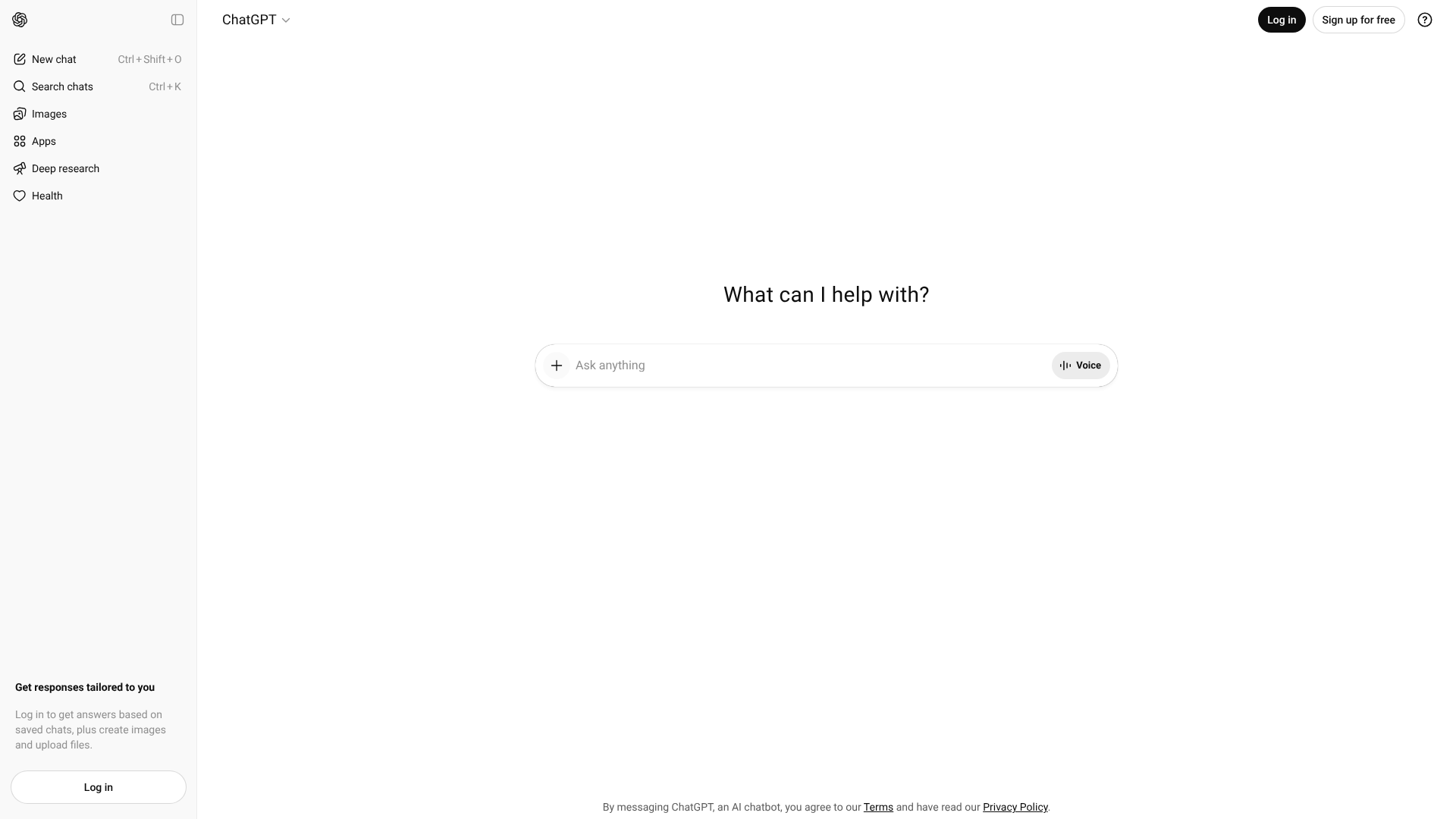
ChatGPT is the versatile powerhouse that brought AI writing into the mainstream. Its conversational interface makes it incredibly easy to use for a vast range of tasks, from brainstorming ideas and creating outlines to drafting emails, articles, and social media posts. The free version runs on the GPT-3.5 model, which is fast and highly capable for most everyday writing needs.
Its strength lies in its flexibility. You can ask it to write in different styles, adopt specific personas, or structure information in tables. It's an excellent tool for overcoming writer's block, as you can simply have a conversation with it to explore different angles for a topic. While the free version doesn't have the advanced reasoning of GPT-4 or access to live web data, it remains one of the most useful and generous free AI writers available.
Pros
- Extremely versatile for a wide range of writing tasks
- Intuitive conversational interface is easy for beginners
- Generous usage limits on the free plan
Cons
- Free version uses an older model (GPT-3.5)
- Lacks real-time internet access for up-to-date information
- Output can sometimes be generic and require significant editing
Best for: Anyone needing a general-purpose AI assistant for brainstorming, drafting, and quick content creation.
2. Writesonic
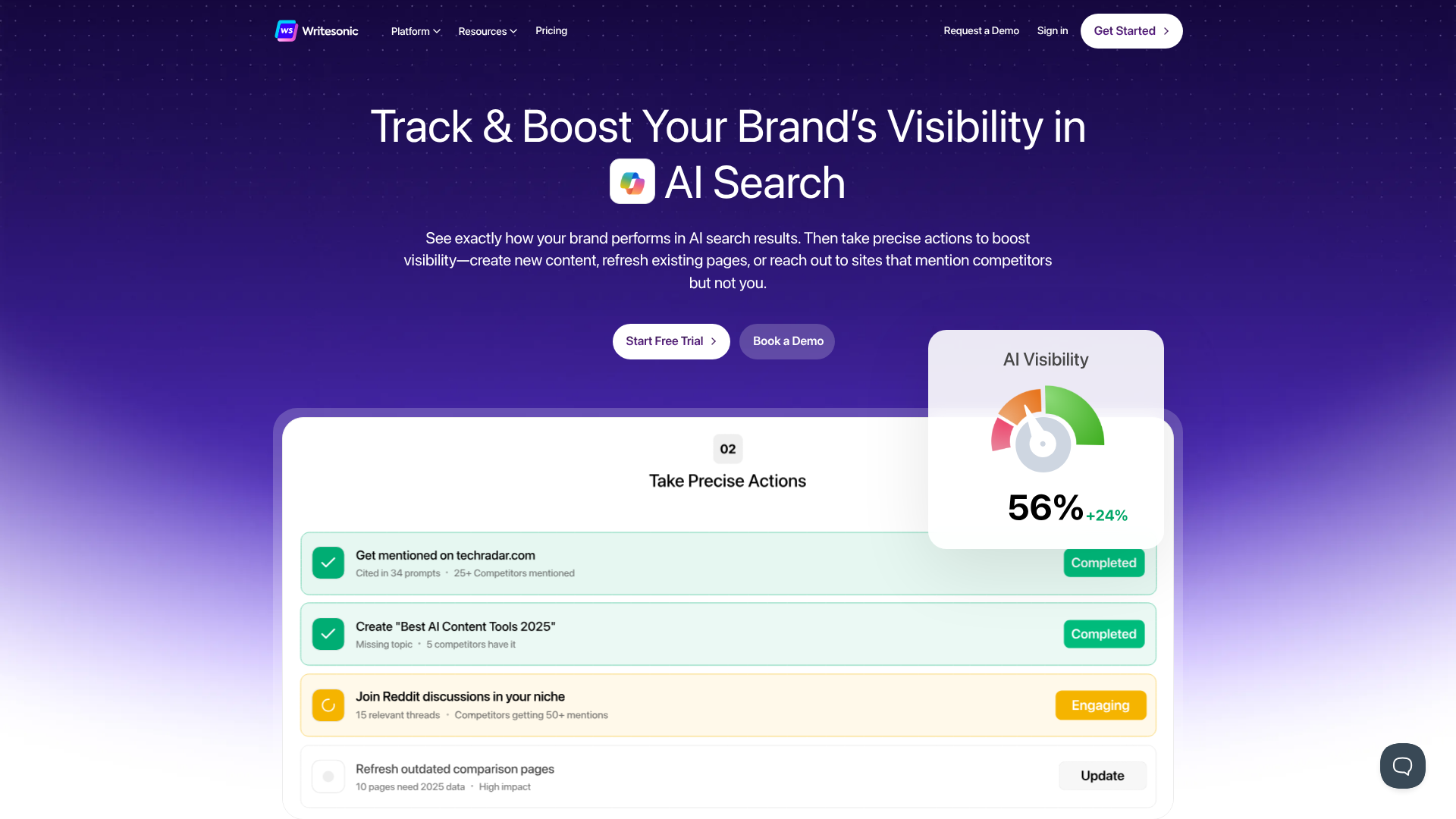
Writesonic is designed specifically for marketers and content creators who need to produce high-quality, SEO-optimised content at scale. Its free plan is quite generous, offering 10,000 words per month, which is enough to create several blog posts or a large volume of social media content. The platform includes a wide array of tools, from a full-fledged AI Article Writer to generators for Google Ads, landing pages, and product descriptions.
What sets Writesonic apart is its focus on SEO. The article writer can generate complete, well-structured posts that are optimised for search engines. It also includes features that help you craft content that aligns with your brand voice. The interface is clean and user-friendly, guiding you through the content creation process step-by-step.
For those focused on content marketing, Writesonic's free offering is one of the most feature-rich options available.
Pros
- Generous free plan with 10,000 words per month
- Specialised tools for SEO, marketing, and article writing
- High-quality output that often requires minimal editing
Cons
- The best features and highest quality AI models are reserved for paid plans
- Word count can be used up quickly with long-form content
Best for: Marketers, bloggers, and SEO specialists who need to create optimised content efficiently.
3. Grammarly
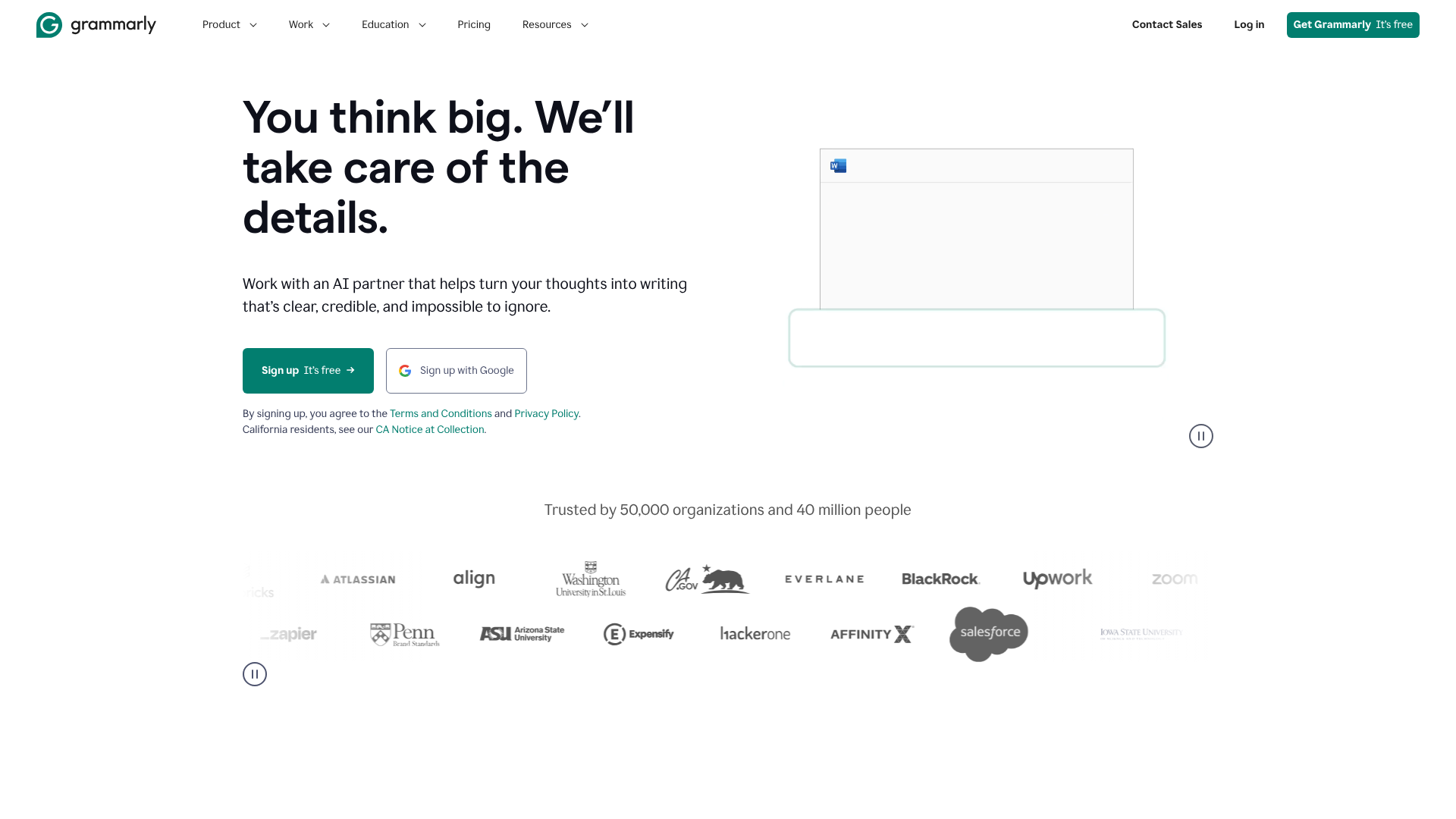
While many know Grammarly as a top-tier grammar checker, it has evolved into a powerful AI writing assistant. The free version offers robust spelling, grammar, and punctuation correction that goes far beyond what's built into word processors. It also provides basic tone detection, helping you ensure your writing sounds confident and polite.
Recently, Grammarly integrated generative AI features into its free plan. You get 100 AI prompts per month, which you can use to rewrite sentences, generate ideas, or compose short pieces of text directly within the editor. This makes it an excellent tool for polishing your own writing rather than generating content from scratch. Its browser extension and app integrations mean it works almost everywhere you write, from your email client to Google Docs.
Pros
- Best-in-class grammar, spelling, and punctuation correction
- Free generative AI prompts for improving existing text
- Works across multiple platforms with browser extensions and apps
Cons
- Generative AI capabilities are limited on the free plan (100 prompts/month)
- Advanced style, clarity, and plagiarism checks are premium features
Best for: Students, professionals, and anyone who wants to improve the quality and correctness of their own writing.
4. QuillBot
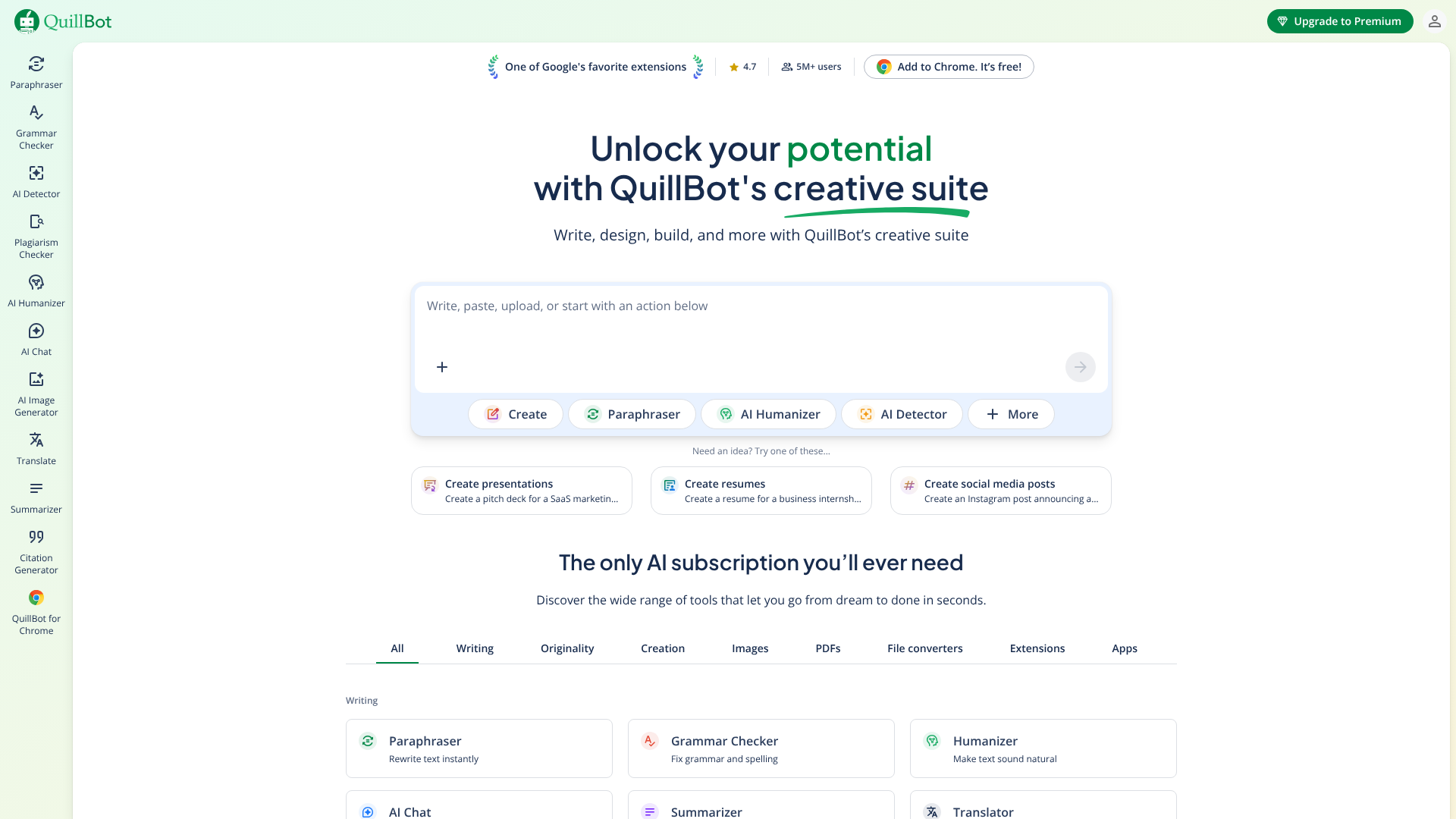
QuillBot specialises in paraphrasing and rewriting text. It's an invaluable tool for students, academics, and writers who need to rephrase sentences to avoid plagiarism, improve clarity, or simply find a better way to say something. The free version gives you access to two writing modes (Standard and Fluency) and allows you to paraphrase up to 125 words at a time.
Beyond its core paraphrasing tool, QuillBot's free plan also includes a Grammar Checker, a Summarizer, and a Citation Generator. The Summarizer is particularly useful for condensing long articles or research papers into key points. While the 125-word limit on the paraphraser can be restrictive for longer passages, it's perfect for working on your text sentence by sentence to ensure every part is polished and clear.
Pros
- Excellent paraphrasing tool for improving sentence structure and vocabulary
- Includes free access to a summariser and citation generator
- Simple and easy-to-use interface
Cons
- The 125-word limit on the free paraphraser is quite restrictive
- More advanced rewriting modes and higher word limits require a premium subscription
Best for: Students, academics, and writers who need to rewrite, summarise, or cite sources accurately.
5. Jasper (formerly Jarvis)
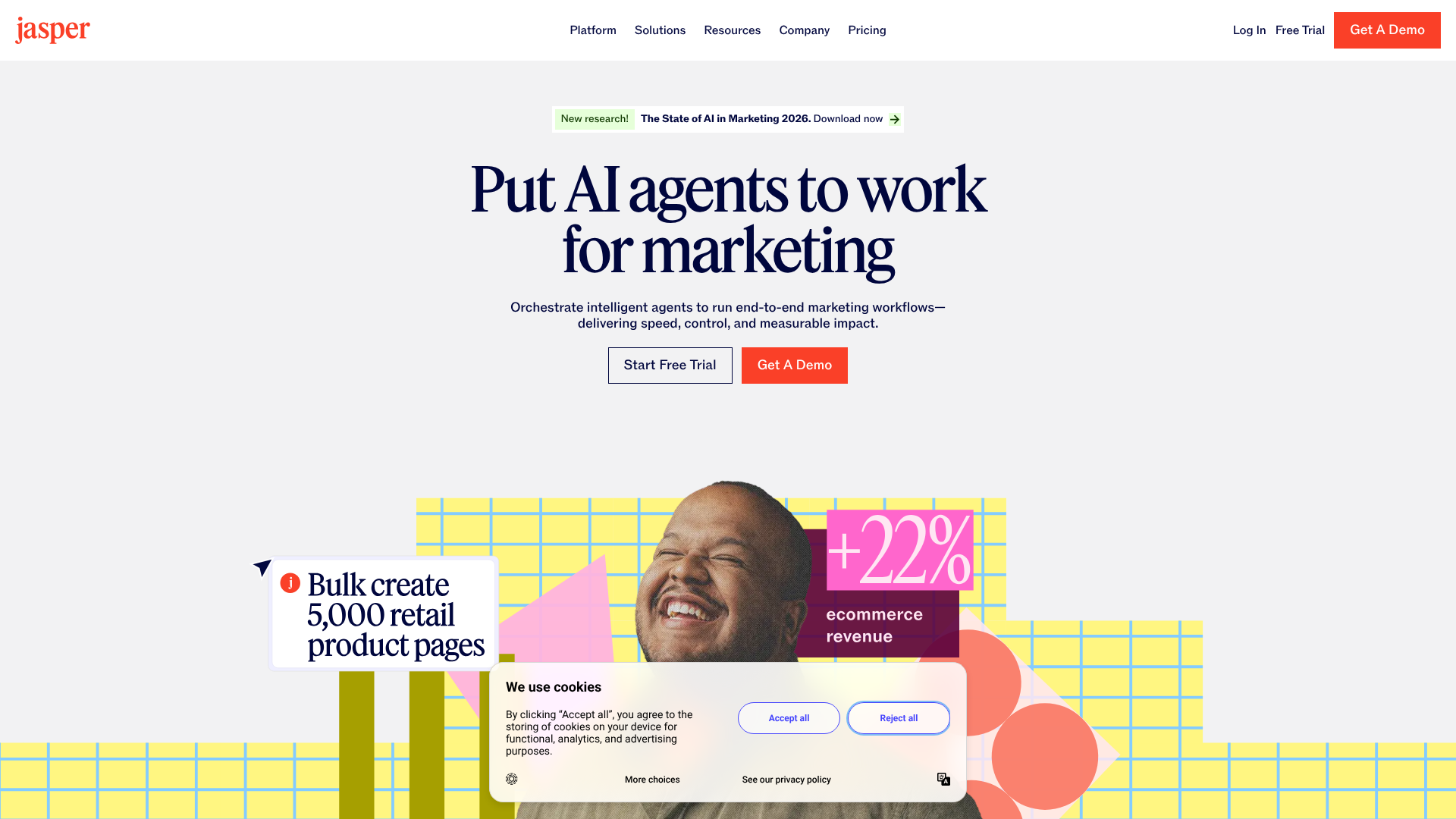
Jasper has a reputation for producing some of the highest-quality, most human-like AI copy in the industry. While it doesn't offer a traditional 'free forever' plan, it provides a 5-day free trial that gives you full access to its powerful features and a generous word credit to test it thoroughly. This makes it an excellent option for those who want to experience a premium tool before committing.
Jasper excels at creating persuasive and creative marketing copy. Its 'Brand Voice' feature allows you to upload documents or scan your website to teach the AI your specific style and tone. It also offers over 50 templates for everything from blog posts to video scripts. The trial is perfect for a short, intensive project or for truly understanding what a top-tier AI writer can do for your workflow.
Pros
- Produces exceptionally high-quality, creative, and natural-sounding text
- Powerful 'Brand Voice' feature for maintaining content consistency
- Free trial provides full access to all premium features
Cons
- No 'free forever' plan; requires a paid subscription after the trial
- Can be more expensive than other options if you decide to subscribe
Best for: Professional marketers and copywriters who prioritise output quality and need to test a premium tool for a specific project.
6. Google Gemini
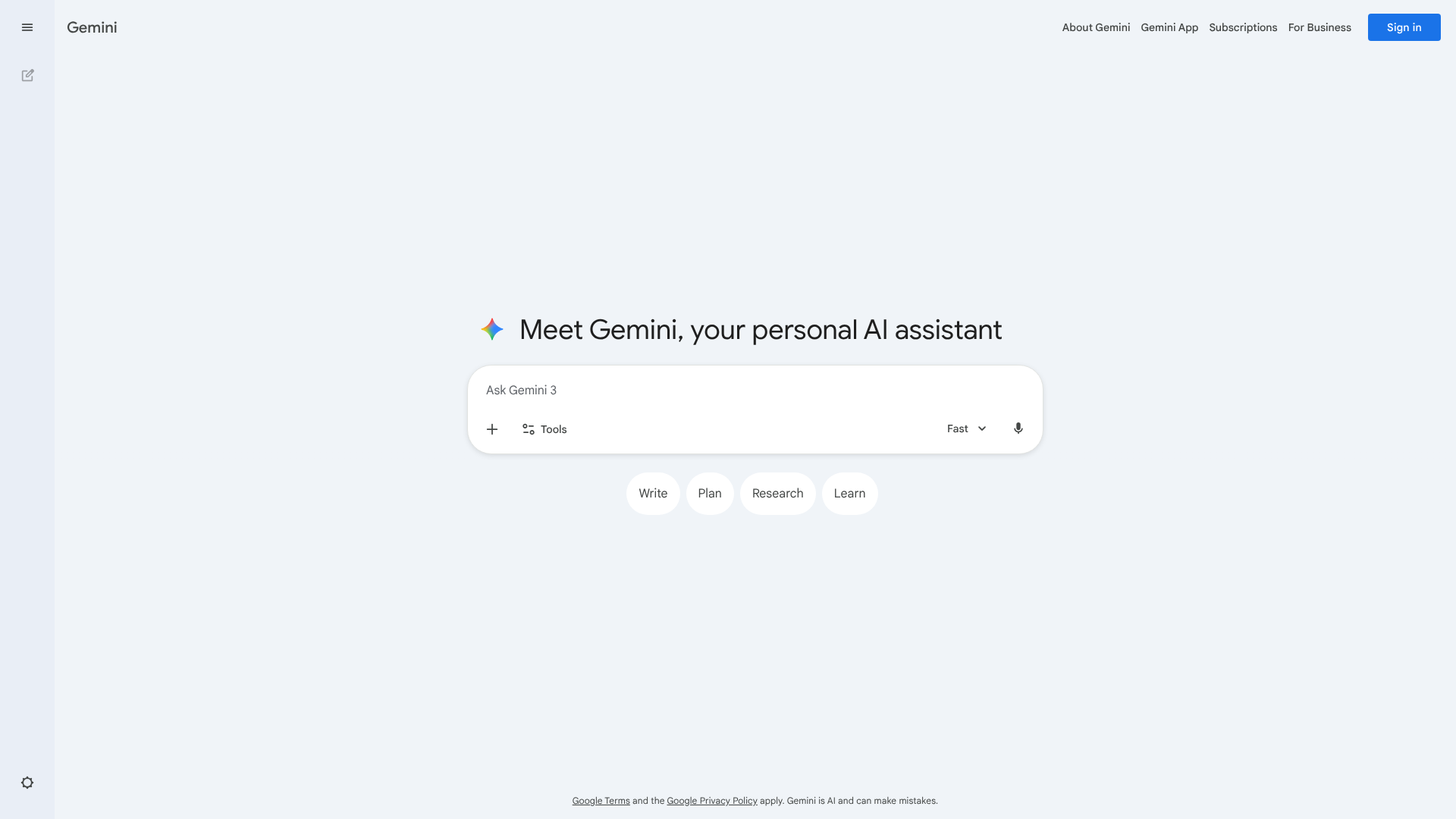
Gemini (formerly Bard) is Google's answer to ChatGPT. As a free tool, it's incredibly powerful, offering capabilities that rival other top AI chatbots. Its biggest advantage is its direct integration with Google's search index, allowing it to provide real-time information and include sources in its answers. This makes it an exceptional tool for research and writing content on current topics.
Gemini also integrates with other Google services like Docs, Sheets, and Gmail, allowing for a more connected workflow. You can export generated text directly to a Google Doc or have it draft an email for you in Gmail. It's great for generating multiple drafts of a piece of copy at once, giving you options to choose from. For users already embedded in the Google ecosystem, Gemini is a natural and powerful choice.
Pros
- Access to real-time information from the internet
- Seamless integration with Google Workspace (Docs, Gmail, etc.)
- Strong research and fact-checking capabilities
Cons
- Can sometimes be less creative in its writing style compared to competitors
- As a newer product, it is still evolving
Best for: Researchers, students, and content creators who need up-to-date information and work within the Google ecosystem.
7. Claude
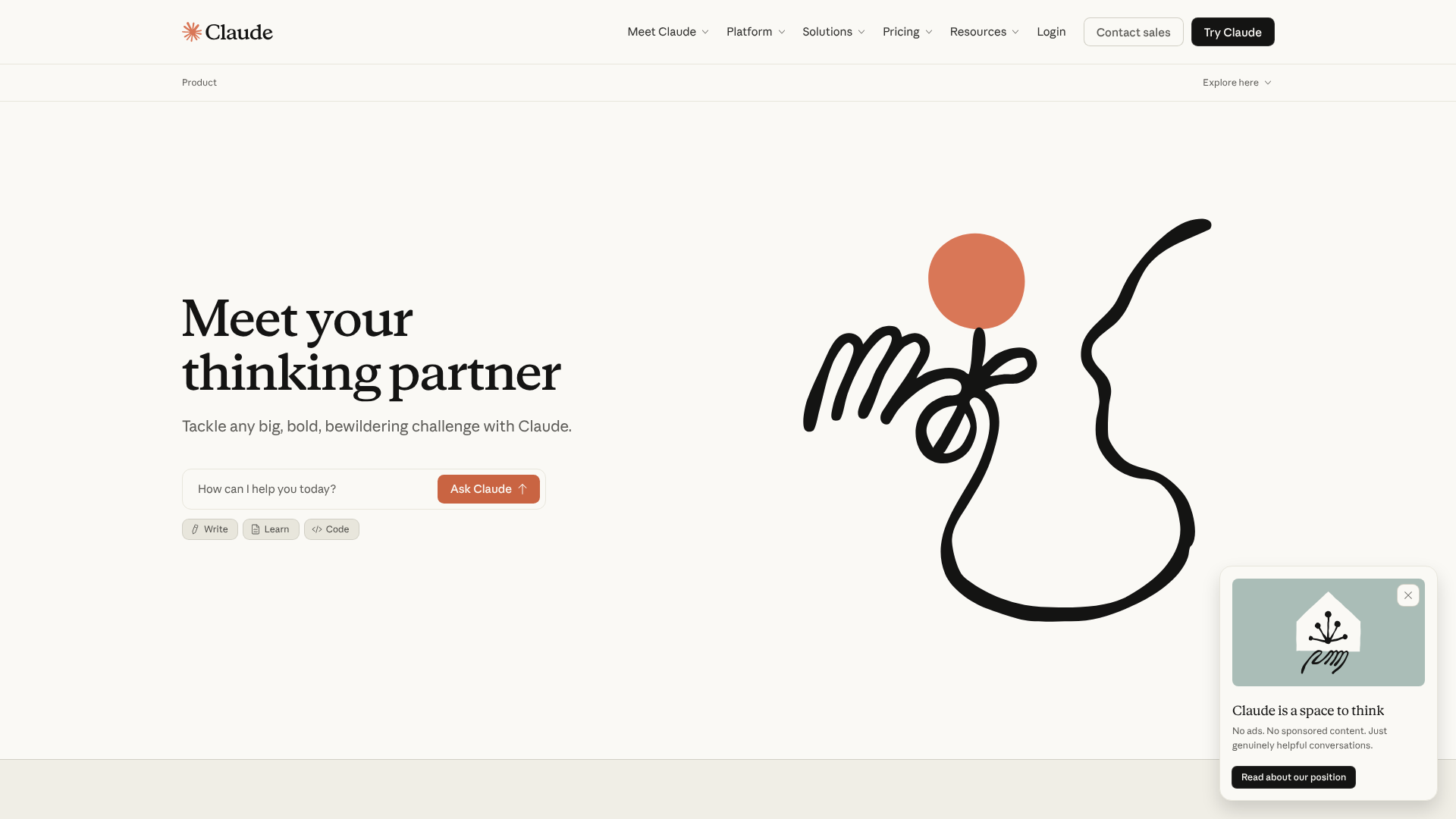
Developed by Anthropic, Claude is known for its more natural, conversational, and often more nuanced writing style. Many users find its output to be less 'AI-sounding' than other models. The free version of Claude is quite capable and offers a generous context window, meaning it can remember more of your conversation and handle larger documents for tasks like summarisation or analysis.
Claude is particularly good at creative writing tasks, long-form content generation, and complex reasoning. It has a strong focus on safety and producing helpful, harmless content. The free plan has usage limits that reset every few hours, which is sufficient for most casual users. If you find other AI tools produce text that feels a bit stiff or robotic, Claude is definitely worth a try.
Pros
- Produces natural, nuanced, and less robotic-sounding text
- Large context window for handling longer documents and conversations
- Strong capabilities in creative writing and summarisation
Cons
- Free usage limits can be hit quickly during intensive work sessions
- Lacks the extensive templates of more specialised writing tools
Best for: Writers who prioritise a natural and conversational tone, especially for creative or long-form content.
8. Rytr
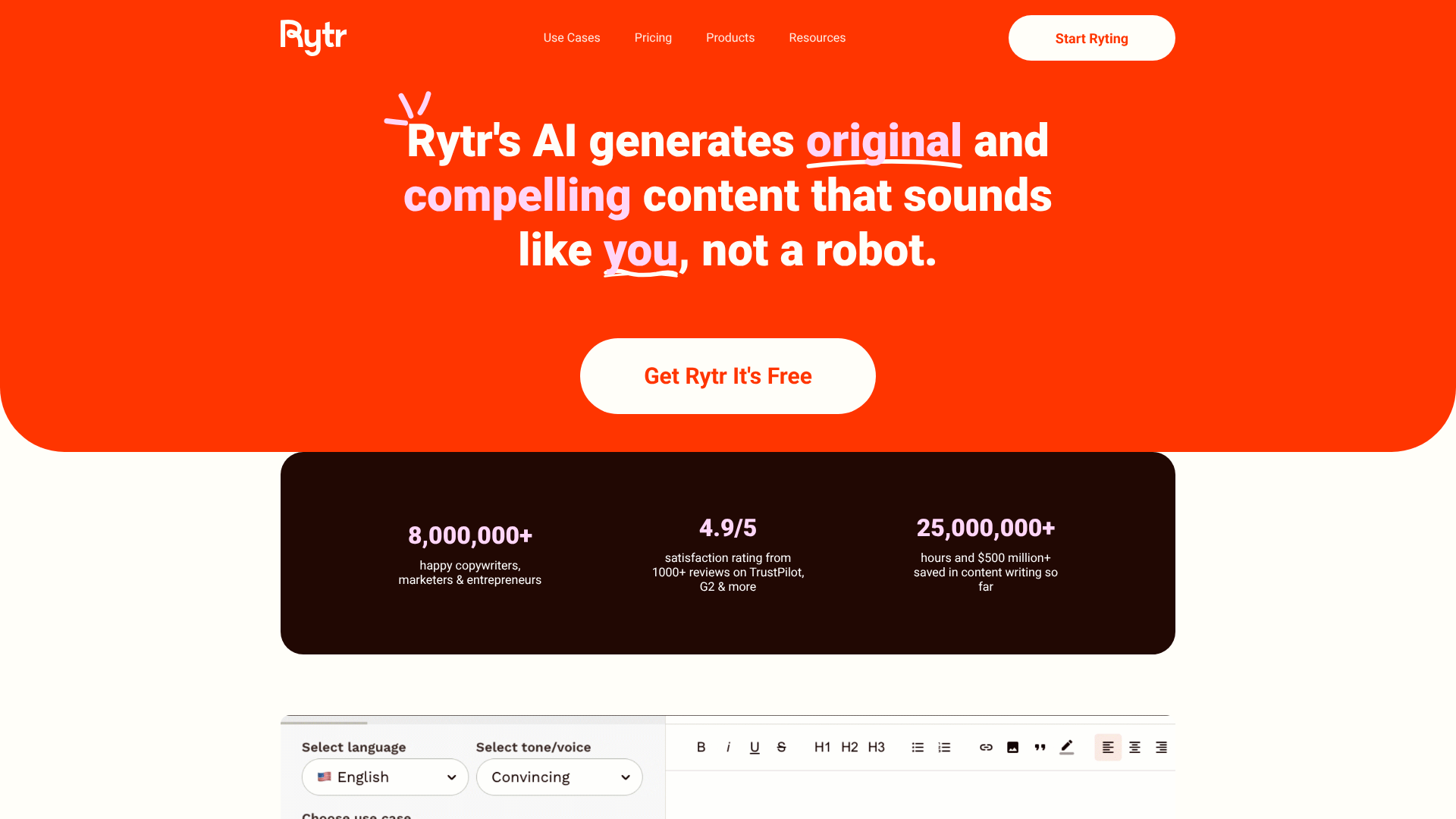
Rytr is a straightforward and effective AI writing assistant that's great for creating short-form content. Its free plan allows you to generate up to 10,000 characters (not words) per month, which is suitable for social media posts, product descriptions, and email marketing. The platform boasts over 40 templates, or 'use cases', covering a wide variety of common writing needs.
The interface is clean and simple, making it one of the easiest tools to get started with. You simply select your use case, provide a little context, and Rytr generates several variations for you to choose from. It also has a built-in plagiarism checker and editing tools to help you refine the text. While the character limit prevents it from being a primary tool for long-form writers, it's an excellent choice for quick, specific copywriting tasks.
Pros
- Over 40 use-case templates for various short-form content types
- Very simple and intuitive user interface
- Built-in plagiarism checker on the free plan
Cons
- The 10,000-character monthly limit is restrictive for long-form content
- Output quality can be less consistent than premium competitors
Best for: Social media managers, e-commerce owners, and anyone needing to generate short-form copy quickly.
9. Copy.ai
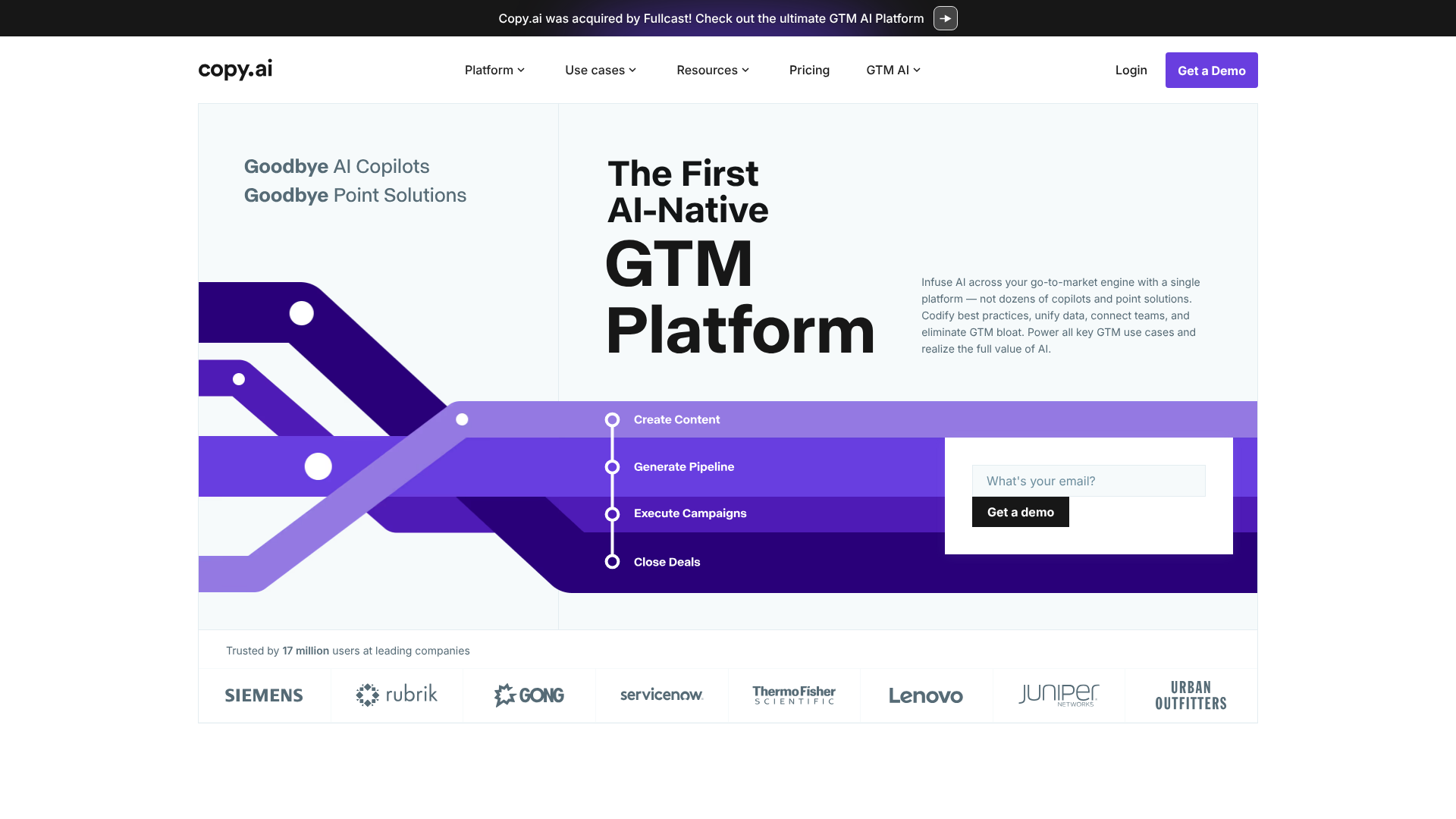
Copy.ai is another powerful tool focused on marketing and sales copy. Its free plan offers a 2,000-word limit per month and access to over 90 copywriting tools and templates. This makes it a fantastic resource for brainstorming and generating initial drafts for ads, social media content, and website headlines.
One of Copy.ai's standout features is its user-friendly workflow. The platform is designed to be intuitive, helping you go from idea to finished copy in minutes. It's particularly strong at generating creative and engaging options, making it a go-to for marketers looking to overcome creative blocks. The 2,000-word limit means you'll need to be selective, but it's more than enough to test its capabilities and handle smaller projects.
Pros
- Access to over 90 copywriting tools and templates
- Excellent for brainstorming and generating creative ideas
- Clean and easy-to-navigate interface
Cons
- Free plan is limited to 2,000 words per month
- Long-form content generation is primarily a premium feature
Best for: Marketers and entrepreneurs who need a wide variety of tools for brainstorming and creating short-form marketing copy.
10. HubSpot AI Content Assistant

For those already using HubSpot's ecosystem, the HubSpot AI Content Assistant is a fantastic and convenient free tool. Integrated directly into the HubSpot platform, it helps users draft blog posts, marketing emails, and landing page copy without ever leaving their workspace. It's designed to streamline the content creation process for inbound marketers.
The tools are part of HubSpot's broader suite of free offerings, making it an incredible value proposition. You can use it to generate blog post ideas, create full outlines, and draft entire paragraphs. Because it's built into the platform where your marketing campaigns live, it creates a highly efficient workflow. If you're a HubSpot user, this is a must-try tool.
Pros
- Seamlessly integrated into the HubSpot platform
- Free to use for anyone with a HubSpot account
- Specifically designed for inbound marketing content
Cons
- Requires you to be a HubSpot user to access it
- Not as versatile as standalone, general-purpose AI writers
Best for: Inbound marketers and businesses that already use the HubSpot platform for their sales and marketing efforts.
11. Notion AI

Notion has become a go-to workspace for millions, and the addition of Notion AI makes it even more powerful. Notion AI is integrated directly into the Notion environment, allowing you to generate and edit text within your documents, notes, and project plans. The free plan includes a limited number of AI credits, which you can use to summarise notes, brainstorm ideas, fix spelling and grammar, or draft content.
The key benefit is its context-awareness. When you use Notion AI, it can draw upon the information within the page you're working on, leading to more relevant outputs. This makes it perfect for summarising meeting notes, creating action items from a project brief, or expanding on a rough idea you've jotted down. It turns your note-taking app into an active writing partner.
Pros
- Perfectly integrated into the Notion workspace
- Context-aware, using page content to inform its suggestions
- Excellent for summarising, brainstorming, and editing within existing documents
Cons
- The number of free AI actions is limited
- Primarily useful for those who already use Notion as their primary workspace
Best for: Students, project managers, and individuals who use Notion for note-taking and organising their work.
Understanding the "Free" in Free AI Writing Tools: Pricing & Limitations
The allure of 'free' is powerful, but when it comes to AI writing software, it's essential to understand what that term really means. Very few high-quality tools are completely free with no limitations. The vast majority operate on a freemium model, where the free plan serves as an extended trial or a version for very light users. Understanding the common limitations will help you set realistic expectations.
The most common restriction is a usage cap, typically measured in words or characters per month. For example, a tool might offer 10,000 words for free. This is great for occasional use, but a content creator producing multiple articles a week could exhaust that limit in a few days. Some tools, like QuillBot, limit the number of words you can process in a single action, requiring you to work in smaller chunks.
Another key limitation is feature access. Free plans almost always restrict access to the most advanced and powerful features. This might include the latest AI models (like GPT-4), advanced SEO tools, plagiarism checkers, brand voice customisation, or premium templates. The core functionality is there, but the features that produce the highest quality output and save the most time are reserved for paying customers.
This is a fair trade-off, as it allows you to test the platform's core capabilities before deciding if the premium features are worth the investment.
Pros and Cons of Using Free AI Writing Software
Like any tool, free AI writing software comes with its own set of advantages and disadvantages. Being aware of both sides can help you use these tools effectively and avoid common pitfalls.
Pros of Free AI Writers
- Cost-Effectiveness: The most obvious benefit is that they are free. This makes them accessible to everyone, from students on a tight budget to startups testing out new content strategies without a financial commitment.
- Increased Efficiency: These tools can dramatically speed up the writing process. They are excellent for generating first drafts, creating outlines, and overcoming writer's block, allowing you to produce more content in less time.
- Idea Generation: AI writers are fantastic brainstorming partners. If you're stuck for ideas, you can ask them to generate blog topics, headlines, or different angles on a subject, providing a spark of inspiration.
- Improved Writing Skills: Tools like Grammarly and QuillBot can help you improve your writing. By highlighting errors and suggesting alternative phrasing, they teach you to become a more effective and clear communicator over time.
Cons of Free AI Writers
- Usage Limitations: As discussed, free plans always have caps on words, features, or daily usage. This can be frustrating and may interrupt your workflow if you're working on a large project.
- Inconsistent Quality: The output from free AI models can sometimes be generic, repetitive, or factually incorrect. It almost always requires a human touch for fact-checking, editing, and adding a unique perspective.
- Potential for Unoriginal Content: While not plagiarism in the traditional sense, AI models can sometimes generate content that is very similar to their training data. It's crucial to edit and personalise the output to make it truly your own.
- Privacy Concerns: Be cautious about inputting sensitive or confidential information into free online tools. Always review the platform's privacy policy to understand how your data is used and stored.
Frequently Asked Questions About Free AI Writers
What is the best AI for writing free?
There isn't a single 'best' tool for everyone, as the ideal choice depends heavily on your specific needs. For general-purpose writing, brainstorming, and drafting, ChatGPT's free version is arguably the most versatile and powerful starting point. For marketers needing SEO-focused content, Writesonic offers a very generous and feature-rich free plan. For editing and polishing your own work, Grammarly is the industry standard.
Which AI is 100% free?
Truly 100% free tools with no usage limits or paid upgrades are rare, as developing and running large AI models is expensive. However, tools like Google Gemini and the free version of ChatGPT come close for most users, offering very generous limits that feel almost unlimited for casual use. They are supported by large corporations and integrated into their ecosystems, which is how they can be offered at no direct cost to the user.
Is there a catch to using free AI?
The 'catch' is usually a combination of limitations designed to encourage you to upgrade to a paid plan. This includes word or character limits, restricted access to the best features and highest-quality AI models, and sometimes slower processing speeds. The free plan is essentially a marketing tool that lets you experience the product's value, hoping you'll find it useful enough to pay for the full, unrestricted version. Always assume a free plan has limitations.
Which free AI is better than ChatGPT?
'Better' is subjective. Some tools are better than ChatGPT for specific tasks. For example, QuillBot is significantly better at paraphrasing and rewriting existing text. Claude is often considered better for producing more natural and nuanced prose. Google Gemini is better for tasks requiring real-time information from the internet. While ChatGPT is a great all-rounder, these specialised tools can outperform it in their specific areas of expertise.
Can I legally write a book using AI?
Yes, you can legally write a book using AI, but copyright and authorship are complex issues. As of 2026, copyright law in many jurisdictions, including the US, protects works created by humans. You can claim copyright on the creative contributions you make—the prompts you write, the way you select, arrange, and edit the AI-generated text—but not on the raw, unedited output of the AI itself. It's crucial to be transparent about the use of AI, especially if you plan to publish on platforms like Amazon KDP, which have specific policies regarding AI-generated content.
Final Thoughts: Choosing Your Go-To AI Writing Assistant
Navigating the world of free AI writing tools doesn't have to be overwhelming. The key is to move past the search for a single 'best' tool and instead focus on finding the right combination of tools for your specific workflow. The most effective approach is often to use several different platforms for what they do best.
You might use ChatGPT for initial brainstorming and outlining, switch to a specialised tool like Writesonic to generate an SEO-optimised first draft, and then bring that draft into Grammarly for a final polish. This layered approach allows you to leverage the unique strengths of each platform, all while operating within the limits of their free plans.
The best free AI writing software is the one that saves you time, enhances your creativity, and helps you produce better work. Start by trying two or three options from this list that align with your primary needs. After a bit of hands-on experimentation, you'll quickly discover which assistant deserves a permanent place in your writing toolkit.