
11 Best Free AI Writing Tools for Marketers & Writers (2026)
Finding the time and inspiration to create high-quality content consistently can be a significant challenge. Whether you're a marketer drafting ad copy, a blogger outlining your next post, or a student polishing an essay, writer's block is a real hurdle. This is where finding the best free AI writing tools can completely transform your workflow, helping you generate ideas, draft content, and refine your text without any cost.
- What You'll Learn
- An Overview of Free AI Writing Tools
- The 11 Best Free AI Writing Tools to Try Today
- 1. Writesonic
- 2. Grammarly
- 3. QuillBot
- 4. ChatGPT (Free Version)
- 5. Claude
- 6. Jasper (Free Trial)
- 7. HubSpot AI Content Writer
- 8. Copy.ai
- 9. Semrush SEO Writing Assistant
- 10. Rytr
- 11. Notion AI
- Comparison of Top Free AI Writers
- Key Features to Look for in Free AI Writing Software
- Generous Word Counts or Generation Limits
- Quality and Coherence of Output
- Variety of Templates and Use Cases
- Ease of Use and User Interface
- Understanding the Limitations of Free AI Writing Tools
- How to Maximise the Potential of Your Free AI Writer
- Provide Clear and Detailed Prompts
- Use AI as a Co-pilot, Not an Autopilot
- Fact-Check and Edit Everything
- Integrating AI Writing Tools with Your Workflow
- Common Use Cases for Free AI Writing Tools
- The Future of AI Writing: What's Next?
- Can AI Writing Tools Actually Improve Your Writing Skills?
- Frequently Asked Questions (FAQ)
- What is the best free AI for writing?
- Is ChatGPT the best AI writer?
- Is there a free AI better than ChatGPT?
- Which AI tool is totally free?
- Final Thoughts: Choosing the Best Free AI Writing Tool for You
These powerful assistants are designed to handle a variety of tasks, from creating entire articles from a simple prompt to rephrasing sentences for better clarity. With so many options available, choosing the right one depends on your specific needs. Some tools excel at creative writing, while others are built for SEO-optimised marketing content or academic paraphrasing.
This guide breaks down the top free AI writers available today. We'll explore their features, limitations, and ideal use cases to help you select the perfect tool to enhance your productivity and improve your writing.
What You'll Learn
- Top Free Tool Recommendations: Discover our ranked list of the best free AI writing software, including options for marketing, blogging, and academic use.
- Key Feature Comparison: Understand what to look for in a free AI writer, such as word limits, template variety, and output quality, to make an informed choice.
- Limitations and How to Overcome Them: Learn about the common restrictions of free plans, like usage caps and limited features, and how to work around them effectively.
- Maximising Your Results: Get practical tips on writing effective prompts and using AI as a collaborative partner to produce high-quality, original content.
An Overview of Free AI Writing Tools
At its core, free AI writing software uses large language models (LLMs) trained on vast amounts of text data from the internet. These models learn patterns, grammar, context, and stylistic nuances, allowing them to understand prompts and generate human-like text. When you input a command, the AI analyses it and predicts the most logical sequence of words to form a coherent response.
There are generally two types of AI writers. General-purpose tools like ChatGPT or Claude are designed to handle a wide range of conversational and creative tasks. Specialised tools, on the other hand, are fine-tuned for specific functions. For example, Jasper (formerly Jarvis) is geared towards marketing copy, while QuillBot focuses on paraphrasing and summarising.
Using these tools is straightforward. You provide a prompt, which can be a simple question, a detailed command, or a piece of text to be rewritten. The AI processes this input and generates an output. The quality of this output heavily depends on the clarity and detail of your prompt, a skill often referred to as 'prompt engineering'.
The 11 Best Free AI Writing Tools to Try Today
Here are the top free AI writing tools, each tested and reviewed based on its free plan's features, usability, and overall value.
1. Writesonic
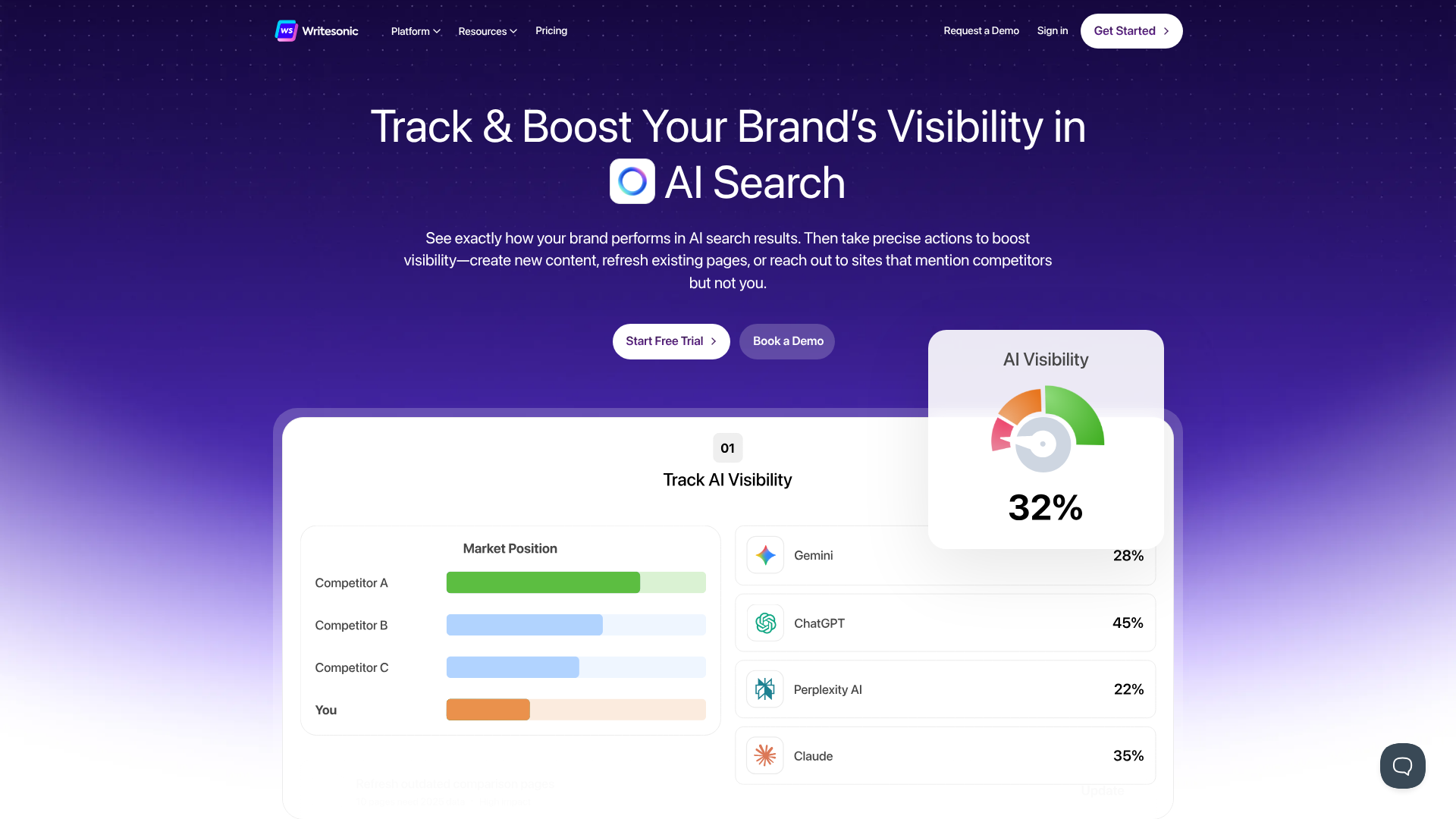
Writesonic offers one of the most generous free plans available, making it a fantastic starting point for anyone new to AI writing. It provides a comprehensive suite of tools designed for marketers, bloggers, and business owners. Its free plan gives you a monthly allowance of words that you can use across its various features, including an article writer, paraphraser, and social media content generator.
The platform is incredibly user-friendly, with a clean interface that guides you through the content creation process. Whether you need a full blog post, a catchy headline, or a product description, Writesonic has a template for it. The quality of the output is consistently high, often requiring minimal editing to be ready for publication.
Key Features of Free Plan:
- Generous monthly word credit allowance.
- Access to over 100 templates for different content types.
- Includes an AI article writer, paraphrasing tool, and text expander.
- Supports over 25 languages.
Best For: Bloggers and marketers looking for an all-in-one content creation tool with a substantial free offering.
Pros
- The free plan is robust enough for regular, light usage.
- High-quality content generation across various formats.
- Intuitive interface that is easy for beginners to navigate.
Cons
- The word credits can be used up quickly when generating long-form articles.
- Some advanced features, like the brand voice tool, are reserved for paid plans.
2. Grammarly
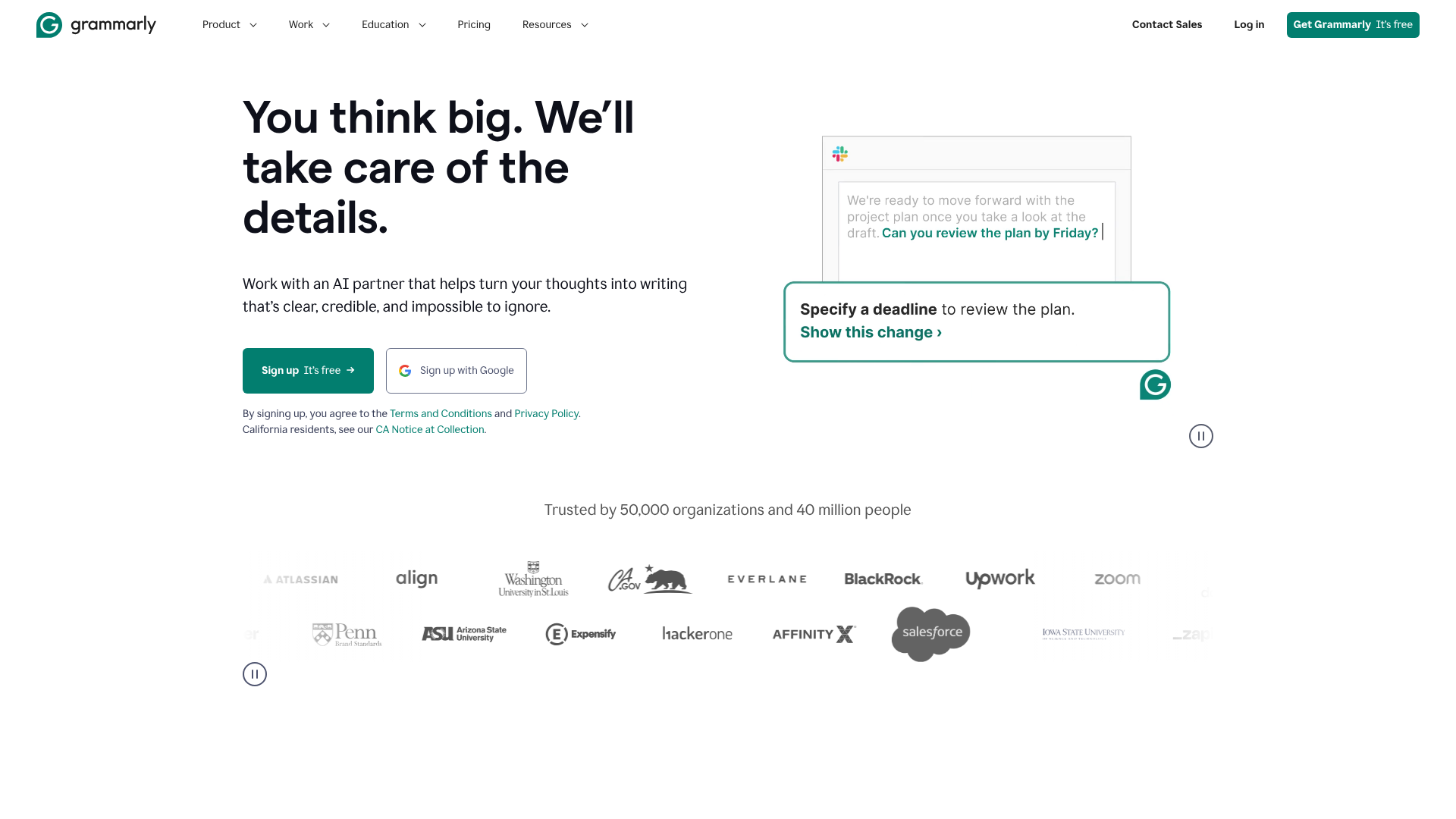
While famous for its world-class grammar and spelling checker, Grammarly has expanded its free offering to include powerful AI writing assistance. The free version now helps you with more than just corrections; it can generate text, rewrite sentences for clarity, and adjust the tone of your writing. This makes it an indispensable tool for everyday writing tasks, from crafting professional emails to drafting social media updates.
The AI features are seamlessly integrated into the familiar Grammarly interface, which works across browsers, desktop apps, and mobile devices. You can ask it to compose a paragraph on a specific topic, shorten a lengthy sentence, or make your writing sound more confident. It acts as both a proofreader and a writing coach.
Key Features of Free Plan:
- Advanced grammar, spelling, and punctuation checker.
- AI-powered text generation for short-form content.
- Tone detection and adjustment suggestions.
- Sentence rewriting for clarity and conciseness.
Best For: Professionals, students, and anyone who wants to improve the quality and clarity of their daily writing.
Pros
- Excellent for editing and polishing existing text.
- The browser extension offers real-time suggestions across most websites.
- The AI writing features are a great addition to its core proofreading capabilities.
Cons
- The free text generation is best suited for shorter content, not long articles.
- More advanced features like plagiarism detection and expert writing help are behind a paywall.
3. QuillBot
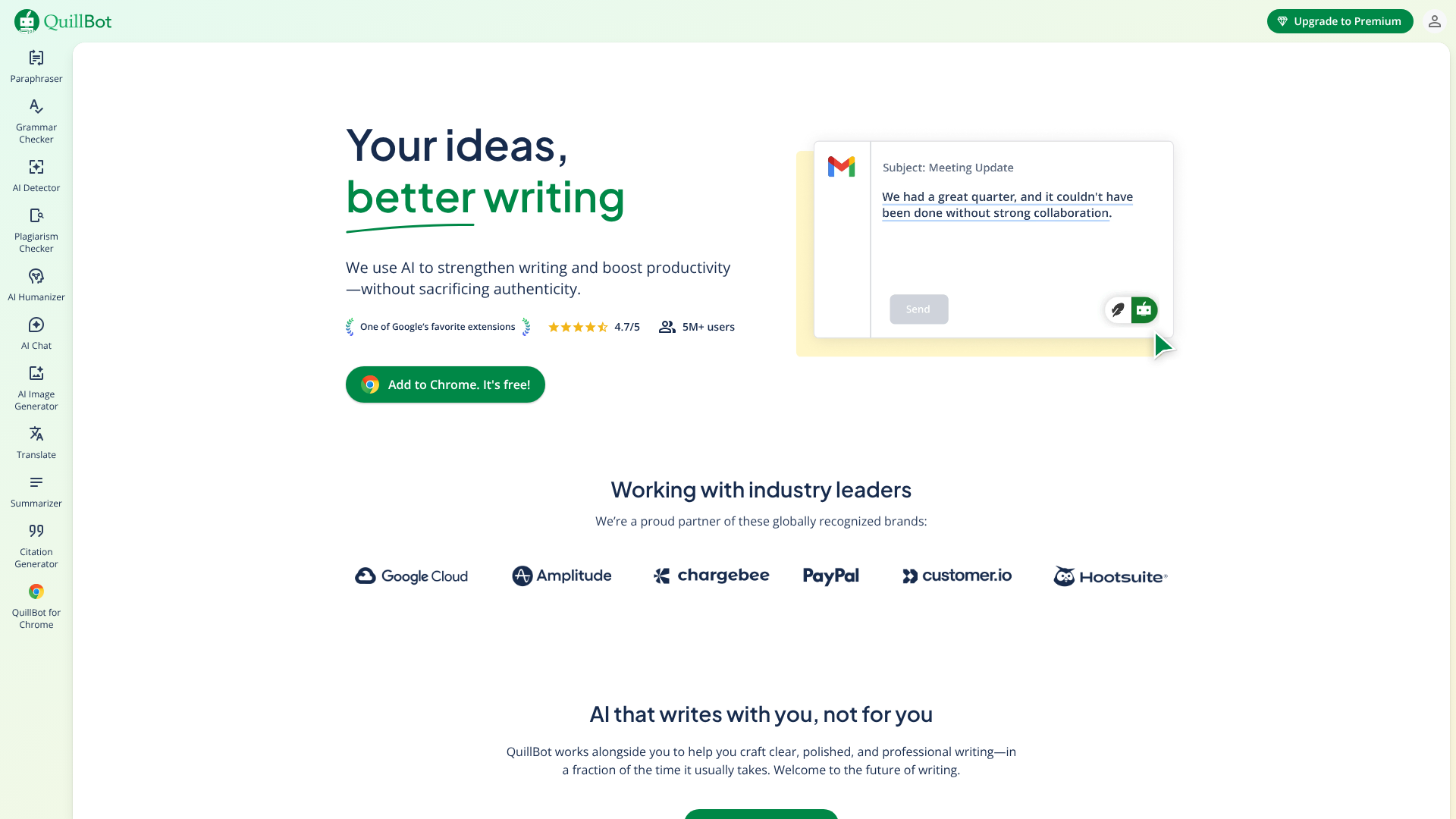
QuillBot is a specialist when it comes to rewriting and refining text. Its core feature is the Paraphraser, which is one of the most sophisticated on the market. The free plan gives you access to two writing modes (Standard and Fluency) to help you rephrase sentences, improve flow, and find new ways to express your ideas. It's an invaluable tool for students trying to avoid plagiarism or writers looking to simplify complex language.
Beyond paraphrasing, QuillBot's free plan also includes a Summarizer and a Grammar Checker. The Summarizer can condense long articles or documents into key bullet points, saving you significant reading time. While the free version has limitations on the number of words you can process at once, it's more than enough for most day-to-day tasks.
Key Features of Free Plan:
- Paraphrasing tool with two distinct modes.
- Summarizer tool to condense text.
- Grammar and spell checker.
- Integration with Google Docs and Chrome.
Best For: Students, academics, and writers who need to paraphrase, summarise, or improve the clarity of their work.
Pros
- The paraphrasing quality is excellent and provides multiple suggestions.
- The user interface is simple and focused on its core functions.
- The free plan is very useful for its specific purpose.
Cons
- Strict character limits on the paraphraser and summarizer in the free version.
- More advanced features like the Plagiarism Checker and faster processing are premium-only.
4. ChatGPT (Free Version)
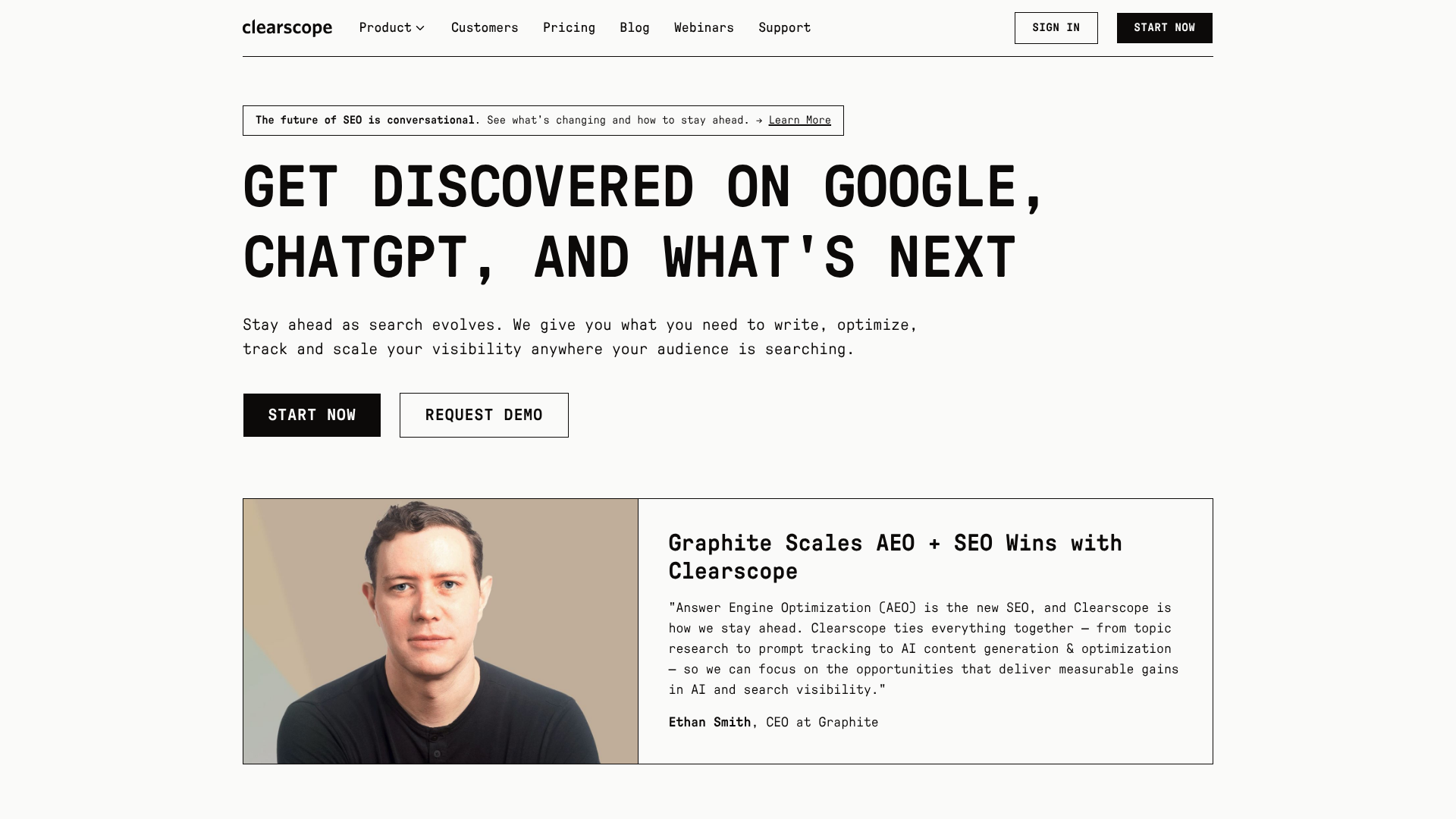
ChatGPT is the tool that brought AI writing into the mainstream, and its free version remains one of the most powerful and versatile options available. Powered by OpenAI's GPT-3.5 model, it excels at conversational tasks, brainstorming, and generating a wide variety of content. You can ask it to write a poem, draft a business plan, explain a complex topic simply, or code a simple website.
The chat-based interface is intuitive, allowing for a back-and-forth dialogue where you can refine the AI's output with follow-up commands. While the free version doesn't use the latest GPT-4 model and lacks internet access, its capabilities are still immense. It's an excellent all-rounder for creative tasks and getting quick answers.
Key Features of Free Plan:
- Access to the powerful GPT-3.5 model.
- Conversational interface for interactive content generation.
- Can generate a vast range of content types, from emails to code.
- No strict word limits per request.
Best For: Anyone needing a versatile AI assistant for brainstorming, drafting, and creative writing tasks.
Pros
- Incredibly flexible and can handle almost any writing prompt.
- The conversational format makes it easy to refine results.
- No cost for extensive use.
Cons
- The model's knowledge is cut off in early 2022, so it lacks information on recent events.
- Can occasionally produce factually incorrect or biased information.
- During peak times, free users may experience slower response times.
5. Claude
Developed by Anthropic, Claude is a strong competitor to ChatGPT, often praised for its more nuanced, creative, and conversational writing style. The free version of Claude is highly capable and provides a generous usage limit. It's particularly good at tasks that require a degree of personality or creativity, such as writing marketing copy, brainstorming story ideas, or drafting thoughtful email responses.
One of Claude's standout features is its larger context window, which allows it to remember more of the conversation and handle larger documents for summarisation or analysis. Users often report that Claude's responses feel more natural and less robotic than some other models. It's an excellent choice for those who prioritise a conversational and creative partner.
Key Features of Free Plan:
- Strong conversational and creative writing abilities.
- Large context window for processing longer texts.
- Focus on producing helpful, harmless, and honest responses.
- Generous daily message limits.
Best For: Creative writers, marketers, and users looking for a more conversational and nuanced AI assistant.
Pros
- Output often has a more natural and creative flair.
- Can handle large amounts of text for summarisation and analysis.
- The free tier is very generous and suitable for heavy use.
Cons
- Like ChatGPT, its knowledge base has a cutoff date.
- Availability may be restricted in some countries.
6. Jasper (Free Trial)
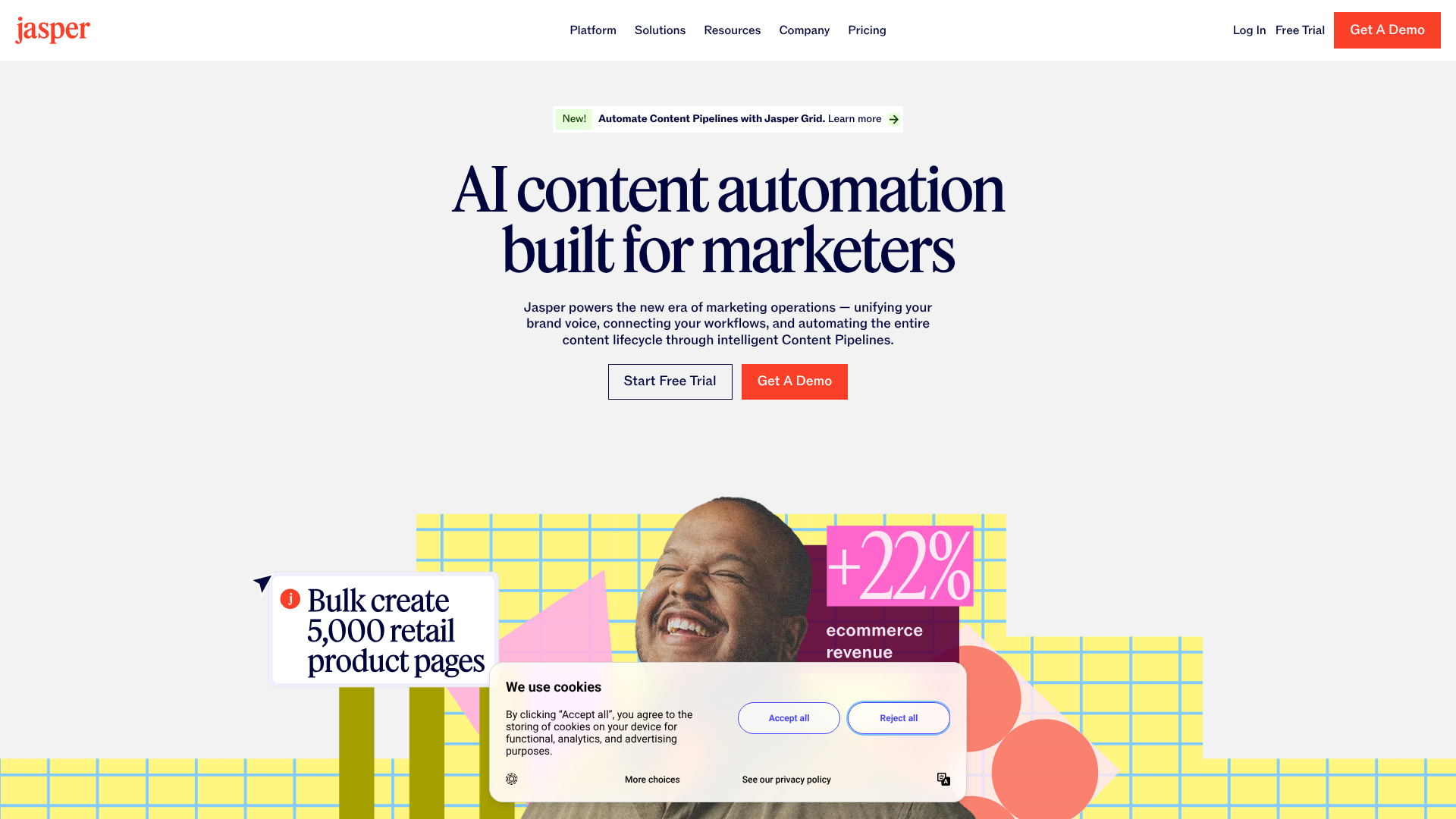
Jasper (formerly Jarvis) is a premium AI writing tool focused on marketing and business content, but it offers a free trial that gives you full access to its features. This is a great way to experience a top-tier tool without commitment. Jasper excels at creating high-converting copy, SEO-optimised blog posts, and engaging social media content. It includes features like Brand Voice, which allows it to learn and mimic your company's writing style.
The platform is built around workflows and templates designed to speed up content production. The 'Boss Mode' feature lets you write commands directly in the editor, making for a fluid writing experience. While not a permanently free tool, the trial provides enough credits to see if its advanced capabilities are worth the investment for your business.
Key Features of Free Trial:
- Access to all premium features, including Brand Voice and SEO mode.
- Over 50 templates for marketing, sales, and social media copy.
- Long-form content editor with 'Boss Mode' commands.
- Integrations with tools like Surfer SEO and Grammarly.
Best For: Businesses and professional marketers who want to test a premium, feature-rich AI writer for creating high-performance content.
Pros
- Produces exceptionally high-quality, persuasive copy.
- Advanced features are tailored specifically for marketing success.
- The user interface and workflows are highly polished.
Cons
- It is not a permanently free tool; access ends after the trial.
- The subscription cost can be high for individuals or small businesses.
7. HubSpot AI Content Writer

Integrated within its powerful CRM platform, HubSpot's AI Content Writer is a collection of free tools designed to help marketers create content more efficiently. As part of HubSpot's free tools, you can access AI assistants to generate blog post outlines, draft marketing emails, create social media captions, and even come up with website copy. It's built directly into the ecosystem you might already be using for marketing and sales.
The main advantage is its convenience. If you're a HubSpot user, the AI tools are right where you need them, streamlining your workflow. The tools are easy to use and are designed to produce content that aligns with marketing best practices. It's a solid choice for teams already invested in the HubSpot platform.
Key Features of Free Plan:
- Blog post idea and outline generator.
- Marketing email copywriter.
- Social media post creator.
- Seamless integration with the HubSpot CRM and Marketing Hub.
Best For: Marketing teams and businesses that already use HubSpot's suite of tools.
Pros
- Perfectly integrated into the HubSpot ecosystem for a smooth workflow.
- Tools are specifically designed for marketing and sales content.
- Available as part of HubSpot's extensive free tool offering.
Cons
- Less versatile than standalone, general-purpose AI writers.
- Best utilised within the HubSpot platform, which may not suit everyone.
8. Copy.ai
Copy.ai was one of the first AI writers to gain popularity, and it continues to offer a compelling permanent free plan. The free tier provides a monthly word limit and access to over 90 copywriting tools and templates. It's particularly strong at generating short-form copy, such as product descriptions, digital ad copy, and social media content.
The platform has recently added a chat-style interface and long-form content editor, making it more versatile. Its strength lies in its structured template-based approach, which helps users generate specific types of copy quickly and effectively. If you need to produce a high volume of short, sharp marketing copy, Copy.ai's free plan is an excellent option.
Key Features of Free Plan:
- 2,000 words per month.
- Access to 90+ copywriting tools.
- Chat interface for more flexible content generation.
- Supports multiple languages.
Best For: Social media managers, e-commerce store owners, and advertisers who need to create short-form copy quickly.
Pros
- The permanent free plan is great for ongoing, light usage.
- A wide array of specialised templates for marketing needs.
- The output for short-form copy is generally very effective.
Cons
- The 2,000-word monthly limit is quite restrictive for long-form content.
- The quality of long-form articles may not be as high as some competitors.
9. Semrush SEO Writing Assistant

For those focused on creating content that ranks on search engines, the Semrush SEO Writing Assistant is an invaluable tool. While Semrush is a premium SEO platform, you can access this tool with a free account. It doesn't write the content for you from scratch, but it analyses your text in real-time and provides recommendations to improve its SEO potential. It integrates with Google Docs and WordPress, making it easy to use within your existing workflow.
The assistant checks your content against top-ranking competitors for your target keyword, providing suggestions on readability, tone of voice, keyword usage, and overall SEO optimisation. It's the perfect companion tool for writers who want to ensure their human-written or AI-assisted content is primed for search engine success.
Key Features of Free Plan:
- Real-time SEO analysis of your text.
- Readability and tone of voice scores.
- Semantic keyword suggestions.
- Plagiarism checker (with limits).
Best For: SEO specialists, content marketers, and bloggers who want to optimise their content for search engines.
Pros
- Provides actionable, data-driven SEO recommendations.
- Seamless integration with Google Docs and WordPress.
- Helps bridge the gap between writing and SEO.
Cons
- It's an optimisation tool, not a content generator.
- The free plan has limits on the number of keywords and checks you can run.
10. Rytr
Rytr is another popular AI writer that offers a generous forever-free plan. It provides users with a monthly character allowance, which is enough to generate short articles, social media updates, or email copy. Rytr stands out for its simplicity and speed. The interface is clean and minimalist, making it easy to get started right away.
The platform offers over 40 use cases (templates), covering everything from blog post outlines to YouTube video descriptions. It also supports more than 30 languages and over 20 tones of voice, giving you a good degree of control over the output. For users who need a quick and straightforward tool for short-form content, Rytr is a fantastic choice.
Key Features of Free Plan:
- 10,000 characters per month.
- Access to 40+ use cases and 20+ tones.
- Built-in plagiarism checker (with limits).
- Supports over 30 languages.
Best For: Users who need a simple, fast tool for generating short-form content like social media posts, emails, and product descriptions.
Pros
- The free plan's character limit is quite generous for short tasks.
- Very easy to use with a clean and uncluttered interface.
- Fast content generation.
Cons
- The character limit is not ideal for long-form content creation.
- The output can sometimes be more generic than higher-end tools.
11. Notion AI
Notion has integrated AI capabilities directly into its popular productivity and note-taking app. While Notion AI is a paid add-on, free users get a limited number of complimentary AI requests to try it out. This allows you to use AI to summarise your notes, brainstorm ideas, draft content, or improve your writing directly within your Notion workspace.
The power of Notion AI lies in its context-awareness. It can work with the existing content on your page, making it excellent for tasks like turning messy meeting notes into a clean summary or expanding a bullet-point list into a full paragraph. It's a productivity booster for anyone who already organises their work and life in Notion.
Key Features of Free Trial:
- A limited number of free AI requests for all users.
- Integrated directly into the Notion editor.
- Can summarise, translate, and improve existing text.
- Helps with brainstorming and drafting new content.
Best For: Existing Notion users who want to enhance their productivity with integrated AI assistance.
Pros
- Perfect integration for a seamless workflow within Notion.
- Excellent at working with and transforming existing text.
- Combines writing assistance with project management and note-taking.
Cons
- Not a permanently free tool; requires a subscription after the initial requests are used.
- Less specialised than dedicated AI writing platforms.
Comparison of Top Free AI Writers
To help you choose, here's a quick comparison of some of the best AI writing tools free plans:
| Tool | Free Plan Limit | Core Function | Best Use Case |
|---|---|---|---|
| Writesonic | 10,000 words/month | All-in-one Content Generation | Bloggers & Marketers |
| Grammarly | Unlimited Corrections | Editing & Short-form Generation | Professionals & Students |
| QuillBot | 125 words/paraphrase | Paraphrasing & Summarising | Academics & Researchers |
| ChatGPT | Unlimited (GPT-3.5) | General-purpose Chat & Creation | Creative Brainstorming |
| Copy.ai | 2,000 words/month | Short-form Copywriting | Social Media & E-commerce |
| Rytr | 10,000 characters/month | Fast, Short-form Content | Quick Tasks & Emails |
Key Features to Look for in Free AI Writing Software
When evaluating different free AI writing tools, it's important to look beyond the simple promise of 'free'. The utility of these tools depends on a few key features that can dramatically affect your experience and the quality of the output.
Generous Word Counts or Generation Limits
This is often the most significant factor. A free plan might offer 10,000 words per month, while another offers 2,000. If you plan to write long-form blog posts, a higher limit is essential. For those who only need AI for short tasks like writing emails or social media captions, a lower limit might be perfectly acceptable. Always check the fine print to understand how credits are consumed.
Quality and Coherence of Output
The best tools produce text that is coherent, contextually relevant, and requires minimal editing. A tool that generates grammatically correct but generic or nonsensical content isn't very helpful. Test a few different platforms with the same prompt to compare the quality of their output. Look for tools that can maintain a consistent line of thought throughout a longer piece of text.
Variety of Templates and Use Cases
Templates, or use cases, are pre-configured prompts for specific tasks like 'Facebook Ad Copy' or 'Blog Post Intro'. A wide variety of high-quality templates can save you a lot of time and effort in prompt engineering. It allows you to get straight to the task without having to figure out the perfect command to get the desired result. This is especially useful for marketers who need to create many different types of content.
Ease of Use and User Interface
A clean, intuitive interface makes the writing process much smoother. The tool should be easy to navigate, with features clearly laid out. A cluttered or confusing dashboard can create a frustrating experience and slow you down. Look for tools that offer a simple editor, clear instructions, and a logical workflow.

Understanding the Limitations of Free AI Writing Tools

While free AI writing software is incredibly powerful, it's crucial to be aware of its limitations. Free plans are designed to give you a taste of the platform's capabilities, encouraging you to upgrade to a paid subscription. Understanding these constraints will help you set realistic expectations and use the tools more effectively.
The most common limitation is a cap on usage. This can be a monthly word or character limit, a set number of 'generations', or a daily cap on requests. For long-form content creators, these limits can be a significant bottleneck, often forcing you to wait for a monthly reset or combine outputs from multiple tools.
Free plans also typically lock away advanced features. This might include SEO optimisation modes, brand voice customisation, plagiarism checkers, or access to the platform's most powerful AI model. You get the core functionality, but the features that provide the most significant competitive advantage are often reserved for paying customers.
Finally, all AI models, free or paid, have the potential to produce factual inaccuracies or 'hallucinations'. They generate text based on patterns, not true understanding, so they can confidently state incorrect information. Always fact-check any claims, statistics, or important details generated by an AI. Relying on it as a sole source of truth is a significant risk.
How to Maximise the Potential of Your Free AI Writer
Getting the most out of free AI writing software involves more than just typing in a topic. By adopting a strategic approach, you can significantly improve the quality and relevance of the content you generate. Think of the AI as a creative partner or a junior writer—it needs clear direction to perform at its best.
Provide Clear and Detailed Prompts
The single most important factor for high-quality AI output is the quality of your input. Vague prompts lead to generic results. Instead of "write a blog post about coffee," try a more detailed prompt like: "Write a 500-word blog post for beginners about the differences between Arabica and Robusta coffee beans. Use a friendly and informative tone. Include a brief history of each bean and describe their typical flavour profiles." The more context you provide, the better the AI can tailor the content to your needs.
Use AI as a Co-pilot, Not an Autopilot
Never treat AI-generated text as a final product. Use it to overcome writer's block, generate a first draft, create an outline, or brainstorm ideas. Your role is to be the editor-in-chief. You must review, refine, and add your unique perspective, expertise, and voice to the content. This human touch is what separates great content from a sea of generic AI articles.
Fact-Check and Edit Everything
As mentioned earlier, AI models can make mistakes. Before publishing any AI-generated content, rigorously fact-check all data, names, dates, and statistics. Additionally, edit the text for flow, tone, and grammar. While tools like Grammarly are excellent, a final human read-through is essential to catch awkward phrasing or contextual errors that the AI might have missed.
Pro Tip: Combine multiple free tools to create a powerful workflow. For example, you could use ChatGPT to brainstorm an outline, Writesonic to draft the article sections, and QuillBot to paraphrase and refine key paragraphs for better clarity.
Integrating AI Writing Tools with Your Workflow
The true power of these tools is unlocked when they become a natural part of your existing content creation process. Many of the top free AI writers offer integrations that help you use their features without constantly switching between tabs. This streamlined approach saves time and reduces friction, making you more productive.
Browser extensions are one of the most common forms of integration. Tools like Grammarly and QuillBot offer extensions for Chrome, Firefox, and other browsers. Once installed, they provide real-time suggestions and AI assistance directly within the text fields of most websites, including Google Docs, WordPress, Gmail, and social media platforms. This means you can edit, rewrite, and generate text on the fly, right where you're working.
Some platforms also offer dedicated integrations with popular software. For example, Semrush's SEO Writing Assistant has add-ons for Google Docs and WordPress, allowing you to optimise your content directly in your editor. Similarly, Notion AI is built into the Notion application itself. When choosing a tool, consider where you do most of your writing and look for a solution that can meet you there.
Common Use Cases for Free AI Writing Tools
Free AI writing software is versatile enough to assist a wide range of users across different fields. Its applications go far beyond just writing blog posts. By understanding its potential, you can apply it to various tasks to save time and improve efficiency.
For Marketers
Marketers can use these tools to rapidly generate ideas and copy for campaigns. This includes drafting multiple versions of ad copy for A/B testing, creating engaging social media captions, writing compelling product descriptions for e-commerce sites, and outlining scripts for video content. Tools with marketing-specific templates are particularly useful here.
For Bloggers
For bloggers, AI can be a powerful ally in overcoming writer's block and speeding up the content pipeline. You can use it to generate blog post ideas and outlines, write first drafts of sections, create SEO-friendly meta descriptions and titles, and even repurpose an existing article into a social media thread or email newsletter.
For Students
Students can use AI writing tools ethically to enhance their learning and writing process. This includes paraphrasing complex academic text to better understand it, summarising long research papers to identify key points, checking essays for grammar and clarity, and generating study notes from lecture transcripts. It's a powerful study aid when used responsibly.
The Future of AI Writing: What's Next?
The field of AI writing technology is evolving at an astonishing pace. The tools we use today are vastly more capable than those from just a couple of years ago, and this trend is set to continue. The future promises even more sophisticated and integrated AI assistants that will further blur the lines between human and machine creativity.
One of the key trends is hyper-personalisation. Future AI writers will be able to learn your unique writing style, tone, and brand voice with incredible accuracy. Instead of just selecting a generic tone like 'professional' or 'casual', you'll be able to train the AI on your own body of work, ensuring all generated content is perfectly on-brand.
Another exciting development is multi-modal generation. This involves AI that can work with and create more than just text. For example, you could provide a blog post and have an AI automatically generate a summary video with stock footage and a synthetic voiceover, using tools like Pictory. This will make content repurposing faster and more accessible than ever before.
Can AI Writing Tools Actually Improve Your Writing Skills?
A common concern is that relying on AI will make us lazy writers. However, when used correctly, these tools can serve as powerful educational aids that actively improve your writing skills. They act like a personal writing coach, providing instant feedback and highlighting areas for improvement that you might otherwise overlook.
For instance, an AI paraphrasing tool can show you multiple ways to structure a sentence, expanding your stylistic repertoire. A grammar checker like Grammarly doesn't just fix mistakes; it often explains the reasoning behind the correction, helping you learn the grammatical rules. By seeing suggestions for conciseness and clarity, you begin to internalise these principles and apply them in your own writing.
Furthermore, AI can help you overcome the initial fear of the blank page. By generating a rough first draft, it gives you something to work with, making the editing and refining process feel much less daunting. This process of critically evaluating and improving AI-generated text is, in itself, a valuable writing exercise that sharpens your editorial eye.
Frequently Asked Questions (FAQ)
What is the best free AI for writing?
The 'best' free AI for writing really depends on your specific needs. For all-around content creation and brainstorming with a generous free plan, Writesonic is a top contender. For editing and improving existing text, Grammarly is unmatched. For academic paraphrasing and summarising, QuillBot is the specialist.
And for versatile, creative, and conversational tasks, the free version of ChatGPT remains a powerhouse.
Is ChatGPT the best AI writer?
ChatGPT is arguably the most famous and one of the most versatile AI writers available. Its conversational ability and strength in creative and complex tasks make it an excellent tool. However, it may not be the 'best' for every single task. Specialised tools like Jasper for marketing copy or Semrush's SEO Writing Assistant for optimisation often outperform it in their specific niches.
Its free version also uses an older model (GPT-3.5) and lacks real-time internet access.
Is there a free AI better than ChatGPT?
Whether an AI is 'better' than ChatGPT is subjective and depends on the use case. Claude is often cited as a strong alternative, with many users preferring its more creative and nuanced writing style. For structured marketing content, a tool like Writesonic or Copy.ai might be more efficient due to their template-based approach. The key is to try a few different options to see which one's output and workflow best suit your requirements.
Which AI tool is totally free?
Several AI tools offer permanently free plans, though they always come with limitations. ChatGPT's base model is free to use without a time limit. Grammarly's core proofreading features are free forever. Tools like Writesonic, QuillBot, Copy.ai, and Rytr all have 'forever-free' tiers that provide a limited number of words or characters each month.
These plans are designed for light or occasional use.
Final Thoughts: Choosing the Best Free AI Writing Tool for You
The landscape of free AI writing software is rich and varied, offering powerful solutions for almost every type of writer. From generating entire blog posts to polishing a single email, these tools can save you time, spark creativity, and help you produce better content. The key is to identify your primary needs and choose a tool that aligns with them.
For general-purpose content creation with a generous free tier, Writesonic is an excellent starting point. If your main goal is to improve the quality and clarity of your existing writing, the AI features in Grammarly's free plan are indispensable. Don't be afraid to experiment with a few different platforms to find the one that best fits your workflow.
Ultimately, the best approach is to view these tools as collaborators. Use their power to handle the heavy lifting of drafting and brainstorming, but always bring your own expertise, critical thinking, and unique voice to the final piece. By combining the efficiency of AI with the nuance of human creativity, you can elevate your writing to new heights.