
11 Best AI Tools for Content Generation in 2026 (For Marketers)
The demand for high-quality content is relentless, but resources, time, and creative energy are finite. For marketers and content creators, this often leads to a bottleneck that slows growth. Using AI tools for content generation offers a powerful solution, acting as a creative partner to help you produce more, faster, and with greater consistency. These platforms are no longer just for drafting simple text; they now create everything from SEO-optimised blog posts and social media videos to realistic voiceovers and professional AI avatars.
- Essential Points
- Understanding AI Tools for Content Generation
- The Core Benefits of Using Content Generation AI
- How to Choose the Right AI Content Tools for Your Needs
- Define Your Primary Use Case
- Evaluate Content Quality and Originality
- Consider Ease of Use and Learning Curve
- Check for Integrations
- Analyse Pricing and Value for Money
- The 11 Best AI Tools for Content Generation (Ranked for 2026)
- 1. Jasper (formerly Jarvis)
- 2. Writesonic
- 3. Synthesia
- 4. Pictory
- 5. Murf AI
- 6. Semrush
- 7. ChatGPT & Claude
- 8. Grammarly
- 9. ElevenLabs
- 10. HeyGen
- 11. QuillBot
- Comparing the Top AI Content Generation Platforms
- The Potential Downsides and How to Mitigate Them
- Frequently Asked Questions about AI Content Tools
- Is AI-generated content good for SEO?
- Can Google detect AI-generated content?
- What is the best free AI tool for content creation?
- How can I make AI content sound more human?
- Final Thoughts: Integrating AI into Your Content Workflow
This guide breaks down the best content generation AI platforms available today. We'll explore tools for writing, video creation, audio production, and SEO strategy, helping you find the right fit for your workflow. Whether you're a solo creator or part of a large marketing team, integrating these tools can significantly enhance your output and free you up to focus on high-level strategy.
Essential Points
- Diverse Capabilities: Modern AI content tools go beyond text. They can generate video from scripts, create lifelike voiceovers, design images, and help build data-driven content strategies.
- Efficiency is Key: The primary benefit of these tools is the ability to automate time-consuming tasks like drafting, research, and repurposing content, allowing creators to scale production without sacrificing quality.
- Human Oversight is Crucial: AI is a powerful assistant, not a replacement for human creativity and judgment. The best results come from using AI to generate a first draft, which is then refined, fact-checked, and personalised by a human editor.
- Choose Based on Use Case: The best tool for you depends entirely on your needs. A blogger needs a strong AI writing tool like Jasper, while a social media manager might get more value from a video generator like Pictory.
- Ethical Use Matters: Always fact-check AI-generated information, disclose the use of AI where appropriate, and ensure the final output aligns with your brand's voice and values to maintain audience trust.
Understanding AI Tools for Content Generation
At its core, an AI tool for content generation is a software application that uses artificial intelligence, particularly large language models (LLMs) and generative adversarial networks (GANs), to create new content. These models are trained on vast datasets of text, images, and sounds from the internet, allowing them to understand patterns, context, grammar, and style. When you provide a prompt, the AI uses this training to predict the most logical sequence of words or pixels to produce a relevant output.
Think of it less as a machine that 'thinks' and more as an incredibly sophisticated pattern-matching system. For example, if you ask an AI writing tool to create a blog post about dog training, it draws on the countless articles, books, and guides it has processed on that topic to construct paragraphs that are grammatically correct and contextually relevant. The same principle applies to other media; an AI image generator understands prompts like "a blue cat sitting on the moon" because it has analysed millions of images tagged with those concepts.
These tools can be categorised into several key types:
- Text Generation: These are the most common AI content tools, designed for writing blog posts, emails, social media captions, ad copy, and even code. Examples include Jasper and Writesonic.
- Image Generation: These platforms create original images from text descriptions (prompts). They are useful for blog headers, social media graphics, and concept art. OpenArt is a notable player in this space.
- Video Generation: These tools can create videos from text prompts, turn blog posts into video summaries, or generate videos featuring AI avatars. Synthesia and Pictory are leading examples.
- Audio & Voice Generation: This category includes tools that create realistic voiceovers, clone voices, or generate background music. Murf AI and ElevenLabs specialise in this area.
By understanding the underlying technology, you can better craft your prompts and use these tools to their full potential, treating them as a collaborator in the creative process.
The Core Benefits of Using Content Generation AI
Integrating AI into your content workflow isn't just about keeping up with trends; it's about unlocking tangible benefits that directly impact productivity and results. The strategic use of content generation AI can transform how you approach content creation, from initial idea to final publication. Many businesses are already seeing significant returns, with some reports indicating that marketers can save an average of over two hours per day by automating tasks with AI.
One of the most immediate advantages is a dramatic increase in efficiency and scale. Repetitive and time-consuming tasks, such as writing first drafts, summarising research, or creating multiple versions of ad copy, can be completed in minutes instead of hours. This allows a single content creator to produce the output of a small team, enabling you to publish more frequently and consistently across all your channels.
Another major benefit is overcoming creative blocks. Staring at a blank page is a universal challenge for creators. AI writing tools can act as a brainstorming partner, generating outlines, headlines, and initial paragraphs to get the creative process started. You can feed it a simple idea, and it will return multiple angles and starting points, effectively eliminating the friction that often stalls content production.
Furthermore, AI tools excel at content repurposing. A single, well-researched blog post can be transformed into a dozen different assets. You can use an AI tool to create a summary for an email newsletter, generate key talking points for a video script, pull out impactful quotes for social media graphics, and even create a short, engaging video with a tool like Pictory. This maximises the value of every piece of content you create.
Finally, some AI content tools are built with SEO in mind. Platforms like Semrush offer AI-powered features that help you identify relevant keywords, structure your content for search engines, and ensure your articles cover a topic comprehensively. This data-driven approach helps improve your chances of ranking higher in search results, driving more organic traffic to your website.
How to Choose the Right AI Content Tools for Your Needs

With a rapidly growing market, selecting the best AI content tools can feel overwhelming. The key is to move beyond the hype and focus on your specific requirements. A systematic approach will help you identify a platform that not only fits your budget but also integrates smoothly into your existing workflow and delivers the quality you expect.
Define Your Primary Use Case
First, clarify what you need the tool to do. Are you a blogger who needs help writing long-form articles. A social media manager looking to create short videos at scale. Or a podcaster in need of high-quality voiceovers.
Your primary function will narrow the field considerably. A tool that excels at marketing copy might not be the best for academic writing, and a video avatar generator is useless if your main focus is blog content. Make a list of your top 3-5 content creation tasks and look for tools that specialise in those areas.
Evaluate Content Quality and Originality
The output quality can vary significantly between tools. Most reputable platforms offer free trials or freemium plans. Use these opportunities to test the same prompts across different tools and compare the results. Pay attention to grammatical accuracy, coherence, tone of voice, and factual correctness.
For originality, use a plagiarism checker on a few samples to ensure the tool is generating unique content, not just rewording existing text. A good AI tool should produce content that feels natural and requires minimal editing.
Consider Ease of Use and Learning Curve
The most powerful tool is ineffective if it's too complicated to use. Look for a clean, intuitive interface and a gentle learning curve. Does the platform offer helpful tutorials, documentation, and customer support. A tool with pre-built templates for common tasks (like blog post intros or social media ads) can be particularly helpful for getting started quickly.
The goal is to find a tool that saves you time, not one that requires hours of training to master.
Pro Tip: Layering AI tools can create a powerful workflow. For example, you could use ChatGPT for the initial research and outline, Jasper to write a polished, SEO-friendly draft, Grammarly to perform a final proofread, and Pictory to turn the final article into a video summary. This approach uses each tool for its greatest strength.
Check for Integrations
Consider how the AI tool will fit into your existing software stack. Does it offer integrations with platforms you already use, like WordPress, Google Docs, or your social media scheduling tool? For example, some AI writing assistants come as browser extensions that work across multiple websites. Seamless integrations prevent you from having to constantly copy and paste content between applications, creating a more efficient and streamlined process.
Analyse Pricing and Value for Money
AI tool pricing models vary widely, from free plans with limited features to expensive enterprise subscriptions. Common models include monthly subscriptions based on word count, video minutes, or the number of user seats. Carefully evaluate the limitations of each pricing tier. A cheap plan might seem appealing, but if you constantly hit the usage limits, a more expensive, unlimited plan might offer better value in the long run.
Always compare the cost against the time you expect to save and the value of the content you'll produce.
The 11 Best AI Tools for Content Generation (Ranked for 2026)
Here are our top picks for AI tools that can handle every aspect of content creation, from writing and editing to video and audio production.
1. Jasper (formerly Jarvis)
Best for: Marketing Copy & SEO Content
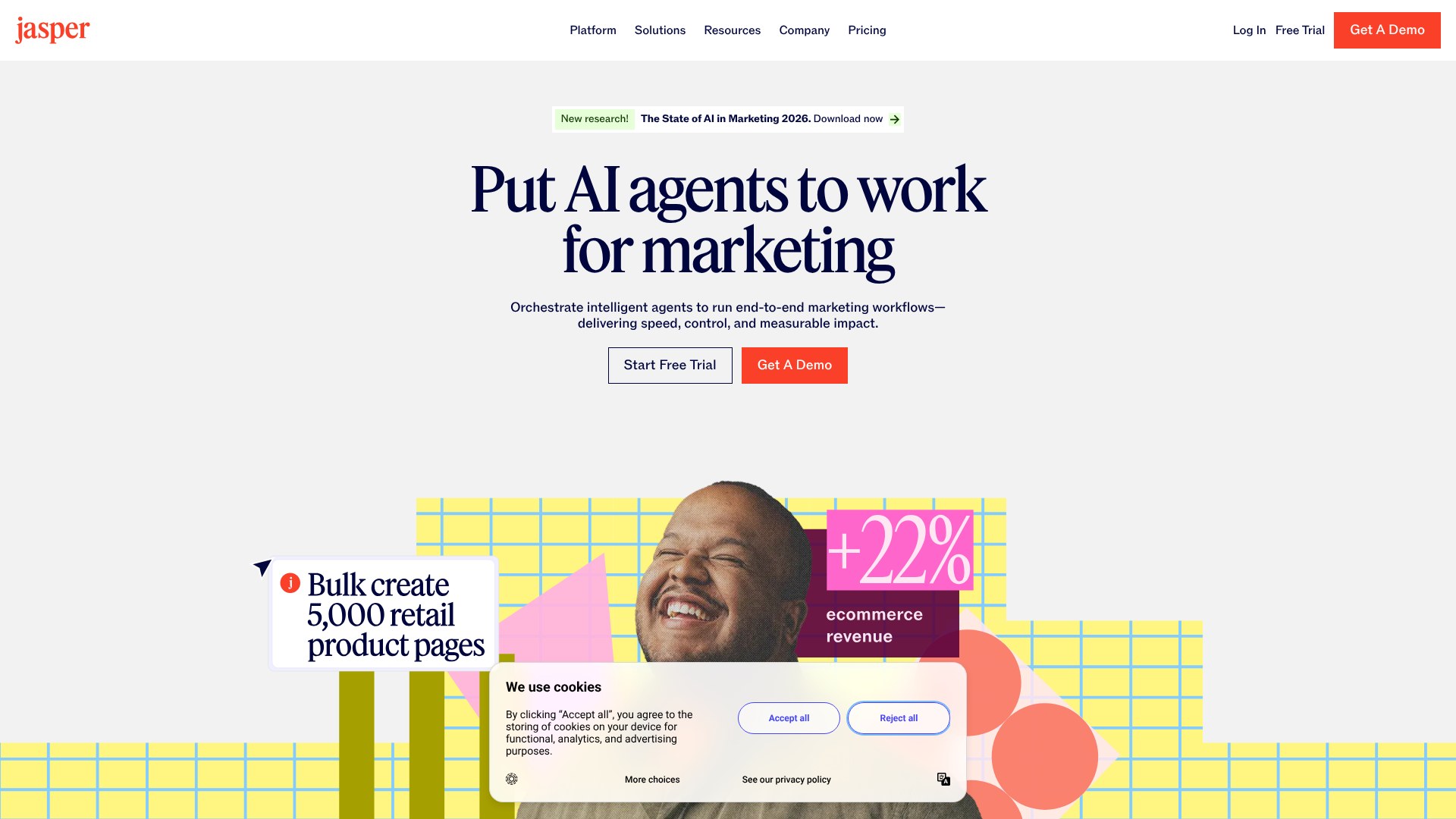
Jasper is one of the most well-known and respected AI writing tools on the market, specifically tailored for marketing and business content. It excels at creating persuasive, high-quality copy for ads, emails, landing pages, and blog posts. Its 'Brand Voice' feature allows you to upload documents or scan your website to teach the AI your specific style and tone, ensuring all generated content remains on-brand.
Key Features:
- Over 50 templates for different content types (e.g., AIDA framework, blog post outlines).
- 'Brand Voice' feature for maintaining brand consistency.
- Surfer SEO integration for creating rank-worthy long-form content.
- Jasper Art for generating accompanying images from text prompts.
Pros:
- Produces exceptionally high-quality, natural-sounding copy.
- Strong focus on marketing and conversion-focused content.
- Excellent long-form content editor with SEO features.
Cons:
- Can be more expensive than some competitors.
- The sheer number of features can have a slight learning curve.
Pricing: Visit Jasper for the latest pricing. Plans are typically based on word count and features.
2. Writesonic
Best for: All-in-One Writing & Image Platform
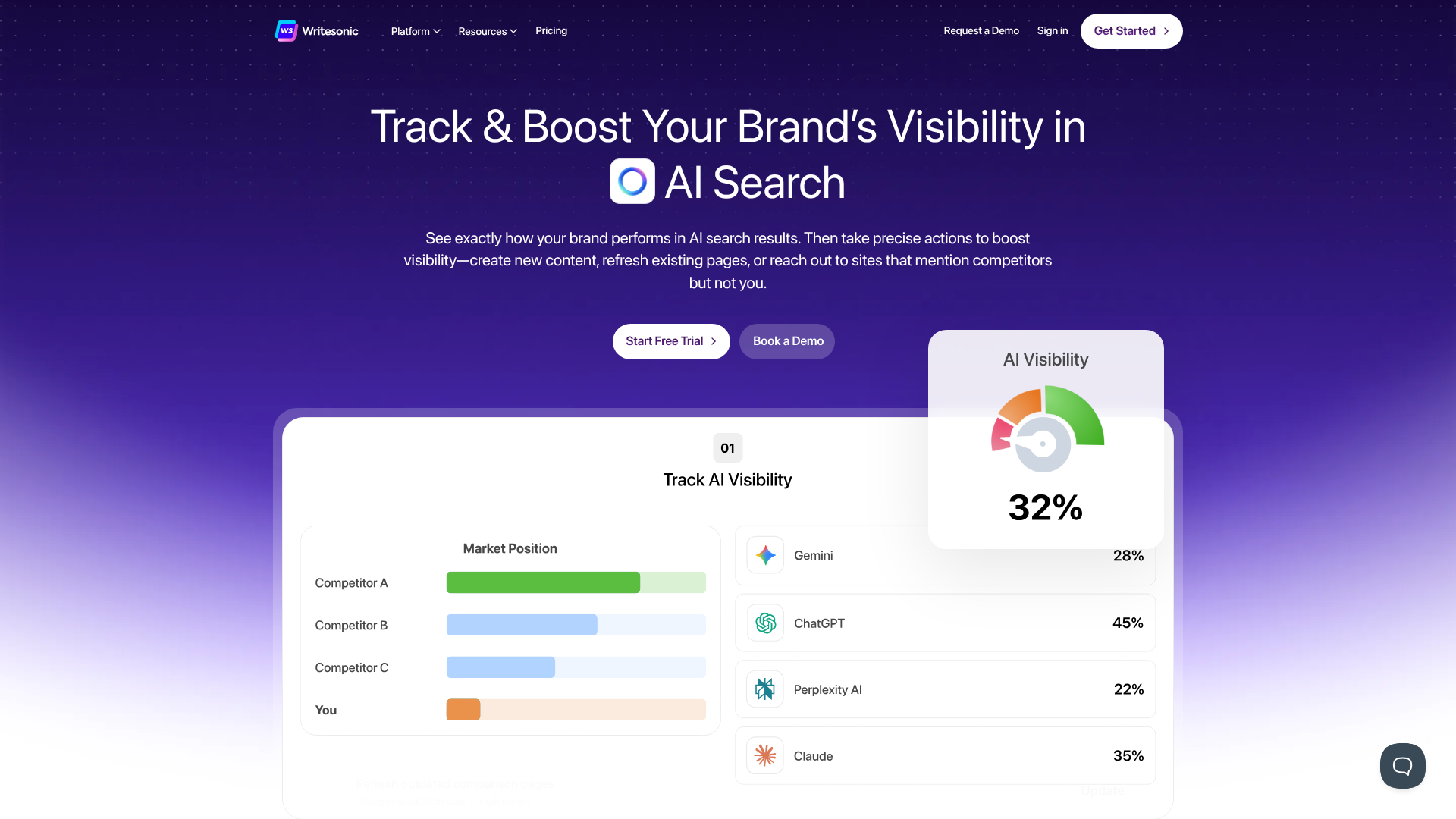
Writesonic is a versatile AI content tool that offers a wide array of features for writers, marketers, and business owners. It provides tools for every stage of the writing process, from generating ideas to writing full-length articles and optimising them for search. Its standout feature is Photosonic, an integrated AI image generator that allows you to create custom visuals for your content directly within the platform.
Key Features:
- AI Article Writer 5.0 for creating factual, SEO-optimised articles.
- Photosonic for AI image generation.
- Brand Voice feature to ensure tonal consistency.
- Integration with Surfer SEO for content optimisation.
Pros:
- Excellent value for money with generous free and paid plans.
- The all-in-one platform for text and images streamlines workflow.
- Consistently updated with the latest AI models for high-quality output.
Cons:
- The user interface can feel a bit busy with so many tools.
- Long-form content may occasionally require more editing than specialised competitors.
Pricing: Offers a free trial. Paid plans are available with more features and higher word credits. Check current pricing on the Writesonic website.
3. Synthesia
Best for: AI Avatar Video Creation
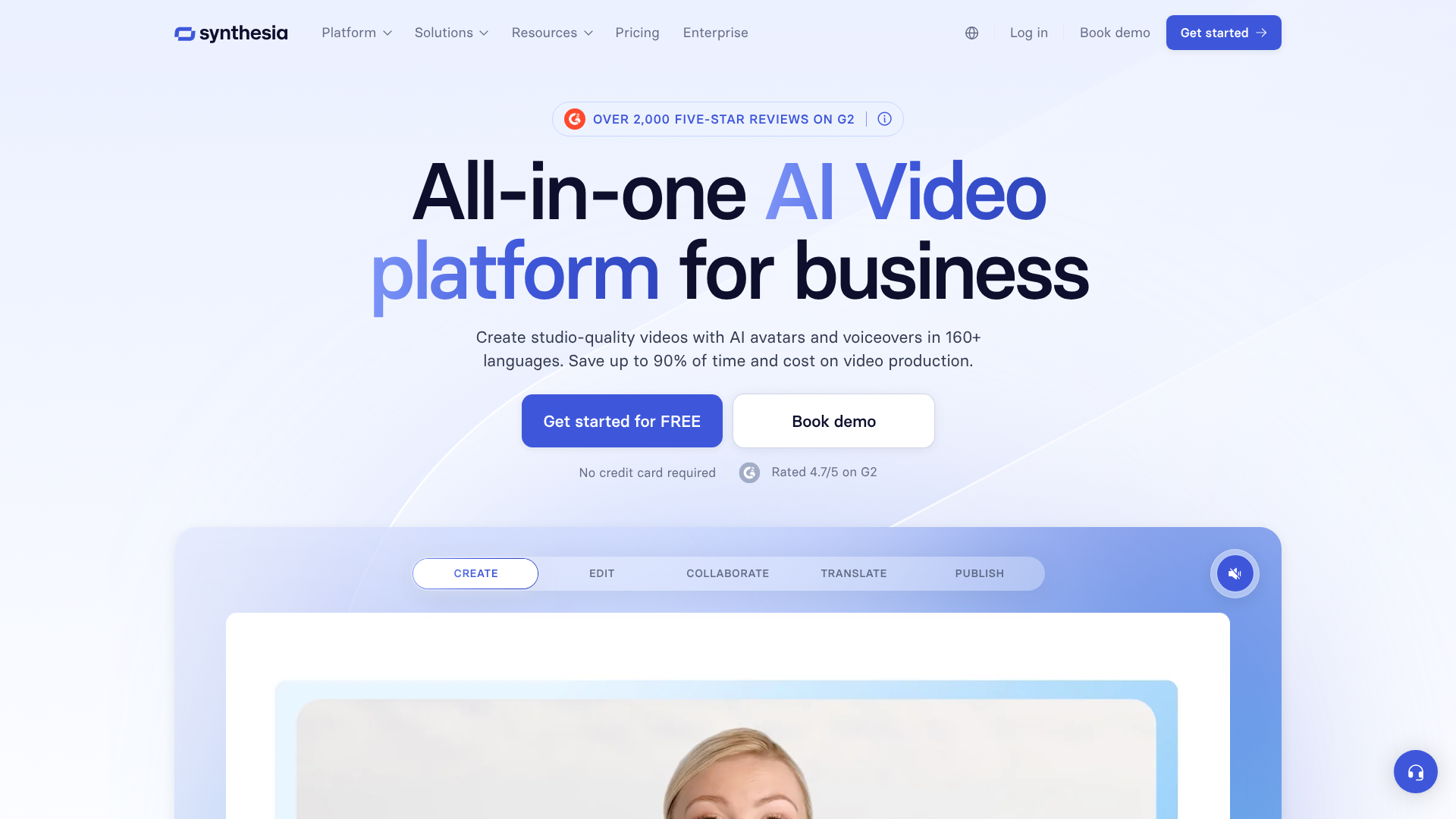
Synthesia is a leader in AI video generation, allowing you to create professional-looking videos with AI avatars in minutes. You simply type a script, choose from over 140 diverse avatars (or create your own), and the platform generates a video of the avatar speaking your text. It's an ideal solution for creating training videos, corporate communications, and product explainers without the need for cameras, microphones, or actors.
Key Features:
- 140+ stock AI avatars and 120+ languages and voices.
- Ability to create a custom AI avatar of yourself.
- Built-in screen recorder and media library.
- Easy-to-use video editor with templates and branding options.
Pros:
- Drastically reduces the time and cost of video production.
- High-quality, realistic avatars and voices.
- Excellent for localising content into different languages.
Cons:
- Can be costly for individuals or small businesses.
- Avatars, while good, may not convey the same emotional nuance as a real person.
Pricing: Plans are based on the number of video minutes generated per month. Visit the Synthesia website for details.
4. Pictory
Best for: Turning Text into Social Videos
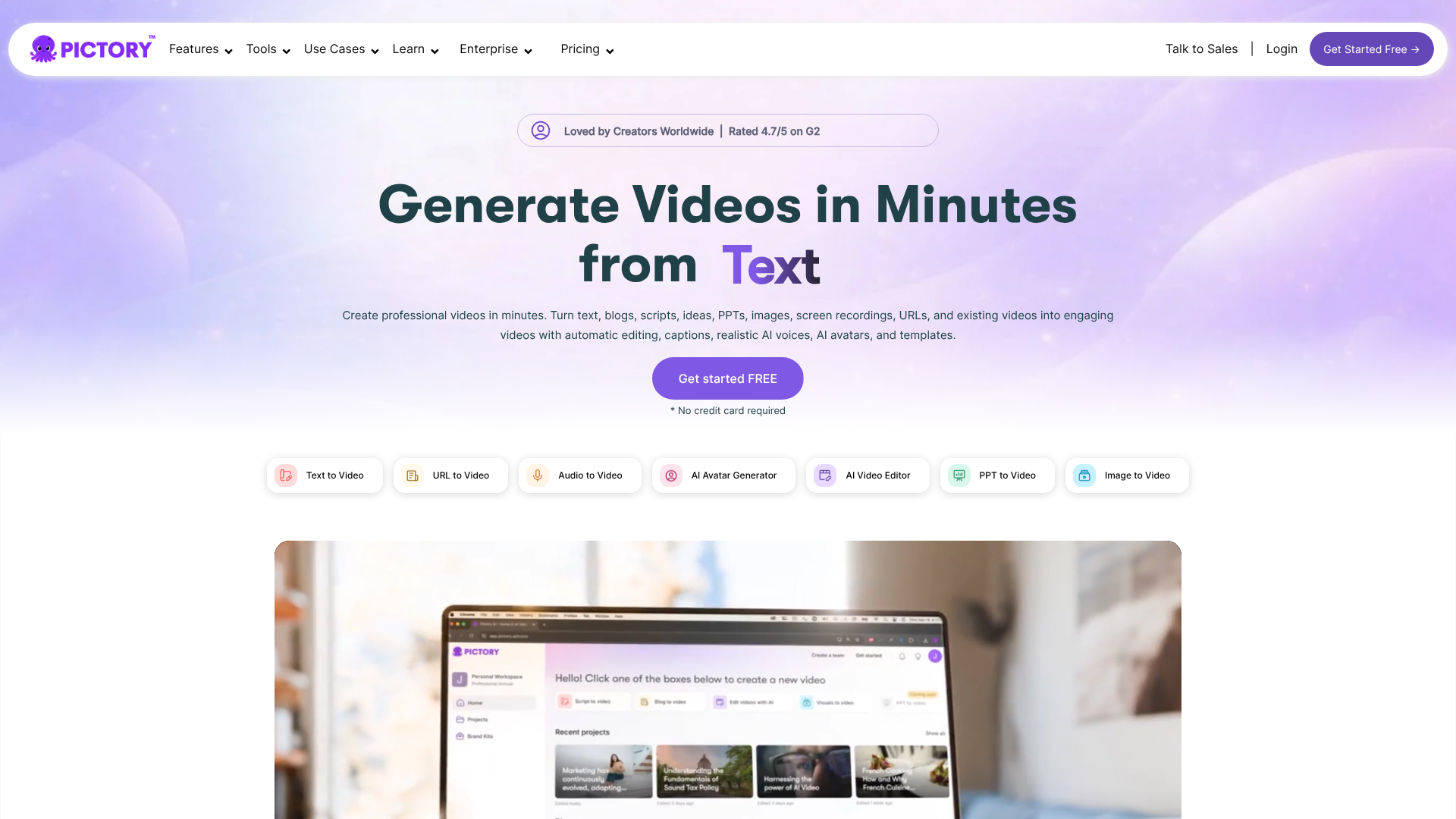
Pictory is a powerful AI video generator that specialises in turning long-form content like blog posts, scripts, and webinars into short, engaging videos perfect for social media. Its AI automatically selects the best summary sentences from your text and matches them with relevant stock video clips, images, and music from its extensive library. It's an incredibly efficient way to repurpose your existing content into a new format.
Key Features:
- Script-to-video, article-to-video, and audio-to-video modes.
- Automatic video creation with AI-selected visuals.
- Huge library of royalty-free video clips, images, and music tracks.
- Automatically adds captions to all videos, which is crucial for social media.
Pros:
- Incredibly fast and easy to use, even for non-video editors.
- Perfect for creating social media content at scale.
- The automatic captioning feature is a huge time-saver.
Cons:
- The AI's choice of stock footage can sometimes be generic and may need manual tweaking.
- Limited advanced editing features compared to traditional video editors.
Pricing: Offers a free trial. Paid plans are based on the number of videos and their length. Find the latest pricing on the Pictory website.
5. Murf AI
Best for: Realistic AI Voiceovers
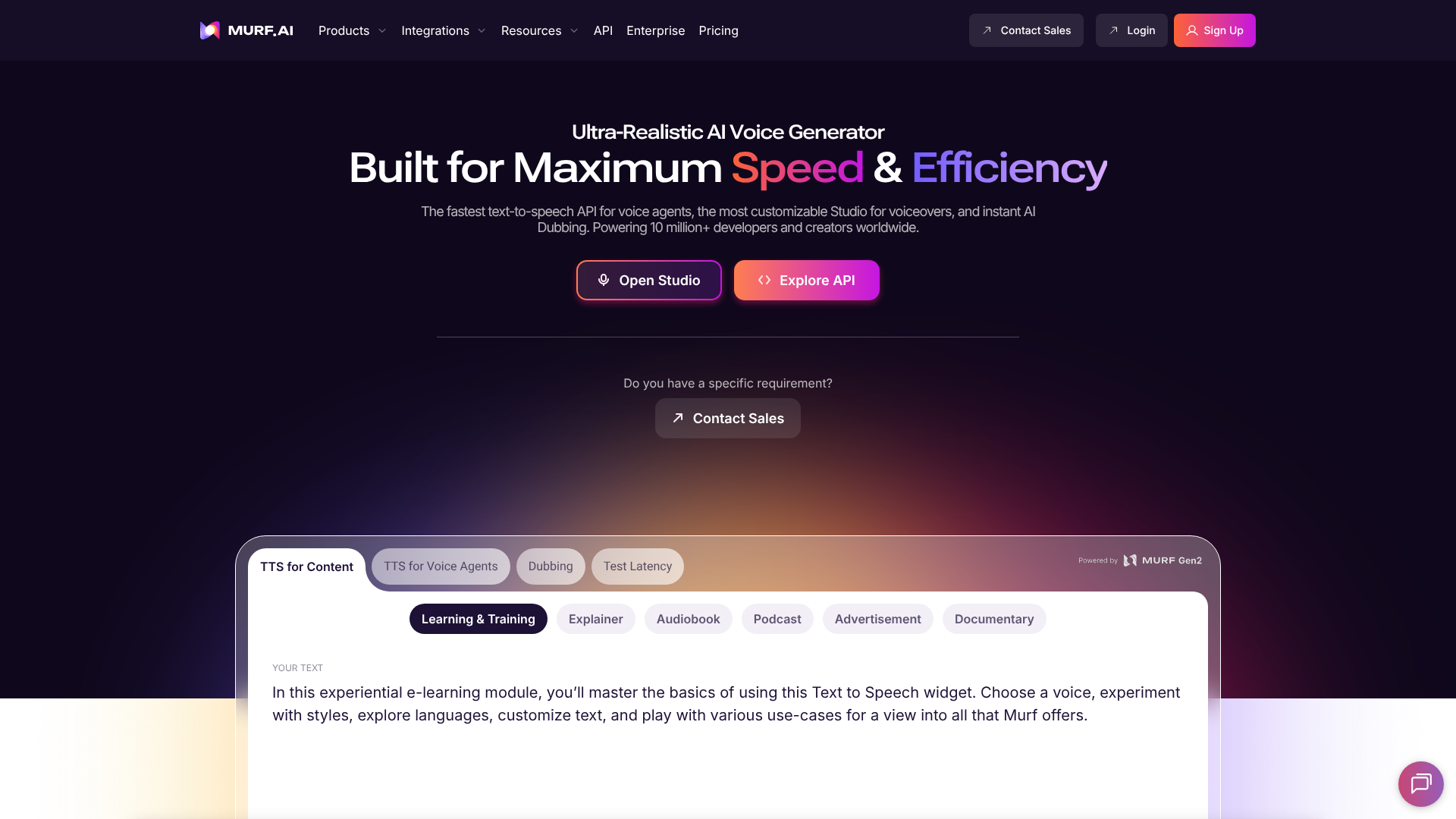
Murf AI is a text-to-speech generator that produces studio-quality voiceovers for videos, podcasts, and presentations. It offers a wide range of AI voices across different languages, accents, and styles. What sets Murf apart is the ability to control pitch, punctuation, and emphasis, allowing you to create voiceovers that sound remarkably human and expressive. It also includes a voice cloning feature to create a digital version of your own voice.
Key Features:
- 120+ text-to-speech voices in 20+ languages.
- Voice cloning to create a custom AI voice.
- Ability to add video, music, and images and sync them with the voiceover.
- Google Slides and Canva add-ons.
Pros:
- Exceptionally high-quality and natural-sounding voices.
- Granular control over voice characteristics like pitch and speed.
- All-in-one platform for creating and editing voiceover projects.
Cons:
- Voice cloning is only available on the highest-tier plan.
- The per-user pricing can add up for teams.
Pricing: Offers a free plan with limited features. Paid plans are based on voice generation time and features. Visit Murf AI for current plans.
6. Semrush
Best for: AI-Powered SEO Content Strategy
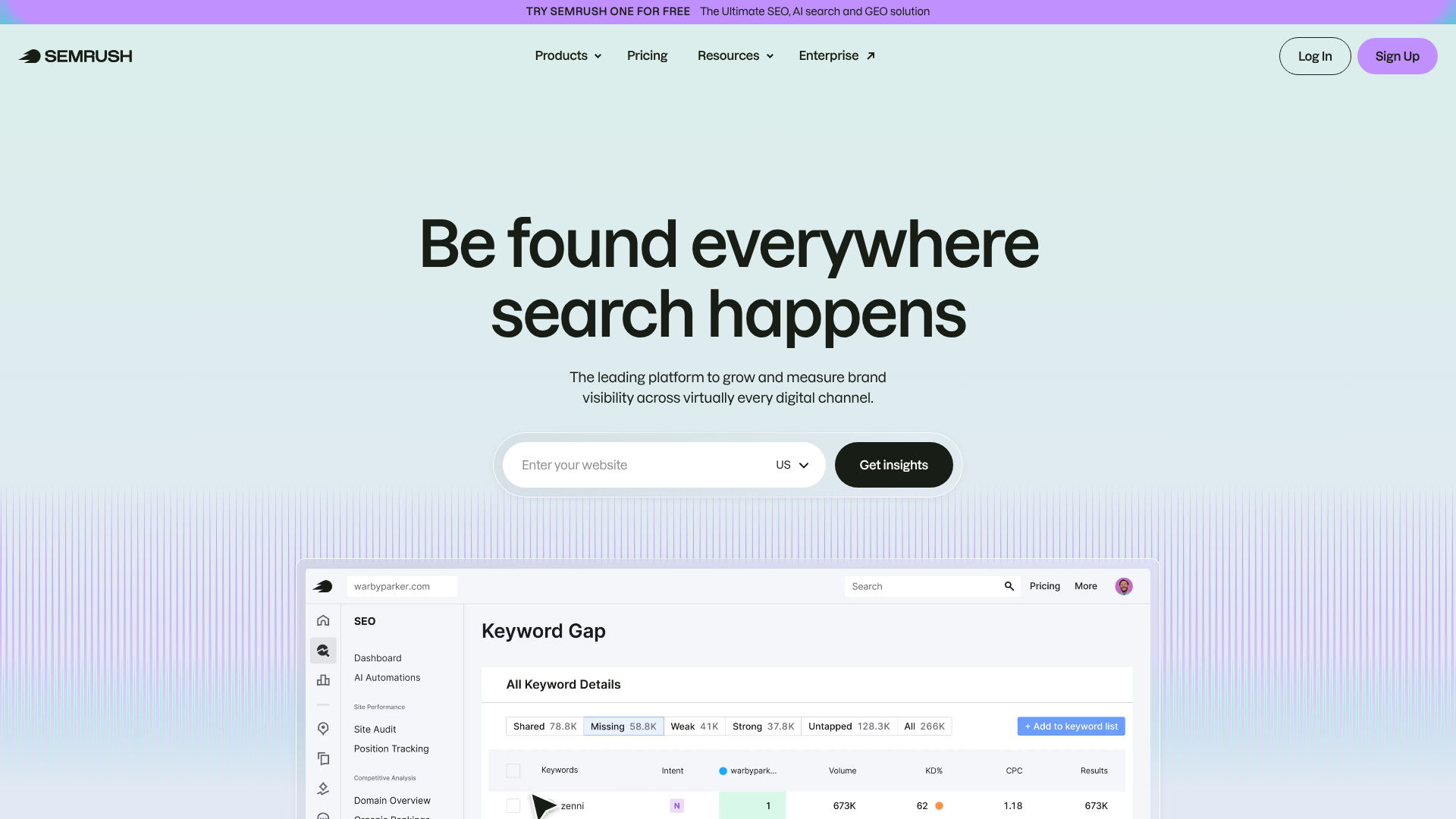
While Semrush is known as a comprehensive SEO toolkit, its AI-powered content marketing features make it an essential tool for content generation. Its SEO Writing Assistant provides real-time feedback on your text based on top-ranking competitors for your target keyword. It analyses readability, tone of voice, originality, and SEO, giving you actionable recommendations to improve your content before you publish. It helps bridge the gap between AI writing and strategic, rank-worthy content.
Key Features:
- SEO Writing Assistant for real-time content optimisation.
- Topic Research tool to generate content ideas based on what's trending.
- Keyword Magic Tool for finding the best keywords to target.
- Content audit and tracking tools.
Pros:
- Integrates content creation with powerful SEO data.
- Helps ensure your content is optimised to rank from the start.
- A comprehensive suite of tools beyond just content.
Cons:
- It's a professional-grade tool with a corresponding price tag.
- Can be overly complex for beginners who only need a writing assistant.
Pricing: Subscription-based with different tiers. Check the Semrush website for details.
7. ChatGPT & Claude
Best for: General Ideation & Drafting
No list of AI content tools would be complete without mentioning the foundational models like OpenAI's ChatGPT and Anthropic's Claude. These conversational AI chatbots are incredibly versatile and can be used for almost any text-based task. They are excellent for brainstorming ideas, creating detailed outlines, summarising complex topics, writing drafts, and even generating code snippets. While they may lack the specialised templates of tools like Jasper, their raw power and flexibility are unmatched.
Key Features:
- Conversational interface that is easy for anyone to use.
- Capable of a vast range of tasks, from writing poetry to debugging code.
- Free versions are available and highly capable.
- Paid versions offer access to more powerful models and features like data analysis.
Pros:
- Extremely versatile and can handle a wide variety of prompts.
- Excellent for brainstorming and overcoming writer's block.
- The free versions are powerful enough for many use cases.
Cons:
- Lacks the specialised workflows and templates of paid marketing tools.
- Output requires careful fact-checking as it can sometimes 'hallucinate' or invent information.
Pricing: Both offer powerful free versions. Paid subscriptions provide access to more advanced models and higher usage limits.
8. Grammarly
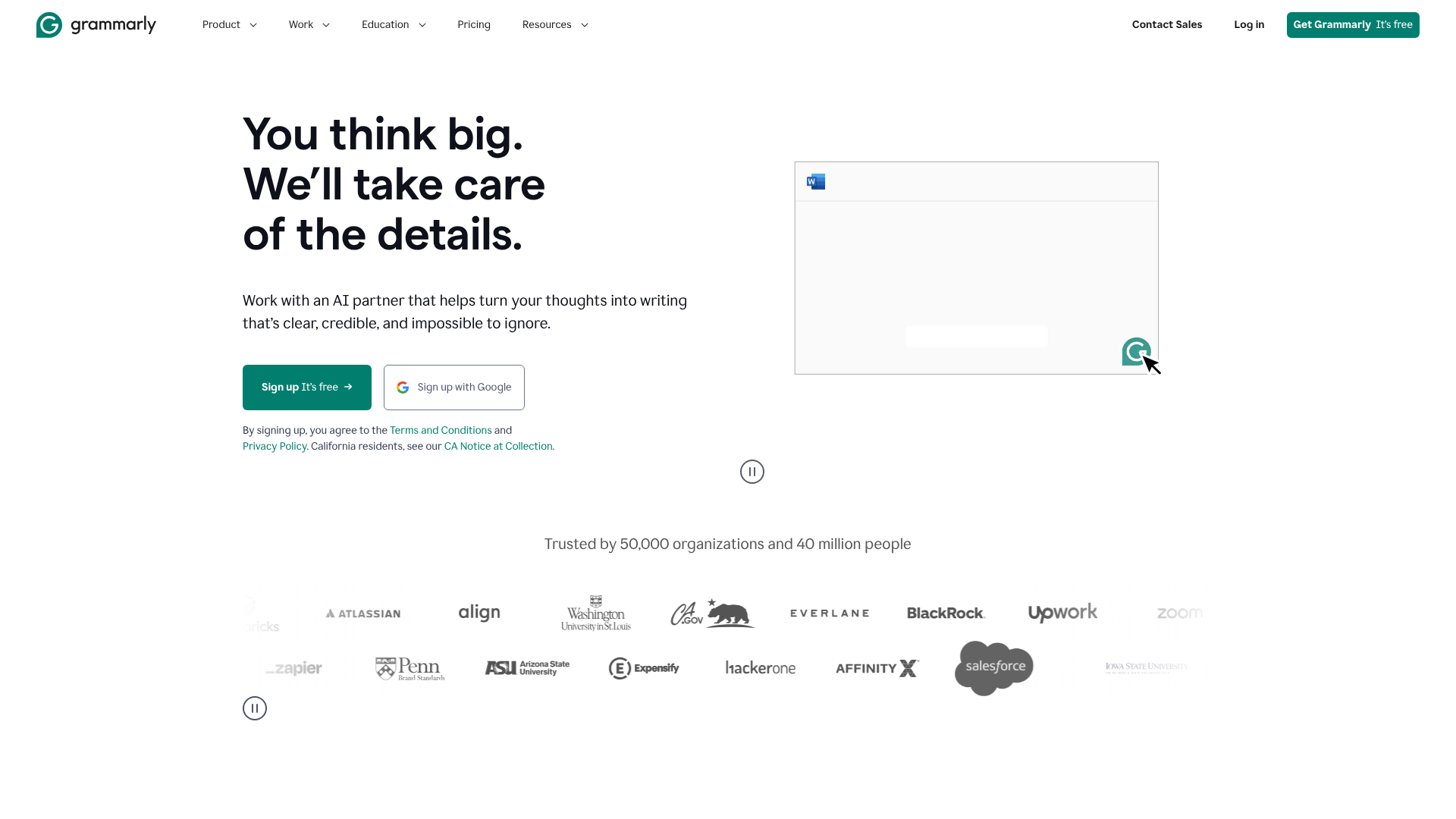
Best for: AI-Powered Editing & Proofreading
While you might know Grammarly as a spelling and grammar checker, its capabilities have expanded significantly with AI. It now offers generative AI features that can help you rewrite sentences for clarity, adjust the tone of your text, shorten or expand paragraphs, and generate ideas. It acts as an intelligent editor, not just correcting mistakes but actively improving the quality and impact of your writing. It's an essential final step in any AI-assisted content workflow.
Key Features:
- Advanced grammar, spelling, and punctuation checks.
- AI-powered suggestions for tone, clarity, and conciseness.
- Generative AI features for rewriting and ideation.
- Plagiarism checker to ensure originality.
Pros:
- Works everywhere you write, via browser extensions and desktop apps.
- Goes beyond basic corrections to improve overall writing quality.
- Easy to use and provides clear, actionable feedback.
Cons:
- The most powerful features are locked behind the Premium subscription.
- Some suggestions can be overly prescriptive and may not fit the desired style.
Pricing: A robust free version is available. Premium plans unlock advanced features. Visit Grammarly for more information.
9. ElevenLabs
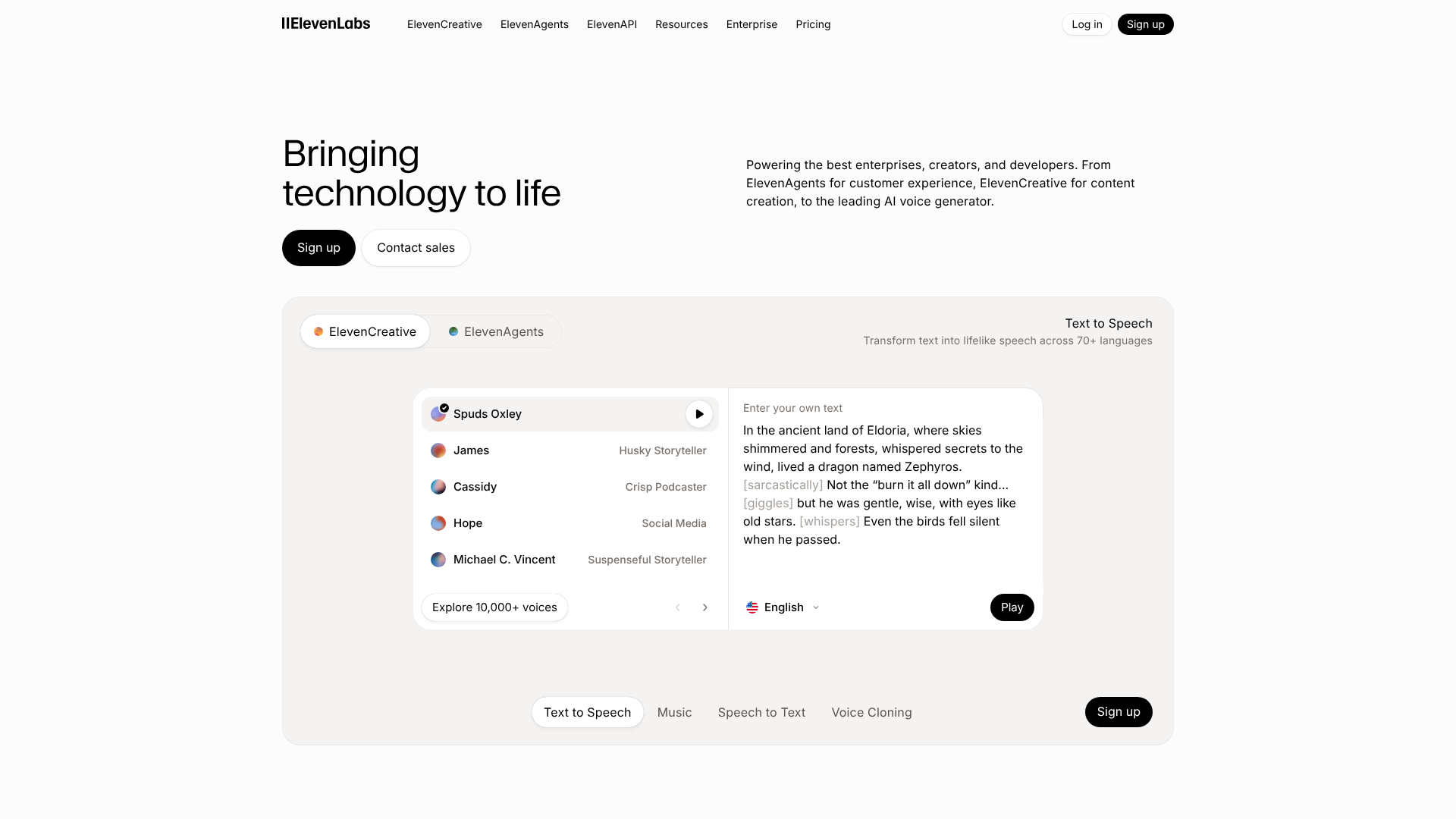
Best for: Expressive Voice Cloning & Synthesis
ElevenLabs has set a new standard for realistic and emotive AI voices. Its text-to-speech technology is known for its ability to capture human-like intonation and emotion, making it ideal for audiobooks, character voices, and high-end video narration. Its Professional Voice Cloning feature can create an incredibly accurate digital replica of a voice from just a few minutes of audio, offering unparalleled customisation.
Key Features:
- Highly realistic and emotionally expressive AI voices.
- Professional Voice Cloning for creating custom voice models.
- Generous free tier for testing and small projects.
- API access for developers to integrate into their own applications.
Pros:
- Arguably the most realistic and human-sounding AI voices available.
- The voice cloning technology is top-tier.
- Simple and intuitive user interface.
Cons:
- Can be more expensive than other text-to-speech tools for high-volume use.
- The ethical implications of realistic voice cloning require careful consideration.
Pricing: Offers a free tier. Paid plans are based on the number of characters generated per month. See the ElevenLabs site for details.
10. HeyGen
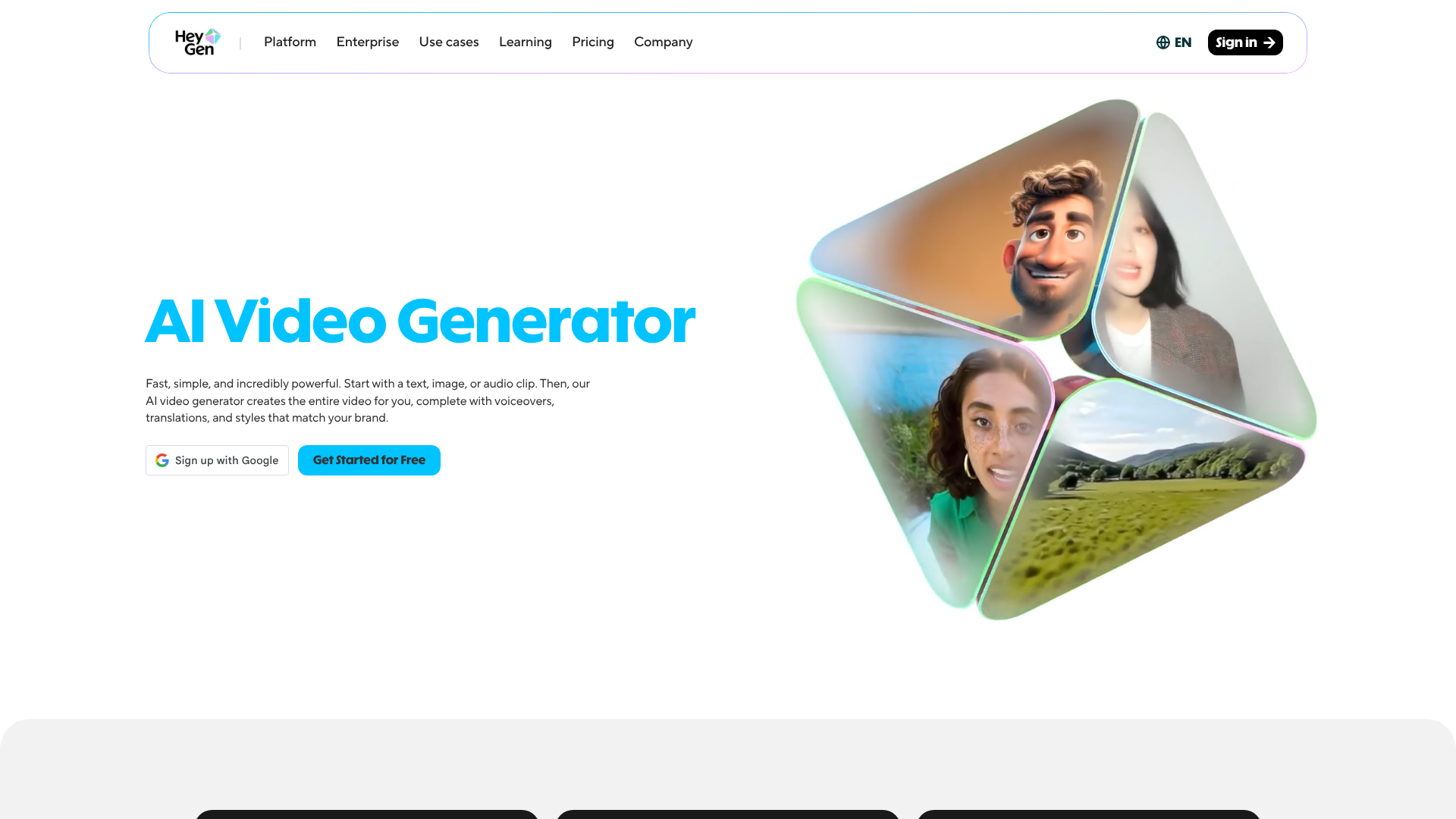
Best for: Professional AI Spokesperson Videos
Similar to Synthesia, HeyGen is a video platform that allows you to create engaging videos with AI avatars. It offers a wide variety of avatars, voices, and templates designed for business use cases like marketing, sales, and e-learning. HeyGen also has unique features like the ability to create an avatar from a single photo and a video translation tool that not only dubs the audio but also syncs the avatar's lip movements to the new language.
Key Features:
- 100+ diverse and customisable AI avatars.
- Video translation with AI-powered lip-sync.
- Ability to turn photos into talking avatars.
- A wide range of templates for different video types.
Pros:
- The video translation feature is a standout for global businesses.
- User-friendly interface with a focus on business applications.
- Flexible options for avatar creation.
Cons:
- The free plan is quite limited.
- As with all avatar tools, there's a risk of the final video feeling impersonal.
Pricing: Free plan available. Paid subscriptions are based on credits, which are used for video generation. Check HeyGen for current pricing.
11. QuillBot
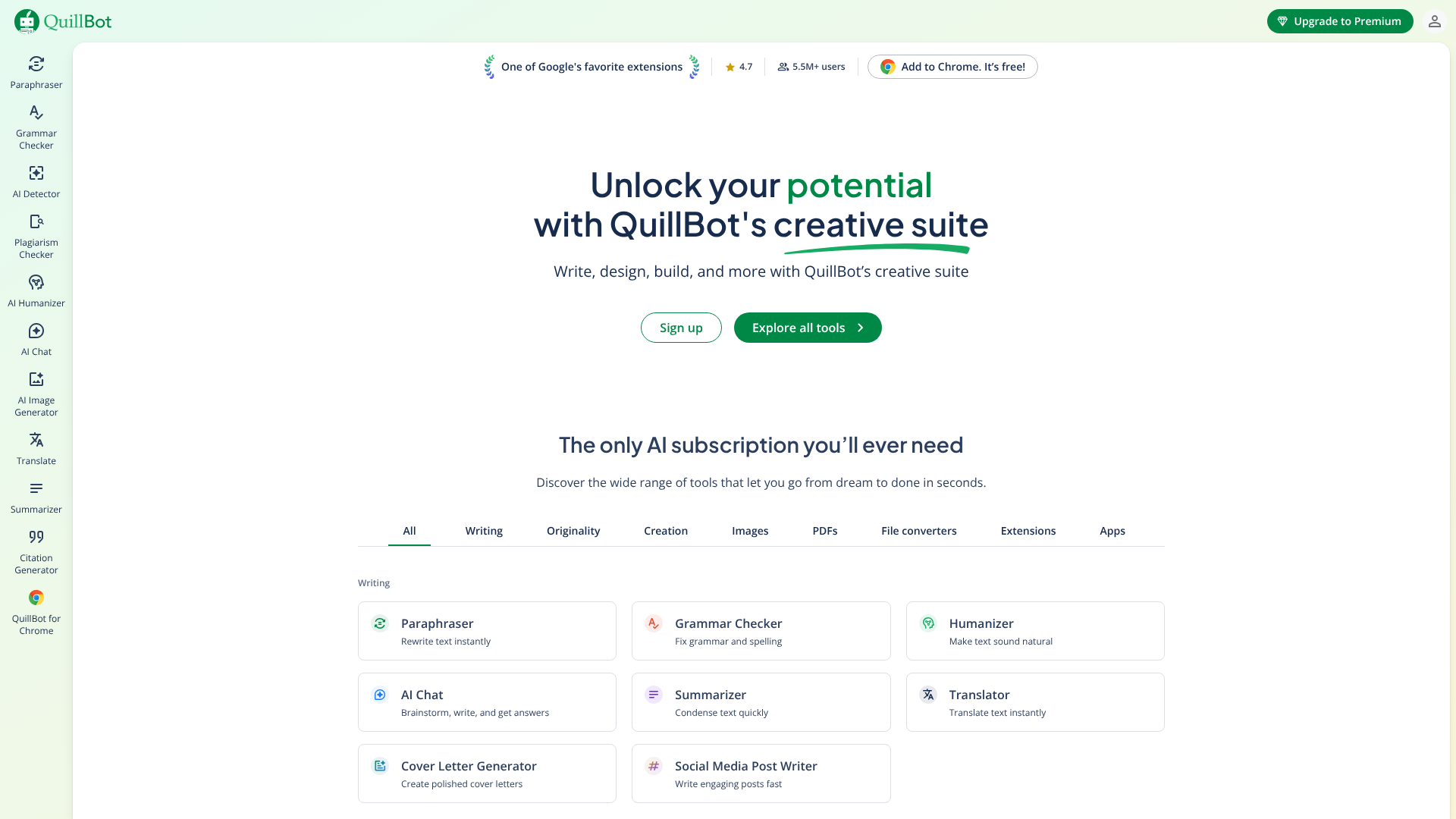
Best for: Paraphrasing and Summarising
QuillBot is an AI writing tool that specialises in rewriting and restructuring existing text. Its Paraphraser can reword sentences, paragraphs, or entire articles in various modes (e.g., Formal, Simple, Creative) to improve clarity and style. It also includes a powerful Summarizer for condensing long documents into key points and a Co-Writer tool that brings all its features into a unified writing space. It's an excellent tool for academic writing, content repurposing, and refining AI-generated drafts.
Key Features:
- Advanced paraphrasing tool with multiple writing modes.
- Summarizer for creating concise summaries of long texts.
- Grammar checker, citation generator, and plagiarism checker.
- Co-Writer provides an all-in-one writing environment.
Pros:
- Best-in-class paraphrasing capabilities.
- The free version is very generous and useful.
- A suite of tools that is particularly valuable for students and researchers.
Cons:
- Not designed for generating new content from scratch.
- The paraphrased text can sometimes lose the original nuance and should be reviewed carefully.
Pricing: A comprehensive free plan is available. The Premium plan unlocks higher character limits and more advanced features. Visit QuillBot for details.
Comparing the Top AI Content Generation Platforms
To help you decide, here’s a quick comparison of our top-rated tools, focusing on their primary strengths and pricing structure.
| Tool | Best For | Key Feature | Pricing Model |
|---|---|---|---|
| Jasper | Marketing Copy & SEO | Brand Voice & Surfer Integration | Subscription (Word-based) |
| Writesonic | All-in-One Content | AI Article Writer & Photosonic | Freemium/Subscription |
| Synthesia | AI Avatar Videos | Custom Avatars & 120+ Languages | Subscription (Minute-based) |
| Pictory | Text-to-Video | Automatic Visual Selection | Freemium/Subscription |
| Murf AI | Realistic Voiceovers | Voice Cloning & Emotion Control | Freemium/Subscription |
| Semrush | SEO Content Strategy | SEO Writing Assistant | Subscription (Tiered) |
The Potential Downsides and How to Mitigate Them
While AI content tools offer immense potential, it's important to be aware of their limitations and use them responsibly. Relying too heavily on AI without human oversight can lead to several problems, including factual inaccuracies, a lack of originality, and content that fails to connect with your audience on an emotional level.
One of the biggest risks is accuracy. AI models can 'hallucinate'—that is, invent facts, statistics, or sources that sound plausible but are entirely false. This is especially dangerous when creating content on sensitive or technical topics. To mitigate this, you must treat the AI as a starting point, not a final source of truth.
Always fact-check any claims, data, or statistics against reliable primary sources before publishing.
Another concern is the potential for generic, soulless content. Because AI models learn from existing internet data, their output can sometimes reflect common opinions and writing styles, lacking a unique perspective. The key to avoiding this is to inject your own expertise and personality. Use the AI to handle the heavy lifting of drafting, but then go back and add your own stories, opinions, and unique insights.
This human layer is what turns generic content into valuable, engaging content.
Pro Tip: Develop a detailed brand style guide that you can reference when prompting and editing. Include specifics on your brand's tone of voice, preferred terminology, and formatting. You can even paste key parts of this guide into tools like Jasper or Claude to instruct the AI on how to write for your brand, ensuring greater consistency.
Finally, there are the SEO and ethical considerations. Google has stated that high-quality AI-generated content is not against its guidelines, but it penalises low-quality, spammy content, regardless of how it's created. The focus should always be on creating helpful, reliable, people-first content. Transparency is also important; consider disclosing the use of AI in your content creation process to maintain trust with your audience.
Frequently Asked Questions about AI Content Tools
Is AI-generated content good for SEO?
Yes, AI-generated content can be excellent for SEO, provided it is high-quality, accurate, and optimised for both users and search engines. Google's official stance is that it rewards high-quality content, regardless of how it is produced. The key is to use AI as a tool to create helpful, people-first content. Use platforms like Semrush to ensure your articles are structured correctly and cover topics comprehensively, and always have a human editor review and enhance the content to add unique value and expertise.
Can Google detect AI-generated content?
While there are many AI detection tools available, none are 100% accurate, and Google has stated that its focus is on content quality, not its origin. Instead of worrying about detection, focus on quality. Low-effort, unedited AI content can often be identified by its generic phrasing and lack of depth, which is what search engines and users will penalise. Content that has been carefully prompted, edited, and enriched with human expertise is indistinguishable from human-written content and will perform well if it meets user needs.
What is the best free AI tool for content creation?
For text generation, the free versions of ChatGPT, Claude, and Google Gemini are incredibly powerful and versatile for brainstorming, drafting, and summarising. For video, Pictory offers a free trial to create a few videos to test its capabilities. For voiceovers, Murf AI and ElevenLabs both have free tiers that allow you to generate a limited amount of audio per month. For most creators, a combination of these free tools can form a very effective content generation stack.
How can I make AI content sound more human?
To make AI content sound more human, focus on editing and personalisation. First, use specific prompts that define a clear tone of voice (e.g., 'write in a witty, conversational tone'). After generating the draft, add personal stories, anecdotes, and unique opinions. Break up long sentences, use contractions (like 'it's' and 'you're'), and ask rhetorical questions to engage the reader.
Finally, read the content out loud. This simple trick helps you catch awkward phrasing and robotic sentences that your eyes might miss.
Final Thoughts: Integrating AI into Your Content Workflow
The era of AI-powered content creation is here, and it offers a significant advantage to those who embrace it strategically. The tools we've explored are not about replacing human creativity but augmenting it. They handle the repetitive, time-consuming parts of content creation, freeing you to focus on strategy, storytelling, and building a genuine connection with your audience.
Your ideal toolkit will depend on your specific needs. If you're focused on written content and SEO, a combination of Jasper for drafting and Semrush for optimisation is a powerful duo. For those looking to dominate social media with video, Pictory can transform your blog posts into a steady stream of engaging clips. And for creating professional training or marketing videos, platforms like Synthesia offer an unparalleled solution.
The most important step is to start experimenting. Try the free trials, test different prompts, and see how these platforms can fit into your workflow. By thoughtfully integrating AI, you can not only scale your content production but also elevate its quality and impact.