

11 Best AI Tools for Content Generation to Scale Your Workflow in 2026
The demand for high-quality content is relentless, but time and resources are finite. For many creators and marketers, this creates a significant bottleneck, slowing growth and leading to burnout. The solution lies in working smarter, not harder, by integrating the best AI tools for content generation into your daily workflow to accelerate production without sacrificing quality.
- What You'll Learn
- What Are AI Tools for Content Generation?
- The Core Benefits: Why Use AI Content Tools?
- How to Choose the Right AI Tool for Your Needs
- The Top 11 AI Tools for Content Generation (Ranked & Reviewed)
- 1. Jasper (formerly Jarvis): Best All-Around AI Writing Assistant
- 2. Writesonic: Best for SEO-Focused Content & Landing Pages
- 3. Pictory: Best for Turning Text into Engaging Videos
- 4. Synthesia: Best for Creating AI Avatar Videos
- 5. Murf AI: Best for Realistic AI Voiceovers
- 6. QuillBot: Best for Paraphrasing and Rewriting Content
- 7. Grammarly: Best for AI-Powered Editing and Proofreading
- 8. Semrush: Best for AI-Driven Content Strategy & Optimisation
- 9. ElevenLabs: Best for Hyper-Realistic Voice Cloning & Synthesis
- 10. HubSpot: Best for Integrated AI Marketing & Sales Content
- 11. CustomGPT.ai: Best for Building a Custom AI Chatbot with Your Data
- Pricing and Cost Comparison: What to Expect
- The Pros and Cons of Using Content Generation AI
- Frequently Asked Questions (FAQ)
- What are AI tools for content creation?
- Which AI is used to generate content?
- What is the best free AI for content creation?
- Which AI tool is best for social media content?
- What AI is better than ChatGPT?
- Final Thoughts: Integrating AI into Your Content Workflow
These platforms are no longer just simple article spinners. Modern content generation AI can draft blog posts, create video scripts, produce realistic voiceovers, and even generate entire marketing campaigns from a few prompts. By handling the heavy lifting, they free you up to focus on strategy, creativity, and connecting with your audience.
This guide breaks down the top tools available today, from powerful AI writing tools to innovative text-to-video platforms. We'll explore their key features, ideal use cases, and how to choose the right one to help you scale your content efforts effectively.
What You'll Learn
- Beyond Text: AI content tools now cover a wide range of formats, including video from text, realistic voiceovers, and AI-generated images, enabling a multi-channel strategy.
- Choosing Wisely: The best tool for you depends entirely on your primary content format (e.g., blogs, social videos), budget, and how it fits into your existing workflow.
- Top Performers: Tools like Jasper and Writesonic are excellent for written content, while platforms such as Pictory and Synthesia lead the way in video creation.
- Human-in-the-Loop: Always edit, fact-check, and refine AI-generated content. Your expertise is essential to ensure accuracy, align with your brand voice, and add unique value.
What Are AI Tools for Content Generation?
AI tools for content generation are software applications that use artificial intelligence, specifically natural language processing (NLP) and machine learning models, to create human-like content. At their core, these tools are powered by Large Language Models (LLMs), such as OpenAI's GPT series, which have been trained on vast amounts of text and data from the internet.
This training allows them to understand context, grammar, tone, and style. When you provide a prompt or instruction, the AI uses its training to predict the most logical sequence of words to generate a relevant and coherent response. It's not just about writing; the technology has expanded to interpret text and transform it into other media.
For example, some tools can read a blog post and automatically identify the key points to create a summary video, complete with stock footage and captions. Others can take a script and generate a realistic voiceover in multiple languages or create a video featuring a digital avatar. This evolution makes content generation AI a versatile solution for creators across different mediums.
The Core Benefits: Why Use AI Content Tools?
Integrating AI content tools into your process offers more than just speed; it provides a strategic advantage that can redefine your entire content production system. These platforms are designed to tackle common challenges faced by content creators, marketers, and business owners.
First and foremost is the dramatic increase in efficiency. A task that might take hours, like drafting a 2,000-word blog post or scripting a five-minute video, can be reduced to minutes. This allows you to move from idea to a published first draft at a pace that's impossible to achieve manually, freeing up valuable time for editing, promotion, and strategic planning.
These tools are also a powerful remedy for writer's block. Instead of staring at a blank page, you can generate outlines, brainstorm topic ideas, or create multiple opening paragraphs to get your creative momentum going. This makes the initial, often most difficult, part of content creation much more manageable.
Finally, AI enables content scaling and repurposing on a massive level. A single person or a small team can produce the output of a much larger department. You can take one core piece of content, like a detailed guide, and use different AI tools to effortlessly transform it into social media posts, a video script, an email newsletter, and even a podcast summary.

How to Choose the Right AI Tool for Your Needs

With a rapidly growing market, selecting the right AI tool can feel overwhelming. The key is to move beyond the hype and focus on your specific requirements. A systematic approach will help you identify a platform that not only performs well but also integrates smoothly into your workflow.
First, define your primary content type. Are you a blogger focused on long-form SEO articles. A tool like Writesonic with its SEO integrations would be a strong contender. If you're a social media manager needing to turn articles into short, engaging videos, Pictory is designed for that exact purpose.
Don't choose a jack-of-all-trades if you need a master of one.
Next, evaluate the quality of the output. Not all AI models are created equal. Look for tools that offer free trials or demos and test them with real-world prompts relevant to your niche. Pay close attention to the coherence, accuracy, and tone of the generated content.
A tool that requires heavy editing might not save you as much time as you think.
Ease of use is another critical factor. The purpose of using AI is to increase efficiency, so a tool with a steep learning curve can be counterproductive. Look for an intuitive interface, clear instructions, and helpful tutorials. The platform should feel like an assistant, not another complex system you have to master.
Lastly, consider your budget and the tool's pricing structure. Most AI content tools operate on a subscription model, often with tiers based on word count, video minutes, or feature access. Use free trials to estimate your monthly usage and choose a plan that provides enough resources without overpaying for features you don't need.
The Top 11 AI Tools for Content Generation (Ranked & Reviewed)
Here are the best AI tools for content generation, selected for their performance, features, and suitability for different creative needs. We've covered everything from writing and editing to video and audio creation.
1. Jasper (formerly Jarvis): Best All-Around AI Writing Assistant
Jasper has established itself as a leader in the AI writing space, known for its high-quality output and extensive feature set. It's designed for marketing teams, content creators, and businesses who need to produce a high volume of copy across various formats. Its 'Brand Voice' feature allows you to upload documents or scan your website to teach the AI your specific tone and style, ensuring brand consistency.
With over 50 templates for everything from blog posts and social media captions to Google Ads and video scripts, Jasper streamlines the entire writing process. Its long-form document editor is particularly powerful, allowing you to compose entire articles with AI assistance, run plagiarism checks, and collaborate with team members in real-time.
Pros
- High-Quality Output: Consistently generates well-written, coherent, and contextually relevant content.
- Brand Voice Feature: Excellent for maintaining a consistent tone across all marketing materials.
- Versatile Templates: A wide range of pre-built templates speeds up the creation of specific content types.
Cons
- Learning Curve: The sheer number of features can be overwhelming for new users.
- Pricing: It's one of the more premium options on the market, which may not suit individual creators or small businesses on a tight budget.
Pricing: Jasper offers several subscription tiers. Visit their website for the latest pricing details.
2. Writesonic: Best for SEO-Focused Content & Landing Pages
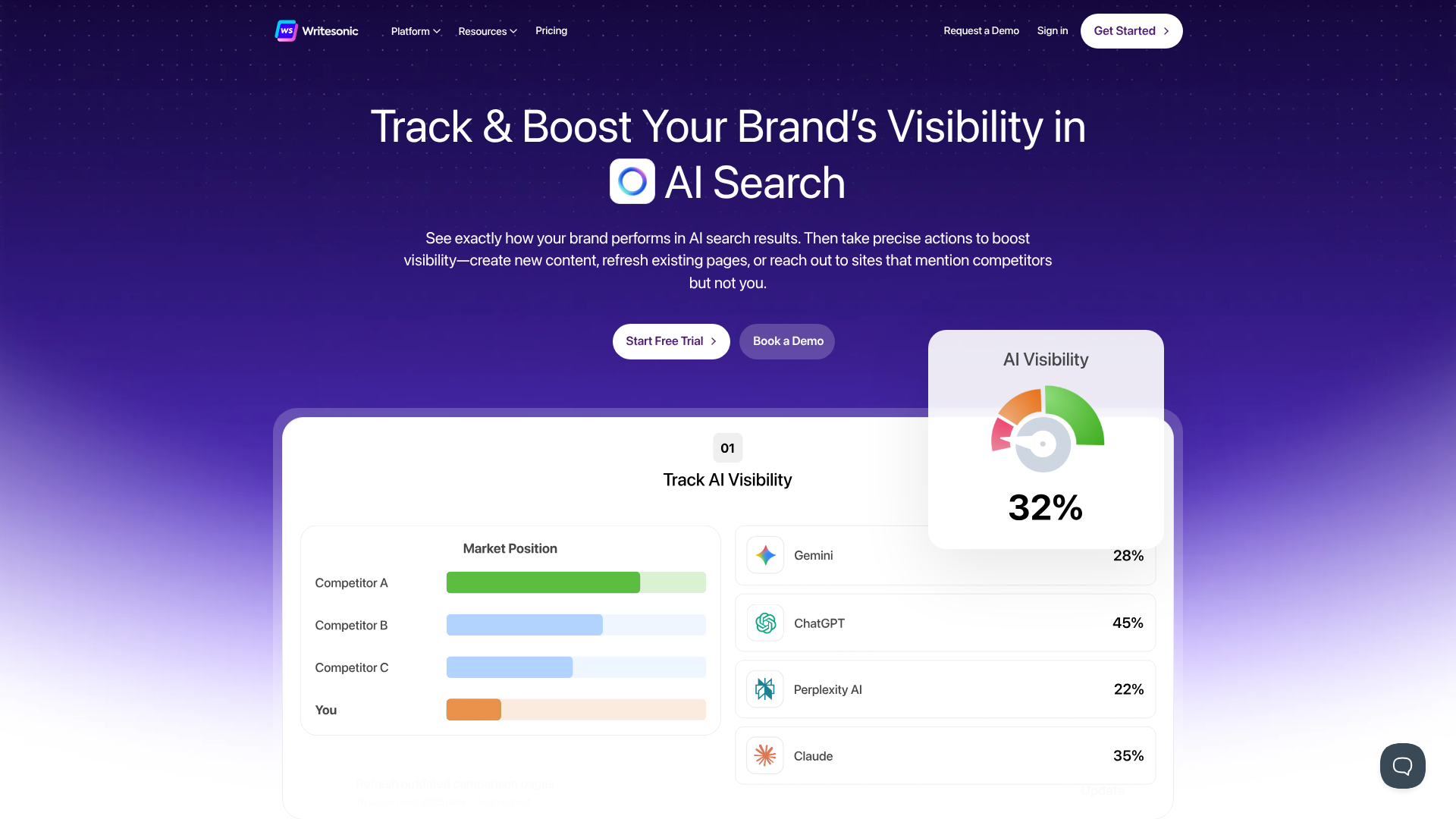
Writesonic is a powerful AI writing tool that places a strong emphasis on creating content that performs well in search engines. Its standout feature is a direct integration with Surfer SEO, a leading content optimisation platform. This allows you to generate an article draft within Writesonic and then immediately optimise it for your target keyword based on real-time SERP data.
Beyond blog posts, Writesonic offers a suite of tools for different needs, including Photosonic for generating AI images, Audiosonic for text-to-speech, and a dedicated landing page generator. Its AI Article Writer 5.0 can produce a 1,500-word, fact-checked article from a single topic idea, making it incredibly efficient for drafting long-form content.
Pros
- Excellent SEO Integration: The partnership with Surfer SEO is a major advantage for content marketers.
- All-in-One Platform: Includes AI image and audio generation, reducing the need for multiple tools.
- Generous Free Plan: Offers a free tier that allows users to test its core features before committing.
Cons
- Output Can Be Repetitive: On some longer articles, the output may require editing to improve flow and reduce repetition.
- UI Can Be Cluttered: With so many features, the user interface can sometimes feel a bit busy.
Pricing: Writesonic has a free plan and multiple paid tiers based on word count and features. Check their site for current plans.
3. Pictory: Best for Turning Text into Engaging Videos
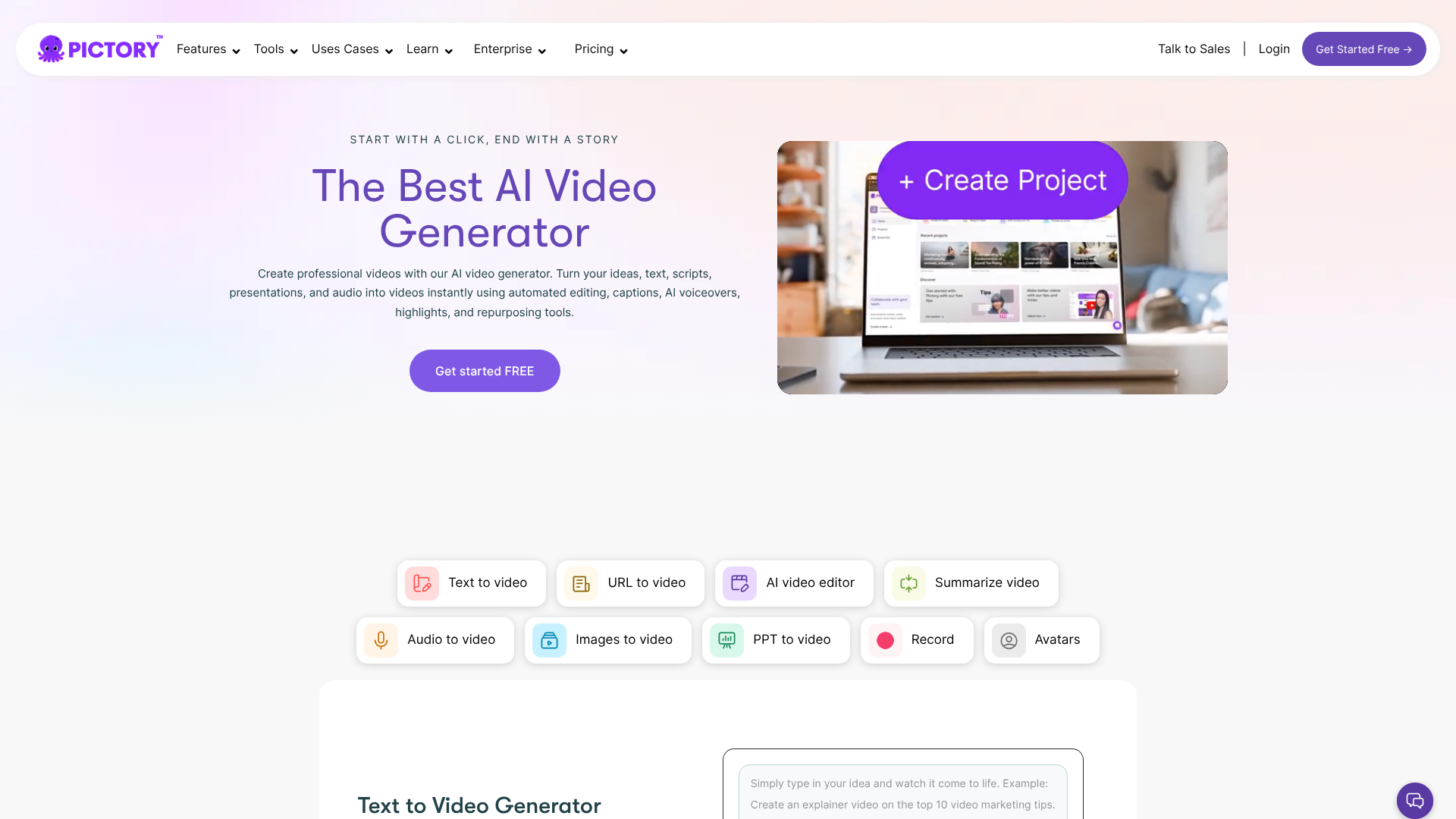
Pictory is a specialised AI video generator that makes it incredibly easy to create professional-looking videos from text-based content. Its core strength lies in its 'Article-to-Video' feature, which can take a blog post URL, automatically extract key sentences, and match them with relevant stock video clips from its extensive library. This is perfect for bloggers looking to repurpose their content for YouTube or social media.
It also offers 'Script-to-Video' and 'Edit Videos Using Text' functionalities, allowing you to upload your own scripts or edit existing video recordings by simply deleting words from the transcript. With automatic captioning, AI voiceovers, and branding customisation, Pictory provides a complete solution for anyone who wants to create video content without needing complex editing skills.
Pros
- Extremely Easy to Use: The workflow is intuitive, enabling video creation in minutes.
- Excellent for Repurposing: The best tool on the market for turning blog posts into videos.
- Large Stock Media Library: Access to millions of royalty-free video clips, images, and music tracks.
Cons
- AI Voiceovers Are Serviceable, Not Perfect: While convenient, the AI voices can sometimes sound robotic compared to dedicated voiceover tools.
- Limited Advanced Editing: It's not a replacement for a full-featured video editor like Adobe Premiere Pro.
Pricing: Pictory offers a free trial and several subscription plans. Visit their website for more information.
4. Synthesia: Best for Creating AI Avatar Videos
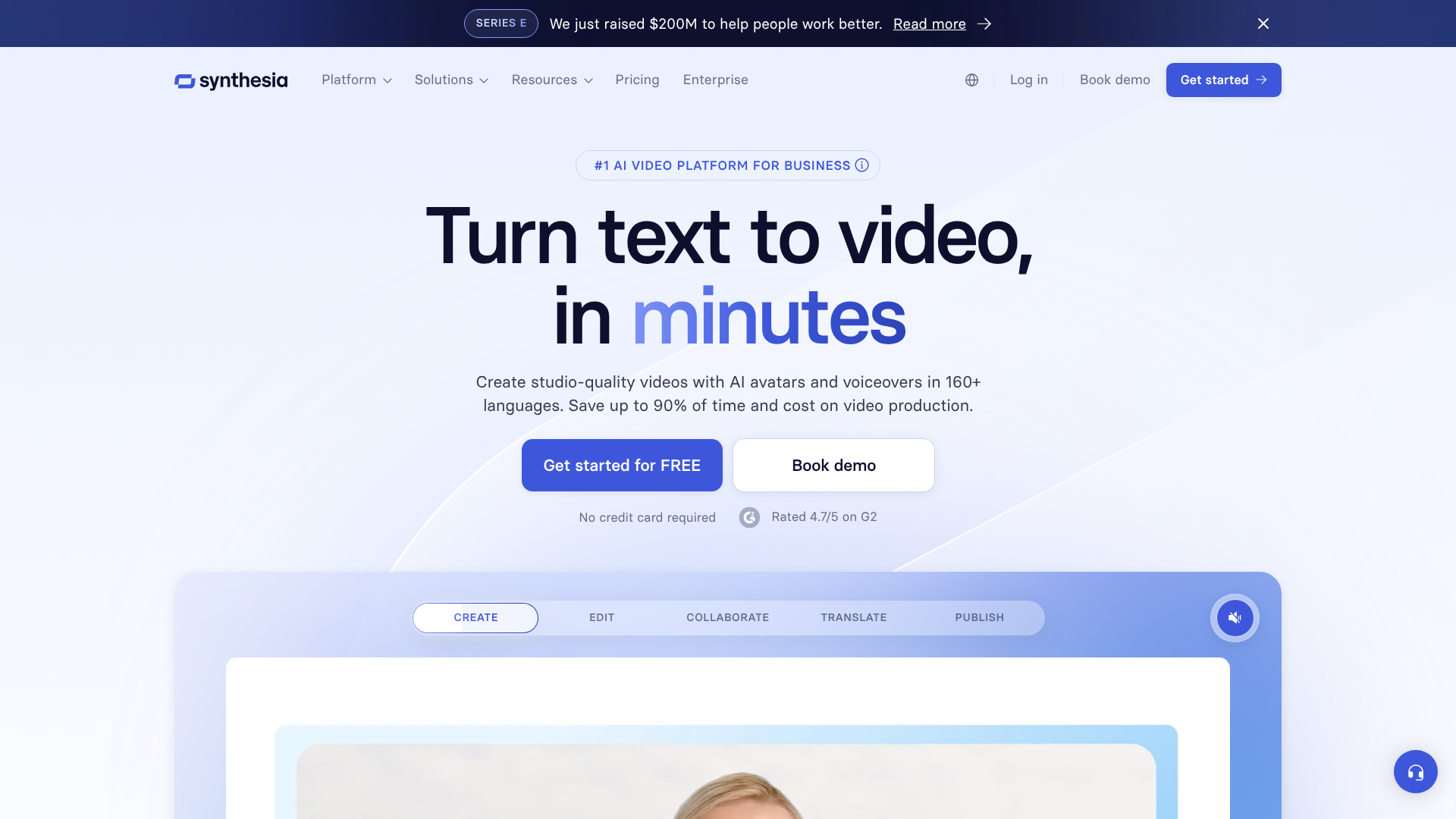
Synthesia takes video creation a step further by allowing you to generate videos featuring hyper-realistic AI avatars. You simply type a script, choose from over 140 diverse avatars, and the platform produces a video of the avatar speaking your text. This is an exceptional tool for creating corporate training videos, product tutorials, and marketing presentations without the need for cameras, actors, or studios.
The platform supports over 120 languages and accents, making it easy to localise content for a global audience. You can even create a custom avatar of yourself or a team member. With custom backgrounds, screen recording capabilities, and a library of templates, Synthesia is a comprehensive solution for professional video production.
Pros
- High-Quality AI Avatars: The avatars are incredibly realistic and engaging.
- Excellent for Localisation: Extensive language support makes it easy to scale content globally.
- Saves Time and Money: Eliminates the costs and logistics associated with traditional video shoots.
Cons
- Can Feel Impersonal: For some use cases, a real human presenter may be more effective at building connection.
- Higher Price Point: The technology is advanced, and the pricing reflects that, making it better suited for businesses than individual creators.
Pricing: For current pricing on their personal and enterprise plans, visit the Synthesia website.
5. Murf AI: Best for Realistic AI Voiceovers
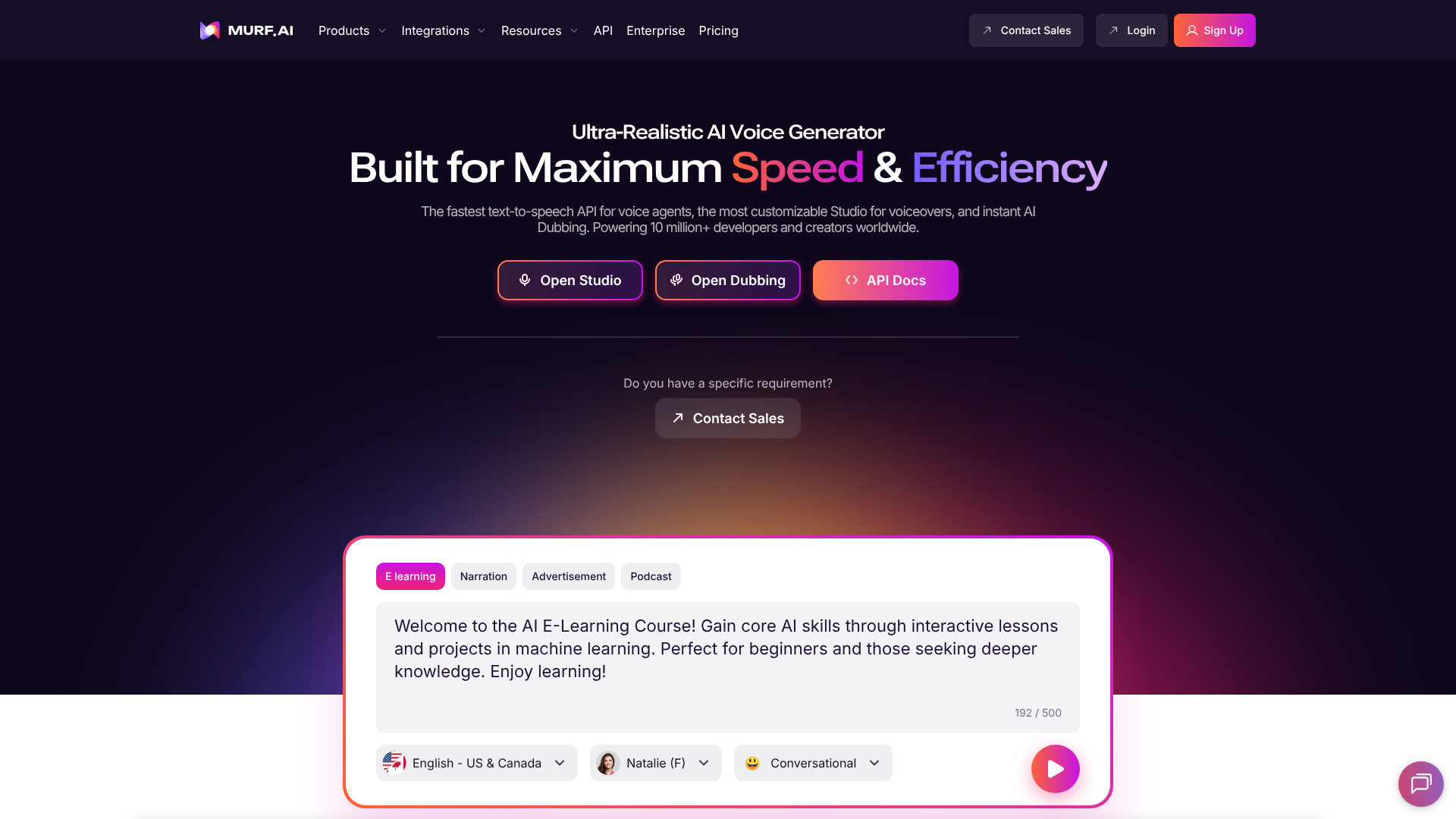
Murf AI is a leading text-to-speech platform that produces studio-quality voiceovers for videos, podcasts, and presentations. It offers a vast library of over 120 AI voices across more than 20 languages, with options to adjust pitch, speed, and emphasis to create the perfect delivery. The voices are remarkably natural and avoid the robotic sound common in older text-to-speech technologies.
One of its most powerful features is voice cloning, which allows you to create a digital replica of your own voice for consistent branding. Murf also includes a built-in video editor, allowing you to sync your voiceover with visuals, music, and images directly within the platform. This makes it a one-stop shop for creating voice-led video content.
Pros
- Highly Realistic Voices: The quality of the AI voices is among the best available.
- Extensive Customisation: Fine-tune every aspect of the voiceover for a natural performance.
- All-in-One Editor: The ability to add video and music simplifies the production workflow.
Cons
- Voice Cloning is a Premium Feature: Access to the most advanced features requires a higher-tier plan.
- Monthly Generation Limits: Plans are based on the number of voice generation hours per month.
Pricing: Murf AI provides a free plan to test voices and various paid plans for individuals and teams.
6. QuillBot: Best for Paraphrasing and Rewriting Content
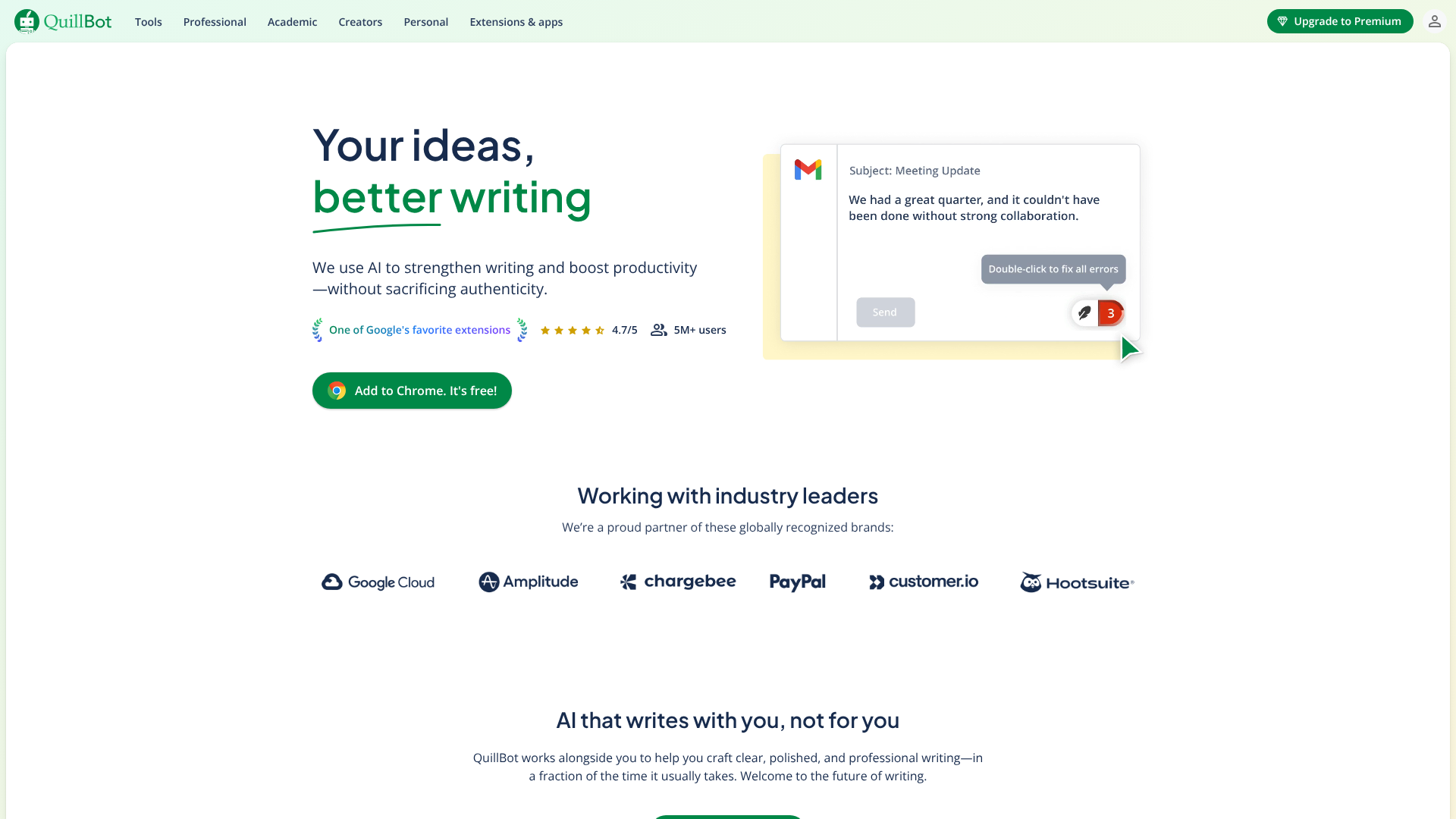
QuillBot is more of an AI writing companion than a pure generator. Its primary function is its Paraphraser, which can rewrite sentences, paragraphs, or entire articles in different tones, such as 'Formal', 'Simple', or 'Creative'. This is incredibly useful for repurposing existing content, improving clarity, or simply finding a better way to phrase an idea.
Beyond paraphrasing, QuillBot includes a Grammar Checker, Plagiarism Checker, Summarizer, and a Co-Writer tool that combines all its features into a single editor. It's an excellent tool for students, academics, and writers who need to refine and polish their work rather than create it from scratch.
Pros
- Excellent Paraphrasing Tool: Offers multiple modes to rewrite text effectively.
- Integrated Suite of Tools: The combination of grammar, plagiarism, and summarising tools is very useful.
- Affordable Pricing: The premium version is very competitively priced.
Cons
- Not a Content Generator: It's designed to improve existing text, not create new content from a prompt.
- Free Version is Limited: The free plan has significant limitations on character count and features.
Pricing: QuillBot has a robust free version and an affordable premium plan with expanded features.
7. Grammarly: Best for AI-Powered Editing and Proofreading
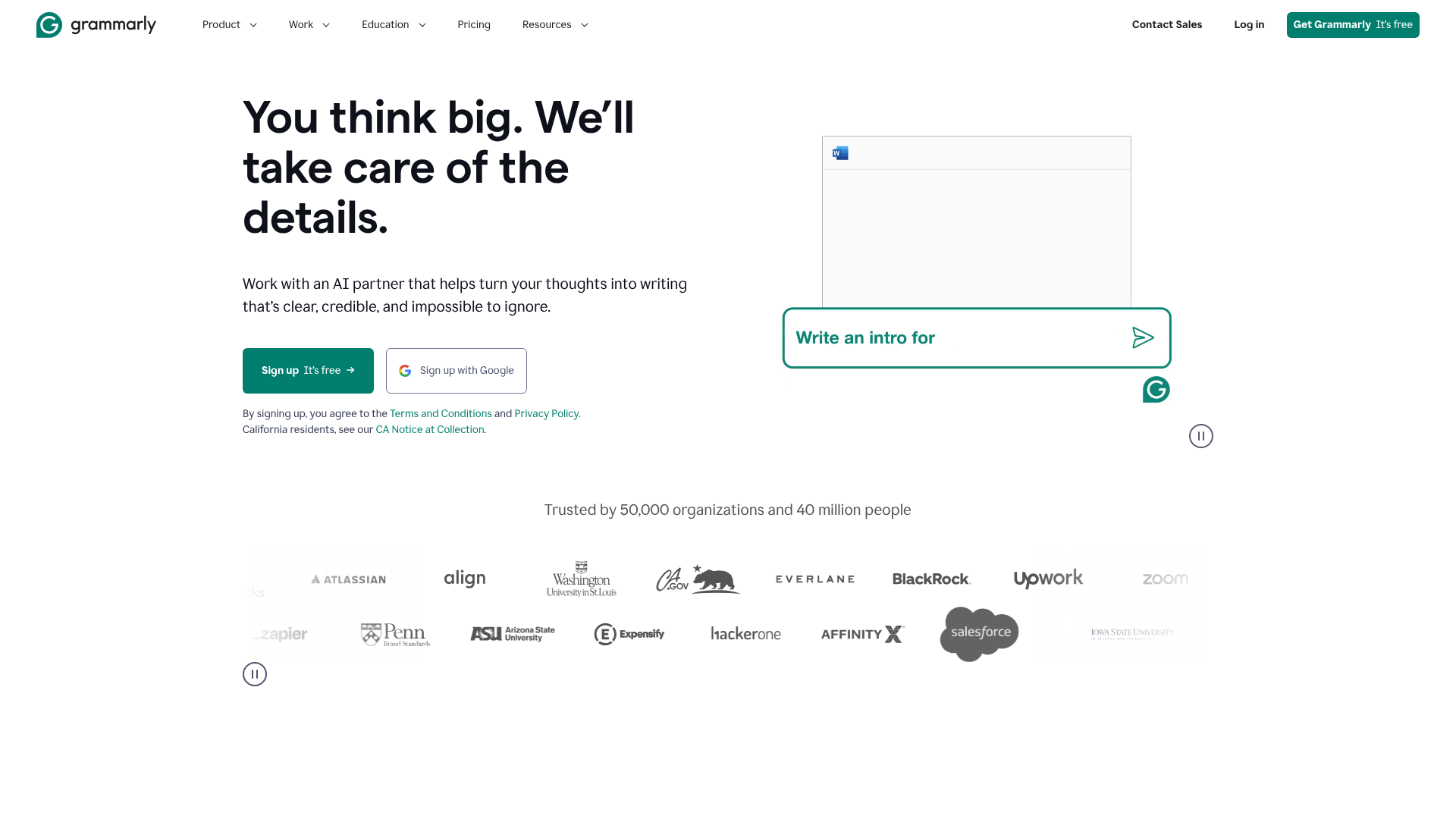
While widely known as a grammar checker, Grammarly has evolved into a sophisticated AI writing assistant. It goes far beyond catching typos and grammatical errors. Its AI-powered suggestions help improve clarity, conciseness, tone, and engagement. The tone detector is particularly useful for ensuring your writing matches your intended audience and purpose, whether it's a formal business email or a casual blog post.
GrammarlyGO, its generative AI feature, can help you compose, ideate, and reply to text directly within the apps you already use. It acts as an on-the-fly editor and brainstorming partner, making it an indispensable tool for anyone who writes professionally.
Pros
- Best-in-Class Editing: Its suggestions for clarity and style are unparalleled.
- Seamless Integration: Works across browsers, desktop apps, and mobile devices.
- Helpful Tone Detection: Provides valuable feedback on how your writing might be perceived by readers.
Cons
- Generative Features are Less Powerful: Its content generation capabilities are not as advanced as dedicated tools like Jasper.
- Can Be Overly Prescriptive: Some suggestions may not align with a writer's personal style.
Pricing: The core grammar and spelling features are free. Grammarly Premium unlocks advanced style and clarity suggestions.
8. Semrush: Best for AI-Driven Content Strategy & Optimisation
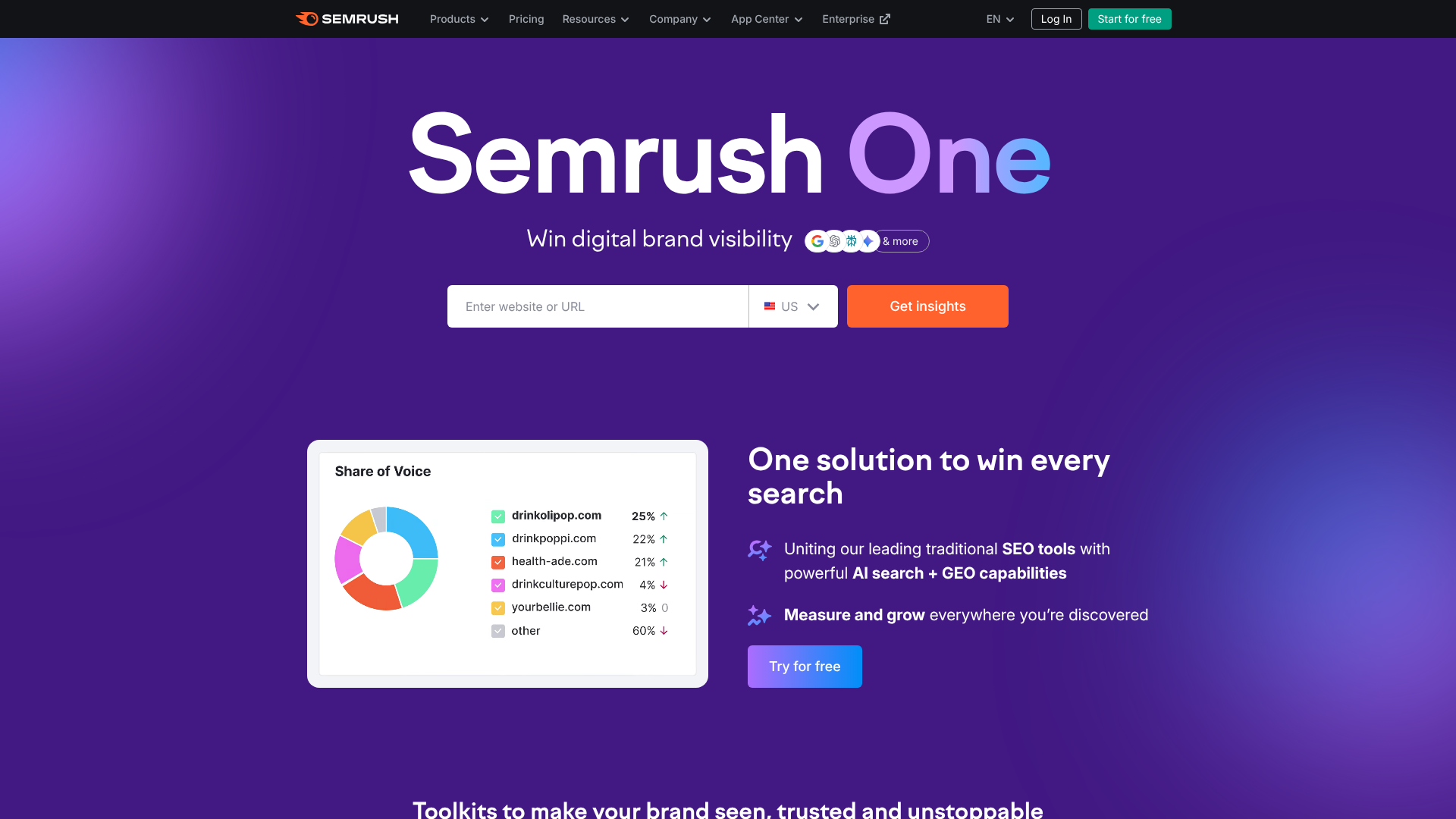
Semrush is a comprehensive SEO and marketing platform, not a direct content generator. However, its suite of AI-powered tools is essential for creating content that ranks. The SEO Writing Assistant provides real-time feedback on your text's readability, SEO, tone of voice, and originality directly within Google Docs or WordPress.
The Topic Research tool uses AI to analyse top-ranking content and generate a list of subtopics, questions, and related searches you should cover in your article. This ensures your content is comprehensive and meets searcher intent. Using Semrush's AI is about creating a data-driven content strategy before you even start writing.
Pros
- Data-Driven Content Briefs: Creates highly detailed, SEO-focused outlines for writers.
- Real-Time Optimisation: The SEO Writing Assistant helps you optimise content as you write.
- Comprehensive Marketing Suite: Part of a larger platform for keyword research, competitor analysis, and rank tracking.
Cons
- Not a Content Writer: It guides content creation but doesn't write the content for you.
- Expensive: As a full marketing suite, it's a significant investment suited for businesses focused on SEO.
Pricing: Visit Semrush for details on their subscription plans.
9. ElevenLabs: Best for Hyper-Realistic Voice Cloning & Synthesis
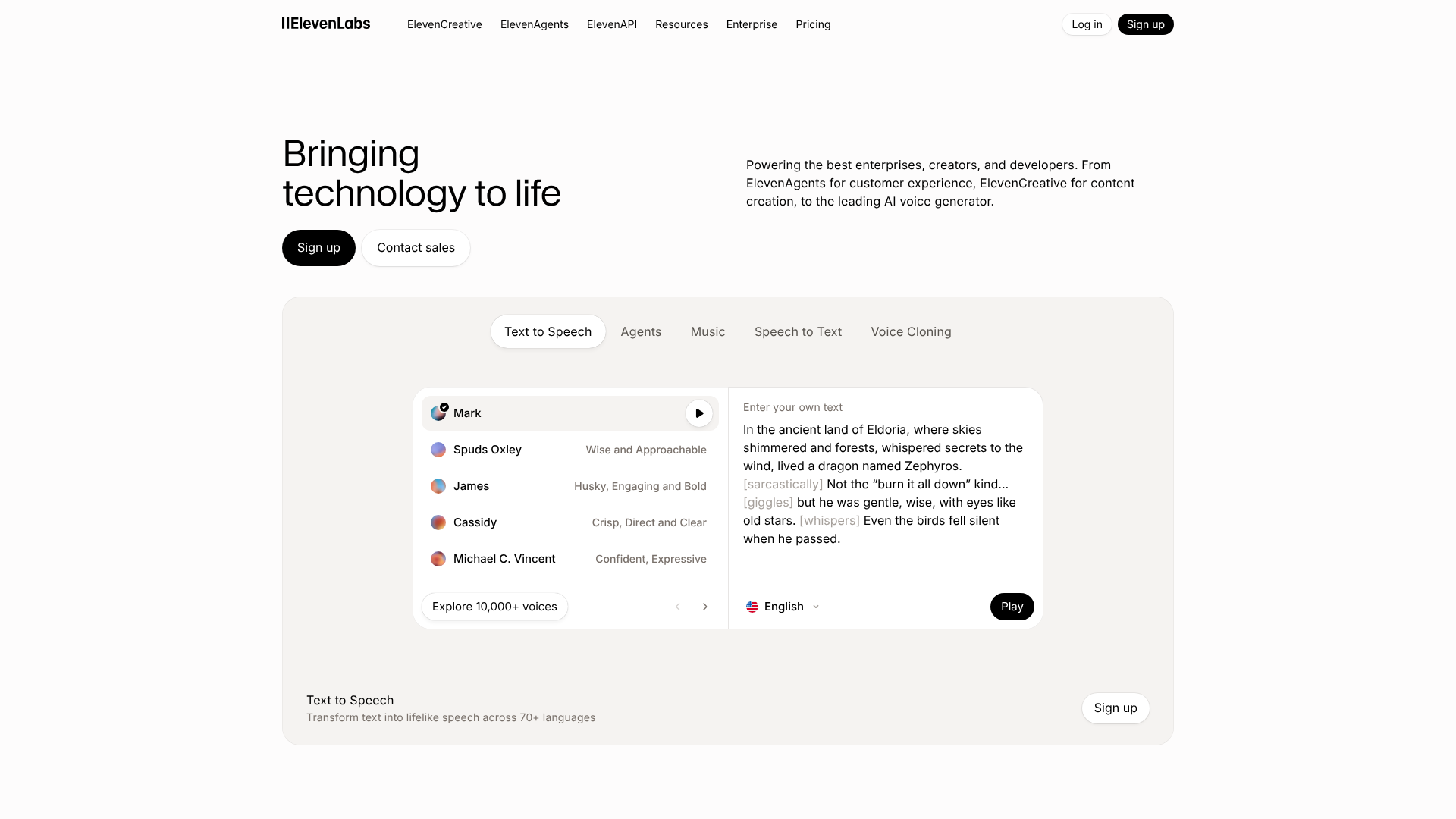
ElevenLabs has earned a reputation for producing some of the most emotionally resonant and human-like AI voices in the industry. Its technology excels at capturing nuance and inflection, making it ideal for projects that require a high degree of emotional expression, such as audiobooks, narrative podcasts, and character voices for games.
The platform's Voice Cloning feature is remarkably accurate, allowing you to create a digital voice that is nearly indistinguishable from the original. It also offers a Voice Library with a wide range of pre-made voices and a 'Projects' feature for long-form audio editing. For creators who prioritise audio quality above all else, ElevenLabs is a top choice.
Pros
- Unmatched Voice Realism: The voices are incredibly lifelike and expressive.
- High-Quality Voice Cloning: Creates a very accurate digital replica of a voice.
- Generous Free Tier: Allows for up to 10,000 characters per month for testing.
Cons
- Fewer Features than Competitors: More focused on pure voice generation than all-in-one editing.
- Ethical Considerations: The power of its voice cloning technology raises important ethical questions about misuse.
Pricing: ElevenLabs offers a free plan, several subscription tiers, and a pay-as-you-go option.
10. HubSpot: Best for Integrated AI Marketing & Sales Content

HubSpot has integrated AI across its entire marketing, sales, and service platform. The Content Assistant, available throughout the HubSpot ecosystem, can help you draft blog posts, marketing emails, landing page copy, and social media updates. Because it's built into the CRM, the AI can use your company's data to generate more relevant and personalised content.
ChatSpot.ai is another powerful tool that combines the power of ChatGPT with your HubSpot data, allowing you to use simple chat commands to add contacts, run reports, and draft sales emails. For businesses already invested in the HubSpot ecosystem, its AI features are a natural and powerful extension of their existing tools.
Pros
- Deep Integration with CRM: The AI can leverage your customer data for better content.
- All-in-One Platform: No need to switch between different tools for writing, email, and social media.
- Free to Start: Many of HubSpot's AI tools are available in its free plan.
Cons
- Best for HubSpot Users: The main benefits are realised when you use the full HubSpot platform.
- Less Specialised: The writing tools may not be as advanced as dedicated platforms like Jasper.
Pricing: Many AI features are included in HubSpot's free tools. More advanced capabilities are available in their paid plans. Visit HubSpot for details.
11. CustomGPT.ai: Best for Building a Custom AI Chatbot with Your Data

CustomGPT.ai offers a unique application of content generation AI: it allows you to build your own version of ChatGPT, trained exclusively on your business data. You can upload documents, connect your website, or link to your helpdesk, and the platform will create a chatbot that can answer questions based on that specific information. This is incredibly powerful for creating customer support bots, internal knowledge bases, or research assistants.
Unlike public models that can provide generic or incorrect information, a chatbot built with CustomGPT provides answers that are 100% sourced from your content, complete with citations. This ensures accuracy and relevance, making it a trusted resource for customers and employees alike.
Pros
- Content-Grounded Answers: The AI only uses your data, preventing hallucinations and inaccurate responses.
- Easy to Set Up: No coding is required to build and deploy your custom chatbot.
- Versatile Use Cases: Excellent for customer support, lead generation, and internal training.
Cons
- Niche Application: It's a specialised tool for creating chatbots, not general-purpose content.
- Requires Quality Source Data: The performance of the chatbot is entirely dependent on the quality and comprehensiveness of the content you provide.
Pricing: Check the CustomGPT.ai website for their current subscription plans.
Pricing and Cost Comparison: What to Expect
Navigating the pricing of AI content tools can be complex, as different platforms use different models. Understanding these structures is key to finding a cost-effective solution that aligns with your content needs.
Most tools, especially AI writing assistants, use a tiered subscription model. These plans typically offer a set number of words or credits per month, with higher tiers providing more words, advanced features like plagiarism checkers, and additional user seats for teams. Freemium models are also common, where a free plan offers limited functionality to let you test the service before upgrading.
Video and audio generation tools often base their pricing on the length of the content produced, such as minutes of video or hours of voice generation per month. Usage-based or pay-as-you-go models are less common but can be found with some API-focused services like ElevenLabs, offering flexibility for users with inconsistent needs.
| Tool | Best For | Starting Price Model | Free Plan/Trial |
|---|---|---|---|
| Jasper | Marketing Copy & Long-Form | Subscription | 7-day free trial |
| Writesonic | SEO Content & Landing Pages | Subscription | Free plan available |
| Pictory | Text-to-Video Creation | Subscription | Free trial available |
| Synthesia | AI Avatar Videos | Subscription | Free AI video demo |
| Murf AI | Realistic Voiceovers | Subscription | Free plan available |
| QuillBot | Paraphrasing & Rewriting | Subscription | Free plan available |
Pro Tip: Always take advantage of free trials. Use them to create a real piece of content for your brand. This is the best way to assess the tool's output quality, ease of use, and overall fit for your workflow before making a financial commitment.
The Pros and Cons of Using Content Generation AI
While AI tools offer transformative benefits, it's important to approach them with a balanced perspective. Understanding their limitations is just as crucial as recognising their strengths. Adopting this technology effectively means using it as a powerful assistant, not a complete replacement for human expertise.
Pros
- Unprecedented Speed: Generate first drafts, outlines, and ideas in a fraction of the time it takes to do so manually.
- Massive Scalability: Enable small teams or solo creators to produce a high volume of content across multiple channels.
- Cost-Effectiveness: Reduce the need to hire large teams of writers or video producers, lowering overall content production costs.
- Overcoming Creative Blocks: Provide a starting point when you're stuck, helping to generate momentum and new angles.
Cons
- Factual Inaccuracy (Hallucinations): AI models can confidently state incorrect information. Human fact-checking is non-negotiable, especially for topics requiring expertise.
- Lack of True Originality: AI learns from existing data, so it can sometimes produce generic or derivative content. It lacks personal experience and unique perspective, which a human writer must add.
- Potential for Misuse: Without proper guidelines, AI can be used to create low-quality, spammy content that offers no value to readers and can be penalised by search engines.
- Ethical Concerns: Technologies like voice cloning and deepfake avatars raise important ethical questions about consent, impersonation, and the spread of misinformation.
Frequently Asked Questions (FAQ)
What are AI tools for content creation?
AI tools for content creation are software applications that use artificial intelligence to generate various types of content. This includes written text like blog posts and emails, video content created from scripts, realistic audio voiceovers, and even images. They are powered by large language models (LLMs) that have been trained to understand and replicate human-like communication patterns, helping creators to produce content more efficiently.
Which AI is used to generate content?
Most modern content generation tools are built on top of foundational large language models (LLMs). The most well-known is OpenAI's GPT (Generative Pre-trained Transformer) series, including GPT-3.5 and GPT-4. Other major LLMs include Google's Gemini, Anthropic's Claude, and various open-source models. AI tool companies often fine-tune these base models for specific tasks, like writing marketing copy or optimising for SEO.
What is the best free AI for content creation?
Many powerful AI tools offer a 'freemium' model with a generous free tier. For writing, the free version of Writesonic is an excellent starting point, offering a monthly word allowance. The free version of ChatGPT is also a very capable tool for brainstorming and drafting. For video, Pictory offers a free trial to create a few videos, and for editing, the free version of Grammarly provides essential AI-powered proofreading.
Which AI tool is best for social media content?
For social media content, tools with a wide range of templates are often the most effective. Jasper excels in this area, with specific templates for Instagram captions, Facebook posts, tweets, and more. Its Brand Voice feature is also highly beneficial for maintaining a consistent tone across all social channels. Writesonic is another strong contender with similar social media-focused features.
What AI is better than ChatGPT?
Framing it as 'better' can be misleading; it's more about being 'different' or 'better for a specific task'. While ChatGPT is a powerful general-purpose conversational AI, specialised tools often outperform it in their respective niches. For example, Jasper is often better for structured marketing copy because of its templates and workflows. For creating videos from text, a tool like Pictory is vastly superior because it's built for that specific purpose.
Final Thoughts: Integrating AI into Your Content Workflow
The era of AI-powered content creation is here, and it offers incredible opportunities for marketers, creators, and businesses to scale their efforts and reach new audiences. The key to success is not to view these platforms as a magic button for instant content, but as a powerful co-pilot that enhances human creativity and strategic thinking.
By automating the most time-consuming parts of the creation process—like drafting, researching, and repurposing—you free up your most valuable resource: your own expertise. Your role shifts from being a pure producer to an editor, strategist, and creative director, guiding the AI to produce work that is not only efficient but also accurate, engaging, and aligned with your brand.
If you're focused on producing high-quality written content, exploring a tool like Jasper is a great first step. For those looking to expand into video without a steep learning curve, Pictory can transform your existing articles into engaging visual content. The best approach is to start small, experiment, and find the tools that best complement your unique creative process.